

 DownloadReply Mod
Get the files on 9Minecraft
Guides
Step-by-step, in-game.
Identify Who You're Replying ToChecking the Last Sender Since /r automatically targets the last person who messaged you, it's useful to confirm who…Manage Multiple Conversations EfficientlyHandling Rapid Messages When multiple players message you in quick succession, Reply Mod tracks only the most recent…Reply to Your Last Direct MessageUsing the /r Command When someone sends you a direct message on a server, you can quickly reply without searching…Use Reply Mod on a Multiplayer ServerServer Compatibility Reply Mod works on multiplayer servers by intercepting your direct messages and storing the…
Frequently asked questions
How do I reply to a direct message?
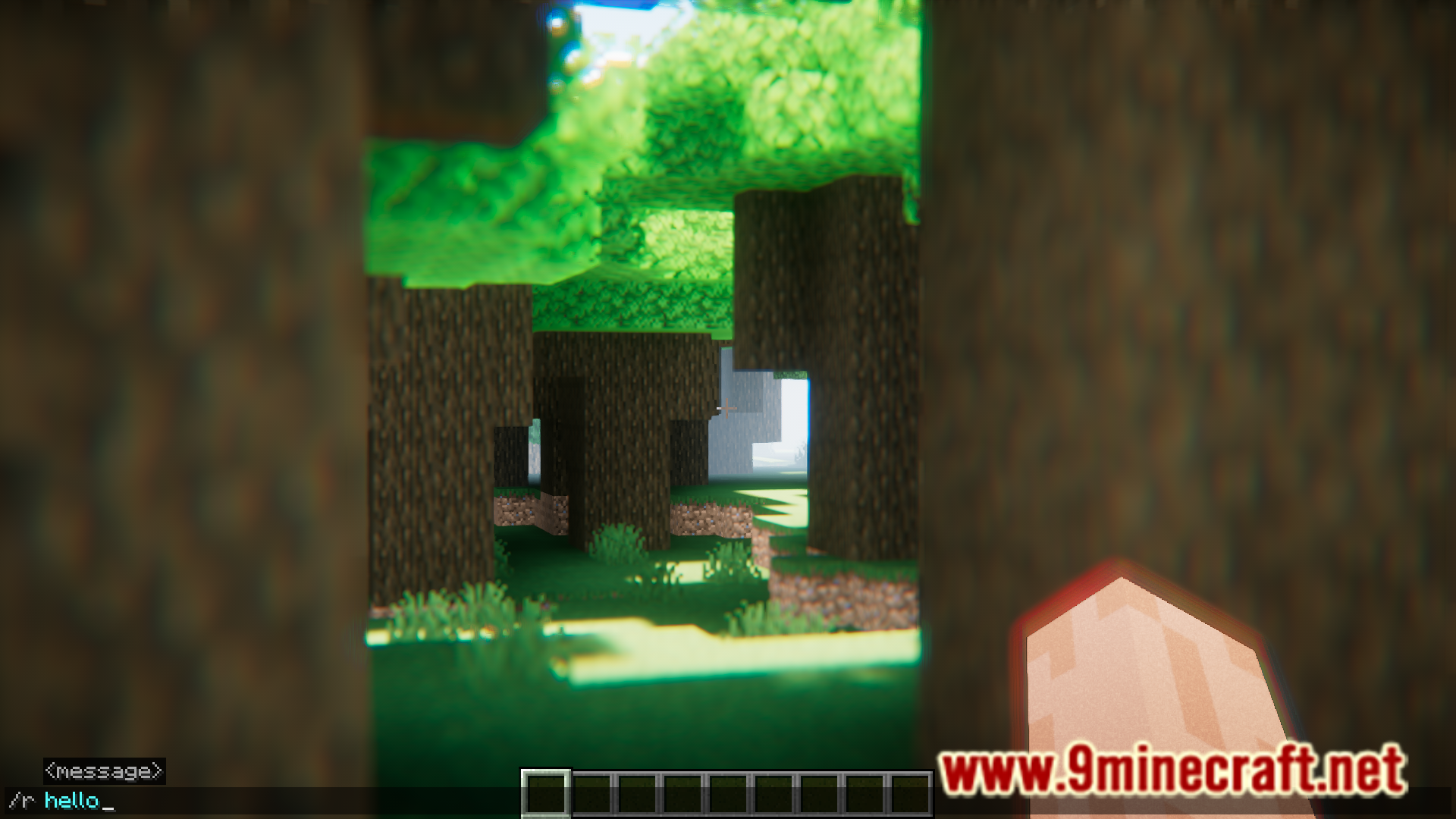
Type /r followed by your message in chat, and it will be sent as a direct message to the last person who messaged you. For example: /r Thanks for the invite
What if I don't know who I'm replying to?
Check the guide 'Identify Who You're Replying To' for methods to see the sender's name before you reply. Most servers show the sender in the original message or you can hover over recent chat messages.
Can I reply to multiple people at once?
No, /r only sends to the last person who messaged you. See 'Manage Multiple Conversations Efficiently' for strategies to keep track of different conversations.
Gallery
6 images from the Reply Mod page.




You May Also Like
Wikis that share the most with this one
More mod wikis on the site
The most downloaded mods that have a wiki here
A few wikis from each of the other kinds