

 DownloadRespackopts Mod
Get the files on 9Minecraft
Guides
Step-by-step, in-game.
How to Expand a Resource Pack So It Can Offer More OptionsWhy expansion matters Resource expansion is Respackopts' way of letting one pack present many more choices than a…How to Get Respackopts Working Alongside Shader PacksThe integration, in plain terms Respackopts integrates with Frex, Canvas, and Fabulous shaders so that pack options…How to Make a Resource Pack Show Different Textures Based on ConditionsWhat conditional resources do Respackopts lets a pack swap textures, models, or other assets depending on conditions…How to Open and Use a Resource Pack's Config Menu In-GameFinding the config button Once a Respackopts-compatible resource or data pack is enabled, it exposes its own settings…
Frequently asked questions
How do I open a resource pack's config menu in-game?
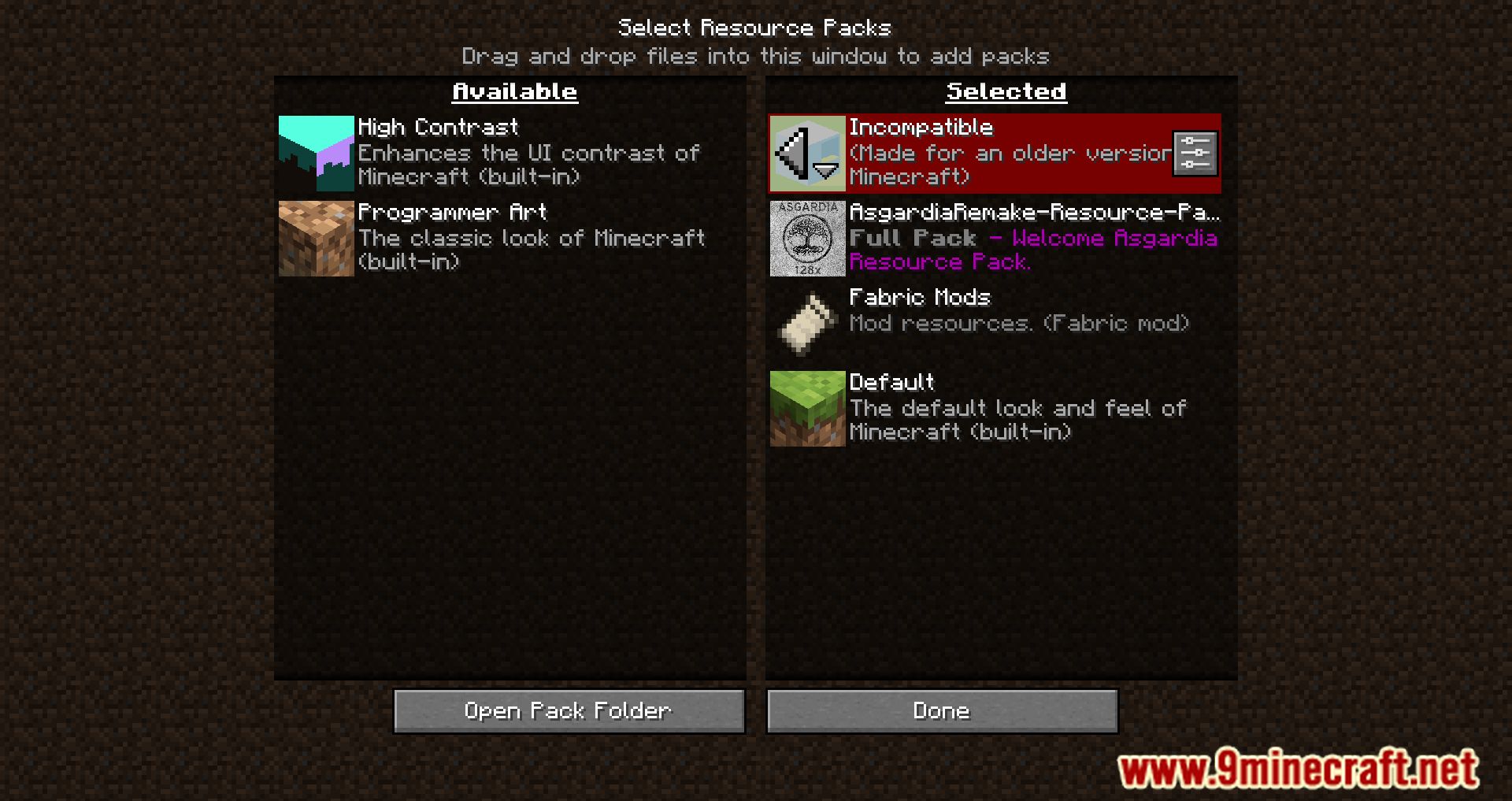
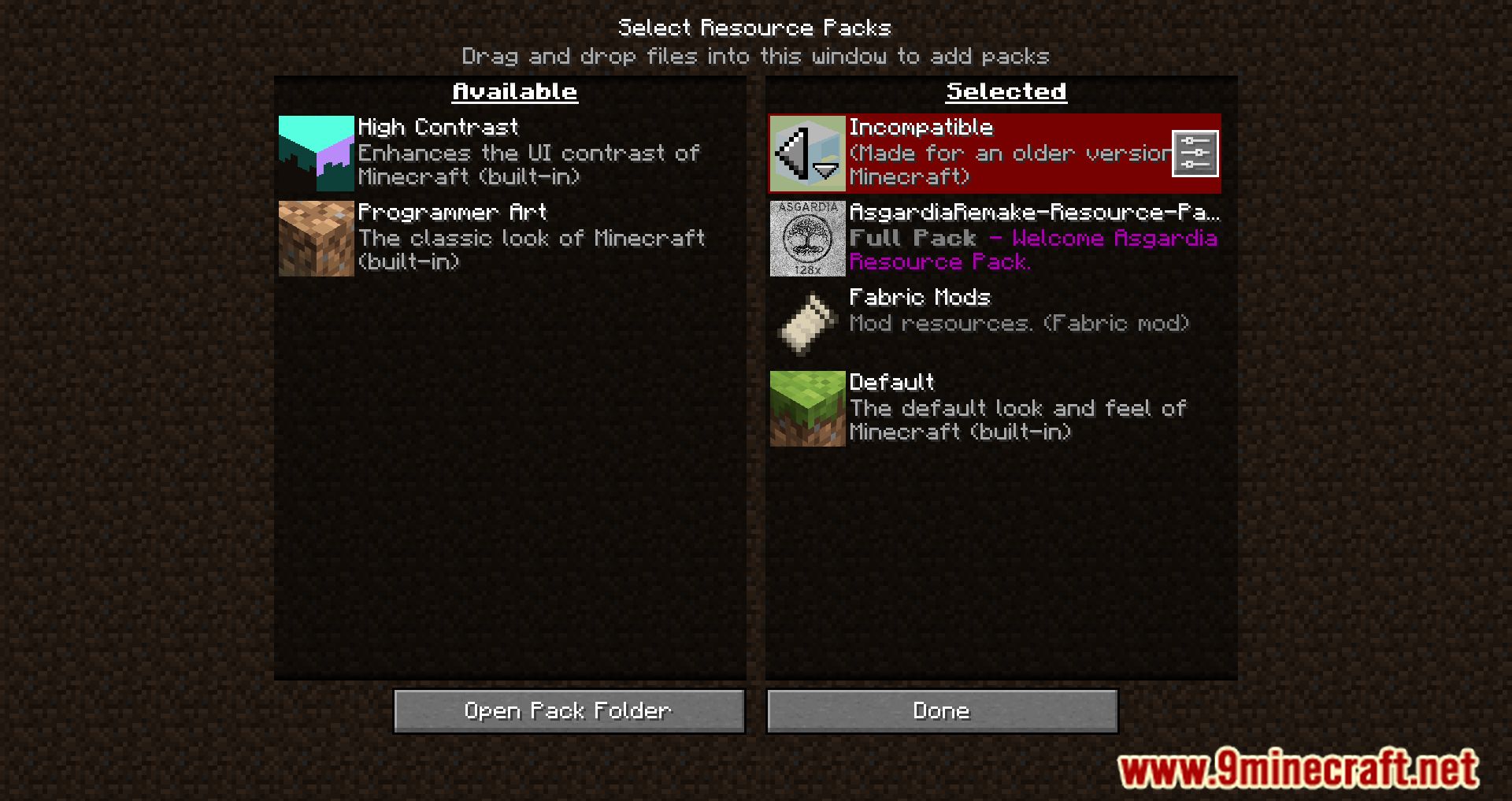
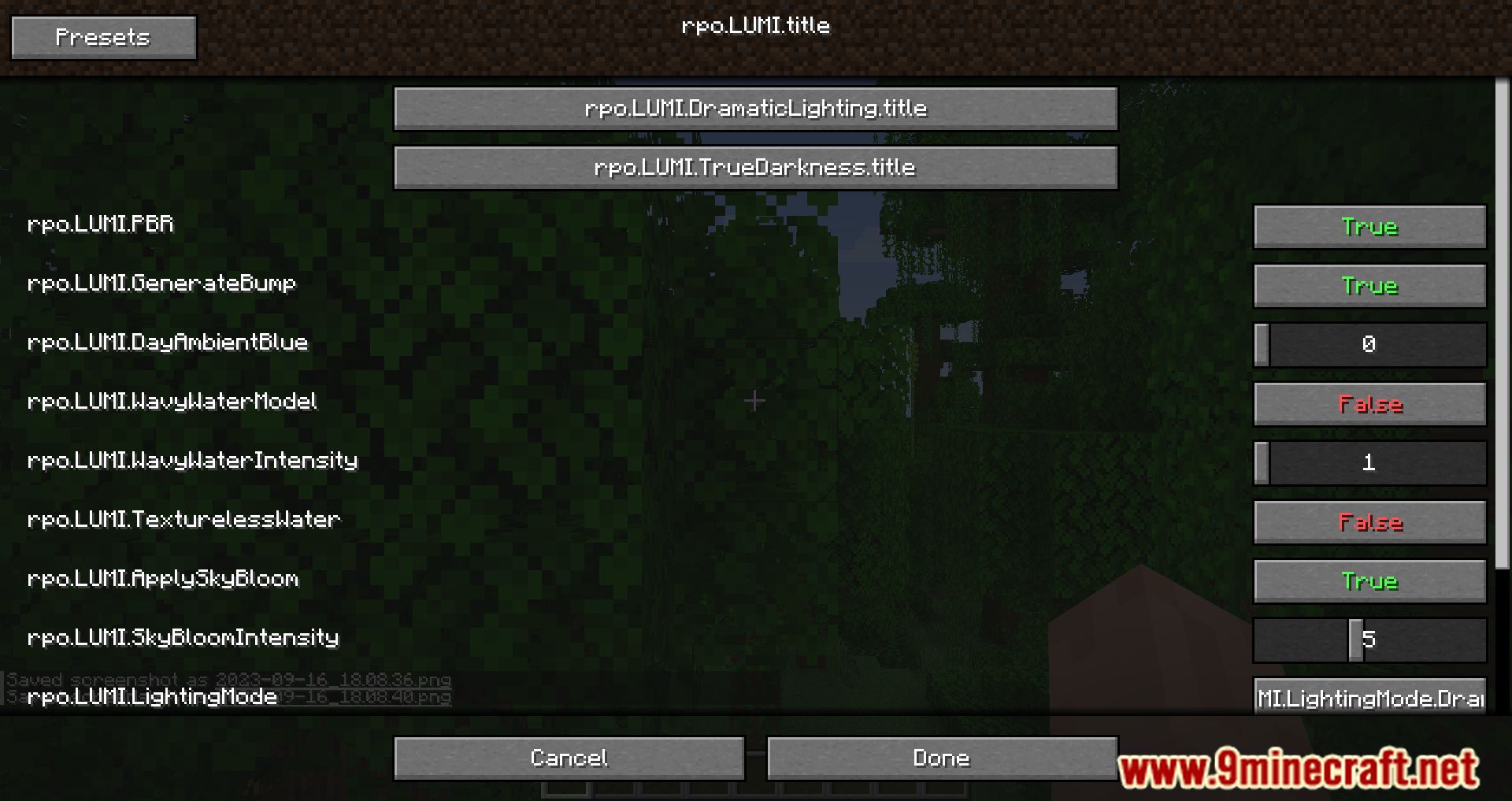
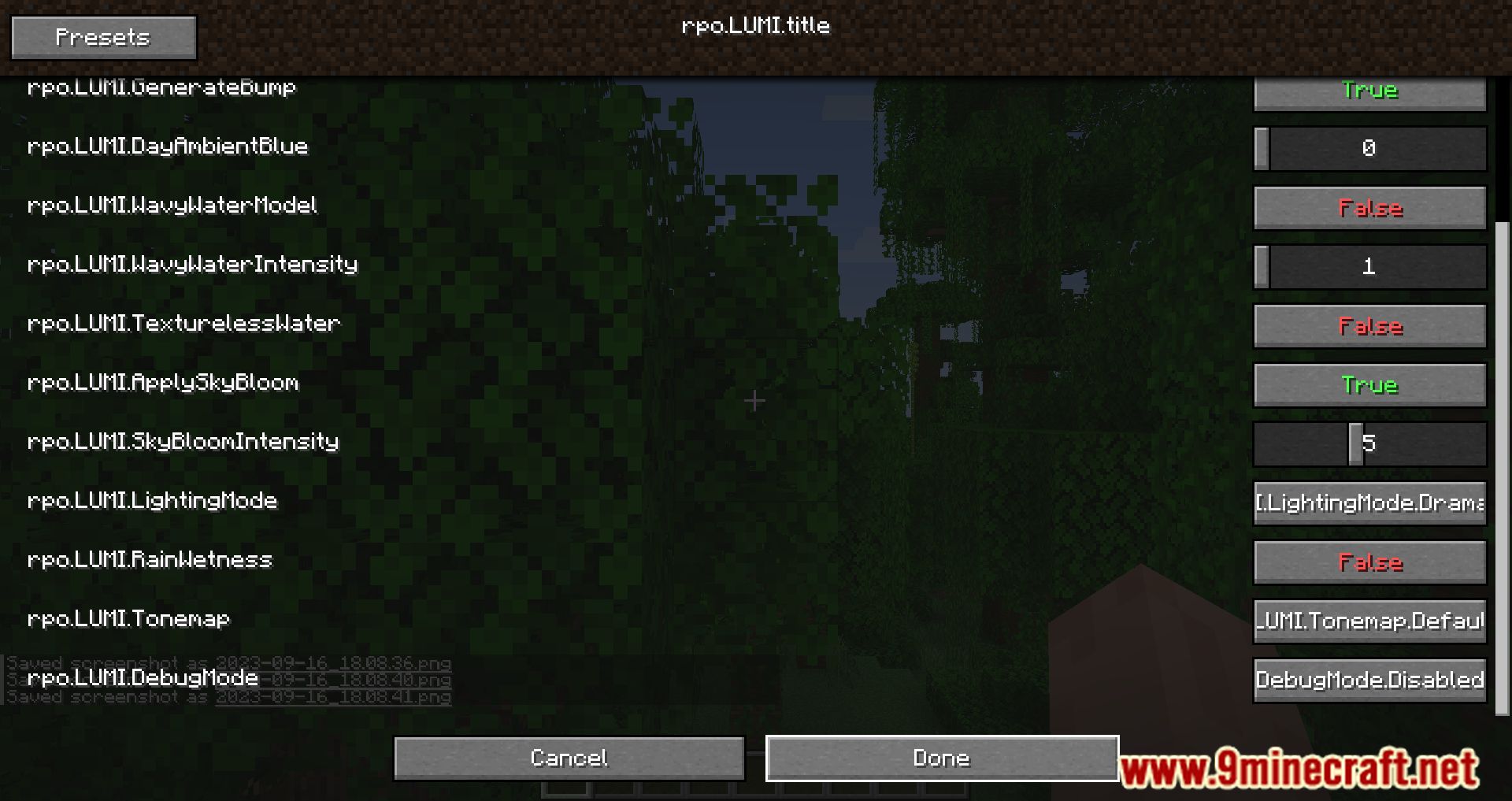
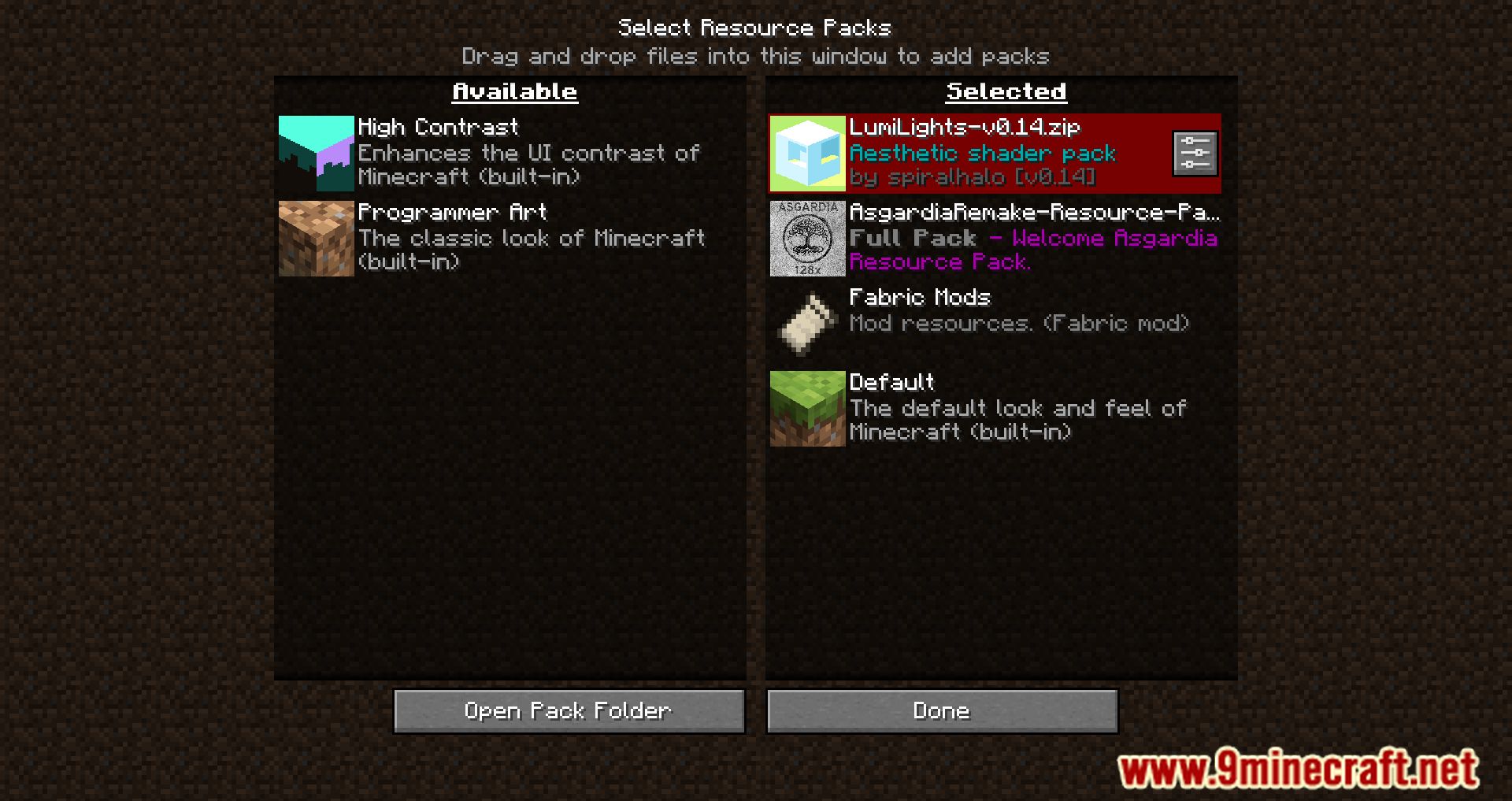
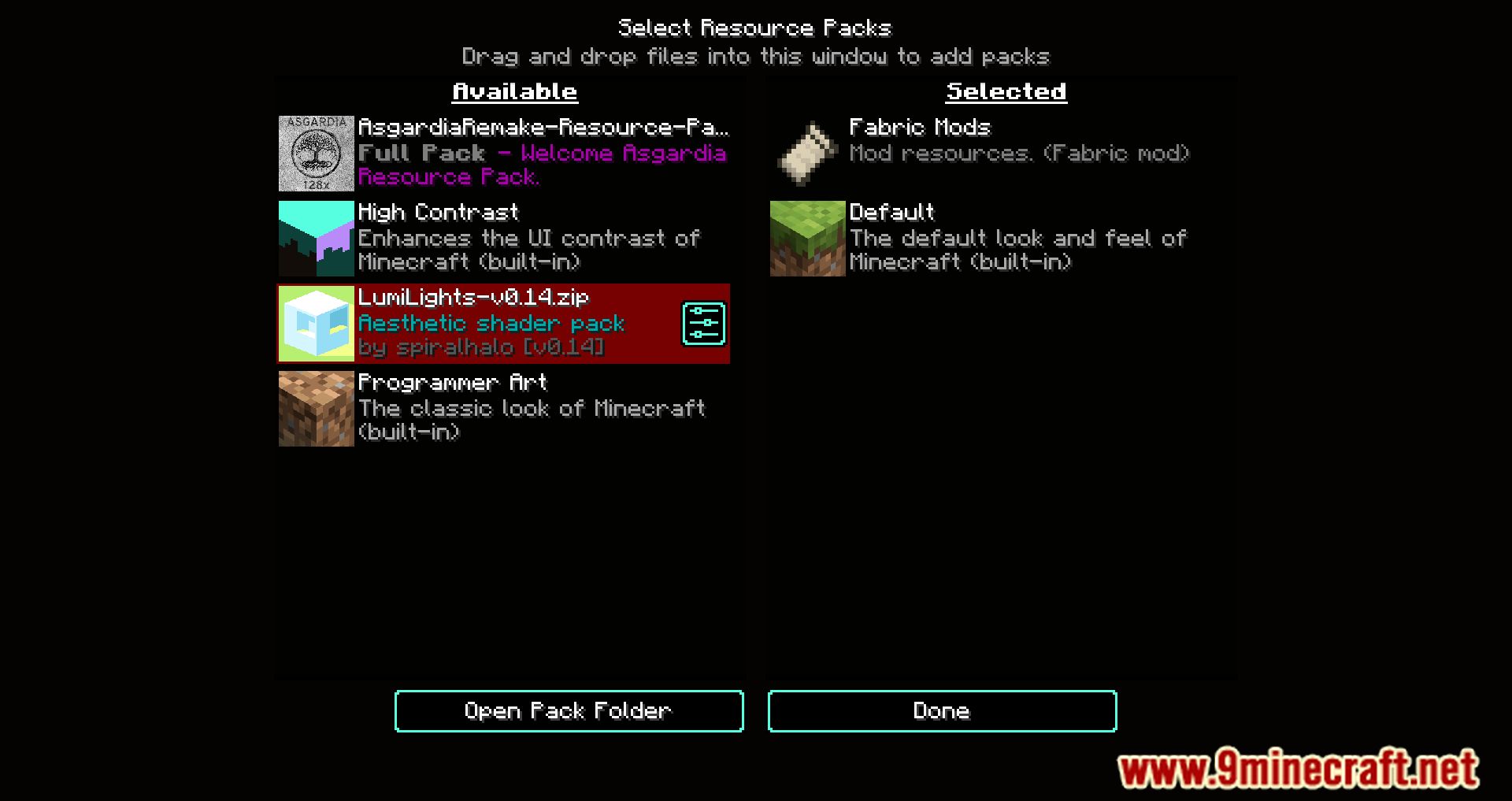
Open the resource pack selection screen and look for a config or settings button next to any pack that supports Respackopts. Clicking it opens that pack's own options menu, where you can toggle its features without editing files.
Why does a resource pack show no config button?
The pack itself has to include Respackopts support, usually through a config file bundled inside it. Packs without that file simply have nothing to configure, so no button appears.
Do I need to restart the game after changing options in a pack's config menu?
No, changes apply as soon as you confirm them in the menu. Respackopts reloads the affected resources automatically, so you can see the result immediately.
How do conditional resources work in Respackopts?
Pack authors define conditions in the pack's config, and Respackopts only loads the resources whose conditions are currently met. This lets one pack swap textures or models based on the options a player selects.
See all 10 Respackopts questions ›
Gallery
9 images from the Respackopts Mod page.
You May Also Like
Wikis that share the most with this one
More mod wikis on the site
The most downloaded mods that have a wiki here
A few wikis from each of the other kinds