

 DownloadResourceful Config Mod
Get the files on 9Minecraft
Guides
Step-by-step, in-game.
How to Change a Mod's Settings with Resourceful ConfigOnce you have the Resourceful Config screen open for a mod, actually editing values is straightforward. The interface…How to Find a Specific Setting in a Large Resourceful ConfigMods with many options can produce a long, scrolling config screen. Resourceful Config includes tools to help you…How to Open and Navigate the Resourceful Config Menu In-GameResourceful Config gives you a clean, in-game screen for tweaking the settings of any mod that uses it as its config…How to Reset Resourceful Config Settings Back to DefaultIf you have tweaked a mod's options and want to return to how things were out of the box, Resourceful Config makes…
Frequently asked questions
How do I open the Resourceful Config menu?
Open the mod list from the pause menu, select Resourceful Config, and click the config button to launch its in-game interface. You can also reach individual mod configs through their own entry in the mod list.
Does Resourceful Config work on both Fabric and Forge?
Yes, the mod is built to be cross-platform and runs on both Fabric and Forge, so config screens look and behave the same regardless of loader. Mods that depend on it will show their config through the same interface on either platform.
Why does a mod's config screen look different from the normal one?
Mods that don't use Resourceful Config fall back to their own config screen or a raw file editor, so the layout won't match. Only mods that integrate with Resourceful Config get the styled, searchable interface.
Can I search for a specific config option instead of scrolling?
Yes, the interface includes a search field that filters options by name as you type. This is the fastest way to find a setting when a mod has a long list of entries.
See all 20 Resourceful Config questions ›
Gallery
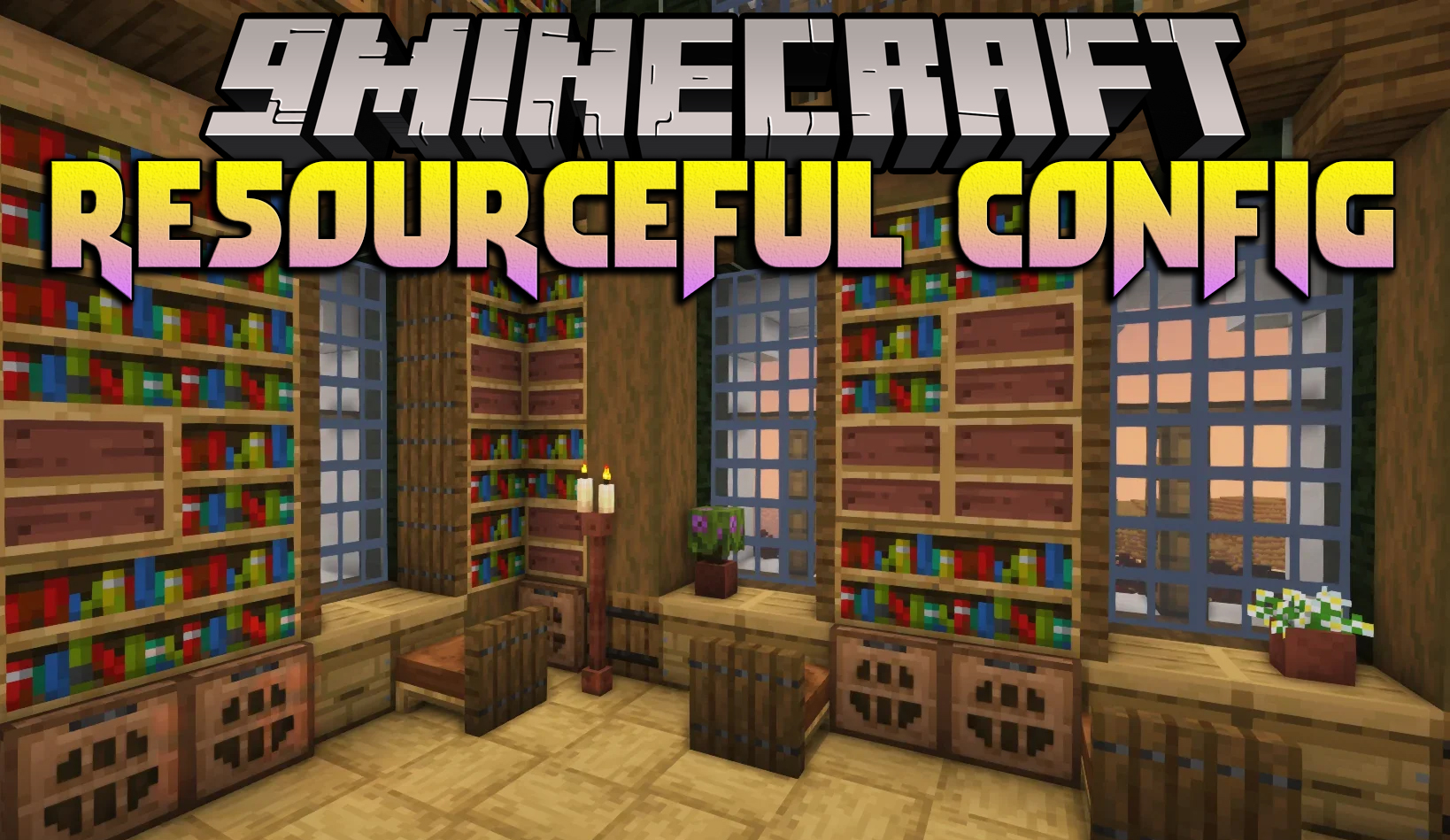
2 images from the Resourceful Config page.

You May Also Like
Wikis that share the most with this one
More mod wikis on the site
The most downloaded mods that have a wiki here
A few wikis from each of the other kinds