

 DownloadQuick Paths Mod
Get the files on 9Minecraft
Guides
Step-by-step, in-game.
Building Long Routes with Chained Path SegmentsWhy Chain Segments A single path connects just two points. For a long road, trail, or walkway, you create several…Fixing a Path That Won't AppearCheck Your Controls Most failed path attempts come down to the click sequence. Remember: crouch and right-click for…How to Create a Path Between Two PointsSetting the Start Point Hold a shovel in your hand. Walk to where you want the path to begin, then crouch (hold the…How to Remove or Undo a Path You CreatedUndoing the Last Path If you just created a path and want it gone, hold your shovel and right-click the last block of…
Frequently asked questions
How do I start making a path with this mod?
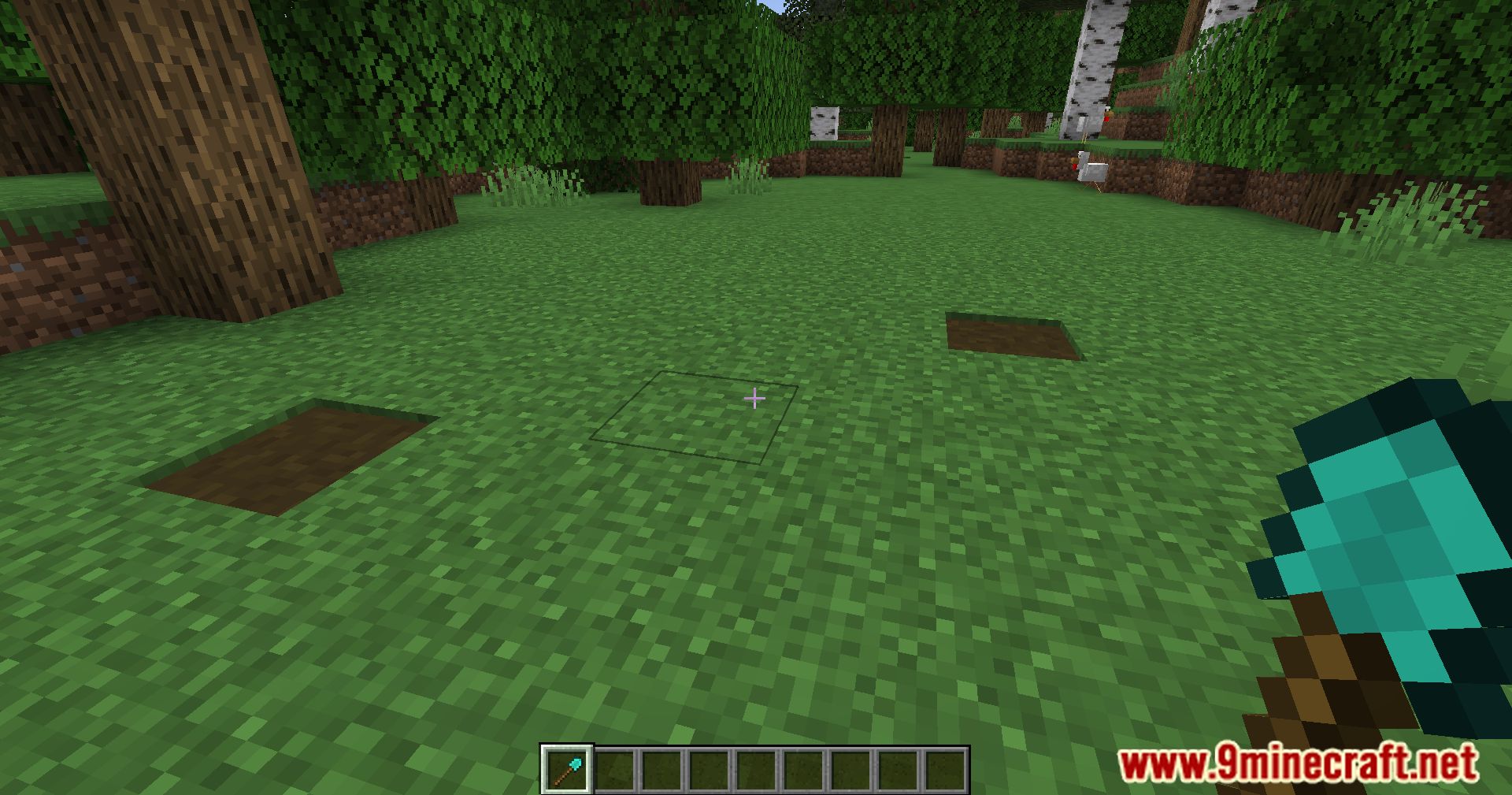
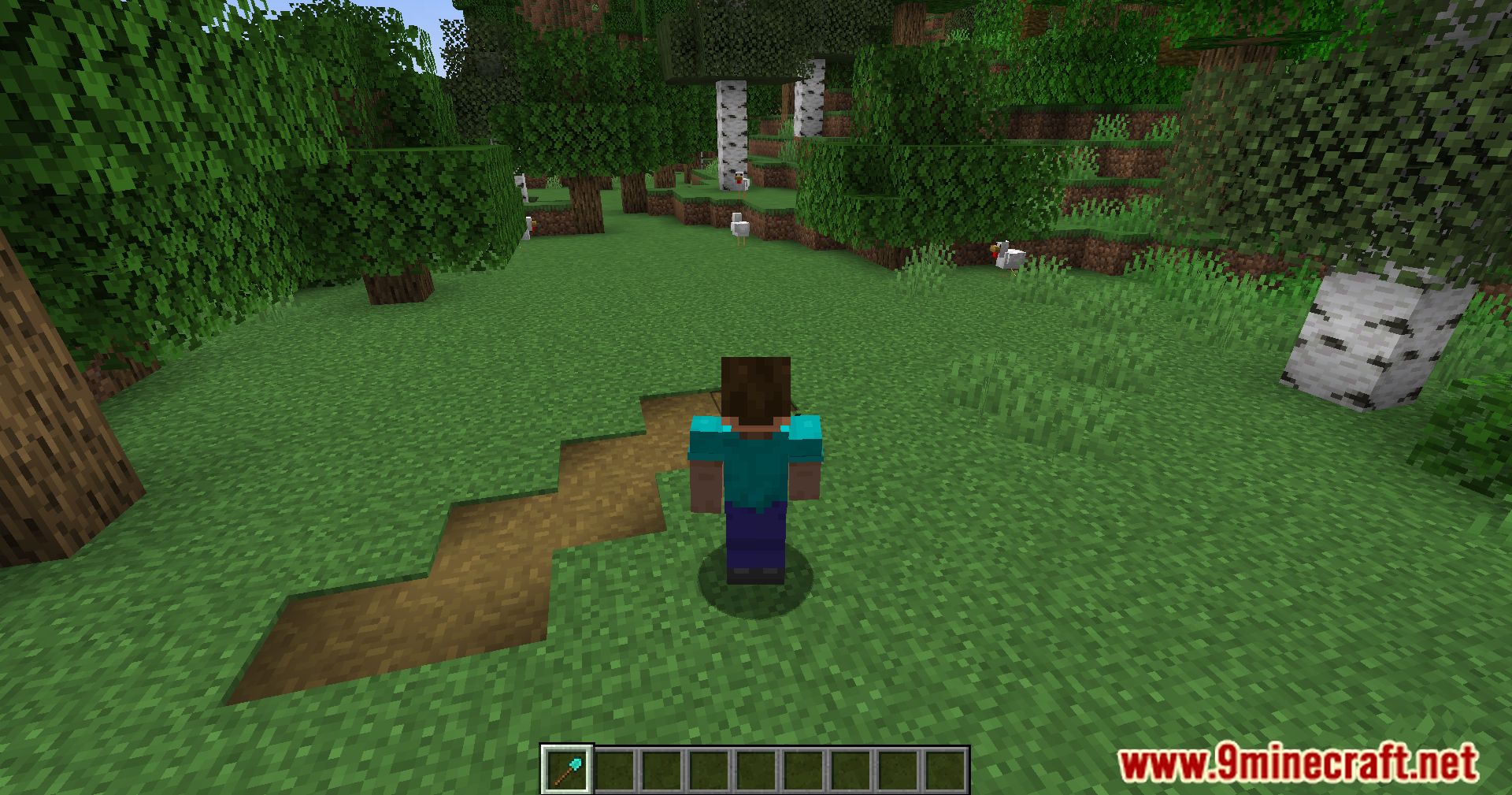
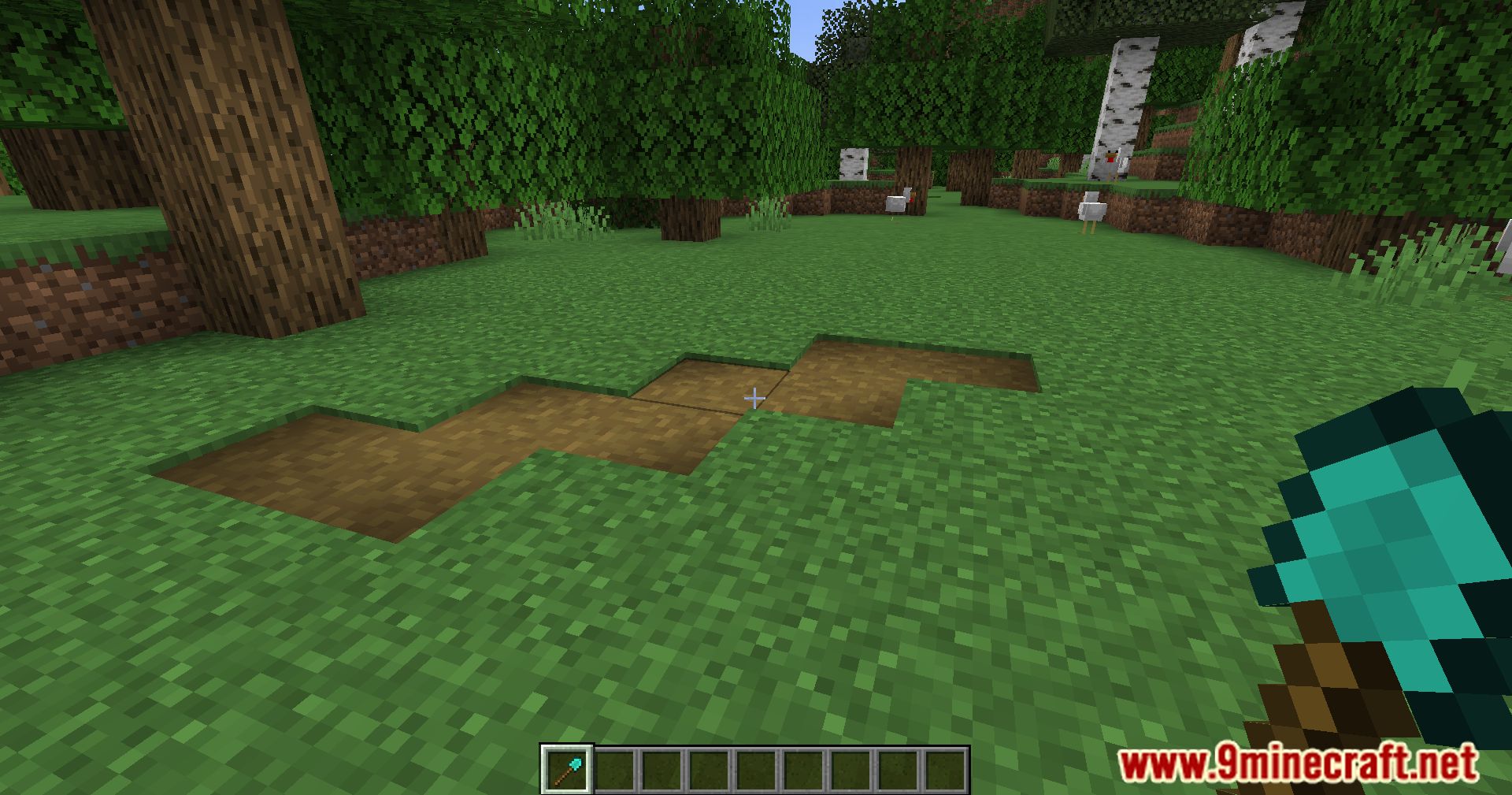
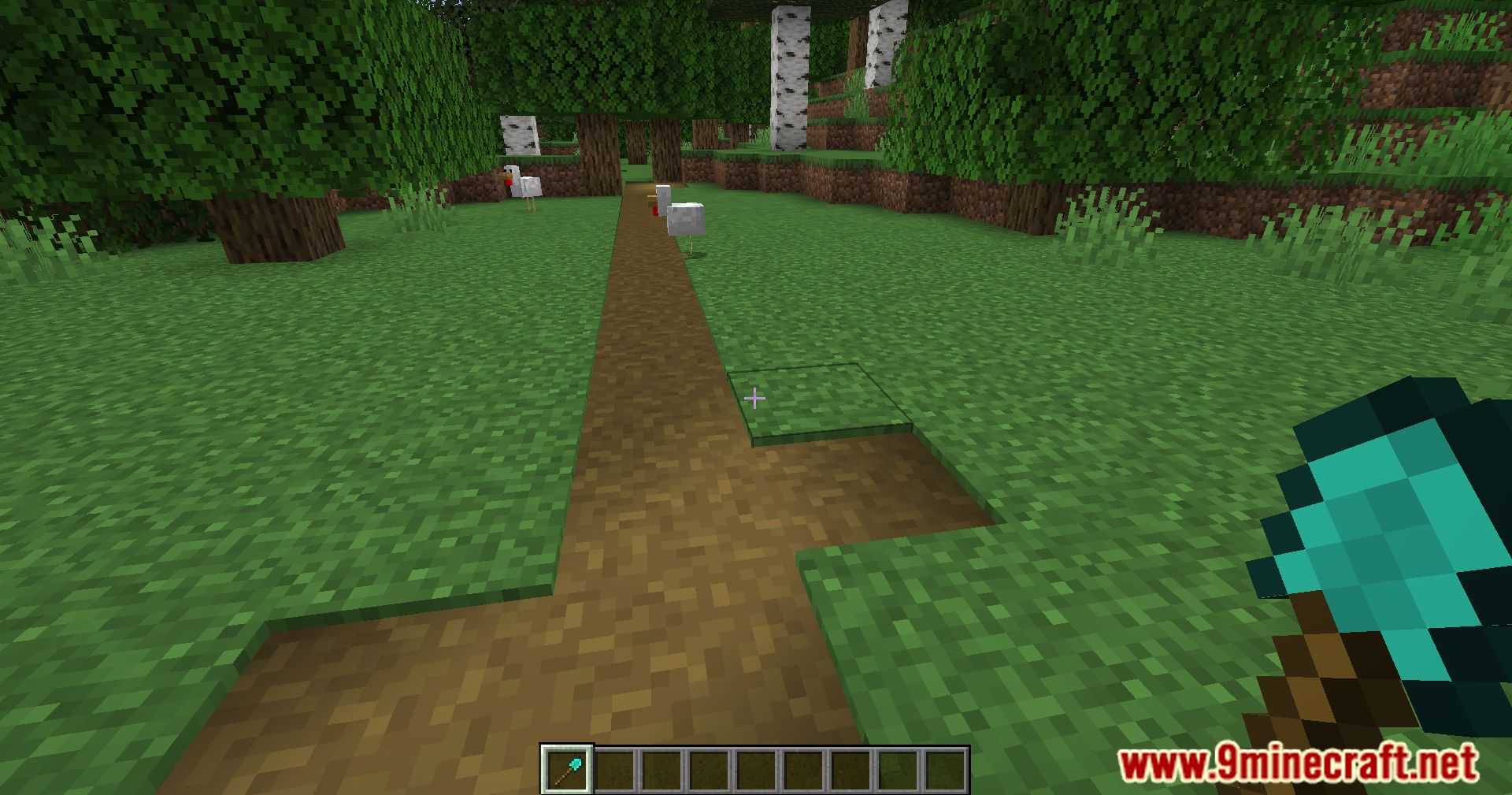
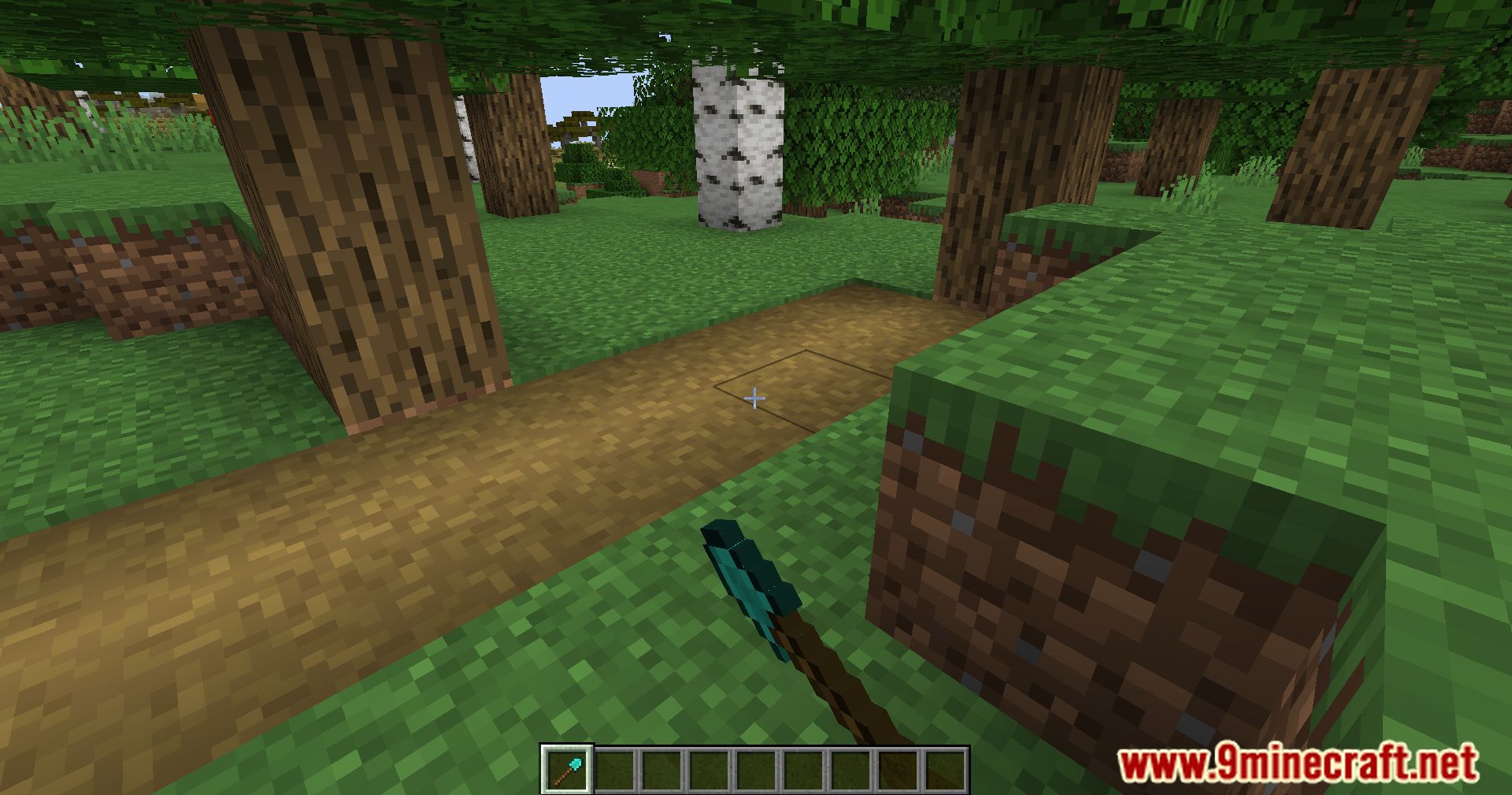
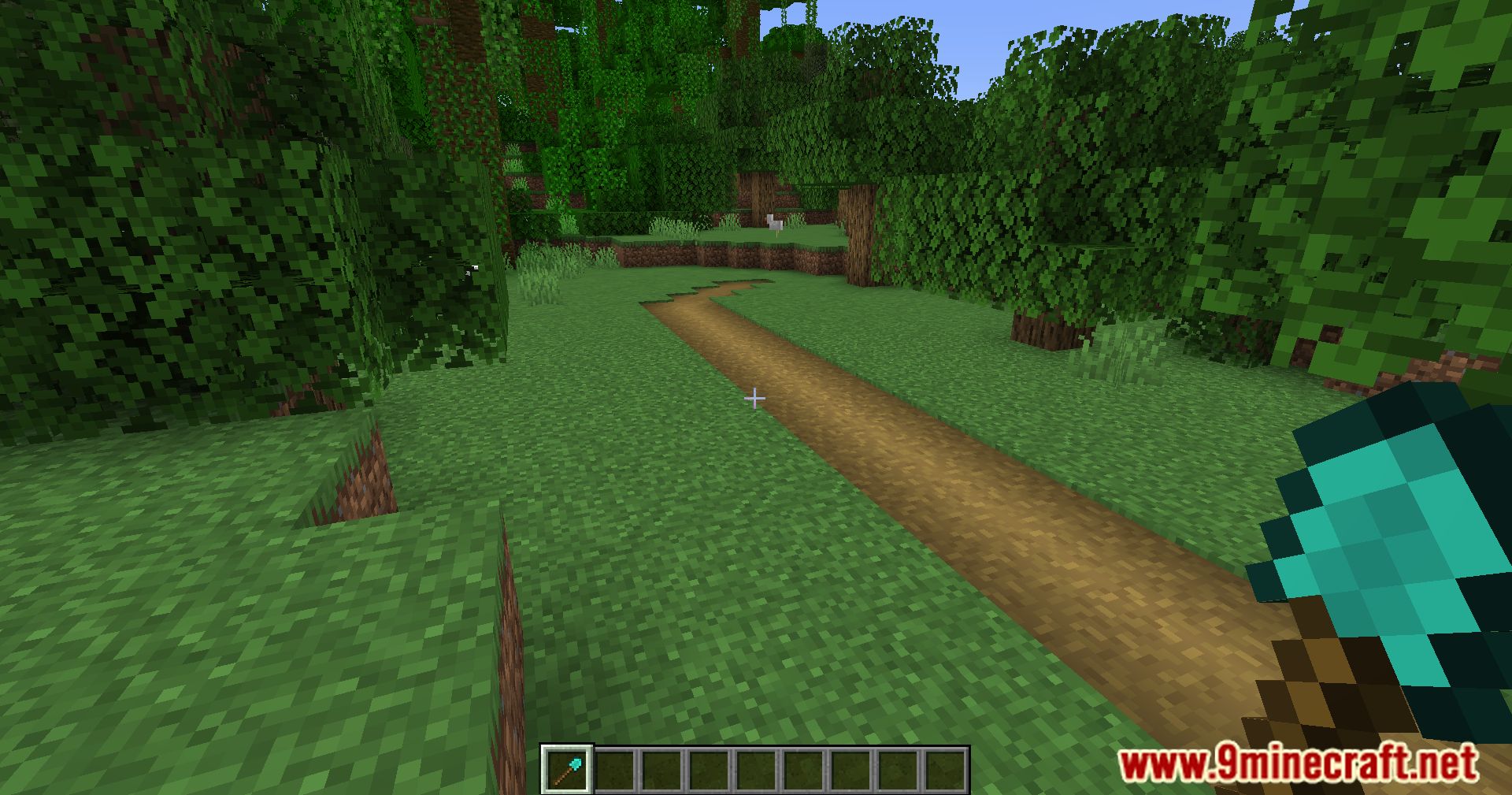
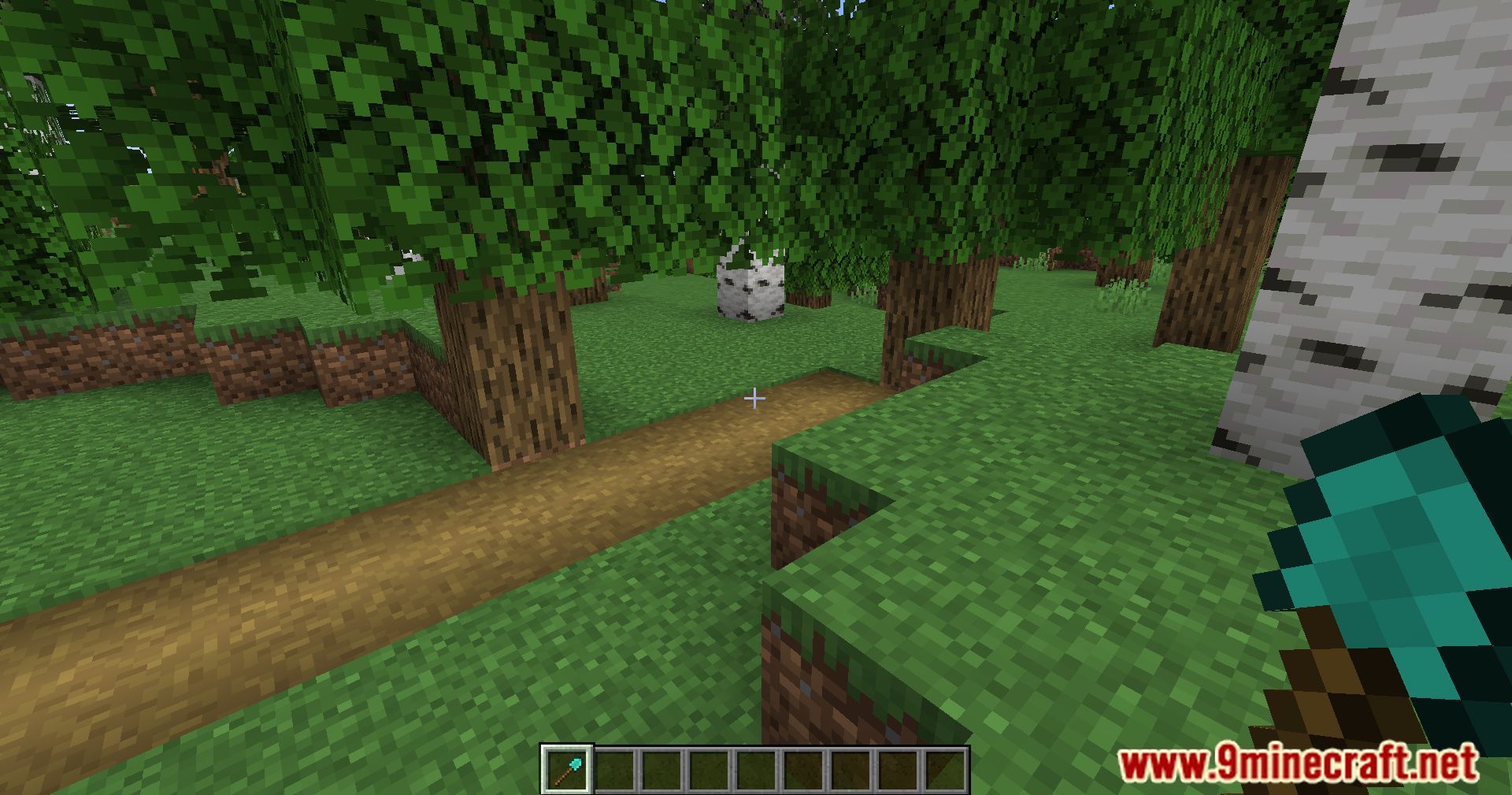
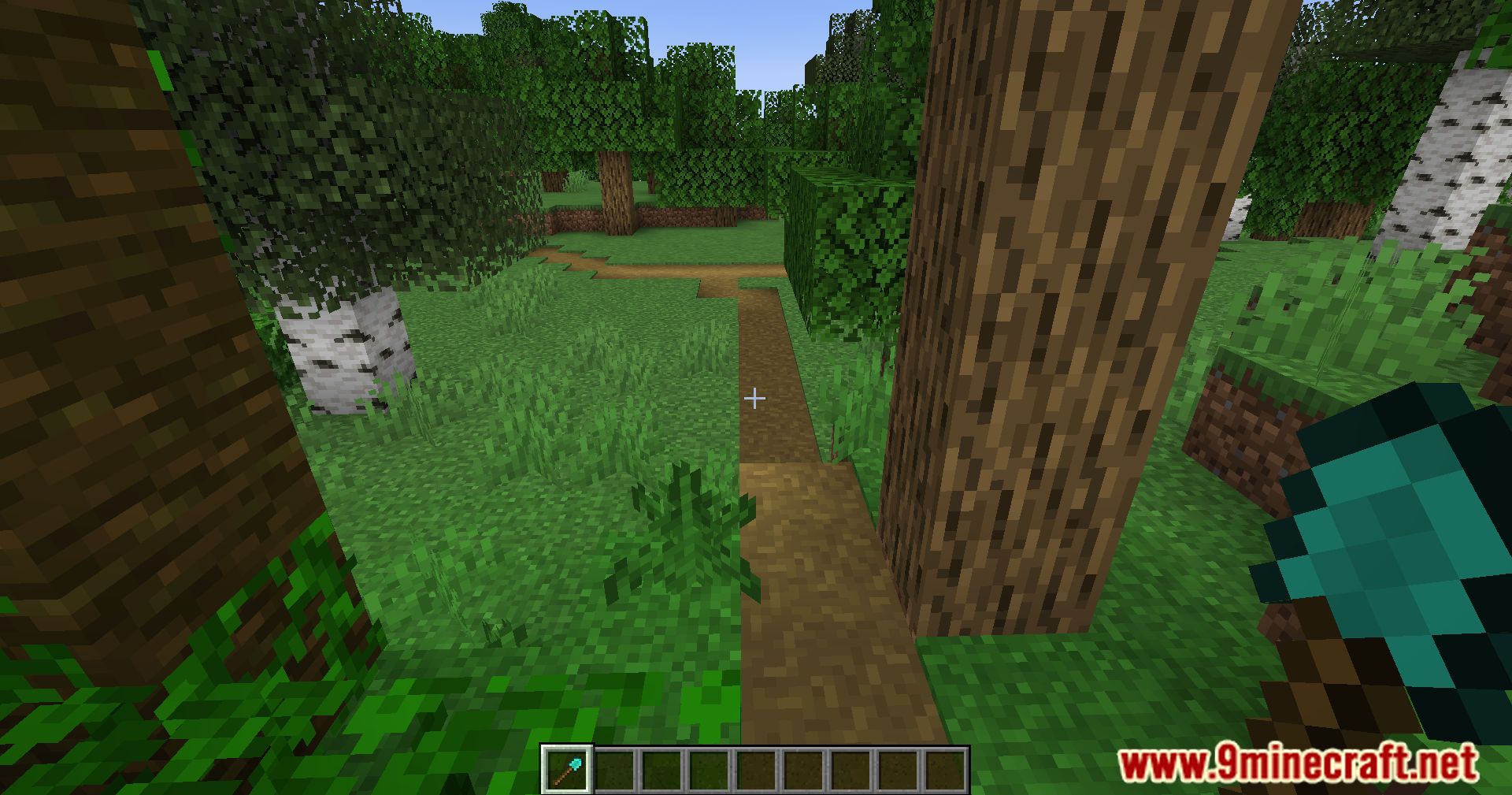
Hold a shovel and crouch and right-click the block where you want the path to begin. Then right-click the block where you want it to end, and the path appears between the two points.
What tool do I need to create a path?
You need a shovel in your hand. Any shovel type works, and the mod uses the same tool for both creating and removing paths.
How do I set the starting point of a path?
Crouch and right-click the block you want the path to start from while holding a shovel. This marks the first point, and the next right-click sets the end.
How do I finish a path after setting the start point?
Simply right-click the block where you want the path to end. You do not need to crouch for the second click, and the path will generate immediately.
See all 10 Quick Paths questions ›
Gallery
12 images from the Quick Paths Mod page.
You May Also Like
Wikis that share the most with this one
More mod wikis on the site
The most downloaded mods that have a wiki here
A few wikis from each of the other kinds