

 DownloadPotion Bar Mod
Get the files on 9Minecraft
Guides
Step-by-step, in-game.
Customize Your Potion Bar AppearanceChange Bar Position and Layout Your potion bar doesn't have to stay in one spot. Use quick positioning commands to…Monitor Potion Duration in PvP or Boss FightsKeep Track of Buff Timing In intense combat situations, knowing exactly when your buffs expire is critical. The…Track Multiple Potion Effects at OnceDisplay All Active Potions Potion Bar Mod automatically displays every active potion effect on your screen as…Use Potion Bar Mod on Multiplayer ServersPlay on Any Server Without Compatibility Issues Potion Bar Mod is a client-side only mod, meaning it works entirely…
Frequently asked questions
How do I get the potion bar to show up?
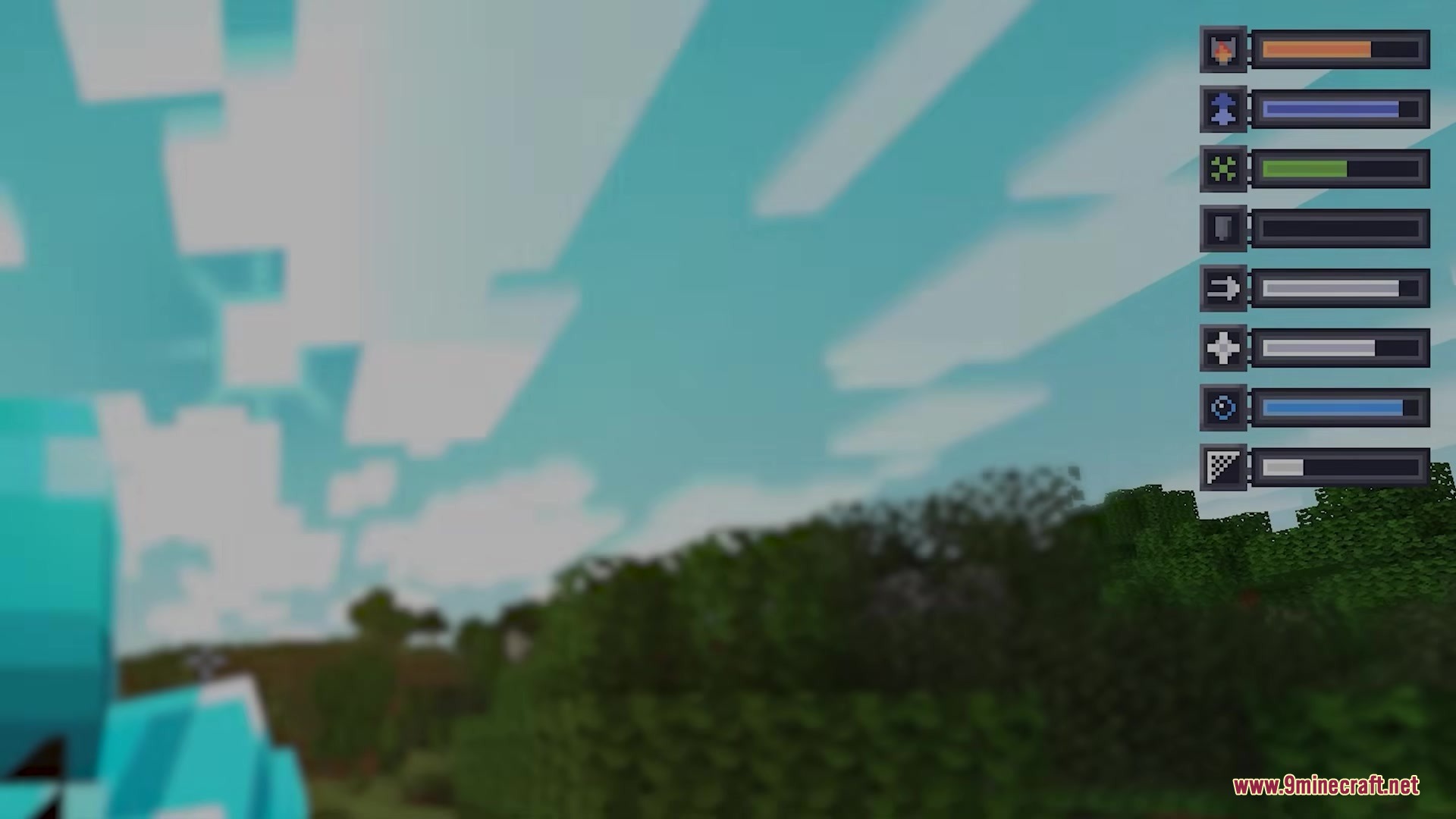
Simply drink any potion in-game and the bar will automatically appear on your screen. If you don't see it, check that the mod is properly installed and try typing /potionbar position center to reset it to the default location.
Can I move the potion bar to a different spot on my screen?
Yes, use /potionbar position [center/left/right/custom]. The custom option opens a screen editor where you can click and drag the bar to place it exactly where you want it.
Why am I seeing potion effects I don't want tracked?
You're probably seeing vanilla game effects like Hunger or Mining Fatigue. Use /potionbar vanillaEffects hide to remove standard effects from the bar and only show potion-based effects.
How do I add a timer showing seconds remaining?
Type /potionbar timer on to enable the timer display. You can also use /potionbar timer [left/right/above/below] to move the timer around the potion icon.
See all 10 Potion Bar questions ›
Gallery
2 images from the Potion Bar Mod page.
You May Also Like
Wikis that share the most with this one
Wikis on the same theme: potion
More mod wikis on the site
The most downloaded mods that have a wiki here
A few wikis from each of the other kinds