

 DownloadPortable Hole
Get the files on 9Minecraft
Contents (5)
Guides
Step-by-step, in-game.
Configuring Portable Hole Behavior for Your WorldAccess the Right Config File Portable Hole settings are split across three config files. Client configs affect your…Finding and Obtaining a Portable HoleLocate a Stronghold Portable Holes are rare items found exclusively in stronghold chests. To find a stronghold,…Maximizing the Portable Hole for Mining and TunnelingCreate Efficient Tunnel Routes Use the Portable Hole to carve 3×3 tunnels through solid rock or terrain. The…Using a Portable Hole to Create a Quick Escape RouteActivate the Portable Hole Equip the Portable Hole and use it on a wall or ceiling of solid blocks. The tool will…
Items
 Portable Hole
Blocks
 Temporary Hole
Frequently asked questions
Where do I find a Portable Hole?
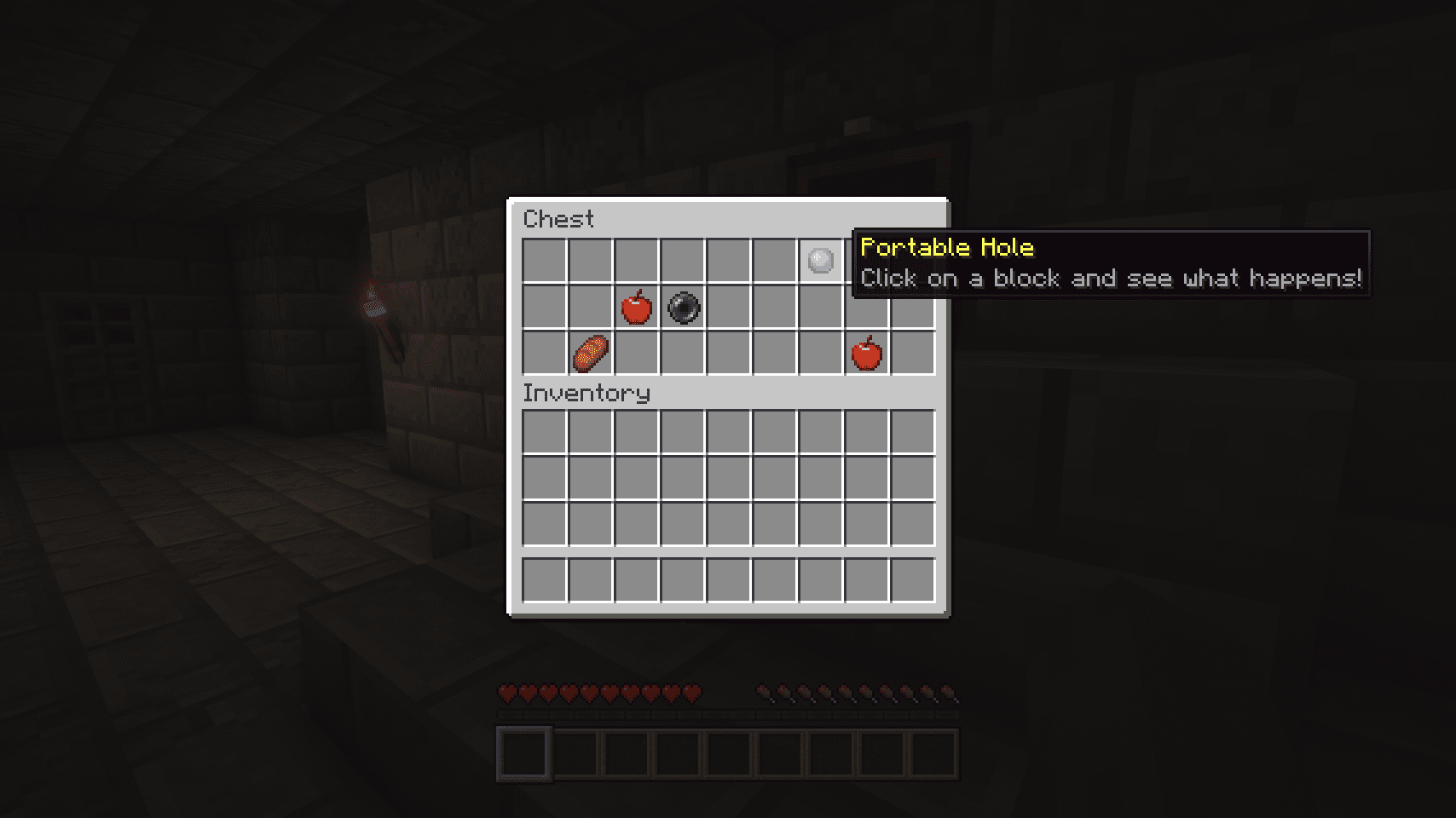
Portable Holes are loot items found exclusively in stronghold chests. You'll need to locate a stronghold, search its chests, and hope for the item—it's not craftable or obtainable any other way.
Can I use a Portable Hole multiple times?
Yes, the Portable Hole is reusable. Each time you activate it, it creates a new temporary tunnel, so you can use the same item as many times as you want.
What happens if I don't move fast enough through the hole?
If blocks reappear while you're still inside the tunnel, you'll be trapped or suffocated by the returning blocks. Always move quickly through the hole to avoid this.
Can I change how big the tunnel is?
The tunnel is a fixed 3×3 size and cannot be resized. However, you can modify other behaviors like duration or cooldown through the server config file.
How do I edit the mod config?
Find your config files in /.minecraft/config/ (client and common configs) or /.minecraft/saves/<world>/serverconfig/ (server configs). Edit the .toml files with any text editor, and changes reload automatically after a few seconds without restarting.
Can I use a Portable Hole to mine faster?
The Portable Hole creates a temporary tunnel but doesn't break blocks—it only hides them temporarily. You'd still need to mine blocks normally, though the tunnel can help you navigate quickly through terrain.
What do I do if the mod isn't working after I update?
Delete your old config files and let the mod regenerate them with default settings, or check if a newer config format is needed. If problems persist, verify the mod is compatible with your Minecraft version and other installed mods.
Gallery
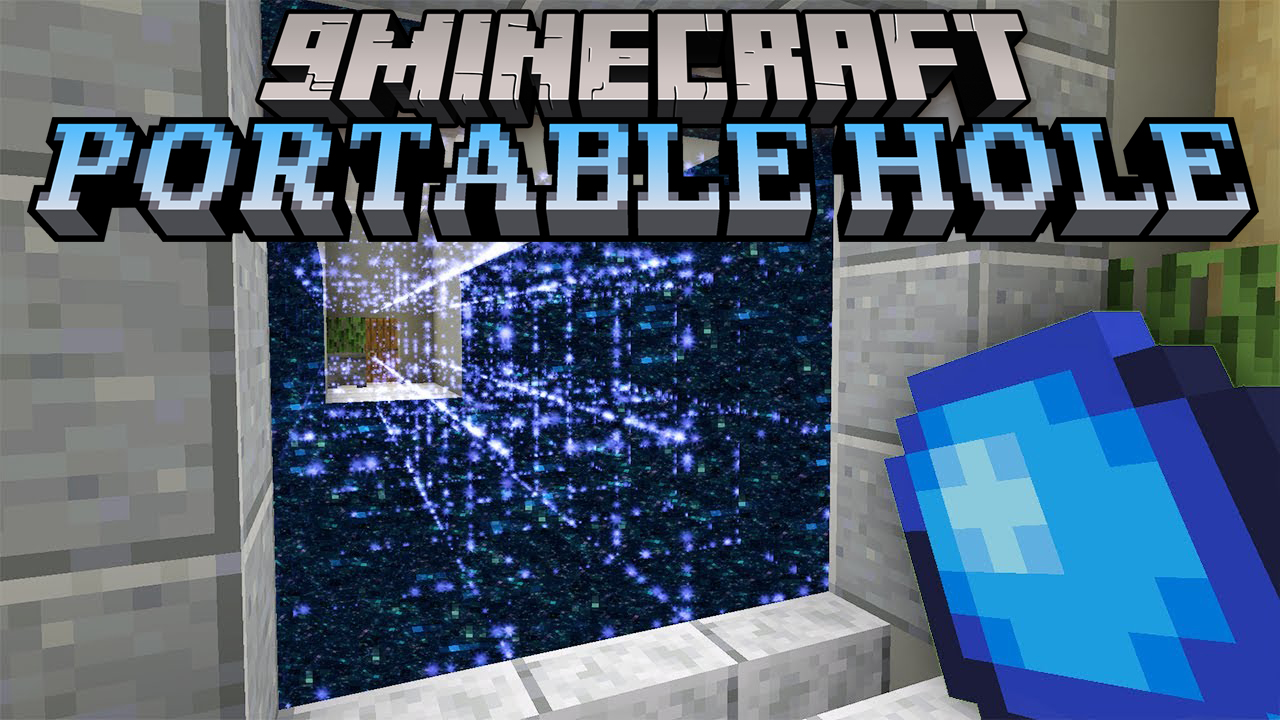
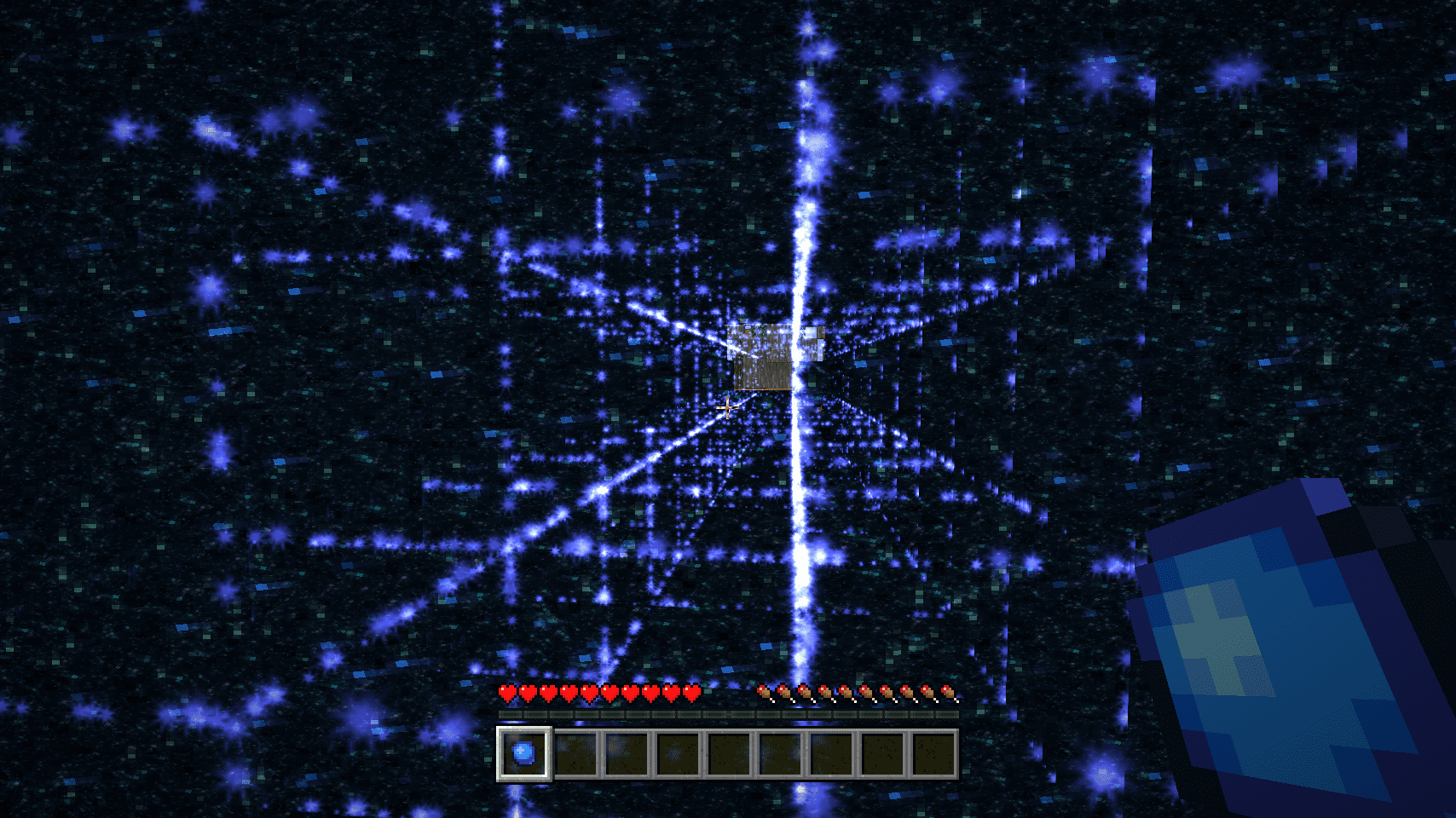
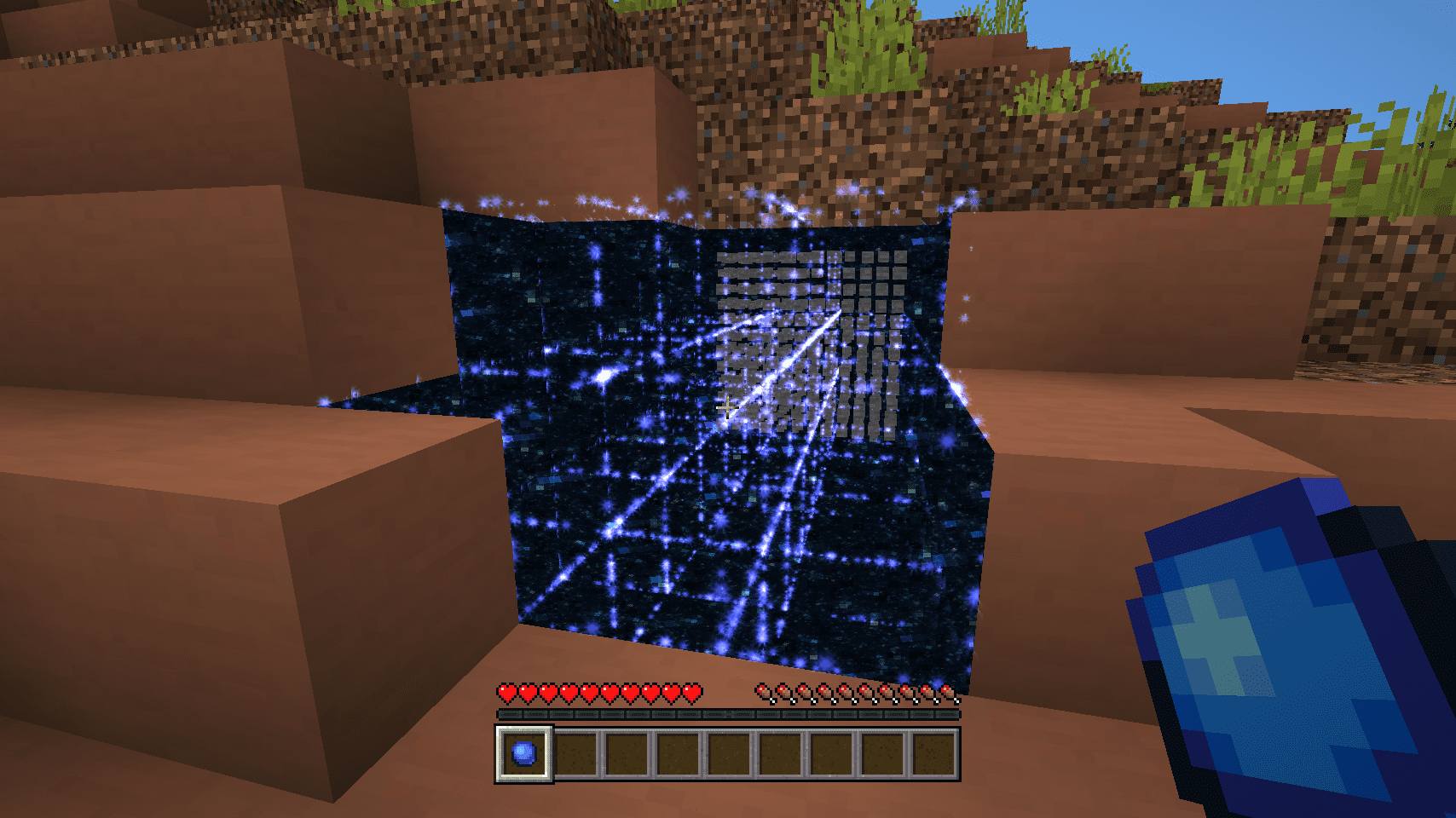
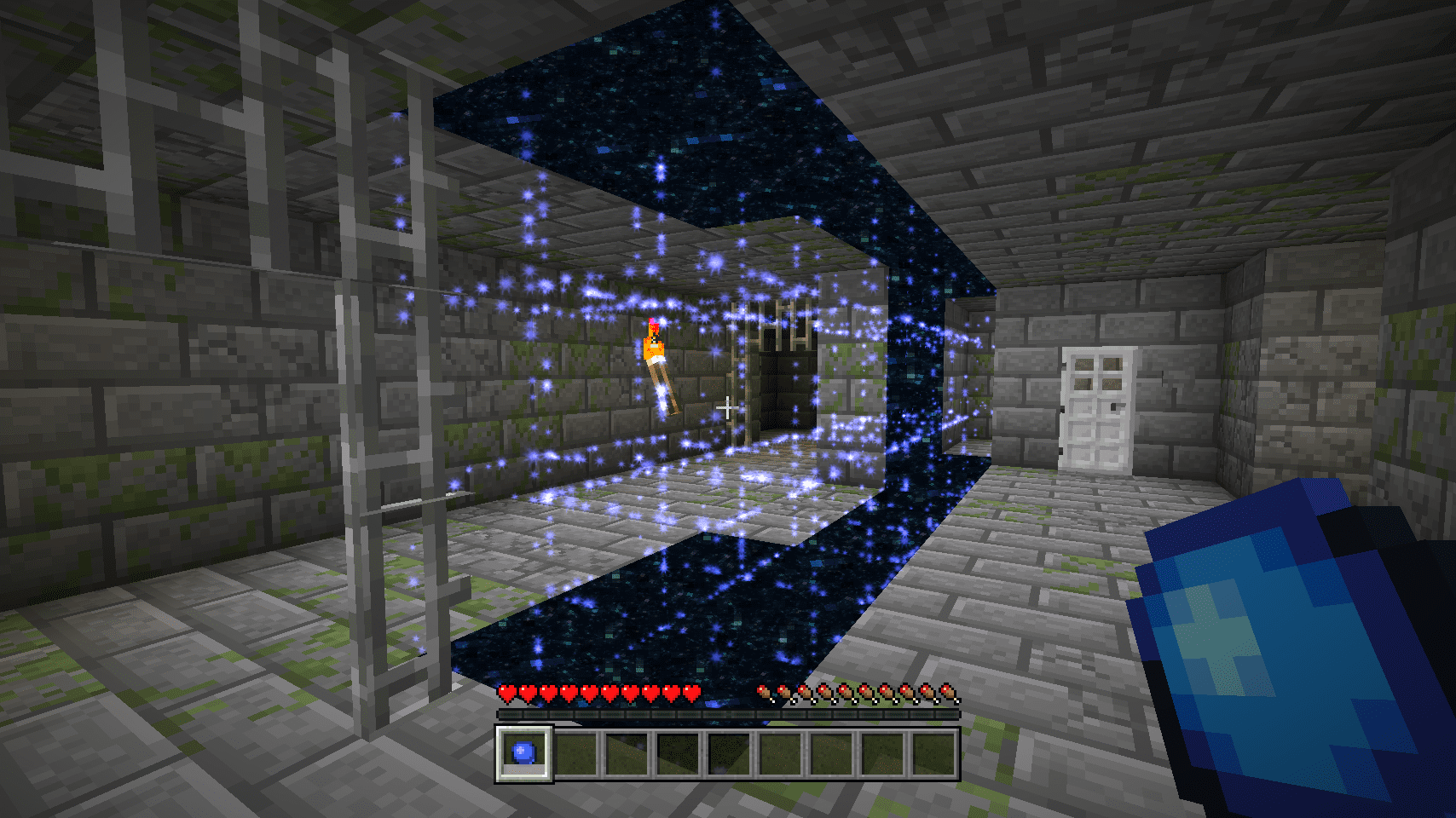
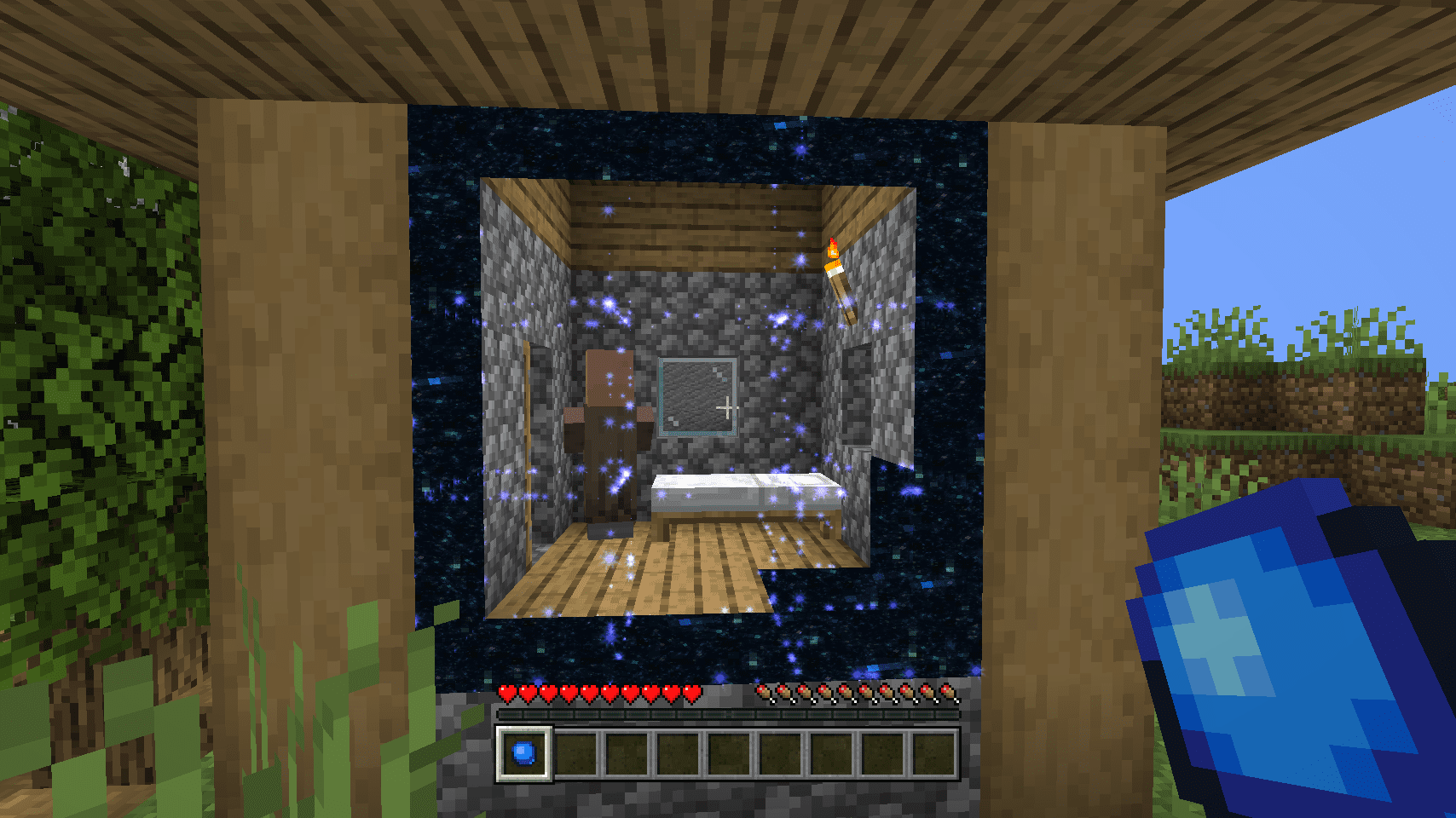
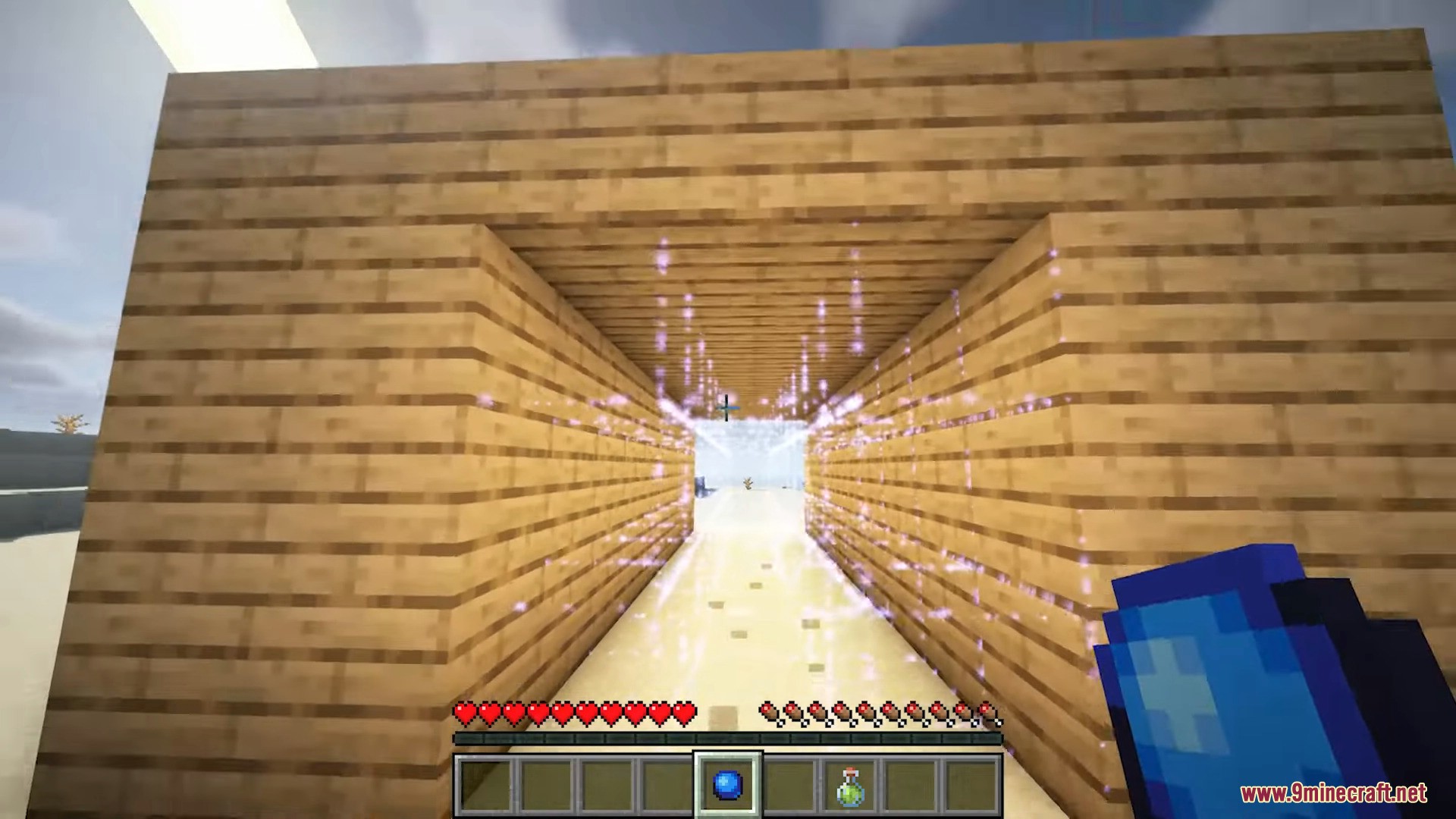
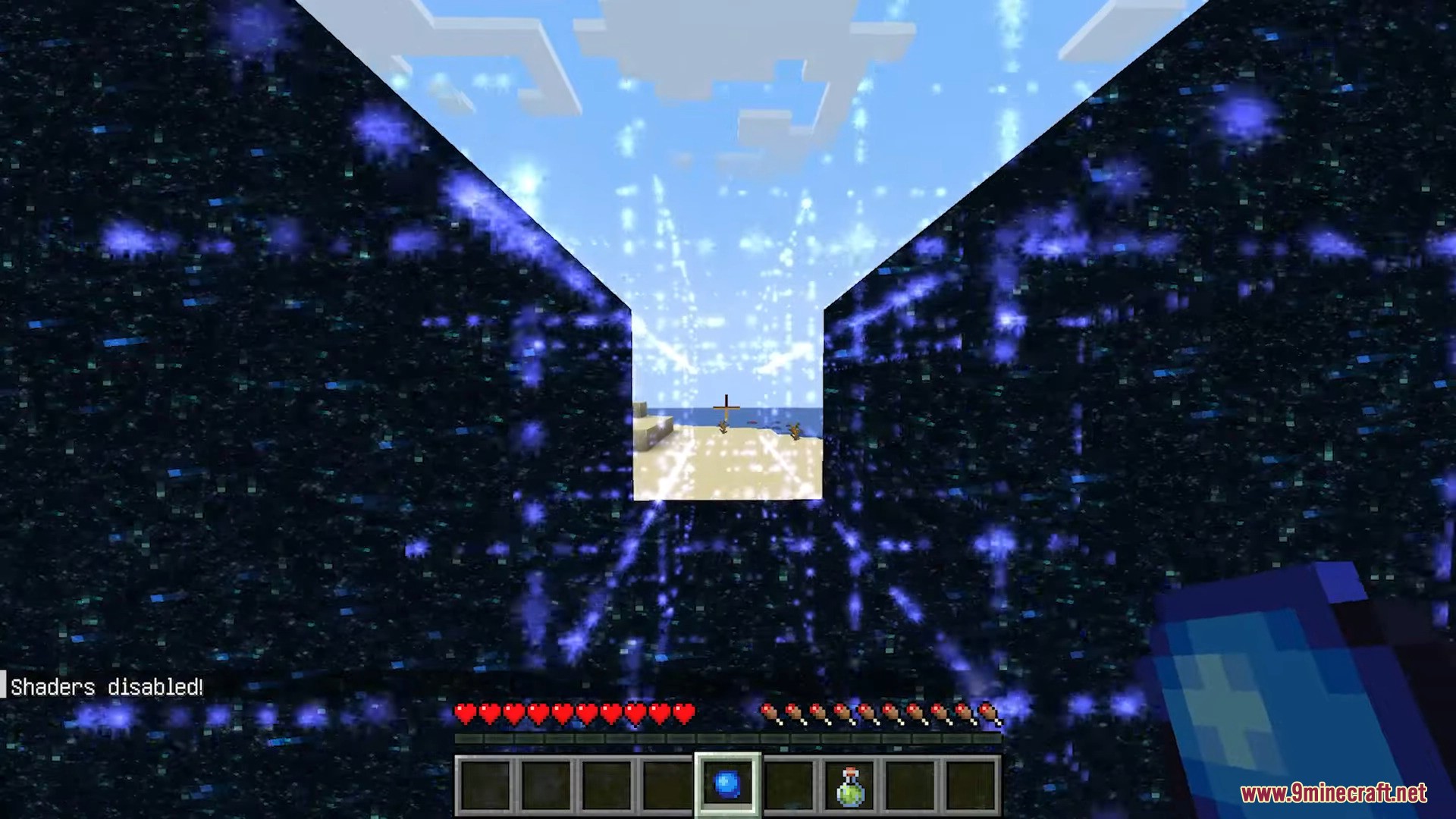
8 images from the Portable Hole Mod page.
You May Also Like
Wikis that share the most with this one
Wikis on the same theme: wall
More mod wikis on the site
The most downloaded mods that have a wiki here
A few wikis from each of the other kinds