

 DownloadPl3x Markers Mod
Get the files on 9Minecraft
Guides
Step-by-step, in-game.
Automatically Track Portals and BeaconsPortal Tracking The mod automatically detects and marks portals on your web map without any setup required. 1. Travel…Create a Custom Text Marker with Signs and LodestonesPlacing Your Text Marker Custom text markers let you label specific locations with messages that appear on the web…Mark Your Base with Lodestones and BannersSetting Up Corner Markers To create a custom region marker on your web map, you need to place lodestones at each…Troubleshoot Missing Markers on Your Web MapReloading the Map Configuration If your markers aren't appearing on Pl3xMap after you've placed them, the mod may…
Frequently asked questions
How do I mark my base on the map?
Why aren't my markers showing up on Pl3xMap?
Make sure your lodestones and banners have matching colors and names—the mod won't connect them otherwise. If markers still don't appear, try running `/pl3xmap reload` to refresh the map and update the marker configuration.
Do portals get marked automatically?
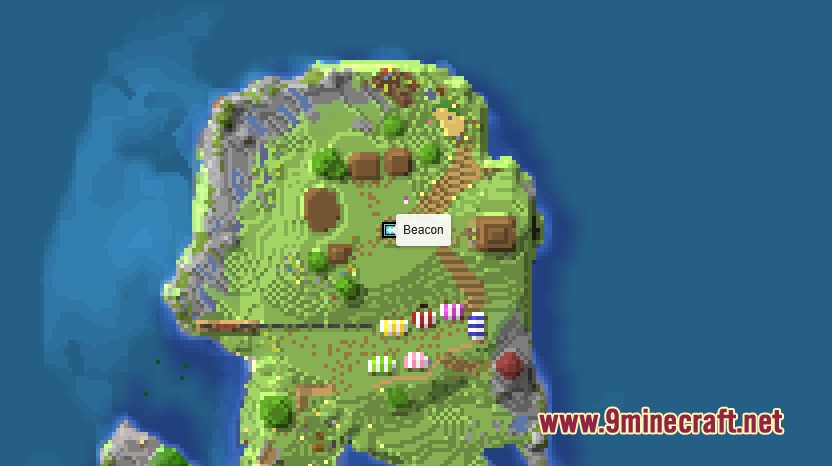
Yes, every Nether Portal and End Portal is tracked automatically as soon as someone travels through it. You don't need to do anything—just use the portal and it will appear on your web map.
How do I add a text label to the map?
Place a lodestone where you want the marker, then place a written sign on top of it and write your message. The text will appear as a custom marker on your web map.
See all 10 Pl3x Markers questions ›
Gallery
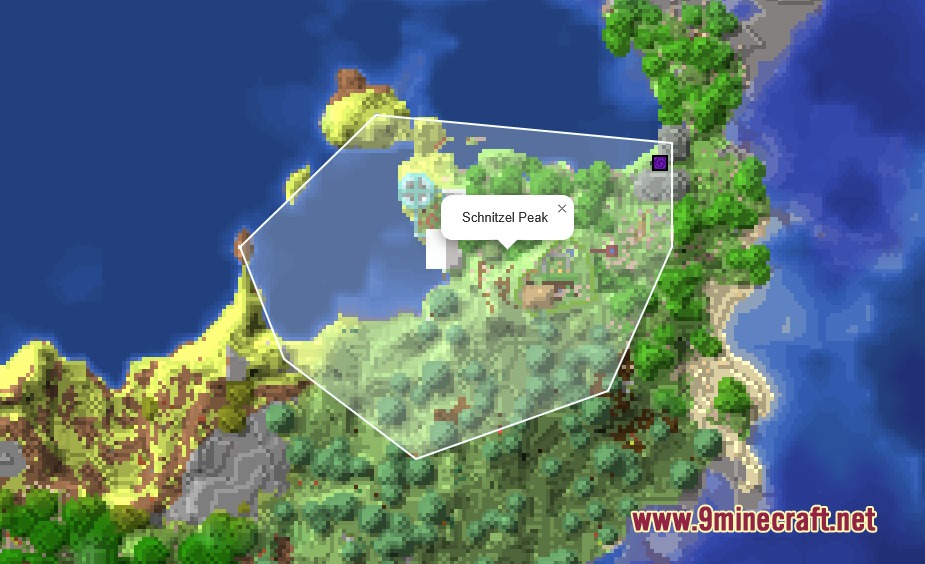
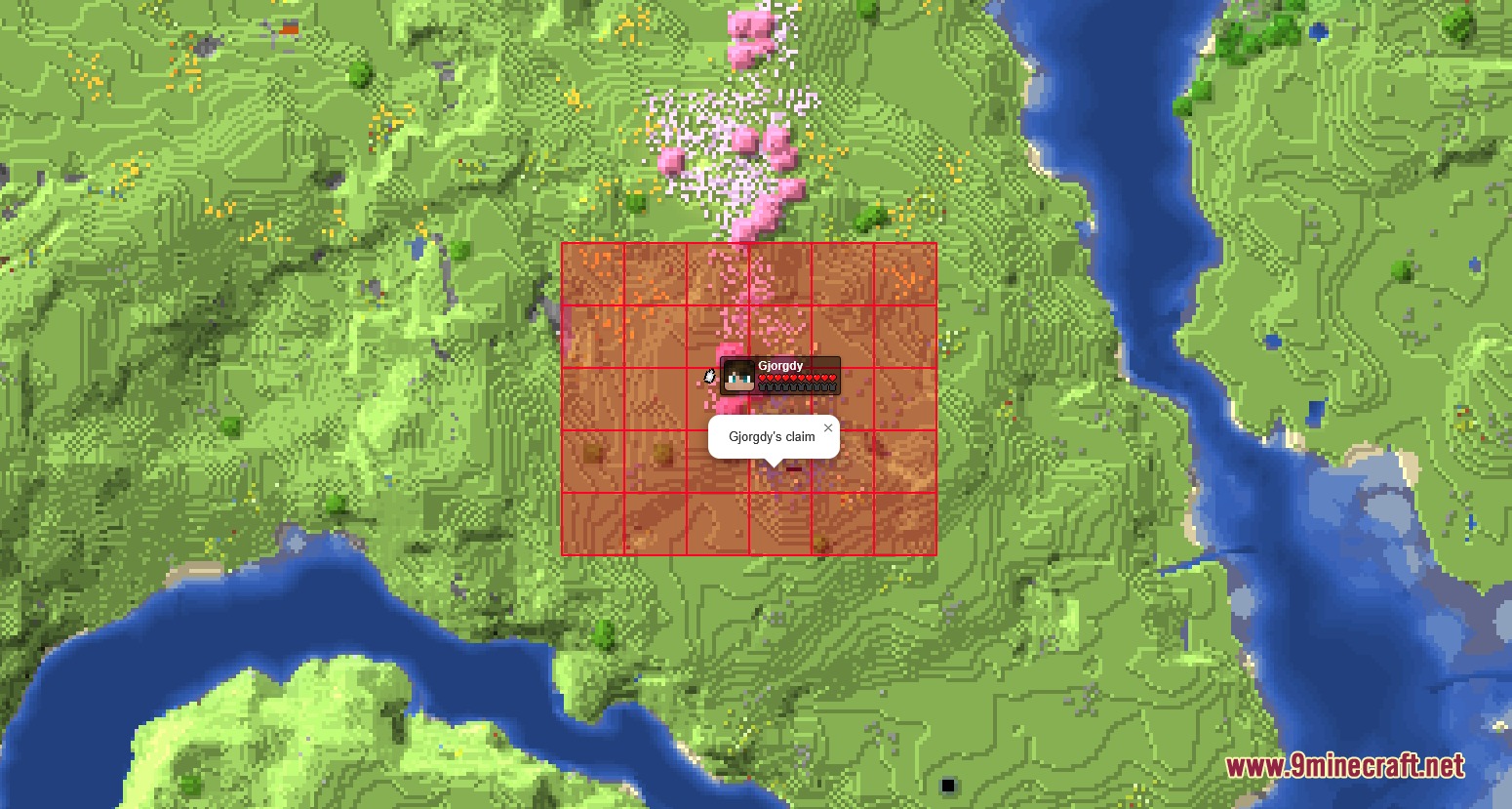
4 images from the Pl3X Markers Mod page.
You May Also Like
Wikis that share the most with this one
More mod wikis on the site
The most downloaded mods that have a wiki here
A few wikis from each of the other kinds