

 DownloadView Bobbing Options Mod
Get the files on 9Minecraft
Guides
Step-by-step, in-game.
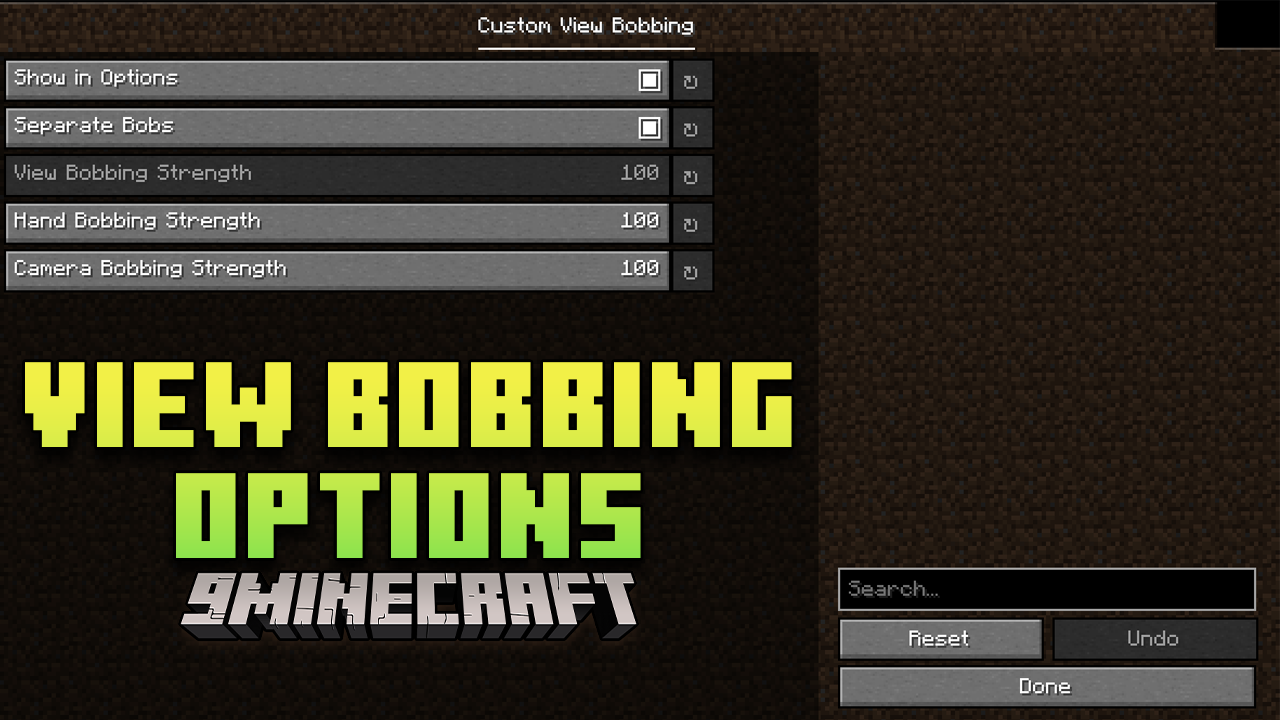
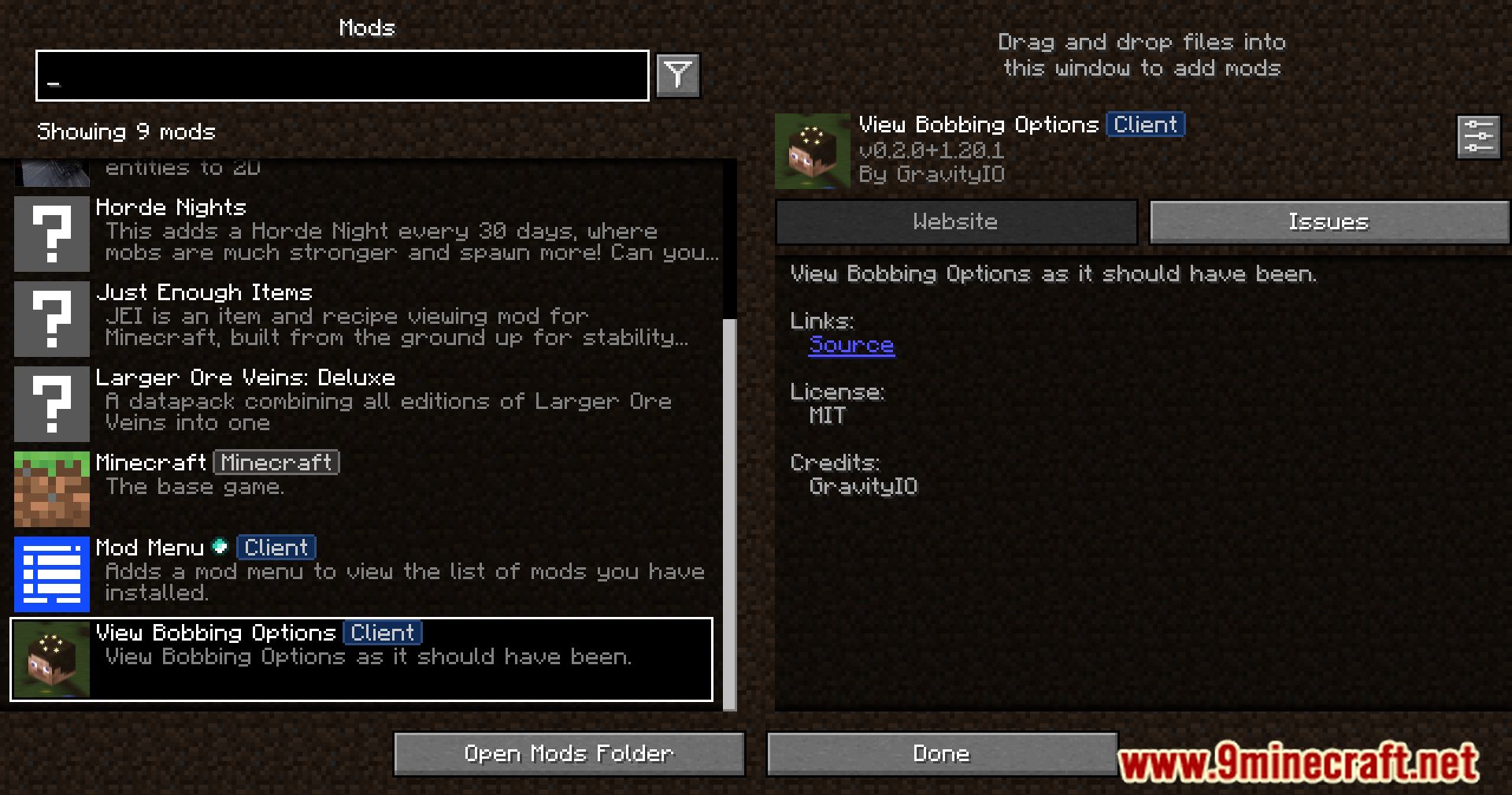
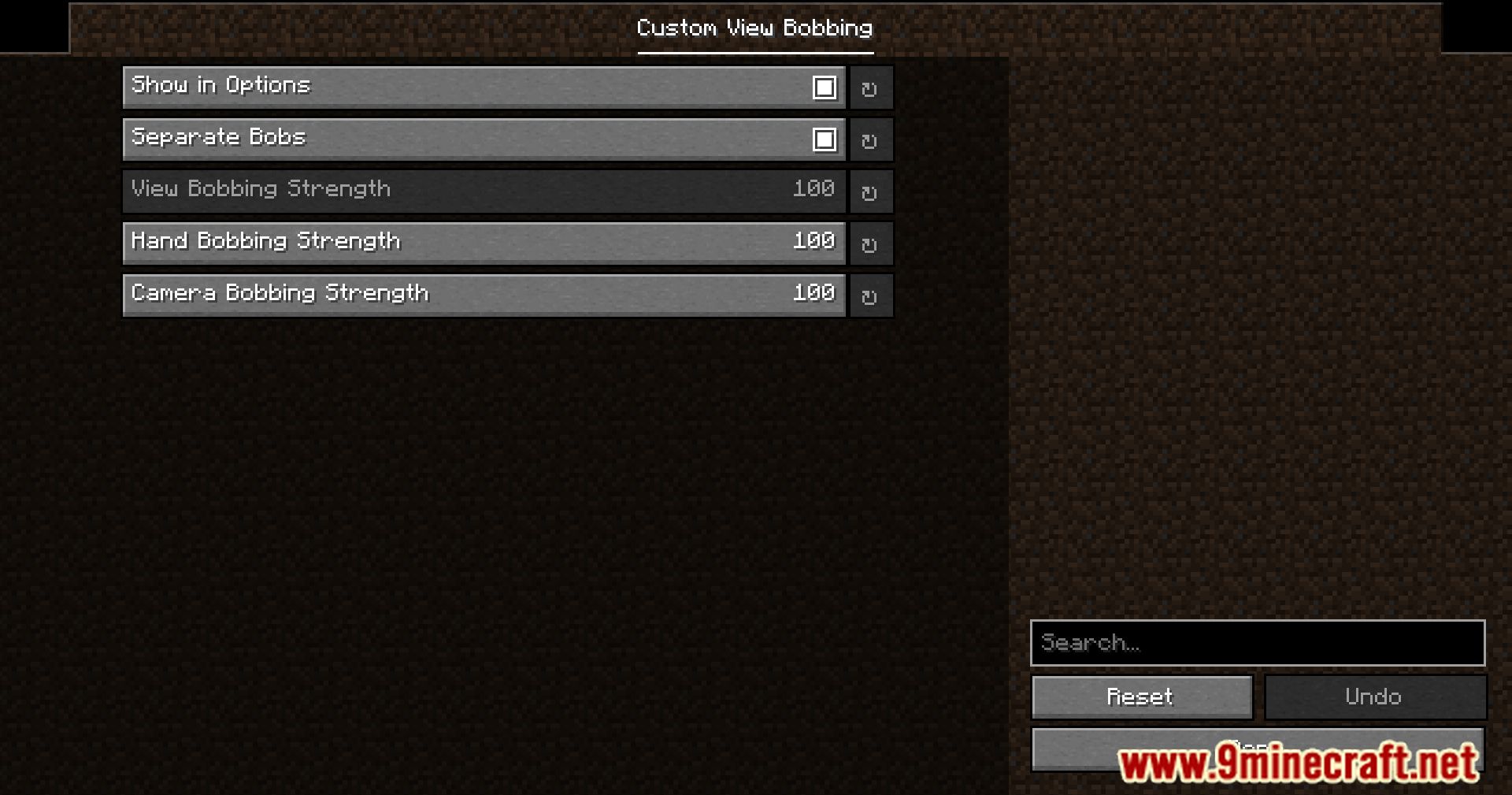
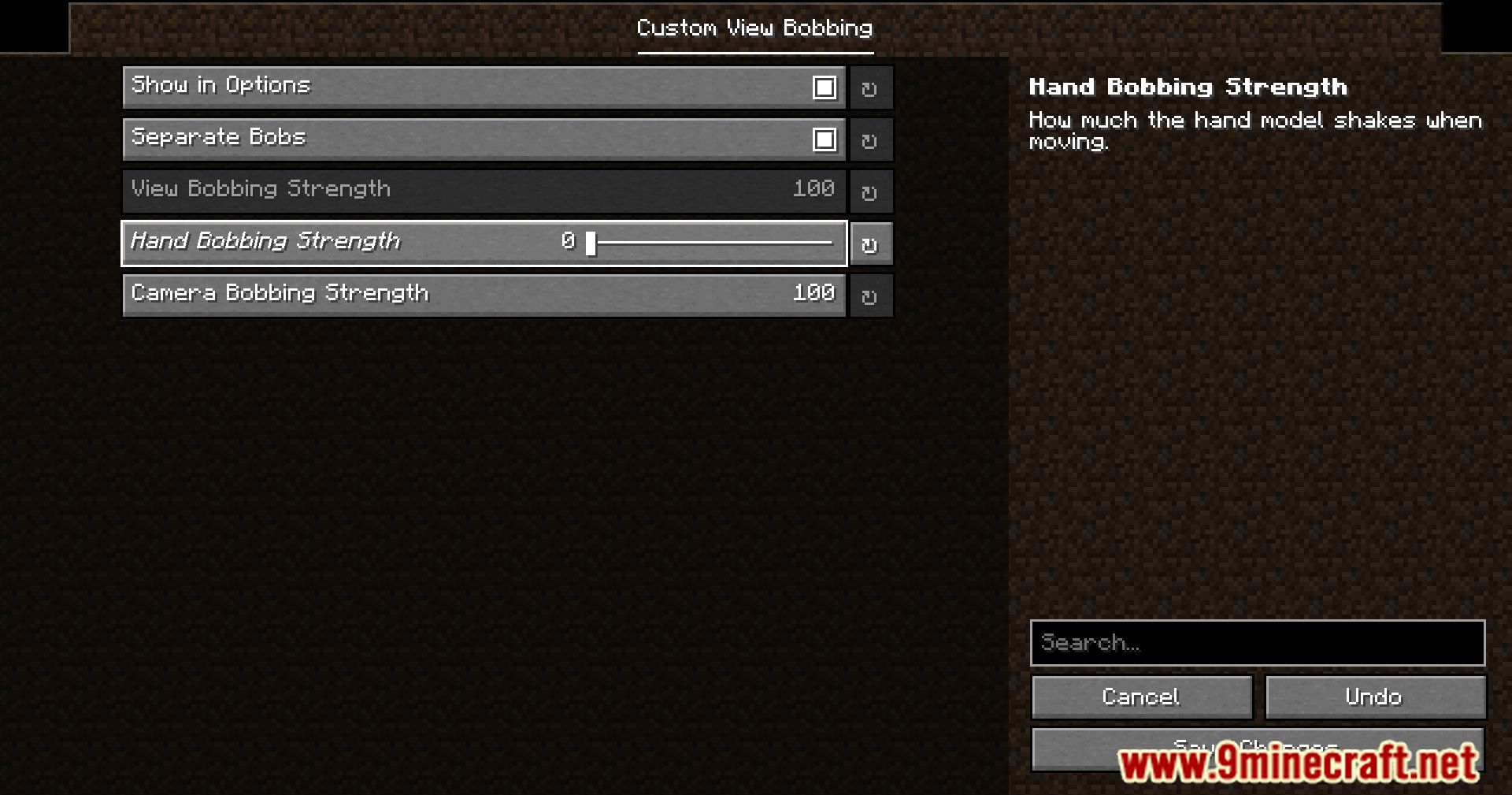
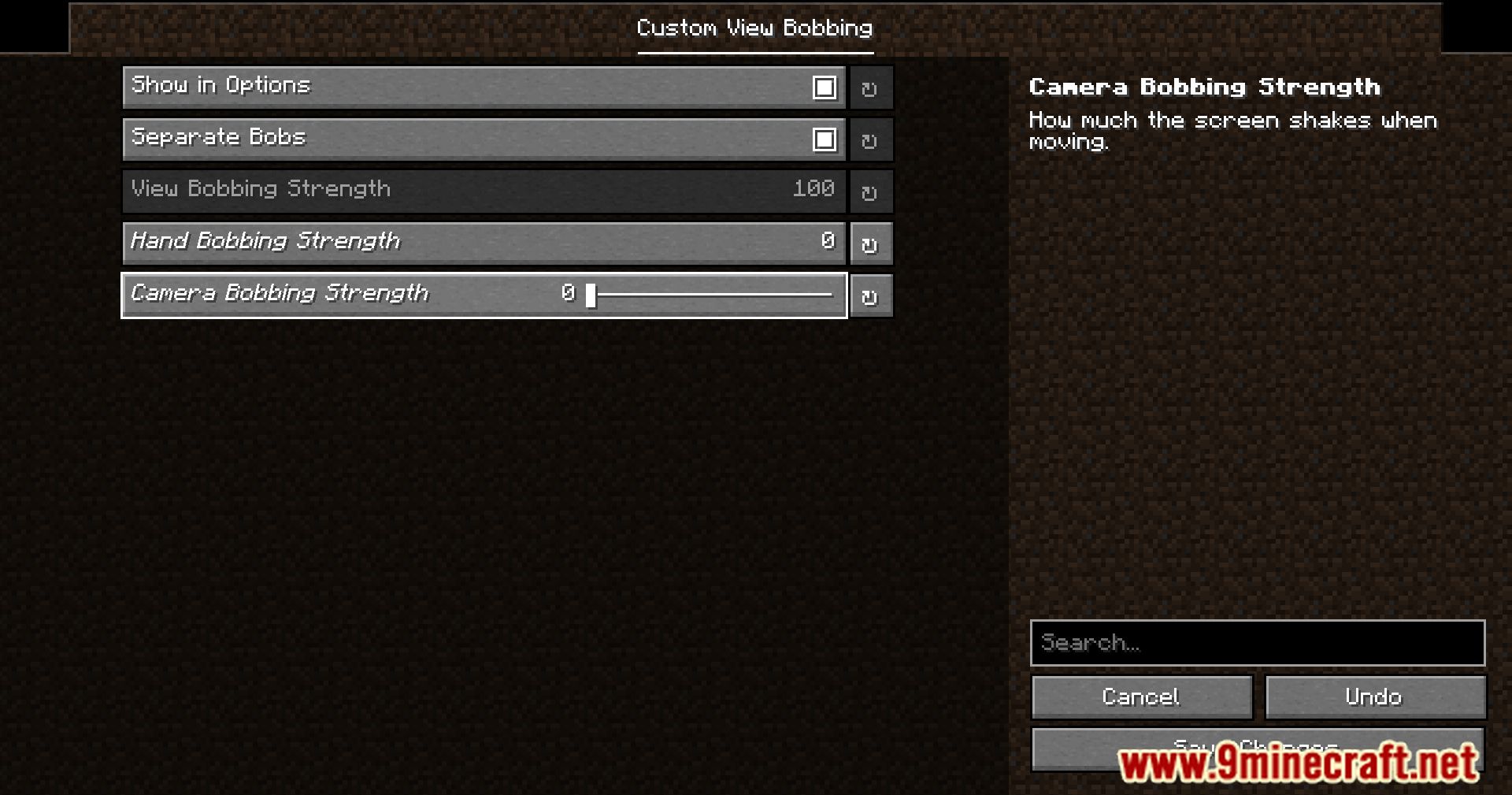
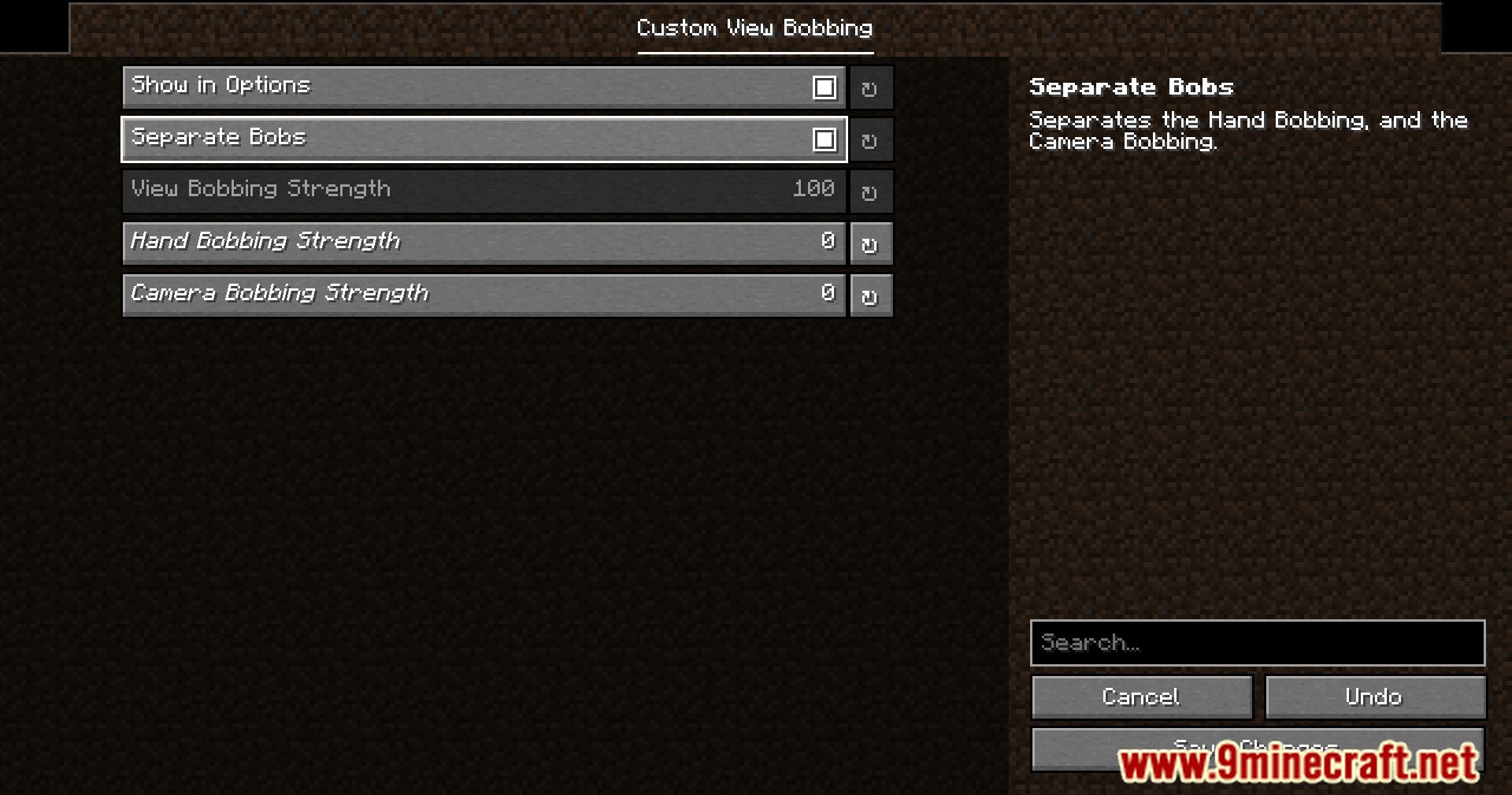
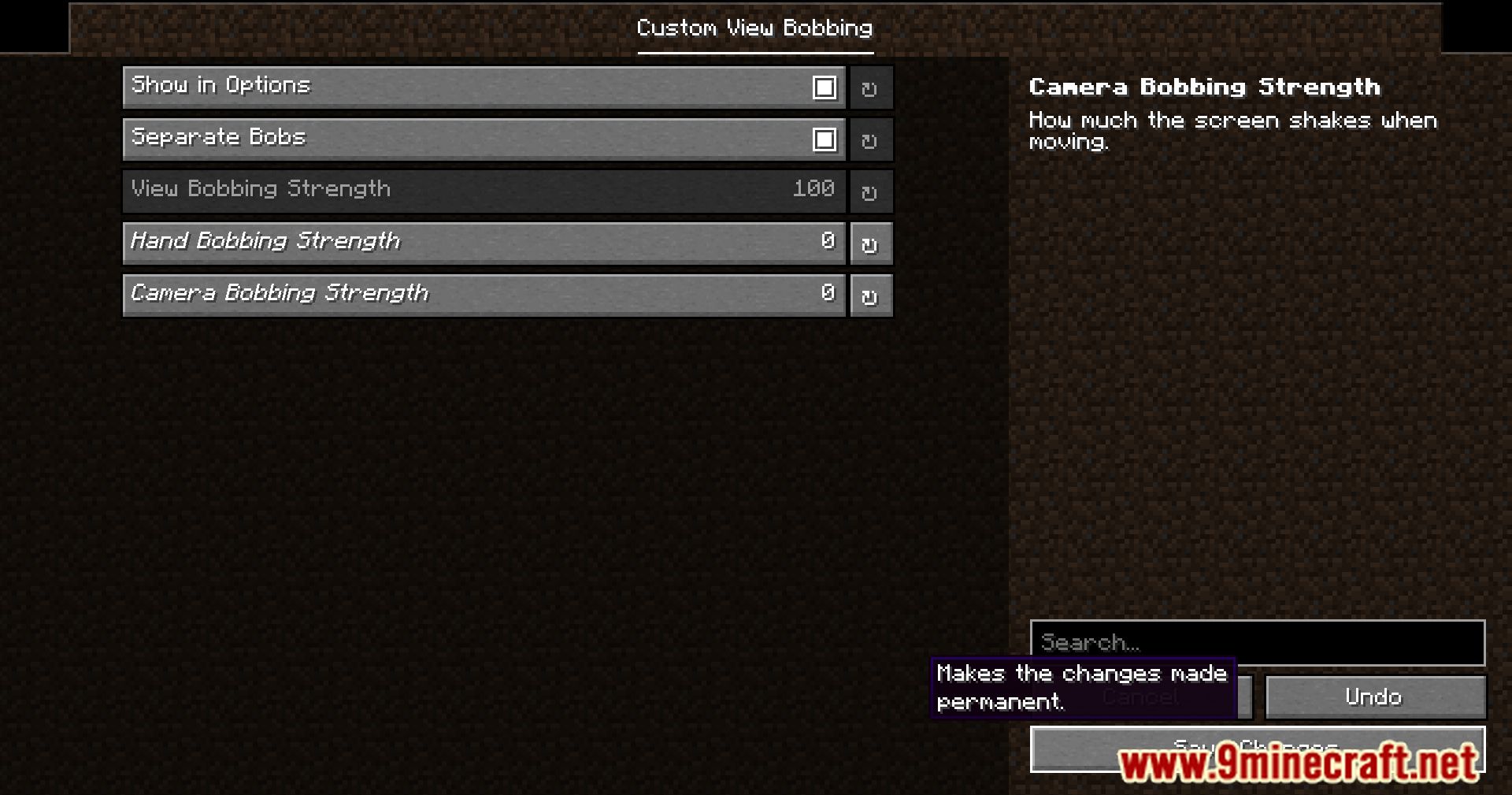
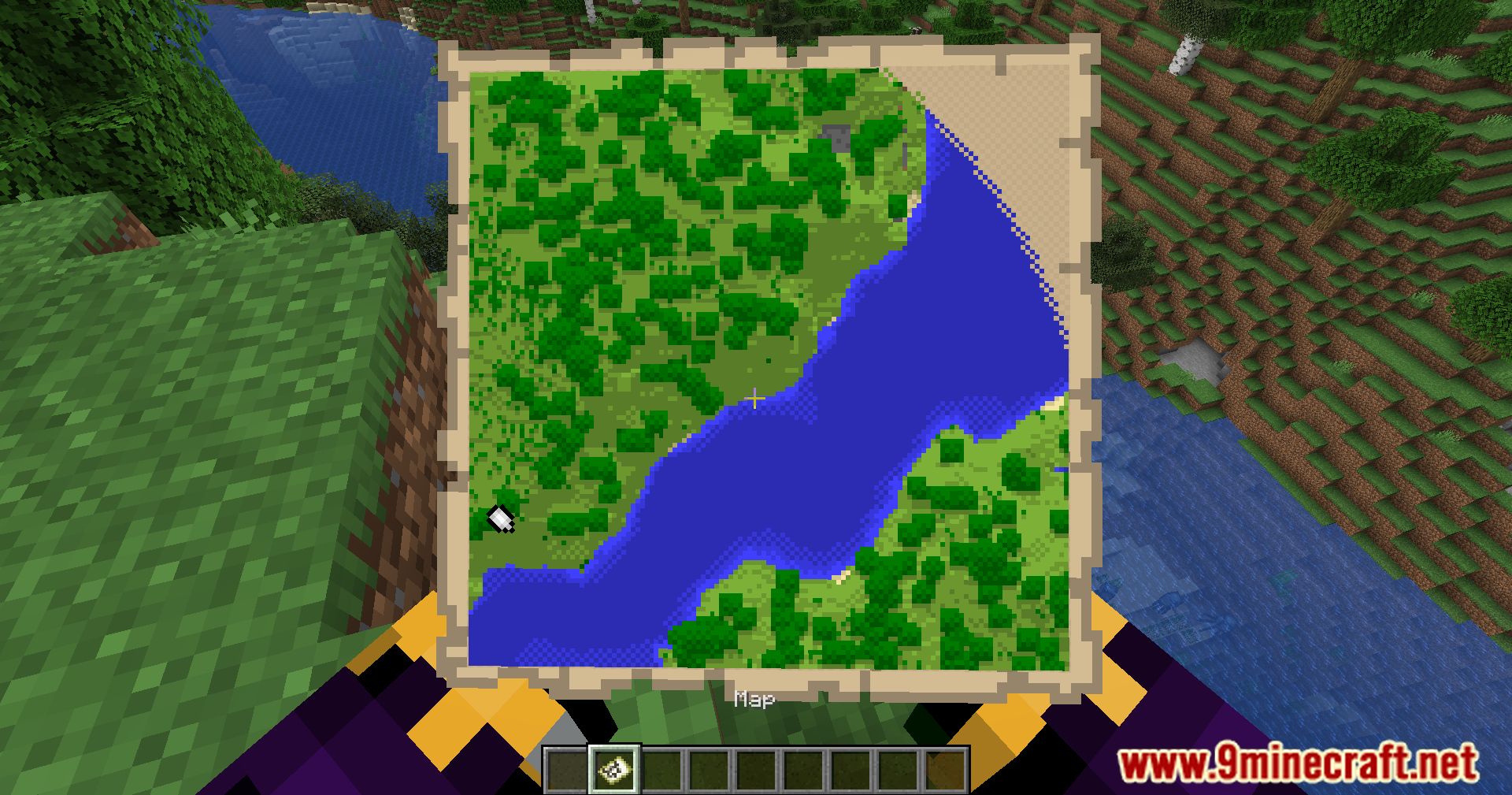
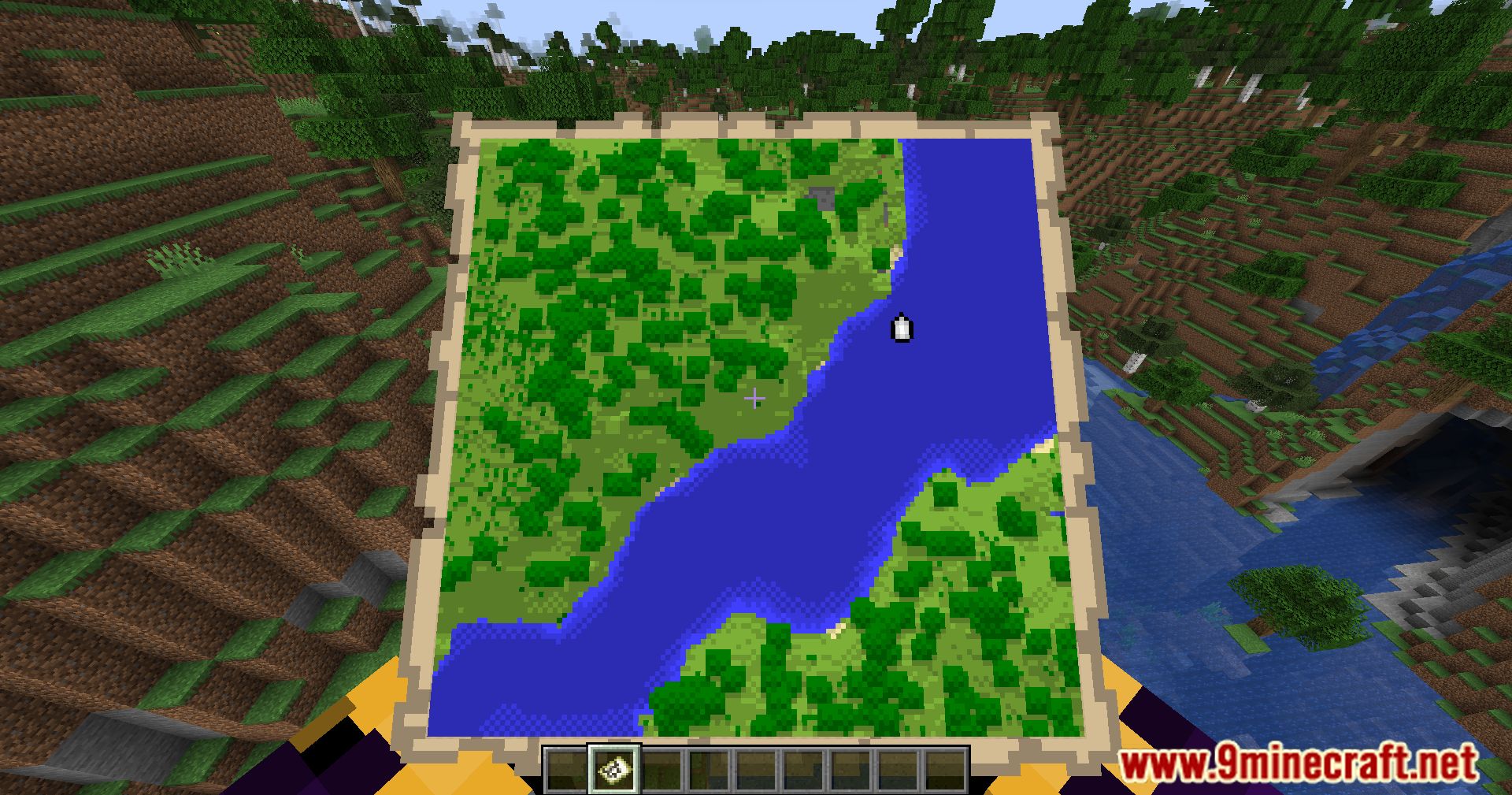
Access the settings menuOpening the mod settings View Bobbing Options Mod uses YACL (YetAnotherConfigLib) for its configuration screen,…Adjust camera bobbing intensityReducing bobbing strength If camera bobbing causes motion sickness or you simply prefer a calmer view, you can lower…Disable bobbing for a specific itemUsing the hotkey The fastest way to stop bobbing for your current item is to use the toggle hotkey. 1. Hold the item…Read a map comfortably while movingThe problem When holding a map while walking, the camera bobbing makes the map bounce up and down, making it hard to…
Frequently asked questions
How do I turn off bobbing for just one item?
Hold the item you want to disable bobbing for, then press Z (or your configured hotkey) to toggle bobbing off for that specific item. The setting is remembered per-item, so maps, compasses, and other items can have different bobbing preferences.
What's the default hotkey to toggle bobbing?
The default hotkey is Z, but you can change it in the settings menu by opening the mod's configuration screen and rebinding the toggle key to whatever you prefer.
How do I open the settings menu?
Open your in-game options menu and look for the View Bobbing Options settings screen, which is powered by YACL. From there you can adjust bobbing intensity, change hotkeys, and configure per-item preferences.
Can I reduce bobbing intensity instead of turning it off completely?
Yes, the mod lets you adjust camera bobbing intensity while walking or running. Go to the settings menu and use the intensity slider to find a level that's comfortable for you, which is especially helpful if you experience motion sickness.
See all 10 View Bobbing Options questions ›
Gallery
11 images from the View Bobbing Options Mod page.
You May Also Like
Wikis that share the most with this one
More mod wikis on the site
The most downloaded mods that have a wiki here
A few wikis from each of the other kinds