

 DownloadOneBar Mod
Get the files on 9Minecraft
Guides
Step-by-step, in-game.
Configure Your Health Bar Color and StyleAccess the Configuration Menu Open Mod Menu while in-game and locate OneBar Mod in the mod list. Click on it to open…Customize Your Health Bar to Match Your Resource PackAccess Color Customization Open Mod Menu and select OneBar Mod settings. Look for the color configuration options…Monitor Health Regeneration in Real TimeEnable Regeneration Display Open Mod Menu and navigate to OneBar Mod settings. Toggle on the health regeneration…Read Your Exact Health Points at a GlanceUnderstand the Numerical Display Unlike vanilla hearts which only show half-heart increments, OneBar Mod displays…
Frequently asked questions
How do I open the mod settings?
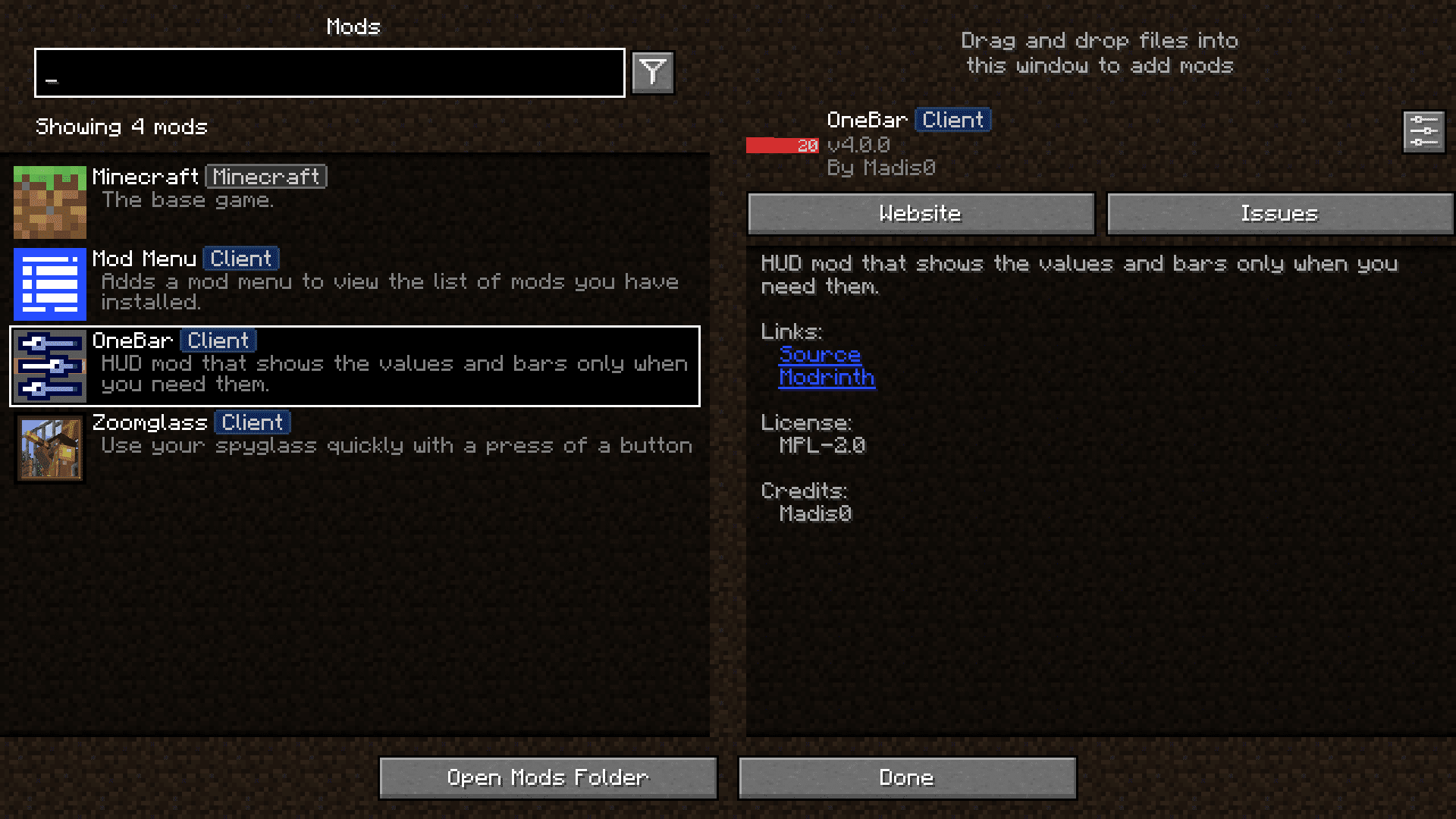
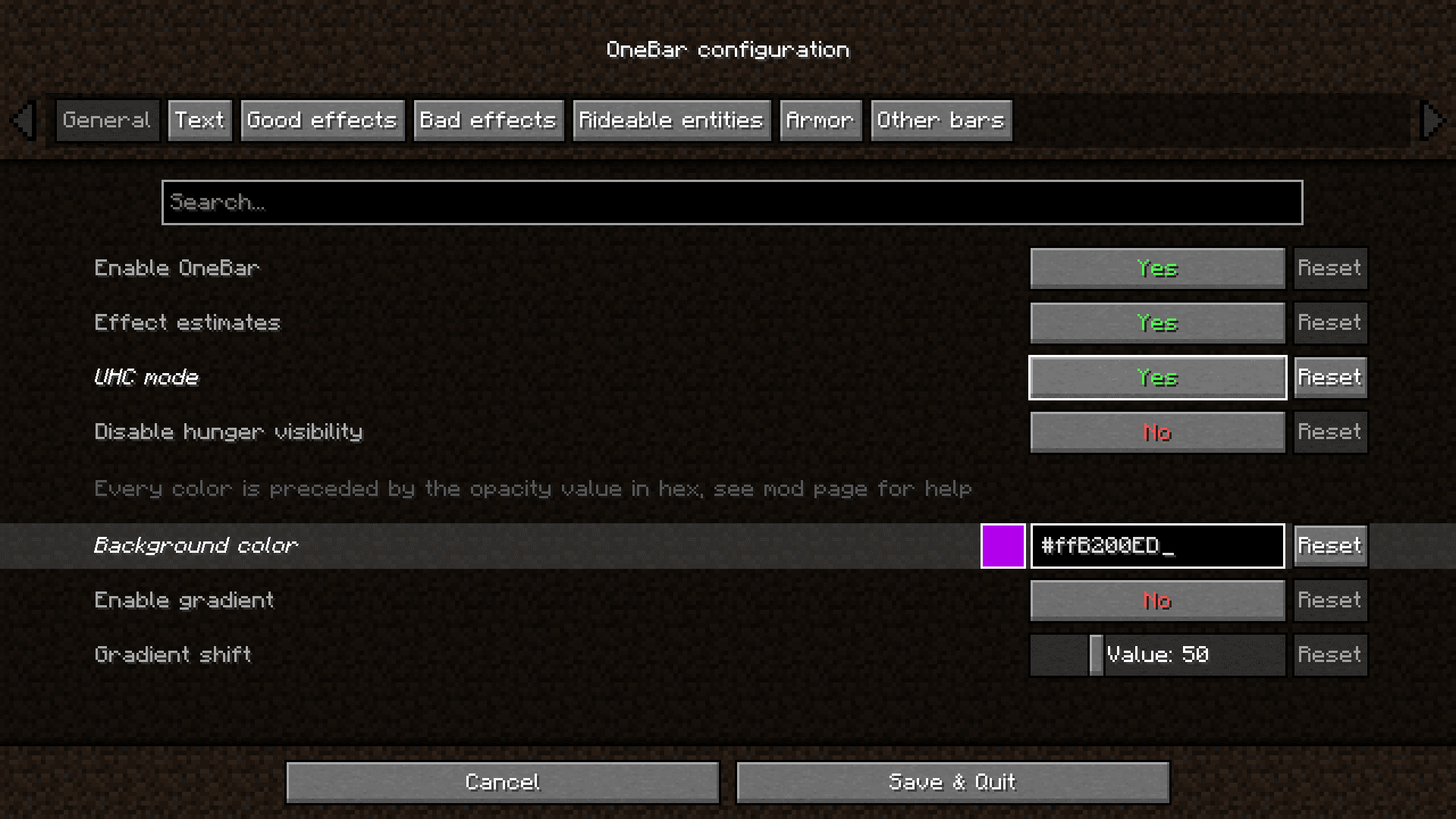
Open Mod Menu while in-game, find OneBar Mod in the list, and click the settings icon. All configuration options are available directly in-game without editing config files.
Can I change the color of my health bar?
Yes, open Mod Menu and navigate to OneBar Mod settings where you'll find color customization options. You can adjust the bar color to match your preference or resource pack.
What does the health regeneration display show?
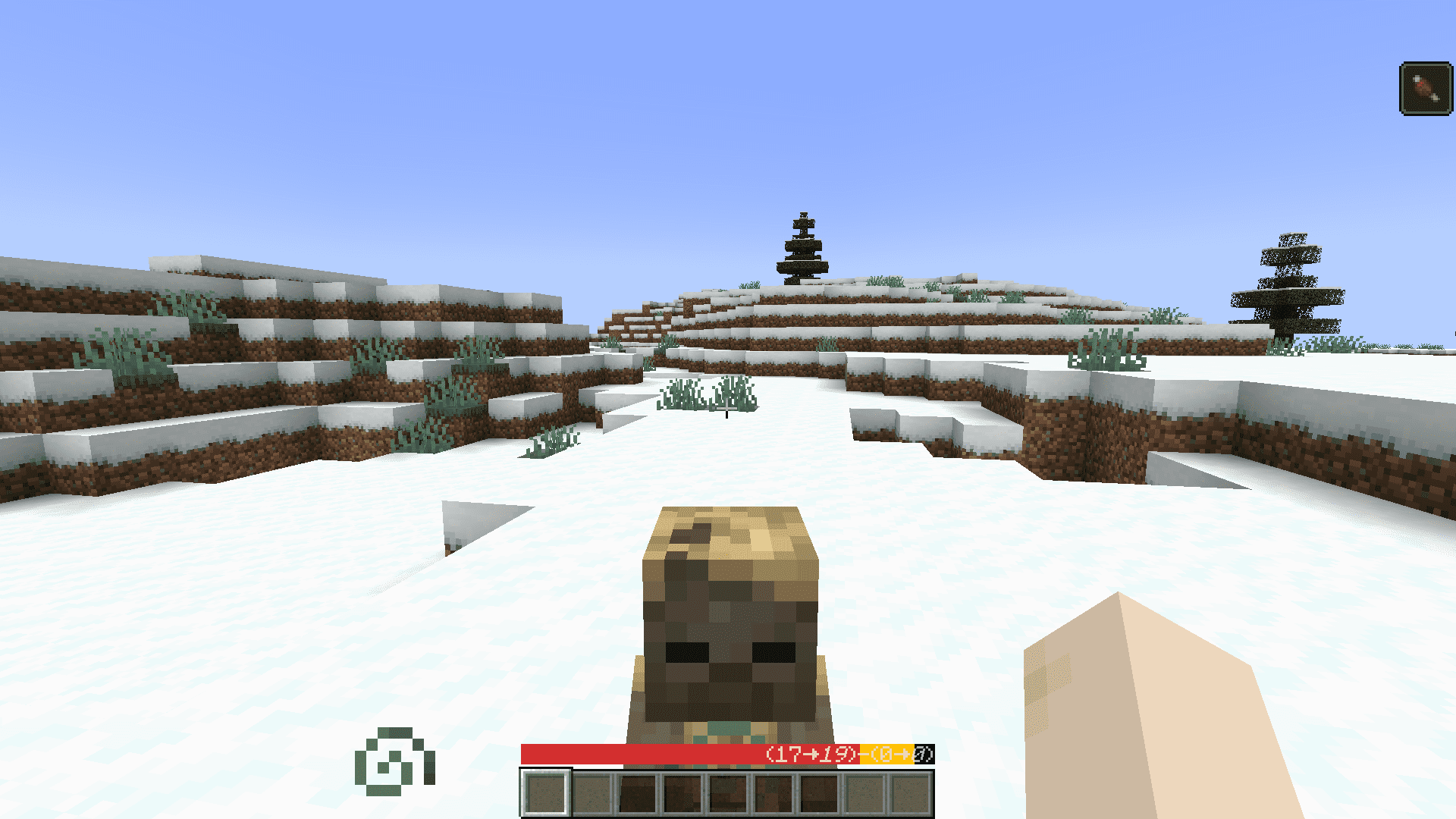
When enabled in settings, the regeneration display shows you in real time how quickly your health is recovering, whether from food saturation, potions, or other healing sources.
Why does my health bar show a decimal number instead of half-hearts?
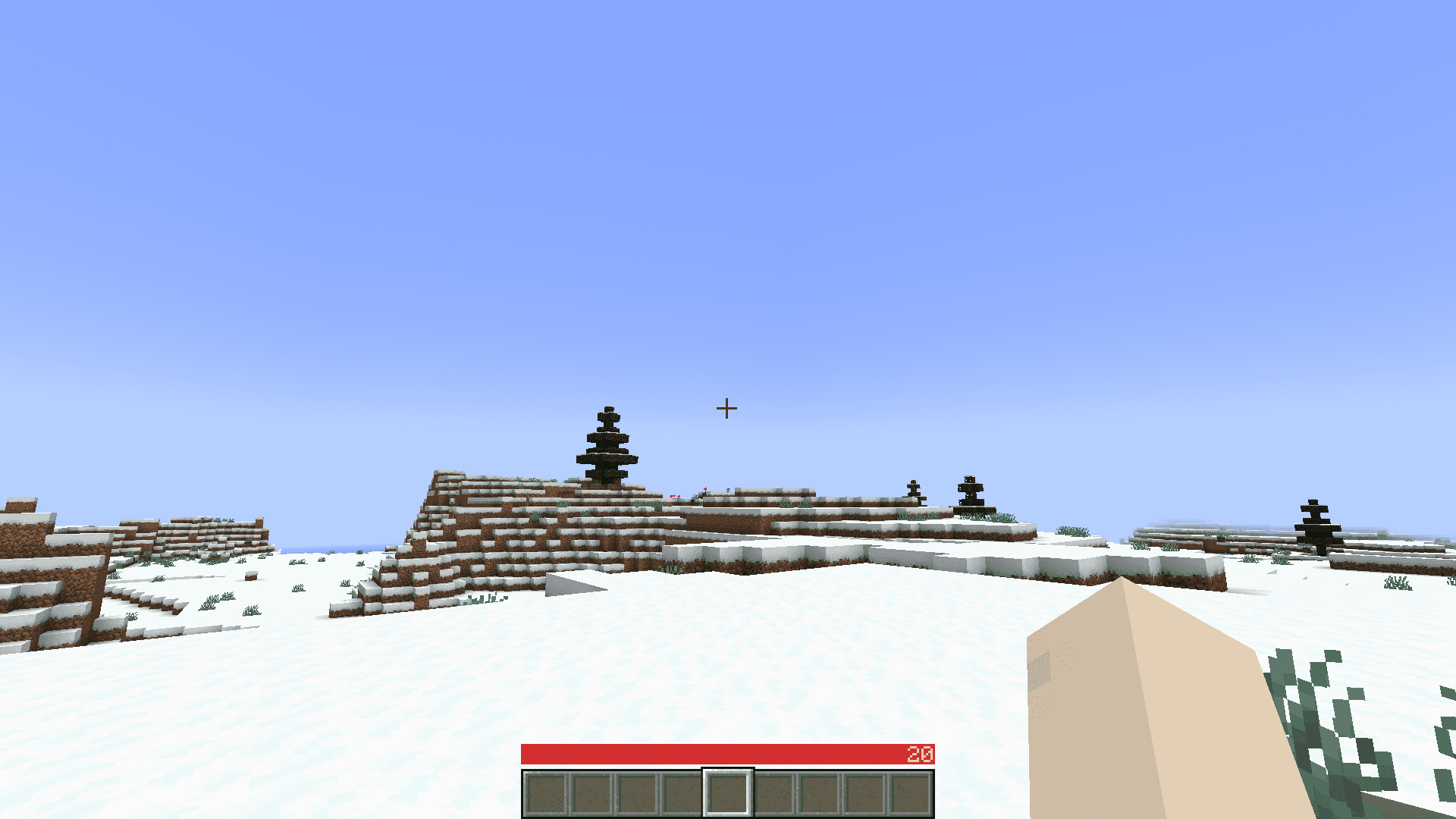
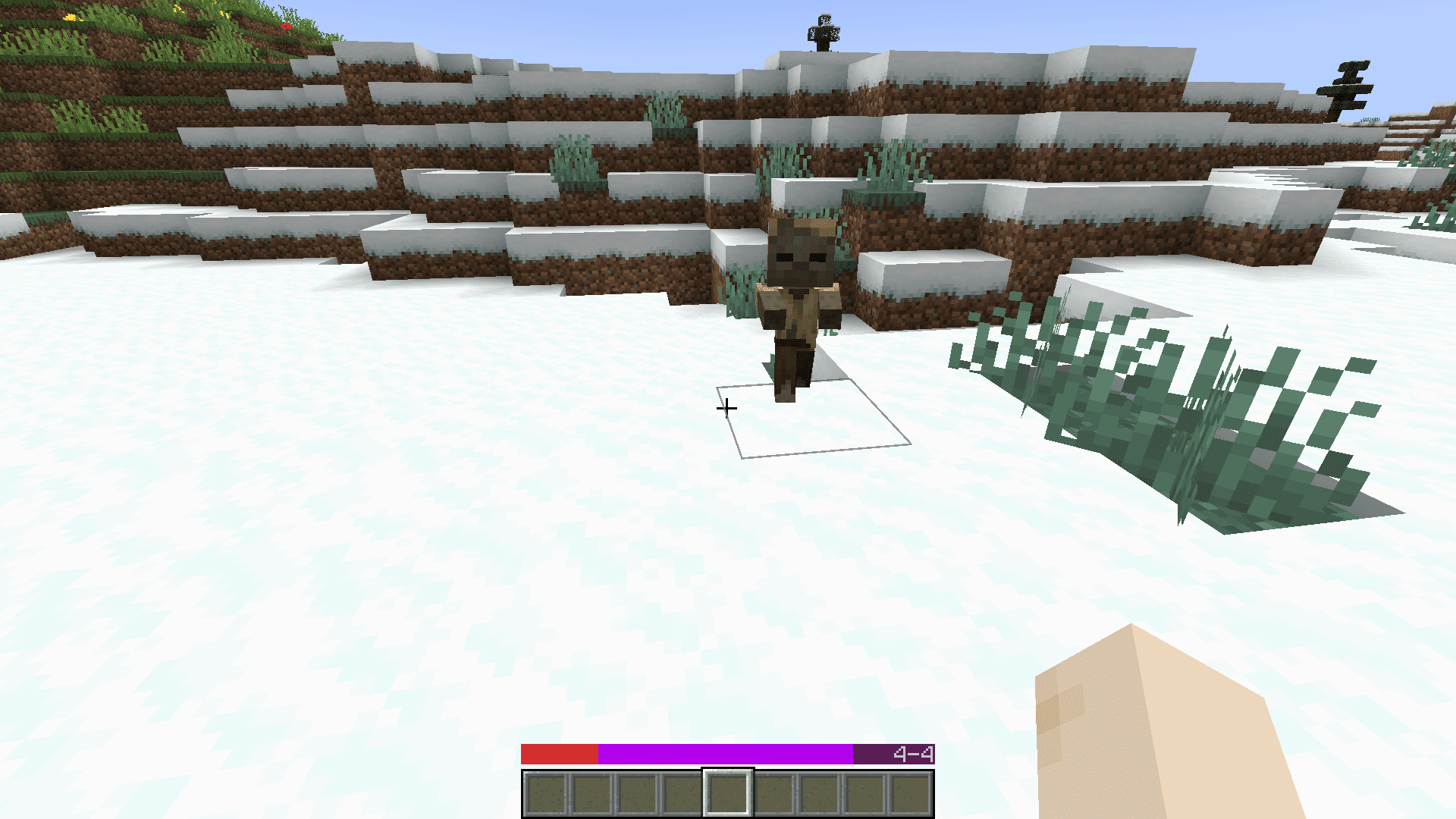
OneBar Mod displays your exact health points as a precise number rather than rounding to half-hearts, giving you more detailed information about your actual health value.
Gallery
6 images from the Onebar Mod page.
You May Also Like
Wikis that share the most with this one
More mod wikis on the site
The most downloaded mods that have a wiki here
A few wikis from each of the other kinds