

 blocks
 DownloadGet It Together Drops Mod
Get the files on 9Minecraft
Guides
Step-by-step, in-game.
How to Make Items Combine Even When They Are at Different HeightsBy default, Get It Together Drops only combines items that are at roughly the same height. If one item is on the…How to Make Items Combine From Farther Away to Reduce LagOne of the main reasons to install Get It Together Drops is to cut down on the number of item entities in your world.…How to Make Specific Items Ignore the Mod EntirelySometimes you want most items to combine for performance, but a few specific items should behave exactly like…How to Stop Items From Combining Into One Giant StackIf you want dropped items to stay separate instead of merging into a single pile, you need to change the mod's…
Configuration
Every setting in the mod config file, with what it changes.
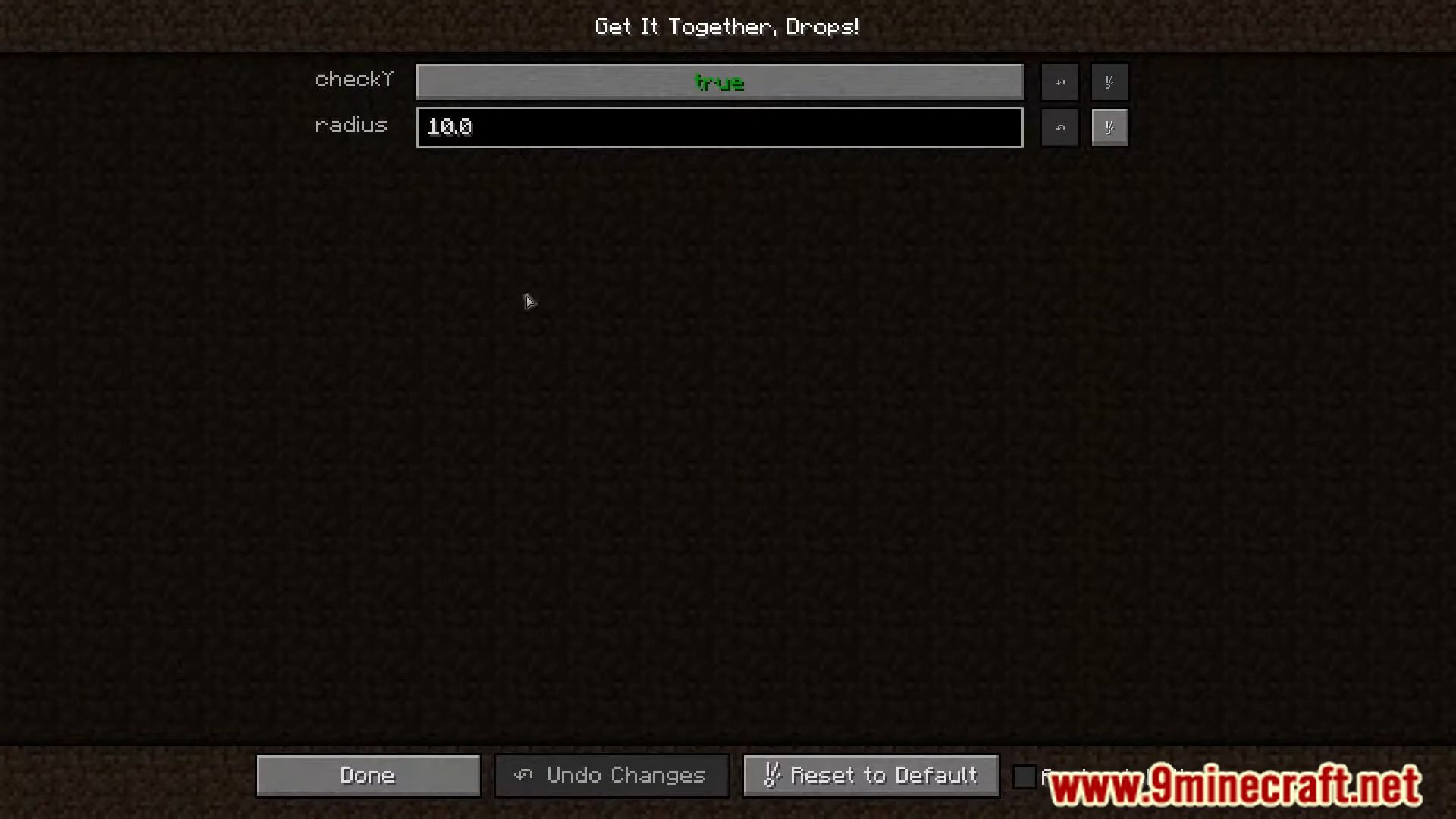
| Option | What it does |
|---|---|
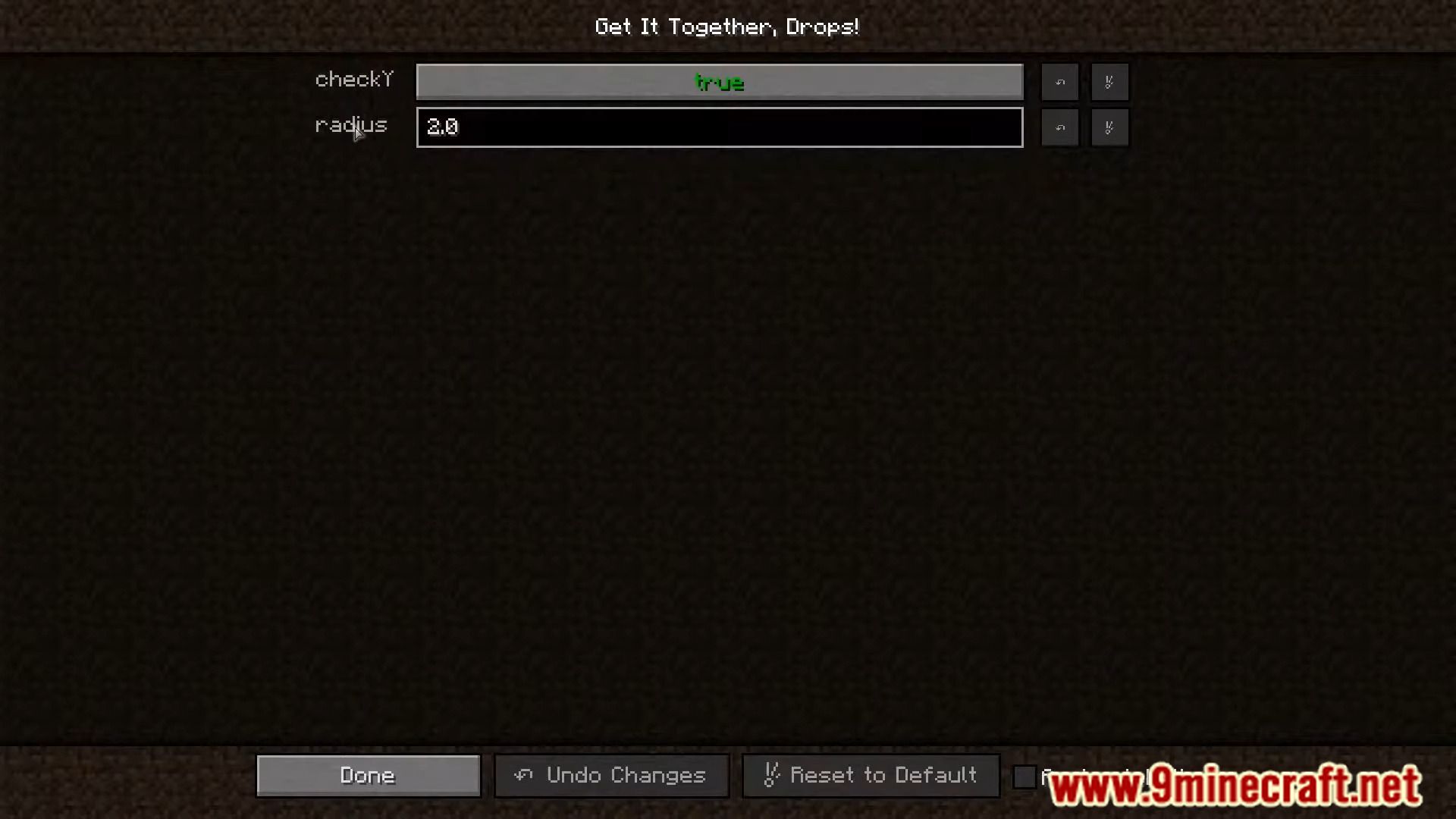
checkYCheck Y | Set to true if you want dropped items to also check above and below them, set to false if not ("false" is vanilla behavior). |
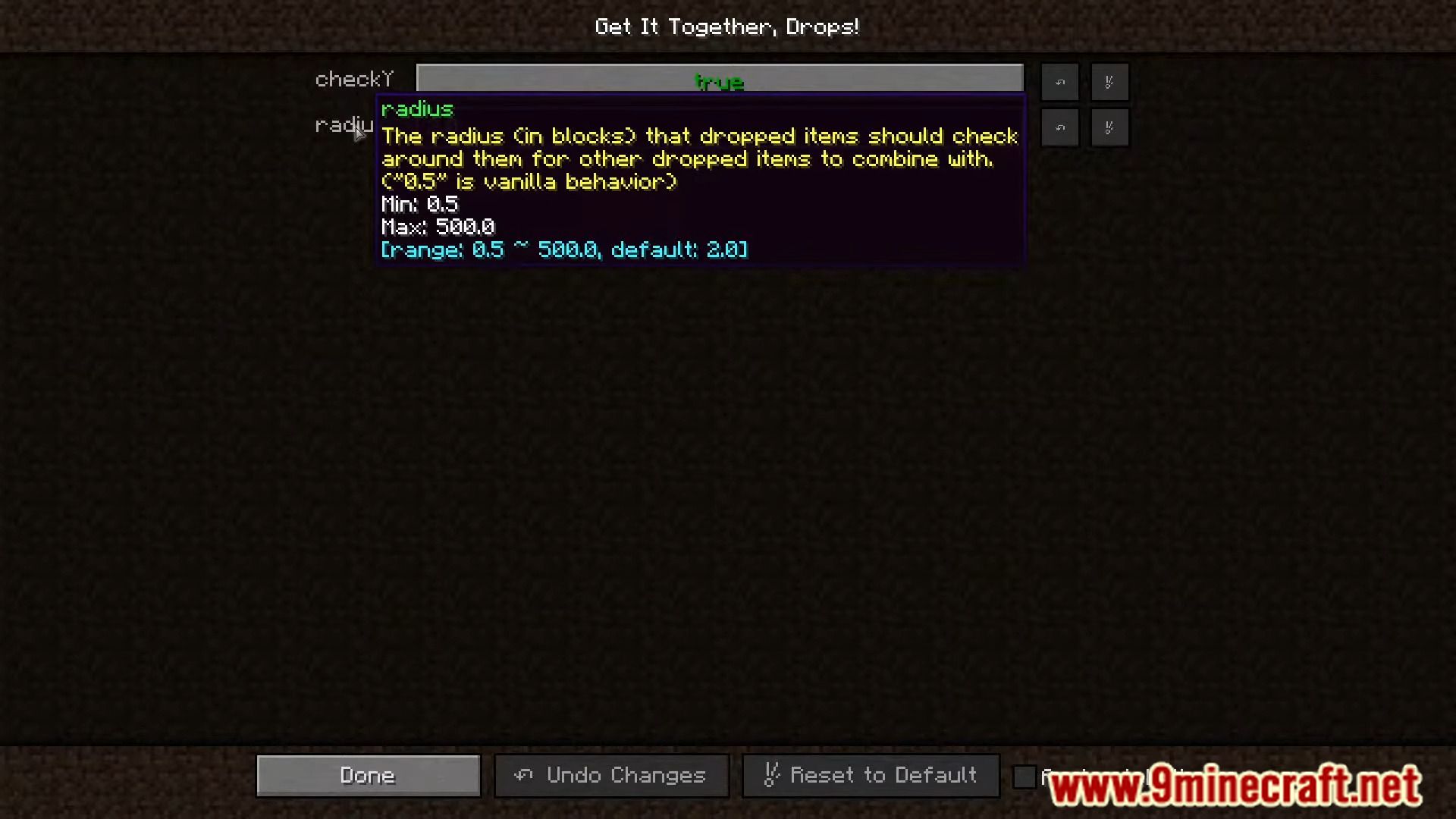
radiusRadius | The radius (in blocks) that dropped items should check around them for other dropped items to combine with ("0.5" is vanilla behavior). |
Frequently asked questions
How do I open the get it together drops config?
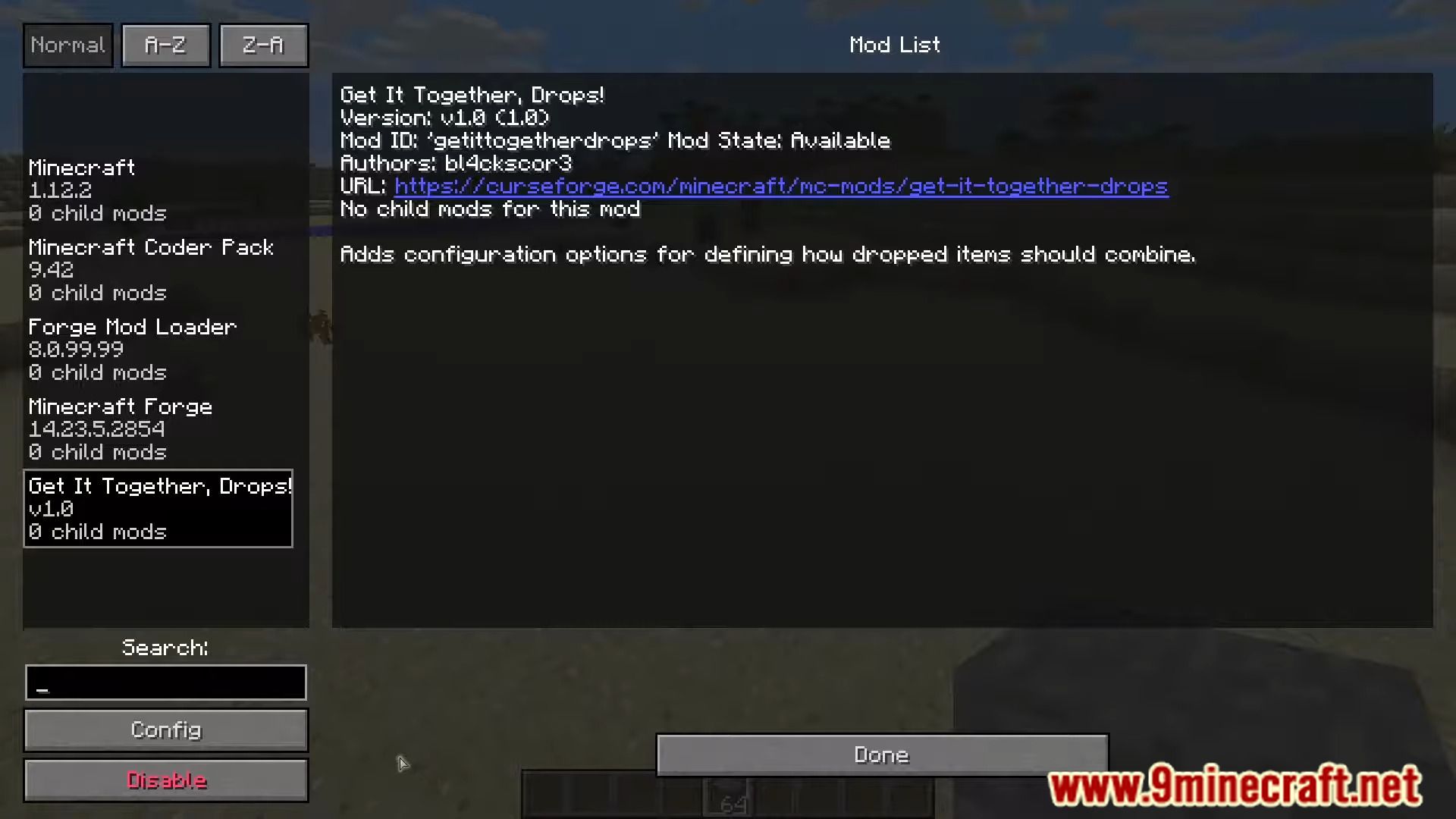
Open the mod list from the main menu or pause screen, select Get It Together Drops, and click the Config button to reach the Radius and CheckY options. If your mod loader routes configs through a separate config screen mod, you can open it from there instead.
What does the radius setting actually do?
It sets how far a dropped item will look for other items to merge with, measured in blocks. A larger radius means items merge from further apart, which cuts down the number of entities in busy areas.
Why aren't my items merging even with a big radius?
Check whether the items are in the getittogetherdrops:do_not_combine or getittogetherdrops:ignored tags, since both stop normal merging. Also make sure CheckY matches what you want, because items at different heights won't merge if it's off.
What's the difference between do_not_combine and ignored?
Do_not_combine prevents an item from ever merging with others, while ignored makes that item fall back to vanilla behavior and skip the mod entirely. Use do_not_combine when you want the item to stay separate, and ignored when you just want vanilla rules for it.
See all 18 Get It Together Drops questions ›
Gallery
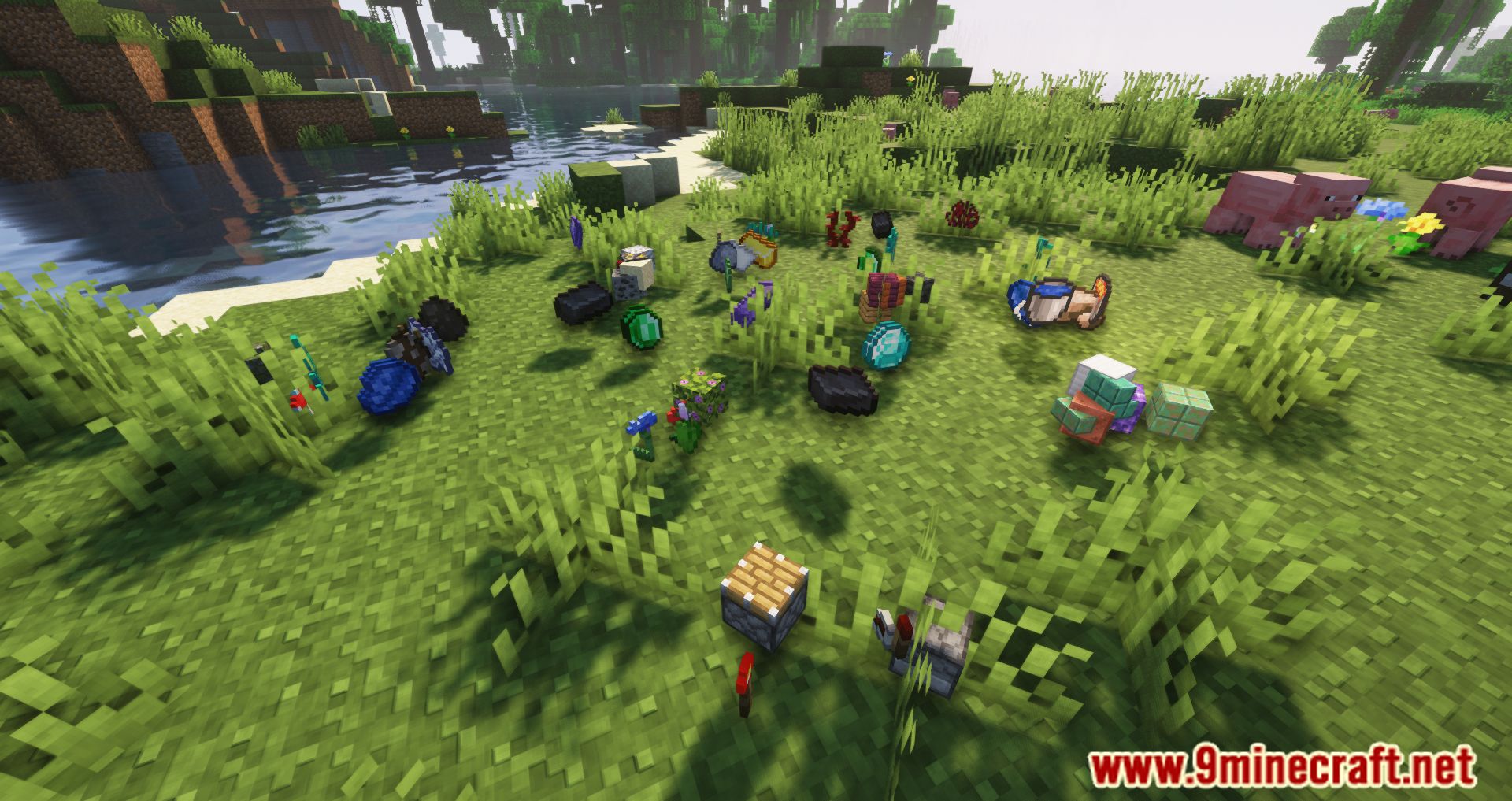
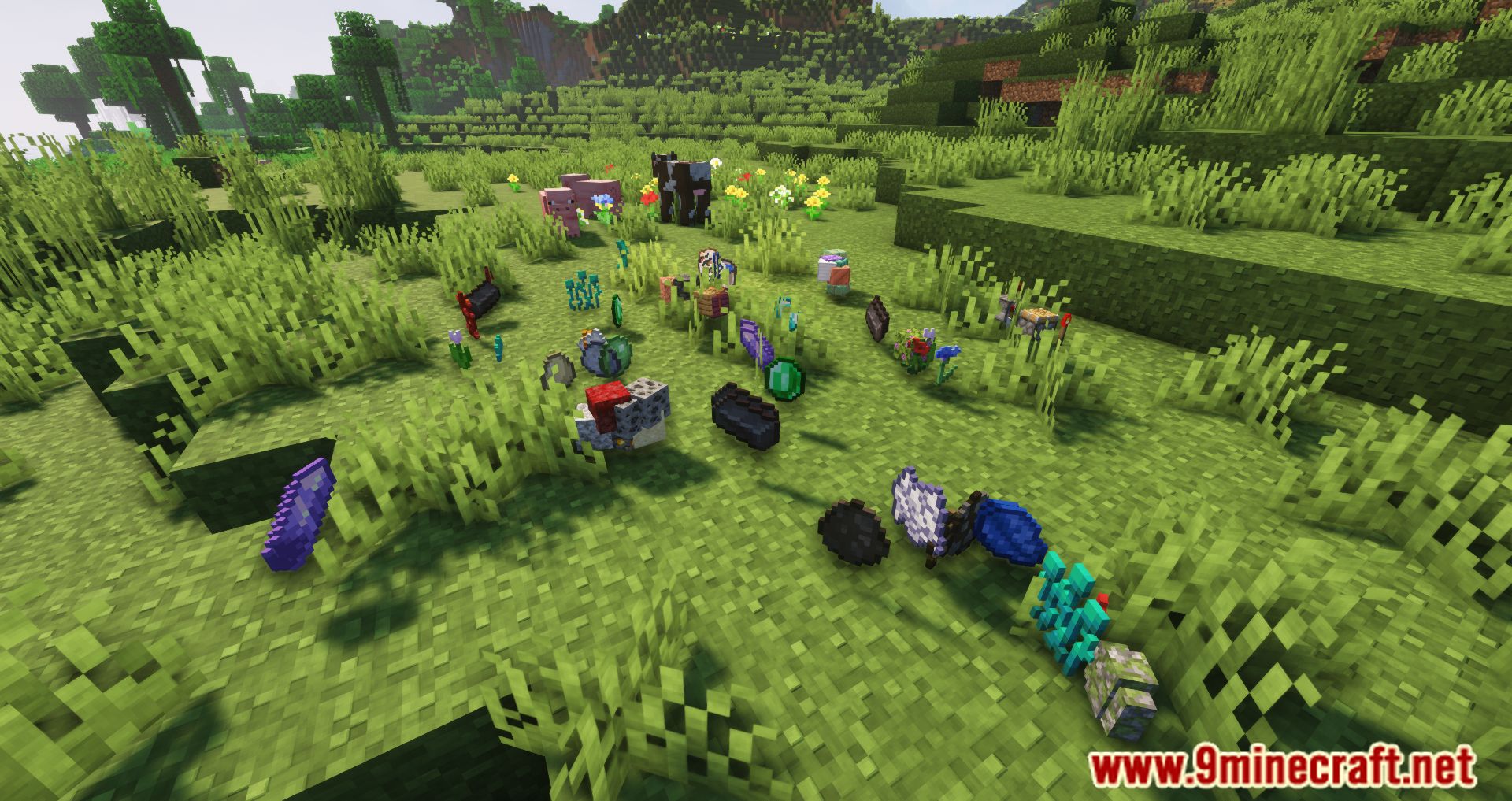
10 images from the Get It Together Drops page.
You May Also Like
Wikis that share the most with this one
More mod wikis on the site
 Gently Holds Mod
The most downloaded mods that have a wiki here
A few wikis from each of the other kinds