

 DownloadOnline Emotes Mod
Get the files on 9Minecraft
Guides
Step-by-step, in-game.
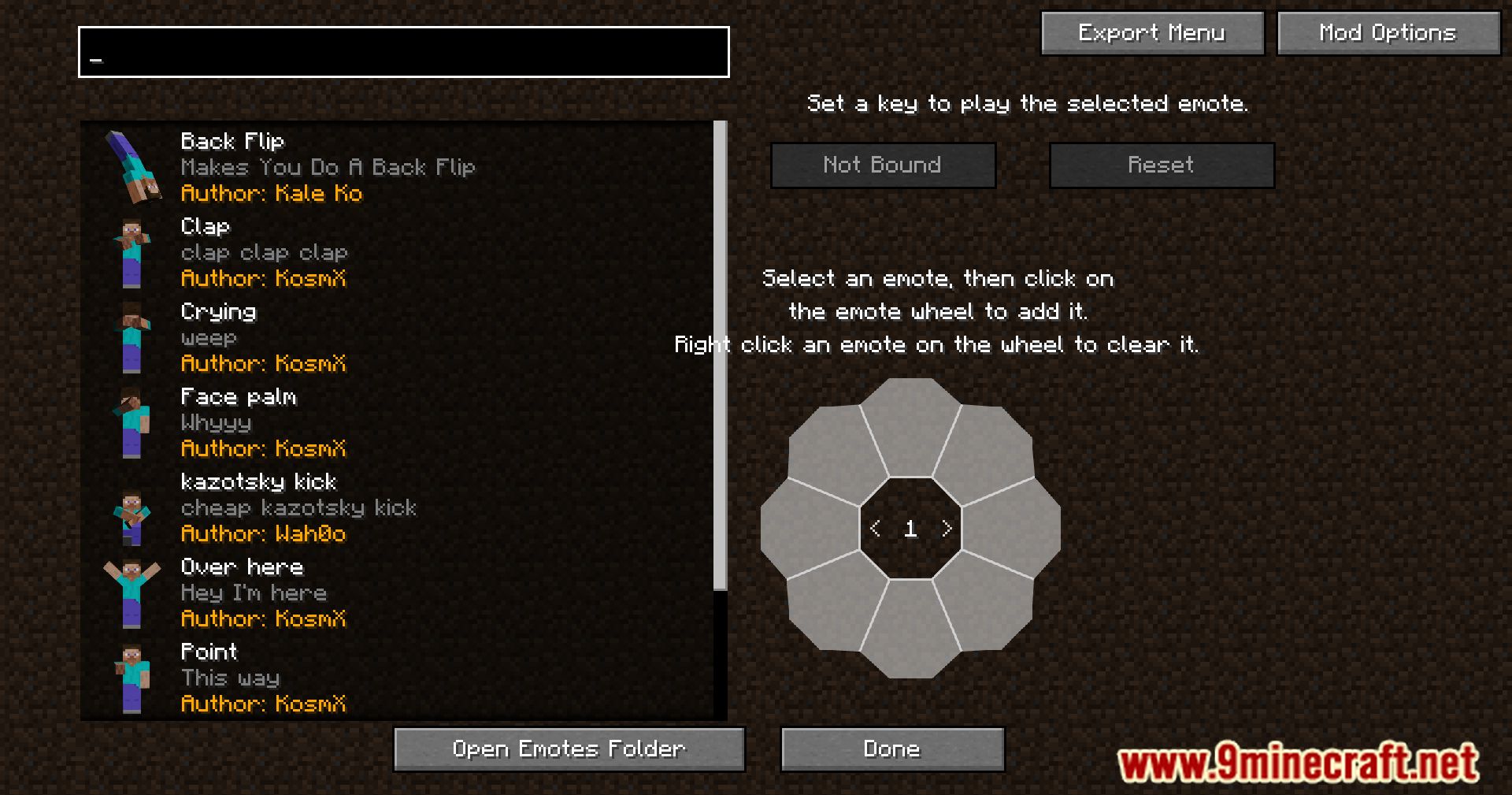
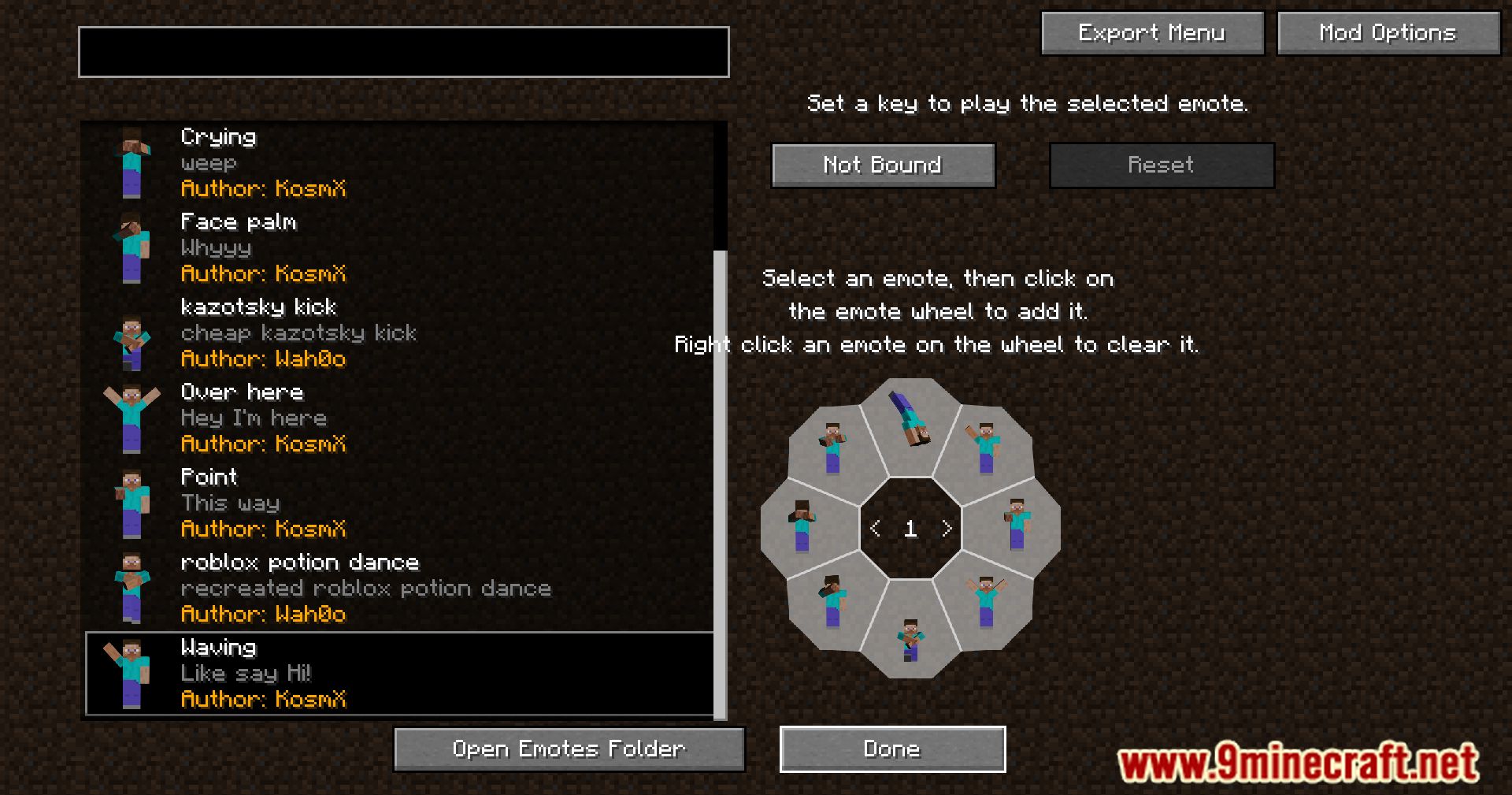
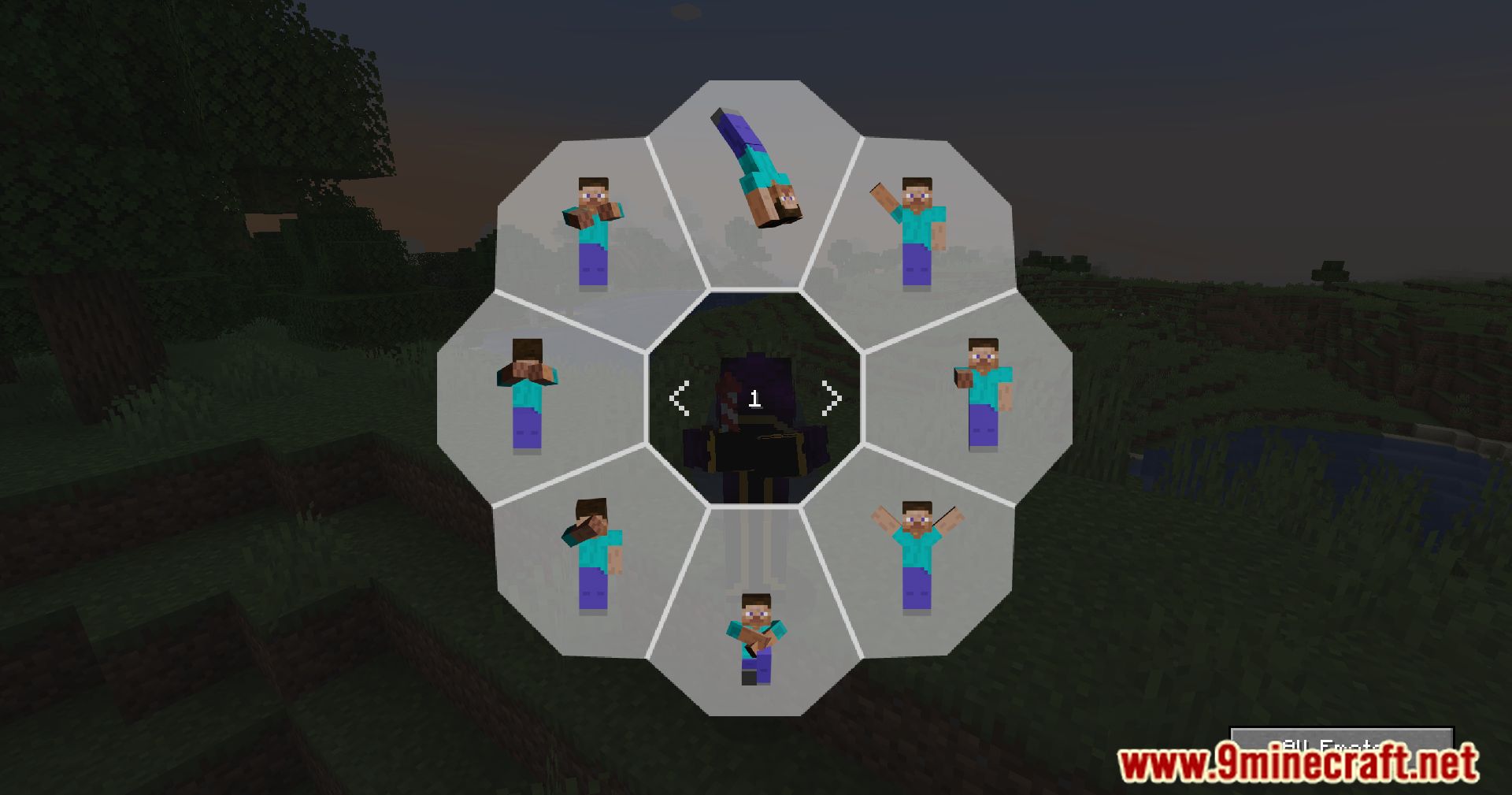
How to Browse and Discover Available EmotesViewing Your Emote Library Open the emote menu using your configured keybind. The menu displays all emotes you have…How to Customize Your Emote KeybindAccessing Control Settings Open your Minecraft settings and navigate to the Controls menu. Look for a section related…How to Perform an Emote in MultiplayerOpening the Emote Menu Press the emote menu keybind (default is typically a configurable key in your controls…How to See Other Players' Emotes on Vanilla ServersUnderstanding Cross-Compatibility Online Emotes Mod is designed as an add-on to Emotecraft that enables emote…
Frequently asked questions
Do I need Emotecraft installed to use Online Emotes Mod?
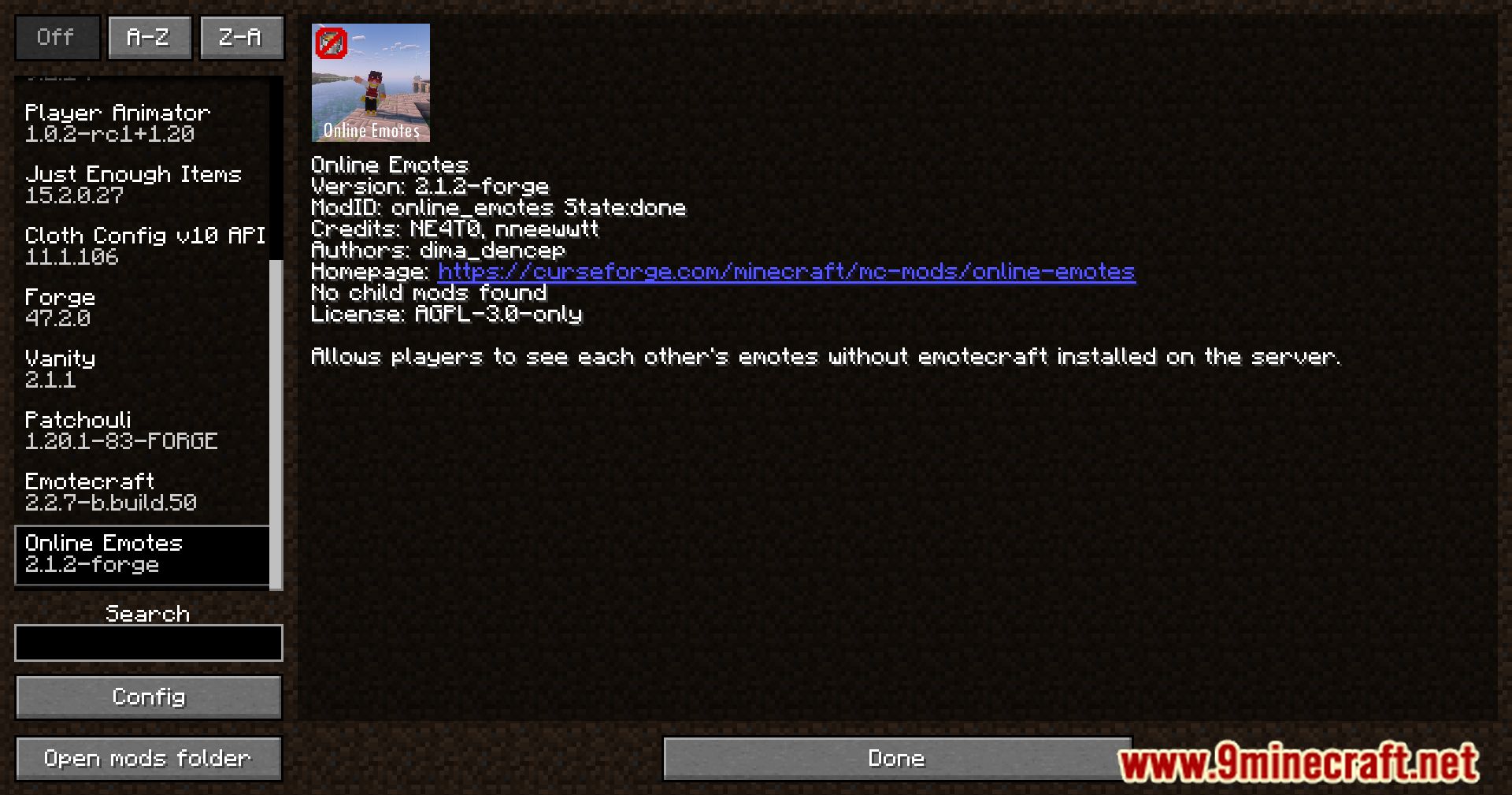
Yes, Online Emotes Mod is an add-on for Emotecraft and requires it to function. Install Emotecraft first, then add Online Emotes Mod on top of it.
Why can't I see other players' emotes on the server?
Make sure both you and other players have Online Emotes Mod installed. On vanilla servers, the mod still requires all participants to have it; the mod enables cross-visibility but doesn't bypass the need for installation.
How do I perform an emote in multiplayer?
Open your emote menu using the default keybind (check your controls settings), select an emote from the list, and your character will perform it for nearby players to see.
Can I change the keybind for emotes?
Yes, go to your Controls settings in Minecraft, search for the emote keybind option, and rebind it to any key you prefer.
See all 10 Online Emotes questions ›
Gallery
11 images from the Online Emotes Mod page.
You May Also Like
Wikis that share the most with this one
More mod wikis on the site
The most downloaded mods that have a wiki here
A few wikis from each of the other kinds