

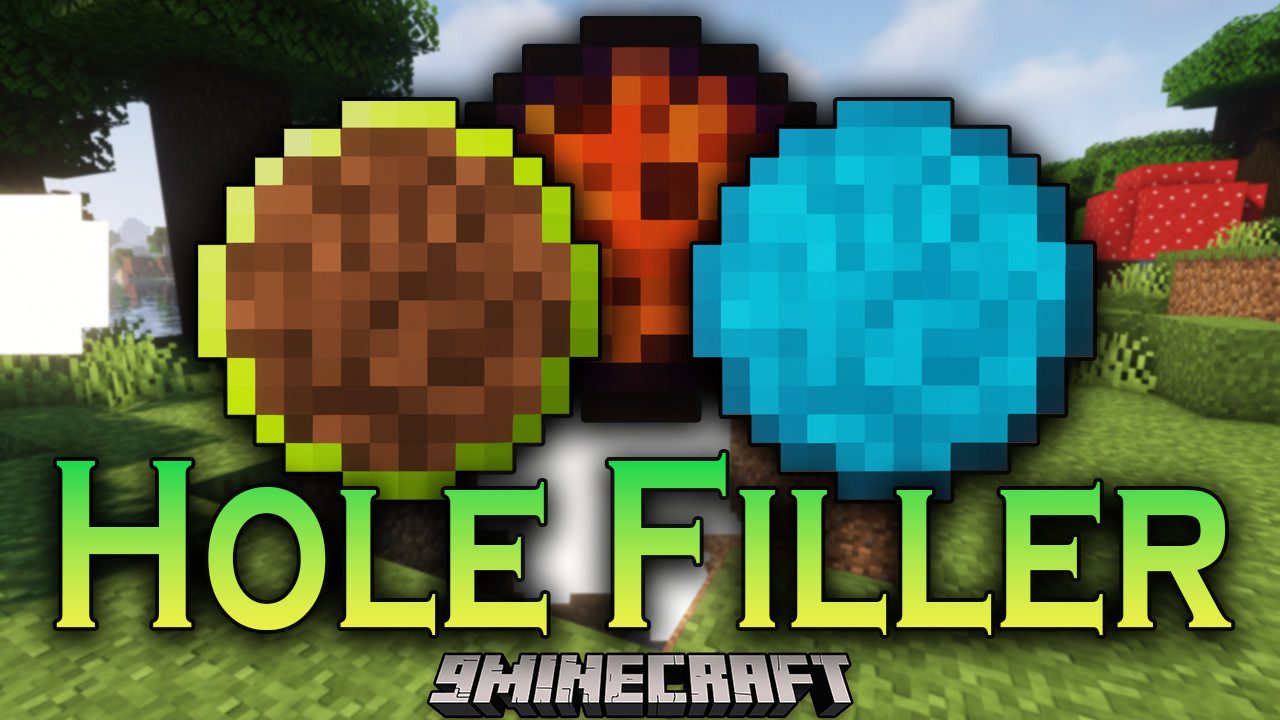
 DownloadHole Filler
Get the files on 9Minecraft
Guides
Step-by-step, in-game.
Create a Flat Building PlatformPreparing Your Area Identify the target height where you want your platform. The Selectable Orb works best here…Fill a Cave or Deep Hole QuicklyChoosing the Right Orb For large underground cavities, the Simple Orb is your fastest option—it uses dirt from the…Fill a Hole with Water or LavaWater Filling Use the Water Orb to quickly fill holes, quarries, or artificial ponds. The orb places ice blocks that…Light Up an Area Without Placing Visible BlocksUsing the Light Orb The Light Orb places invisible light sources that prevent mob spawning and illuminate dark areas…
Recipes
Every recipe the mod adds, grouped by how it is made.
Items
 Catalyst I
 Catalyst II
 Catalyst III
 Filler Core
 Hole Filler
 Hole Filler - Choice
 Hole Filler - Dark
 Hole Filler - Lava
 Hole Filler - Light
 Hole Filler - Slice
 Hole Filler - Smart
 Hole Filler - Water
 Hole Filler Pack
 Hole Maker
 Inventory Sync
Blocks
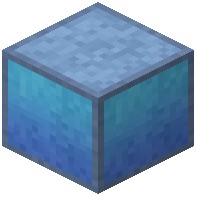 Area Protection Block
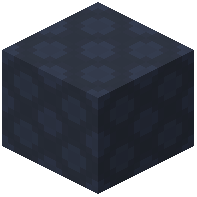 Curing Block
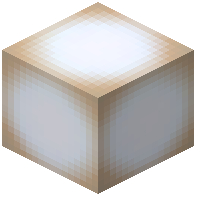 Glowing Block
 Hole Filler
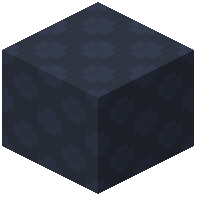 Hole Filler Block (Balanced)
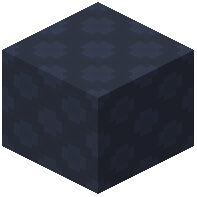 Hole Filler Block (Smart)
Frequently asked questions
How do I craft an orb?
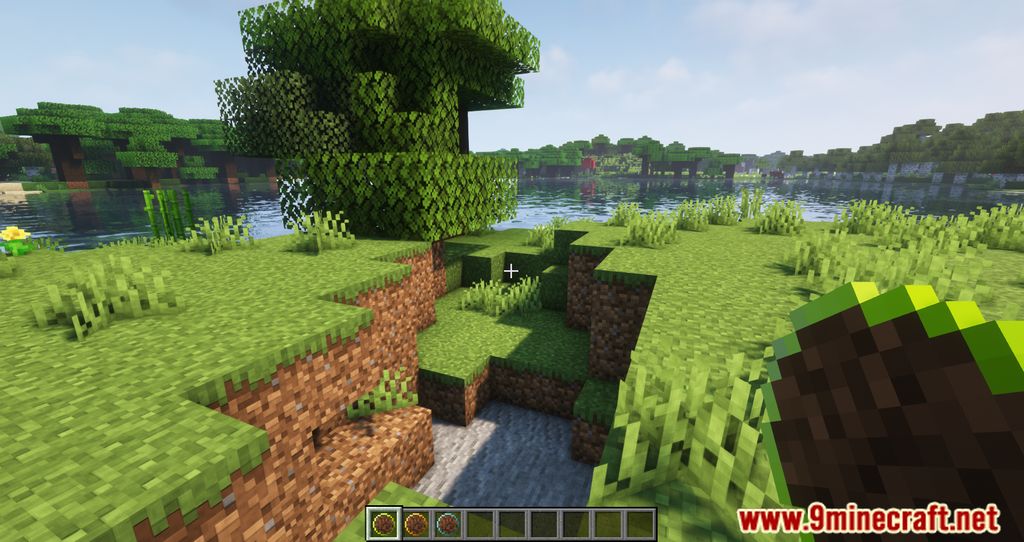
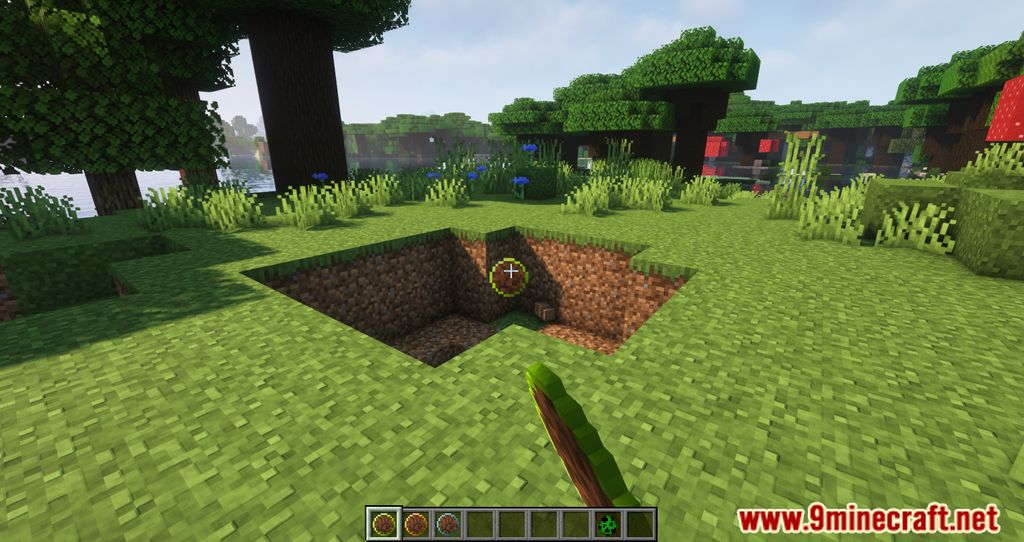
Each orb type has its own recipe—check the crafting menu or JEI/NEI for the specific ingredients. Once crafted, you hold the orb in your hand and throw it like a snowball into the hole you want to fill.
What's the difference between Simple and Selectable orbs?
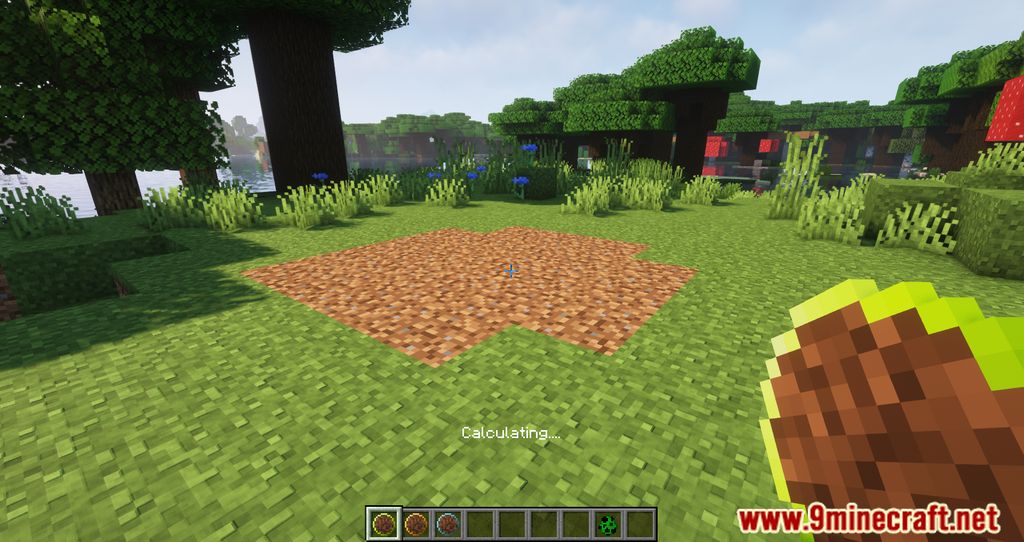
Simple orbs automatically use dirt from your inventory to fill holes. Selectable orbs also use dirt, but you can hold Shift and right-click on any block in the world to change what block type the orb will place instead.
How does the Smart orb work?
The Smart orb analyzes the blocks already surrounding the hole and tries to fill it with the same block types, pulling them from your inventory. This is useful for seamlessly filling holes in terrain made of stone, grass, or other specific blocks.
Can I undo a fill if I made a mistake?
Yes—if you hit any of the newly placed blocks within 15 seconds of the orb landing, the entire fill operation will be canceled and the blocks will disappear.
How do Water and Lava orbs work?
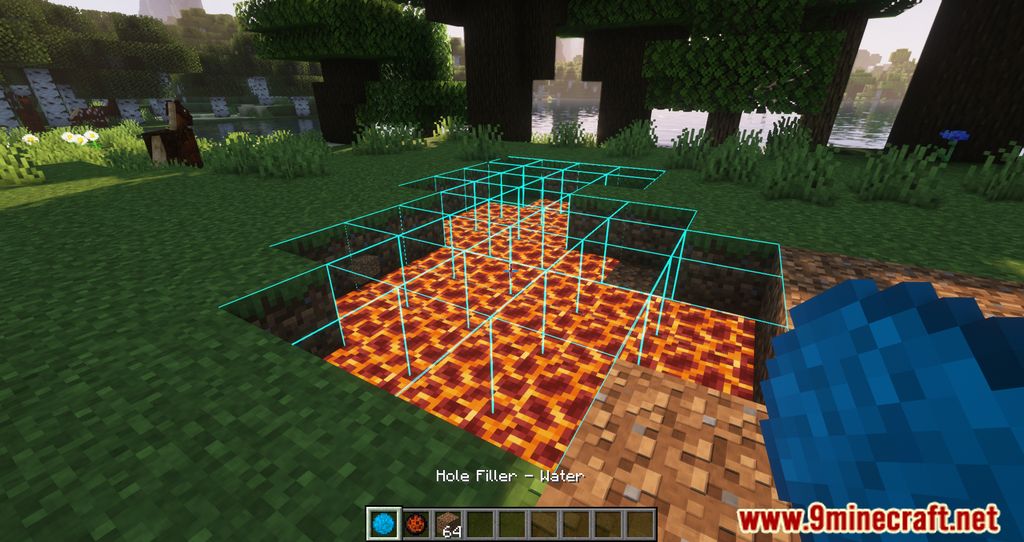
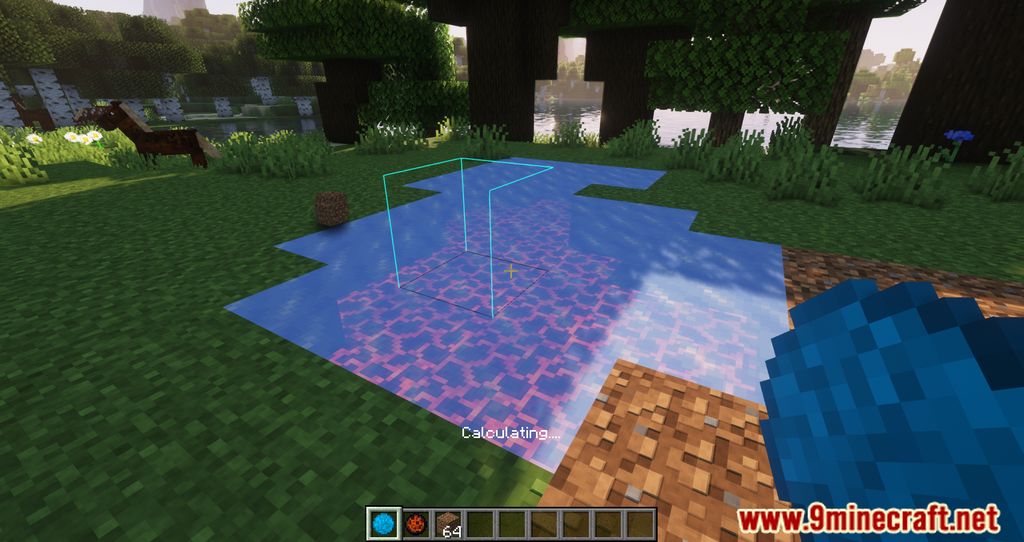
Water orbs place ice blocks that melt into water, and Lava orbs place magma blocks that turn into lava. This allows you to fill holes with liquids without needing infinite water or lava sources.
What are Light orbs and how do I use them?
Light orbs place invisible light sources that illuminate an area without any visible blocks. Hold Shift and right-click to adjust the light level before throwing the orb.
How many blocks can one orb fill?
Most orbs can fill up to 500 blocks in a single throw, which is enough for most caves and terrain adjustments.
Do I need the blocks in my inventory for every orb type?
Simple orbs only need dirt. Selectable, Smart, Water, and Lava orbs require you to have the appropriate blocks in your inventory, or they won't work properly.
Can I use this mod to flatten large areas for building?
Yes—throw multiple orbs across the area you want to flatten, and they'll fill in all the holes and uneven terrain. The 15-second undo window gives you time to adjust if needed.
Does this mod cause lag or performance issues?
The mod is designed to be lightweight, but filling very large areas at once with many orbs may cause temporary lag depending on your system. Filling in smaller sections or spreading fills over time helps minimize performance impact.
Gallery
12 images from the Hole Filler Mod page.
You May Also Like
Wikis that share the most with this one
Wikis on the same theme: machine
More mod wikis on the site
The most downloaded mods that have a wiki here
A few wikis from each of the other kinds