

 DownloadBetter Name Visibility Mod
Get the files on 9Minecraft
Guides
Step-by-step, in-game.
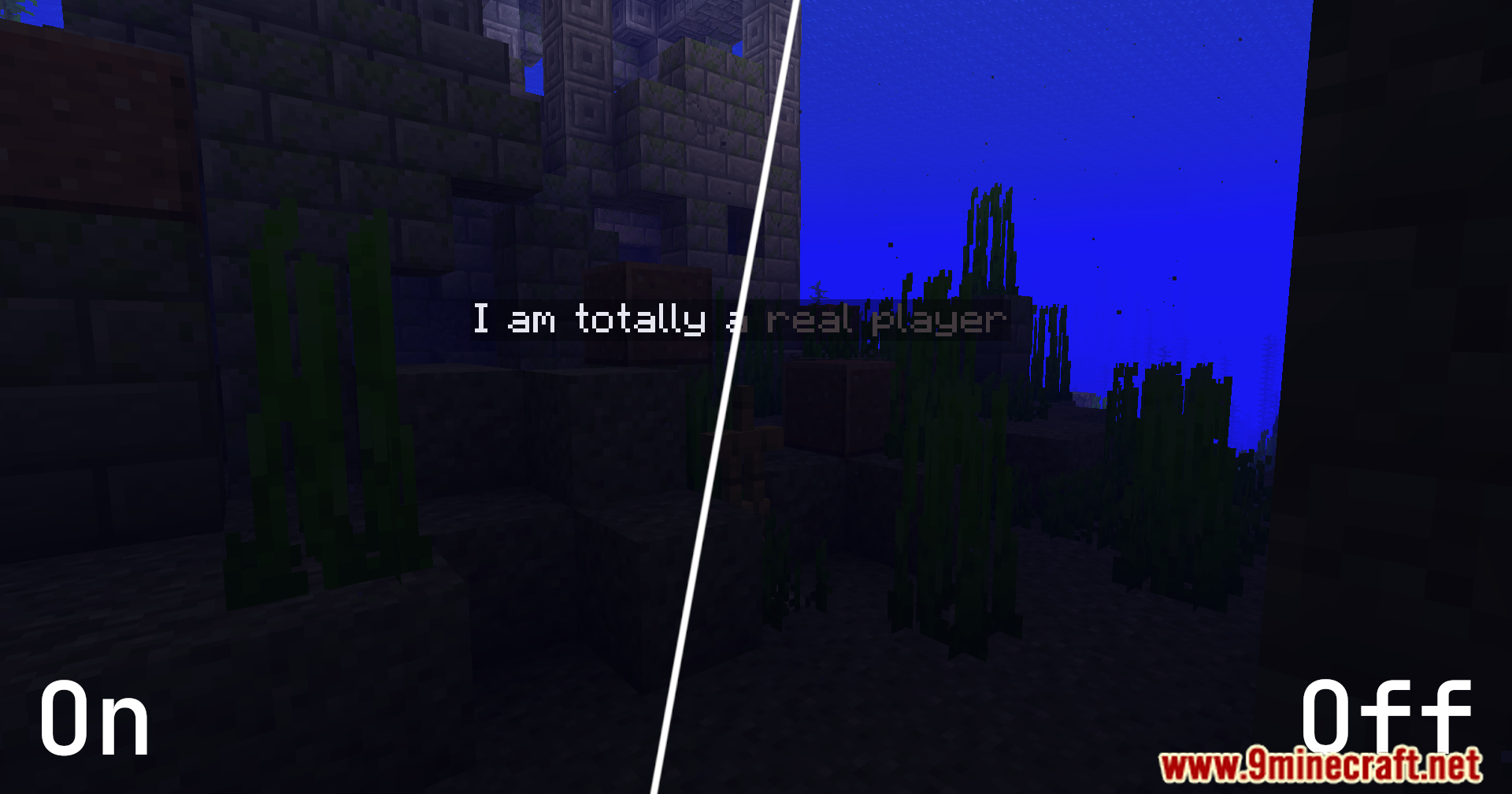
Adjust the Background Behind Name Tags for Better ReadabilityModify Background Color Settings Name tags can become hard to read when displayed over bright surfaces like snow or…Change Name Tag Text Color to Match Your PreferenceAccess Foreground Color Settings The default white text may not suit your playstyle or aesthetic. You can customize…Make Name Tags Visible in Dark Caves and DungeonsEnable Fullbright Names When exploring dark caves or dungeons, name tags become nearly invisible because they're…Quickly Toggle Enhanced Name Rendering On and OffUse the Keybinding for Fast Toggling Instead of opening menus repeatedly, use the configurable keybinding to…
Frequently asked questions
How do I turn on the mod after installing it?
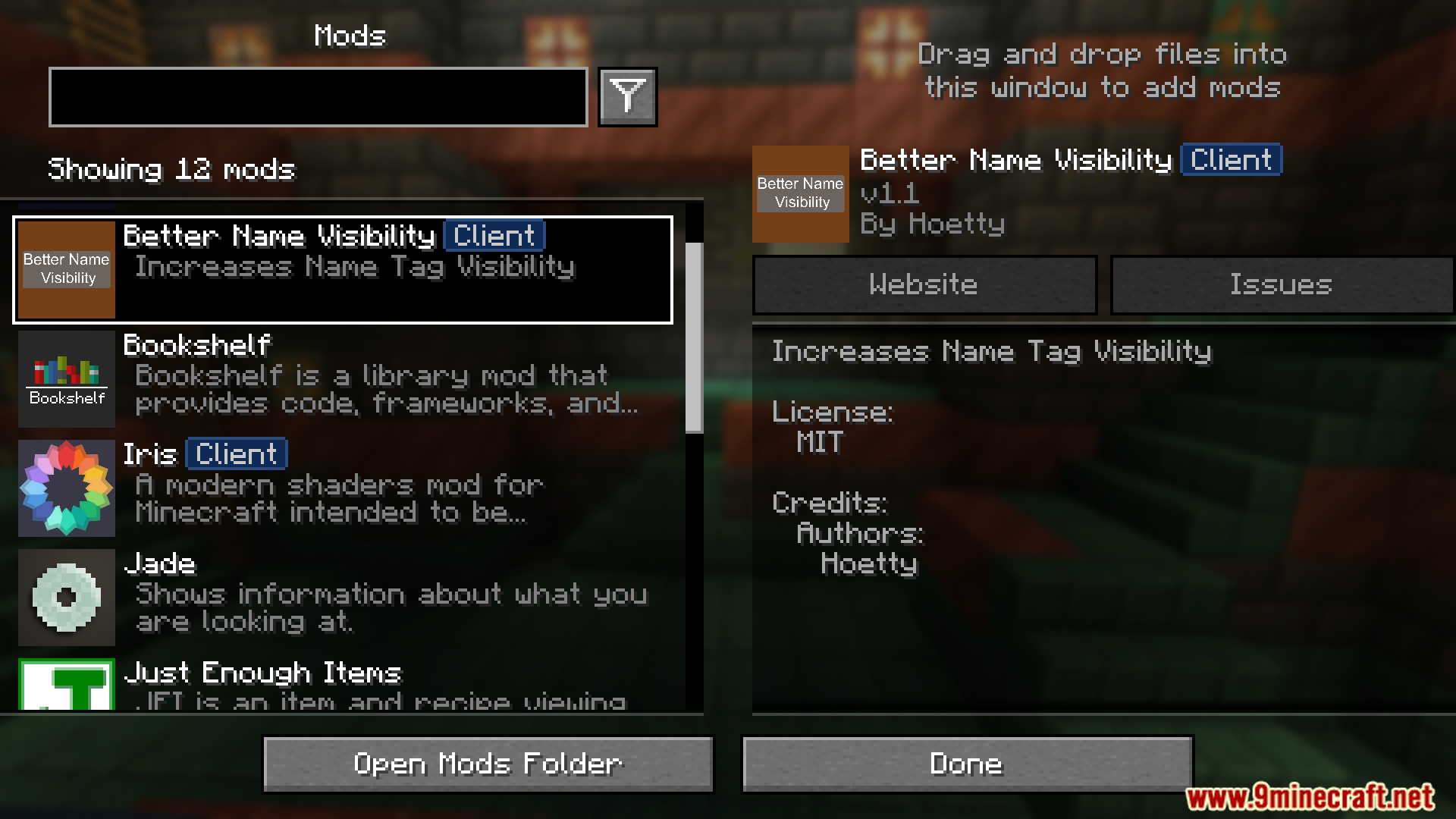
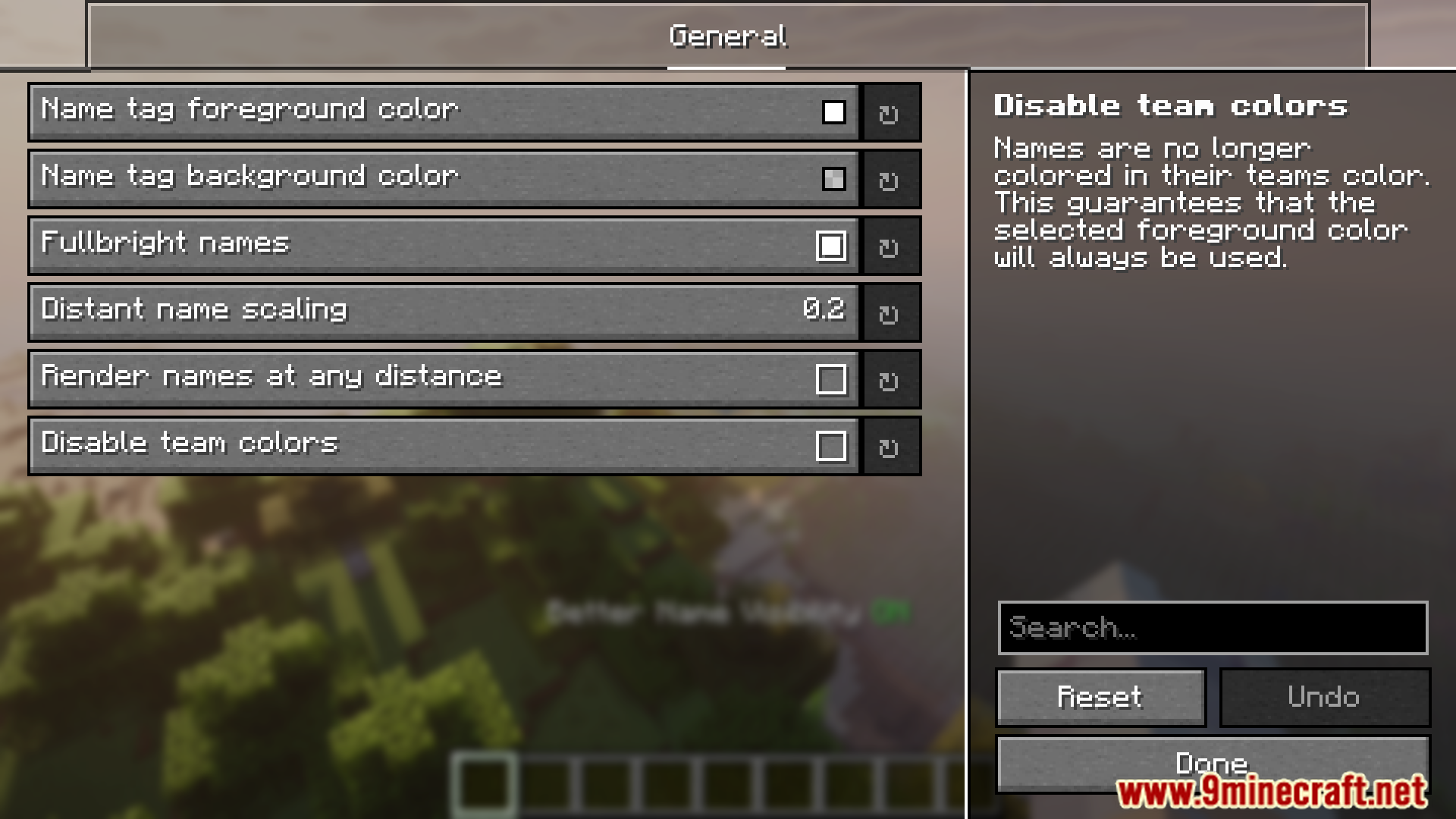
The mod is active by default once installed. Open Mod Menu, find Better Name Visibility, and access settings through YACL to confirm it's enabled or adjust any options.
What's the default keybind to toggle name visibility?
The default keybind is the plus (+) key, but you can change it to any key you prefer through the mod's settings in YACL.
Why can't I see name tags in caves even with the mod on?
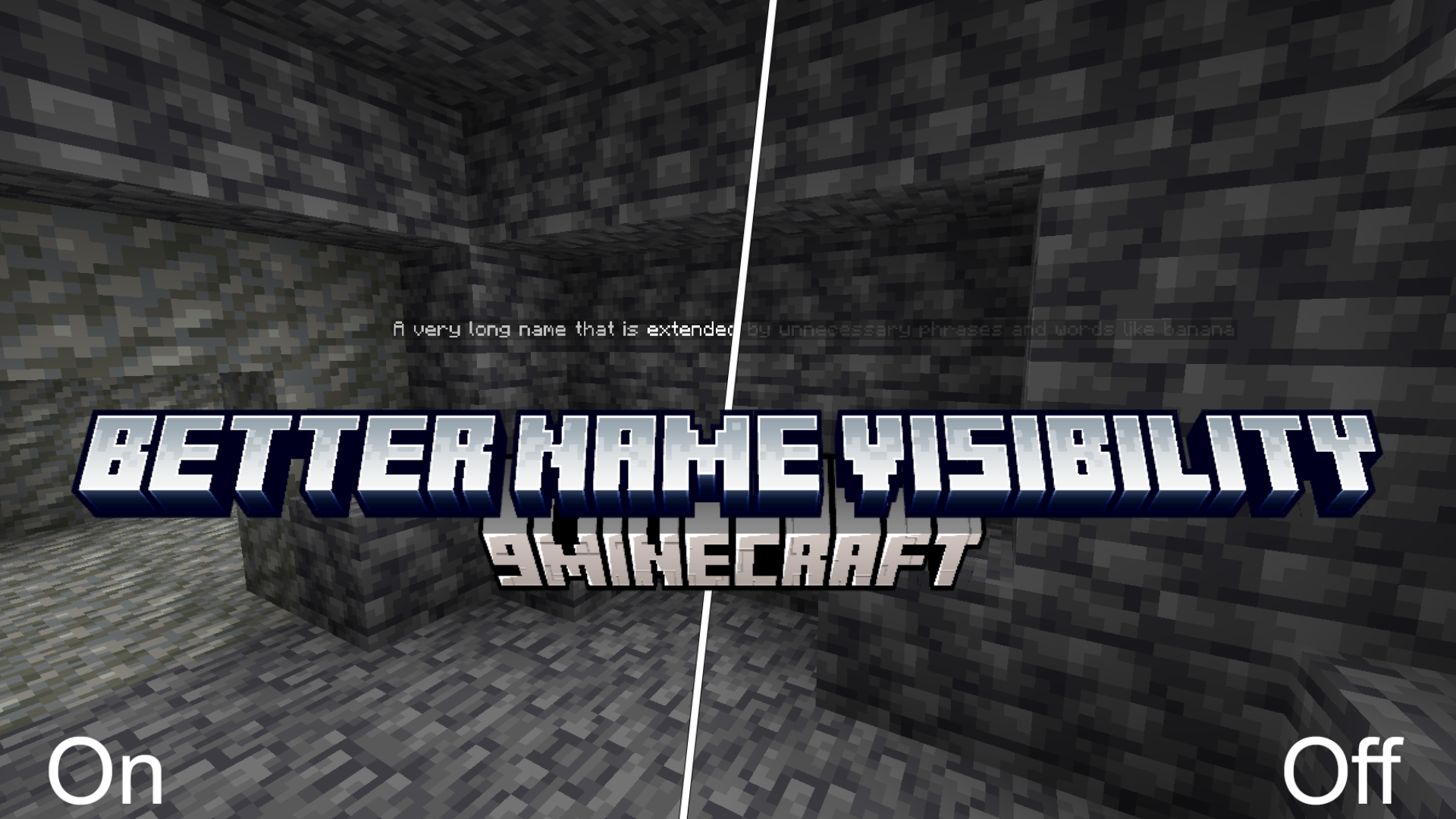
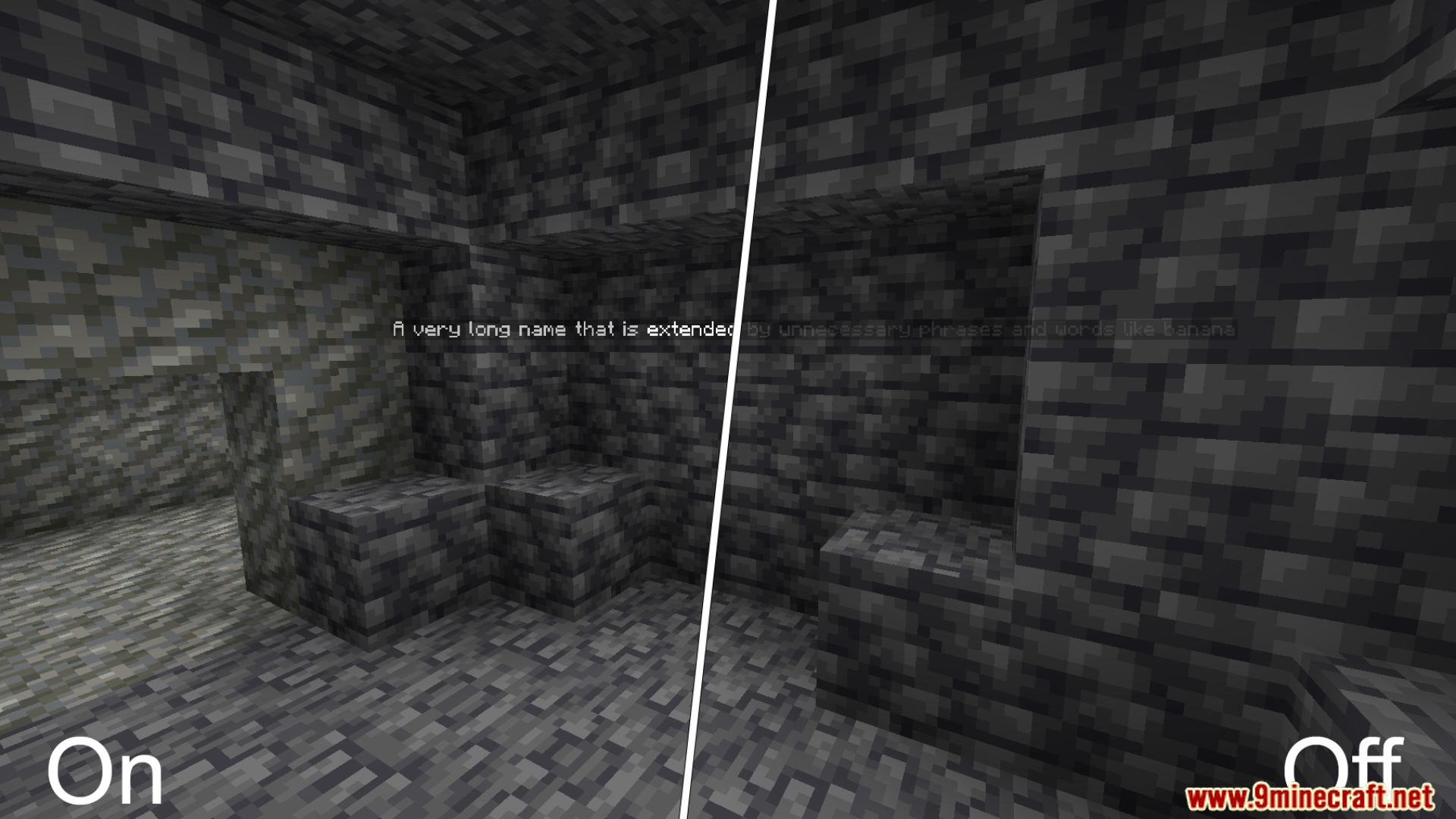
Make sure the "Fullbright Names" option is enabled in your settings—this prevents light level from darkening name tags in low-light areas like caves and dungeons.
How do I change the color of name tag text?
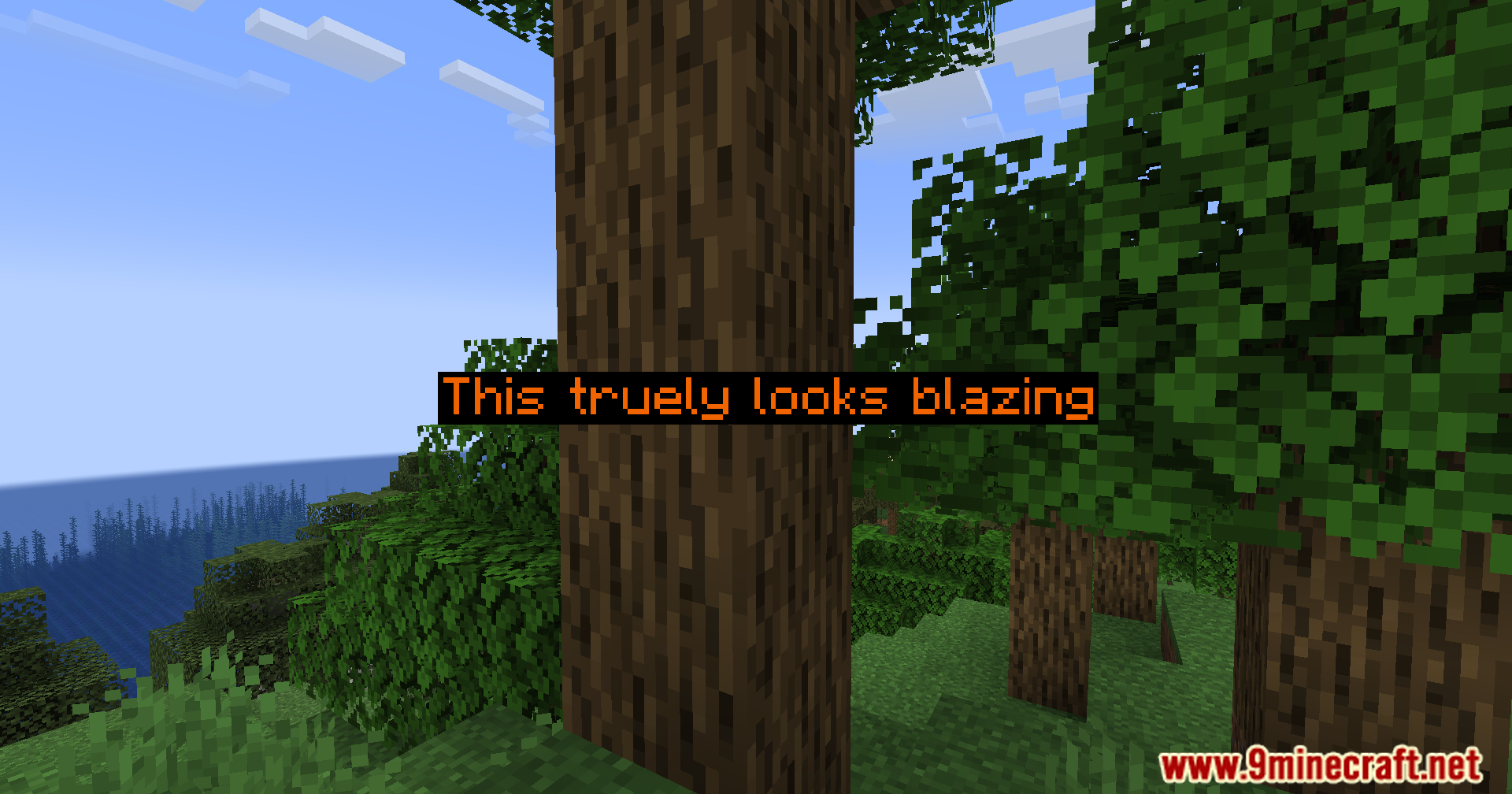
Open your mod settings through Mod Menu, go to YACL, and adjust the "Foreground Color" option to change both the text color and its opacity.
See all 10 Better Name Visibility questions ›
Gallery
11 images from the Better Name Visibility Mod page.


You May Also Like
Wikis that share the most with this one
More mod wikis on the site
The most downloaded mods that have a wiki here
A few wikis from each of the other kinds