

 DownloadMulti Key Bindings Mod
Get the files on 9Minecraft
Guides
Step-by-step, in-game.
Fixing Keybind Conflicts After Adding Multiple KeysSpot the Conflict After you add extra keys, the controls menu may highlight an entry in red or show a warning that a…How to Add a Second Key to an Existing KeybindOpen the Controls Menu Press the key that opens the game menu (by default Esc ), then click Options... and choose…Setting Up Two Keys for the Same Action (Movement Example)Why Duplicate Movement Keys A common use case is keeping the default WASD layout while also binding arrow keys, so…Using Multiple Keys for Modded KeybindsFind the Modded Category Open Options... → Controls... and scroll past the vanilla entries. Modded keybinds usually…
Frequently asked questions
How do I open the menu to add multiple keys to an action?
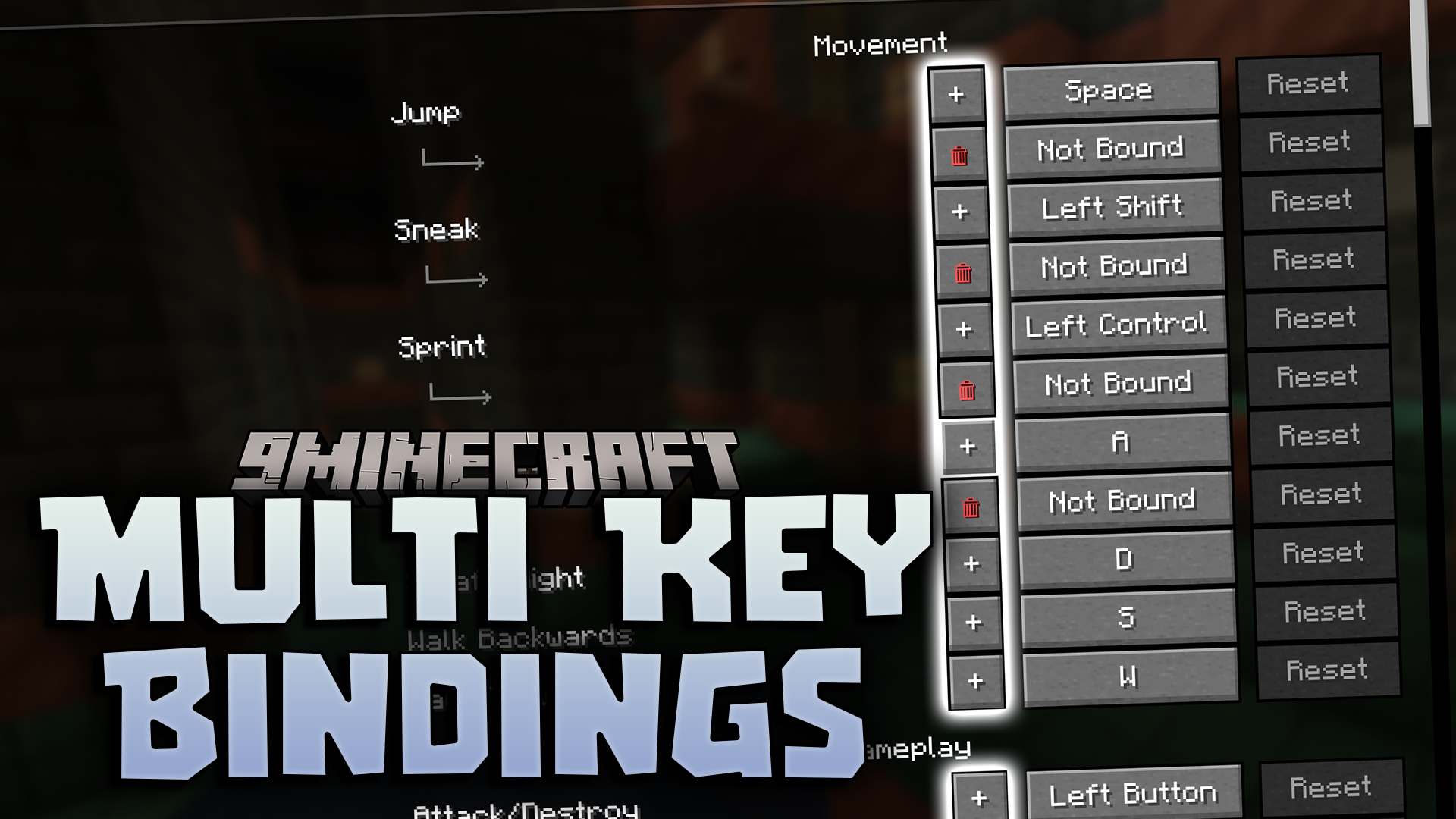
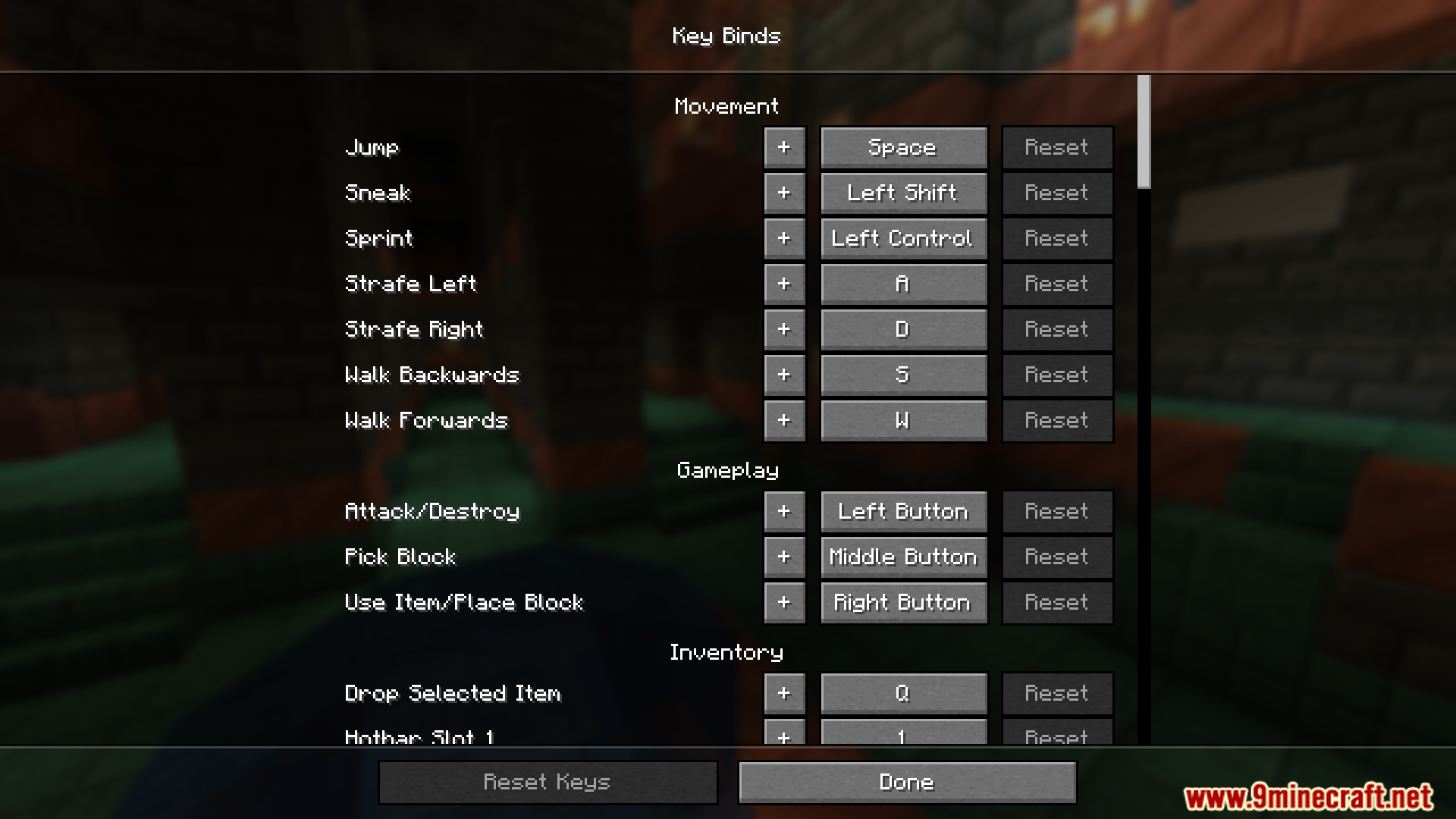
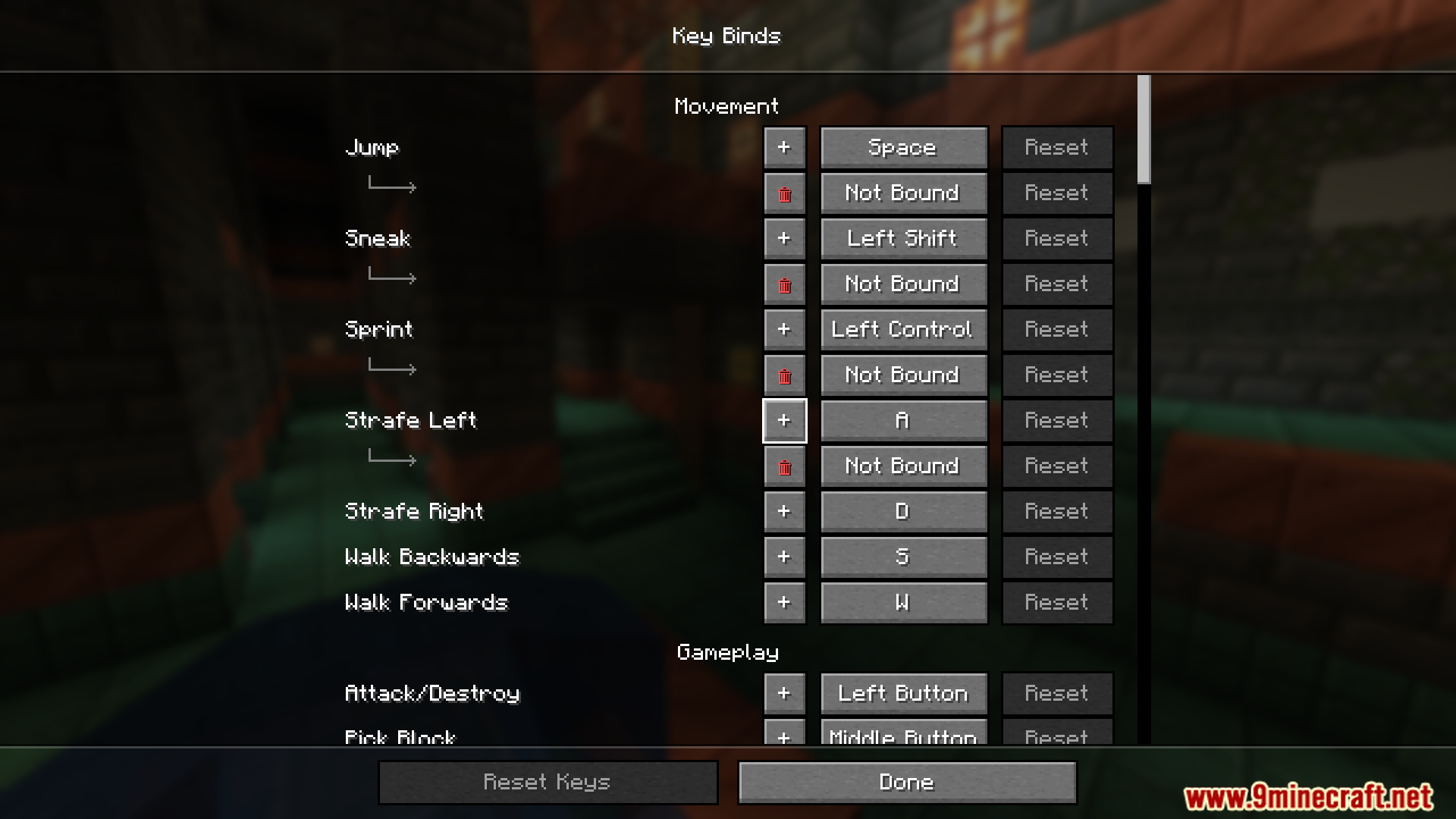
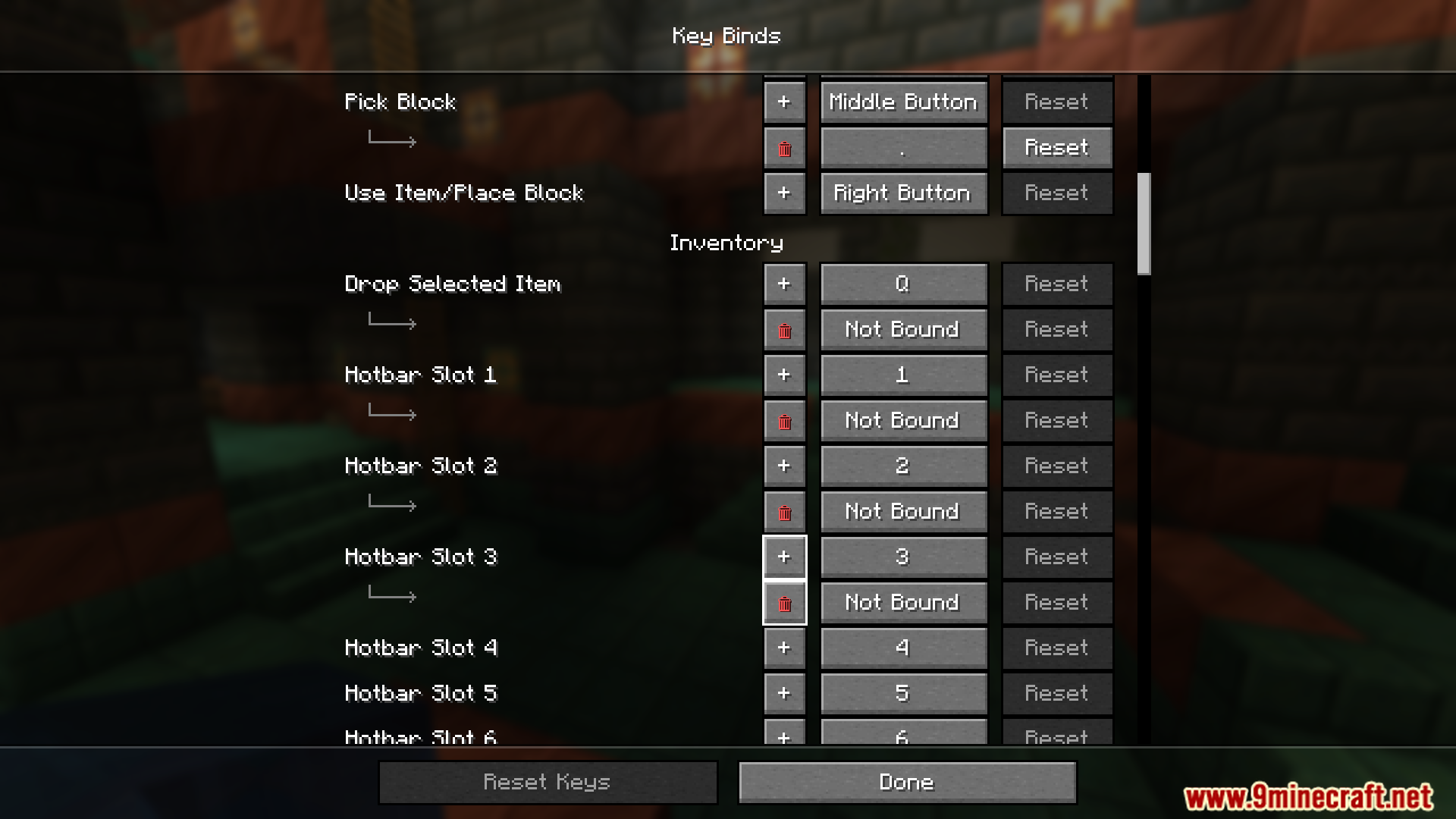
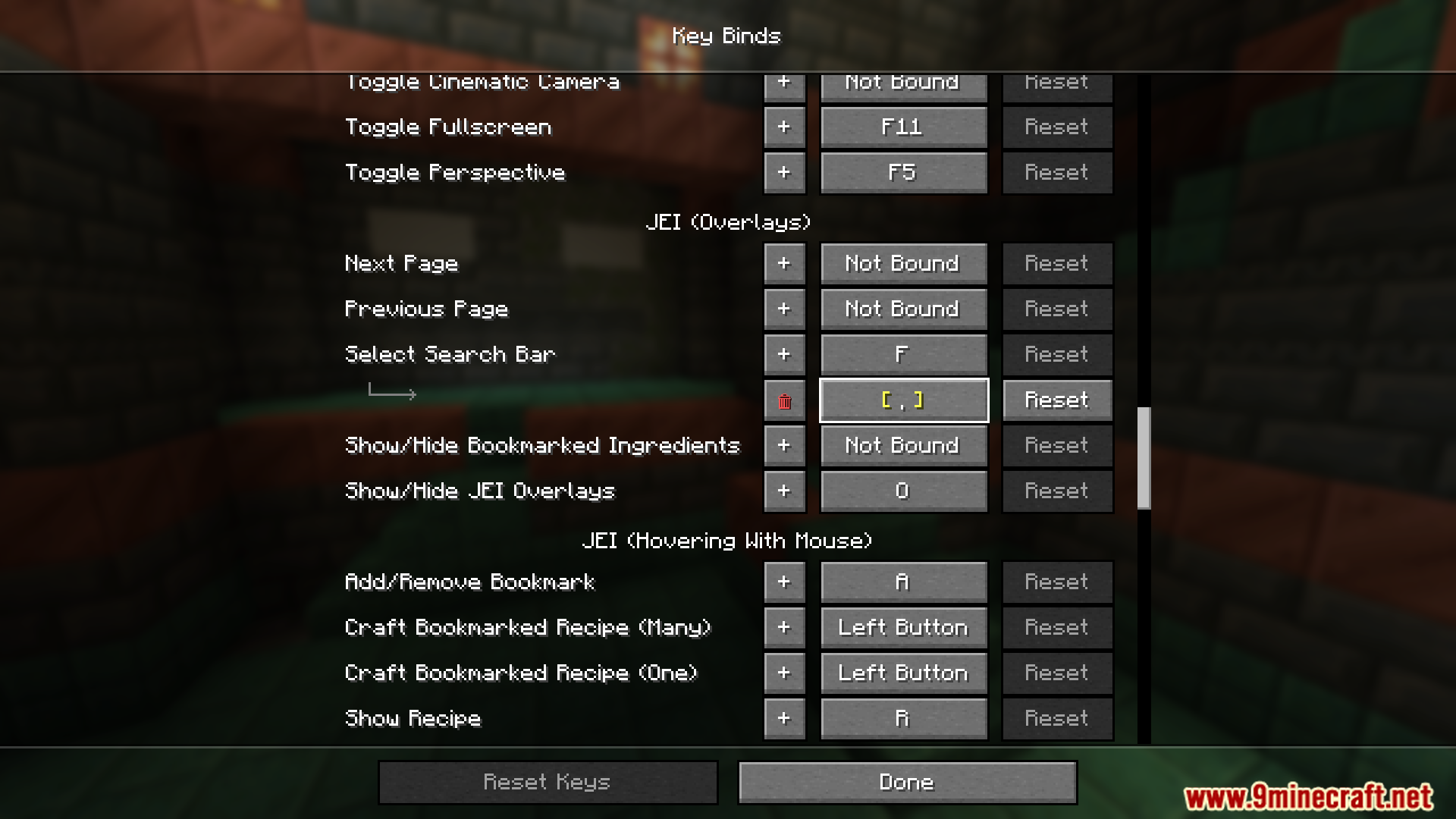
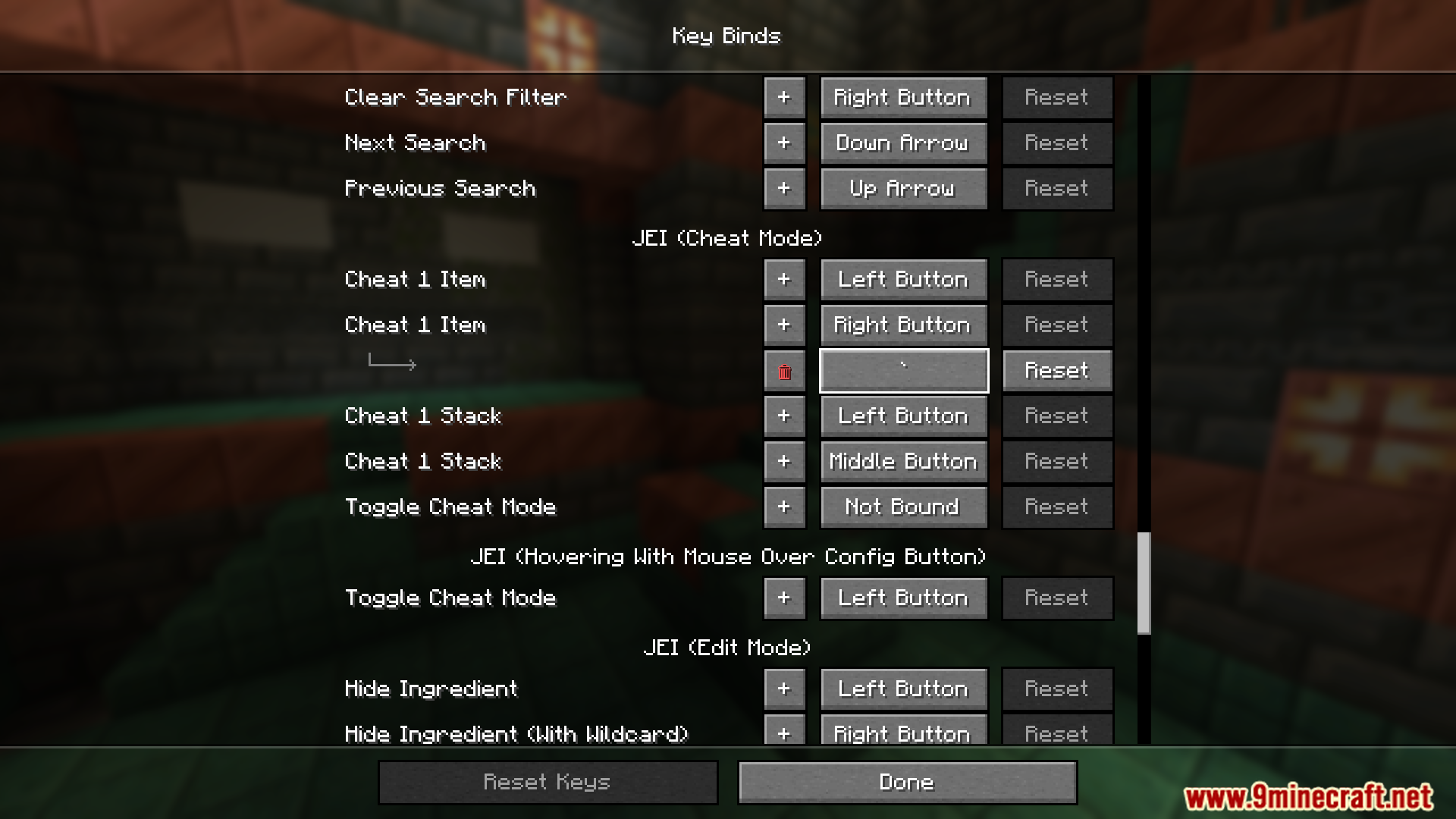
Open the standard Controls menu from Options, find the action you want to change, and click its key button to start assigning keys. The mod adds its extra binding slots directly into that same screen, so no separate config menu is needed.
How do I actually add a second key to a keybind?
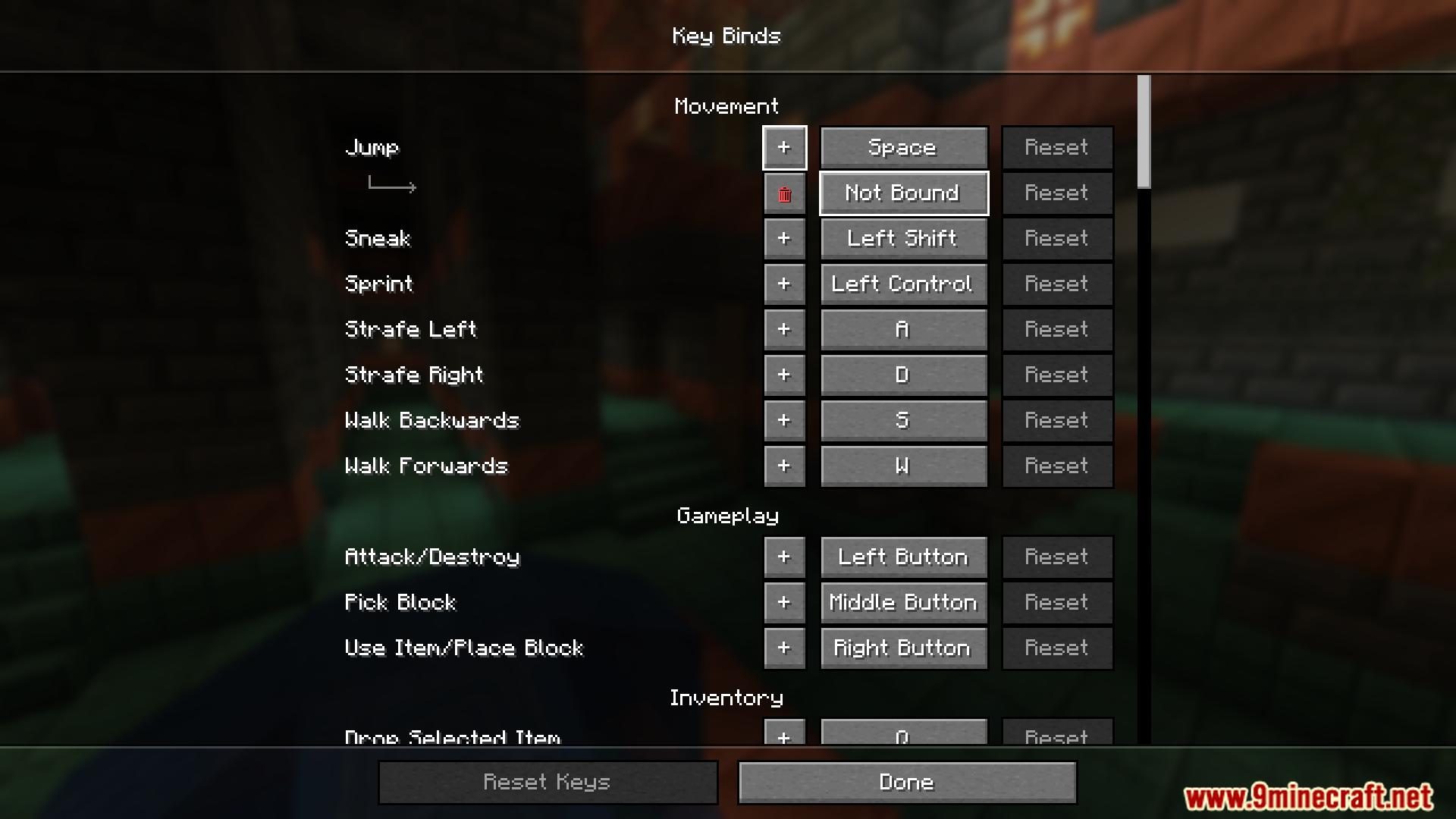
Click the keybind's button in the Controls menu and press the additional key you want while the mod's extra slot is selected. The original key stays bound and the new key is added alongside it rather than replacing it.
Why does pressing my new key do nothing?
The most common cause is that the key is already bound to another action, which creates a conflict. Check the Controls menu for a red or highlighted conflict warning and either unbind the other action or pick a different key.
Can I bind two keys to the same movement action, like forward?
Yes, movement keys work the same as any other action. Assign your second key to Forward in the Controls menu and both keys will move you forward.
See all 10 Multi Key Bindings questions ›
Gallery
8 images from the Multi Key Bindings Mod page.
You May Also Like
Wikis that share the most with this one
More mod wikis on the site
The most downloaded mods that have a wiki here
A few wikis from each of the other kinds