

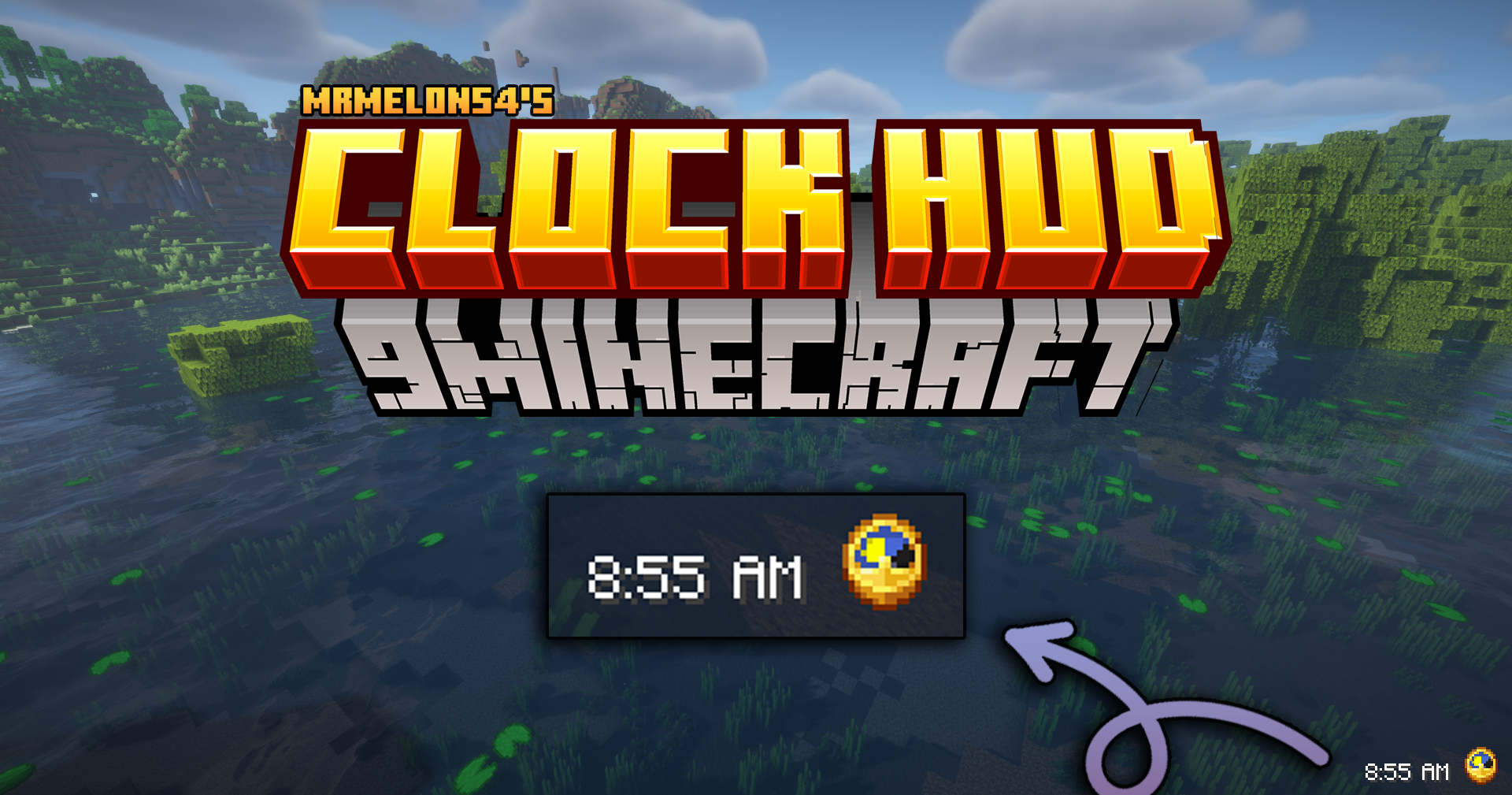
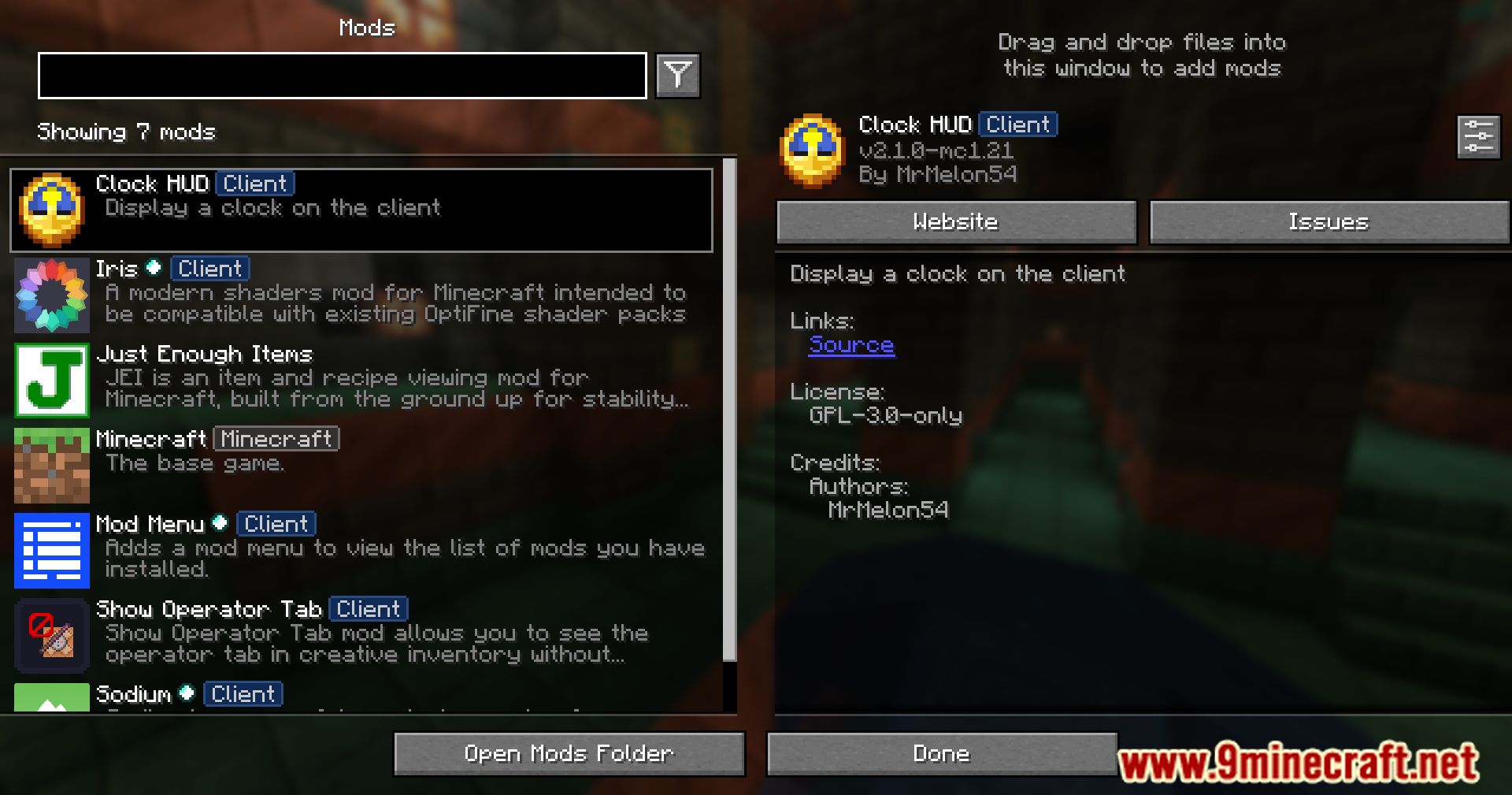
 DownloadMrmelon54’s Clock HUD Mod
Get the files on 9Minecraft
Guides
Step-by-step, in-game.
Customize the Clock's Appearance and FormatOpen the Mod Configuration Access your Clock HUD mod settings through your mod menu or configuration files. Adjust…Display Server Time or Real-World Time Instead of In-Game TimeCheck Your Mod Version's Capabilities Not all versions of this mod may support displaying real-world time. Open your…Hide the Clock When You Don't Want to See ItFind the Display Toggle Option Open your Clock HUD mod configuration. Look for an option to toggle the clock's…Move the Clock to a Different Corner of Your ScreenAccess the Configuration Menu Open your mod configuration settings. This is typically done through your mod menu or…
Frequently asked questions
Where does the clock appear when I first install the mod?
The clock appears in a default position on your HUD, usually in one of the corners. You can move it to any corner or position using the configuration options in the mod's settings.
How do I open the mod's configuration menu?
Open your mod configuration menu (usually accessed through the mods list or a dedicated config key), find this mod's settings, and look for the clock positioning and display options.
Can I make the clock show real-world time instead of Minecraft time?
Yes, the mod includes an option to display real-world time or server time instead of in-game time. Check the time format settings in the mod's configuration.
How do I hide the clock temporarily without uninstalling the mod?
You can toggle the clock's visibility through the mod's configuration settings, or some versions may include a keybind to show/hide it on demand.
See all 10 Mrmelon54’s Clock HUD questions ›
Gallery
10 images from the Mrmelon54S Clock Hud Mod page.



You May Also Like
Wikis that share the most with this one
More mod wikis on the site
The most downloaded mods that have a wiki here
A few wikis from each of the other kinds