DownloadMacaws Biomes O Plenty
Get the files on 9Minecraft
Guides
Step-by-step, in-game.
Building with Macaw's Biomes O' Plenty Doors and TrapdoorsDoors and trapdoors are essential for any build, and Macaw's Biomes O' Plenty offers a wide variety that match the…Decorating with Macaw's Biomes O' Plenty Hedges and BridgesHedges and bridges are versatile decorative blocks that can enhance gardens and pathways. Macaw's Biomes O' Plenty…How to Craft and Use Macaw's Biomes O' Plenty FurnitureMacaw's Biomes O' Plenty adds furniture that matches the wood types and aesthetics of the Biomes O' Plenty mod. To…Matching Macaw's Biomes O' Plenty Furniture to Biomes O' Plenty WoodsOne of the main features of Macaw's Biomes O' Plenty is that it provides furniture for all the wood types added by…Storing Items with Macaw's Biomes O' Plenty Bookshelves and DrawersMacaw's Biomes O' Plenty adds functional storage blocks like bookshelves, drawers, and wardrobes that fit the mod's…Using Macaw's Biomes O' Plenty Roofs and BalconiesRoofs and balconies are key for adding depth and realism to your builds. Macaw's Biomes O' Plenty provides roof…
Recipes
Every recipe the mod adds, grouped by how it is made.
Blocks
2034 blocks · showing 24. Browse all →
 Cypress Hedge
 Dead Attic Roof
 Dead Balcony
 Dead Bamboo Trapdoor
 Dead Bark Glass Door
 Dead Bark Trapdoor
 Dead Barn Door
 Dead Barn Glassed Door
 Dead Barn Trapdoor
 Dead Barred Trapdoor
 Dead Barrel Trapdoor
 Dead Beach Door
 Dead Beach Trapdoor
 Dead Blinds
 Dead Blossom Trapdoor
 Dead Bookshelf
 Dead Bookshelf Drawer
 Dead Bridge
 Dead Bridge Stair
 Dead Bridge Support
 Dead Bulk Stairs
 Dead Chair
 Dead Classic Door
 Dead Classic Trapdoor
Frequently asked questions
How do I start using Macaw's Biomes O' Plenty after installing it?
You don't need a special item or station to begin — the mod's blocks are crafted from vanilla crafting tables using Biomes O' Plenty wood types. Pick a wood you already have (such as Dead, Cypress, or another BoP wood), open the recipe book in your crafting table, and search for the furniture piece you want. From there you can chain-craft doors, trapdoors, roofs, and furniture the same way you would with vanilla Macaw's mods.
Why can't I craft anything from this mod even though it's installed?
The most common cause is missing the two dependencies: Macaw's Mods (the base library) and Biomes O' Plenty itself. This addon only adds recipes that use BoP wood types, so without BoP installed there are no valid ingredients and the recipes won't appear. Check your mods folder for both before troubleshooting anything else.
What woods from Biomes O' Plenty are supported?
The mod covers the BoP wood sets, which is why you see names like Dead, Cypress, and others prefixed onto doors, trapdoors, roofs, and furniture. Each supported wood has its own matching set of blocks, so the same chair or door shape exists in multiple wood variants. If a wood exists in Biomes O' Plenty, expect a matching furniture line for it.
Do I need to craft each wood variant separately, or can I convert between them?
Each variant is crafted separately from its own wood type — there's no universal converter block. The practical approach is to pick the wood that matches your build, then craft the full set (door, trapdoor, roof, balcony, furniture) from that one wood so everything matches. If you want to switch woods later, you'll need to re-craft using the new wood.
How do the doors and trapdoors from this mod work compared to vanilla?
They behave like vanilla doors and trapdoors — right-click to open and close, and they can be placed in the usual orientations. The difference is purely cosmetic: you get styles like barn, cottage, classic, beach, and glassed variants that vanilla doesn't have. Some styles, like the glassed doors, have transparent panels, so plan your walls around that if you want privacy.
What are the roofs and balconies for, and how do I place them?
Roofs and balconies are decorative building pieces meant to sit on top of or attach to the outside of a structure. You place them like normal blocks and orient them to follow the slope or edge of your build. They're the fastest way to give a BoP-wood house a finished silhouette instead of a flat vanilla roofline.
How do hedges and bridges differ from normal blocks?
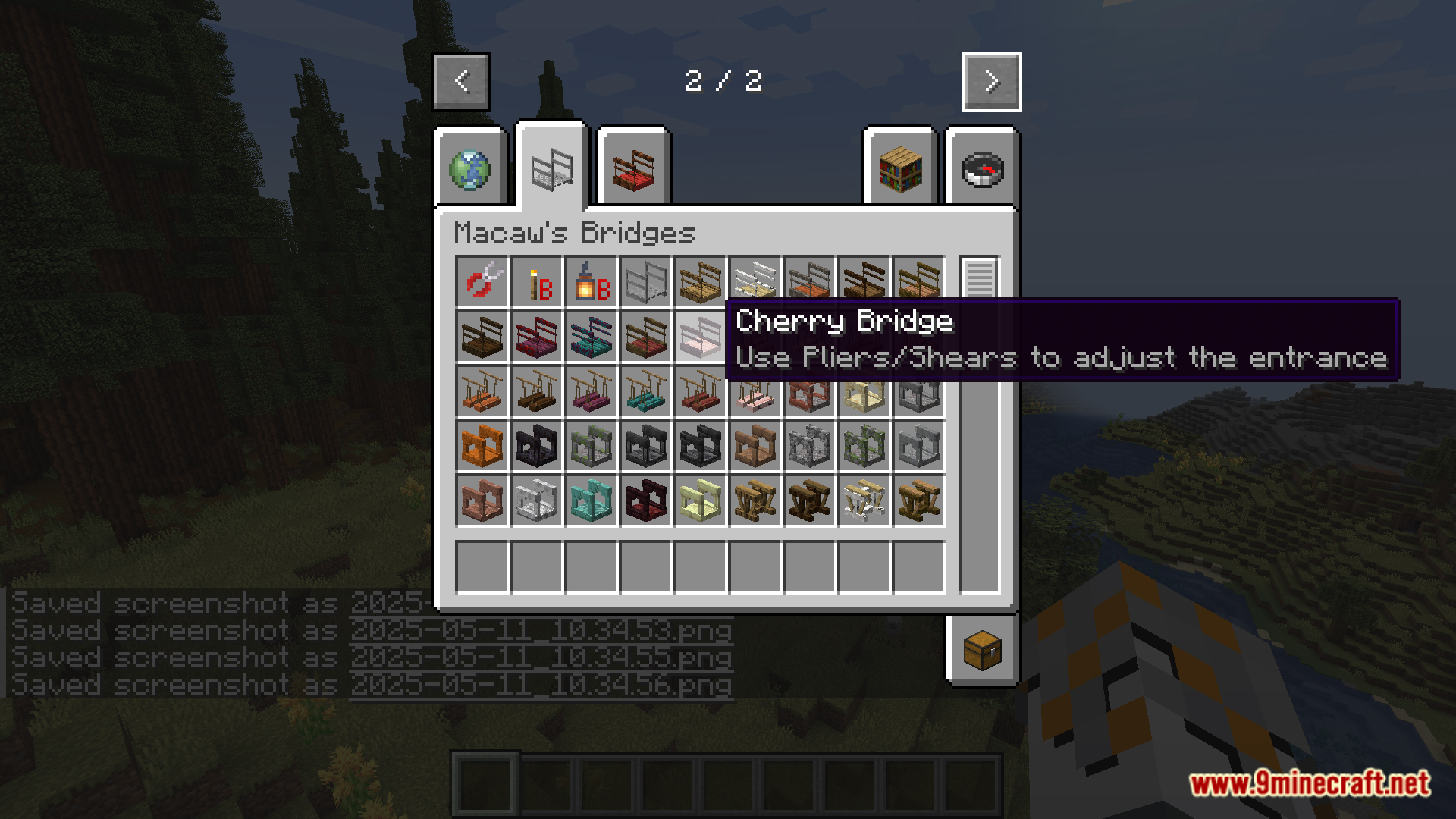
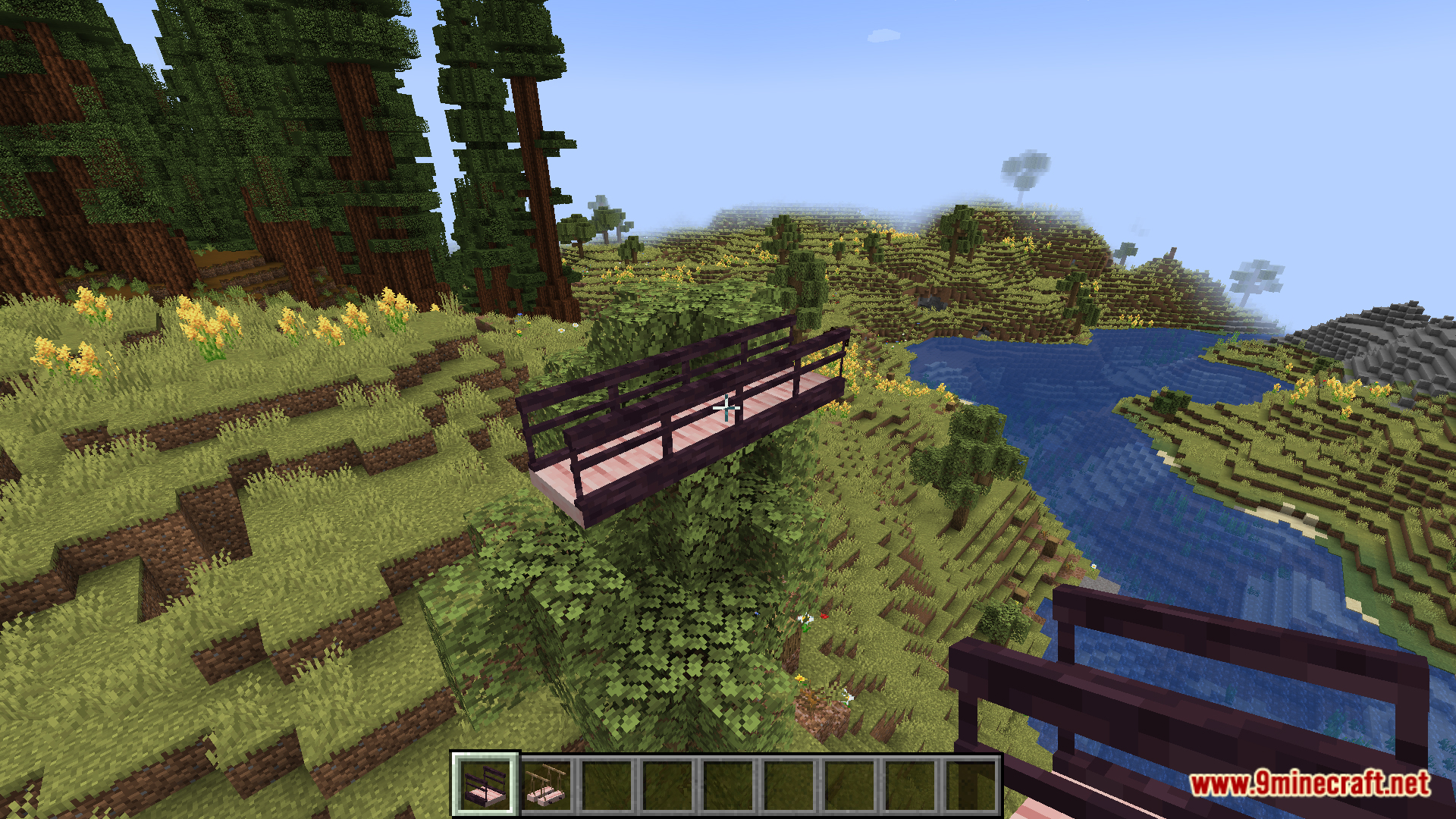
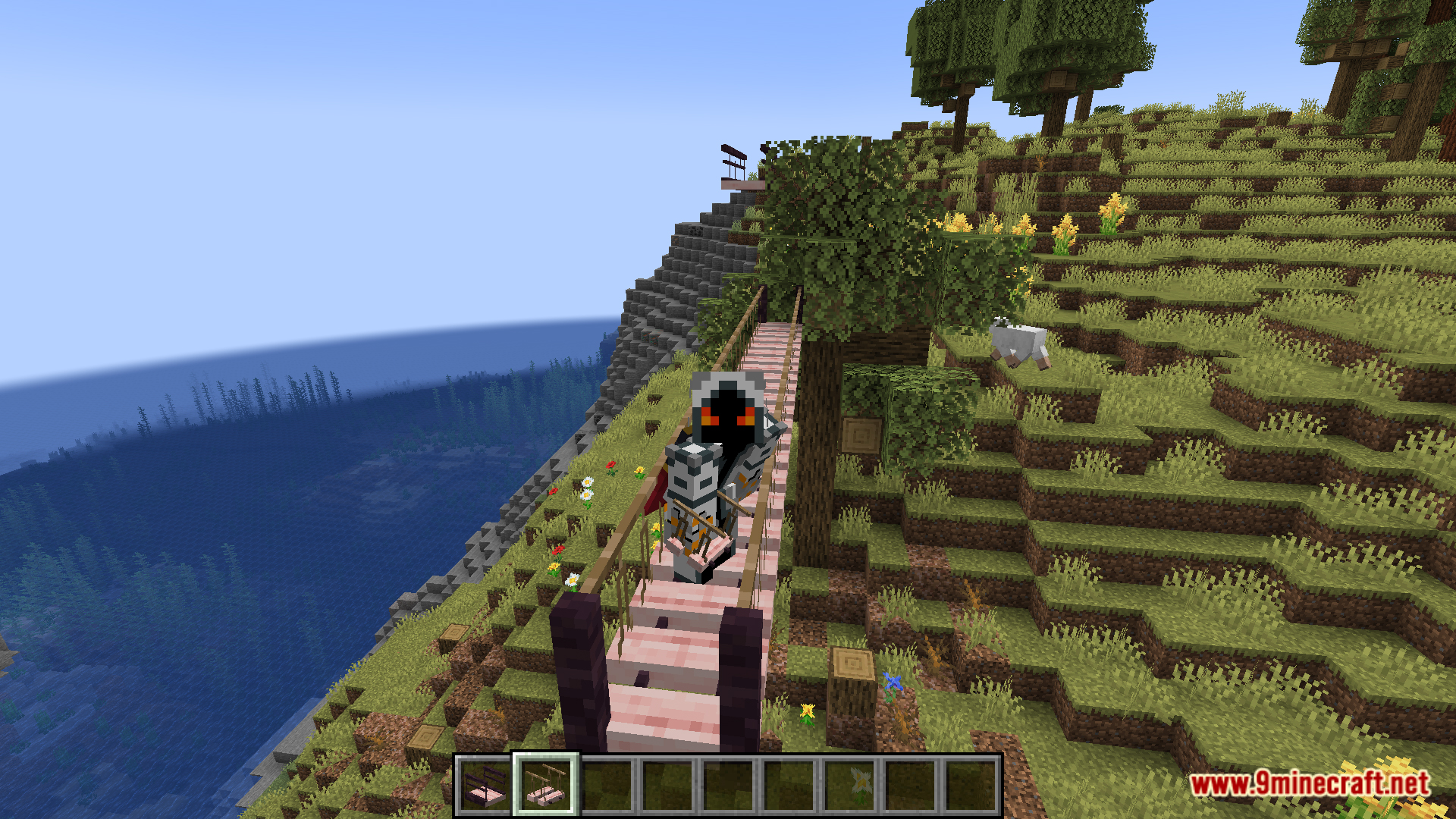
Hedges are thin, leaf-like decorative blocks used for garden borders and pathways, while bridges are structural-looking pieces with supports and stairs for spanning gaps. Both are cosmetic and don't add special collision or movement mechanics beyond their shape. Use hedges to line a path and bridges to cross a stream or ravine in style.
Do the bookshelves and drawers actually store items?
The bookshelf and drawer blocks are primarily decorative furniture pieces in the Macaw's style, not full storage containers with their own inventory screens. Treat them as visual storage — place them against walls to suggest a library or kitchen rather than relying on them to hold your items. For real storage, keep using chests and barrels alongside them.
Will this mod conflict with other Macaw's addons or Biomes O' Plenty updates?
It's designed to sit alongside the base Macaw's Mods and Biomes O' Plenty, so conflicts are rare when all three are on matching versions. The usual problem is a version mismatch — if BoP or Macaw's base updates and this addon hasn't, some recipes or textures may not appear. Keep all three updated together to avoid that.
Does adding all these blocks hurt performance or world size?
The blocks are standard decorative blocks, so the performance impact is minimal on its own — the bigger cost comes from how many you place in a single area. Large builds with hundreds of furniture and roof pieces can add to chunk rendering load, especially with glassed doors and hedges. If you notice lag, break up dense decorative clusters rather than removing the mod.
You May Also Like
Wikis that share the most with this one
Wikis on the same theme: roof
More mod wikis on the site
The most downloaded mods that have a wiki here
A few wikis from each of the other kinds
Gallery
12 images from the Macaws Biomes O Plenty Mod page.