

 DownloadLock On Mod
Get the files on 9Minecraft
Guides
Step-by-step, in-game.
Configure Lock On Keybind and SettingsFinding the Keybind Menu Open your game settings and navigate to Controls (or Key Binds depending on your launcher).…Lock On to a Specific Mob in CombatActivating Lock On Press your Lock On keybind (default varies by installation) while facing a mob within 10 blocks.…Lock On to Distant or Fast-Moving TargetsUnderstanding Range Limits Lock On can only select mobs within 10 blocks of your position. If your target is farther…Use Lock On Effectively in PvPGaining the Advantage Lock On is powerful in player-versus-player combat because it keeps your camera centered on…
Frequently asked questions
How do I lock on to a mob?
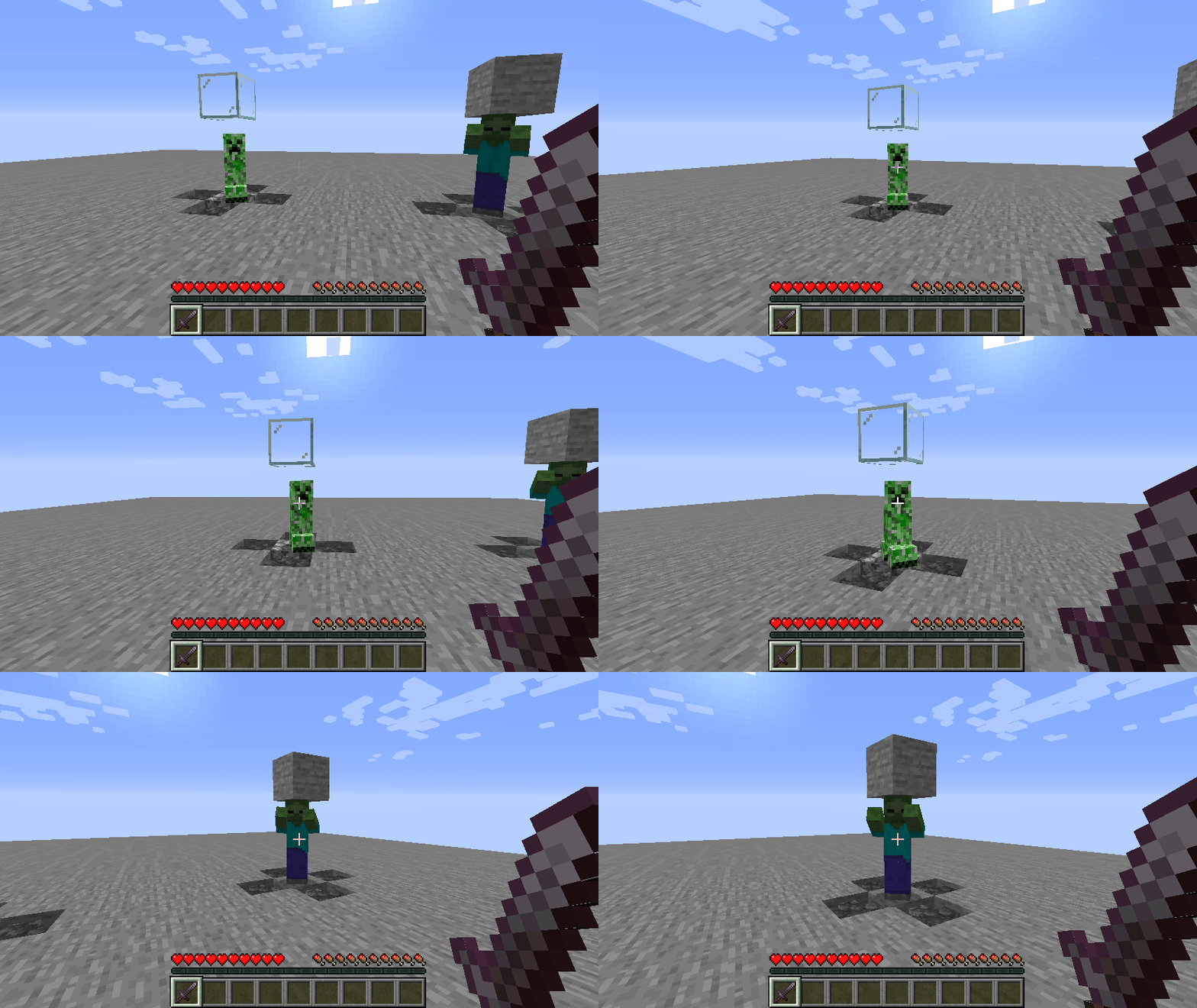
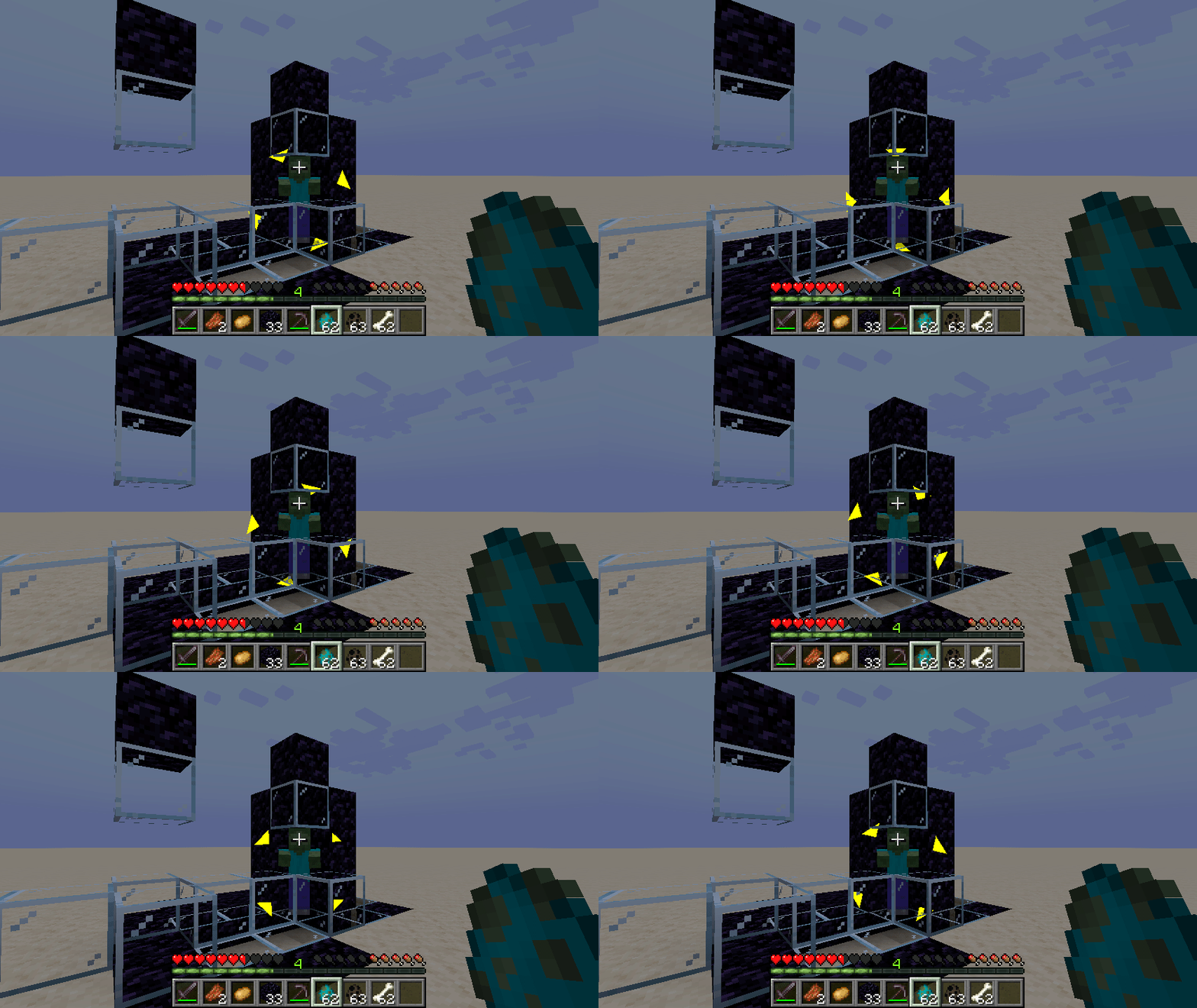
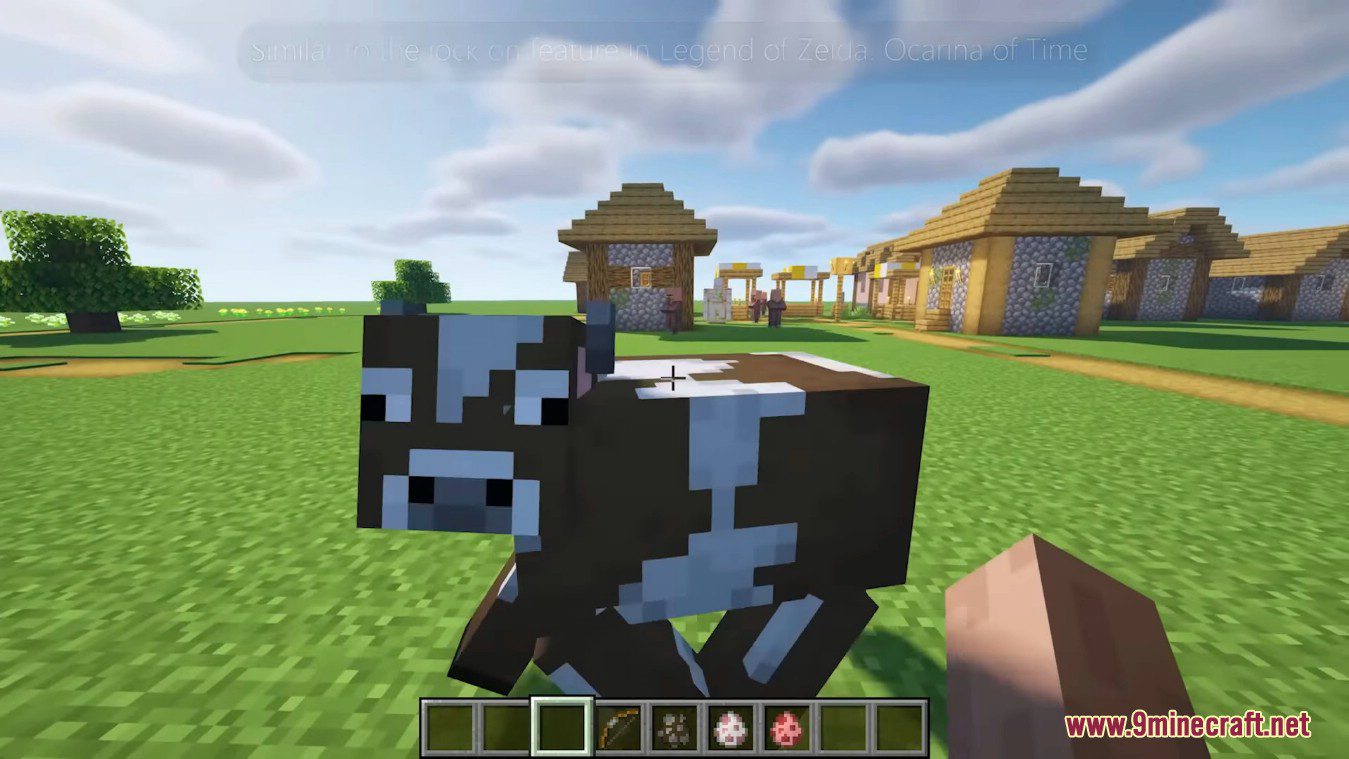
Press your Lock On keybind (default is usually a specific key you can configure) while looking at or near a mob. The mod will automatically select the nearest eligible target within range and display a visual indicator on them.
What's the maximum distance I can lock on from?
You can only lock on to mobs that are within 10 blocks away. The mod will track them beyond this range if they're already locked, but won't select new targets farther than 10 blocks.
How do I switch between targets while locked on?
Press Tab to cycle through nearby valid targets. Each press switches to the next available mob within range.
How do I exit lock on mode?
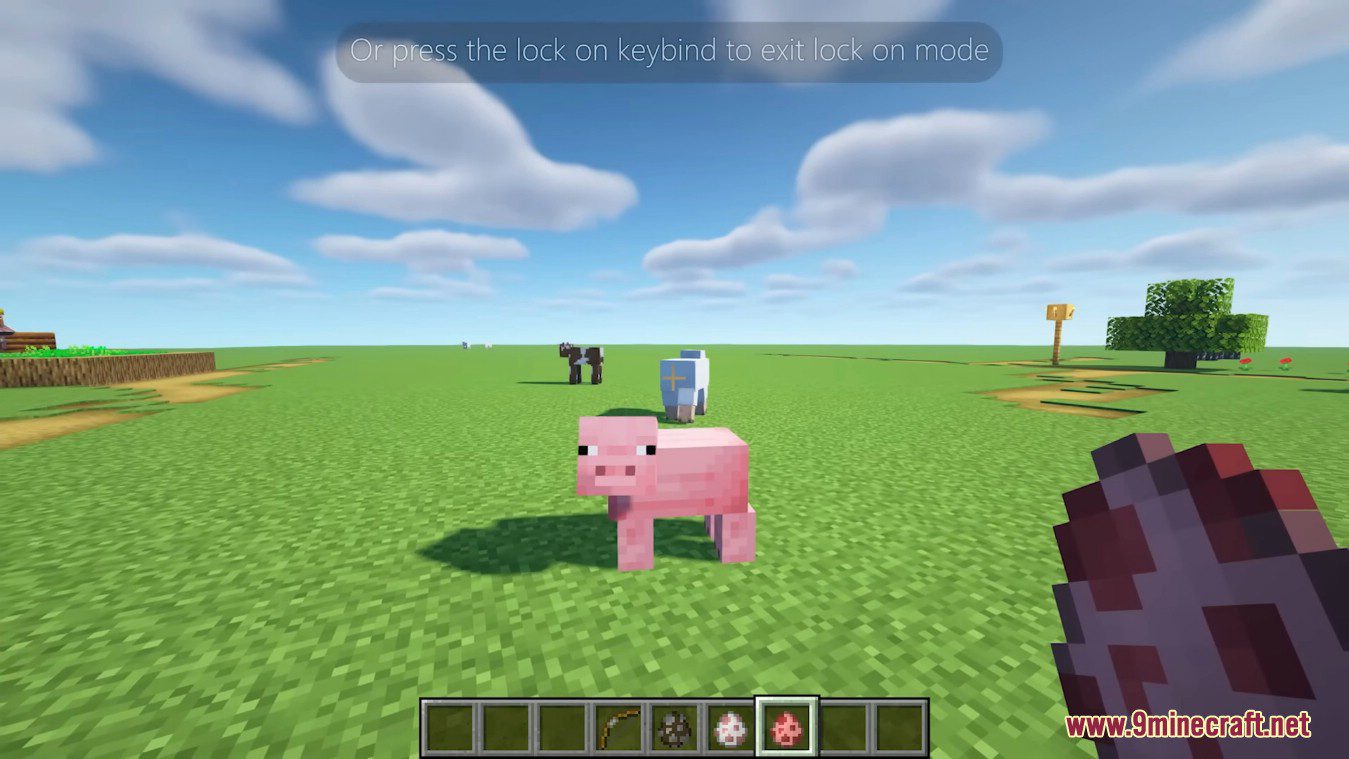
Press your Lock On keybind again to manually exit, or the mod will automatically exit if your target dies, leaves your line of sight, or you leave the world.
See all 10 Lock On questions ›
Gallery
5 images from the Lock On Mod page.
You May Also Like
Wikis that share the most with this one
More mod wikis on the site
The most downloaded mods that have a wiki here
A few wikis from each of the other kinds