

 DownloadLog Cleaner Mod
Get the files on 9Minecraft
Guides
Step-by-step, in-game.
How to Check Whether Log Cleaner Is Actually Deleting FilesAfter installing Log Cleaner, many players want to confirm it is doing its job rather than silently doing nothing.…How to Configure Log Cleaner to Delete Old Log Files AutomaticallyLog Cleaner works out of the box, but the default settings may not match how much disk space you want to reclaim or…How to Free Up Disk Space With Log CleanerIf your Minecraft installation has grown large because of accumulated log files, Log Cleaner is designed to reclaim…How to Stop Log Cleaner From Deleting Logs You Still NeedThe whole point of Log Cleaner is to remove files you no longer use, but sometimes you want to keep a specific log…
Frequently asked questions
How do I open the Log Cleaner config?
Log Cleaner is  configured through its config file in your Minecraft config folder, and most players edit it directly or through a config-editing mod's in-game menu. Changes usually require a game restart or config reload to take effect.
Does Log Cleaner delete files based on when they were created or when they were last opened?
It deletes based on the most recent access date, not the creation date. This means logs you're still actively using won't be removed just because they're old.
How often does Log Cleaner run its cleanup?
Cleanup runs on a configurable interval rather than every tick, so it won't constantly scan your files. You can adjust how frequently it checks for old logs in the config.
Will Log Cleaner delete my crash reports or important logs?
It only targets files that haven't been accessed recently, so logs you or the game are still reading should be safe. If you want extra protection, you can exclude specific files or folders in the config.
See all 10 Log Cleaner questions ›
Gallery
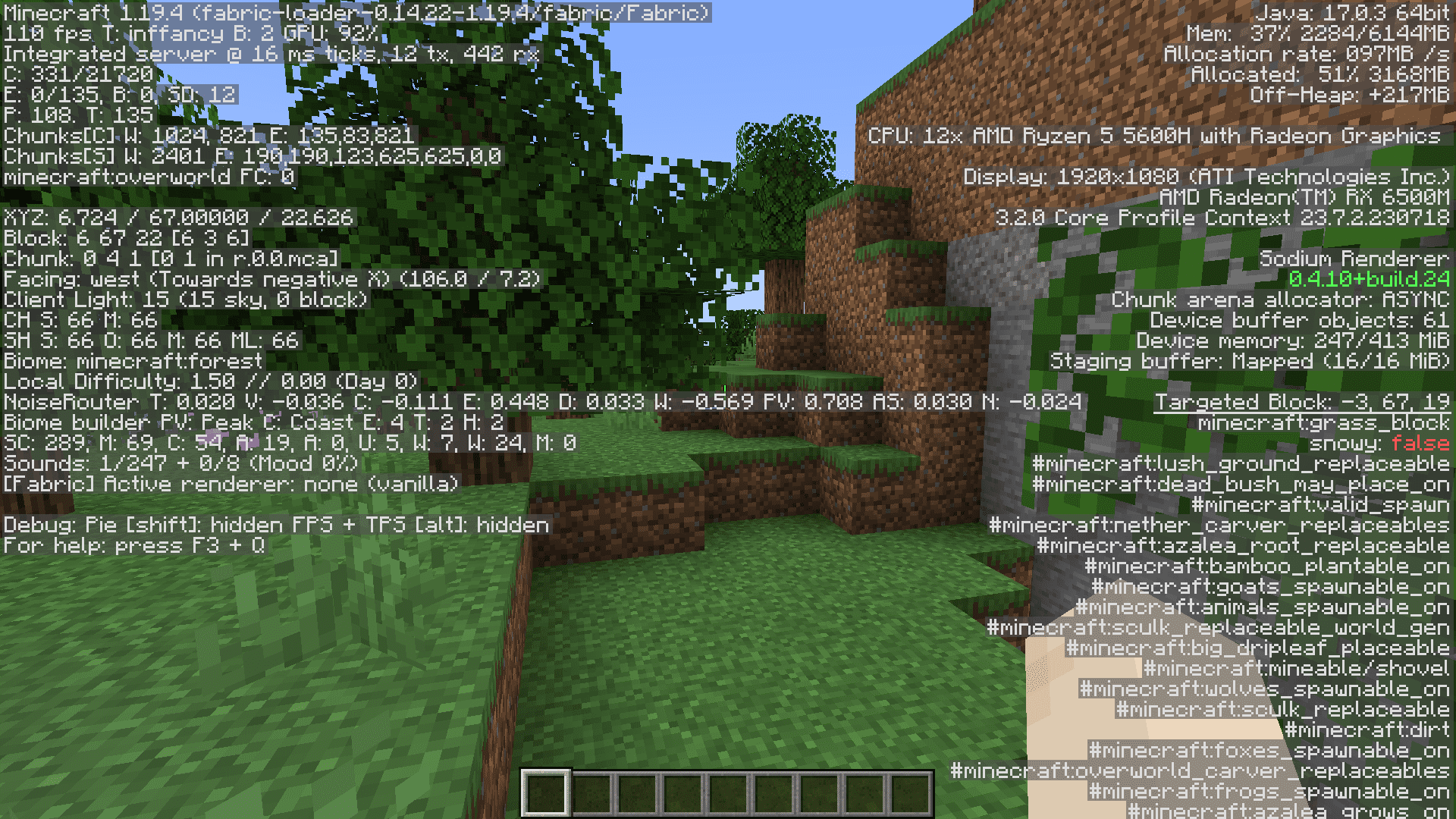
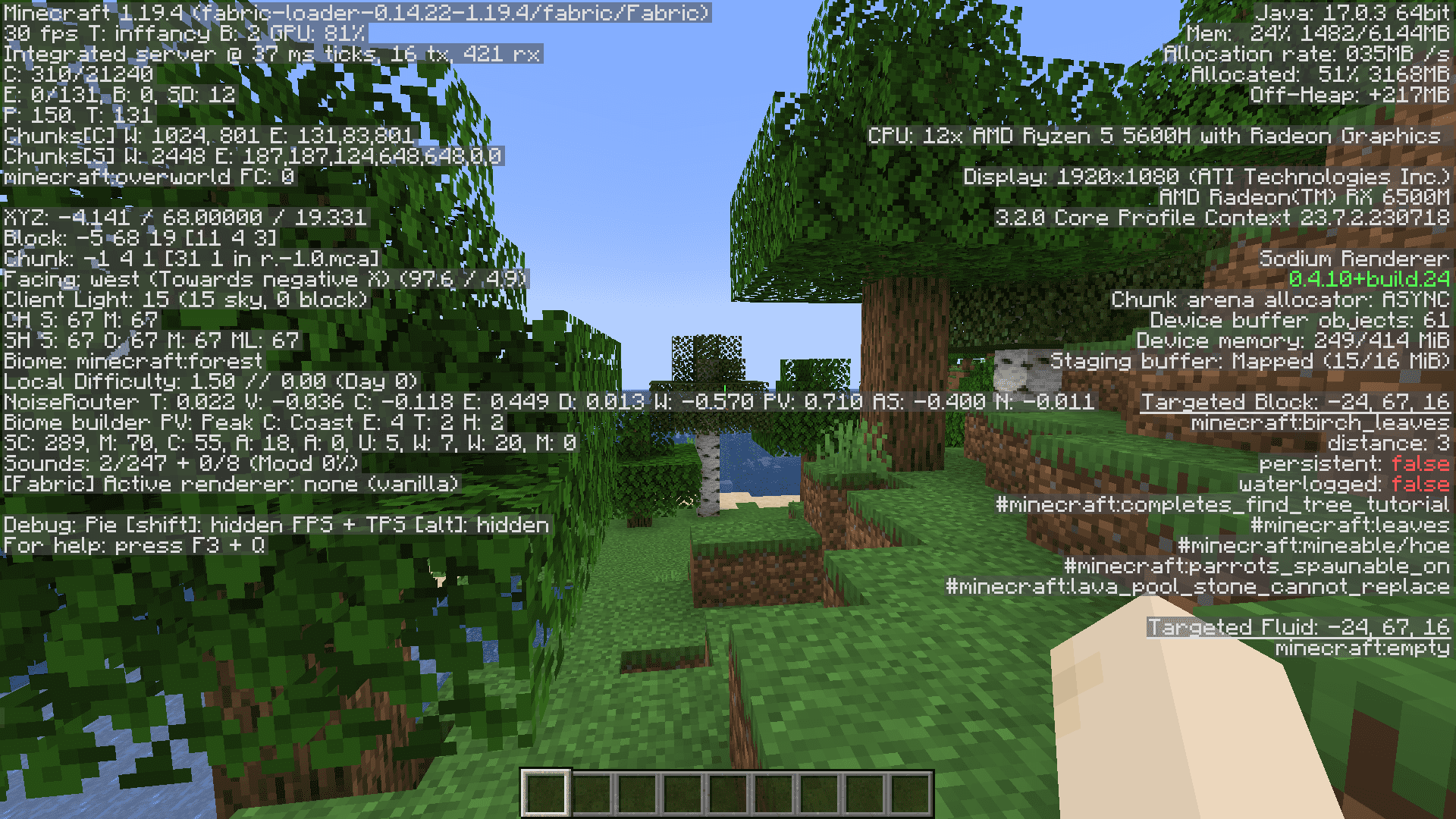
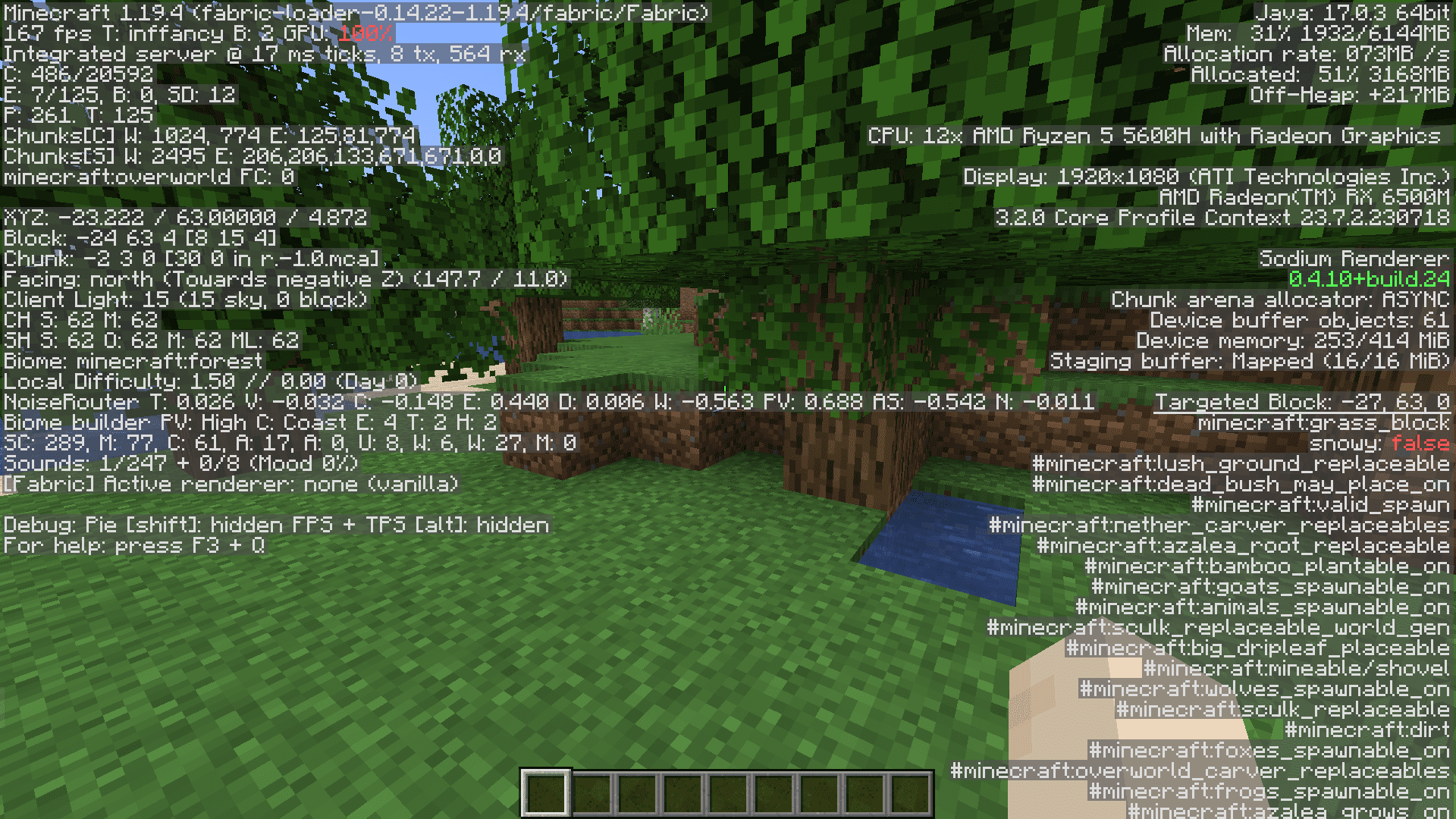
7 images from the Log Cleaner Mod page.
You May Also Like
Wikis that share the most with this one
More mod wikis on the site
The most downloaded mods that have a wiki here
A few wikis from each of the other kinds