

 DownloadLiteminer Mod
Get the files on 9Minecraft
Guides
Step-by-step, in-game.
Clear a Large Area of the Same Block TypeTarget a Block in Your Clearing Area Look at any block you want to remove (stone, dirt, sand, etc.). Press the…Fell a Tree Completely with One ActionTarget the Tree Trunk Look at any wood block in a tree's trunk. Press the Tilde/Grave key (`) to activate Liteminer.…Mine an Entire Ore Vein at OnceActivate Liteminer on Your Target Ore Look directly at any ore block you want to mine. Press the Tilde/Grave key (`)…Switch Between Mining ShapesAccess the Shape Menu Press the Liteminer key (Tilde/Grave by default) while looking at a block to activate the…
Frequently asked questions
How do I activate Liteminer?
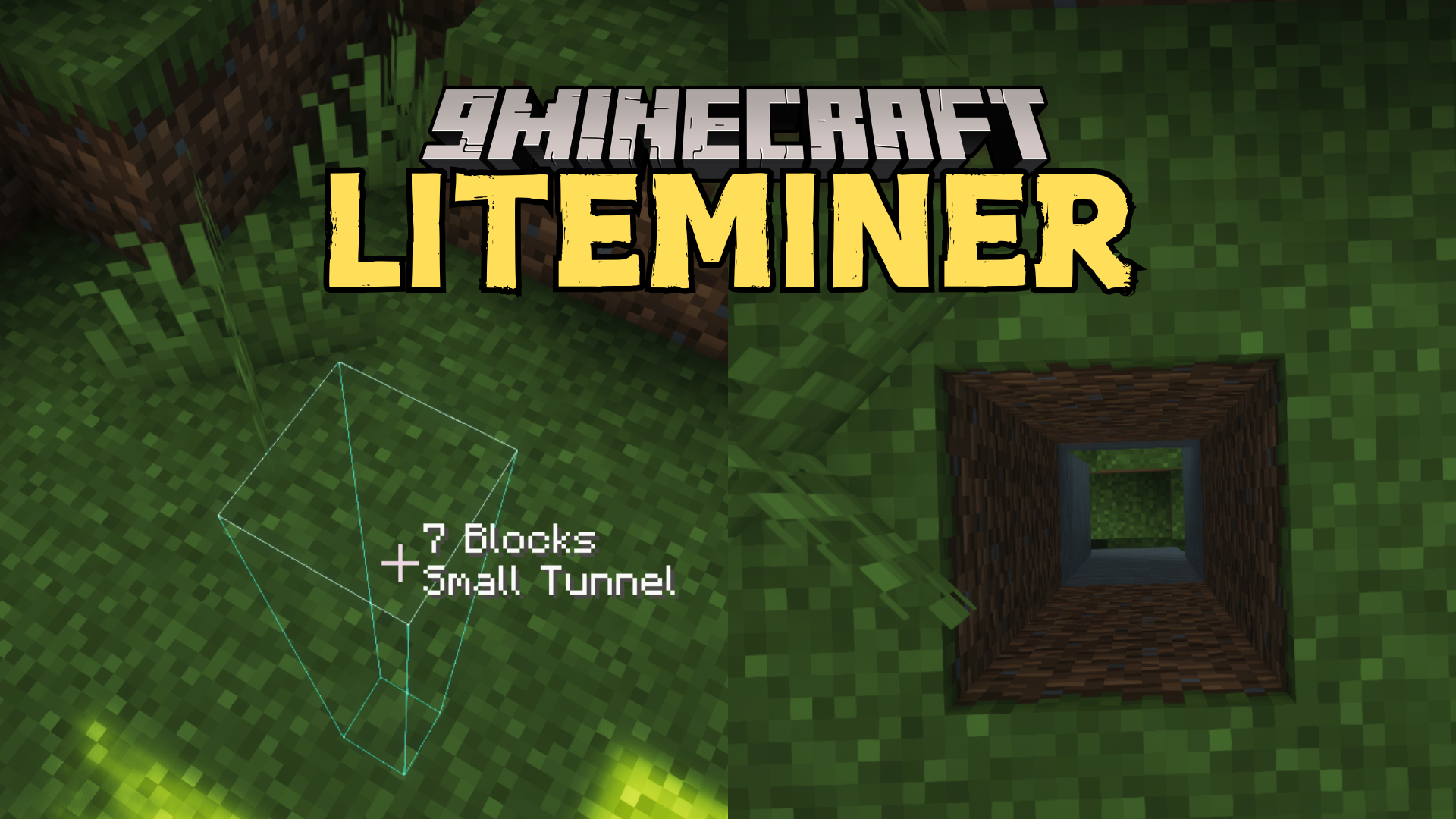
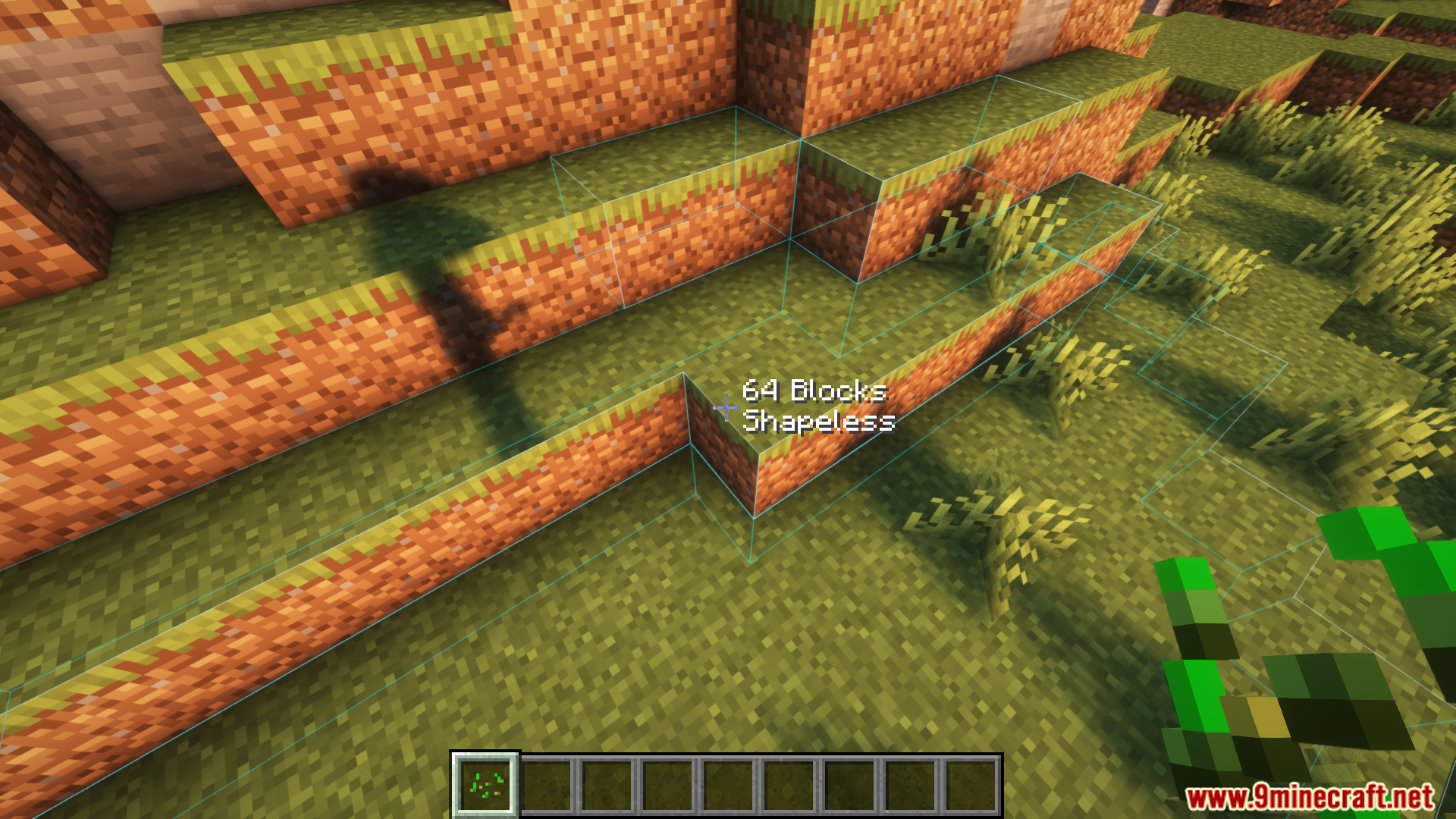
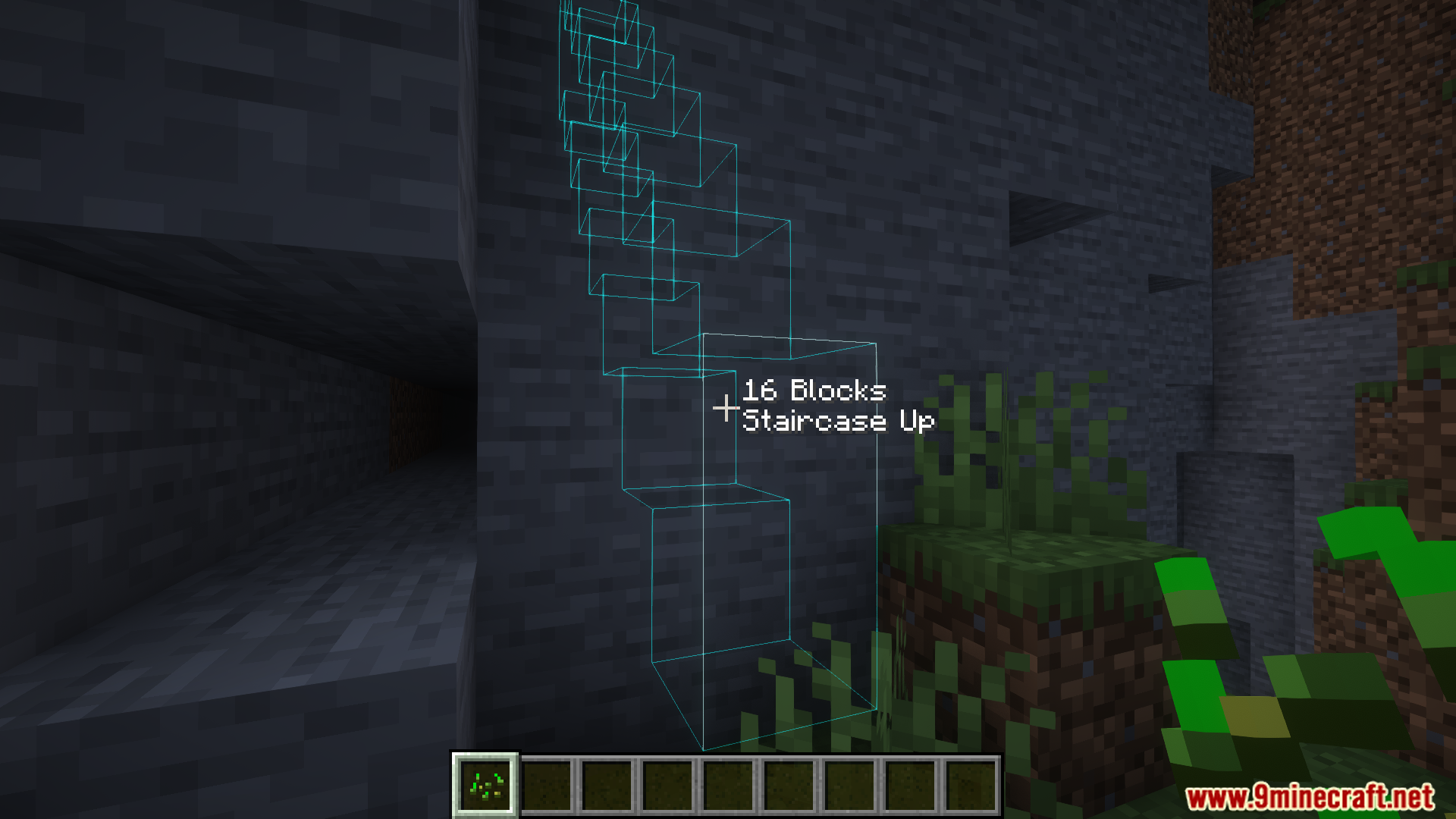
Look at a block and press the Tilde/Grave key (`) to activate the mining mode. You'll see an outline appear around the blocks that will be mined together.
What's the difference between the mining shapes?
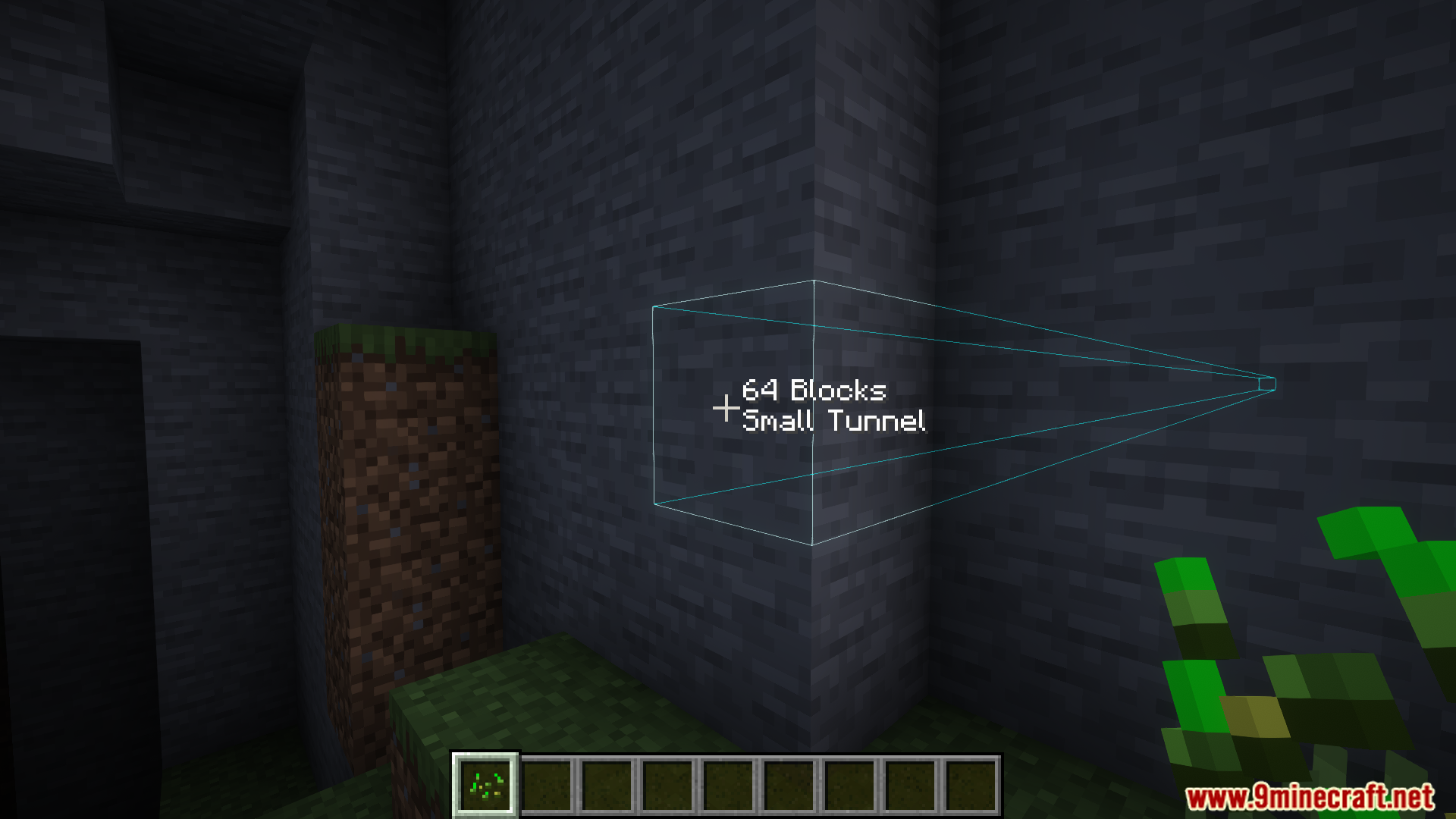
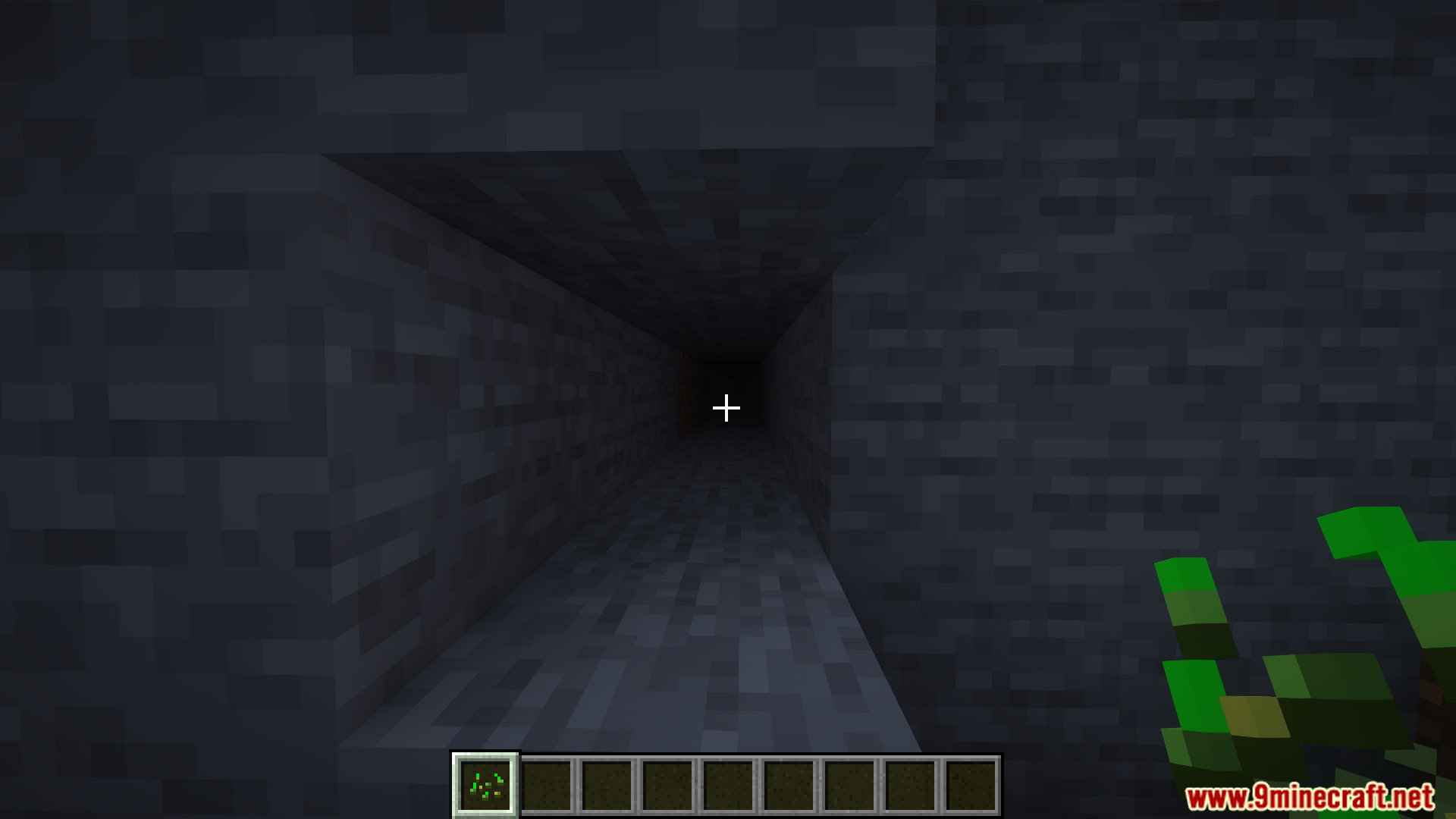
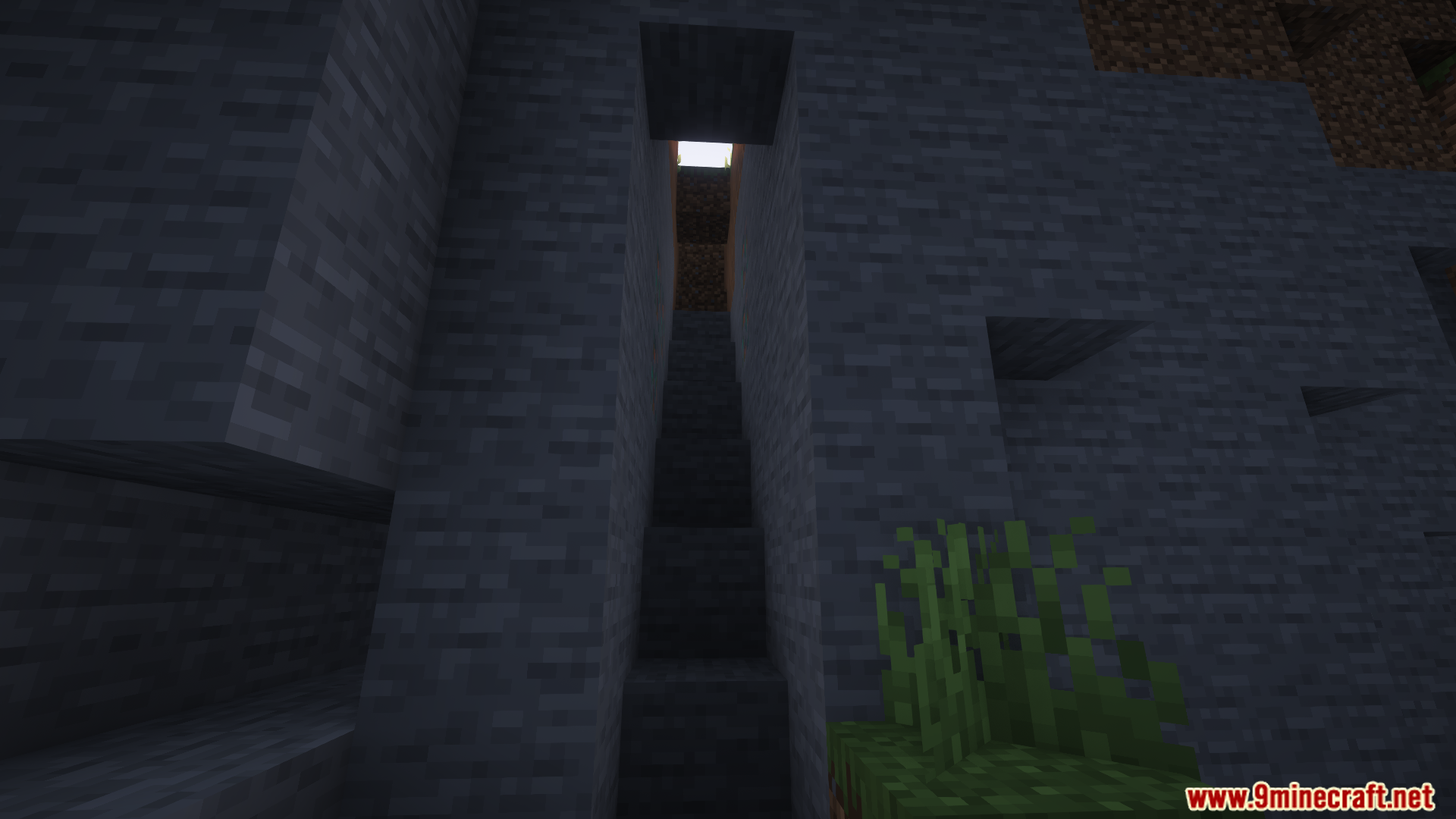
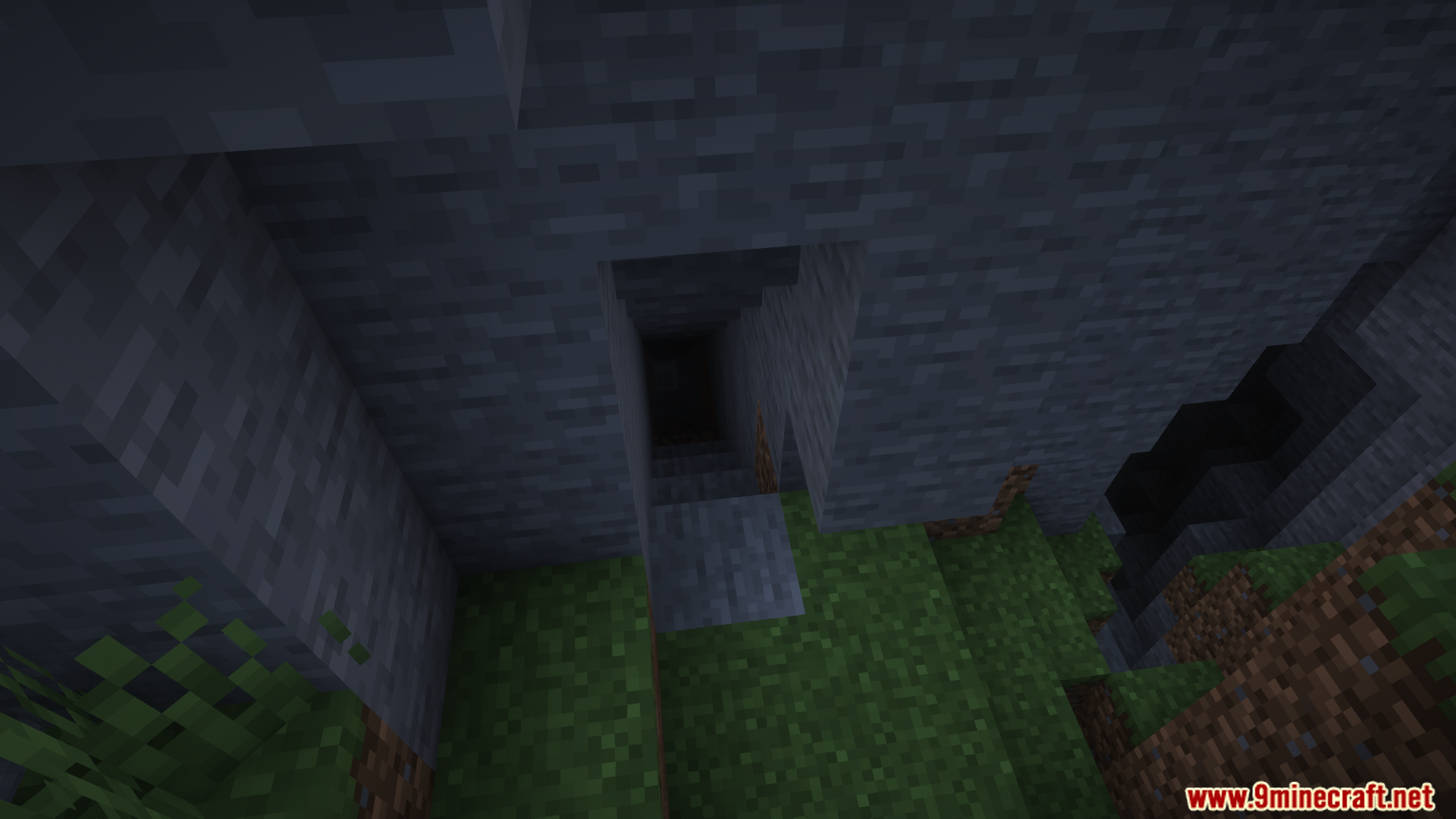
Shapeless mines connected blocks of the same type; 3×3 mines a square area; Small Tunnel creates a narrow corridor; Staircase Up and Staircase Down carve steps upward or downward. Each shape is useful for different situations.
How do I switch between shapes?
Hold the Liteminer key and scroll your mouse wheel up or down to cycle through the available shapes. The outline will update to show your new selection.
Can I use Liteminer on any block type?
Liteminer works best on connected blocks of the same type, like ore veins, wood in trees, or stone. It won't activate on single isolated blocks or mixed block types.
See all 10 Liteminer questions ›
Gallery
12 images from the Liteminer Mod page.
You May Also Like
Wikis that share the most with this one
More mod wikis on the site
The most downloaded mods that have a wiki here
A few wikis from each of the other kinds