

 DownloadLedger Mod
Get the files on 9Minecraft
Guides
Step-by-step, in-game.
How to Check What a Specific Player Has Been DoingFiltering by Player Use /ledger search with a player filter to pull every recorded action attributed to that player.…How to Inspect a Block to See Who Changed ItStarting an Inspection Run /ledger inspect to toggle inspection mode on. While it is active, your chat or action bar…How to Roll Back Griefing and Restore BuildsPreview Before You Commit Before undoing anything, use /ledger pre (preview) with the same filters you would use for…How to Search the Log with FiltersOpening the Search Command Use /ledger search followed by the filters you want to apply. Search is the most flexible…
Frequently asked questions
How do I start using Ledger Mod?
Give yourself the ledger permission node and run /ledger inspect, then right-click or left-click a block to see its history. If nothing shows up, check that logging is enabled and that your player has the required permissions.
How do I see who broke a block?
Use /ledger inspect and then click the block or the empty space where it used to be. The chat output lists the player, action, and timestamp for each recorded change.
How do I roll back griefing?
Use /ledger search with filters to find the actions you want to undo, then run /ledger rollback on those results. Always run /ledger preview first so you can see exactly what will change before committing.
Whats the difference between rollback and restore
Rollback undoes recorded actions to return the world to an earlier state, while restore reapplies actions that were previously rolled back. Use rollback to remove griefing and restore to bring back builds that were wrongly undone.
Gallery
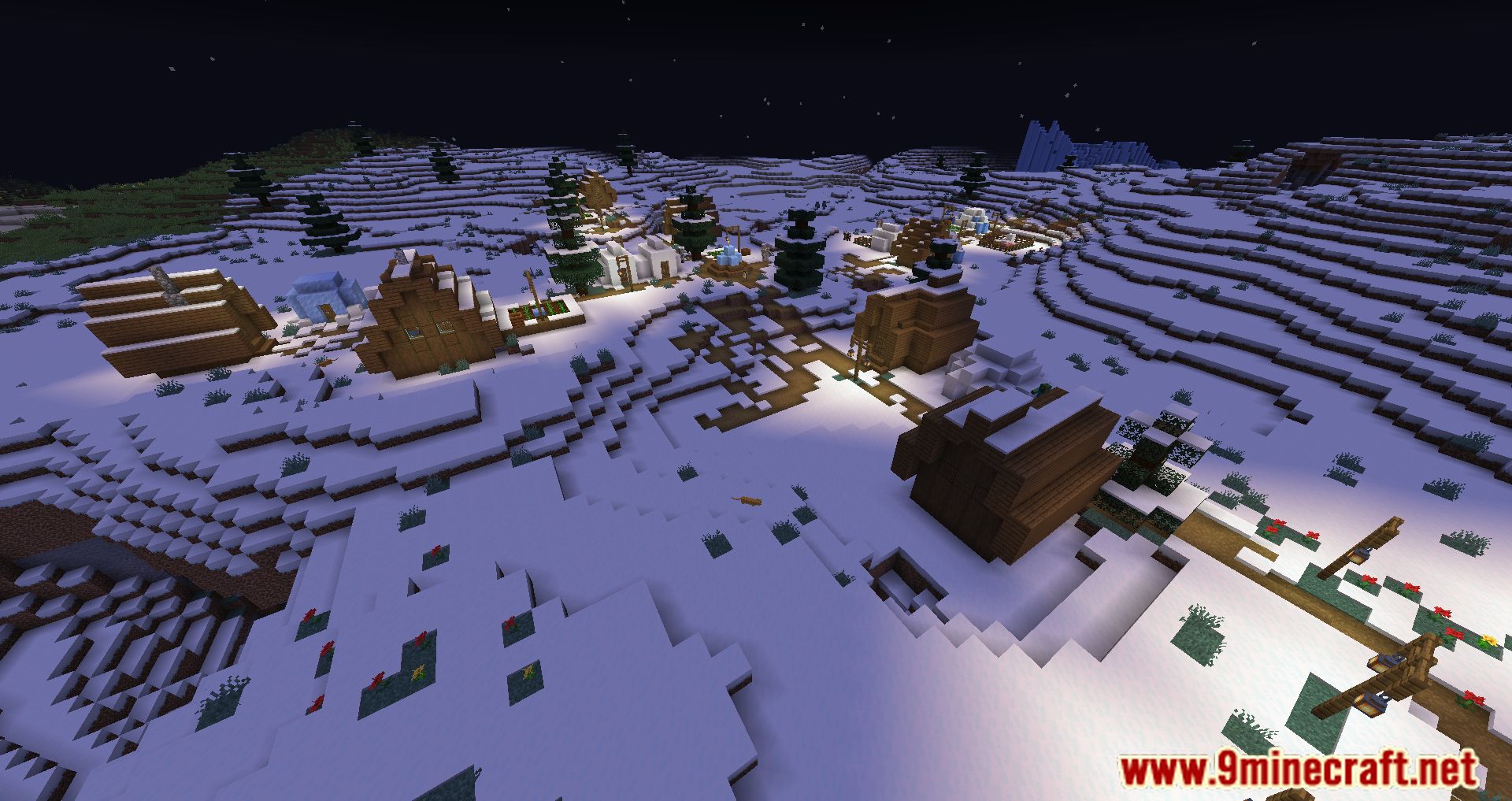
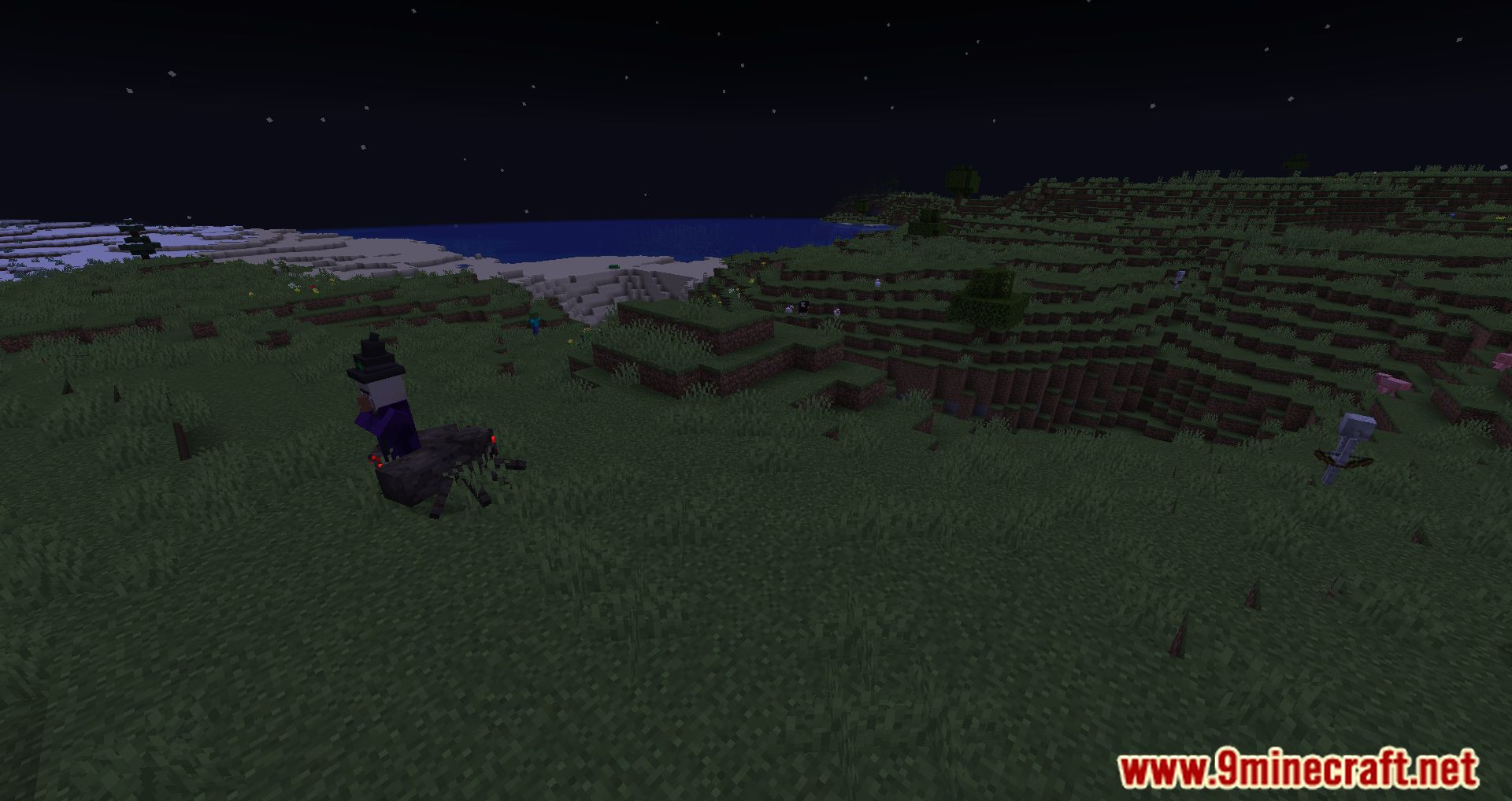
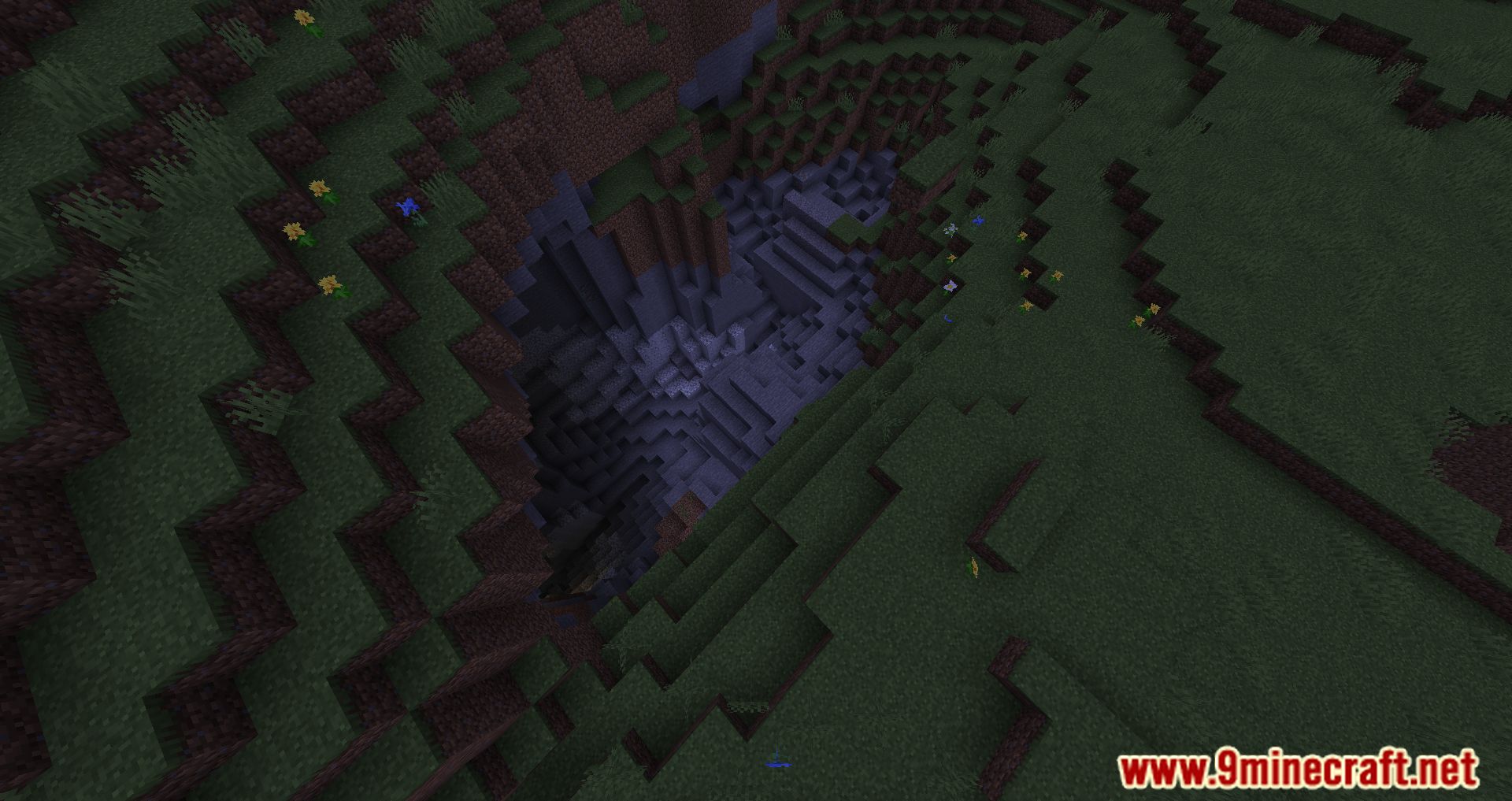
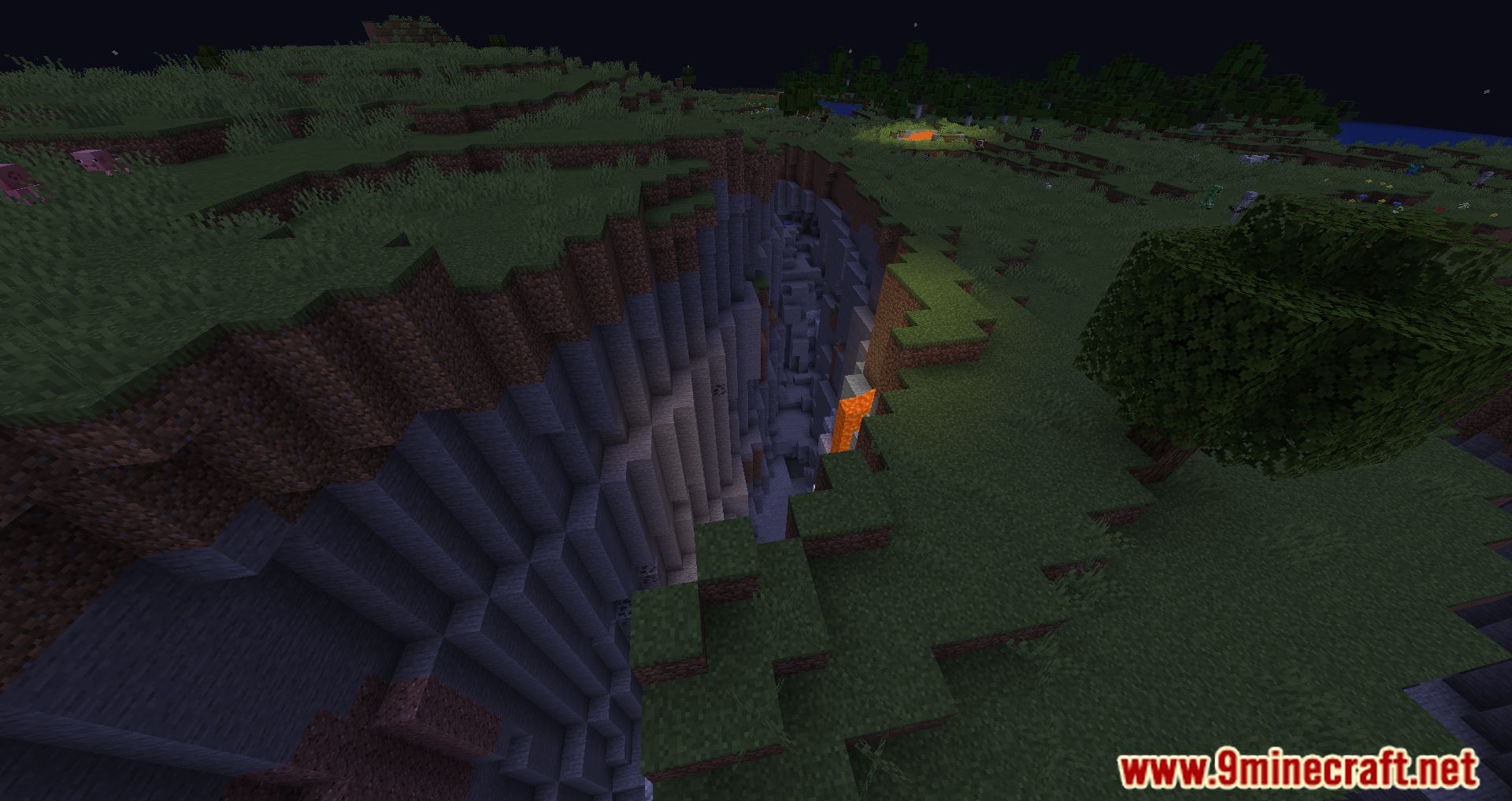
11 images from the Ledger Mod page.





You May Also Like
Wikis that share the most with this one
More mod wikis on the site
The most downloaded mods that have a wiki here
A few wikis from each of the other kinds