

 DownloadIndicatia Mod
Get the files on 9Minecraft
Guides
Step-by-step, in-game.
Display Server Performance (TPS)Monitor Server Tick Rate TPS (Ticks Per Second) shows how well a server is performing. Indicatia displays this on…Set Up Recording OverlayDisplay Recording Duration The Recording Overlay shows how long you've been recording, useful for content creators…Set Up Slime Chunk DetectionEnable Slime Chunk Display Slime chunks are rare underground areas where slimes spawn naturally. Indicatia can…Track Your Click Speed (CPS)Monitor Clicks Per Second Indicatia displays your clicking speed in real-time, useful for PvP practice or testing…
Frequently asked questions
How do I move the HUD elements around?
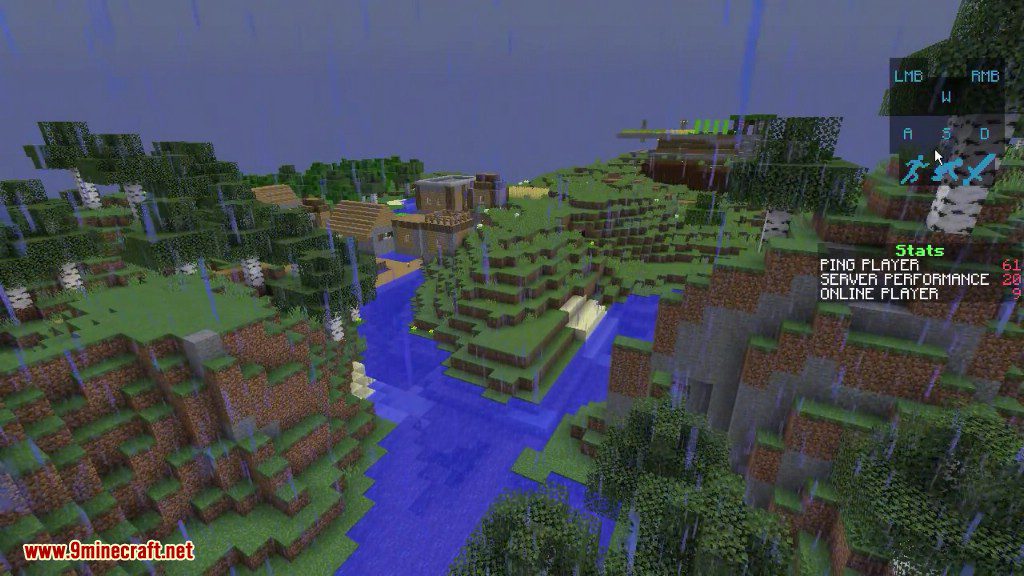
Open your chat GUI (T by default), and the HUD elements become draggable—click and drag them to reposition. Close chat when you're done, and your layout will be saved.
Why isn't slime chunk detection working?
You need to run the `/slimeseed` command in-game first to set your world's seed; the mod uses this to calculate which chunks are slime chunks. Make sure you have the correct seed for your world.
Can I turn off specific HUD elements I don't need?
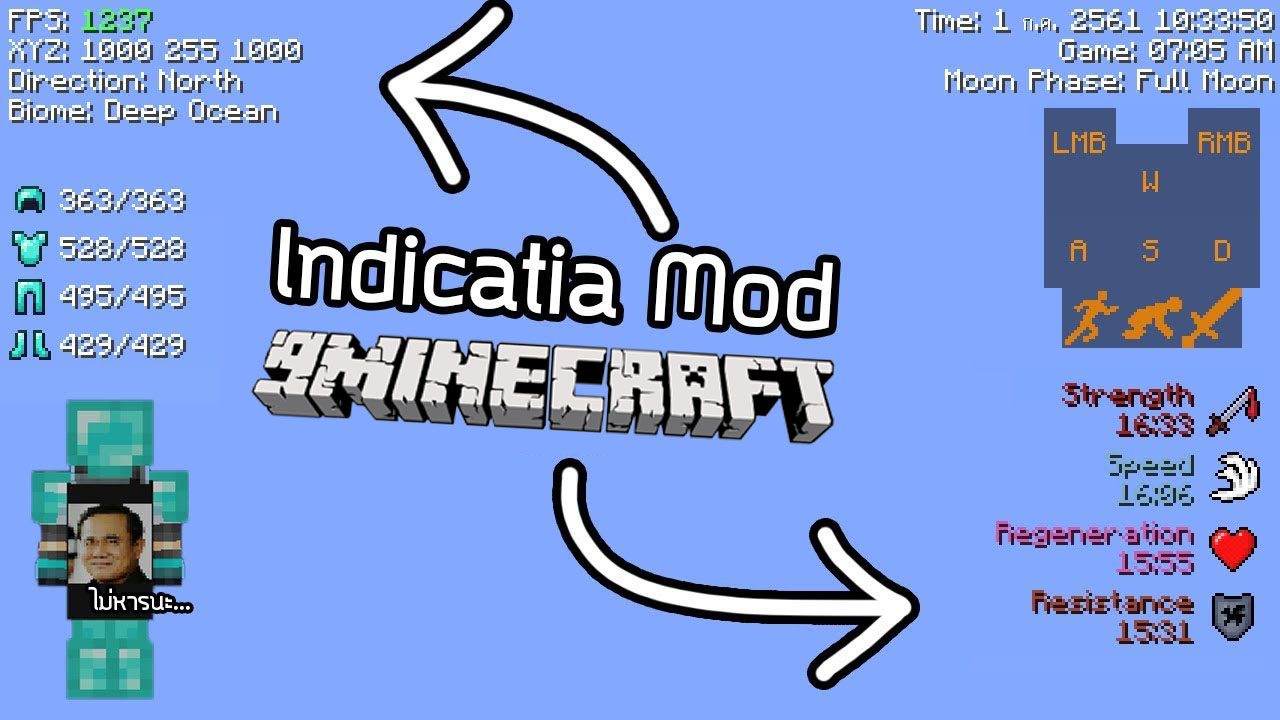
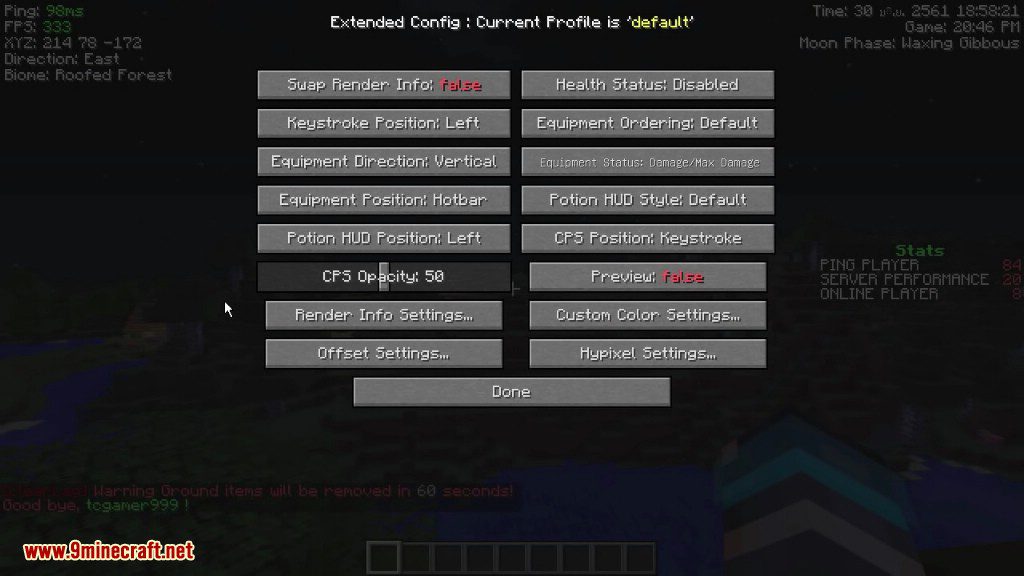
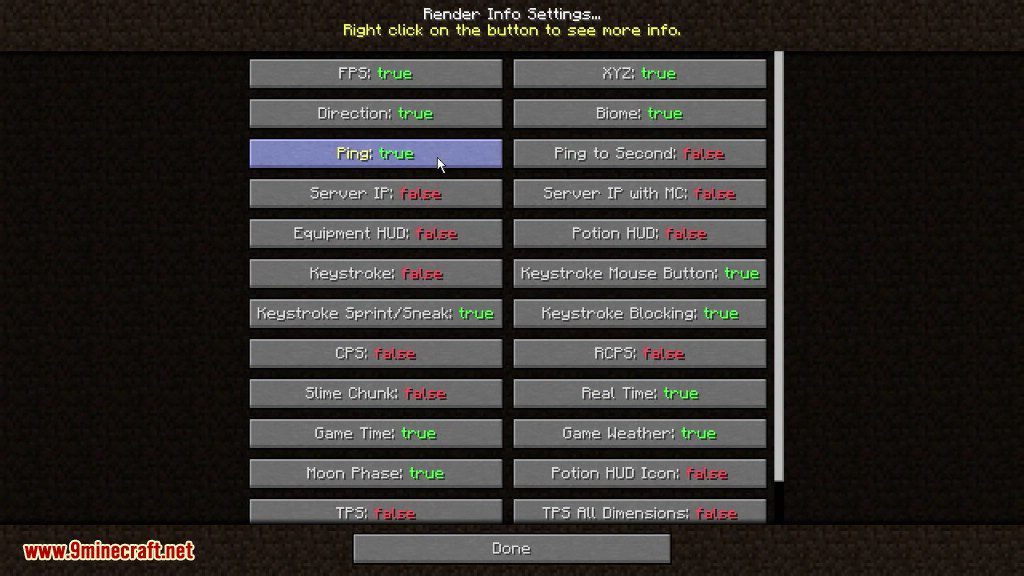
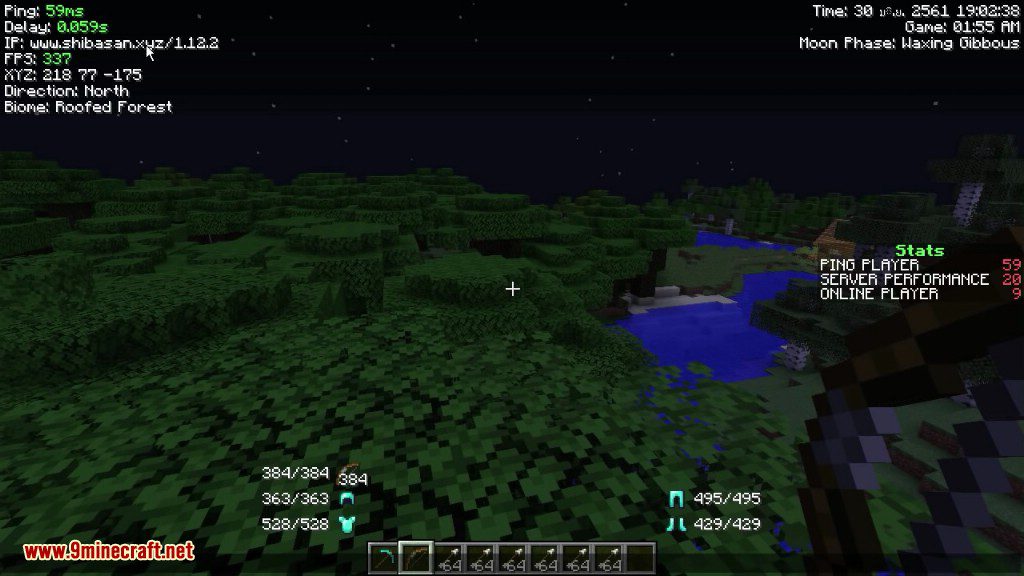
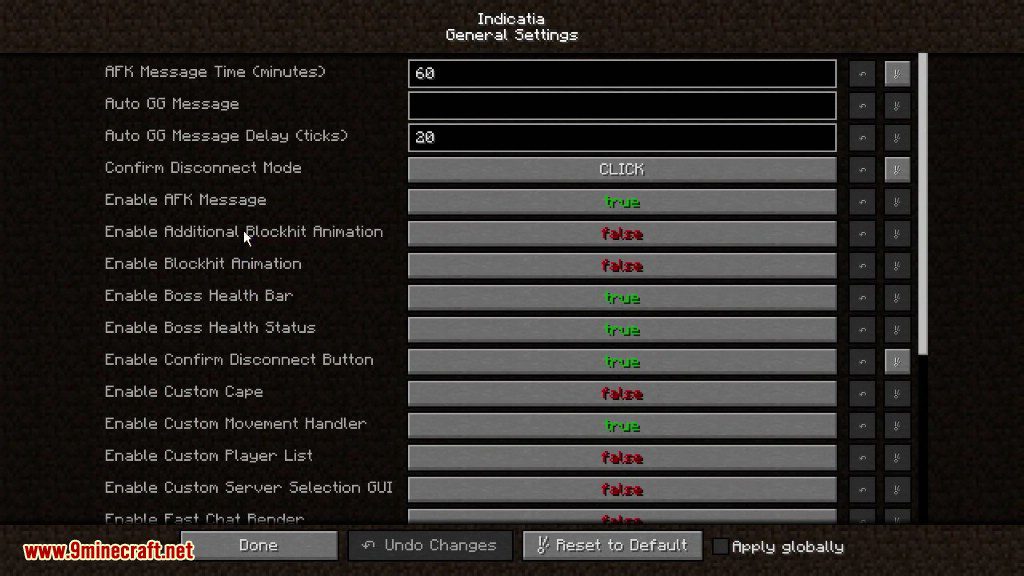
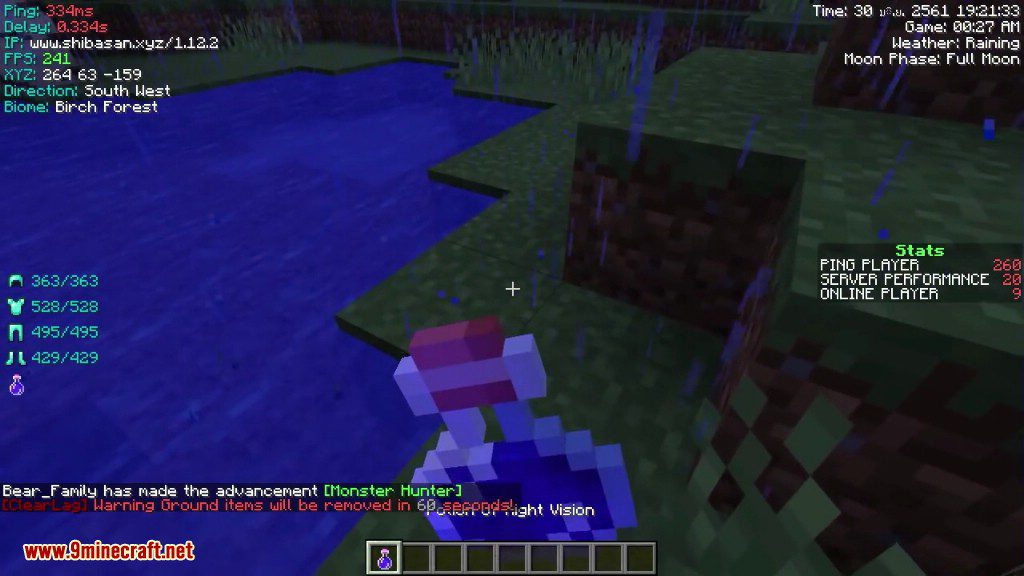
Yes, the mod has a configuration menu where you can toggle individual features on or off, such as FPS, ping, potion effects, or the recording overlay.
What's the difference between CPS and RCPS?
CPS tracks your left-click speed (clicks per second), while RCPS tracks your right-click speed separately, useful for monitoring different actions in PvP or building.
See all 10 Indicatia questions ›
Gallery
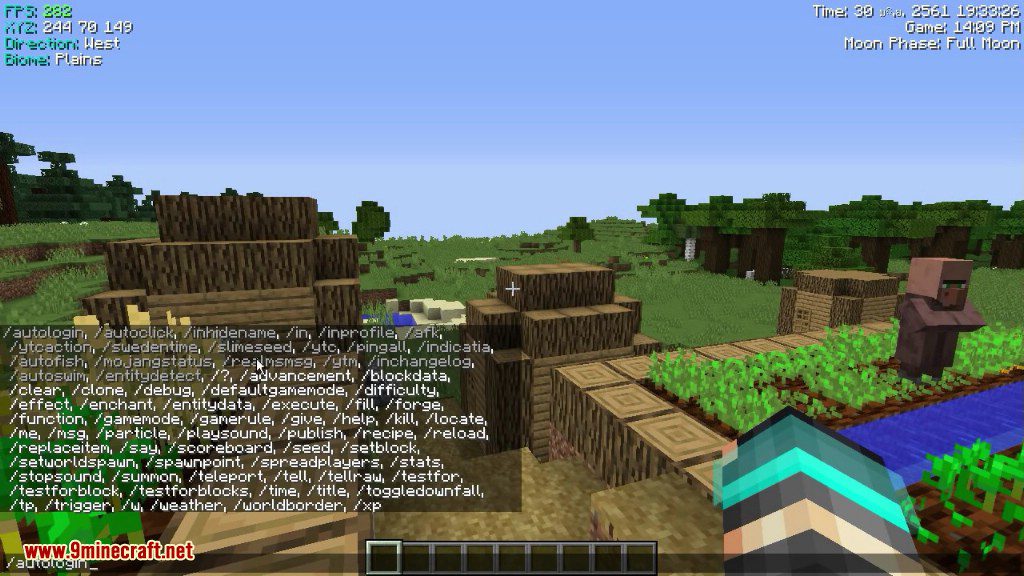
9 images from the Indicatia Mod page.
You May Also Like
Wikis that share the most with this one
Wikis on the same theme: cat
More mod wikis on the site
The most downloaded mods that have a wiki here
A few wikis from each of the other kinds