

 DownloadWiki Renderer Mod
Get the files on 9Minecraft
Guides
Step-by-step, in-game.
Create Smooth Enchantment Animations for Wiki ShowcaseSpeed Up Enchantment Glint Cycles Enchanted items normally have slow glint animations that don't loop cleanly in…Extract and Render Player Head TexturesCapture a Player Head Texture Player head texture extraction is useful for documenting player skins or creating…Generate a Minimap of Your World or Underground CavesCreate a Top-Down or Side-View Minimap Minimap generation produces clean, overhead or side-view images of your world…Render a Batch of Items for Wiki DocumentationSet Up Your Batch Export Batch export lets you render multiple items at once without repeating the adjustment process…
Frequently asked questions
How do I open the main rendering interface?
Press H while hovering over an item in your inventory, or type /wikirender in chat to open the main rendering menu. From there you can adjust scale, rotation, lighting, and animation settings before exporting.
Can I render a mob that's not right in front of me?
Yes, use /wikirender entity to render any mob type with optional custom NBT tags, even if it's not loaded or nearby. You can also look directly at a mob and press H to quickly open its render menu.
What file formats can I export to?
The mod supports GIF, APNG, WebP, and MP4 formats for both still images and animations. You select your format in the export menu before saving.
How do I render a specific block state?
Target the block in the world and press H, or use /wikirender block in chat with the block ID and state properties. The rendering menu will open so you can adjust the angle and lighting before export.
See all 10 Wiki Renderer questions ›
Gallery
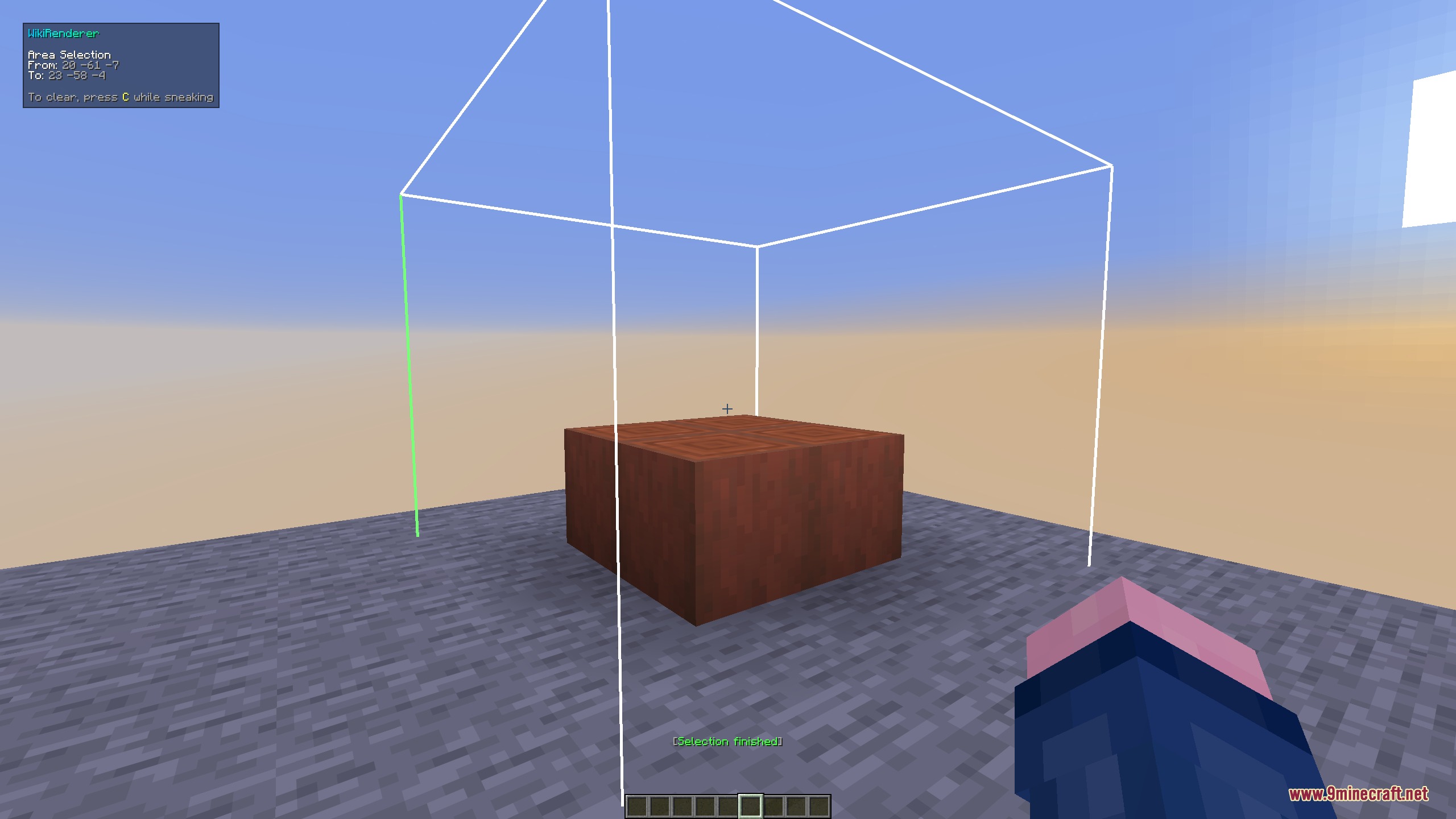
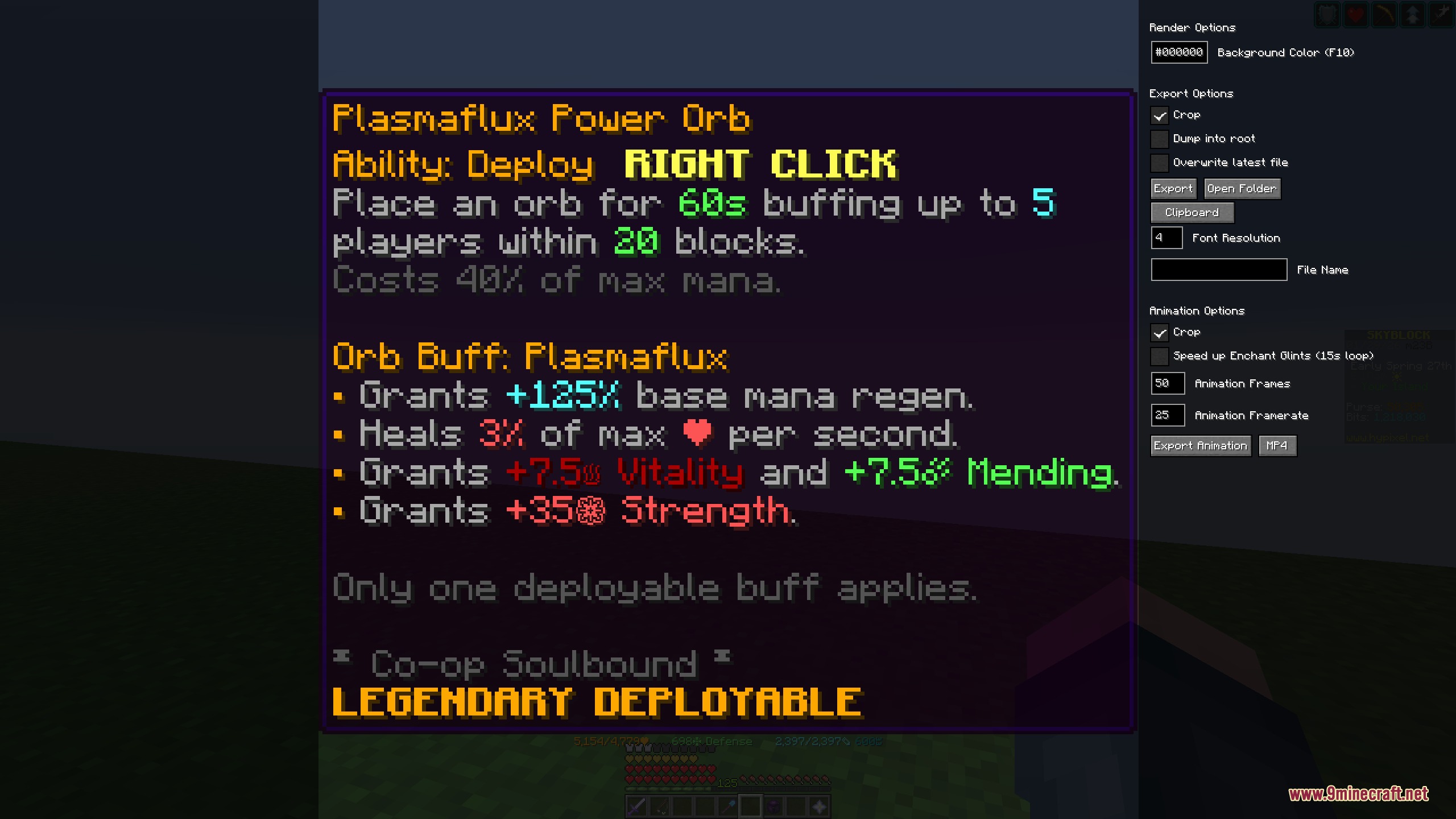
6 images from the Wiki Renderer Mod page.
You May Also Like
Wikis that share the most with this one
Wikis on the same theme: end
More mod wikis on the site
The most downloaded mods that have a wiki here
A few wikis from each of the other kinds