

 DownloadHelpful Commands Mod
Get the files on 9Minecraft
Guides
Step-by-step, in-game.
Enable Flight Mode Without Creative ModeUsing the /fly Command The /fly command lets you toggle flight on and off without switching to Creative Mode, making…Set Up Commands for Creative Building SessionsPreparing Your Workspace Helpful Commands Mod streamlines creative building by giving you quick access to flight,…Use Command Shortcuts for Faster GameplayUnderstanding Shortcuts Helpful Commands Mod includes abbreviated versions of common vanilla Minecraft commands,…View All Available Commands and ShortcutsOpening the Command List The mod includes a dedicated command list that displays all new commands and shortcuts added…
Frequently asked questions
How do I see all the commands this mod adds?
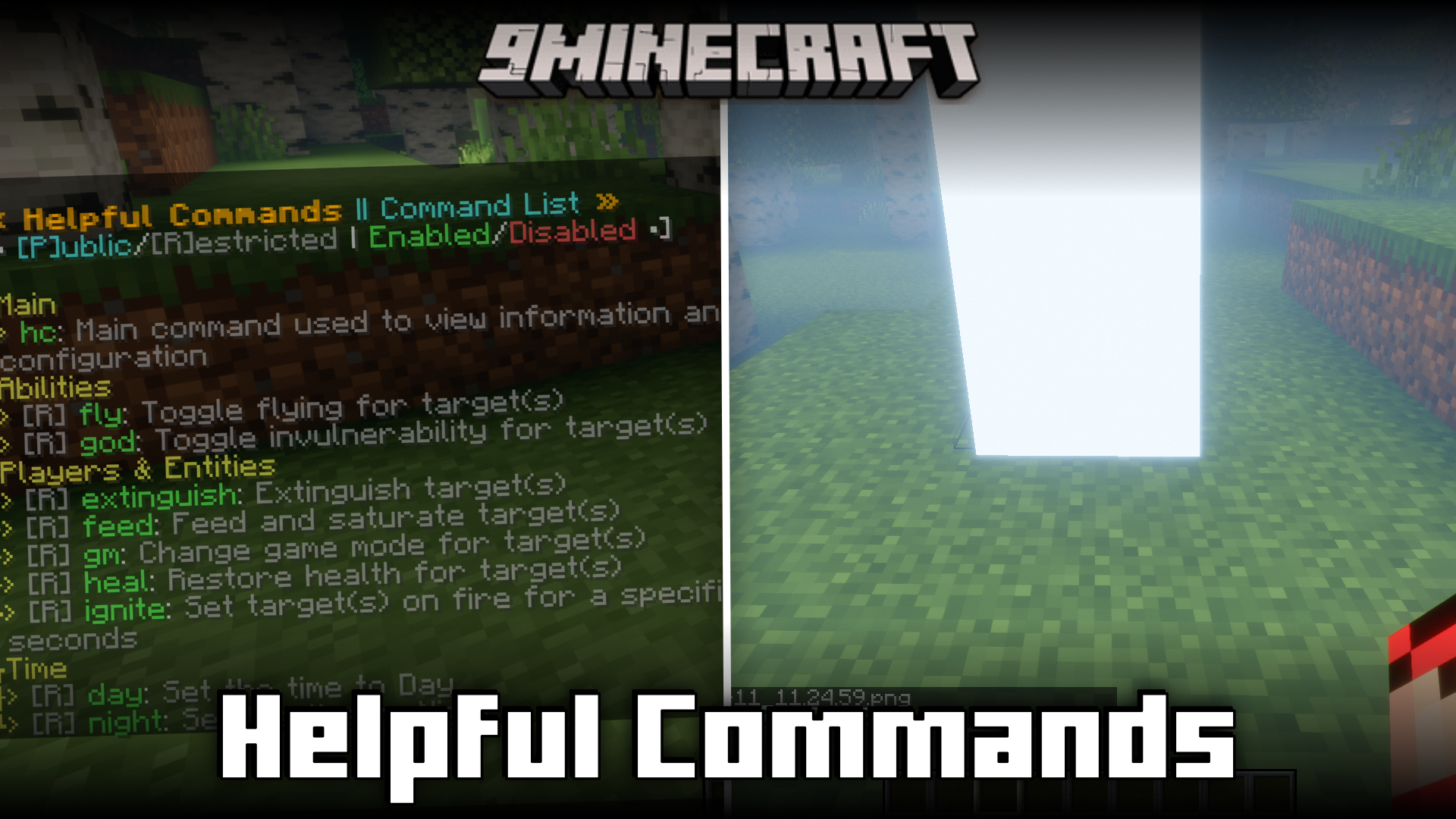
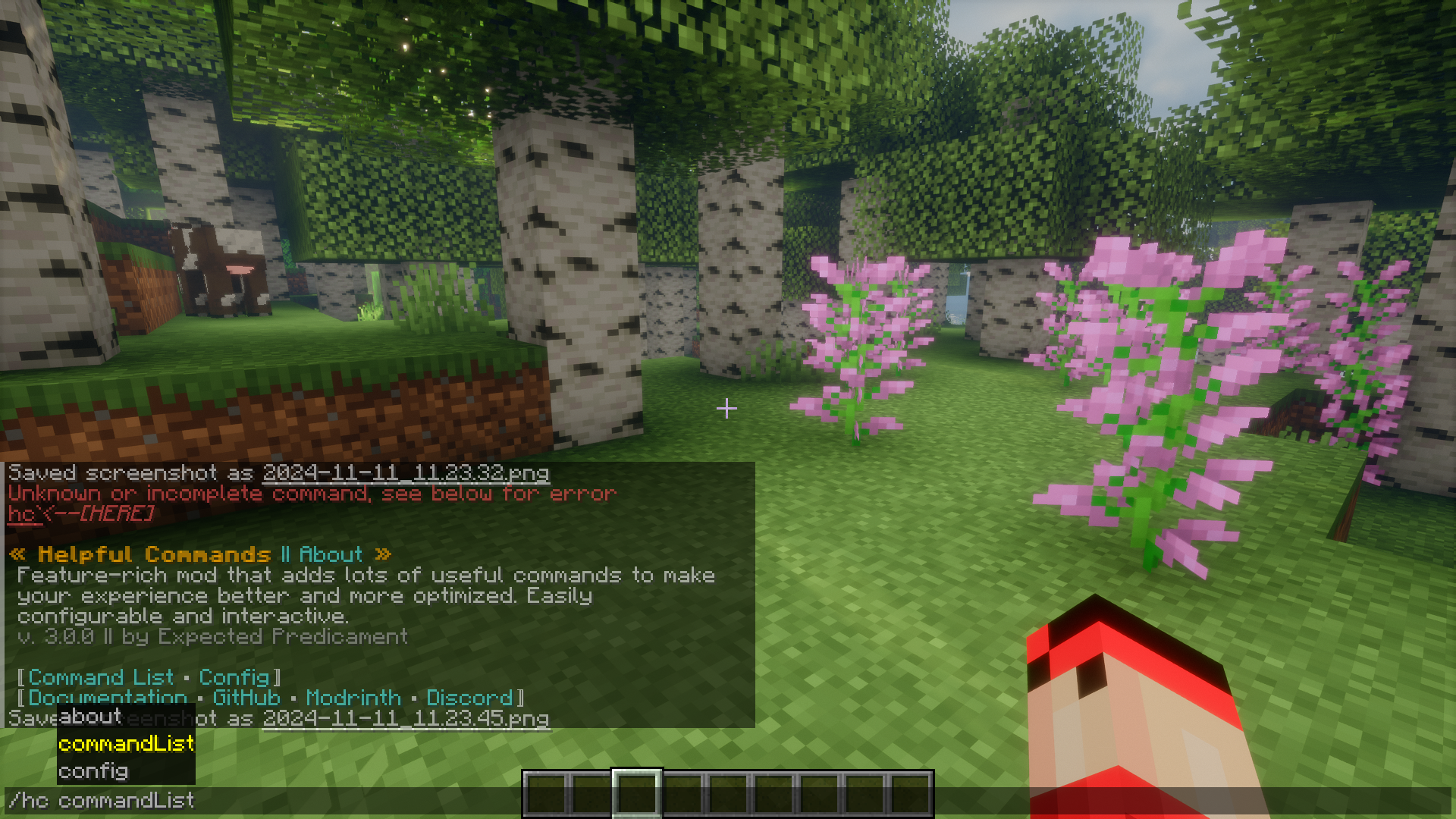
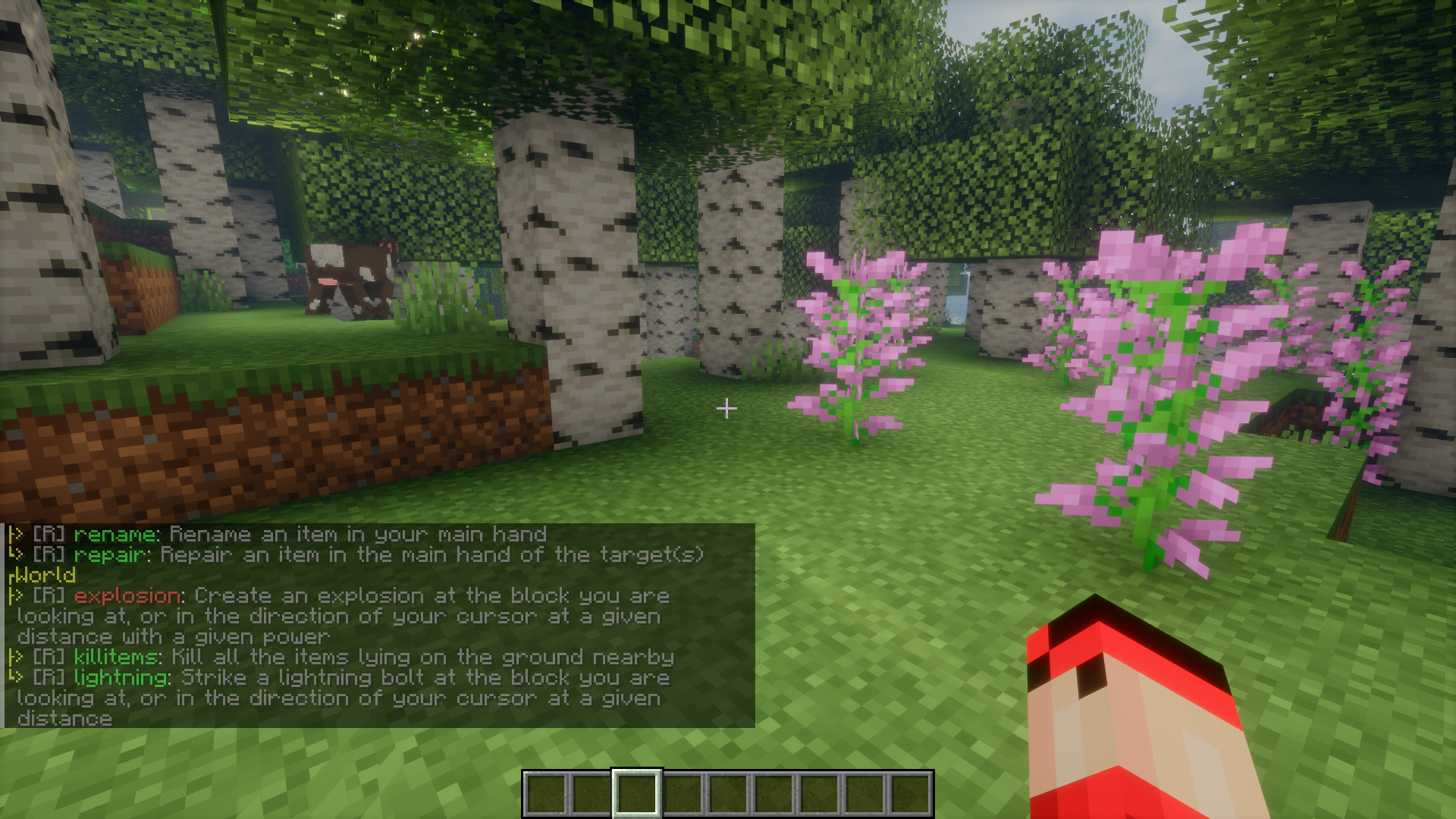
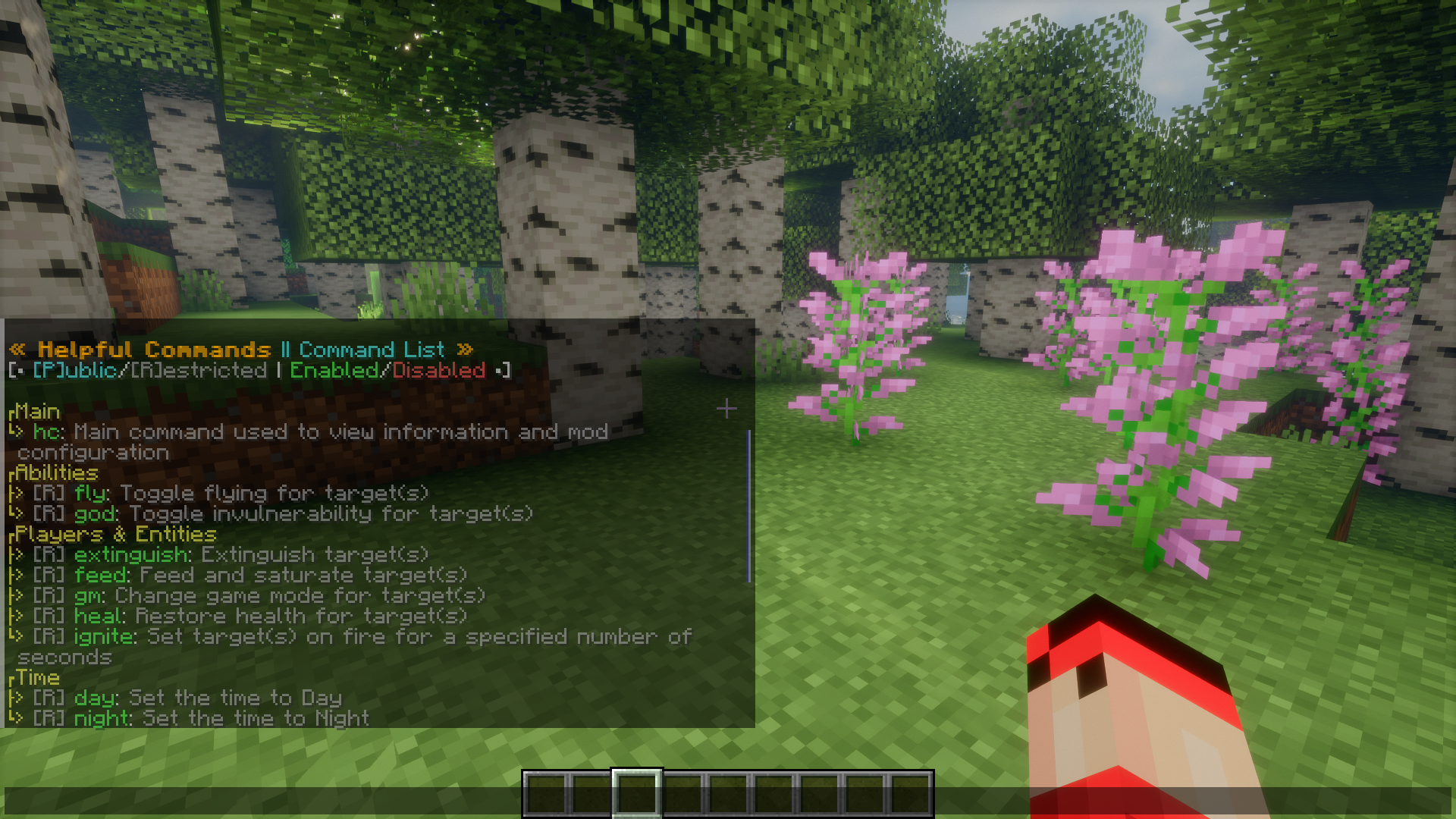
Use the /hc commandList command to open an in-game list of all available commands and shortcuts added by Helpful Commands Mod. This list shows both new commands and shortcuts for existing vanilla commands.
Can I use flight mode without switching to Creative Mode?
Yes, use the /fly command to toggle creative flight mode while staying in Survival or other game modes. This is useful for building or exploring without losing your survival progression.
What's the difference between the new commands and the shortcuts?
New commands like /fly are entirely new features added by the mod, while shortcuts are shorter alternatives to existing vanilla commands (like /give or /gamemode). Both are listed in the /hc commandList.
Do I need to be in Creative Mode to use these commands?
No, most commands work in any game mode, though some require operator (OP) permissions on servers. The /fly command specifically lets you enable flight in non-Creative modes.
See all 10 Helpful Commands questions ›
Gallery
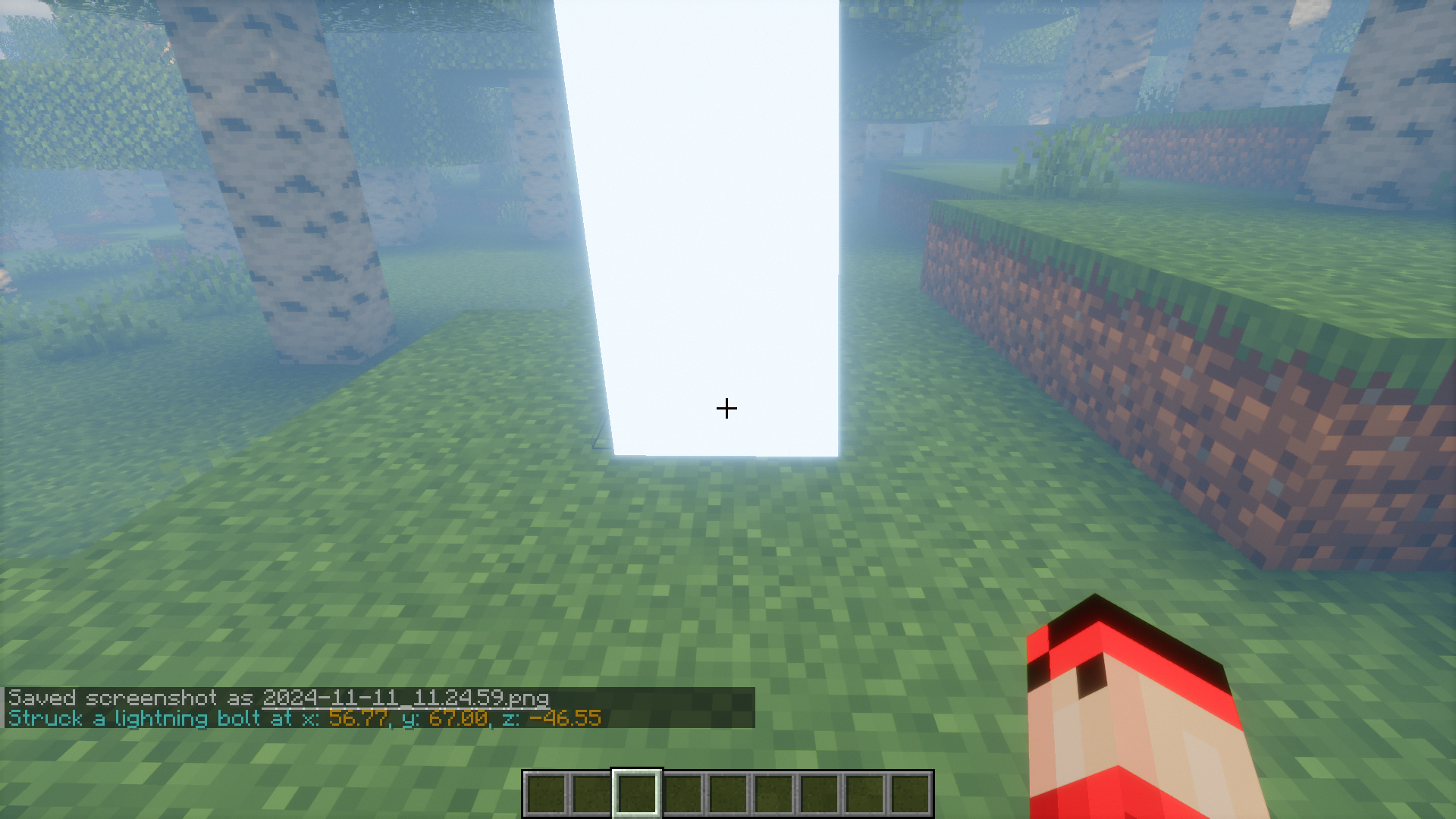
9 images from the Helpful Commands Mod page.
You May Also Like
Wikis that share the most with this one
 Helpful Cpvp Pack Resource Pack
More mod wikis on the site
The most downloaded mods that have a wiki here
A few wikis from each of the other kinds