

 DownloadFrozenLib Mod
Get the files on 9Minecraft
Guides
Step-by-step, in-game.
How to Configure FrozenLib Mod Settings In-GameFrozenLib powers the config system behind several FrozenBlock mods, so most of its options are exposed through those…How to Fix FrozenLib Crashes and Missing Dependency ErrorsFrozenLib is a library mod, which means it does nothing on its own but is required by other mods. Most problems…How to Stop Hopper Interactions and Tweak Cooldowns with FrozenLibTwo of FrozenLib's most useful gameplay-facing features are disabling hopper usage on specific block entities and…How to Use FrozenLib Features as a Modpack or Datapack AuthorIf you're building a modpack or datapack and a mod depends on FrozenLib, you can lean on its tools directly.…
Configuration
Every setting in the mod config file, with what it changes.
| Option | What it does |
|---|---|
cape | Cape |
file_transfer_client | Client File Transfer |
datafixer | DataFixer |
is_debug | Debug Mode |
disabled_datafix_types | Disabled DataFix Types |
discard | Discard changes |
config | FrozenLib Config |
remove_experimental_warning | Remove Experimental Warning |
pack_downloading | Resource Pack Downloading |
save | Save changes |
save_item_cooldowns | Save Item Cooldowns |
file_transfer_server | Server Receives Files |
true | Enabled |
true | ON |
false | Disabled |
false | OFF |
Frequently asked questions
What does FrozenLib actually do if it's just a library mod?
FrozenLib is a shared code library that other FrozenBlock mods depend on, so it doesn't add blocks or items on its own. It provides the systems those mods use, like advanced configs, custom scheduled ticks, moving  sounds, screen shake, and datafixers. If you installed it expecting new content, that's why nothing appears in your world.
Do I need FrozenLib installed to run other FrozenBlock mods?
Yes, most FrozenBlock mods list FrozenLib as a required dependency, and the game will refuse to launch or crash on startup without it. Install FrozenLib alongside those mods and make sure both are built for the same Minecraft version and mod loader. If you see a missing dependency error, FrozenLib is usually the culprit.
How do I open the FrozenLib config screen in-game?
FrozenLib uses an advanced config system, so its options show up through your  mod menu's config button rather than a standalone screen. Open the mod list, find FrozenLib or the dependent mod, and click the config button. If no button appears, the mod may not have registered a config for your setup.
How do I change the path of a structure piece with FrozenLib?
FrozenLib lets modpack and datapack authors redirect where structure pieces are loaded from, so you can swap in custom NBT without editing the original mod. This is done through the mod's config or data files, not in-game commands. Check the FrozenLib documentation for the exact file format before editing.
See all 10 FrozenLib questions ›
Gallery
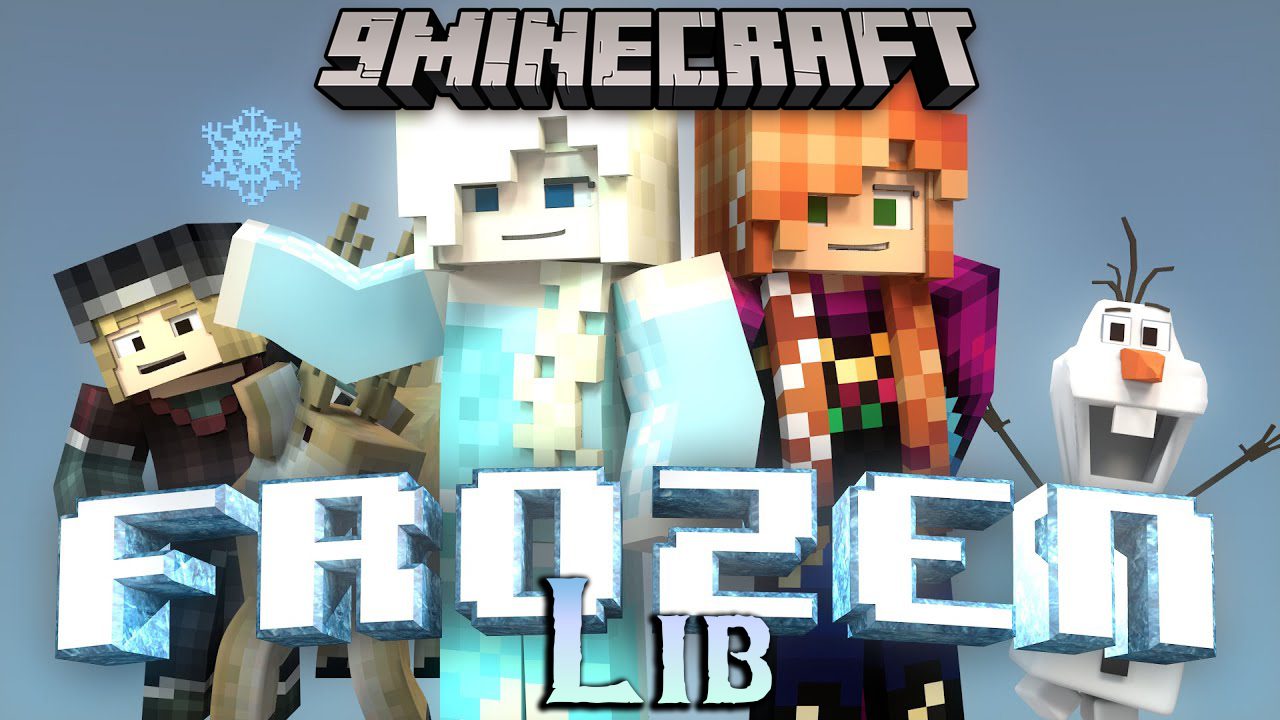
1 image from the Frozenlib Mod page.
You May Also Like
Wikis that share the most with this one
 Frosted On Ice Model
More mod wikis on the site
Frostbyte’s Maximum Mobility ModFrostbyte’s Improved Inventory ModFrost Glazed Canopies ModFrontier Command Redefined ModFrontier ArmamentsFrom The FogFringe Essence UtilityFrieren and Mistress Frieren ModelFriendsfoes Forge Neo ForgeFriends N Foes Beekeeper Hut ModFriends&Foes (Fabric/Quilt)Friendly Fire Mod
The most downloaded mods that have a wiki here
A few wikis from each of the other kinds