

 DownloadFrostbyte’s Maximum Mobility Mod
Get the files on 9Minecraft
Guides
Step-by-step, in-game.
Configure Step Up to Climb Blocks Without JumpingWhat Step Up Does Step Up removes the need to jump repeatedly when walking up blocks. Instead of hitting jump for…Enable Coyote Time to Jump After Walking Off a LedgeWhat Coyote Time Does Coyote Time lets you jump for a brief moment after you walk or fall off a block, even though…Stop Elytra Flight Quickly with Elytra CancelingWhat Elytra Canceling Does Elytra Canceling lets you exit flight mode instantly by tapping jump, rather than waiting…Use Reach Around Placement to Build FasterWhat Reach Around Placement Does Reach Around Placement allows you to place blocks in front of you without needing to…
Frequently asked questions
How do I turn on Step Up?
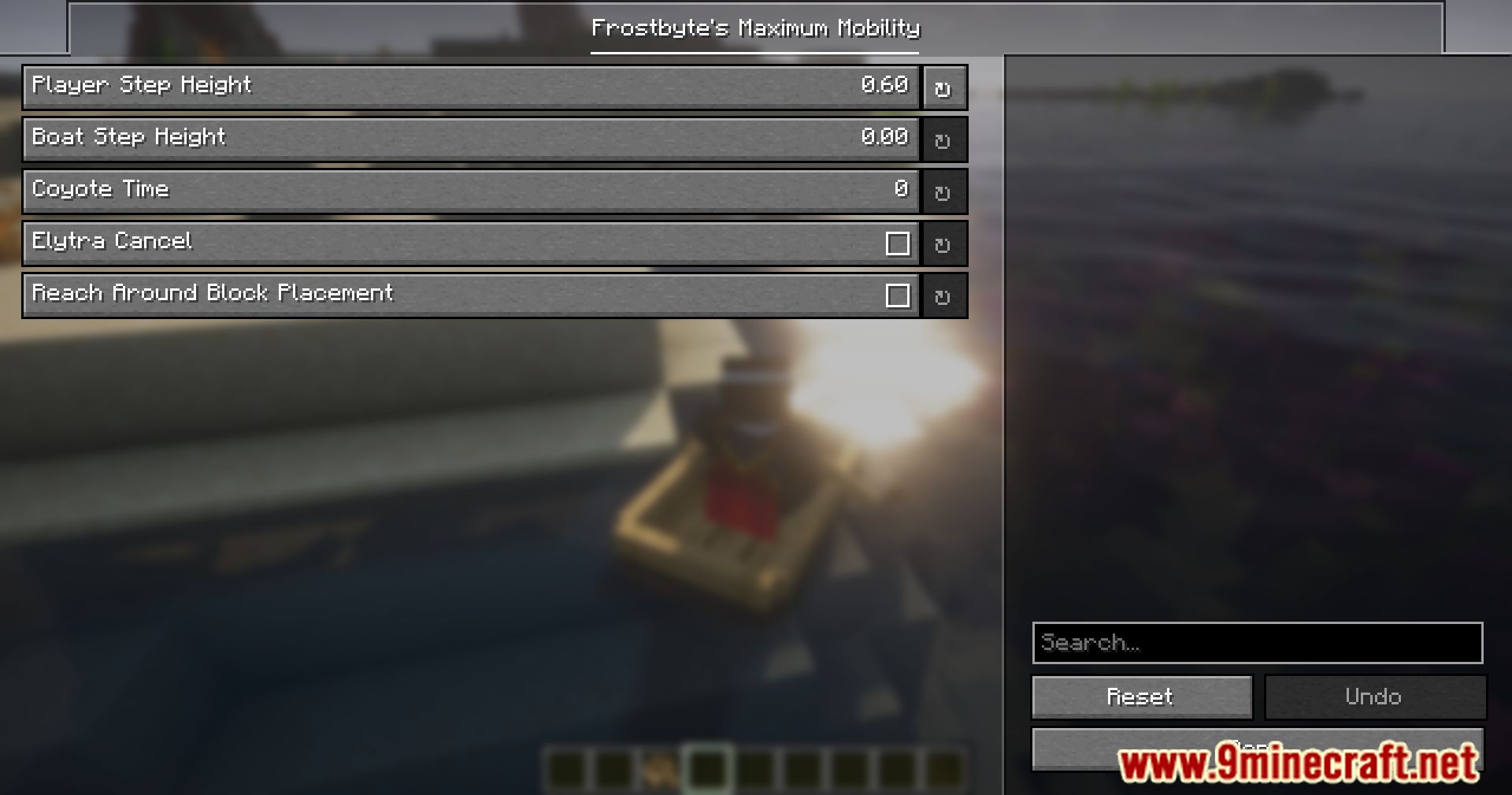
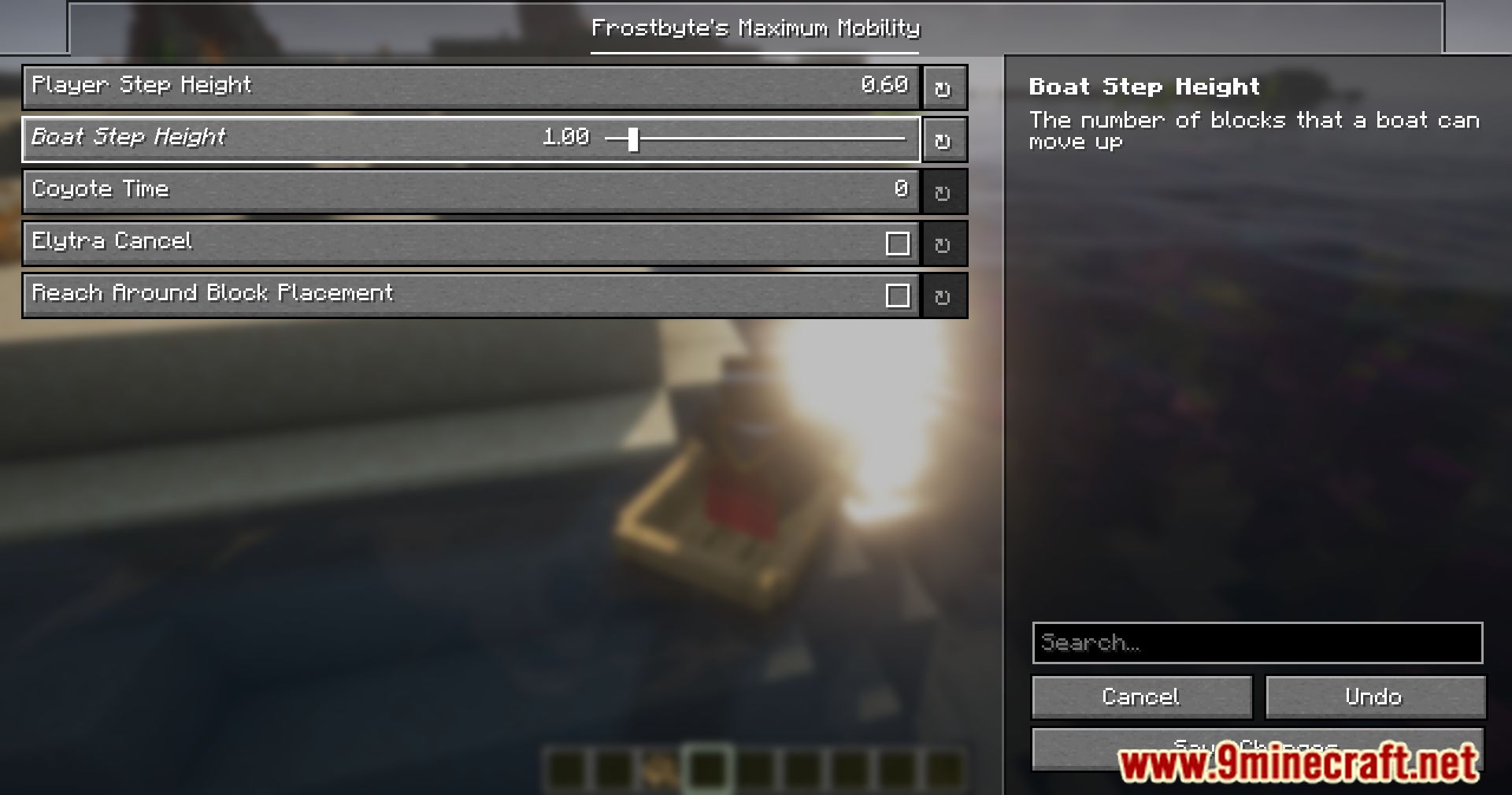
Step Up is enabled by default, but you can toggle it in the mod's config file. Once active, you'll automatically climb up single blocks without needing to jump—just walk into them.
What's the difference between Step Up and autojump?
Step Up only climbs one block at a time and feels responsive, while autojump can climb multiple blocks in a row and feels sluggish. Step Up gives you more control and is smoother for platforming.
How does Coyote Time work?
After you walk or fall off a block, you have a brief window to jump before hitting the ground—this is Coyote Time. It makes platforming feel more forgiving and less punishing for small mistakes.
Can I adjust how long Coyote Time lasts?
Yes, Coyote Time duration is fully customizable in the config file, so you can make the window shorter or longer depending on your preference.
See all 10 Frostbyte’s Maximum Mobility questions ›
Gallery
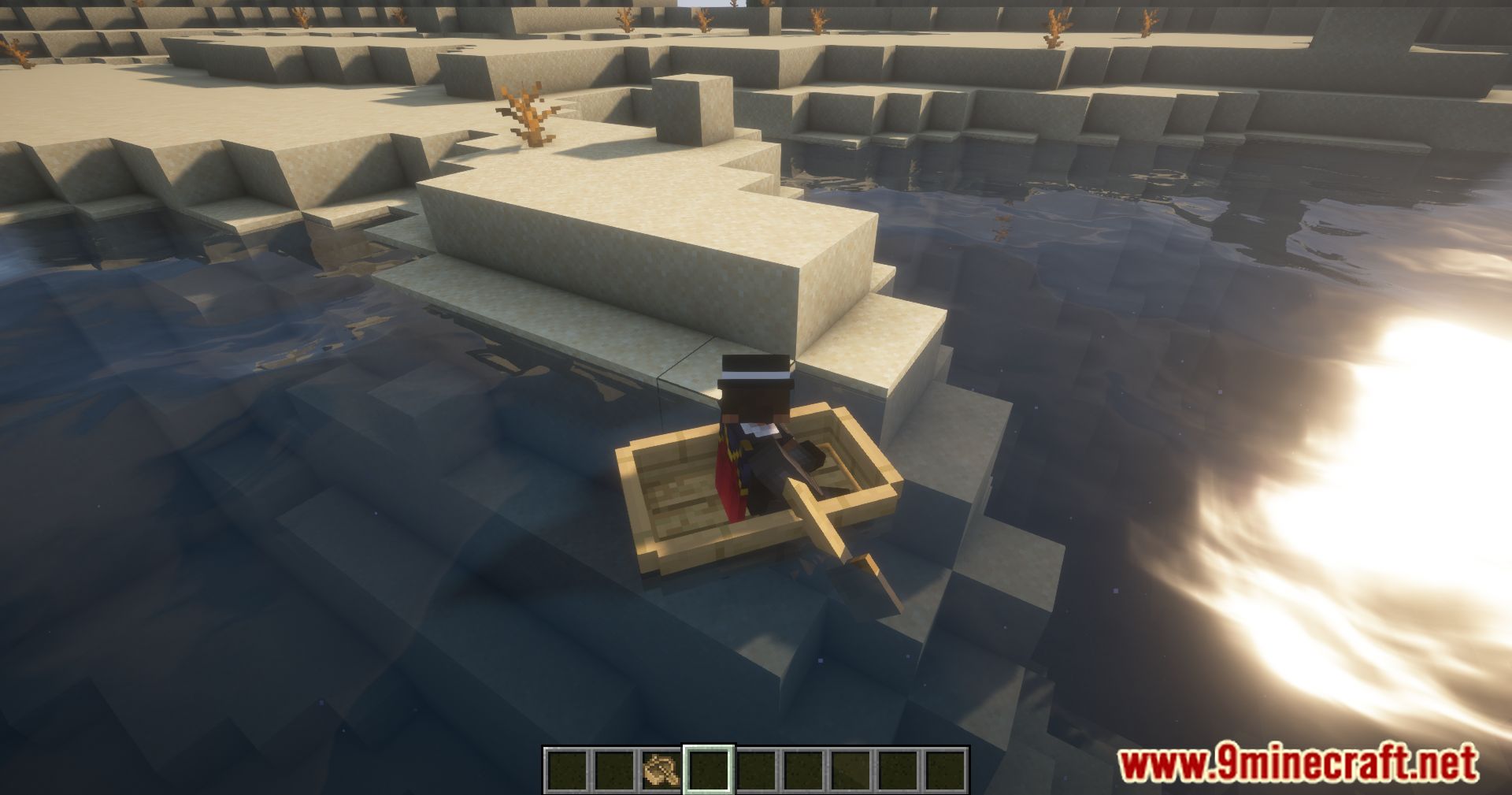
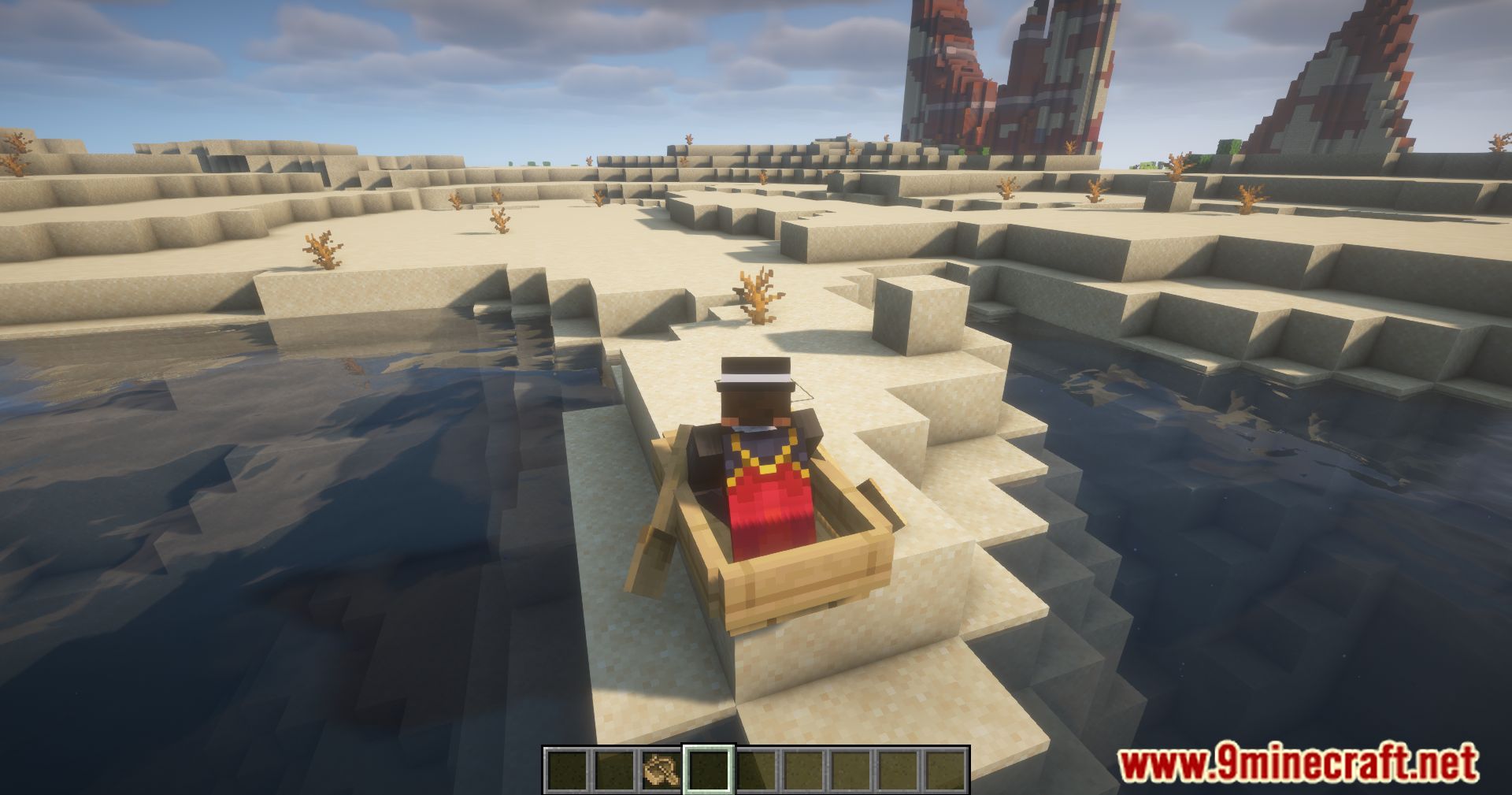
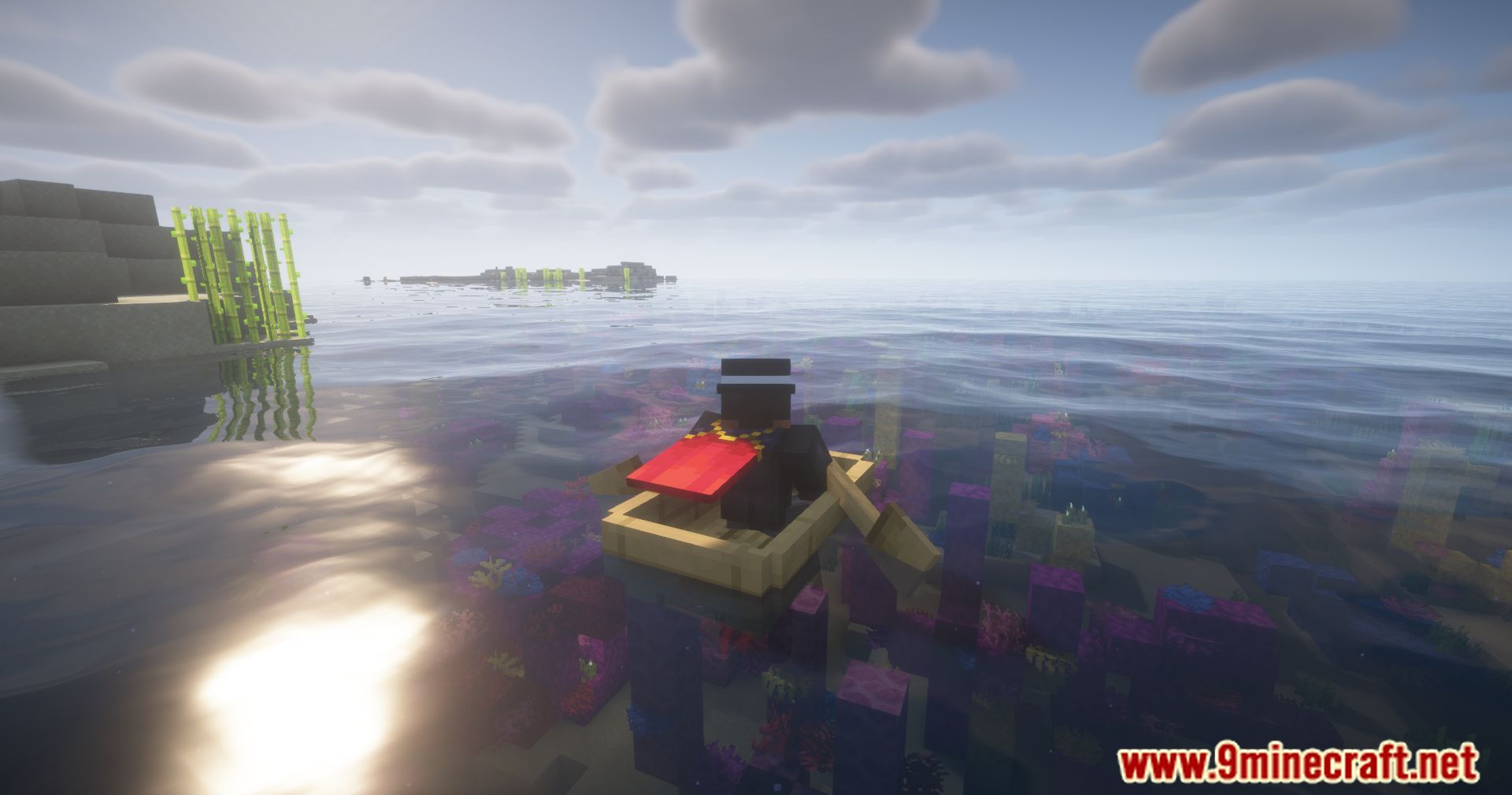
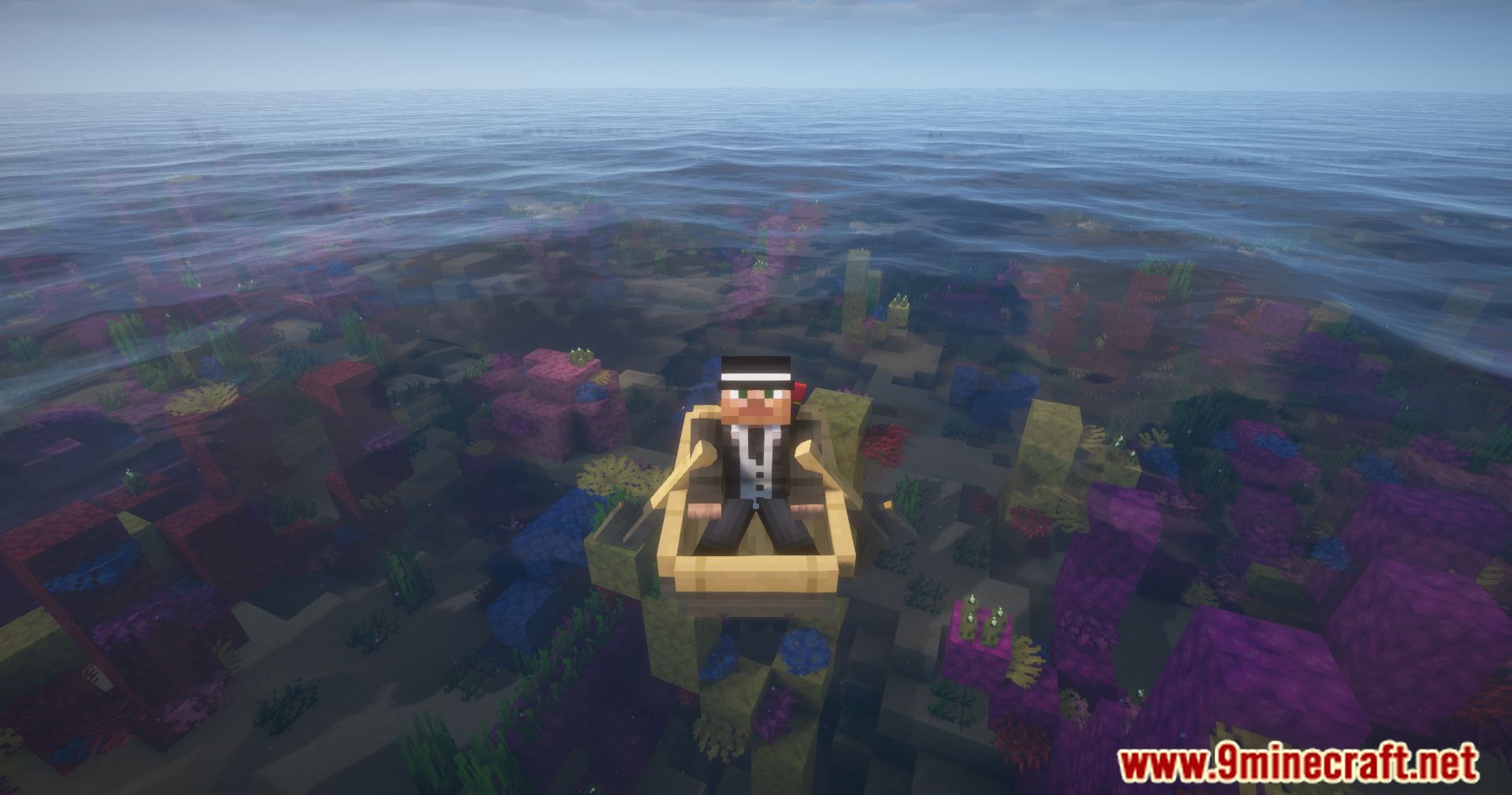
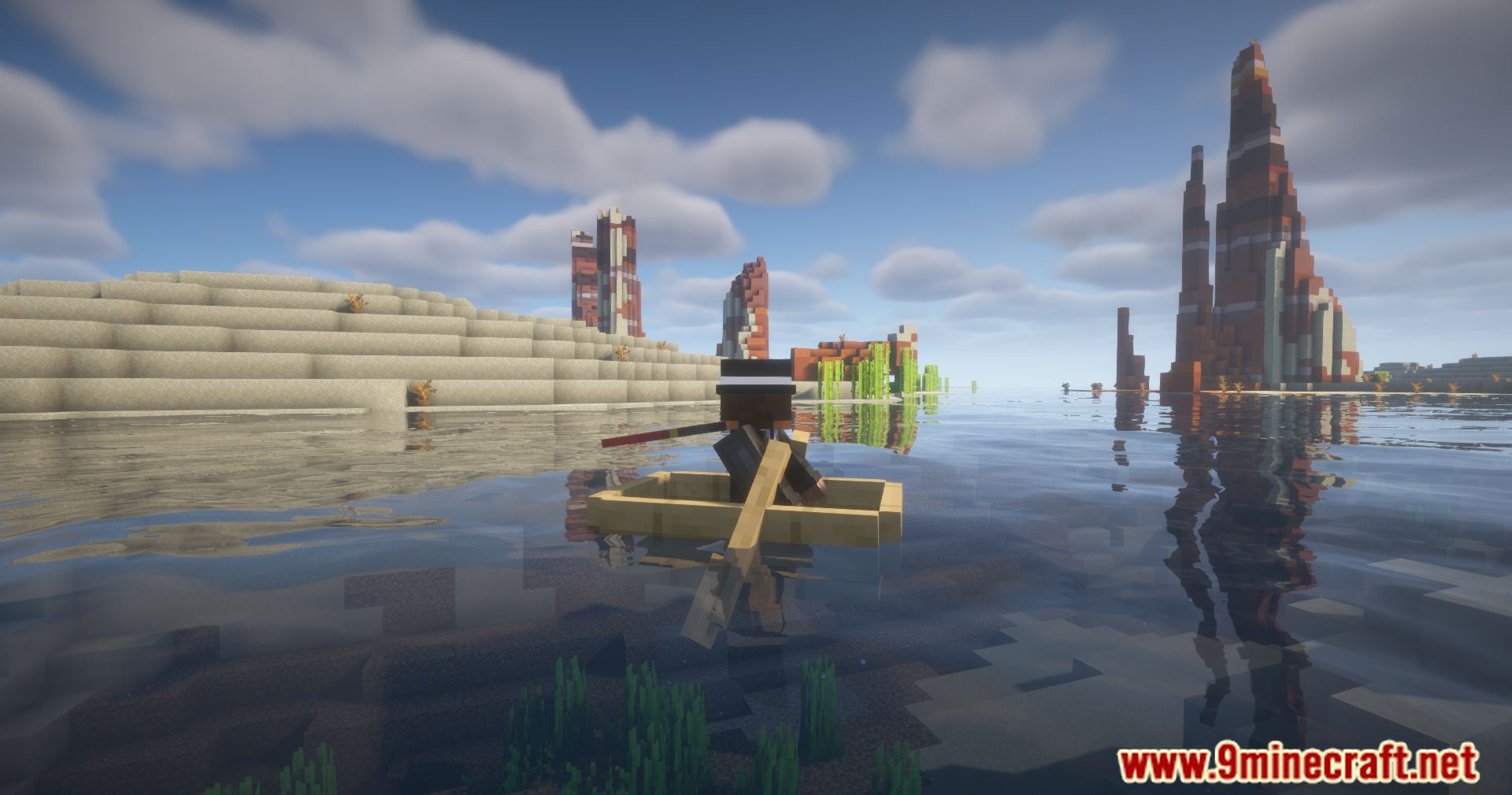
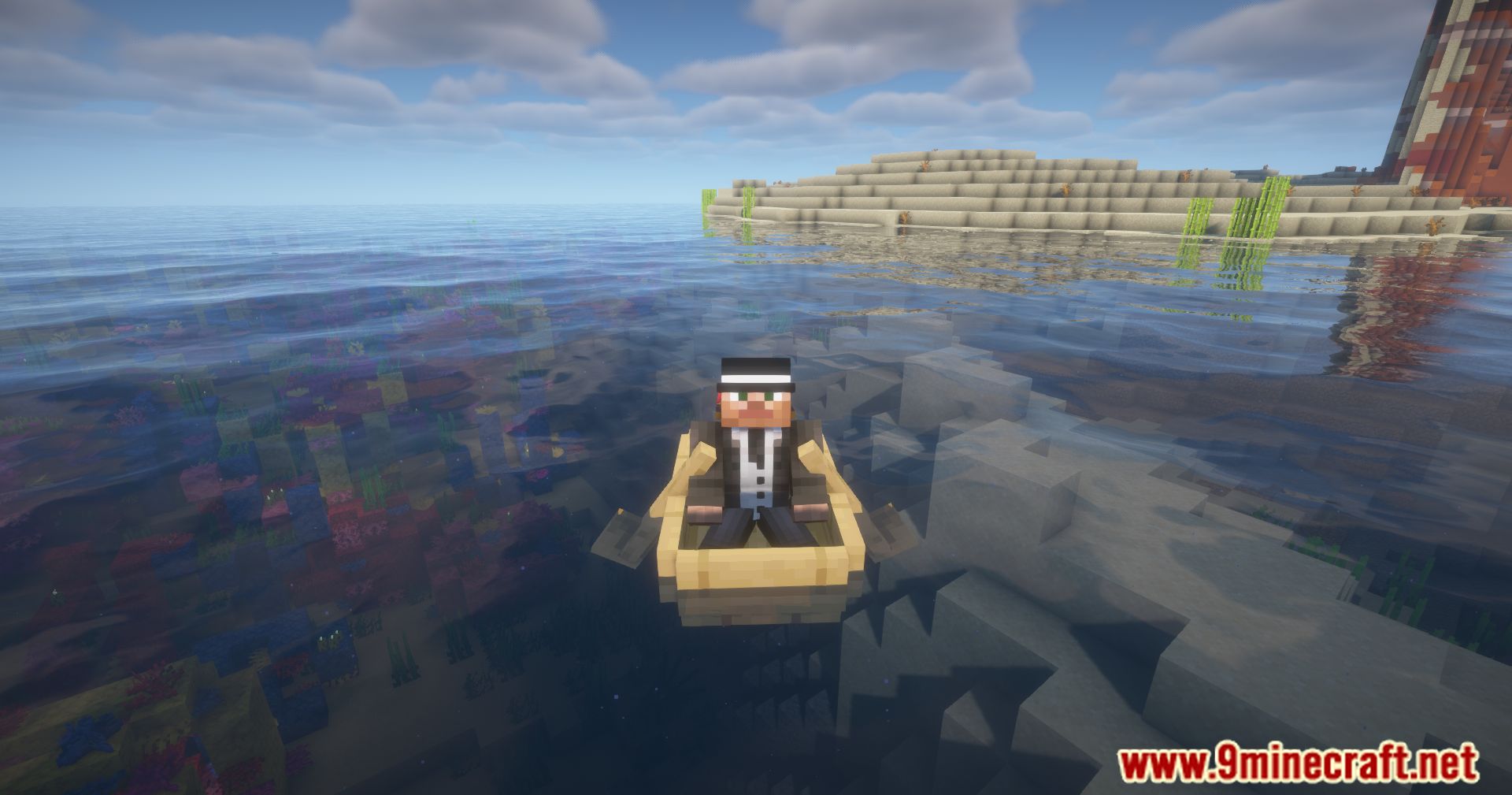
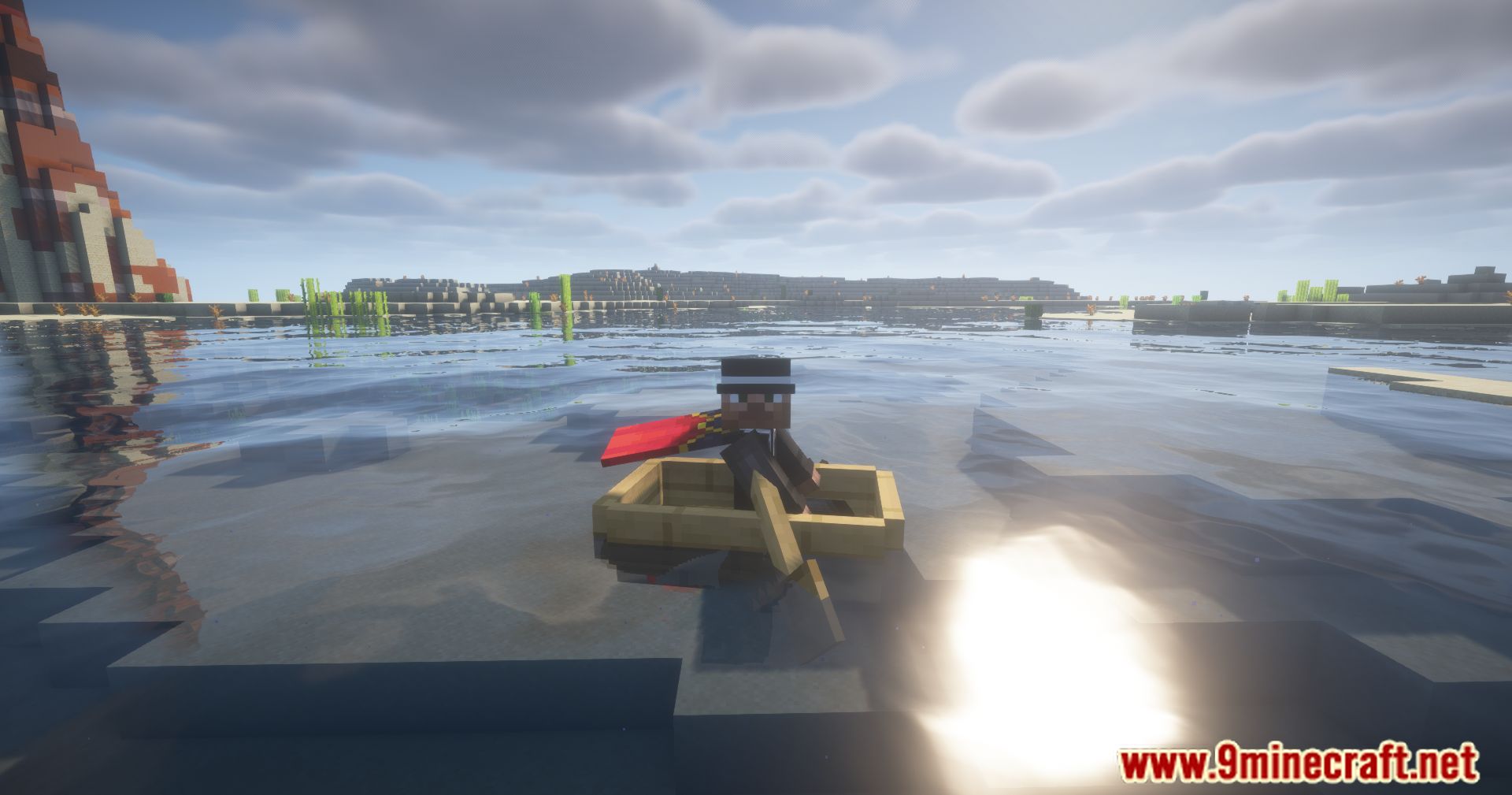
11 images from the Frostbytes Maximum Mobility Mod page.
You May Also Like
Wikis that share the most with this one
 Frosted On Ice Model
More mod wikis on the site
The most downloaded mods that have a wiki here
A few wikis from each of the other kinds