

 DownloadEymistaken’s HUD Mod
Get the files on 9Minecraft
Guides
Step-by-step, in-game.
Monitor Your Armor Durability During CombatEnable the Armor Tracker Access your HUD mod settings and ensure the armor durability tracker is enabled. This…Position HUD Elements to Avoid Blocking Your ViewOpen the Layout Designer Press the layout designer keybind (configurable in your mod settings) to enter customization…Track Your Clicks Per Second to Improve Your Attack SpeedEnable the CPS Display Turn on the clicks per second tracker in your mod settings. This counter shows how many times…Use the Reach Indicator to Land Hits ConsistentlyActivate the Reach Tracker Enable the attack reach display in your HUD mod settings. This shows the exact distance…
Frequently asked questions
How do I open the HUD layout designer?
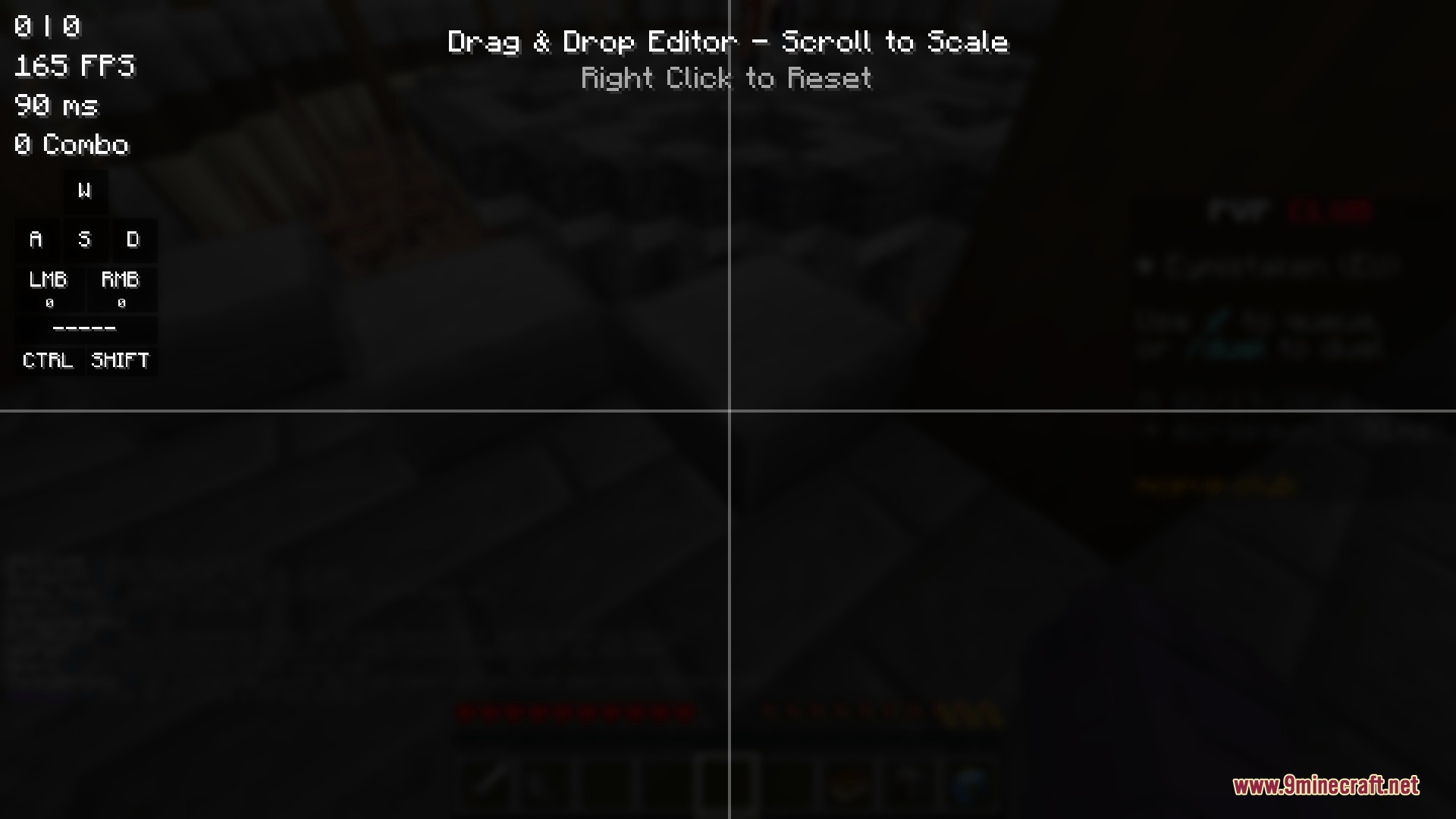
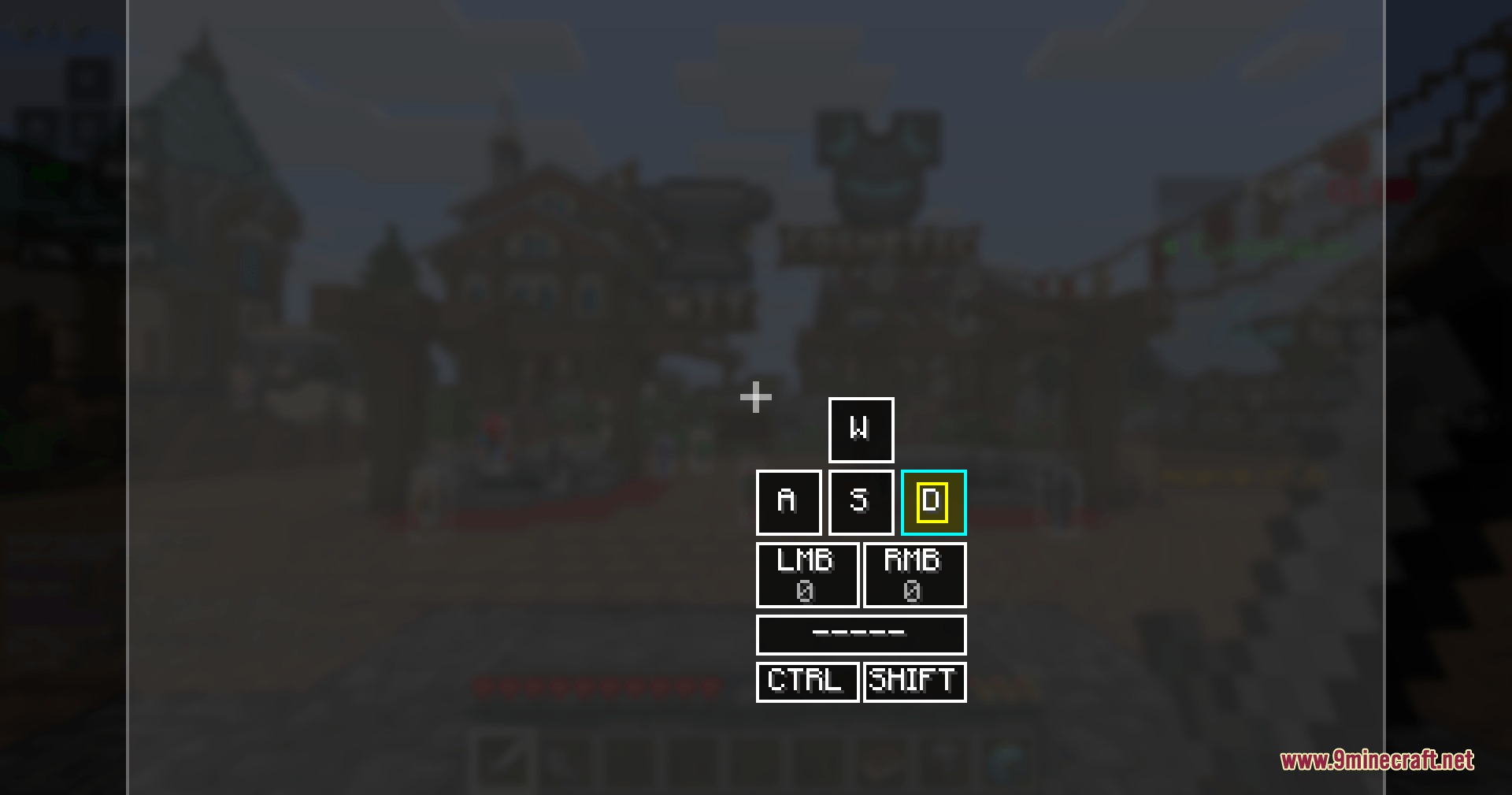
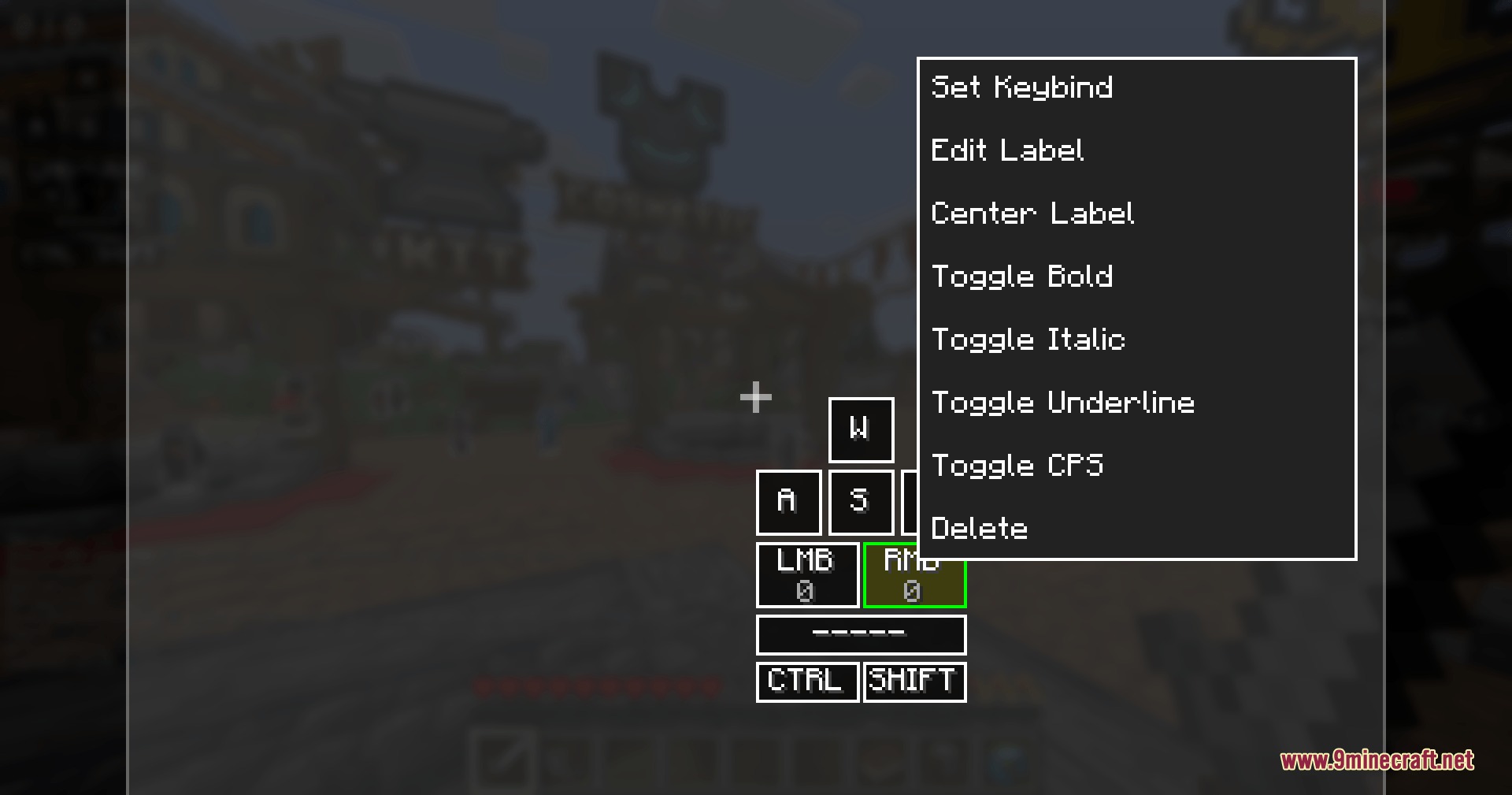
Press the designated keybind (configurable in your mod settings) to enter layout designer mode, which lets you see all available trackers and drag them around your screen freely.
Can I move HUD elements while in combat?
No, you need to exit combat or use the layout designer mode to reposition trackers; you cannot adjust them during active PvP fights.
Why is my armor durability tracker not showing?
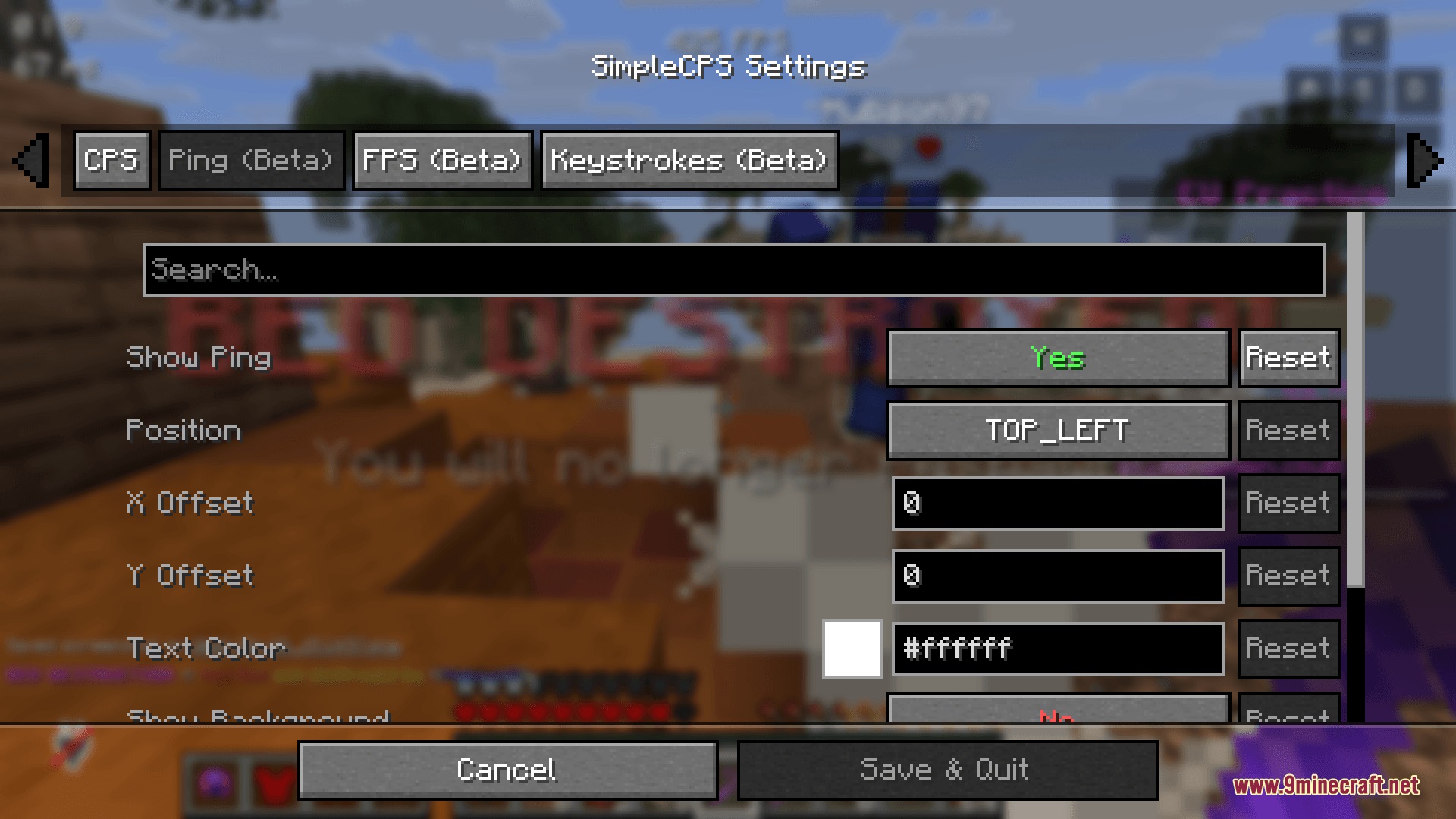
Make sure the armor durability tracker is enabled in the mod's settings and positioned within your screen bounds in the layout designer—it may be placed off-screen by default.
Does the reach indicator work on all servers?
The reach indicator measures your client-side attack distance, but server-side reach limits may differ; use it as a reference for your own consistency rather than as an absolute server rule.
See all 10 Eymistaken’s HUD questions ›
Gallery
9 images from the Eymistakens Hud Mod page.
You May Also Like
Wikis that share the most with this one
More mod wikis on the site
The most downloaded mods that have a wiki here
A few wikis from each of the other kinds