

 DownloadEntityXray Mod
Get the files on 9Minecraft
Guides
Step-by-step, in-game.
Find Specific Entity TypesFilter Entities in Options Press Right-Shift to access the mod's settings. The options menu lets you selectively…Reduce Lag or Performance ImpactLimit Detection Range Open the options menu with Right-Shift and reduce the entity detection distance. Tracking…Track Mobs and Players Through WallsEnable Entity X-ray Press X to toggle the Entity X-ray feature on. When active, all entities—mobs, players, animals,…Use Commands to Control Entity X-rayAccess the Command System Type /xray in the chat to open the mod's command interface. This provides an alternative to…
Frequently asked questions
How do I turn on entity X-ray?
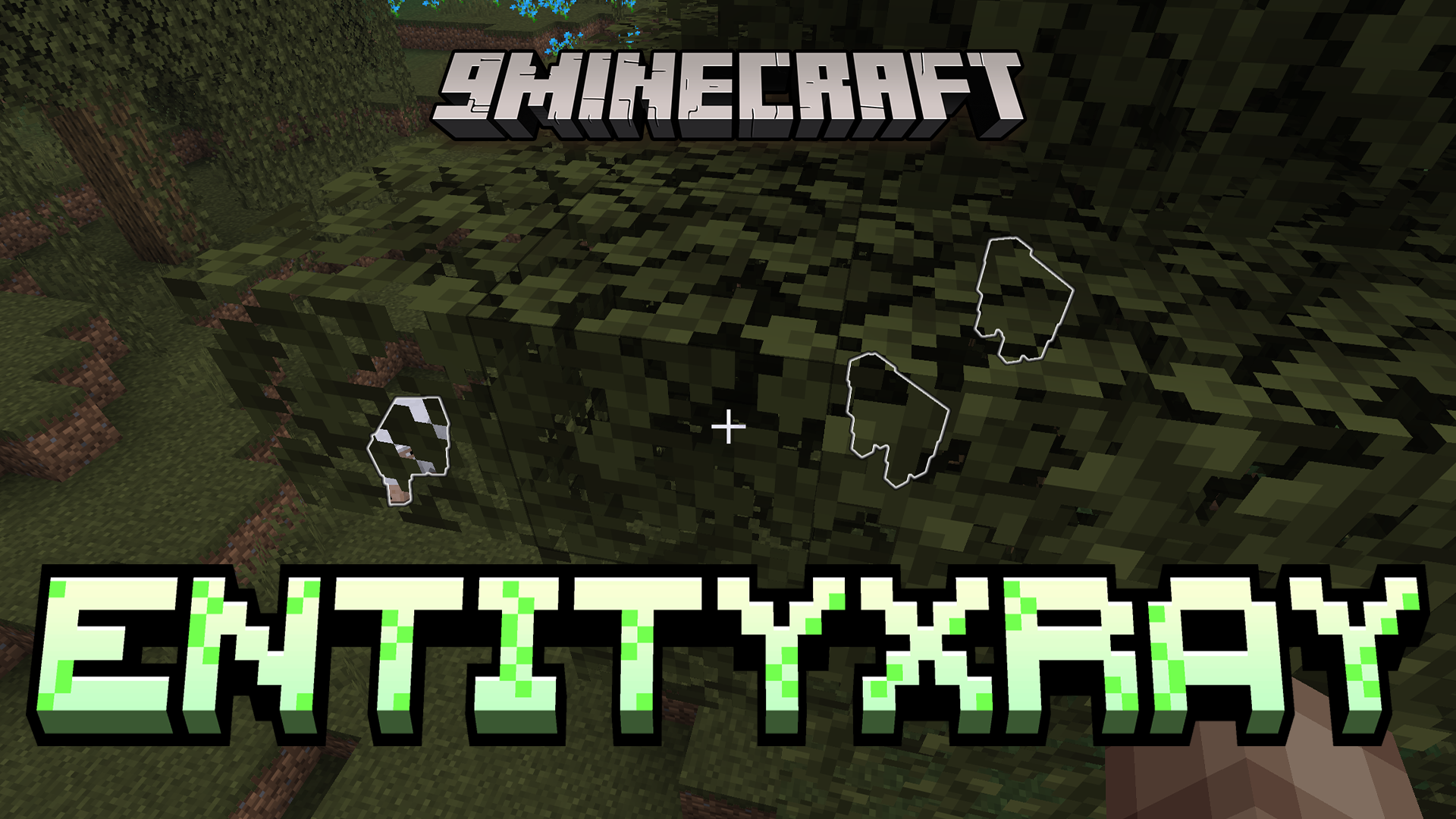
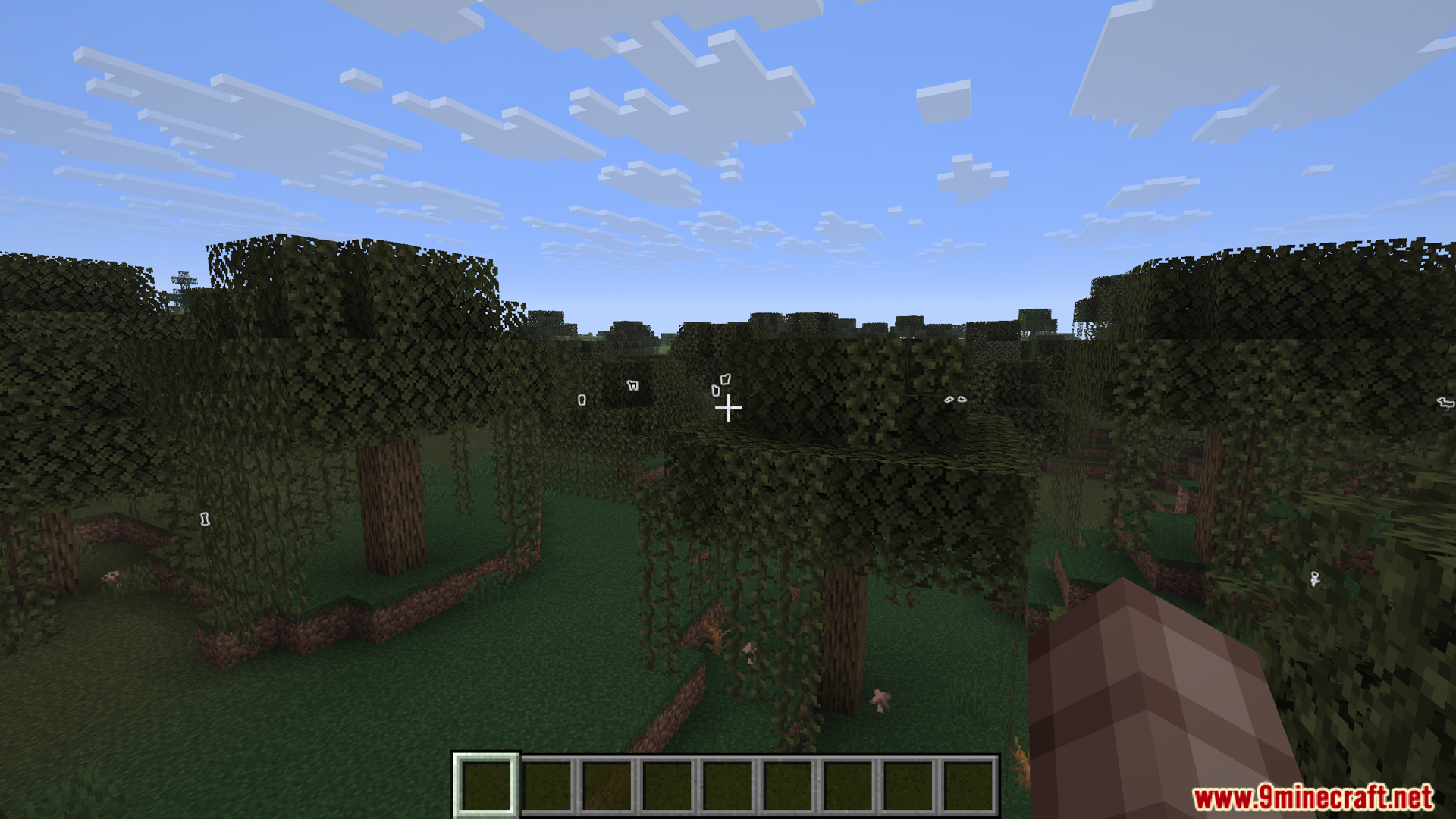
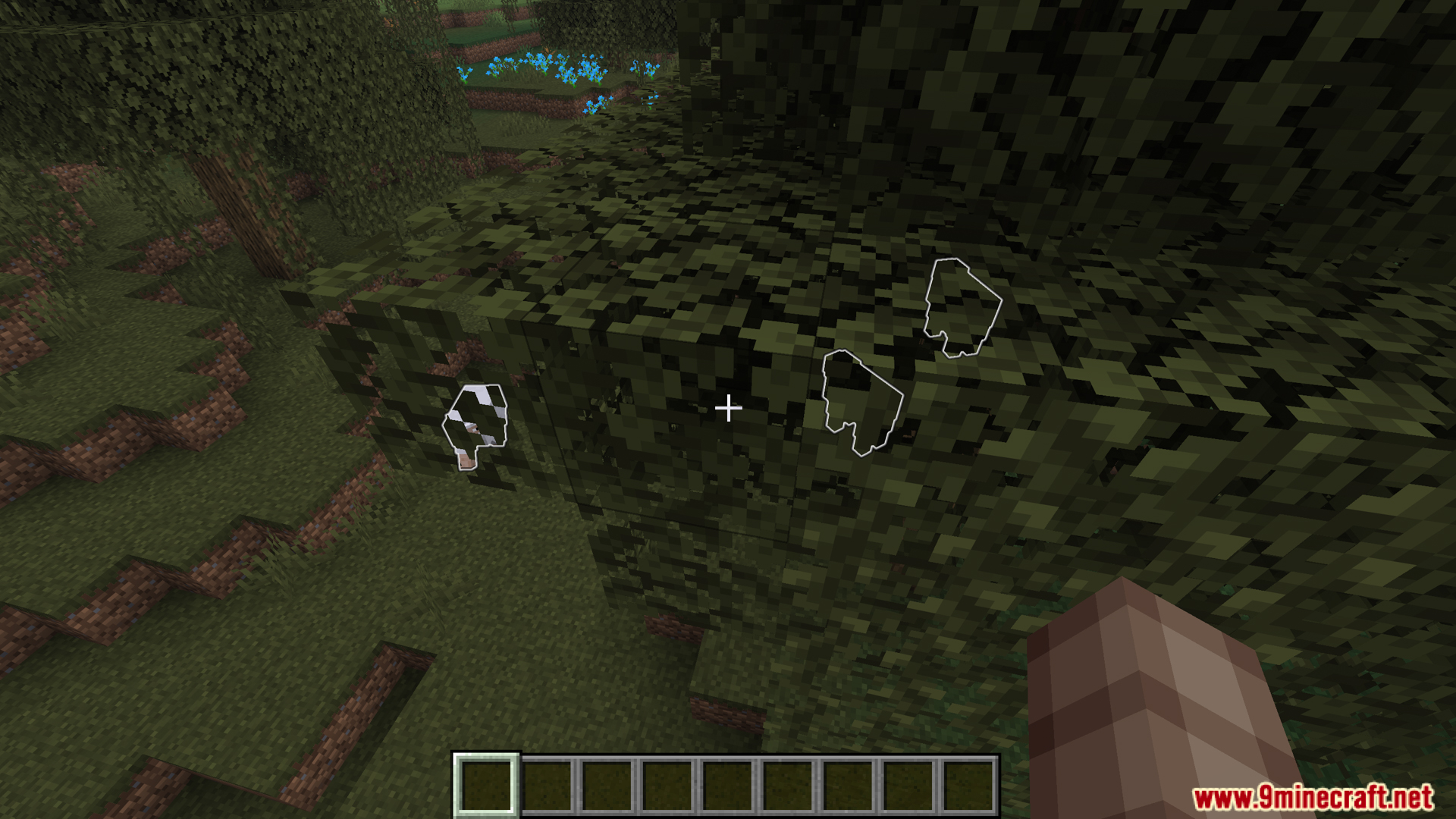
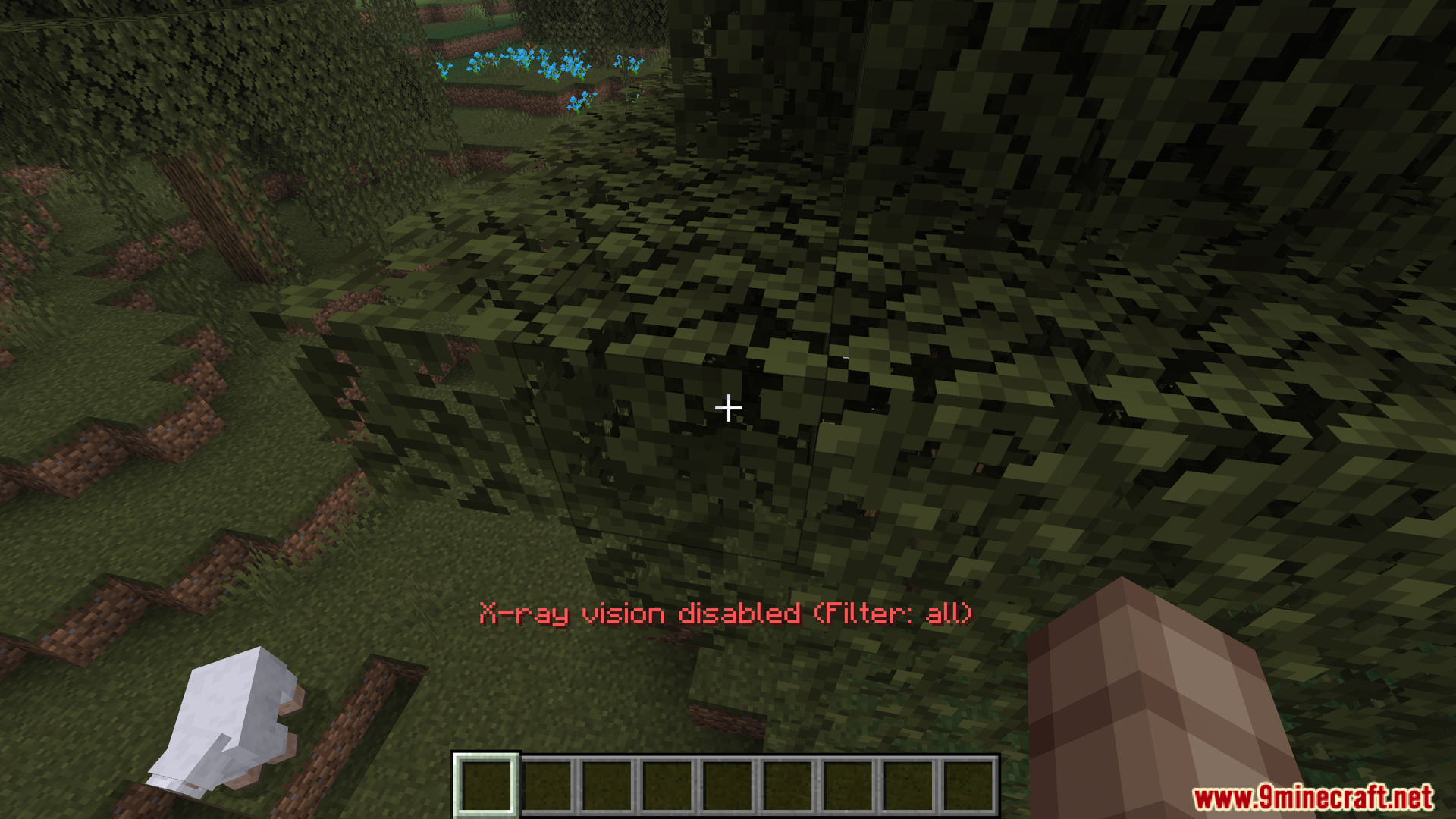
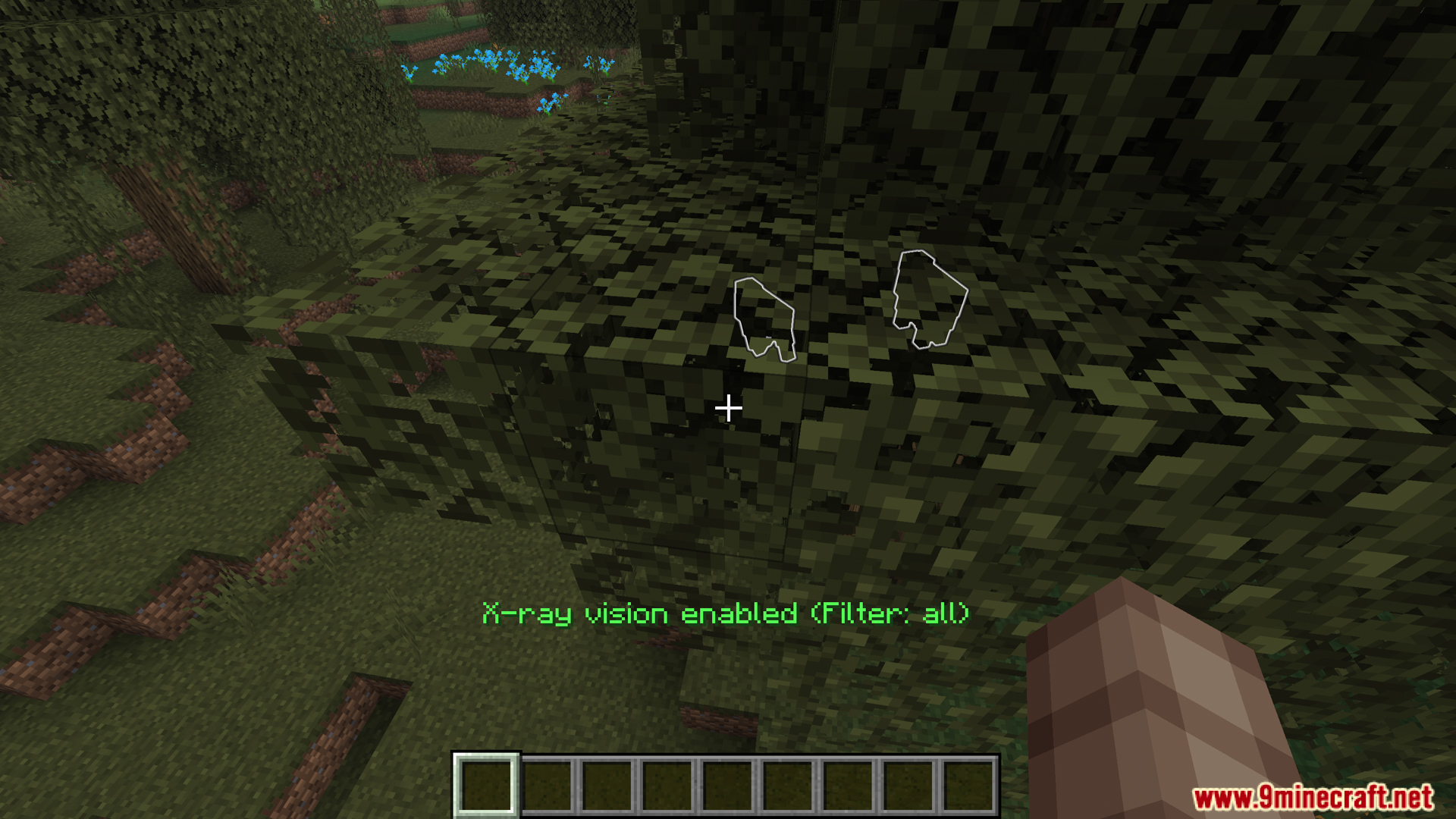
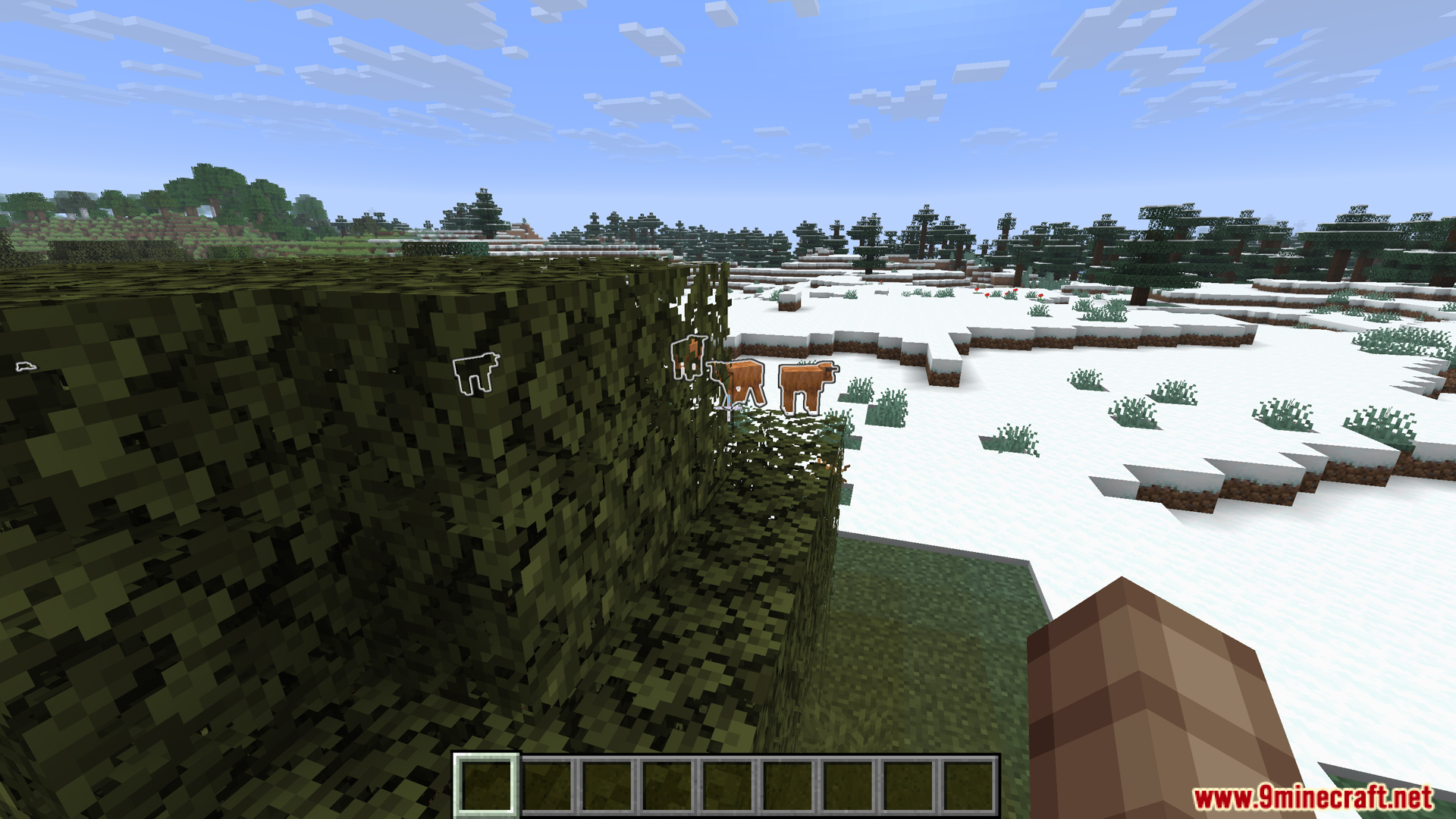
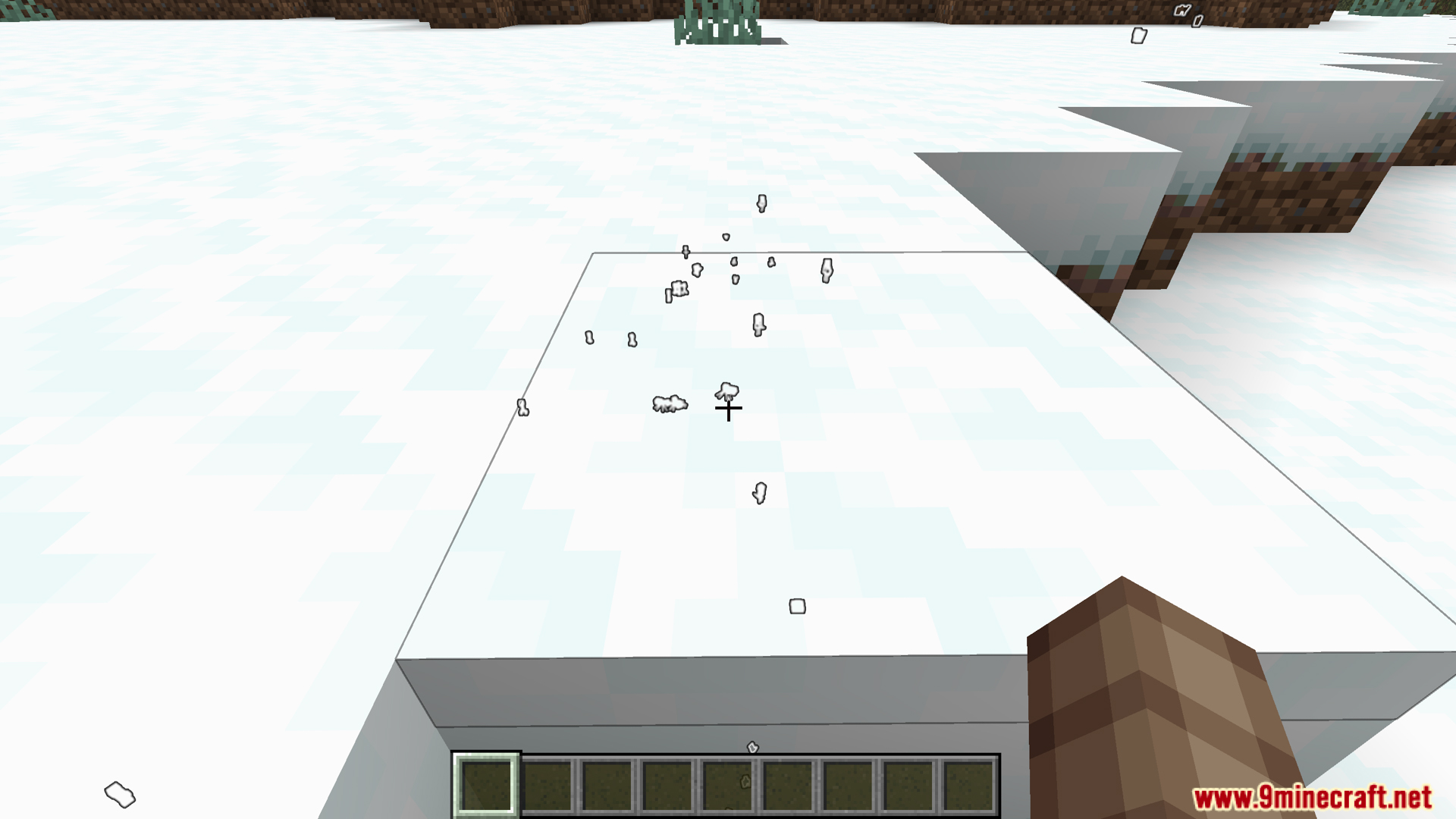
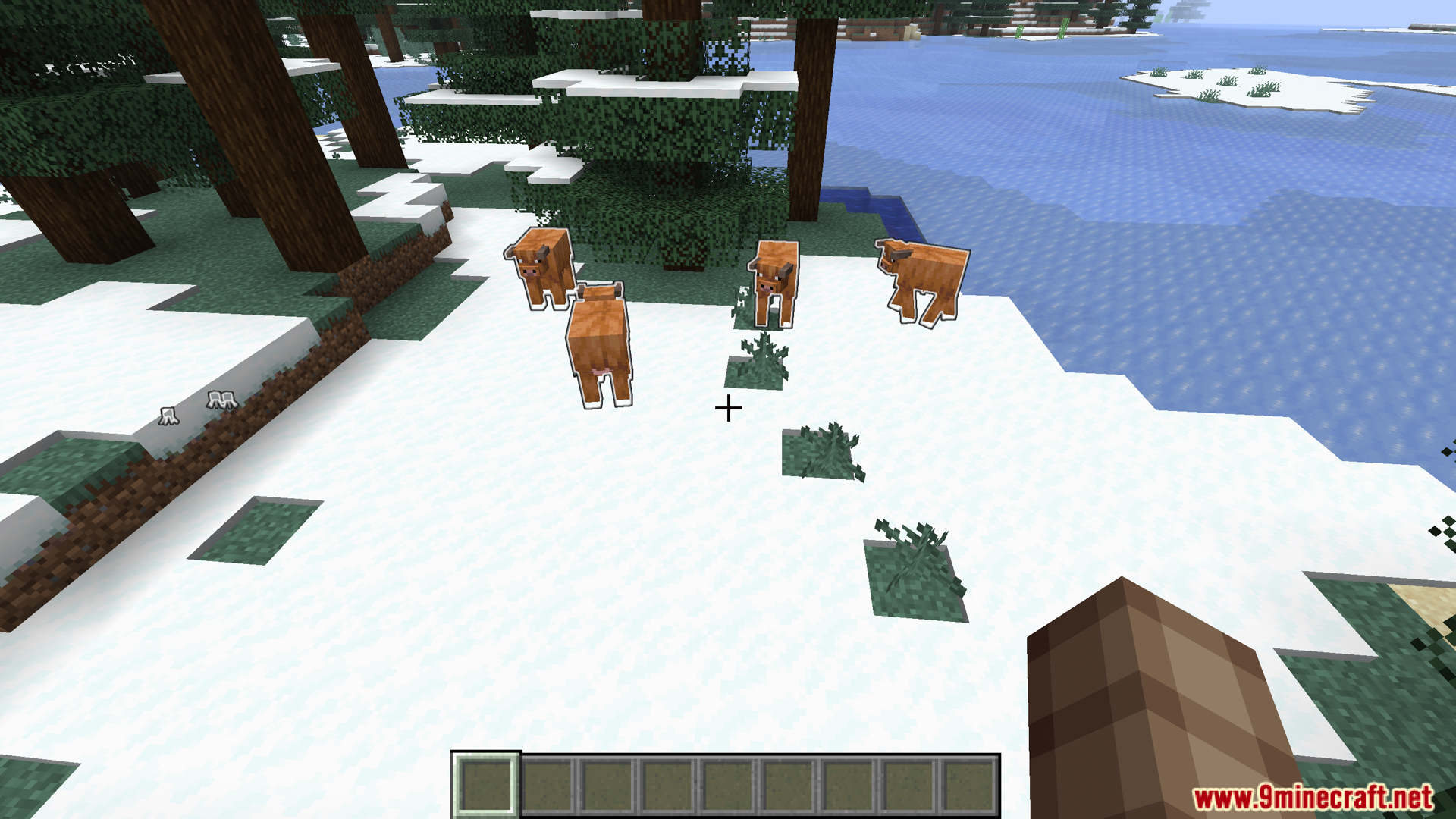
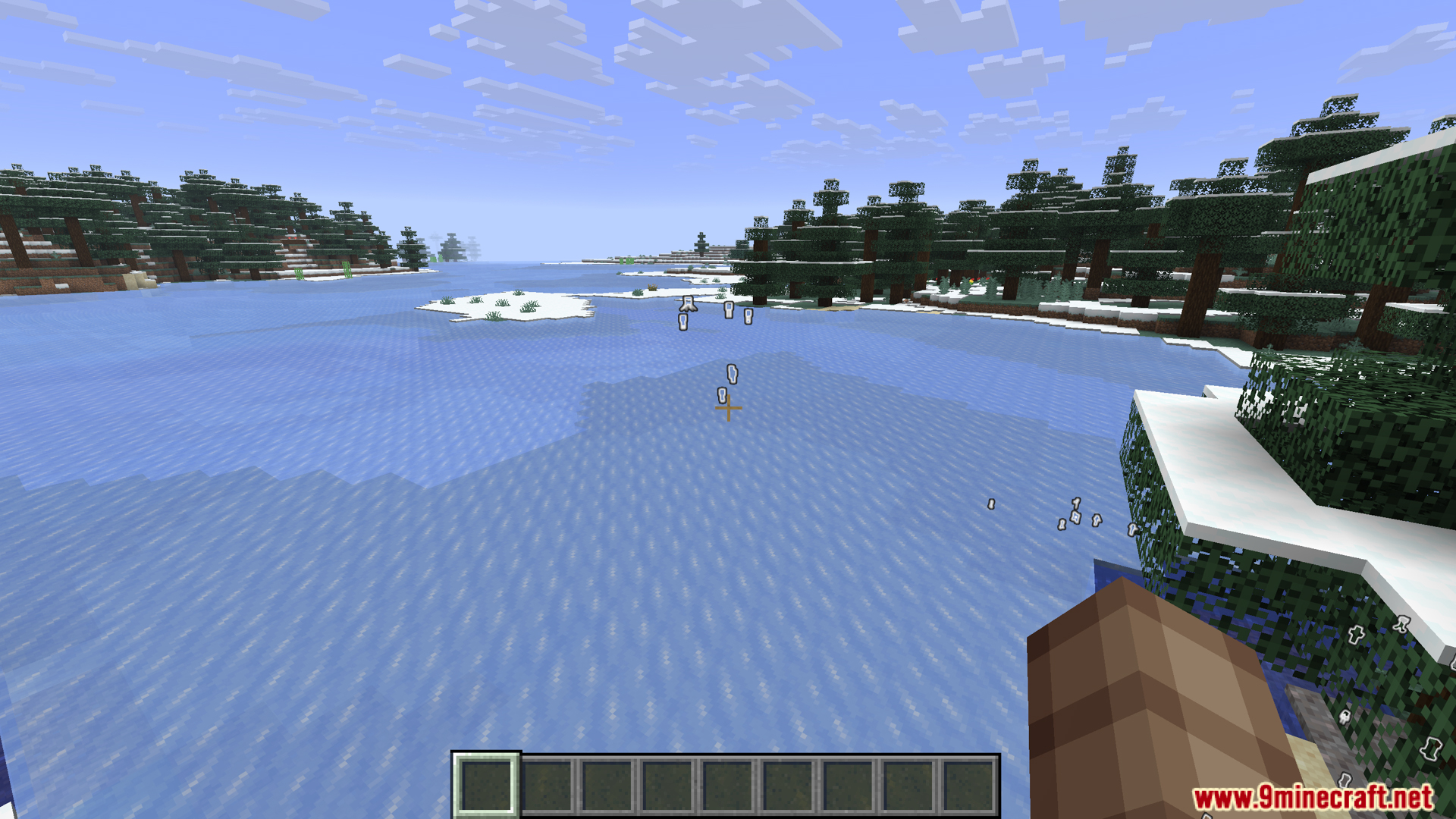
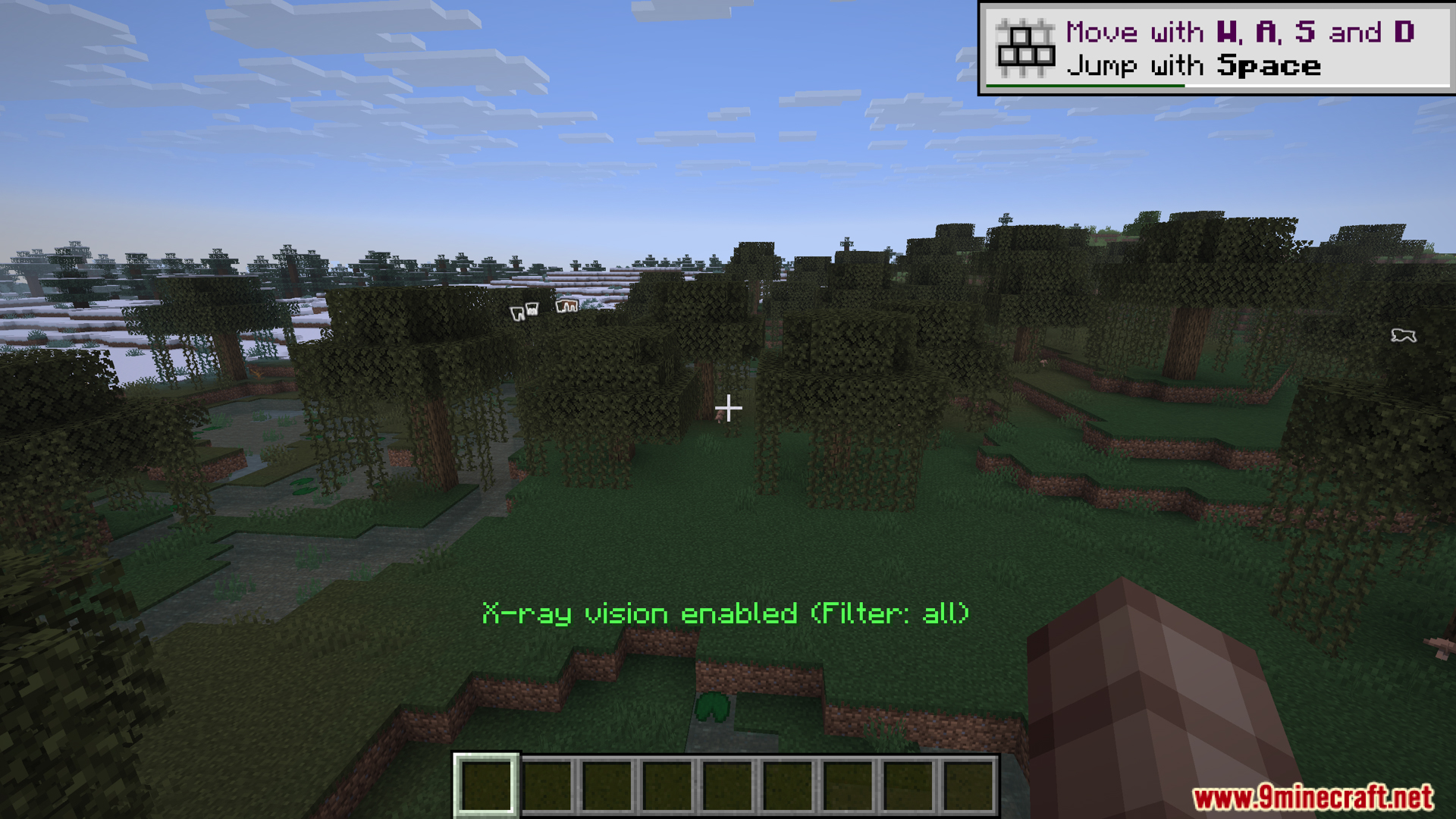
Press the X key to toggle entity X-ray on and off. When enabled, entities will be visible through blocks with a visual highlight or outline.
How do I access the mod settings?
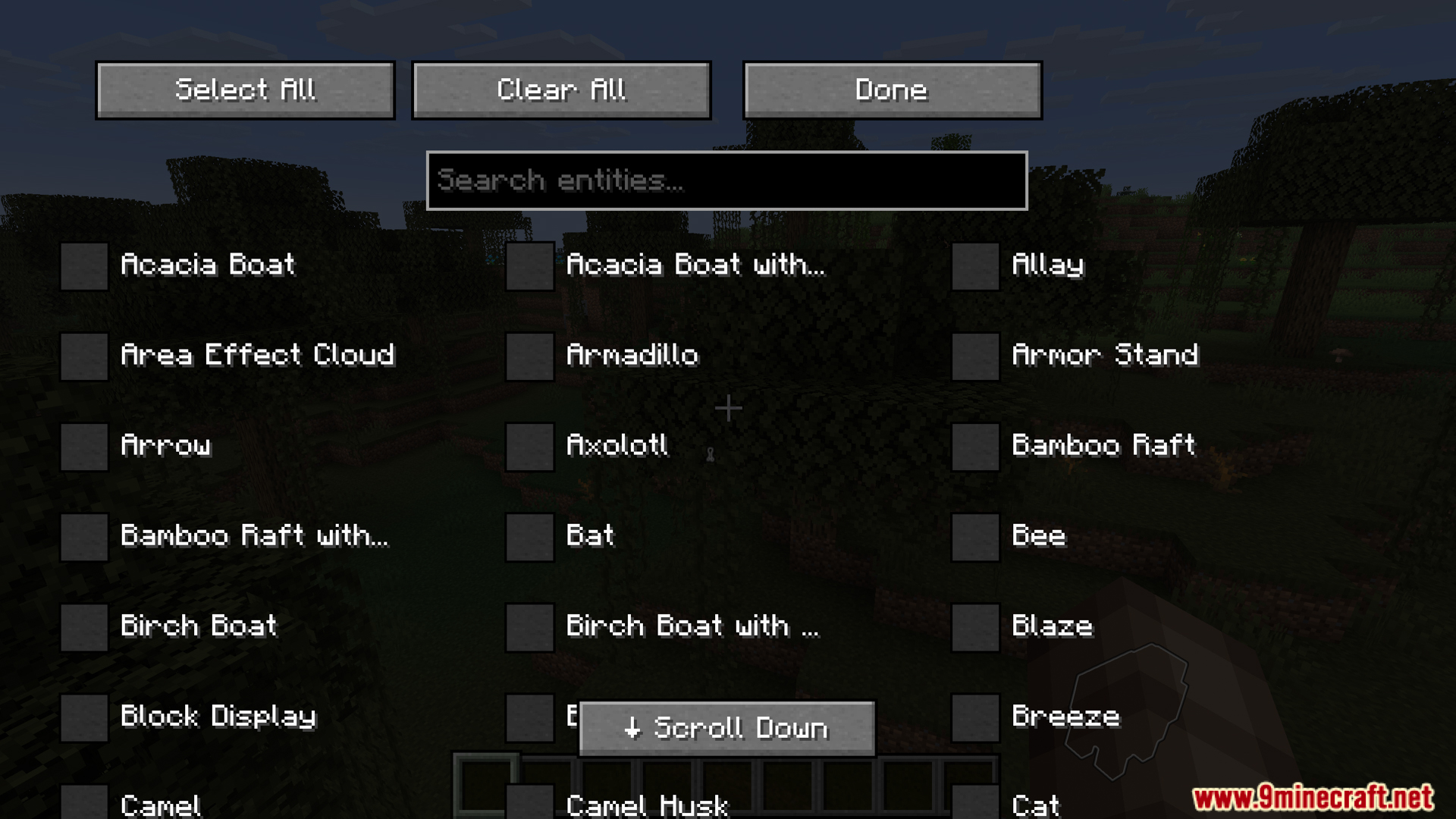
Press Right-Shift to open the options menu, where you can customize X-ray behavior, colors, and filtering settings.
Can I filter which entities show up?
Yes, use the options menu (Right-Shift) to toggle specific entity types on or off, so you only see mobs, players, or other creatures you're interested in tracking.
What's the difference between this and regular X-ray mods?
EntityXray only reveals entities (mobs, players, animals) through blocks, not ore or terrain—so it shows you what's moving, not what blocks exist underground.
See all 10 EntityXray questions ›
Gallery
12 images from the Entityxray Mod page.
You May Also Like
Wikis that share the most with this one
Wikis on the same theme: wall
More mod wikis on the site
The most downloaded mods that have a wiki here
A few wikis from each of the other kinds