

 DownloadEmojis Mod
Get the files on 9Minecraft
Guides
Step-by-step, in-game.
Create and Save Custom Text ArtSaving Your Own Designs The mod lets you preserve text art and emoji combinations you create, so you can reuse them…Find and Insert an Emoji into ChatUsing the Auto-Complete Menu The fastest way to add emojis to your messages is through the built-in suggestion…Place Emojis on Signs and in AnvilsAdding Emojis to Signs Emojis work on signs just like they do in chat, making your builds more expressive and…Use Emojis on Servers Without Requiring Others to Install the ModHow Client-Side Rendering Works One of the mod's best features is that your emojis are visible to everyone, even…
Frequently asked questions
How do I start using emojis?
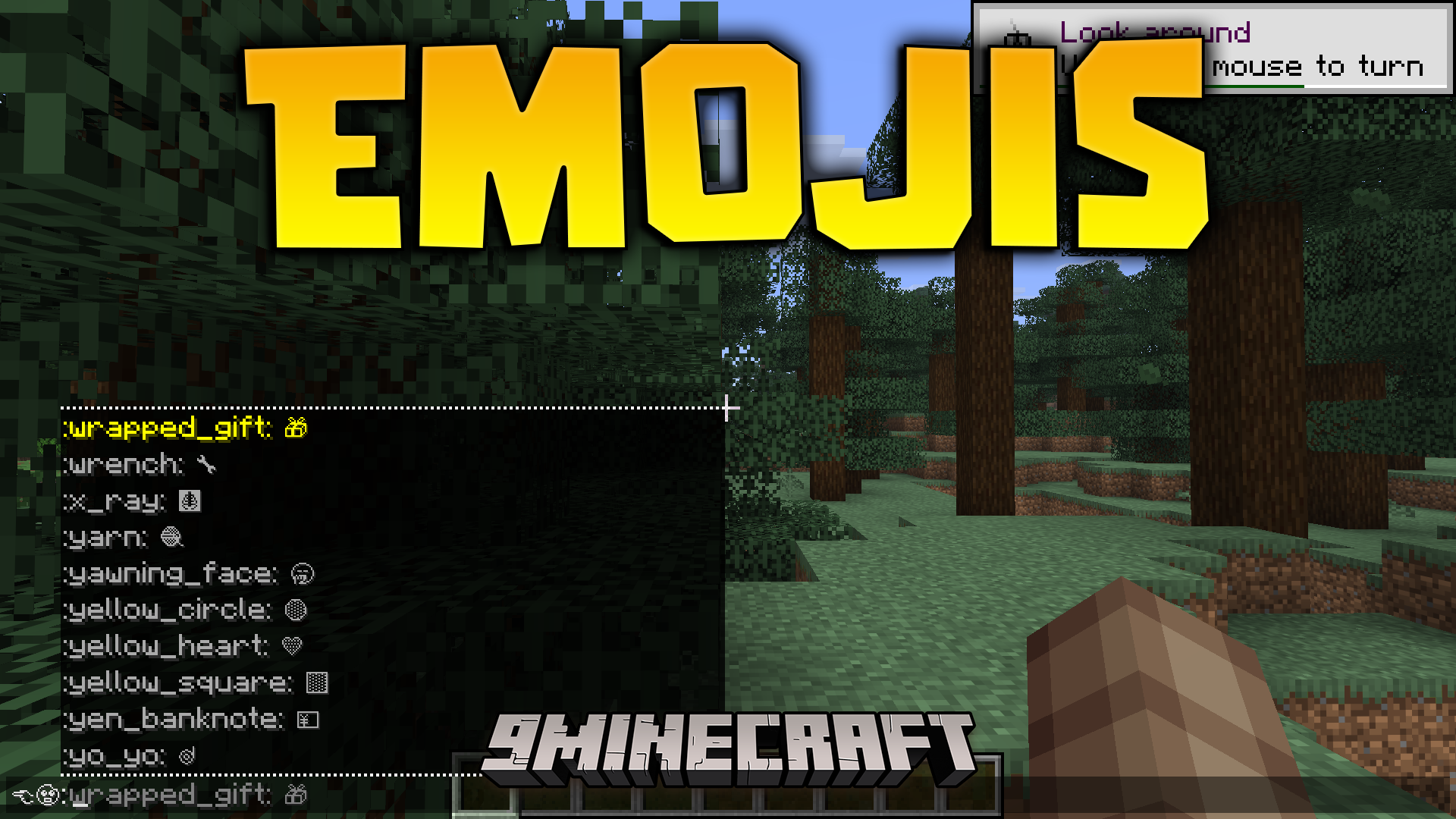
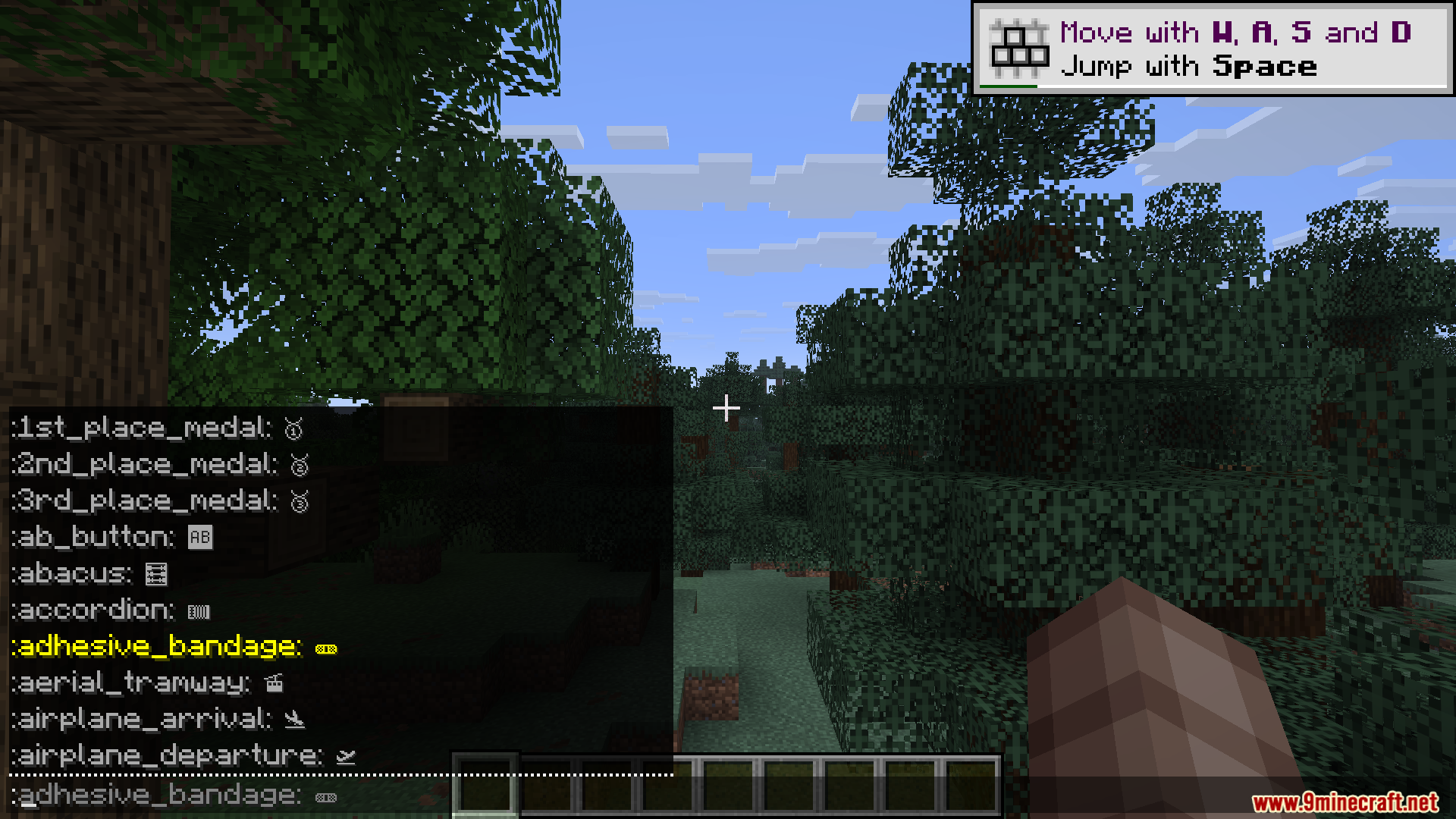
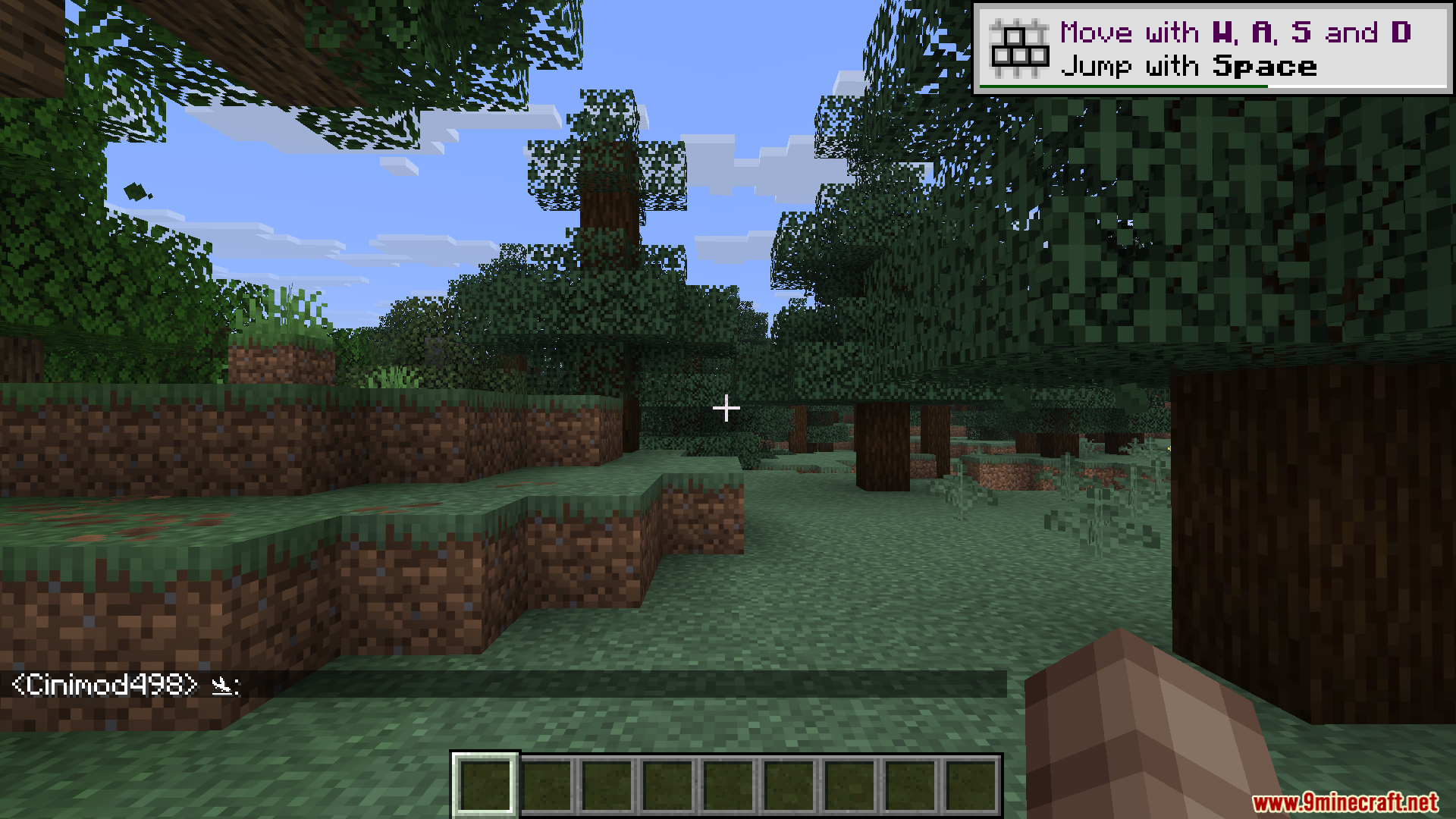
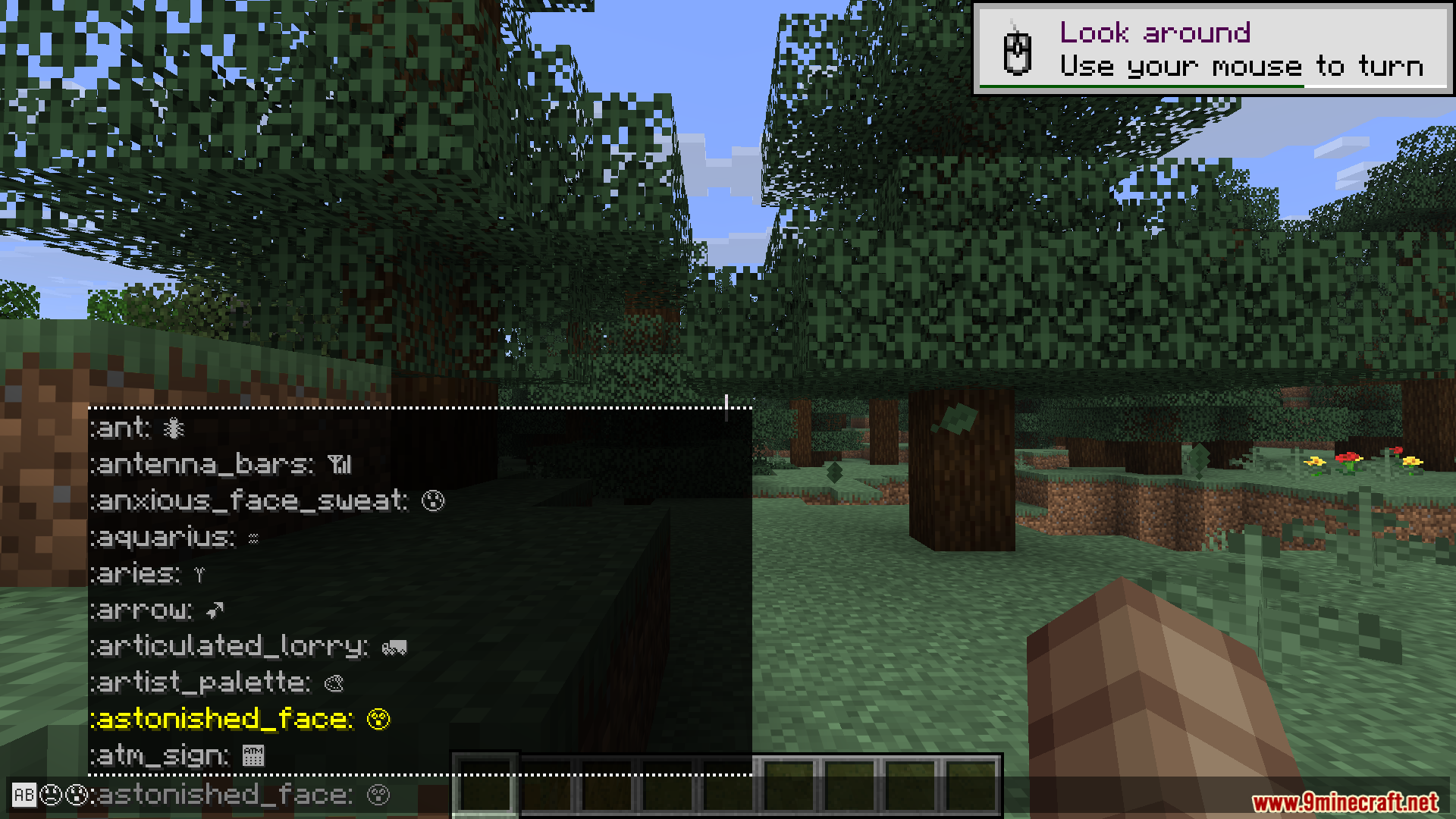
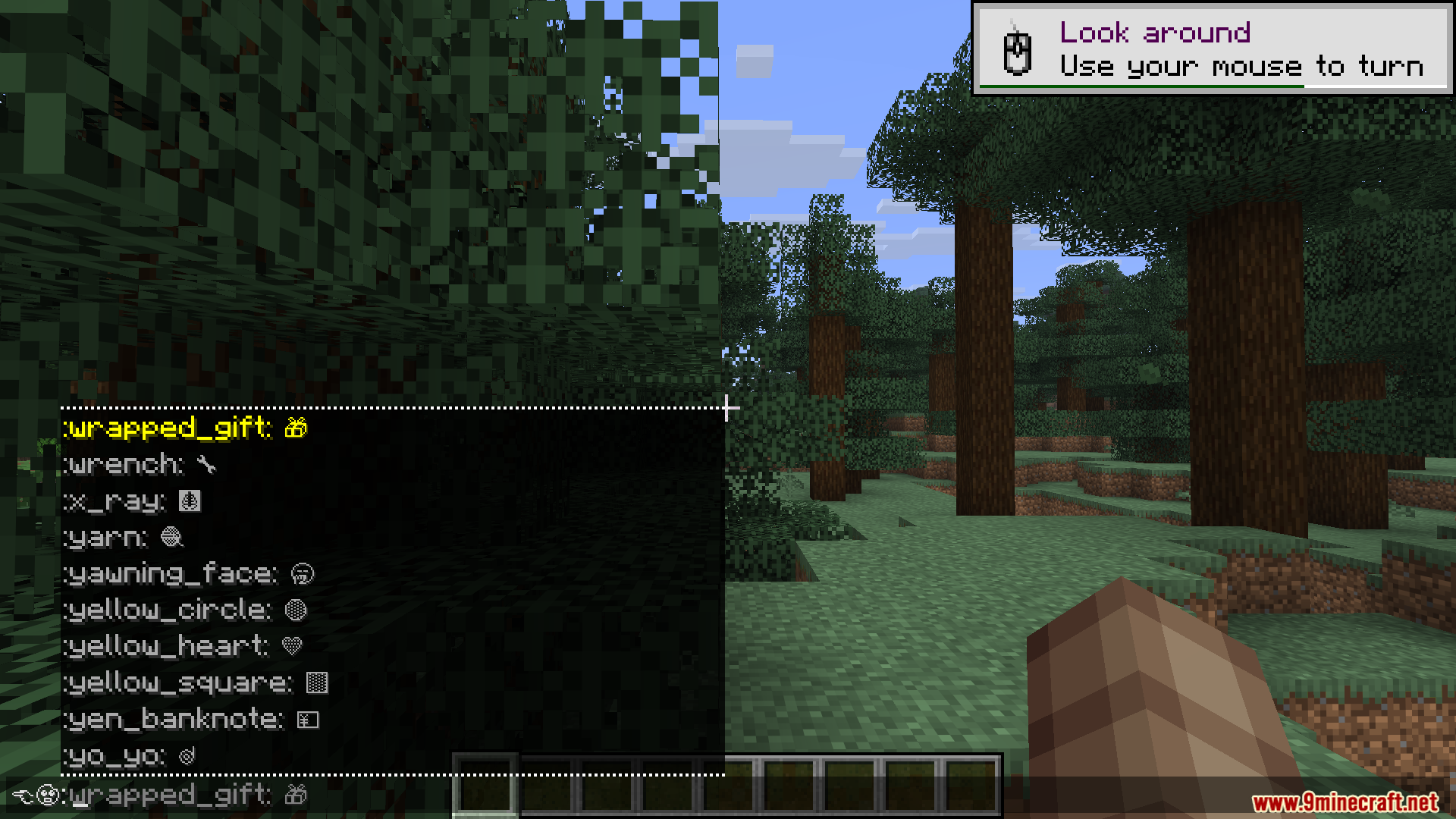
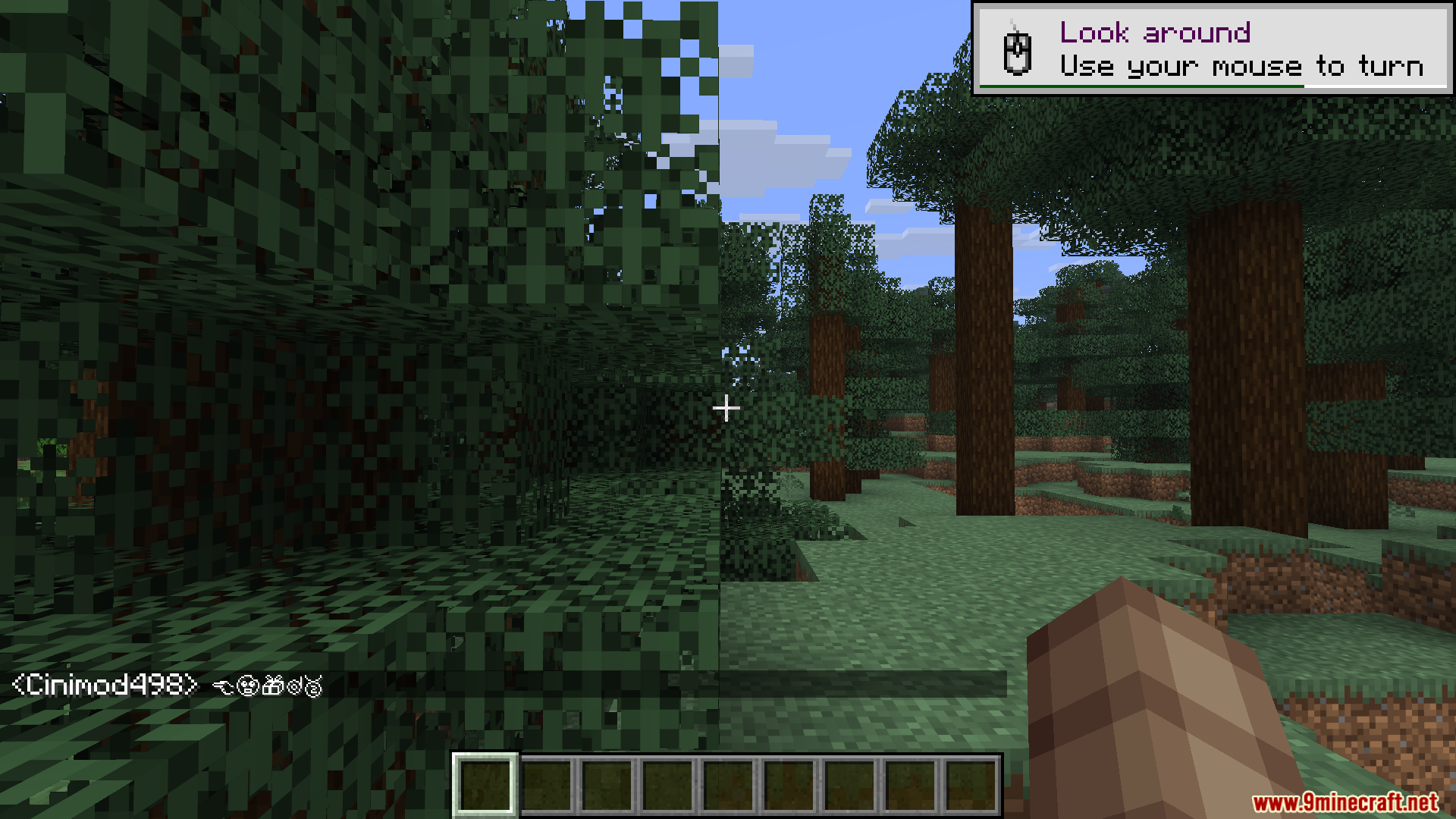
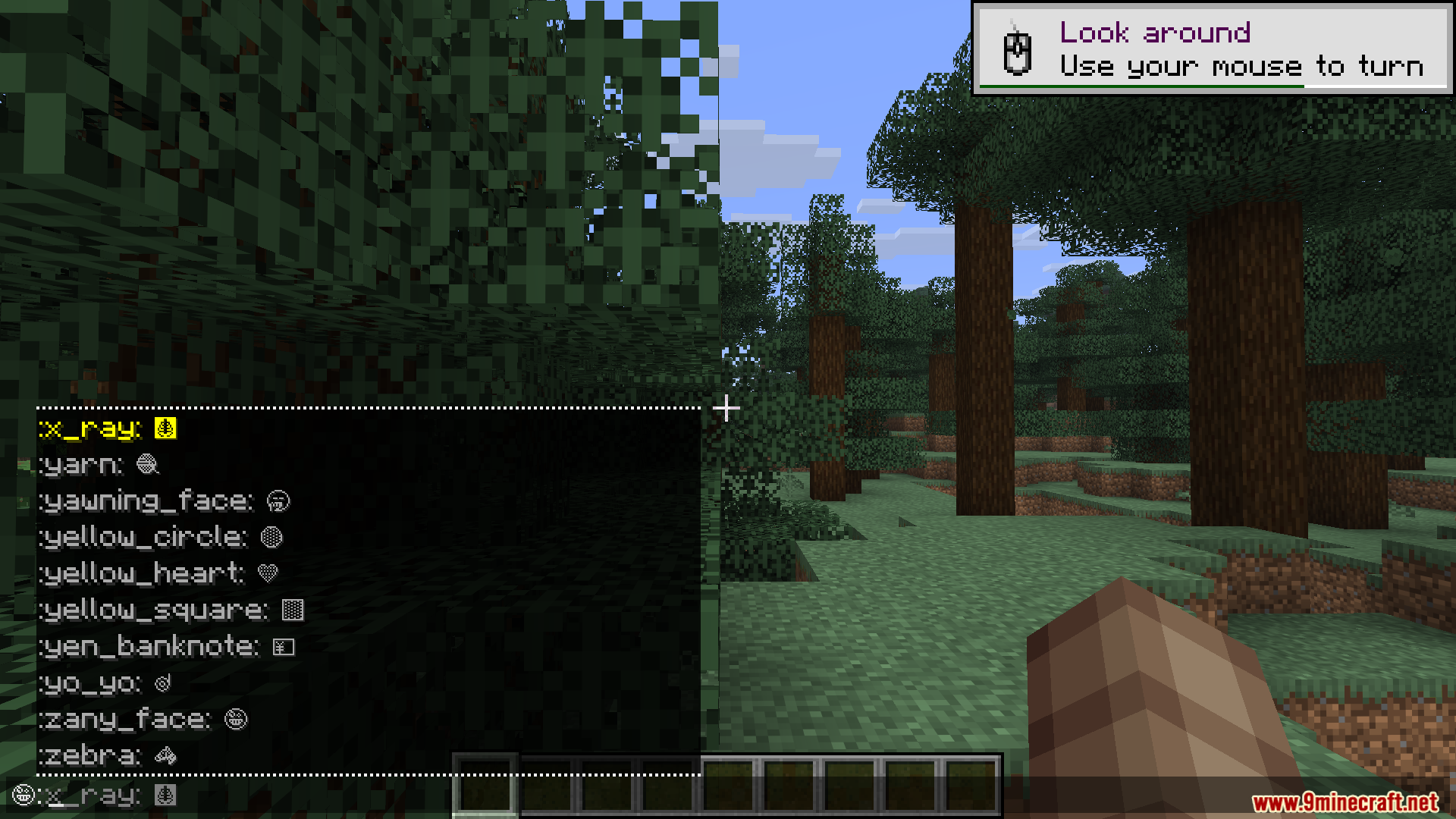
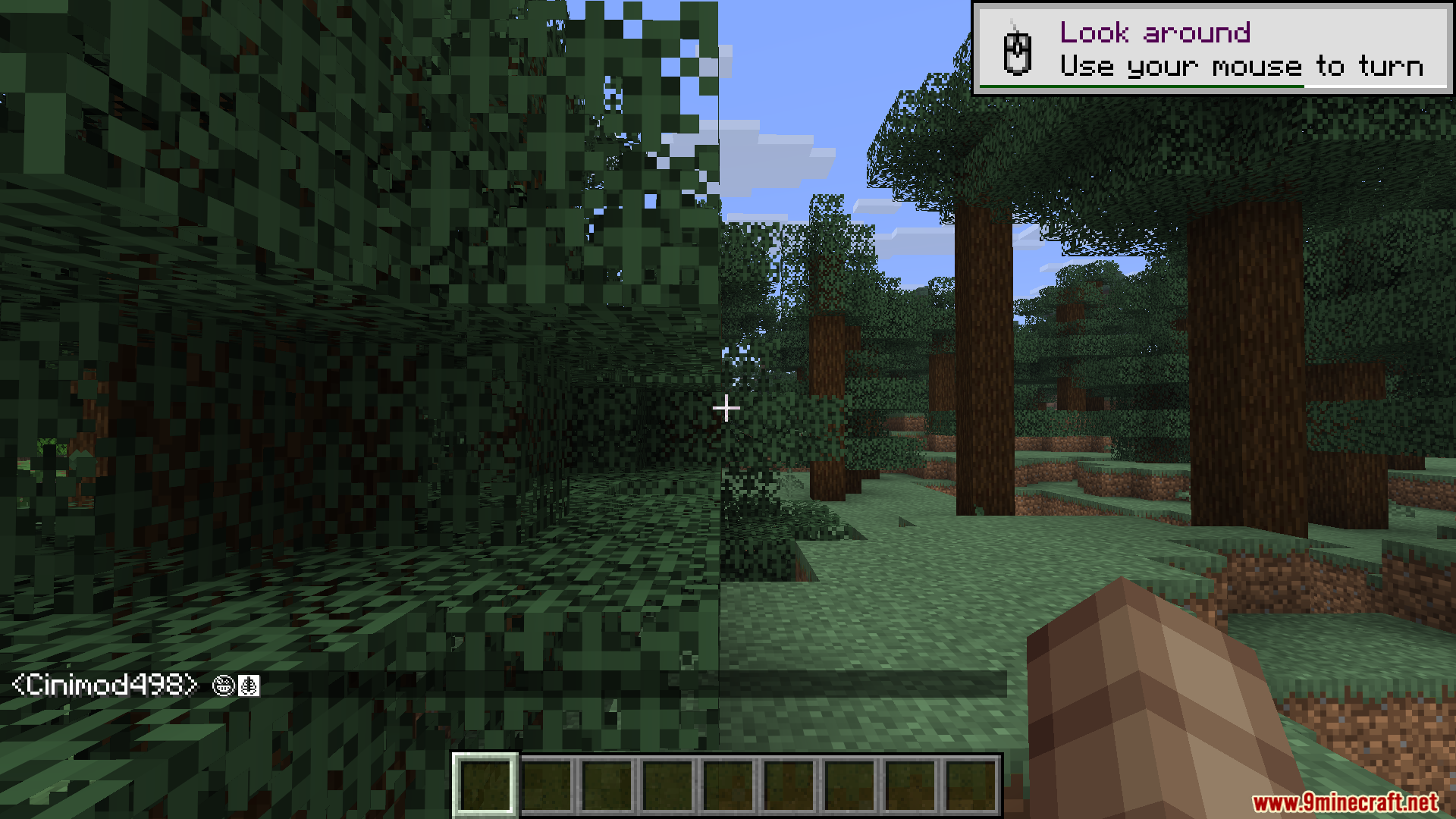
Open your chat box and type a colon (:) followed by a letter or keyword—a menu will pop up showing matching symbols. Select one from the list and it will be inserted into your message.
Can other players see my emojis if they don't have the mod?
Yes, that's one of the mod's main features. Emojis are rendered client-side, so other players will see the symbols in chat, on signs, and in anvils even without the mod installed.
How do I put emojis on a sign or in an anvil?
Type the colon command (:) to open the emoji menu, select your symbol, then place it in the sign or anvil text field just like you would in chat.
What do I do if I can't remember an emoji's name?
Type a colon (:) in chat and start typing any related word or letter—the autocomplete menu will filter suggestions to help you find what you're looking for.
Gallery
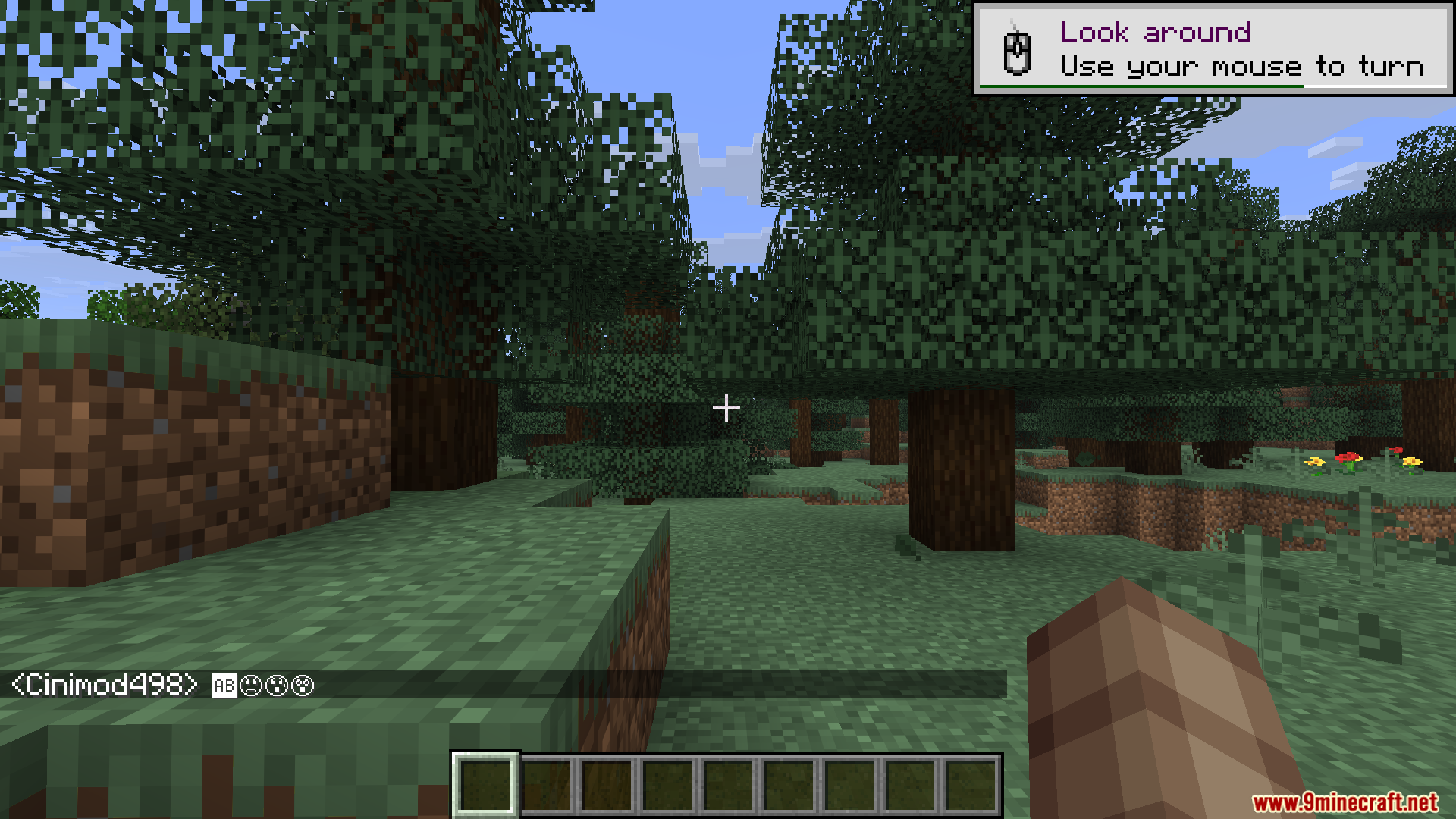
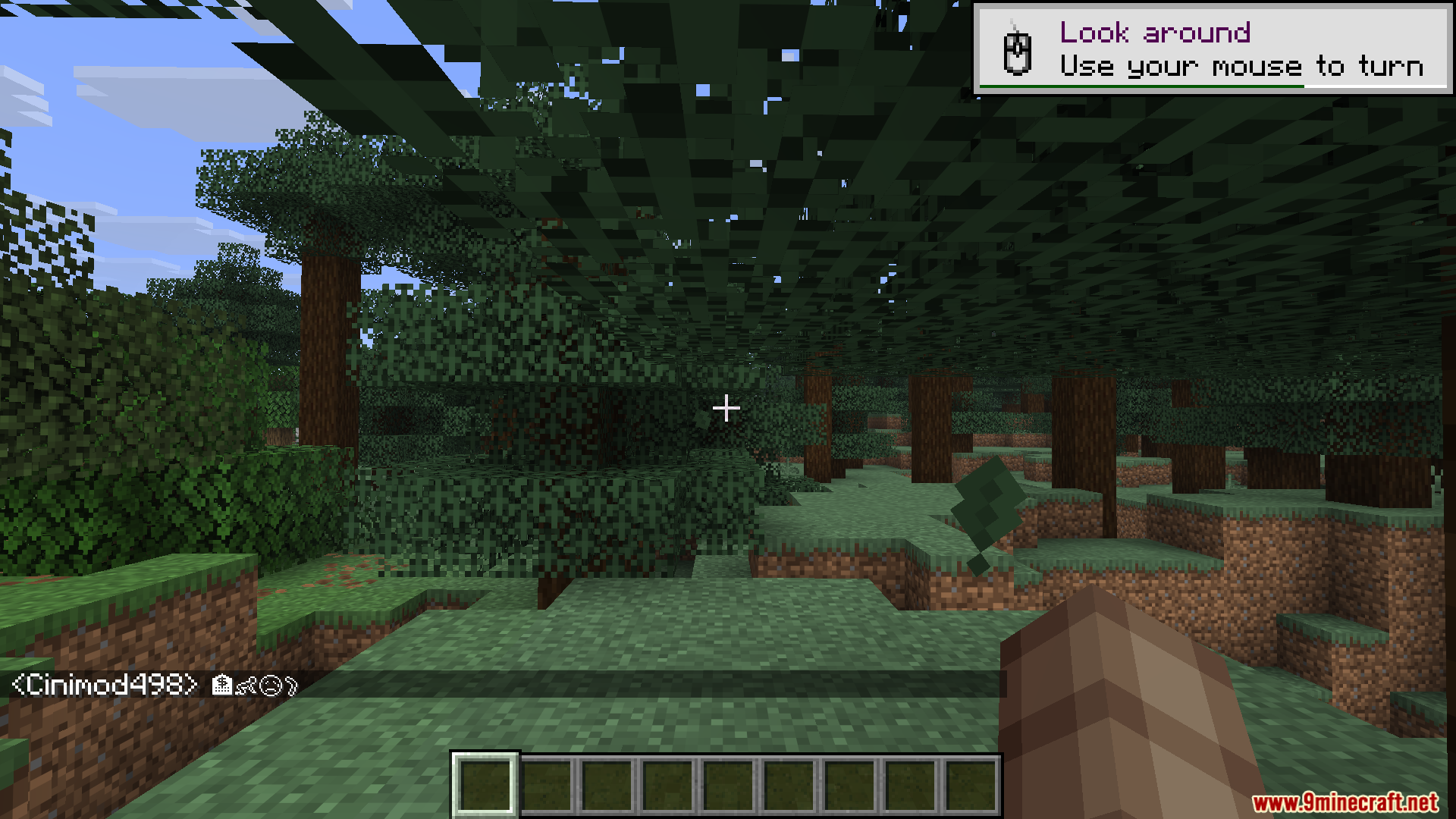
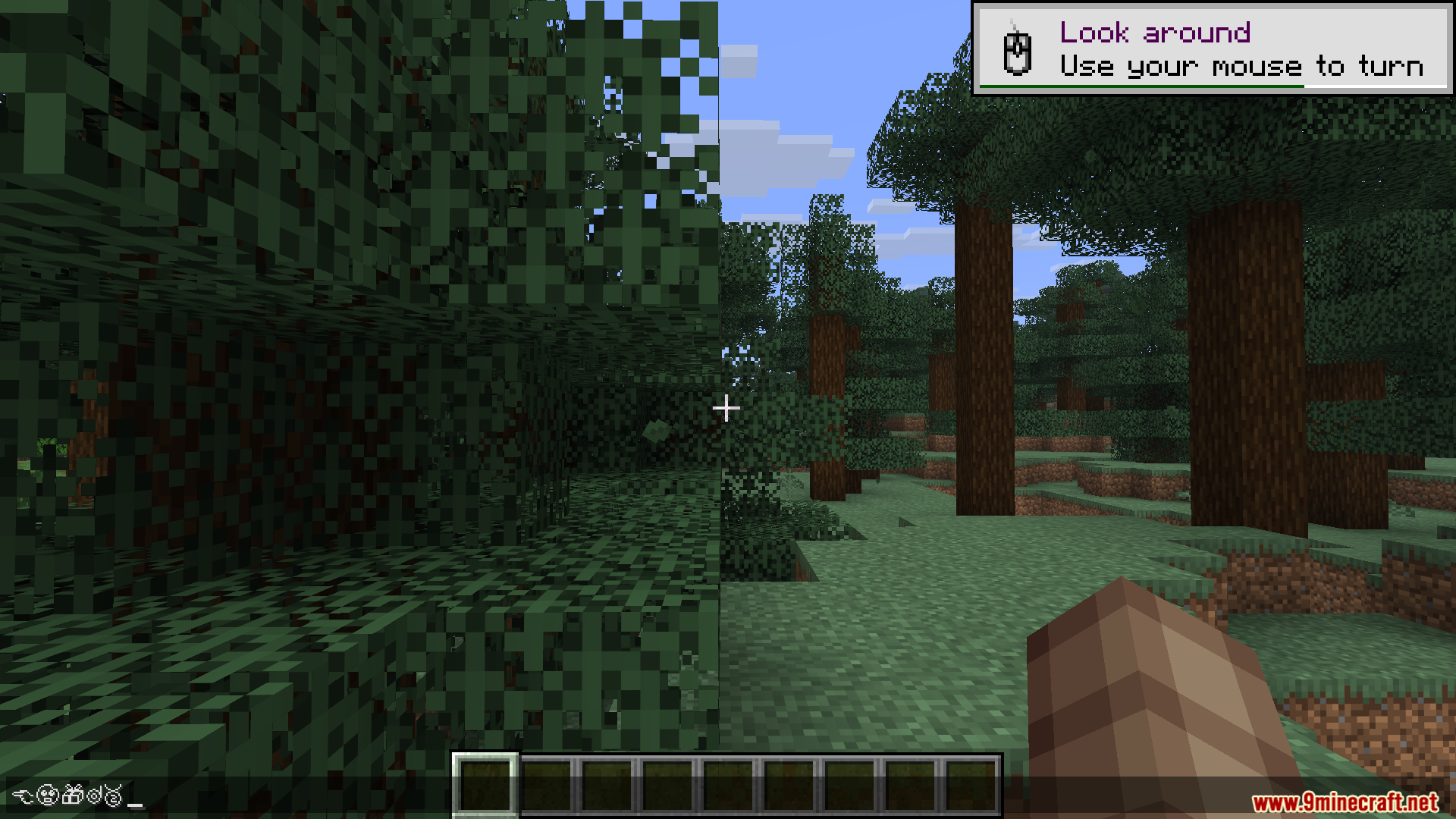
11 images from the Emojis Mod page.
You May Also Like
Wikis that share the most with this one
More mod wikis on the site
The most downloaded mods that have a wiki here
A few wikis from each of the other kinds