

 Ender IO
 DownloadEMIffect Mod
Get the files on 9Minecraft
Guides
Step-by-step, in-game.
How to Add Custom Descriptions for Your Own Mod's Status EffectsUnderstanding the Language Key Format EMEffect reads descriptions from language files using the pattern…How to Find and Browse Status Effects in EMI with EMIffectSearching for Effects in the EMI Sidebar EMEffect registers every status effect in the game as a searchable "phantom…How to Read Effect Descriptions Added by EMIffectWhere Descriptions Come From EMEffect pulls effect descriptions from language files using a structured key format:…How to Use EMIffect to Identify Unknown Effects During PlayWhy Look Up Effects Mid-Game Minecraft and its mods add many status effects, and it is easy to lose track of what a…
Frequently asked questions
How do I see status effects in EMI with this mod?
Why can't I find a specific effect in EMI?
Make sure the effect is actually registered by a mod that's loaded, since EMIffect only displays effects that exist in the game. If it's a custom effect from another mod, that mod may need to provide a description via its language file for full details to show.
How do I read the description of an effect?
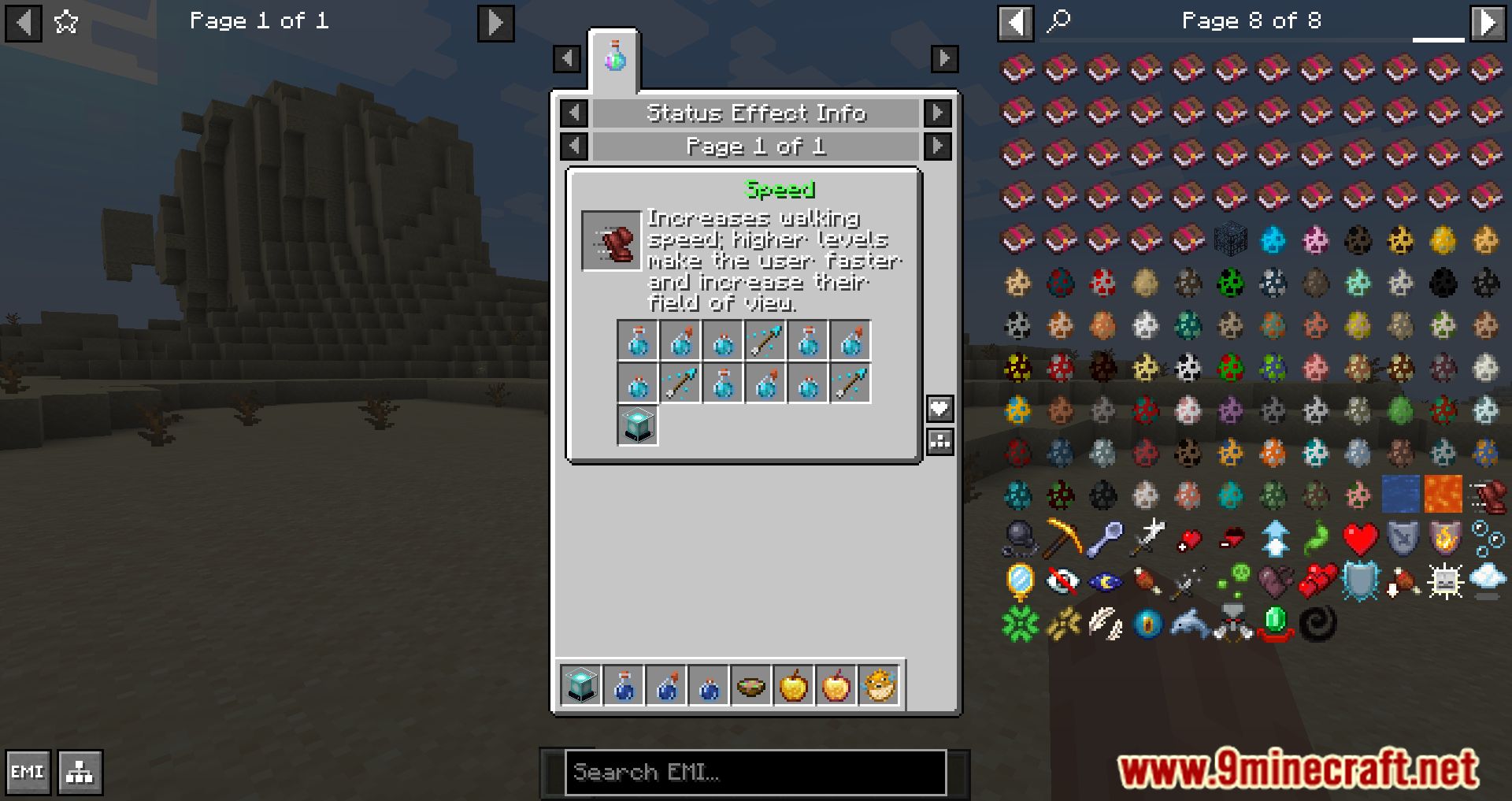
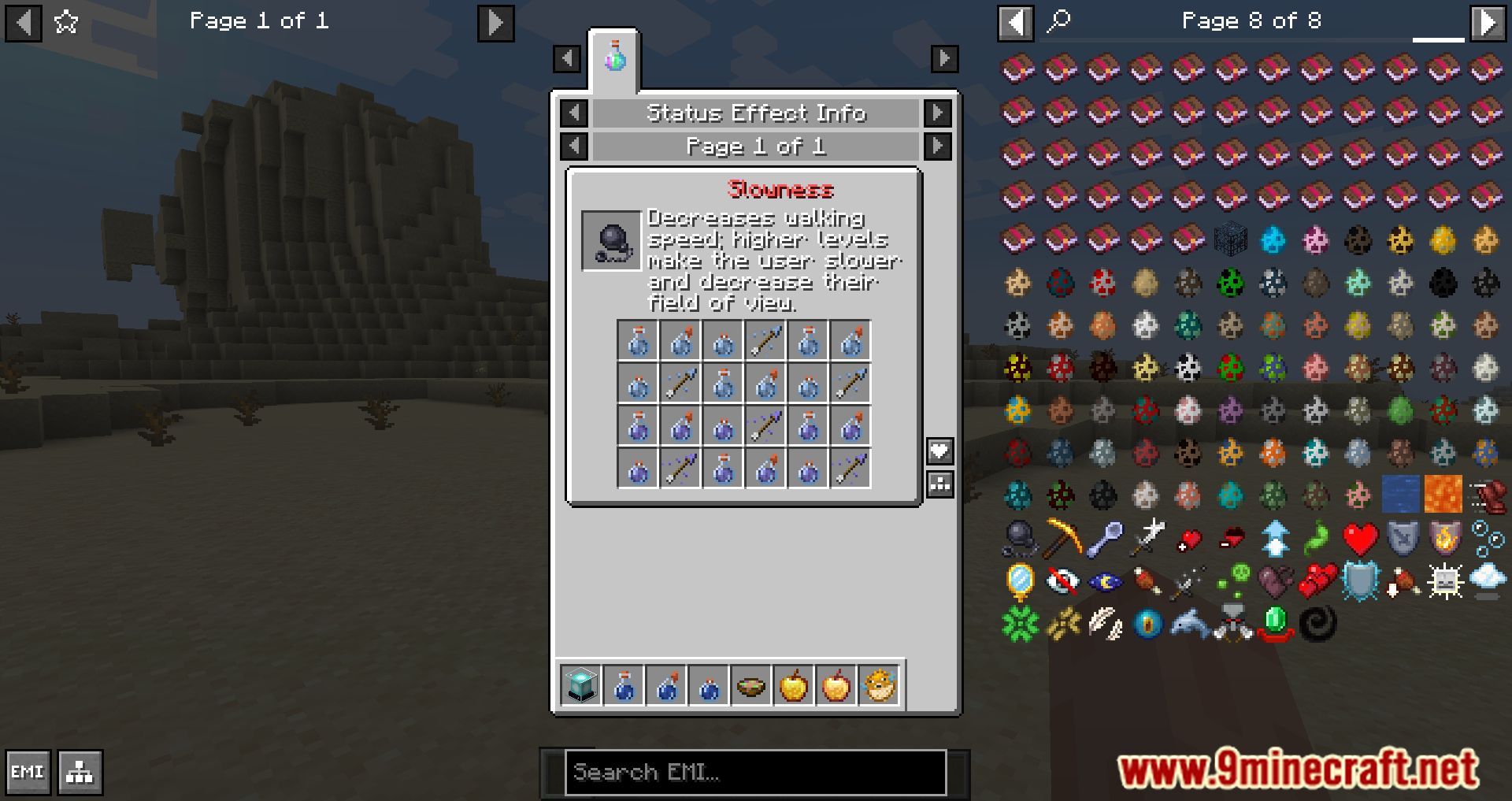
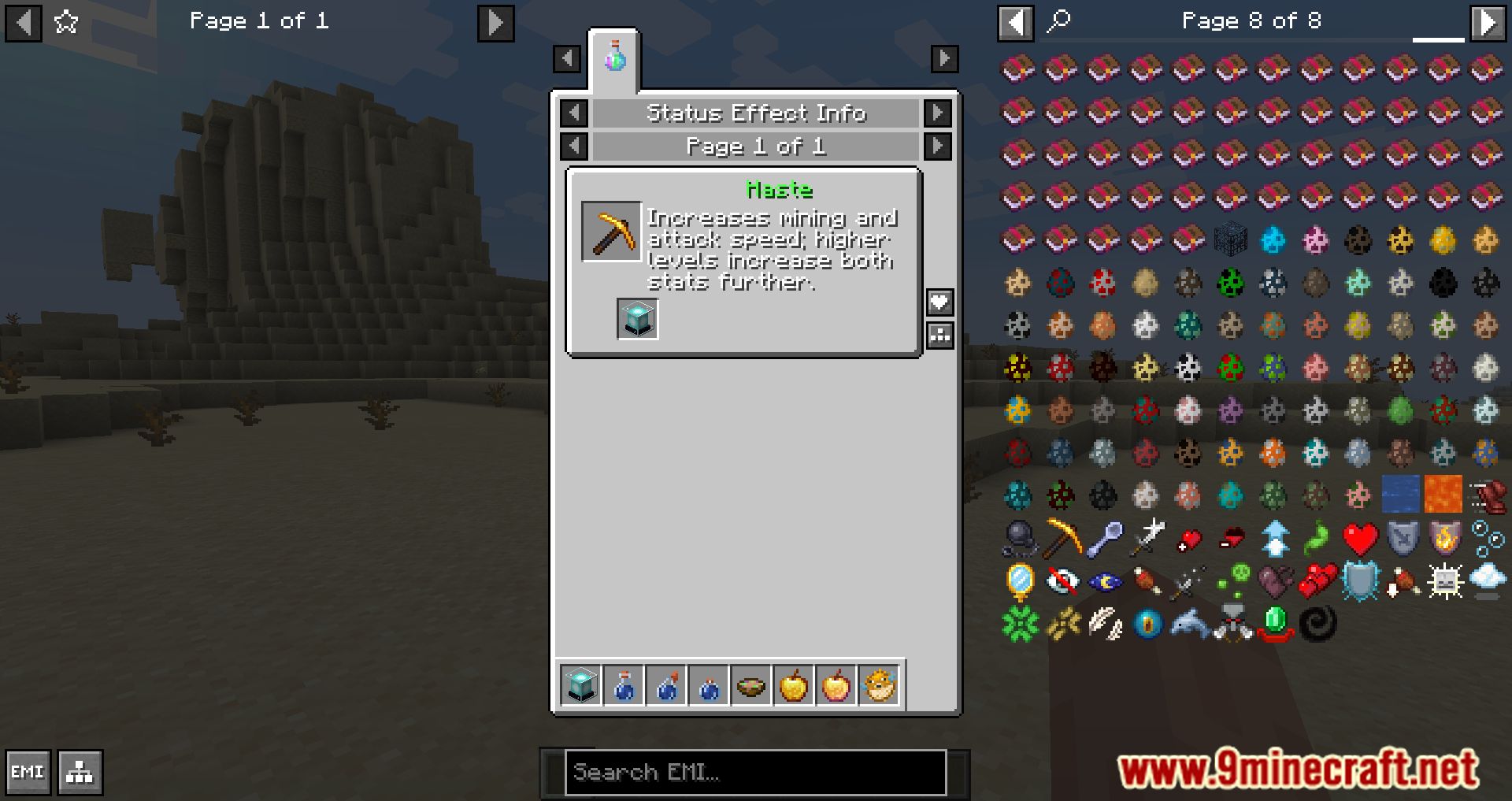
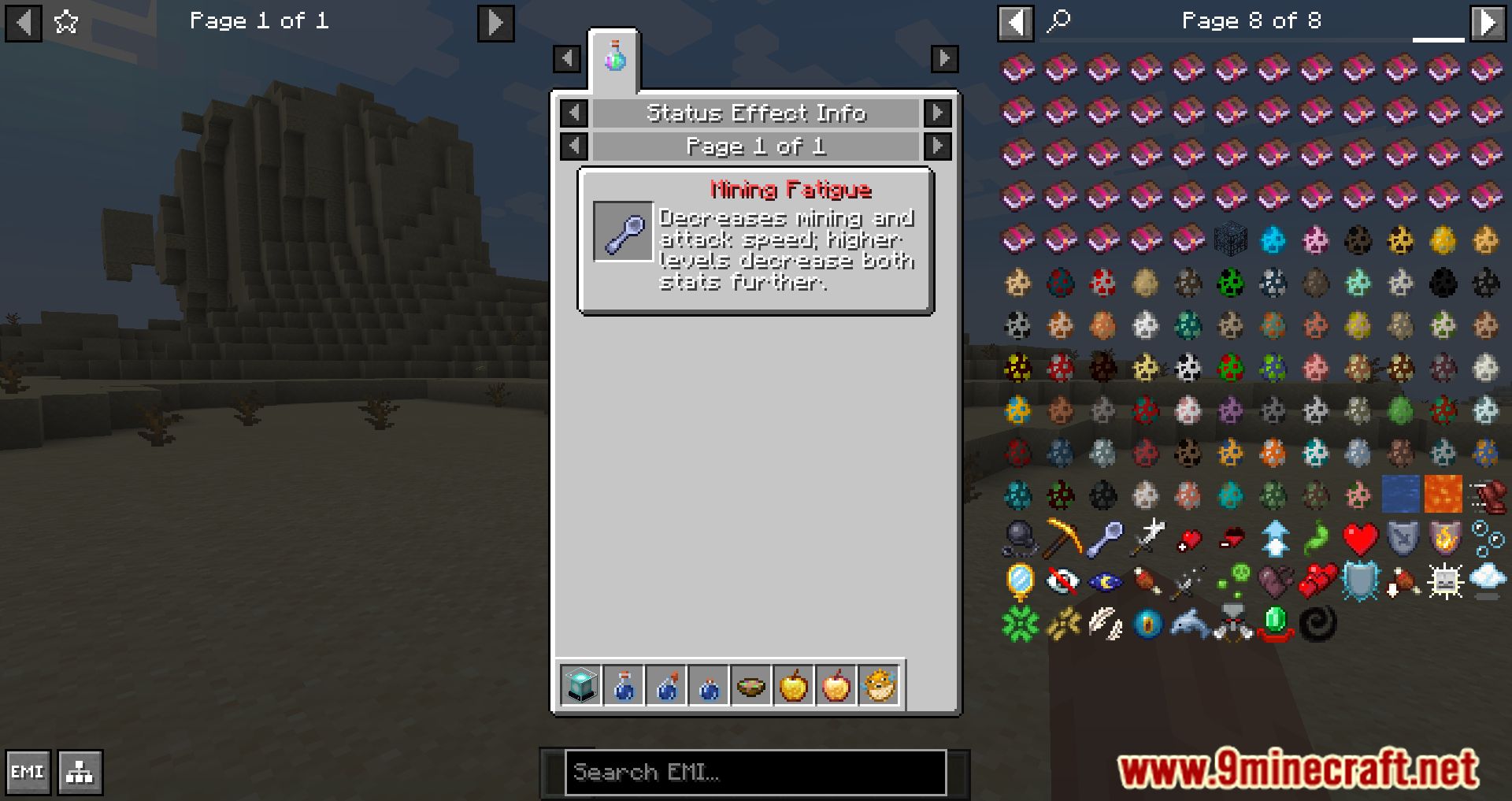
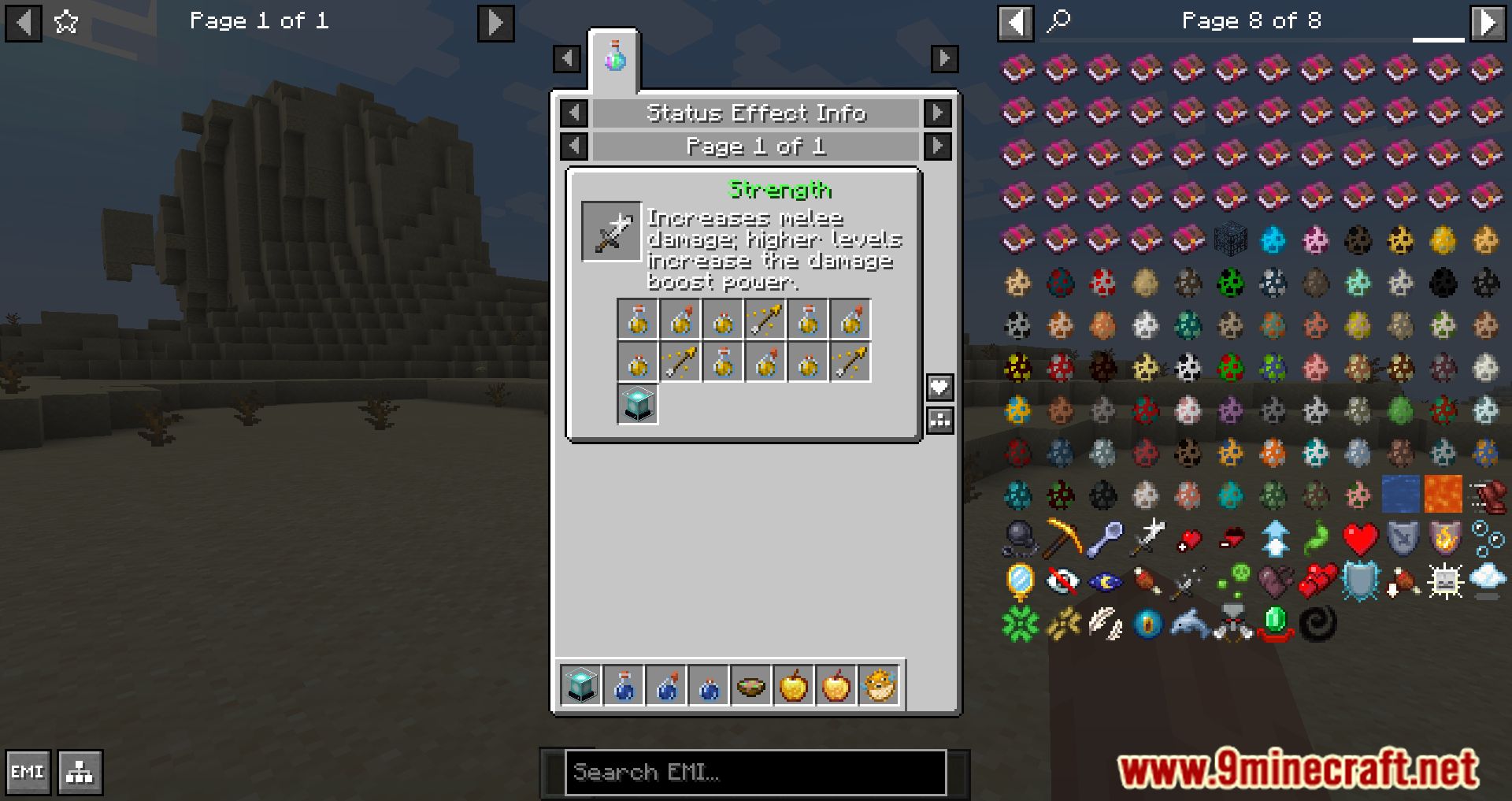
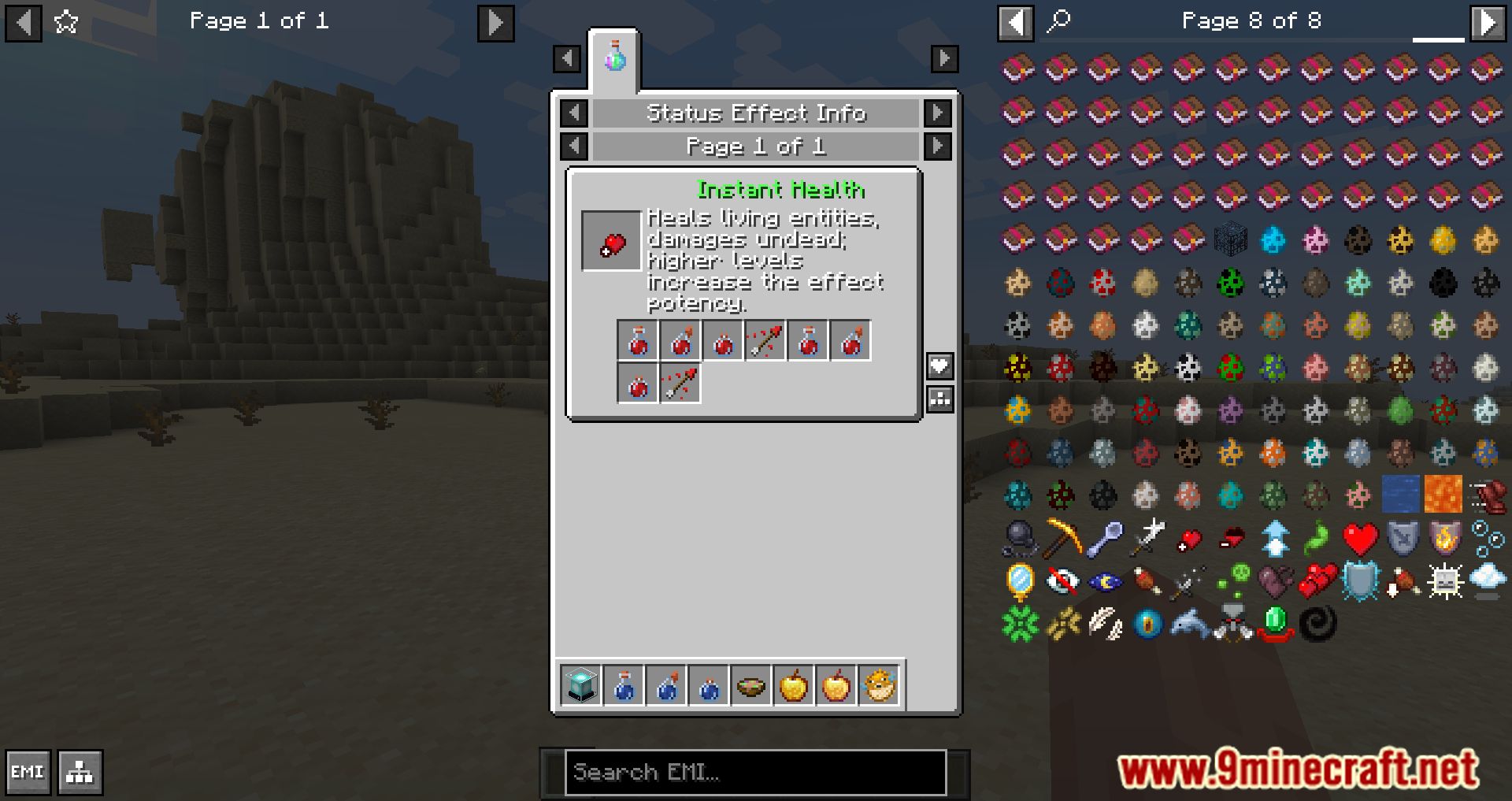
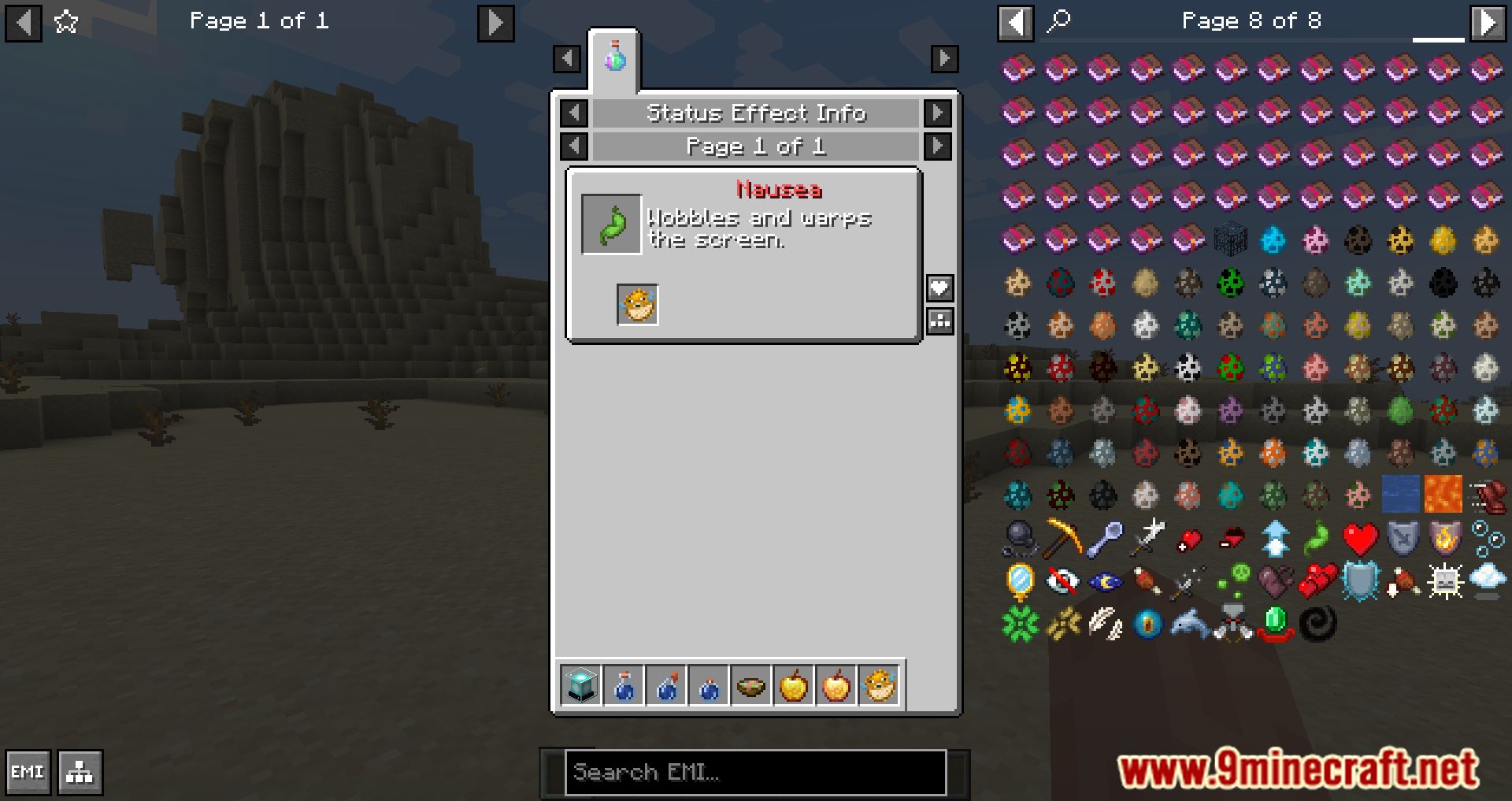
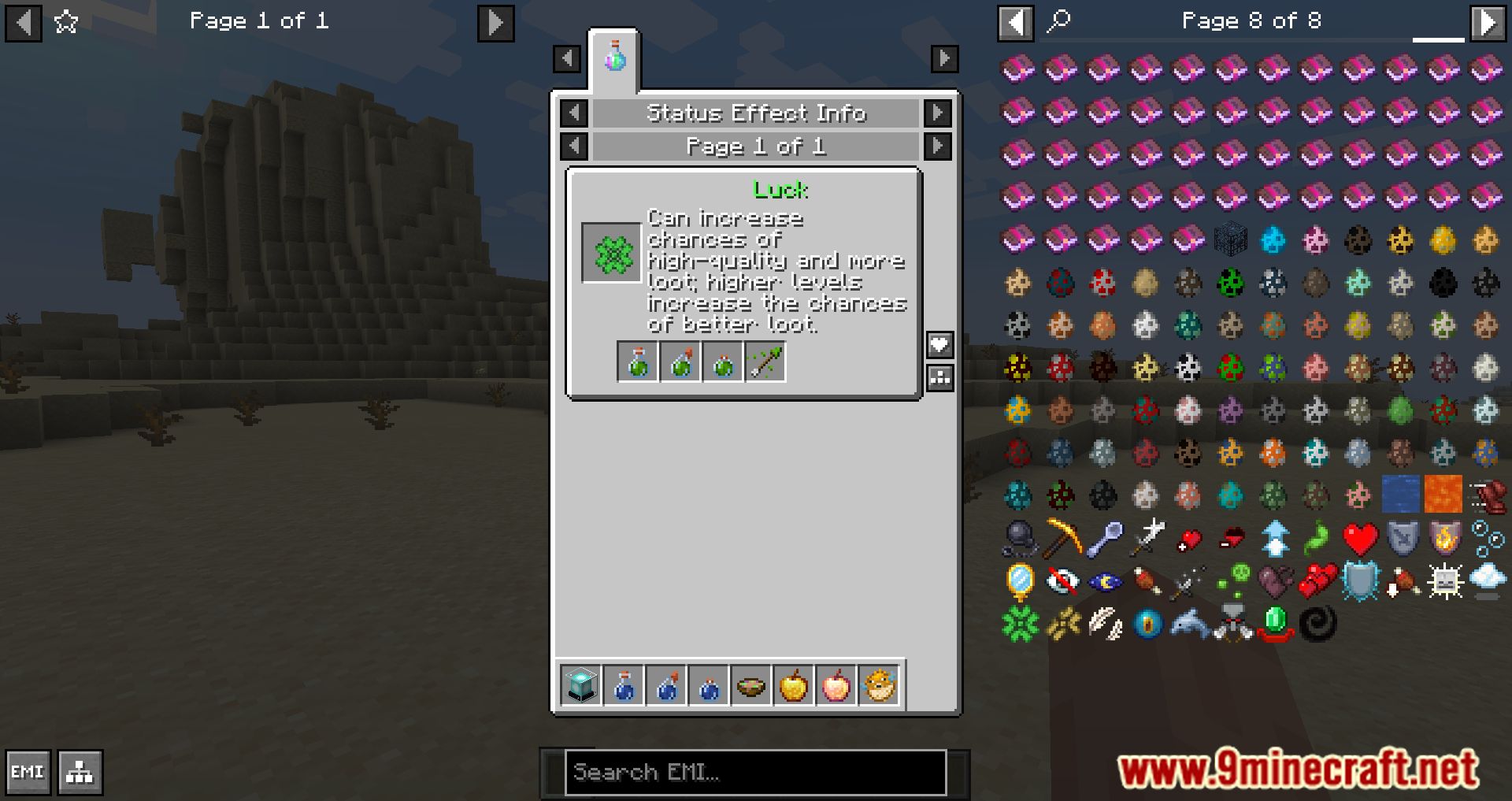
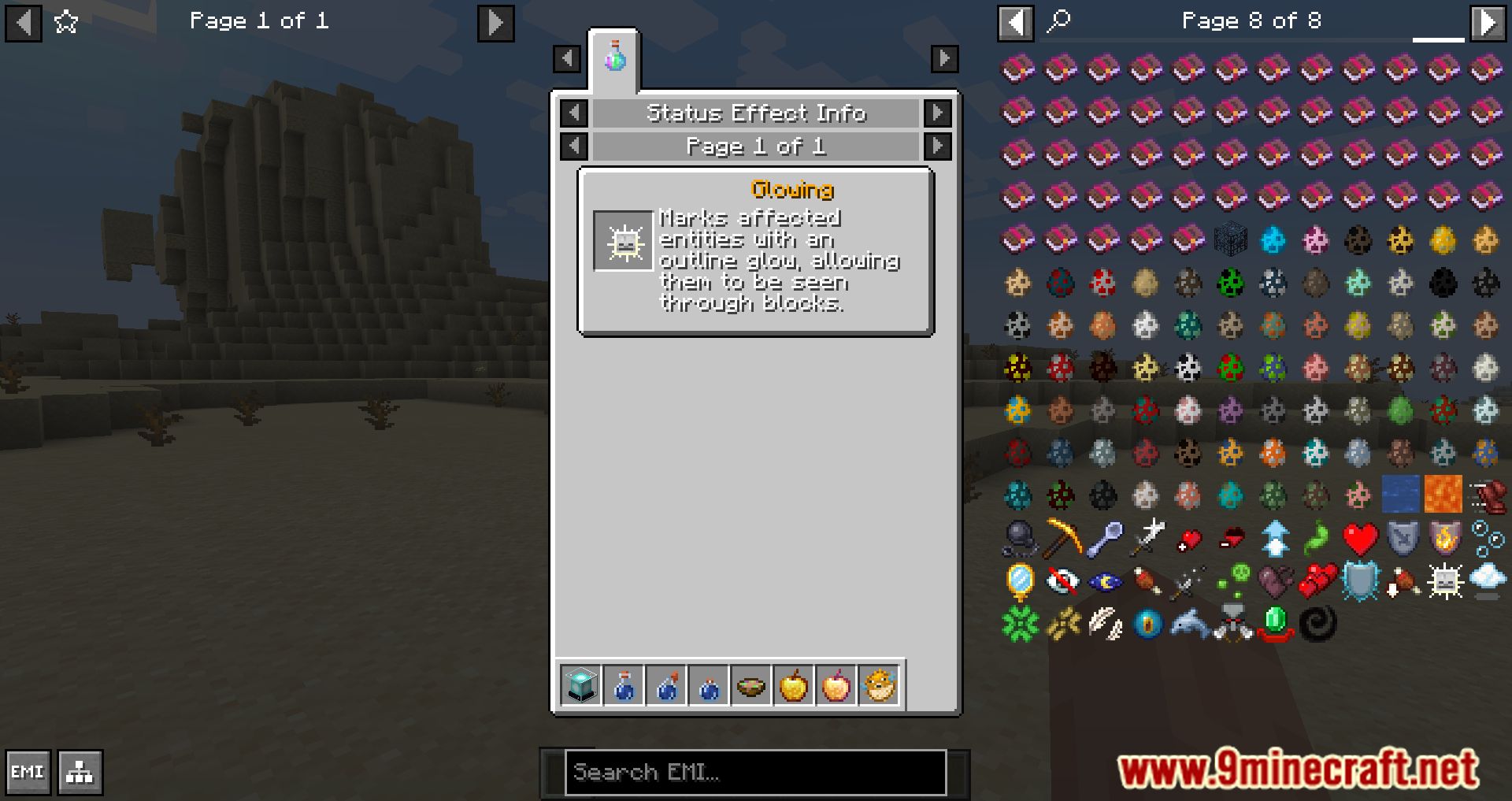
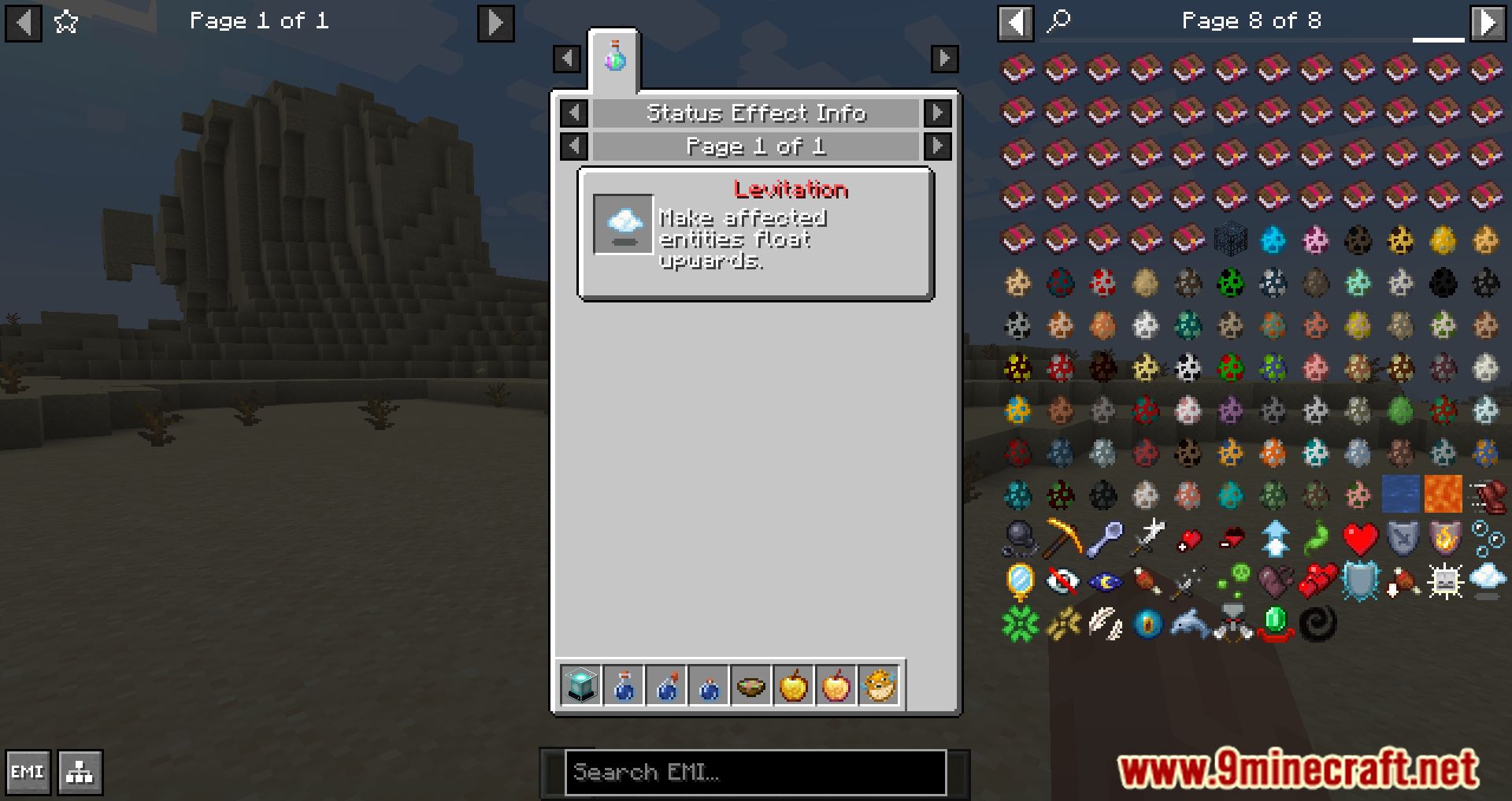
Click the effect's phantom item in EMI to open its info page, where the description text appears alongside the effect's basic info. If no description shows, the effect's mod hasn't added one yet.
How do I add descriptions for my own mod's status effects?
Add entries to your mod's language file using the format effect.[mod_id].[effect_name].description. EMIffect reads these keys and displays them automatically in EMI.
See all 10 EMIffect questions ›
Gallery
12 images from the Emiffect Mod page.

You May Also Like
Wikis that share the most with this one
More mod wikis on the site
The most downloaded mods that have a wiki here
A few wikis from each of the other kinds