

 DownloadEMI Plus Plus Forked Mod
Get the files on 9Minecraft
Guides
Step-by-step, in-game.
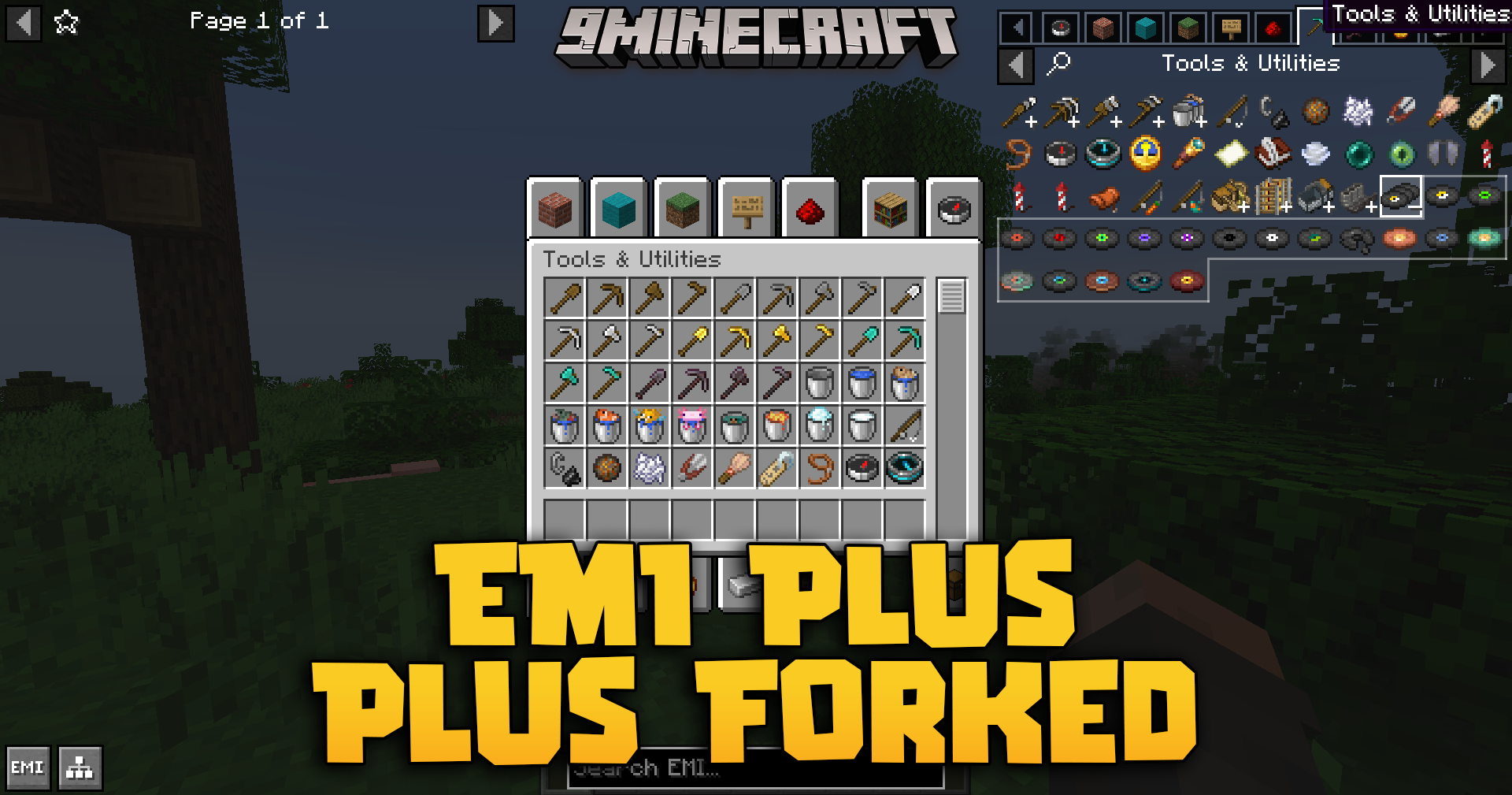
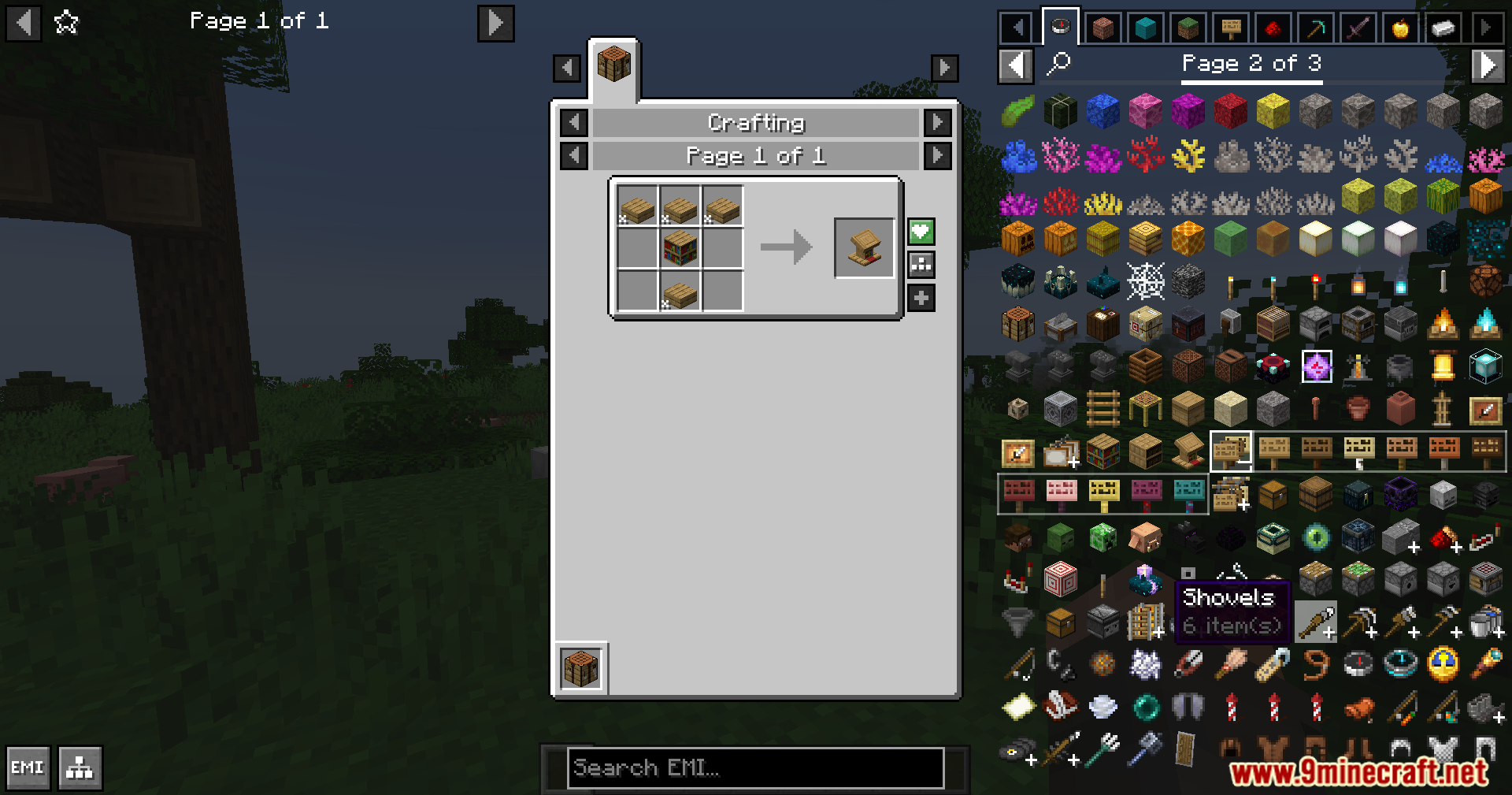
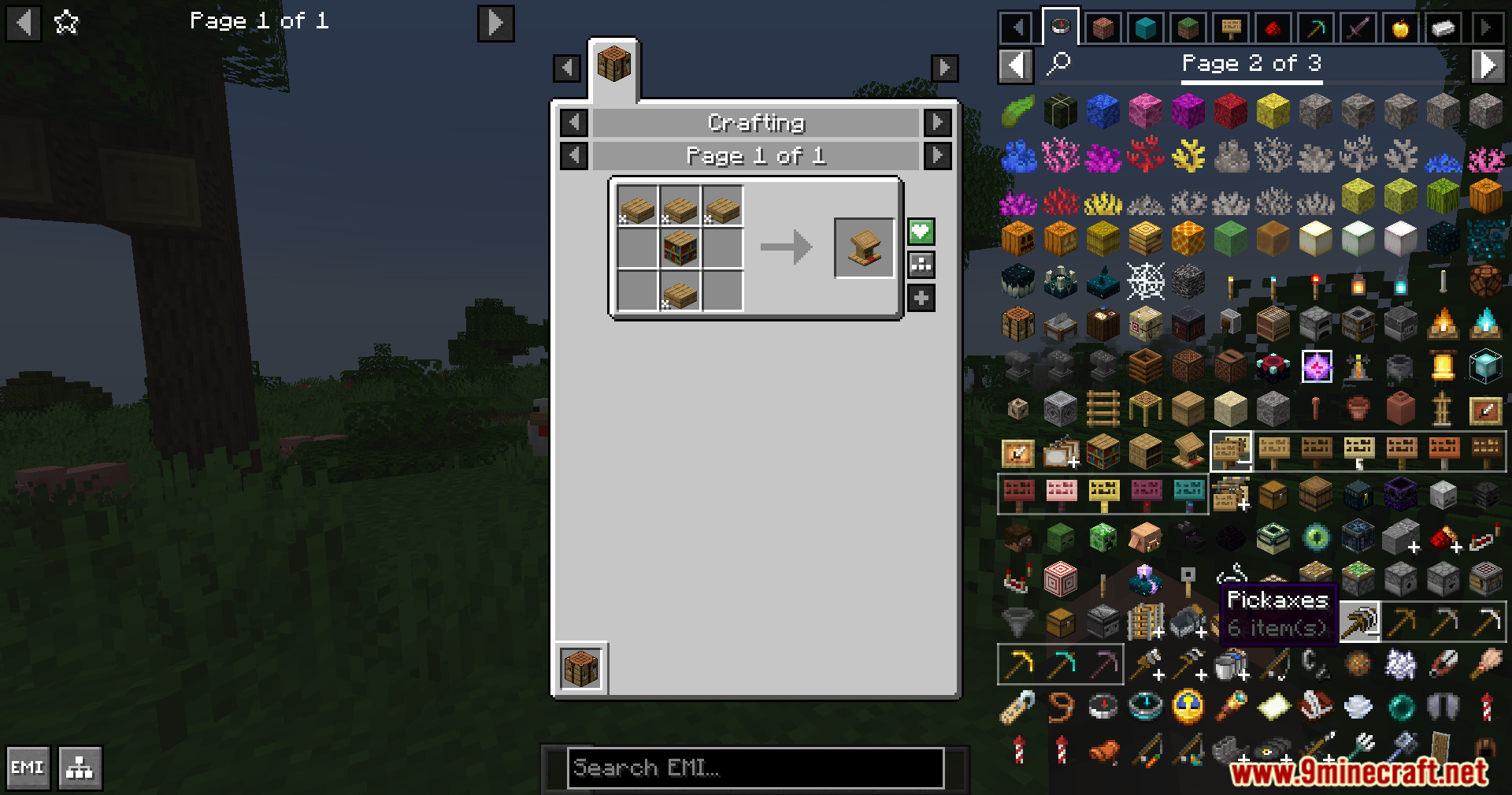
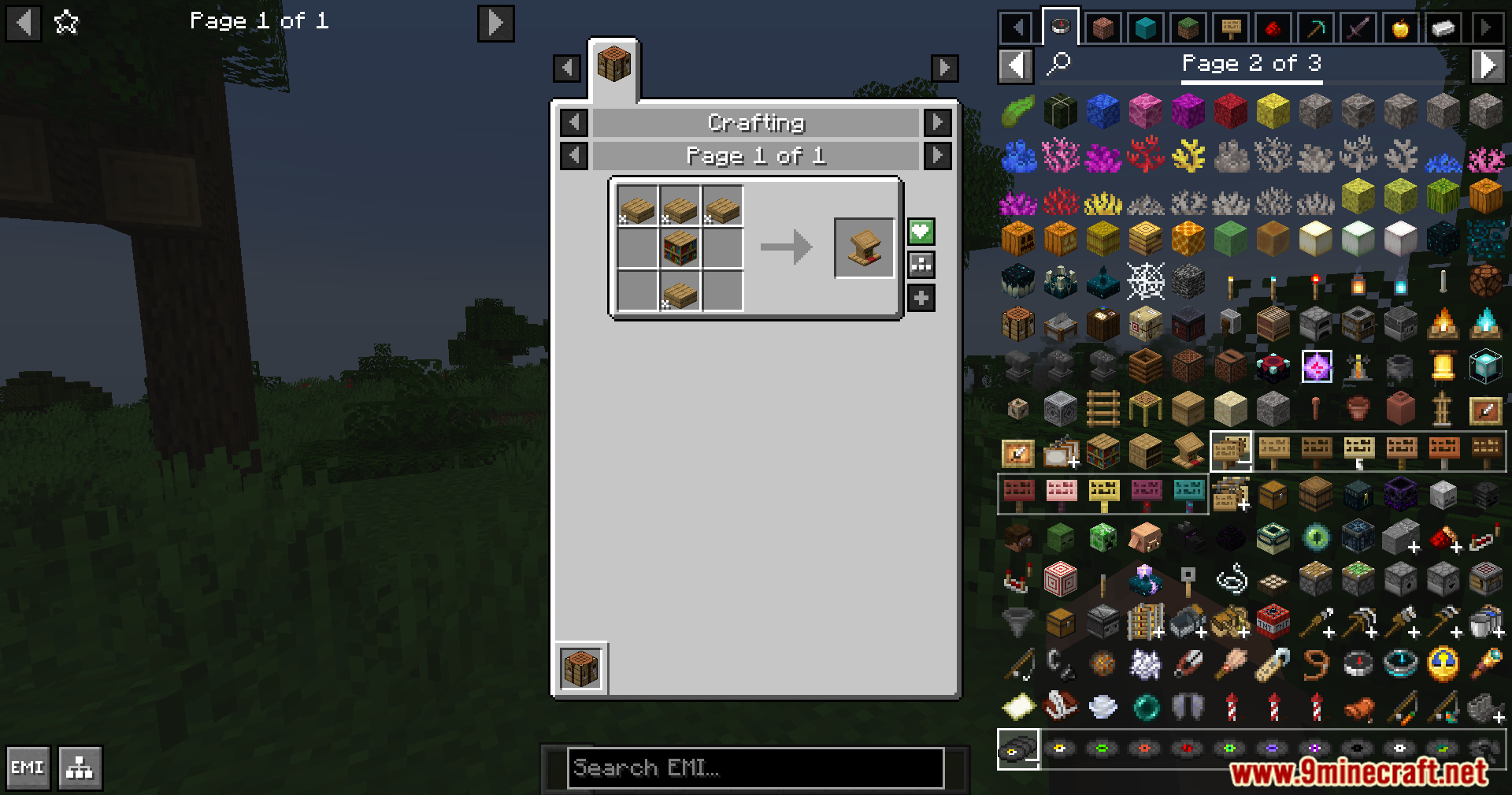
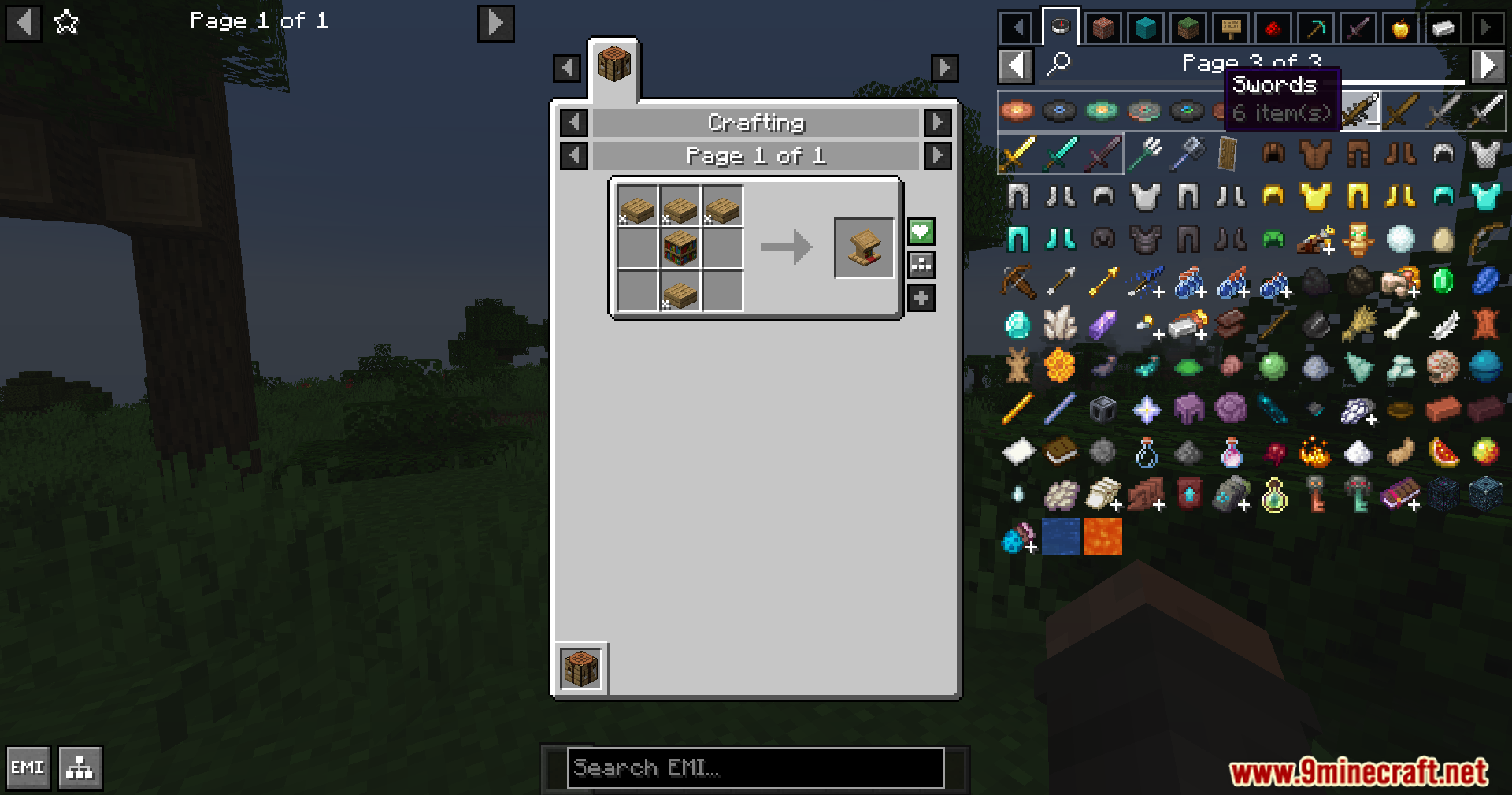
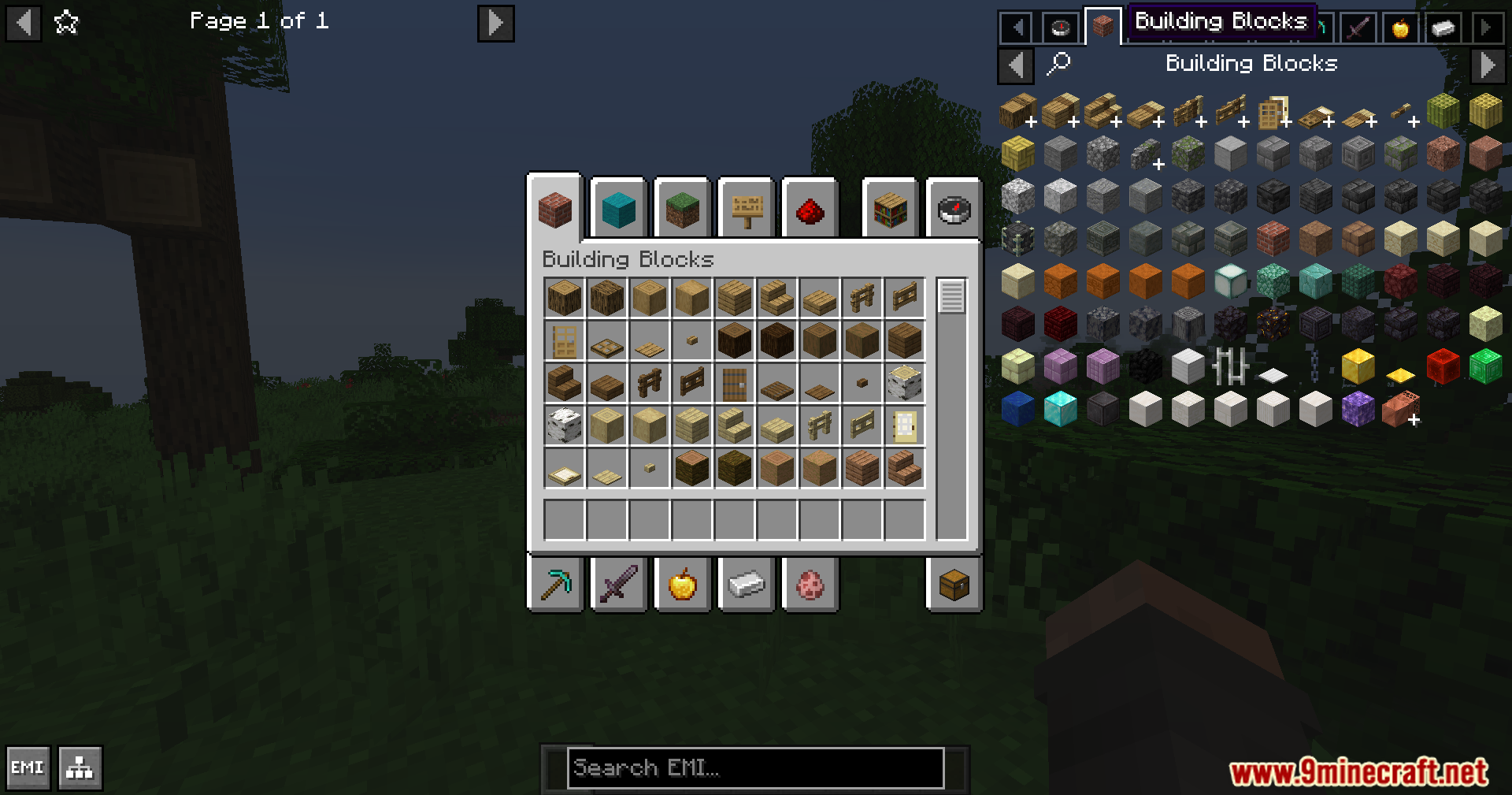
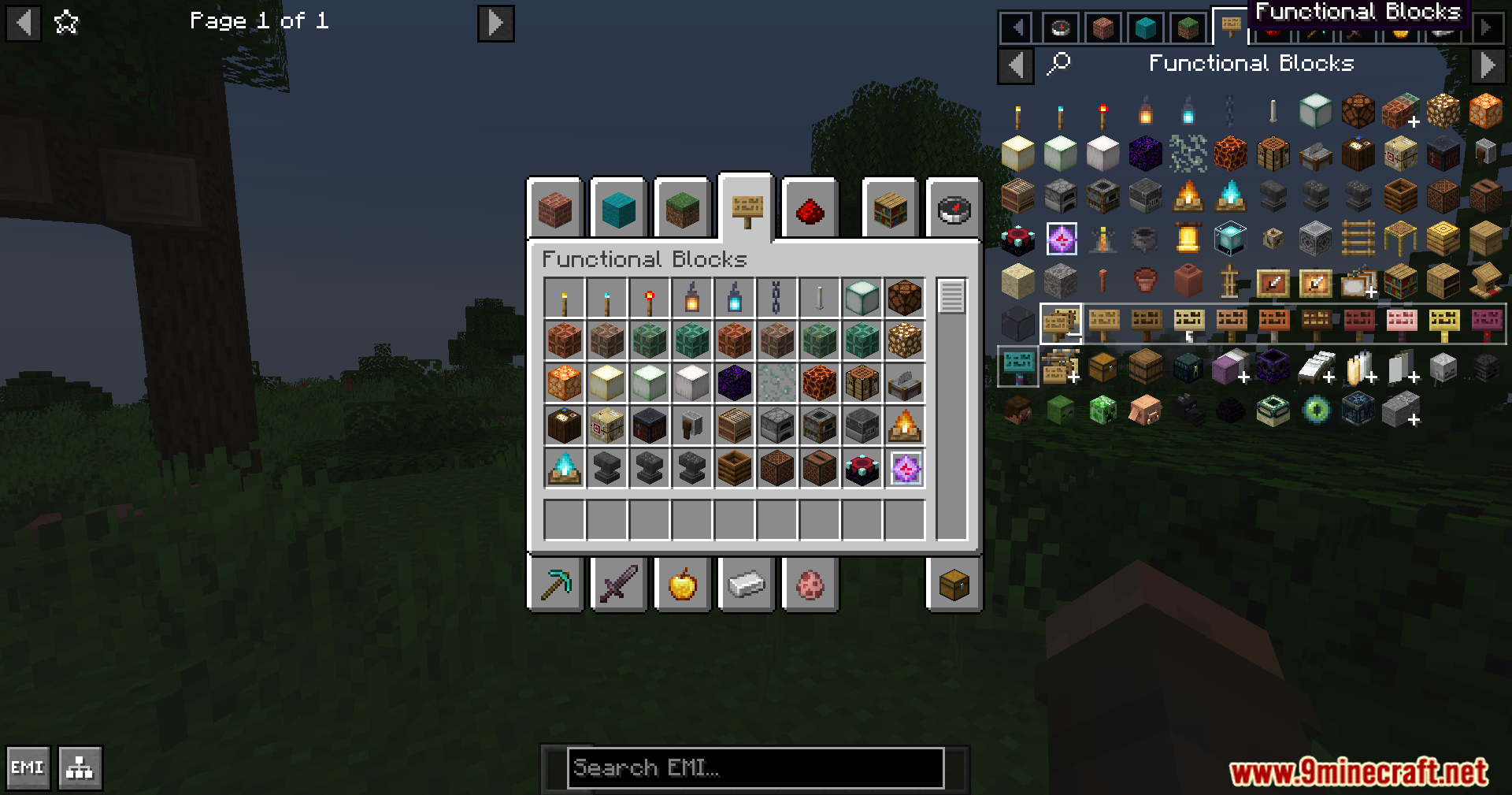
Enable Stack Grouping to Reduce Item List ClutterWhat Stack Grouping Does Stack Grouping automatically combines related items into single expandable entries. Instead…Find Items Faster Using Tabs and CategoriesHow Tabs Organize Your Items EMI Plus Plus displays Creative Mode tabs that group items by category—blocks, tools,…Switch Between Creative Mode Tab StylesUnderstanding Tab Display Options EMI Plus Plus can show Creative Mode tabs in different layouts. You can display…Sync EMI Plus Plus with Your Creative Inventory ScreenWhat Inventory Sync Does When enabled, your EMI Plus Plus menu mirrors the organization and layout of Minecraft's…
Frequently asked questions
How do I turn on stack grouping?
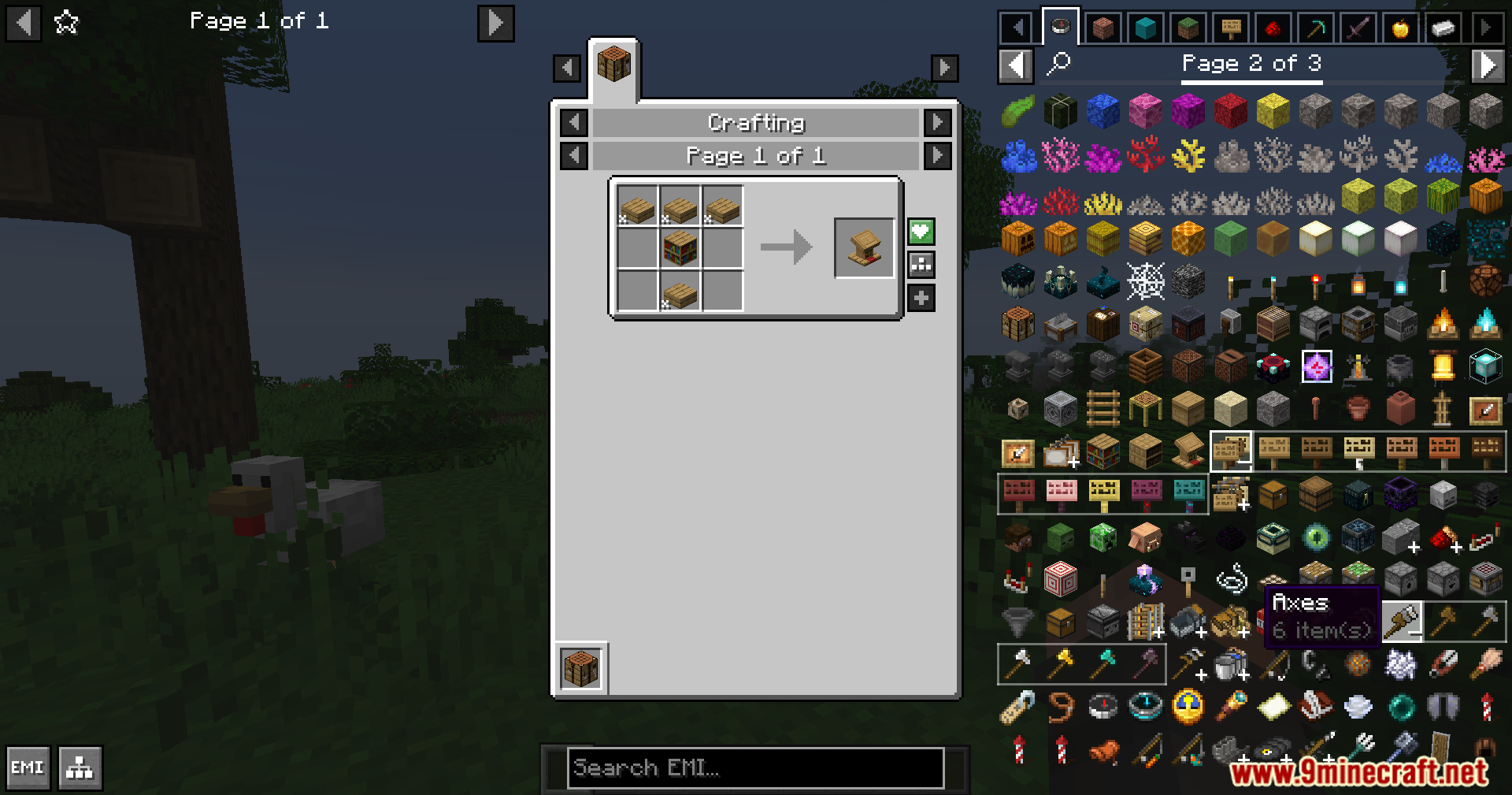
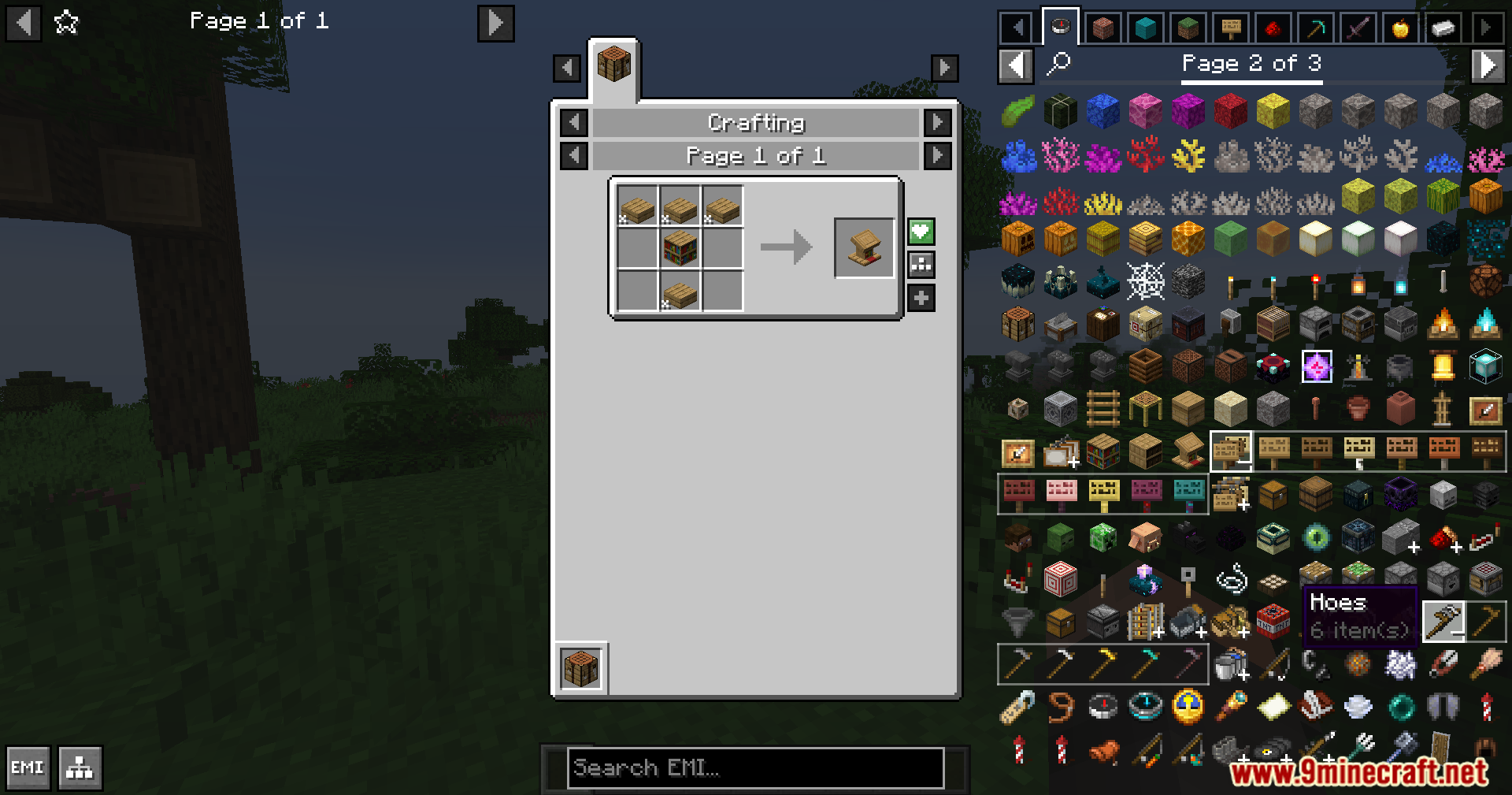
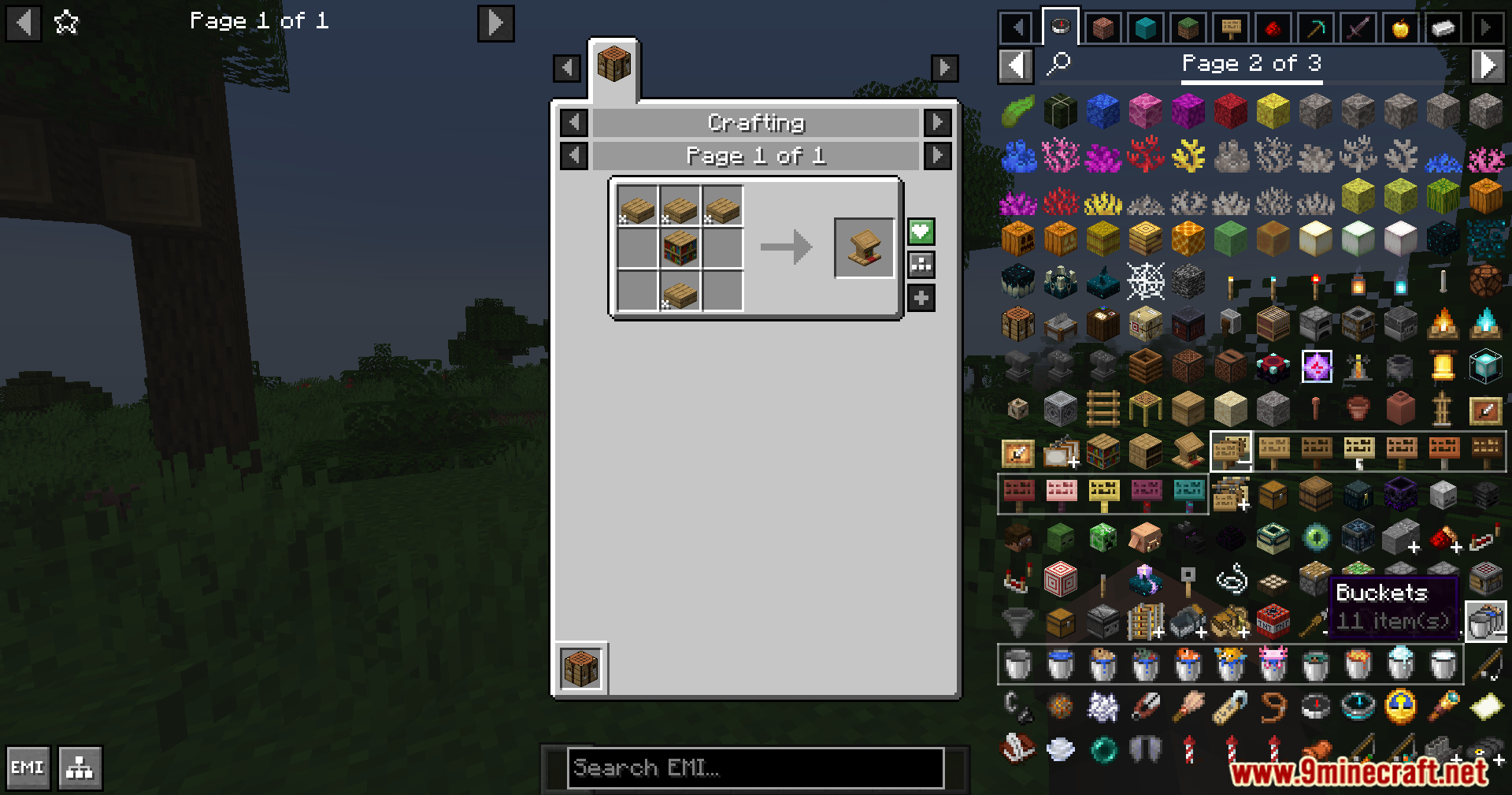
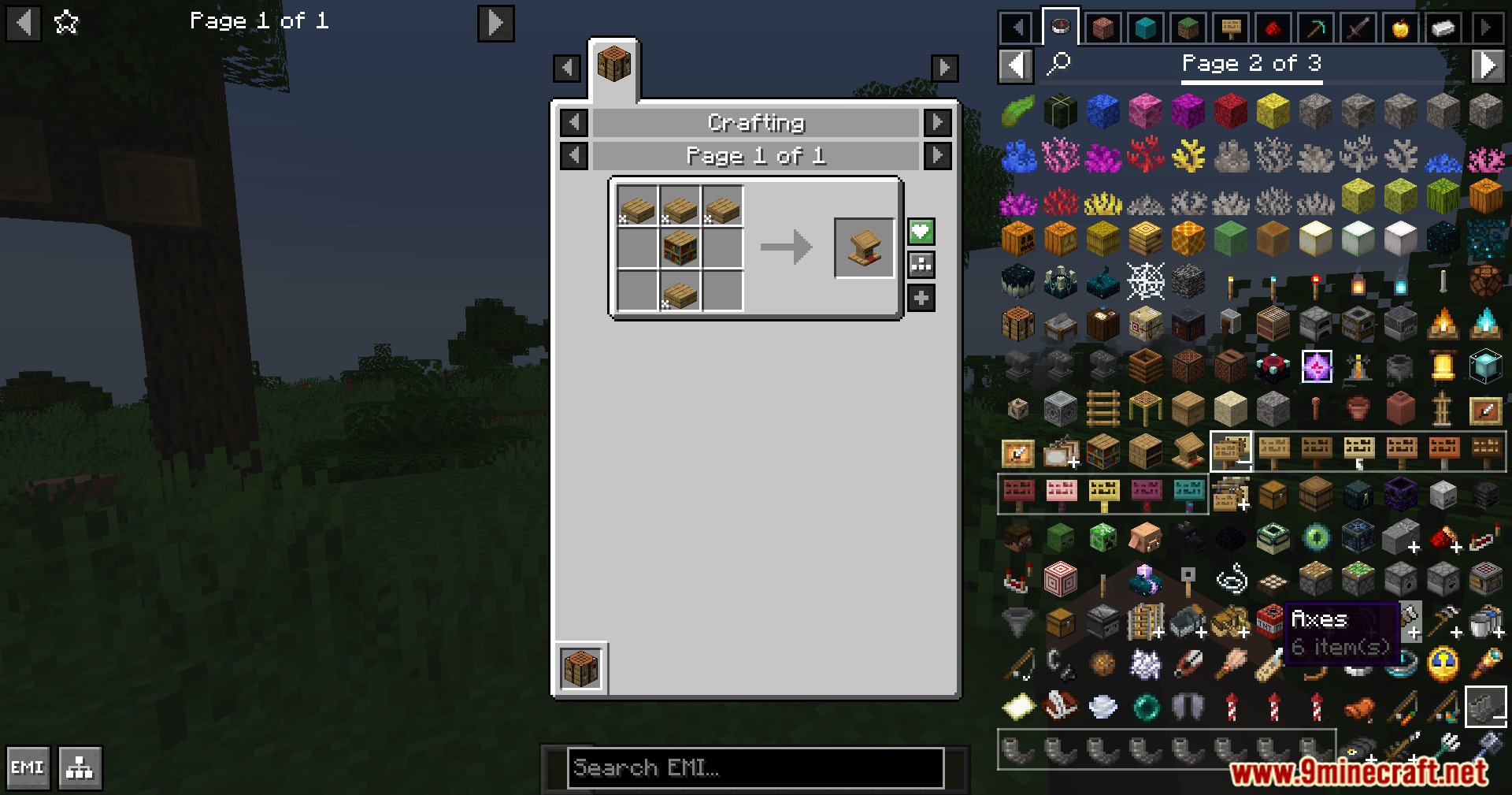
Open your EMI settings (usually by pressing a key while viewing EMI), find the Stack Grouping option, and toggle it on. Your item list will immediately group similar items like colored wools or spawn eggs into expandable entries.
Why are my items still not grouped even though I enabled stack grouping?
Stack grouping only works for items the mod recognizes as similar—like variants of the same block or related tools. Items from other mods may not group unless they follow standard naming or type conventions that EMI Plus Plus can detect.
Can I switch between different sidebar styles?
Yes, go into the mod's configuration menu and look for the sidebar theme or visual style option. You can choose between a classic vanilla look or a modern theme depending on your preference.
How do I make EMI sync with my Creative Inventory?
In the EMI Plus Plus settings, enable the 'Sync with Creative Inventory' option. Once turned on, the tabs and organization in EMI will match what you see when you open your actual Creative Mode inventory.
See all 10 EMI Plus Plus Forked questions ›
Gallery
12 images from the Emi Plus Plus Forked Mod page.
You May Also Like
Wikis that share the most with this one
More mod wikis on the site
The most downloaded mods that have a wiki here
A few wikis from each of the other kinds