

 DownloadEmotecraft Mod
Get the files on 9Minecraft
Guides
Step-by-step, in-game.
Assign Emotes to Hotkeys for Quick AccessOpen the Emote Menu Press the default emote menu key (usually bound in your controls) to open the emotion selection…Perform Emotes on a Multiplayer ServerInstall Mod on Server and Client For emotes to display to other players, the Emotecraft mod must be installed on both…Search and Filter Emotes by Name or DescriptionAccess the Emote Menu Open your emote selection menu using your bound emote key. Locate the Search Box Look at the…Use Custom and Modded Emotes from Other ModsCheck Mod Compatibility Emotecraft supports custom emotes and integrates with other mods like Quark. If you have…
Frequently asked questions
How do I open the emote menu?
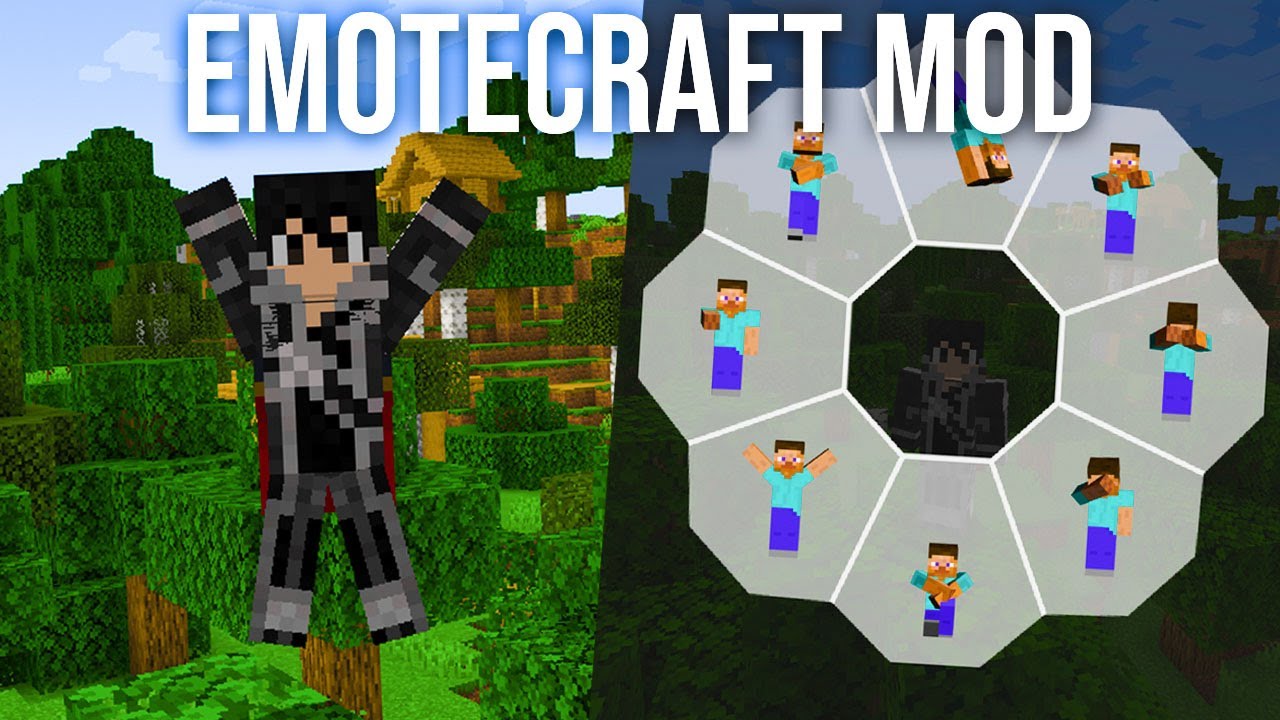
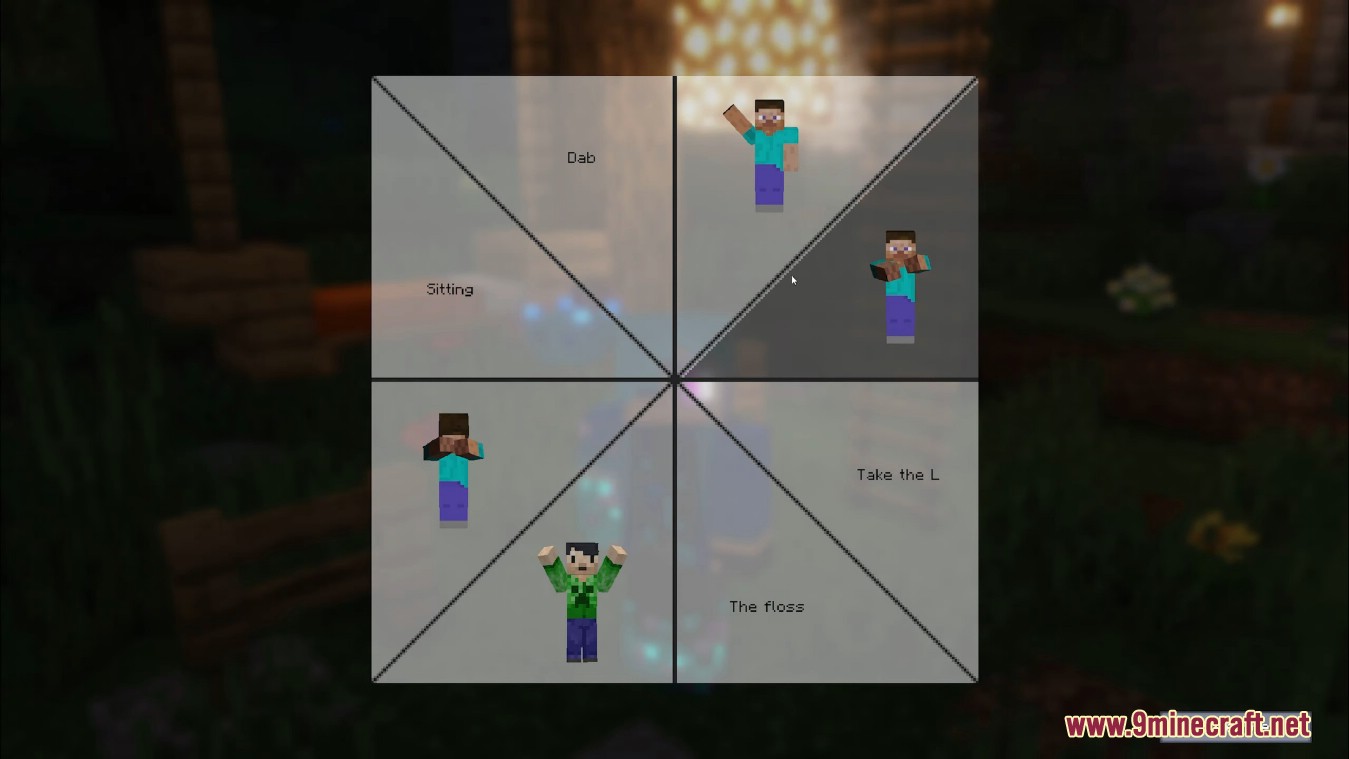
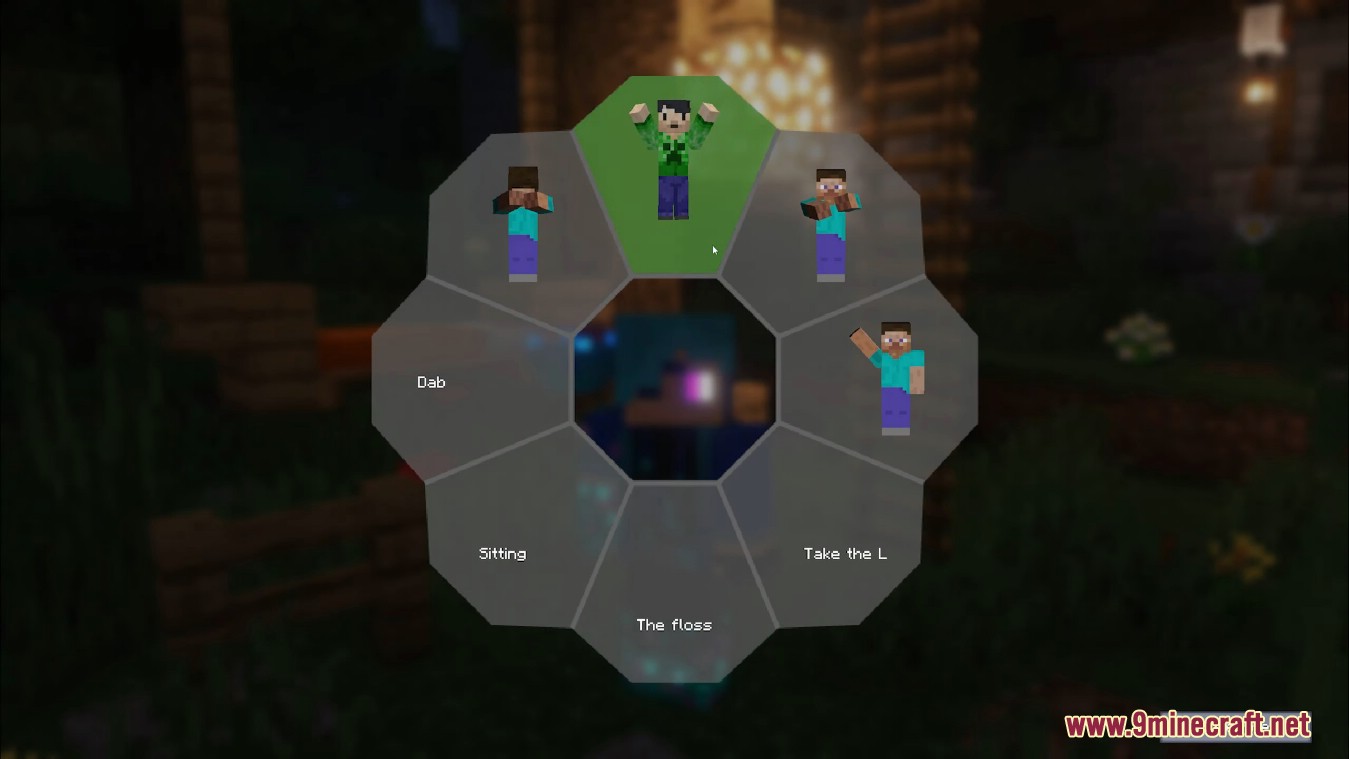
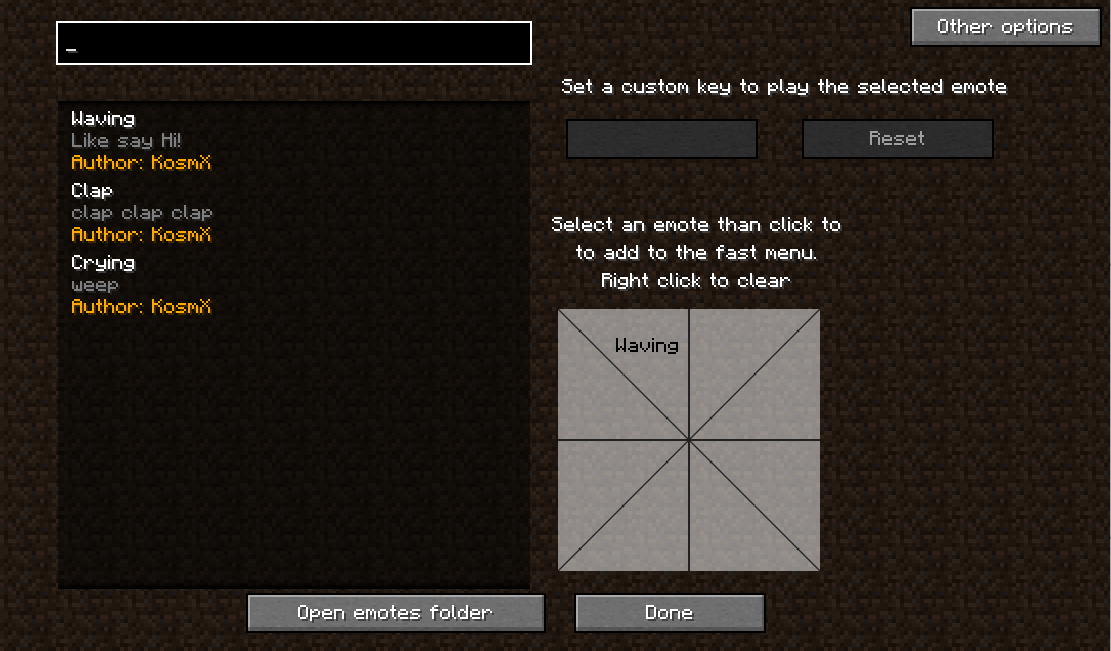
Press the emote key (default keybind varies by setup) to open the emote selection menu. You can customize this keybind in your controls settings.
Can I use emotes in single player or only on servers?
You can perform emotes in single player, but other players will only see them if the mod is installed on both the server and client sides.
How do I assign an emote to a hotkey?
Open the emote menu, select the emotion you want, then look for the keybind option in the menu to assign it to a specific key for quick access.
What's the difference between the fast menu and the full menu?
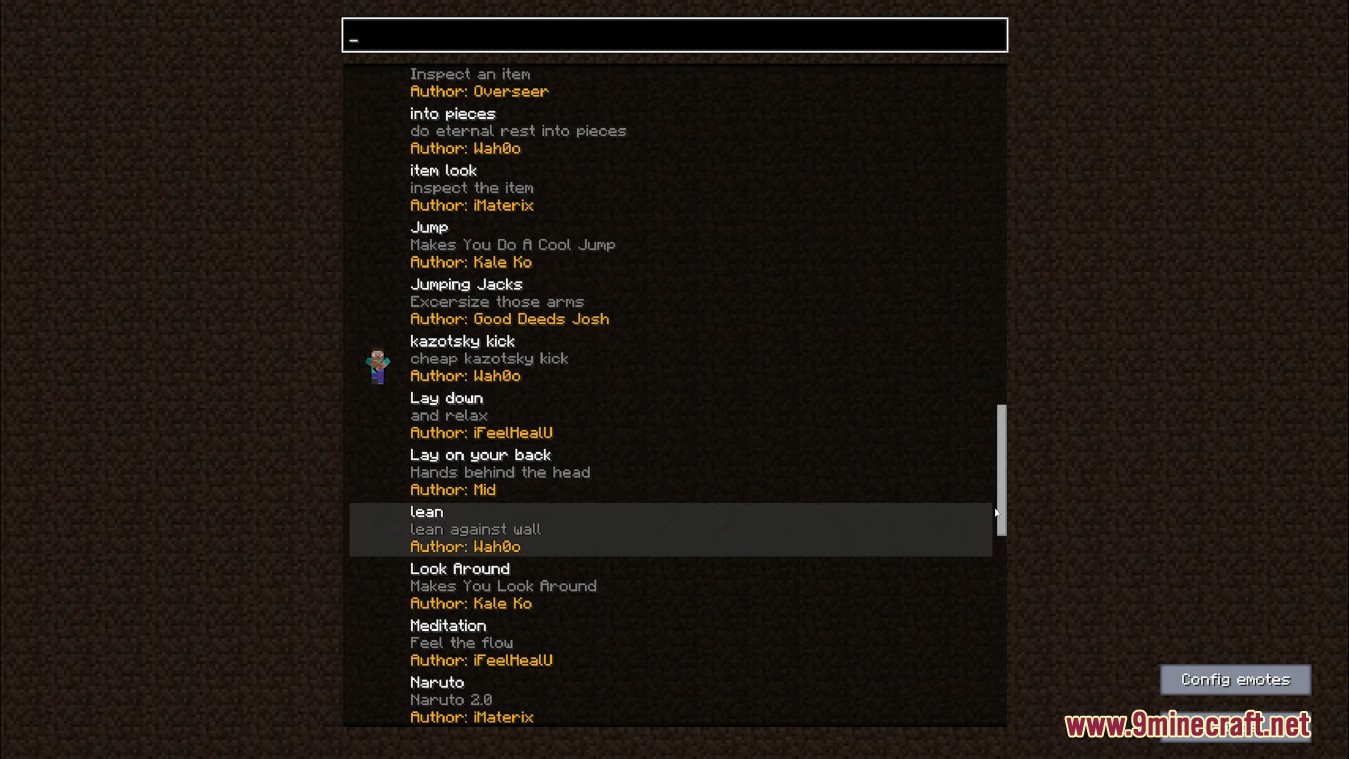
The fast menu appears in the top-left and includes a search box for quickly finding emotes by name or description, while the full menu shows all available options with more details.
See all 10 Emotecraft questions ›
Gallery
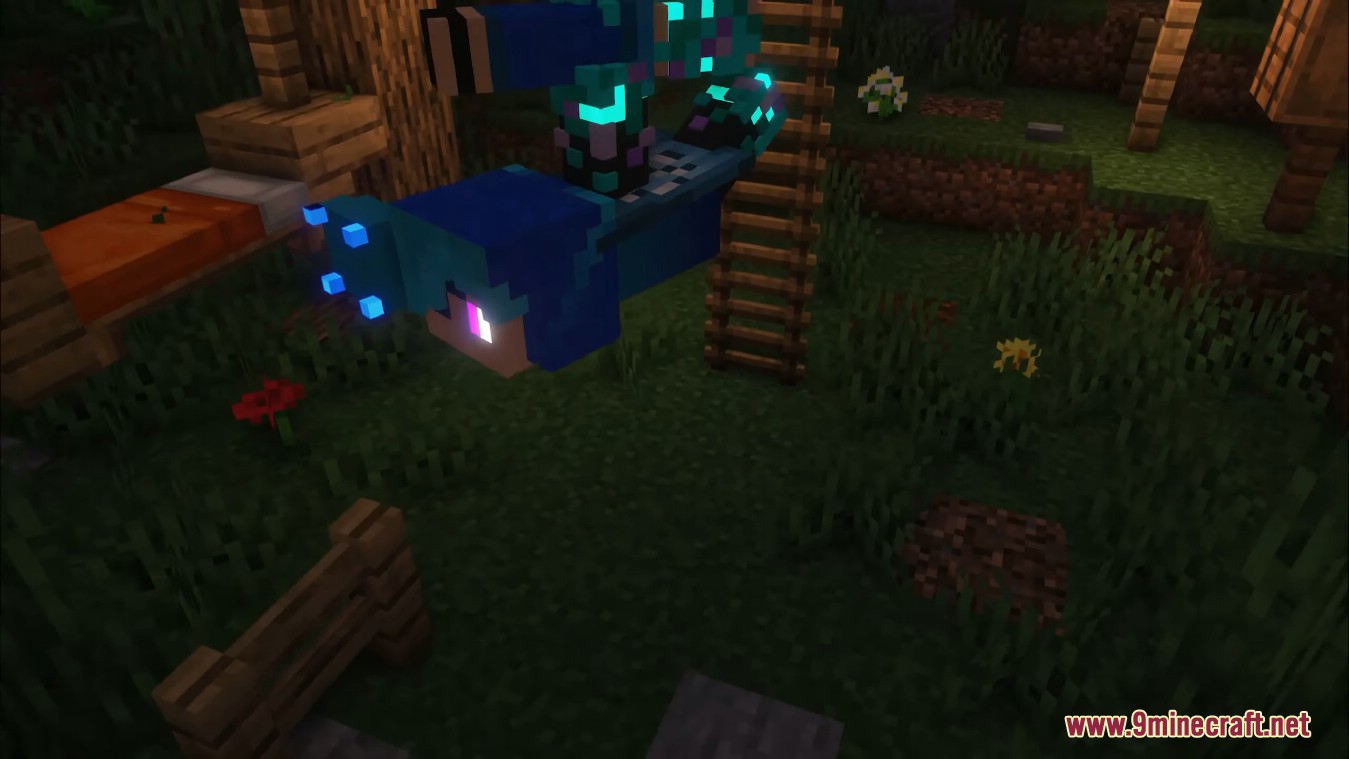
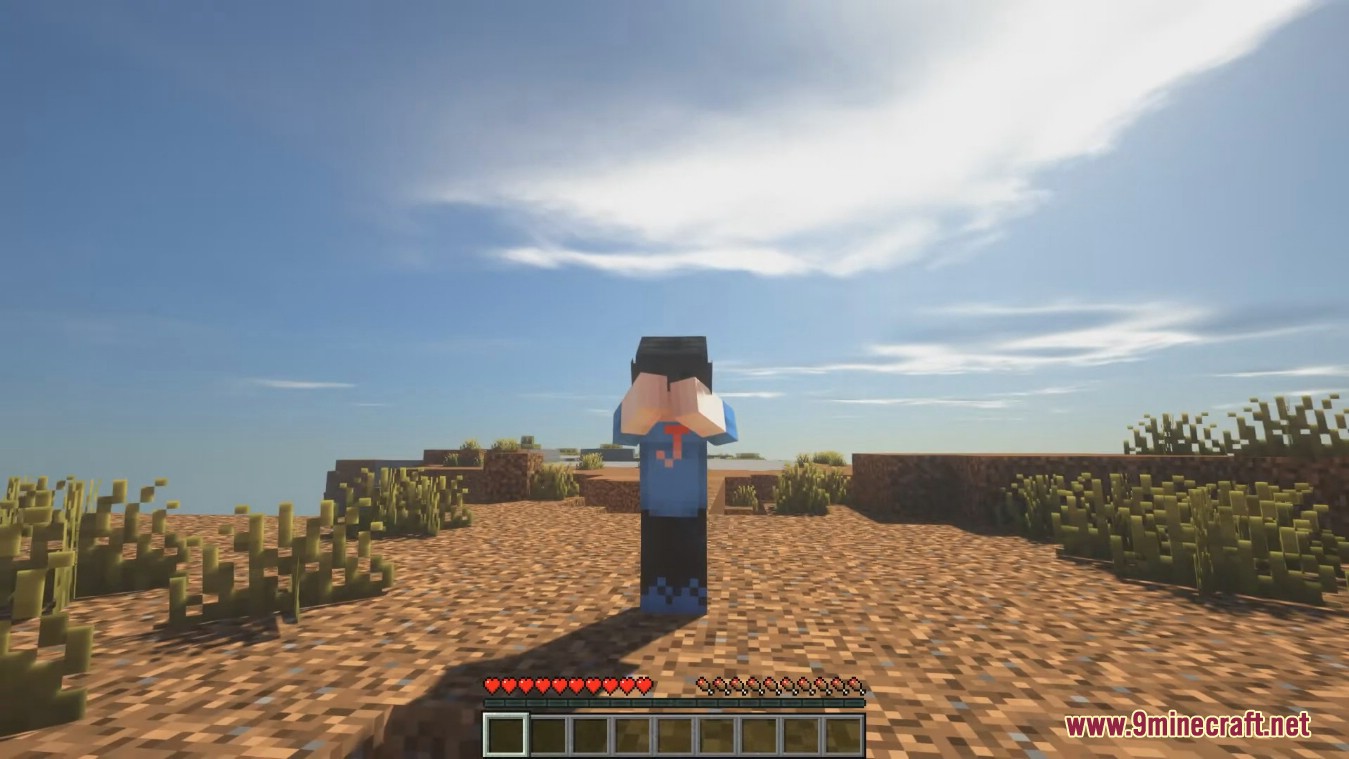
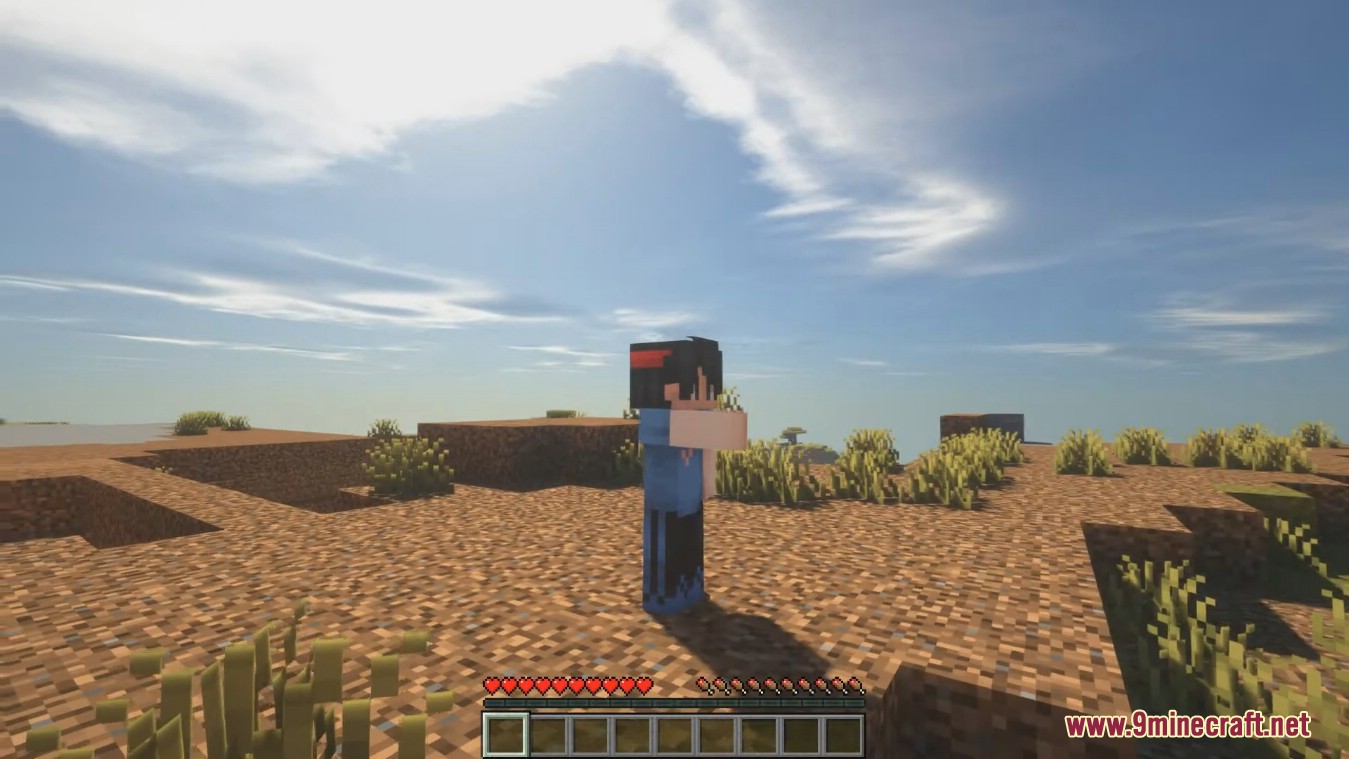
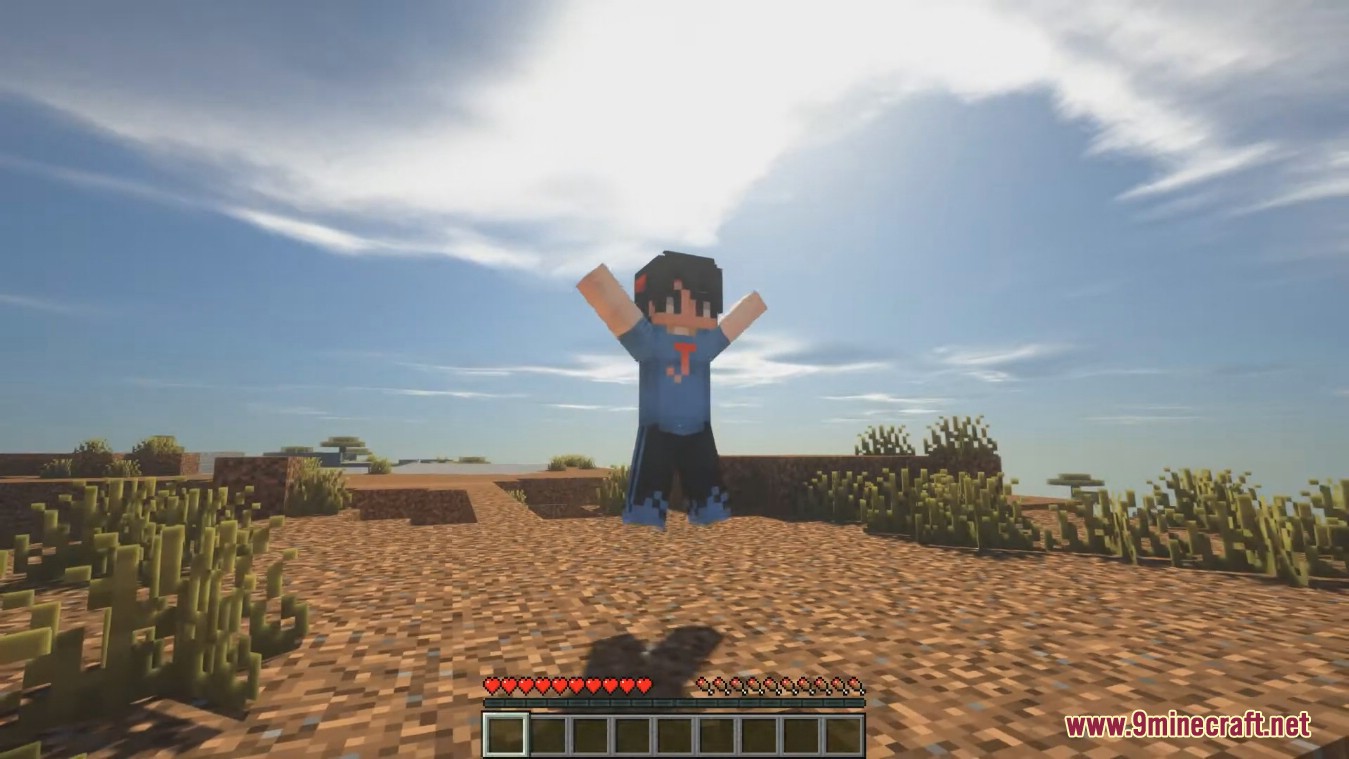
12 images from the Emotecraft Mod page.
You May Also Like
Wikis that share the most with this one
Wikis on the same theme: craft
More mod wikis on the site
The most downloaded mods that have a wiki here
A few wikis from each of the other kinds