

 DownloadData Tip Mod
Get the files on 9Minecraft
Guides
Step-by-step, in-game.
Add Conditional Tooltip Lines Based on Game StateUse Conditions to Show Context-Specific Text Display different tooltip content depending on where you are or what's…Create a Basic Item Tooltip with Custom Text and ColorsSet Up Your JSON File Create a new file at assets/yournamespace/datatip/datatip.json inside your resource pack…Display Live Player Stats and World Data in TooltipsUse Dynamic Data Components Data Tip Mod can pull live information directly into tooltips. Add a component that reads…Show Hidden Tooltip Details Only When Holding ShiftMark Lines as Hidden Use the hidden property to keep certain tooltip lines invisible until the player presses Shift:…
Frequently asked questions
Where do I put my JSON files for tooltips?
Create a folder path `assets/ /datatip/` inside your resource pack, then place your `datatip.json` file there. The namespace can be any name you choose—it doesn't have to match a mod ID.
How do I match an item in my tooltip definition?
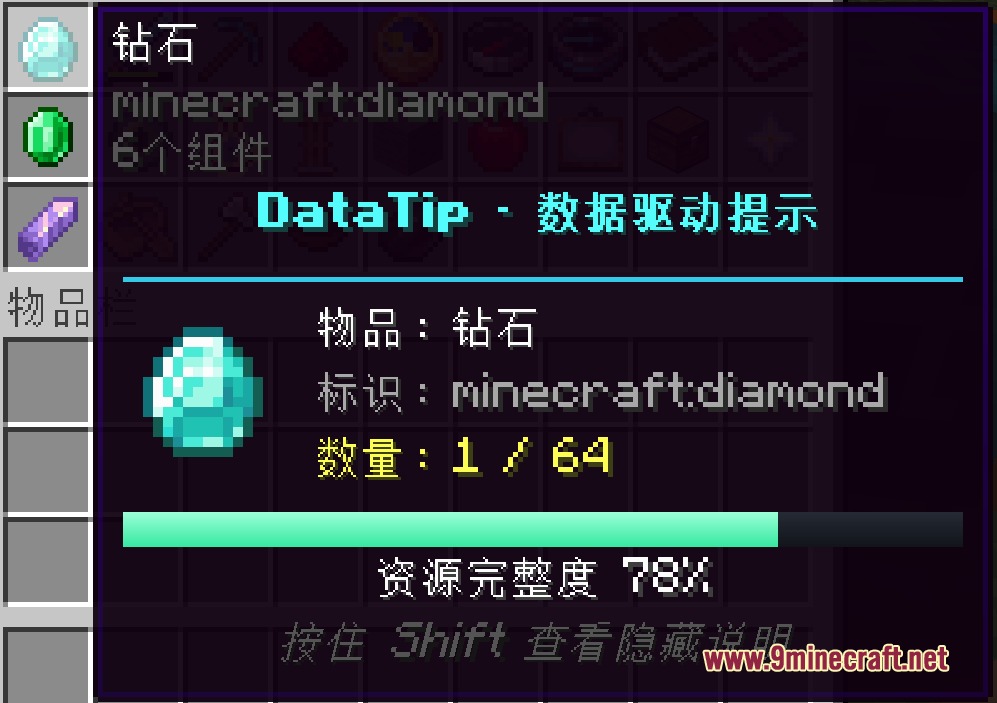
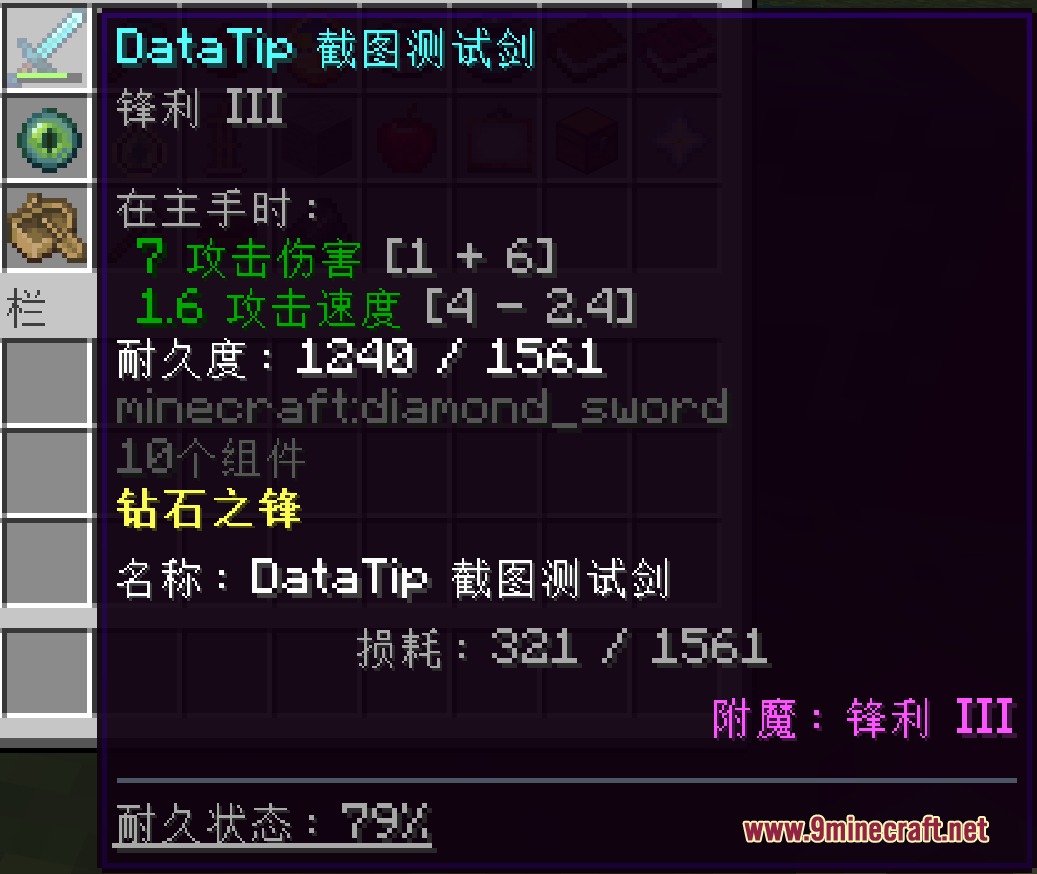
Use the `match` field with an exact item ID like `minecraft:diamond_sword`, an item tag like `#minecraft:planks`, or a wildcard pattern like `minecraft:*_ore` to match multiple items at once.
Can I show different tooltip text based on the player's location or status?
Yes, use the `conditions` field to check biome, dimension, weather, hunger level, NBT data, and more—tooltip lines only display when all their conditions are met.
How do I display a 3D model or block preview inside a tooltip?
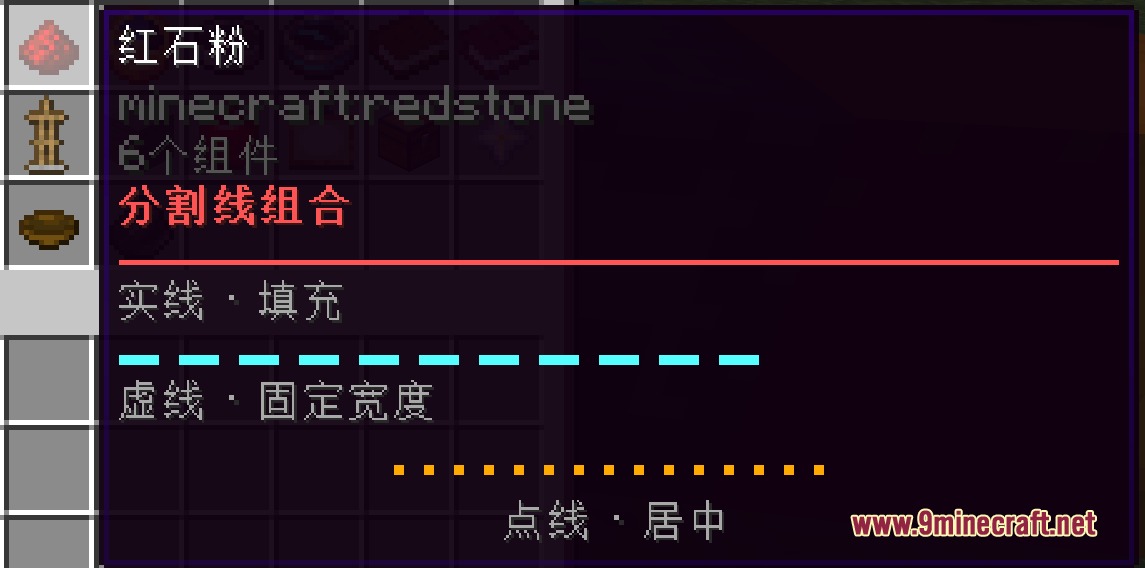
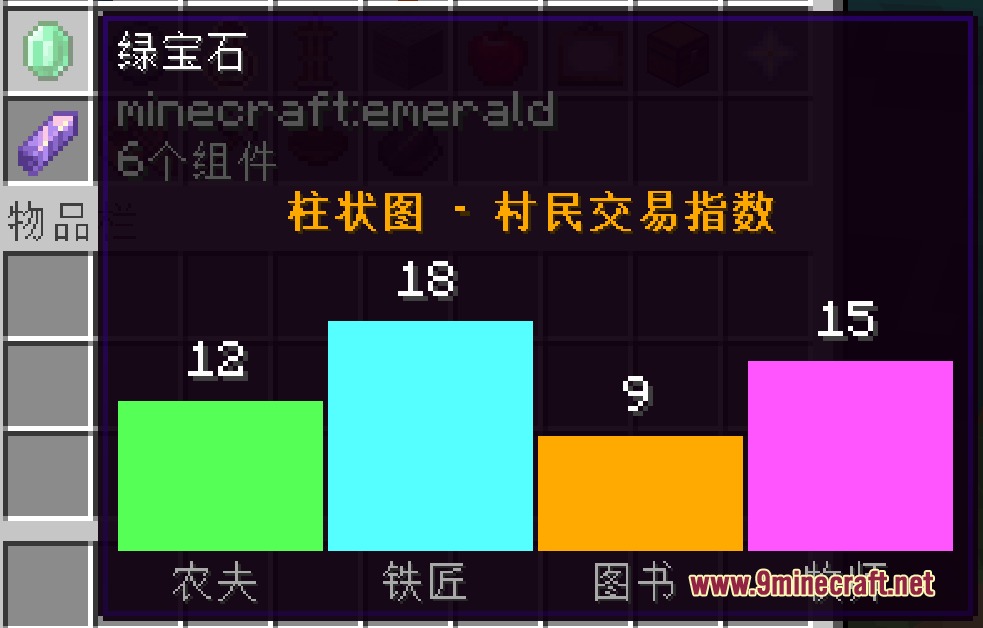
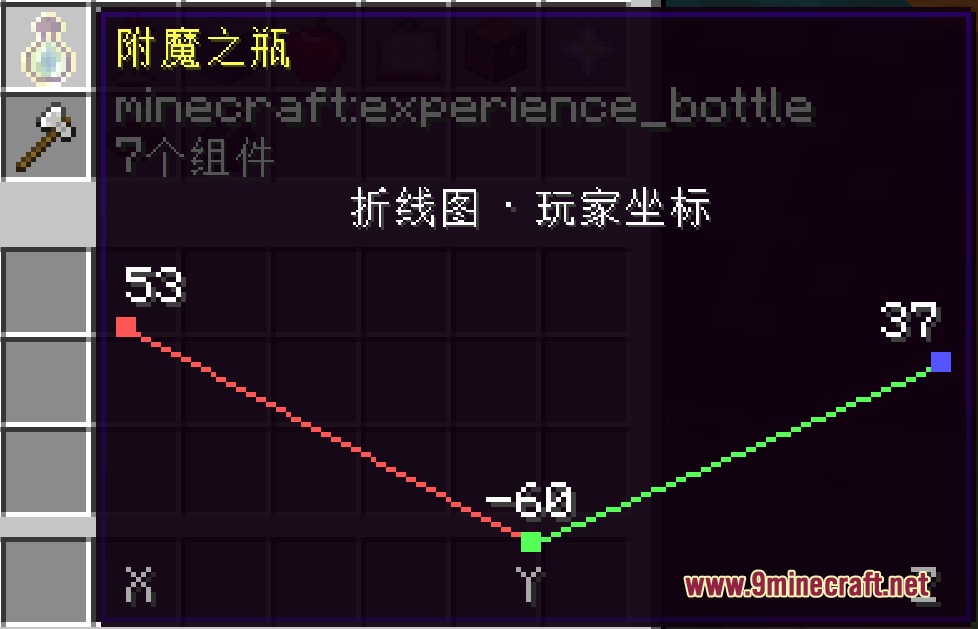
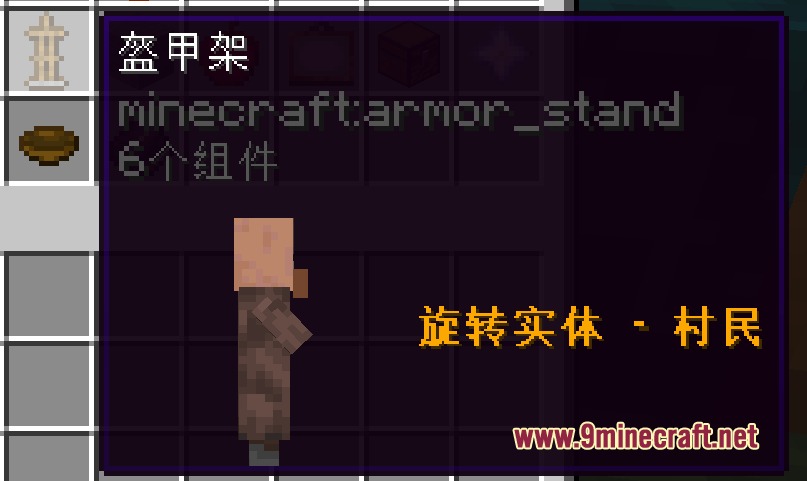
Add a `model` component to your tooltip definition and specify the model path; you can rotate it and customize its size and position within the hover box.
See all 10 Data Tip questions ›
Gallery
9 images from the Data Tip Mod page.
You May Also Like
Wikis that share the most with this one
More mod wikis on the site
The most downloaded mods that have a wiki here
A few wikis from each of the other kinds