

 DownloadCompass Ribbon Mod
Get the files on 9Minecraft
Guides
Step-by-step, in-game.
Customize the Compass Ribbon Position and AppearanceAdjusting HUD Position The compass ribbon's position and visual style can be customized through the mod's…Enable and Disable the Compass Ribbon HUDToggling the Compass Display The compass ribbon HUD can be toggled on and off without restarting your game. By…Understand the Compass Ribbon DisplayReading the Compass Ribbon The compass ribbon appears as a horizontal bar on your screen, typically positioned near…Use Compass Coordinates for Navigation and Base MarkingRecording Coordinates The compass ribbon displays your coordinates in real-time, making it easy to mark important…
Frequently asked questions
How do I turn on the compass ribbon?
The compass ribbon HUD is enabled by default when you load the mod. If it's not visible, check your keybinds in the controls menu for the toggle option, or look for a config file in your mod settings to ensure it's activated.
Where does the compass ribbon appear on my screen?
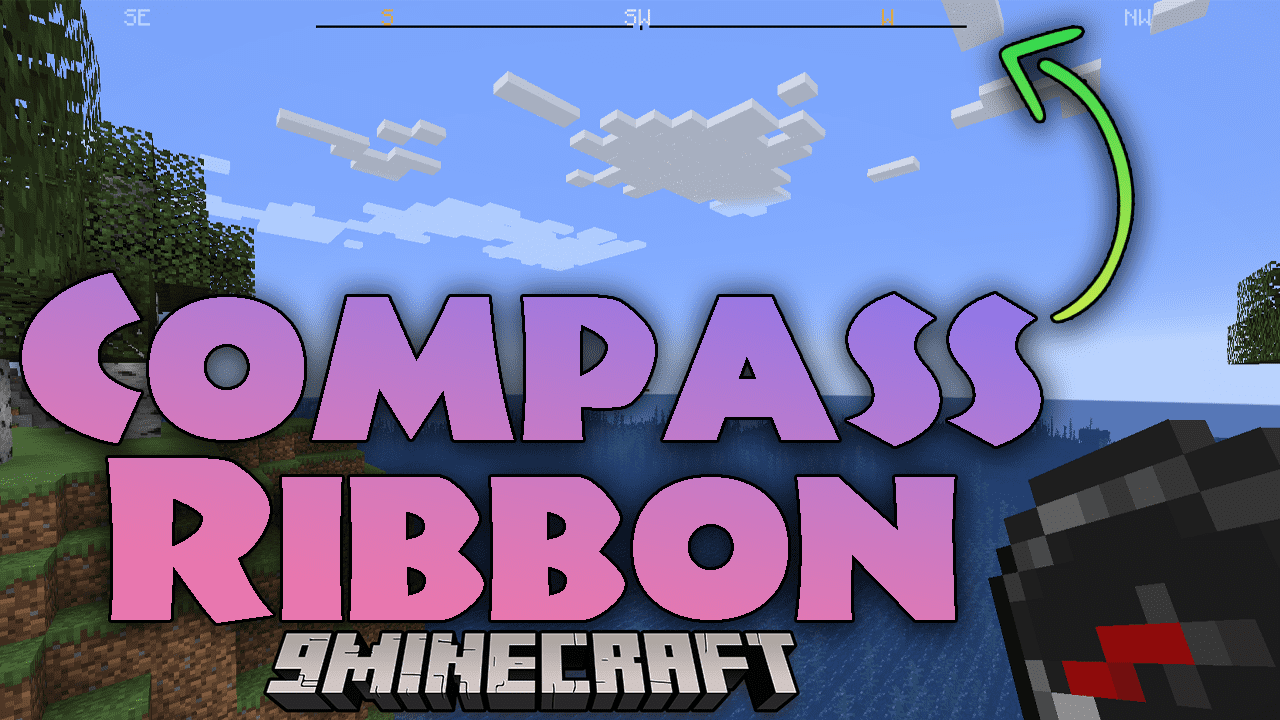
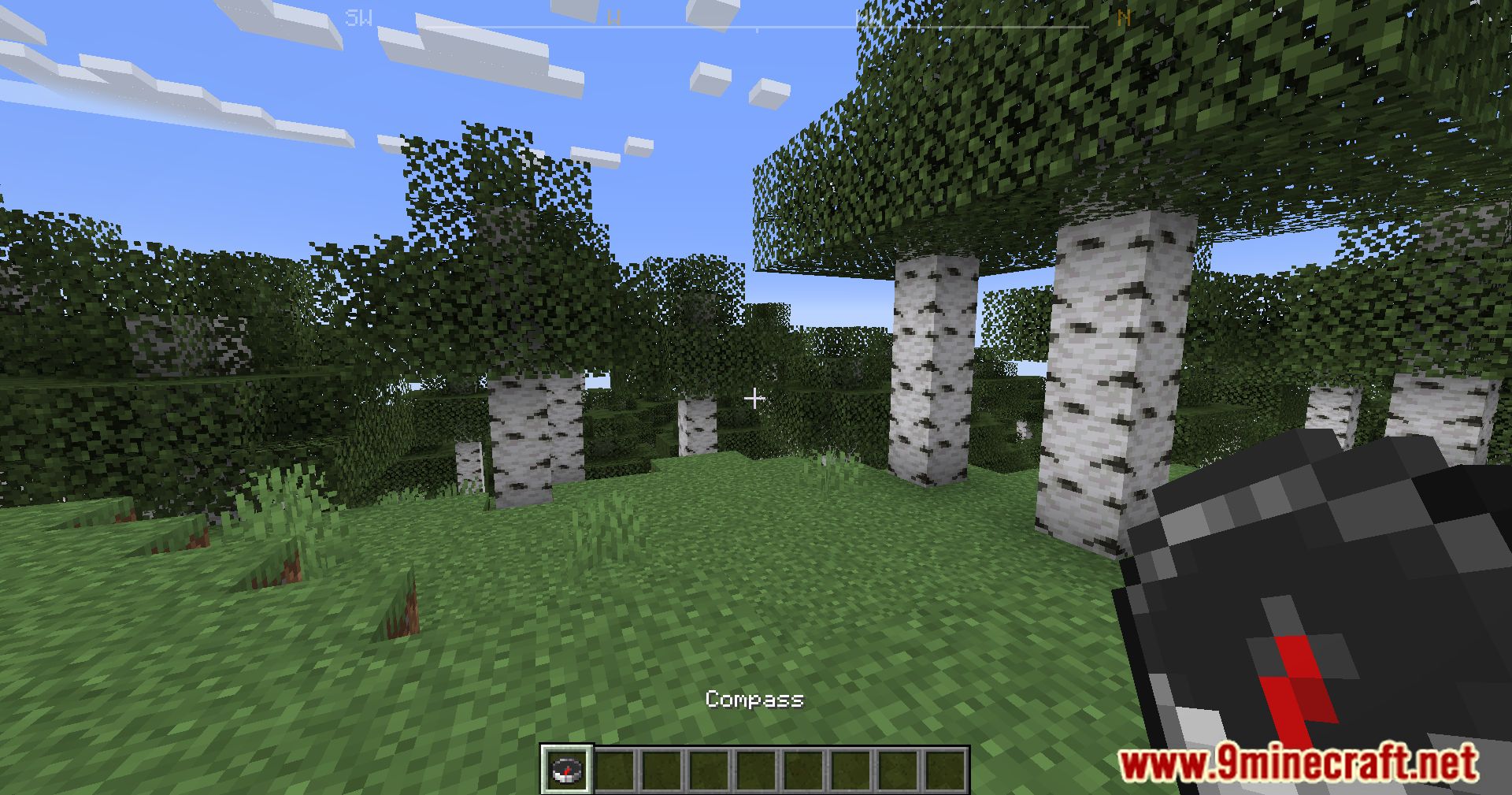
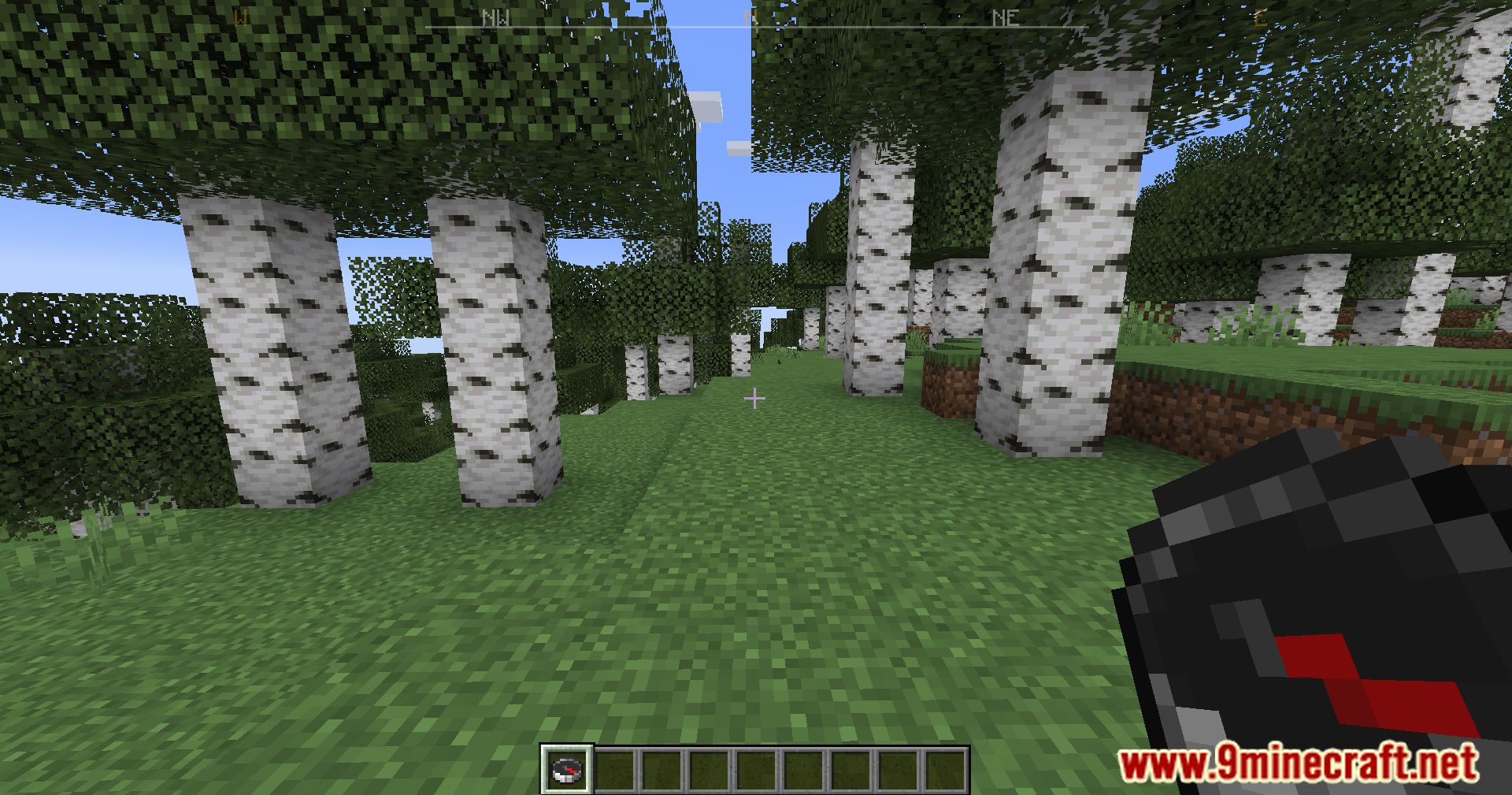
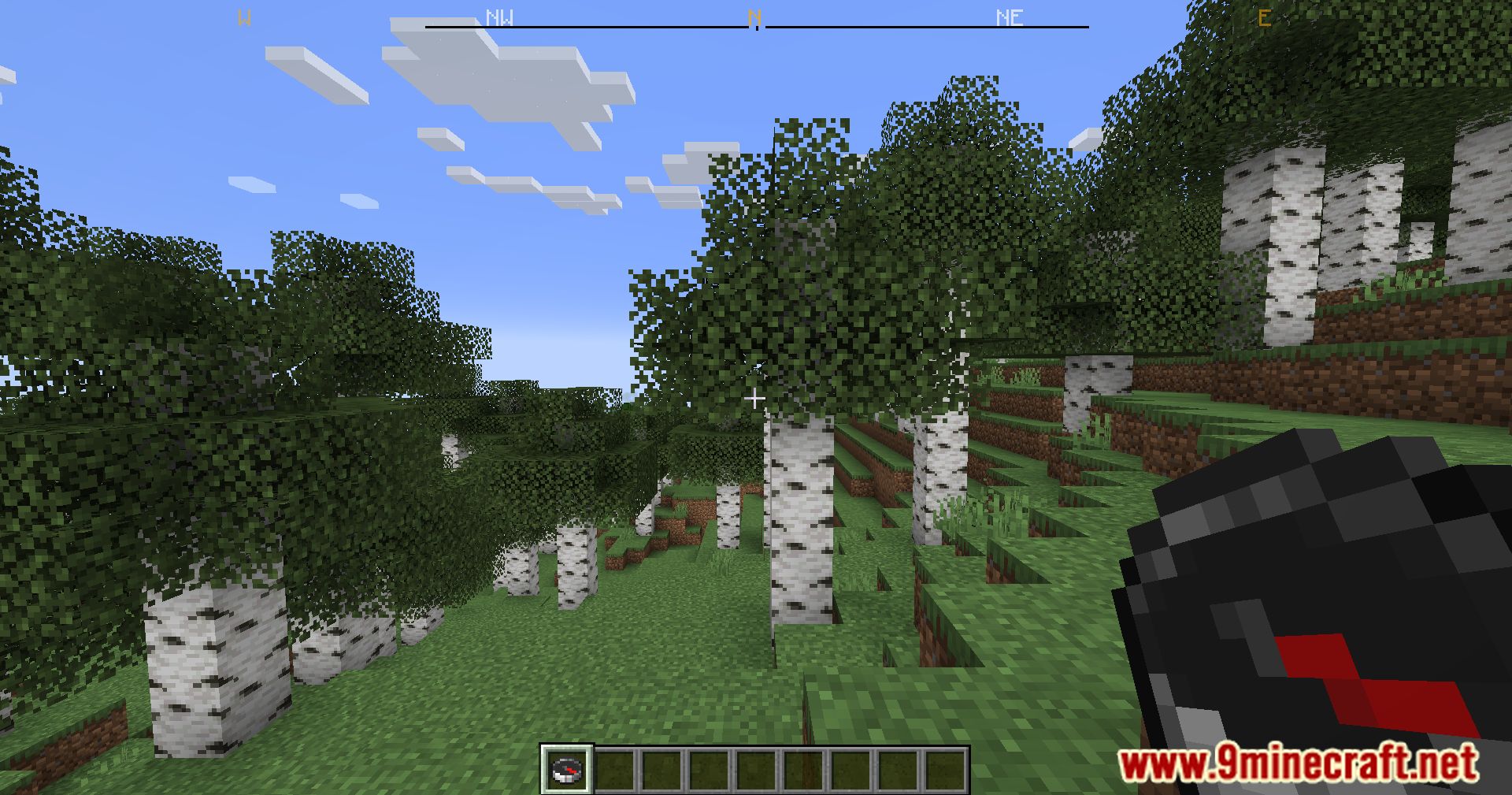
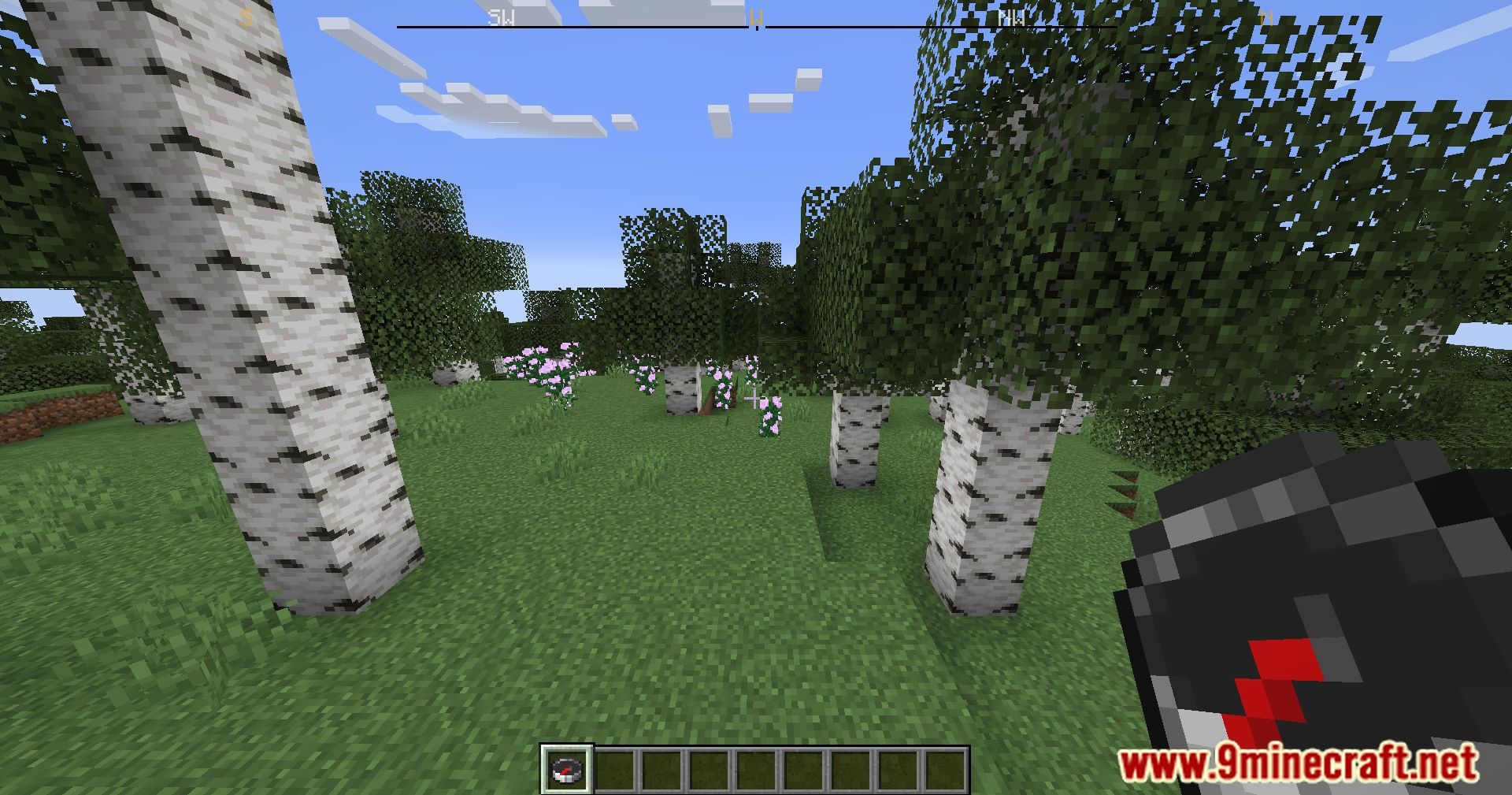
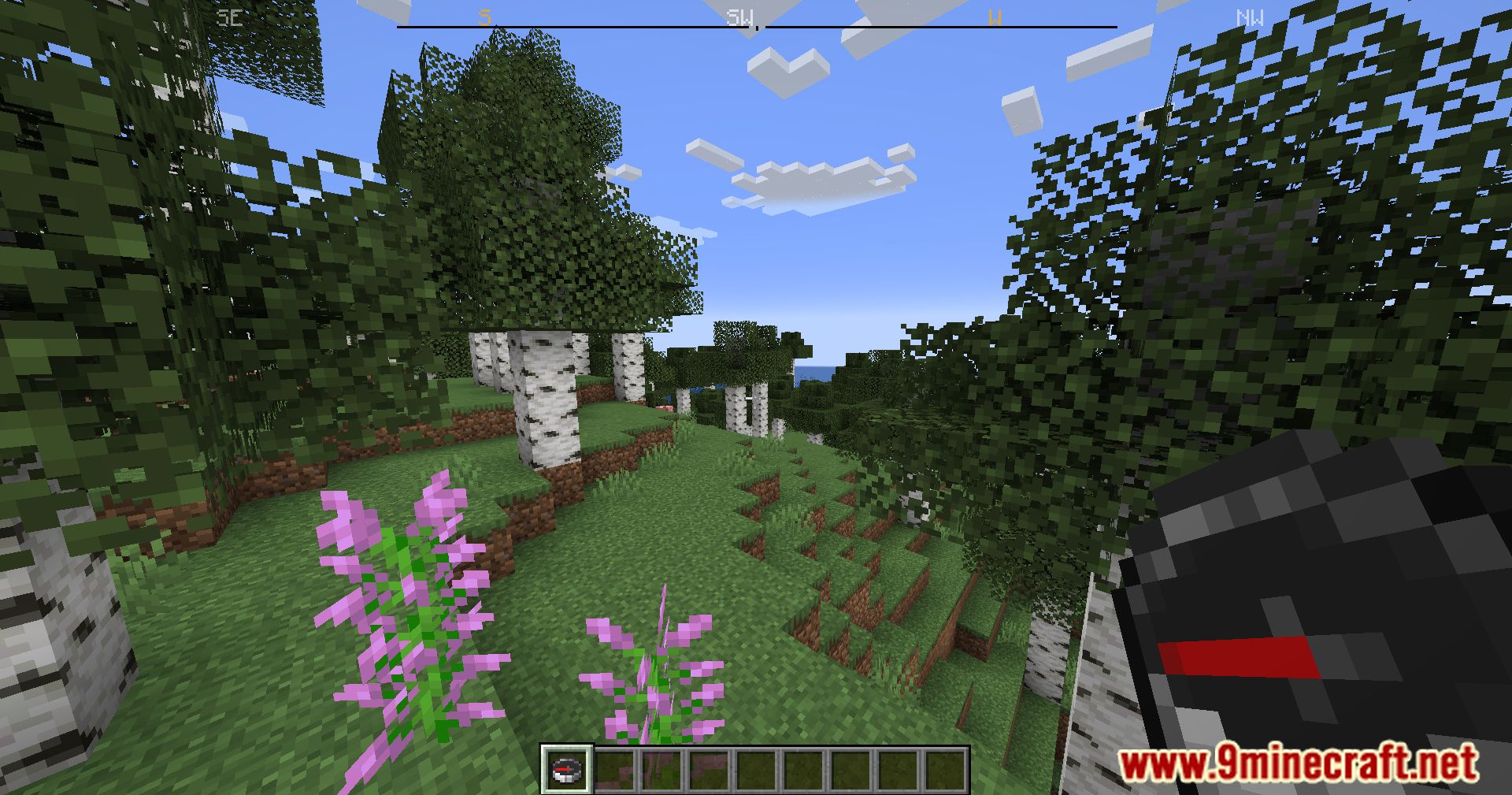
The compass ribbon displays as a horizontal bar, typically positioned at the top or bottom of your screen depending on your configuration. It shows cardinal directions (N, S, E, W) and your current XYZ coordinates.
Can I move the compass ribbon to a different location?
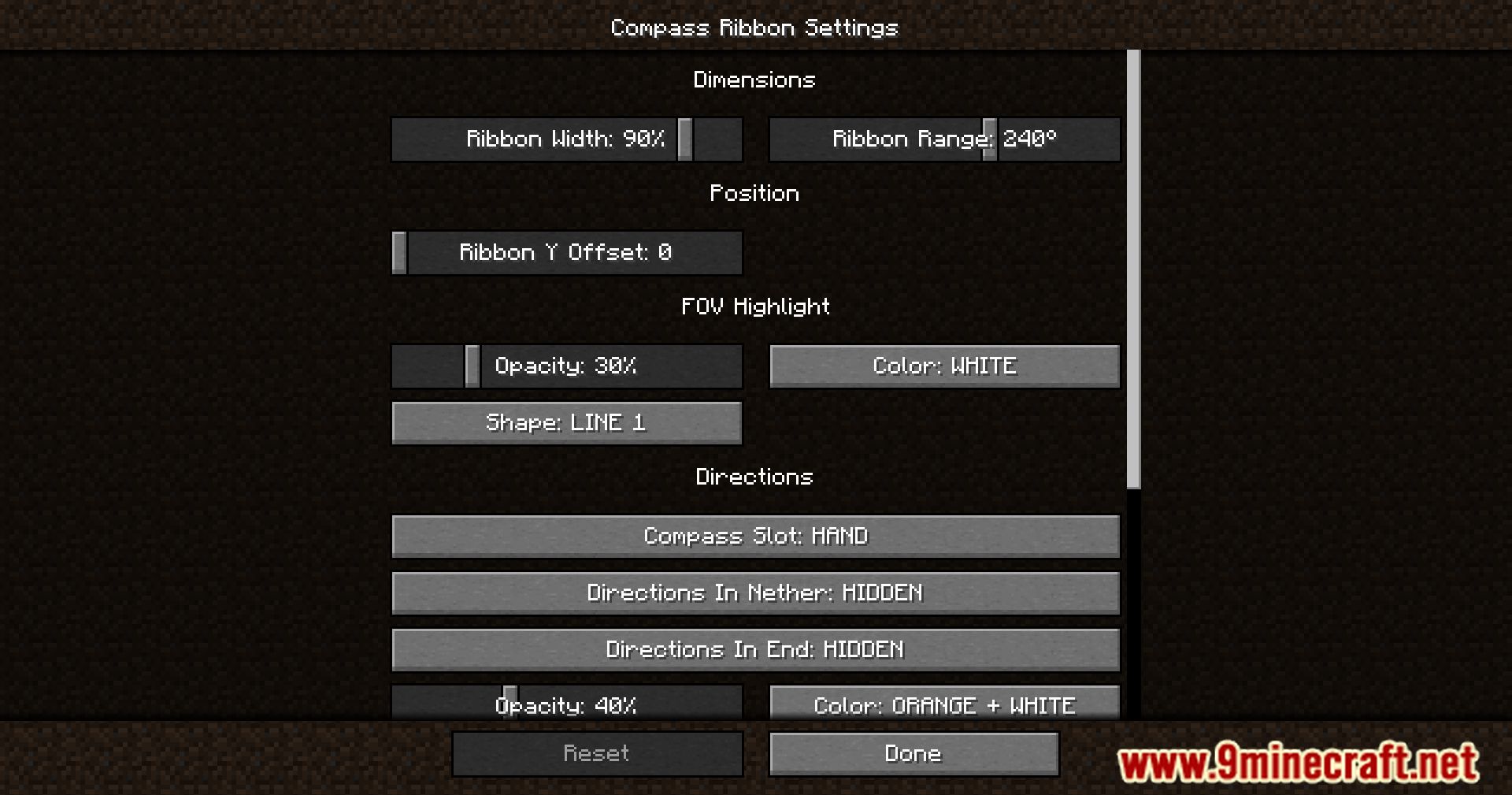
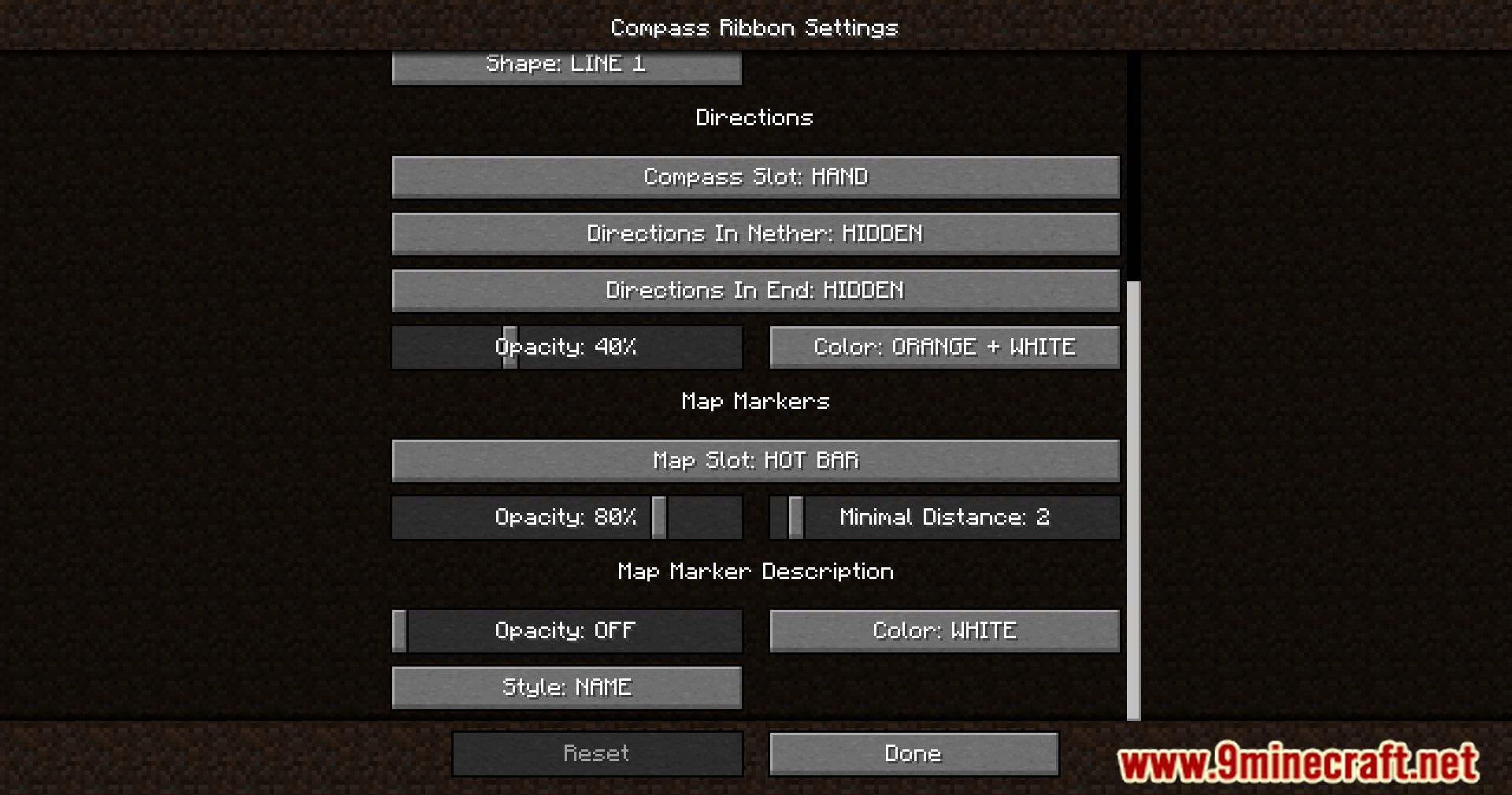
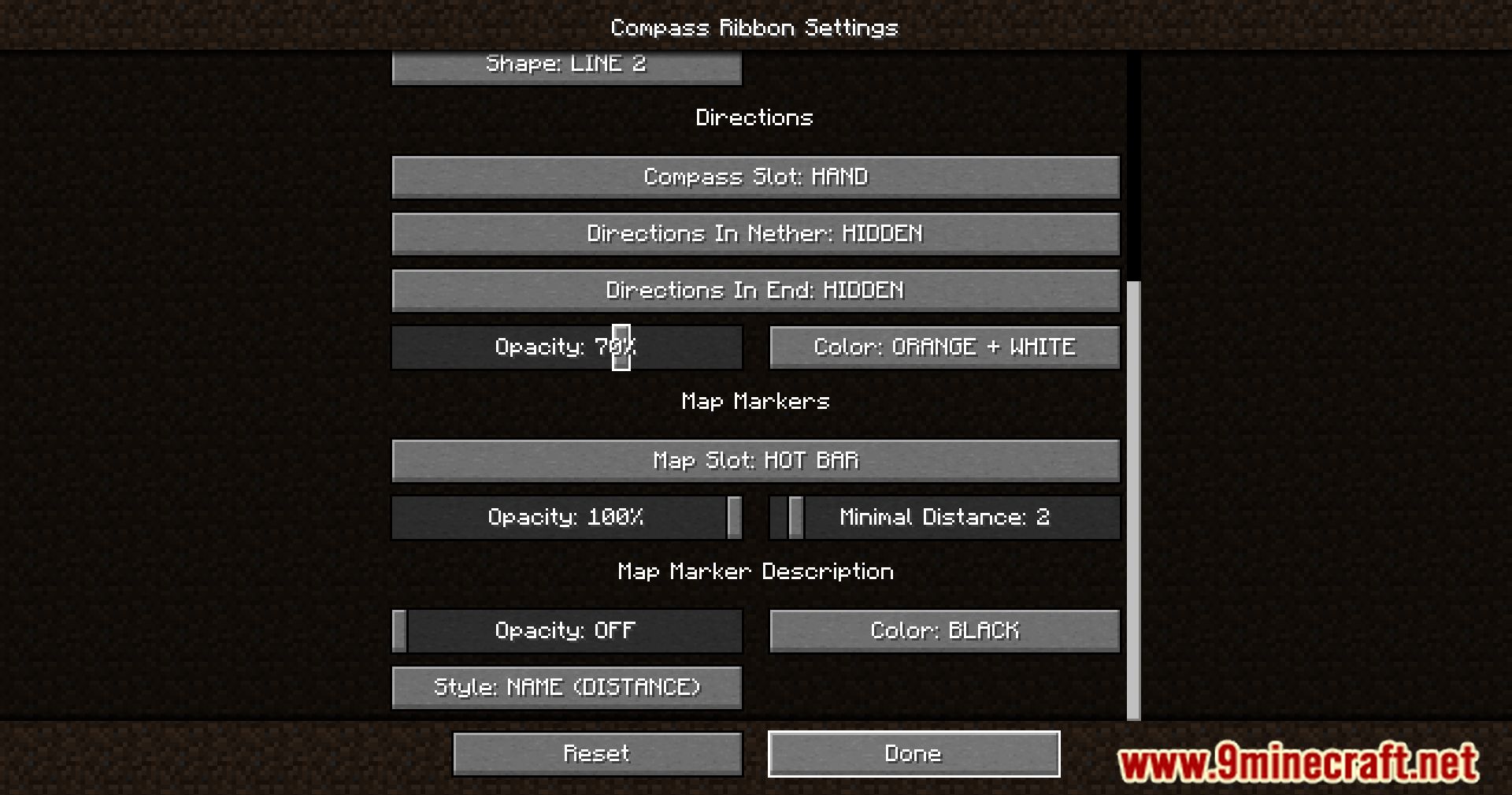
Yes, you can customize the position through the mod's configuration options. Access your mod config folder and adjust the position settings to place the ribbon where it doesn't interfere with your gameplay or other HUD elements.
Does the compass ribbon show my exact coordinates?
Yes, the ribbon displays your current X, Y, and Z coordinates in real-time, allowing you to mark base locations or navigate to specific points you've recorded.
See all 10 Compass Ribbon questions ›
Gallery
11 images from the Compass Ribbon Mod page.
You May Also Like
Wikis that share the most with this one
More mod wikis on the site
 Companion Codex Vault Hunters Addon Mod
The most downloaded mods that have a wiki here
A few wikis from each of the other kinds