

 DownloadEpic Force Close Loading Screen Mod
Get the files on 9Minecraft
Guides
Step-by-step, in-game.
How to Disable the World Loading Screen EntirelyWhat This Mod Does by Default On newer game builds, this mod already skips the "Loading Terrain" screen when you…How to Fix a Position Desync After Skipping the Loading ScreenWhy the Desync Happens When the world loading screen is fully disabled, your client can start rendering and accepting…How to Keep the "Joining World..." Screen Instead of Skipping ItWhy You Might Want It Back Skipping the world loading screen can cause a brief position desync between your client…How to Speed Up Resource Pack LoadingWhat the Mod Changes This mod reduces how long the resource pack loading screen stays on screen. It does this by…
Frequently asked questions
How do I turn off the world loading screen completely?
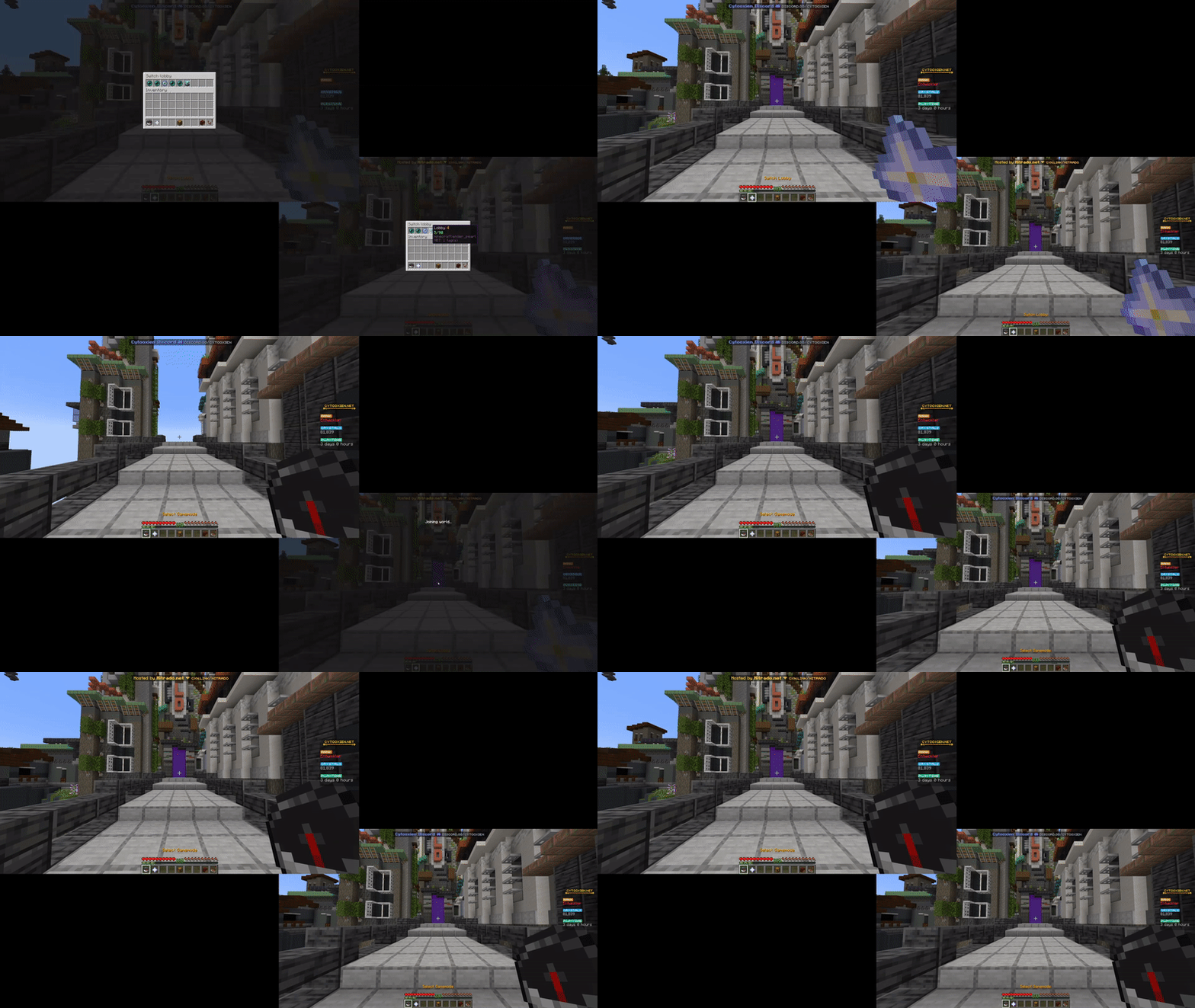
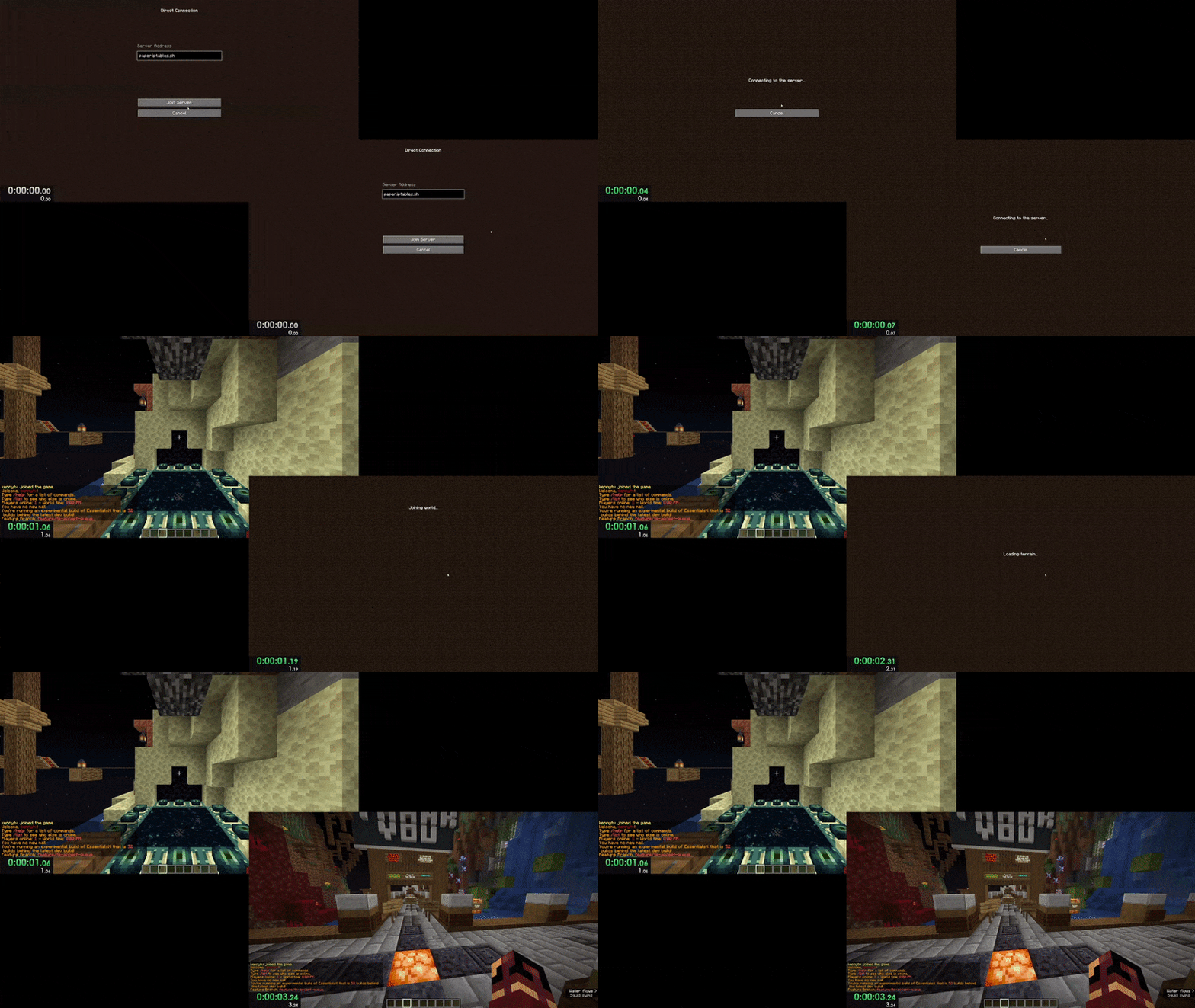
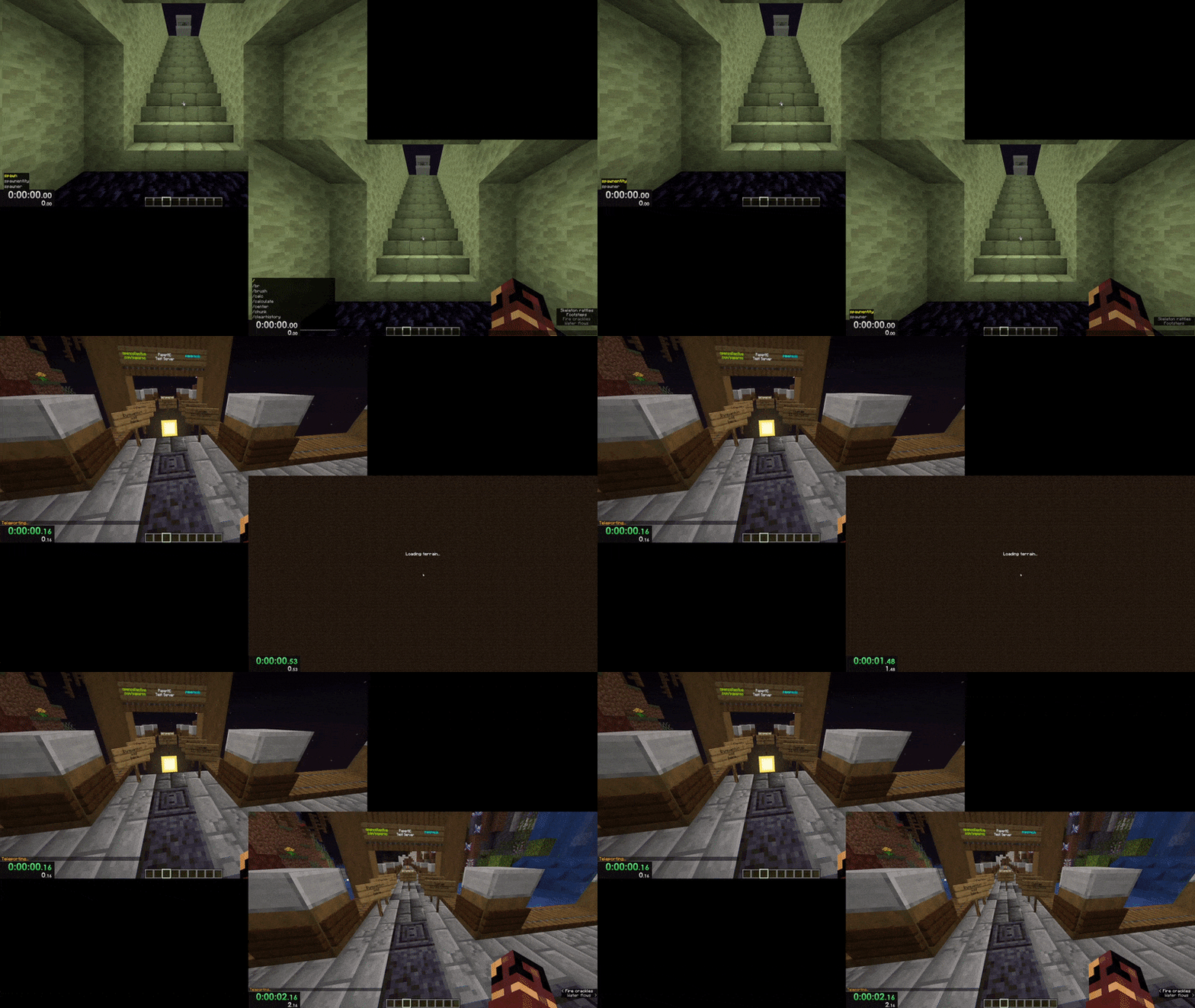
On 1.19.3+ builds the mod already fully disables the world loading screen by default, so no configuration is needed. If you still see it, check that no other mod or resource pack is overriding the loading screen behavior.
How do I keep the "Joining World..." screen instead of skipping it?
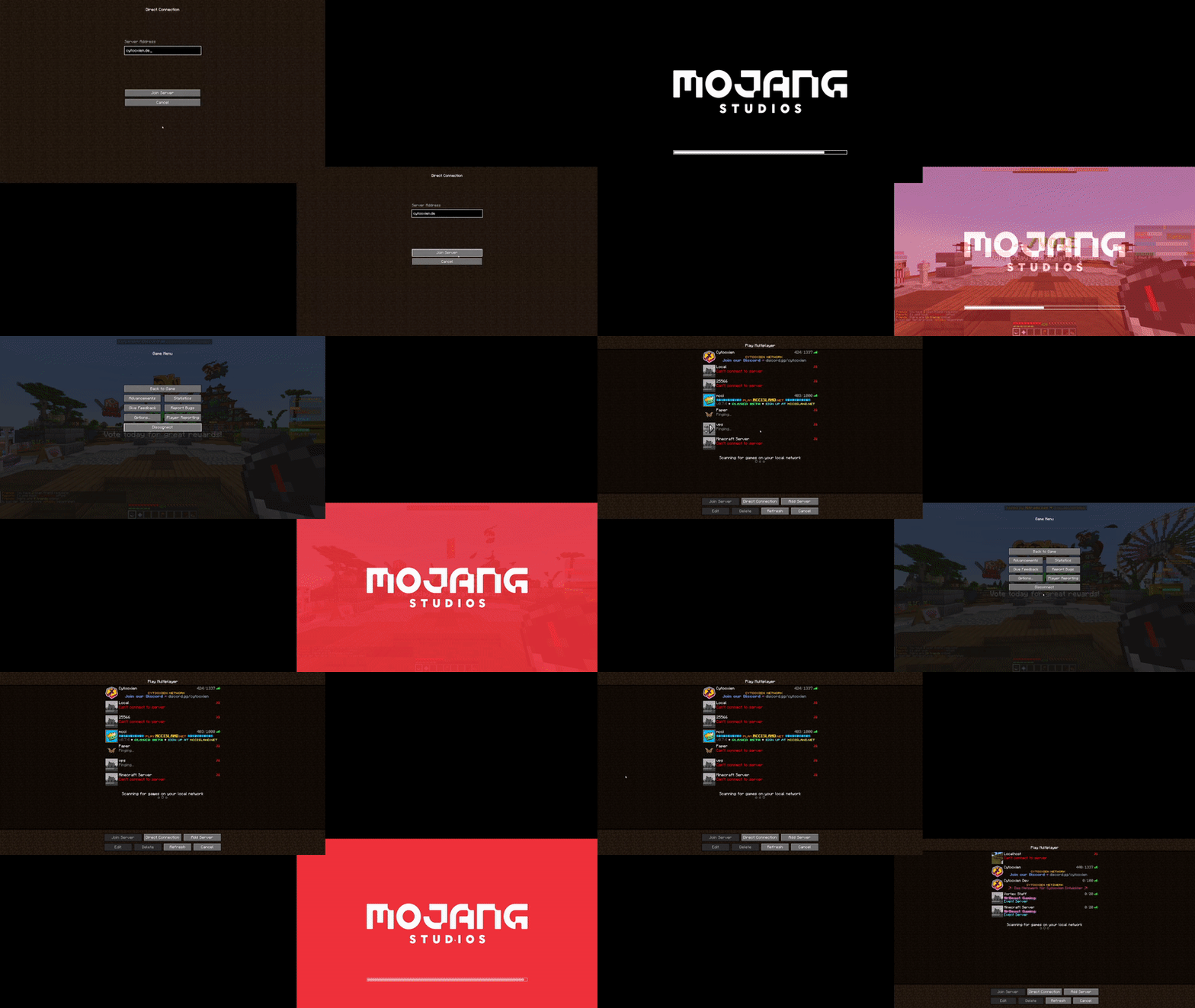
The mod's default behavior skips the semi-transparent "Joining World..." screen, but you can change this in the mod's config to restore the vanilla-style screen. Look for the option that controls whether the joining screen is hidden or shown.
Why does my player position look wrong right after joining a world?
Skipping the loading screen can cause a brief client-to-server position desync, especially on Vanilla servers. This is temporary and usually corrects itself within a moment; if it bothers you, re-enable the joining screen in the config.
How does this mod speed up resource pack loading?
It removes the forced fade-in and fade-out along with the minimum screen duration that vanilla enforces on the resource pack loading screen. This is most noticeable with resource packs that already load quickly.
See all 10 Epic Force Close Loading Screen questions ›
Gallery
5 images from the Epic Force Close Loading Screen Mod page.
You May Also Like
Wikis that share the most with this one
More mod wikis on the site
Epic Foes Epic Fight AddonEpic Fight Weapons of Miracles Expansion Wom Plus ModEpic Fight The LeonidasEpic Fight The ArachneEpic Fight Sword Light Modifications ModEpic Fight Skill TacZ ModEpic Fight Skill Iron’s Spells ‘n Spellbooks ModEpic Fight Kick Skills ModEpic Fight ExCap ModEpic Fight Dawn DayEpic Fight Dancing ModEpic Fight Bks Armaments
The most downloaded mods that have a wiki here
A few wikis from each of the other kinds