

 DownloadCustomers
Get the files on 9Minecraft
Guides
Step-by-step, in-game.
Control Customer Spawning with RedstoneUsing Redstone Power The Customer Spawner responds to redstone signals, giving you precise control over when buyers…Create a Multi-Item Shop with Random OrdersSetting Up Variety Instead of selling just one item, populate multiple rows in your spawner with different products.…Maximize Emeralds During a ShiftUnderstanding Shift Mechanics When you activate a shift (breakfast, lunch, dinner, day, or night) using a Clock, a…Set Up Your First Customer SpawnerCrafting the Spawner Craft a Customer Spawner by placing one bed in the center of a crafting grid, surrounded by…
Recipes
Every recipe the mod adds, grouped by how it is made.
Blocks
A
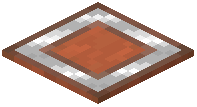 Acacia Customer Pickup Counter
B
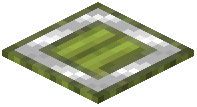 Bamboo Customer Pickup Counter
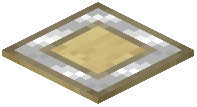 Birch Customer Pickup Counter
C
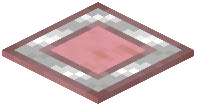 Cherry Customer Pickup Counter
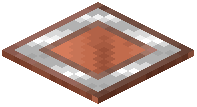 Copper Customer Pickup Counter
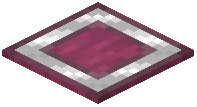 Crimson Customer Pickup Counter
 Customer Spawner
D
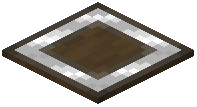 Dark Oak Customer Pickup Counter
G
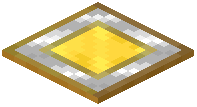 Gold Customer Pickup Counter
I
 Iron Customer Pickup Counter
J
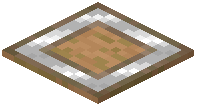 Jungle Customer Pickup Counter
M
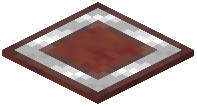 Mangrove Customer Pickup Counter
O
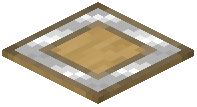 Oak Customer Pickup Counter
S
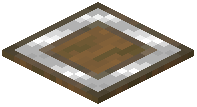 Spruce Customer Pickup Counter
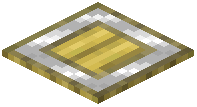 Stripped Bamboo Customer Pickup Counter
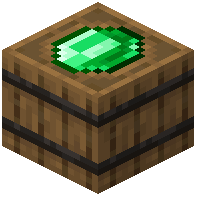 Supplier Spawner
W
 Warped Customer Pickup Counter
Mobs
Creatures this mod adds.
CustomerSupplier
Configuration
Every setting in the mod config file, with what it changes.
| Option | What it does |
|---|---|
customerGiveUpSeconds | Customer Give Up Seconds |
enableCustomerSpawnerBlockRecipe | Customer Spawner Recipe |
enableBuildCommands | Enable Build Commands |
enableQuickSell | Enable Quick Sell |
maxCounterDistance | Maximum Counter Distance |
maxCustomers | Maximum Customers |
enableSupplierSpawnerBlockRecipe | Supplier Spawner Recipe |
Frequently asked questions
How do I craft a Customer Spawner?
Place one bed in the center of a crafting grid and surround it with eight emeralds (one in each outer slot). This creates a Customer Spawner block that you can place down to start your shop.
What items can I sell to Customers?
You can sell any item by placing it in the spawner's inventory slots. Customers will randomly request items from the rows you fill, so you can mix different food, potions, or other items to give buyers variety.
How do I set custom prices instead of one emerald per item?
Use the ninth slot in the spawner inventory to set a custom price. Place the item you want to price there, and all customers will pay that amount instead of the default one emerald.
What's the difference between shift modes?
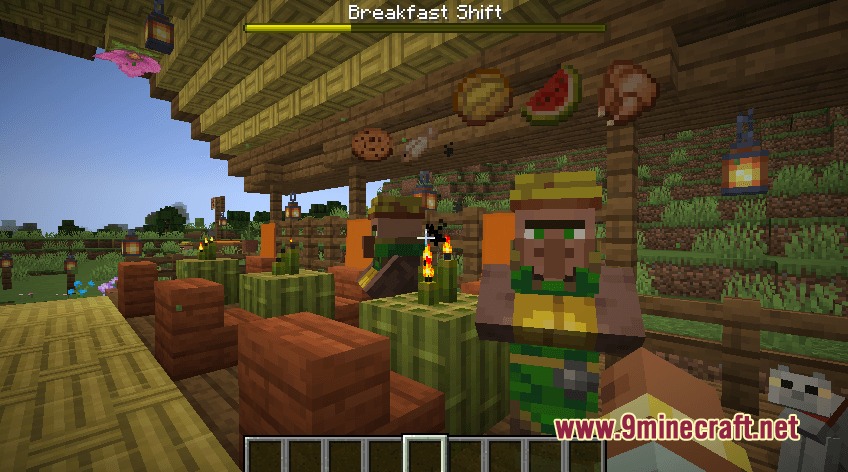
Shift modes (breakfast, lunch, dinner, day, night) determine when customers spawn and what they want to buy. Timed shifts show a progress bar on your screen and end with a scoreboard showing how many items you served.
How do I switch between shift modes?
Hold a clock and right-click the spawner block to cycle through available shift modes. Each mode has its own customer preferences and timing.
Can I control how many items a customer orders at once?
Yes—the stack size of an item in the spawner determines the maximum quantity a single customer can request. Larger stacks mean customers may ask for more items per order.
How do I stop Customers from spawning when I need a break?
Apply redstone power to the spawner block using redstone dust, a lever, or a button. The spawner will pause and stop creating new buyers while powered.
What is manual mode and how do I use it?
Manual mode lets you spawn one customer at a time using a redstone pulse or button instead of waiting for automatic spawning. This gives you full control over the pace of orders.
What do I do when a customer arrives?
The customer will request specific items—give them what they ask for and they'll pay you emeralds. You can see what they want on the screen during timed shifts.
Why aren't Customers spawning at my spawner?
Check that the spawner has items in its inventory for customers to order, that it's not powered by redstone, and that you've set a shift mode. If using manual mode, make sure you're sending redstone pulses to spawn buyers.
Gallery
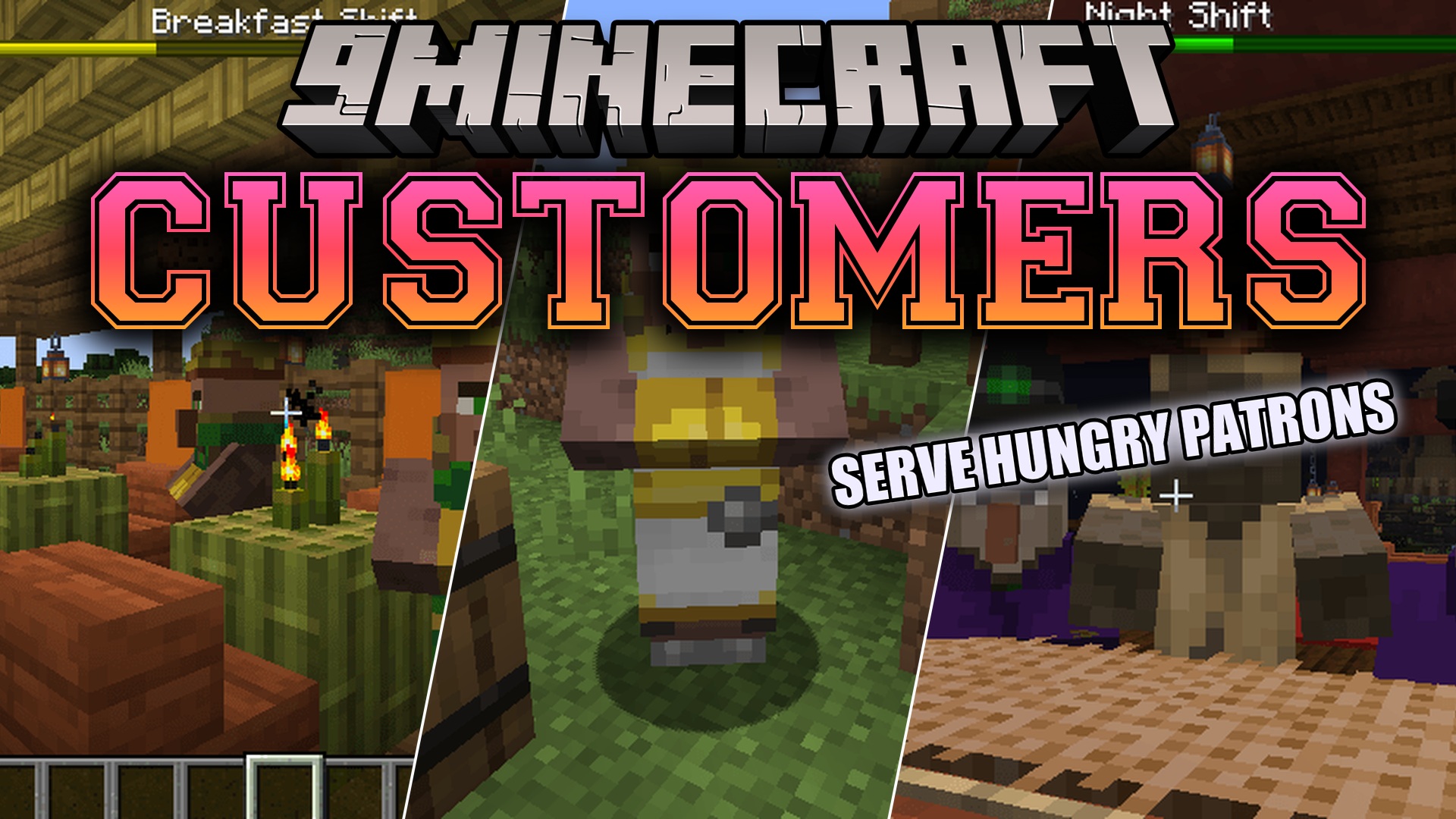
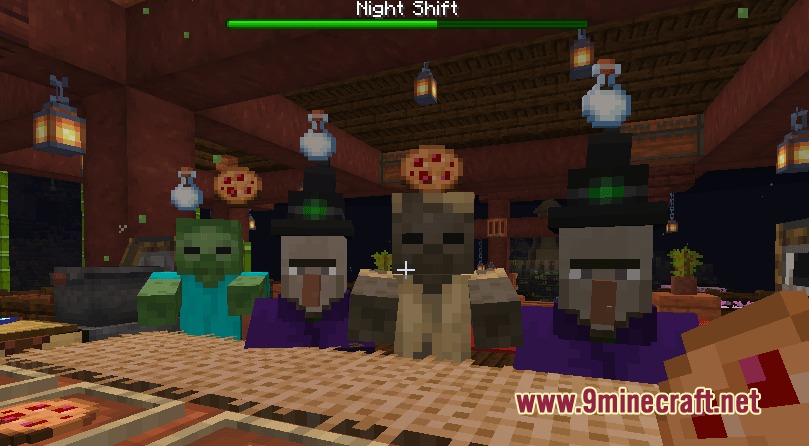
4 images from the Customers Mod page.
You May Also Like
Wikis that share the most with this one
Wikis on the same theme: metal
More mod wikis on the site
The most downloaded mods that have a wiki here
A few wikis from each of the other kinds