

 DownloadCountered’s Smooth F5 Mod
Get the files on 9Minecraft
Guides
Step-by-step, in-game.
Adjust Camera Smoothing Speed to Your PreferenceOpen the Configuration Menu Press F5 to enter third-person view, then access the mod's config menu through your…Create Smooth Cinematic Footage in Third-PersonPosition Your Camera for Cinematic Shots Enter third-person view by pressing F5, then use your mouse to position the…Troubleshoot Camera Behavior and StutteringCheck Your Configuration Settings If the camera feels jerky or unresponsive, open the mod's config menu and review…Use Third-Person View for Better Situational AwarenessToggle Third-Person Mode Press F5 to smoothly transition into third-person view. Unlike vanilla Minecraft's stiff…
Frequently asked questions
How do I turn on third-person view?
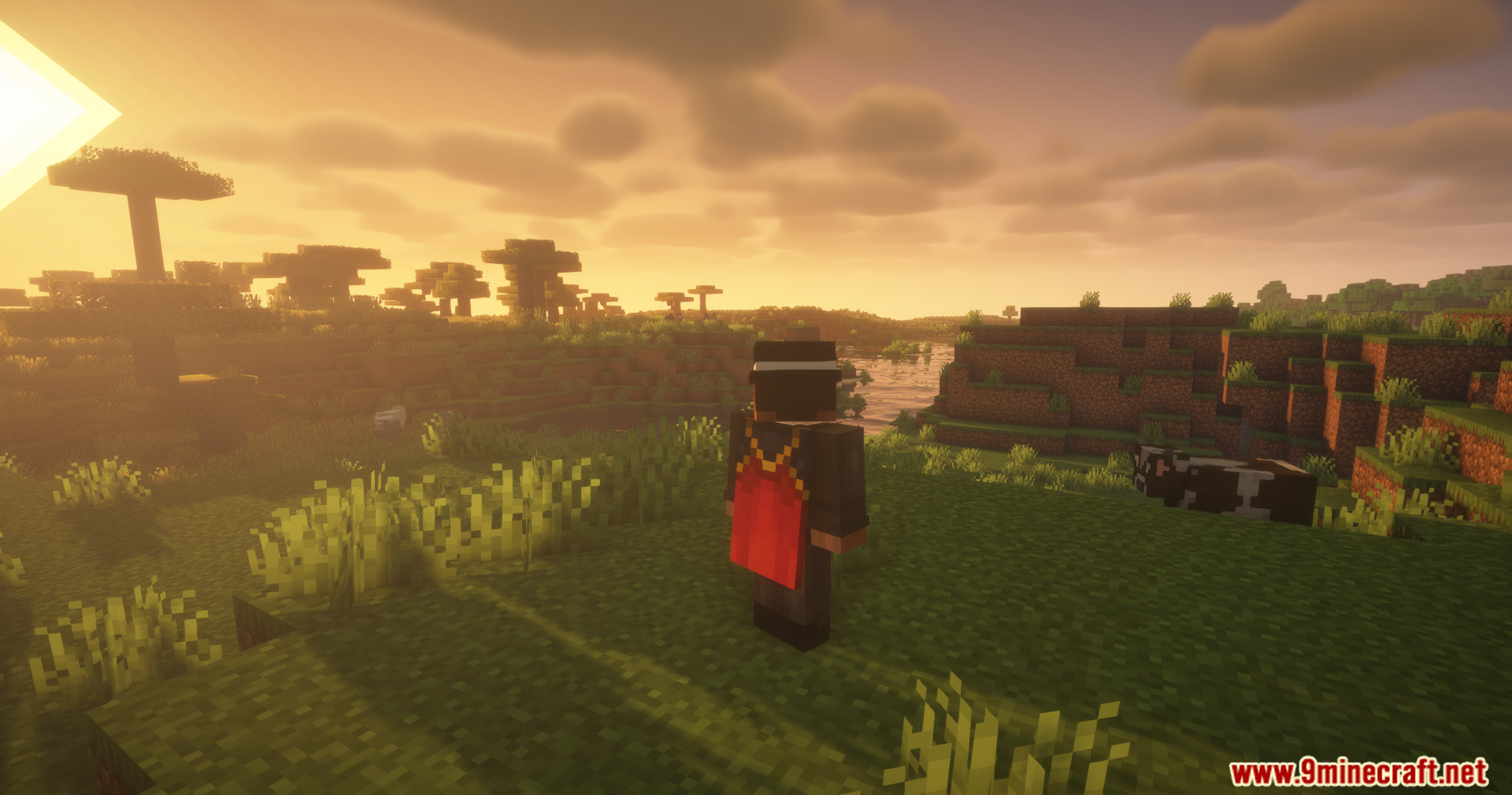
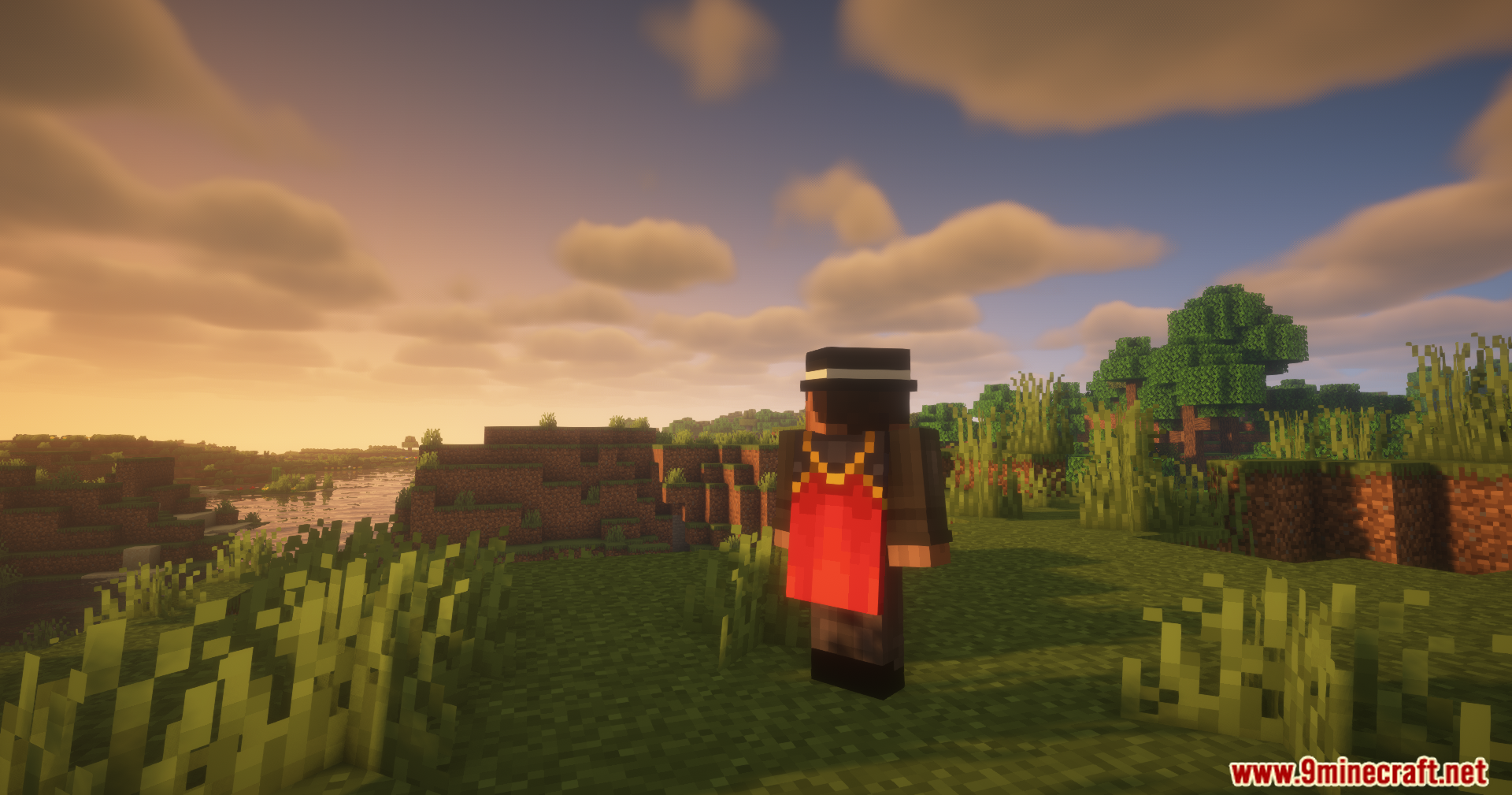
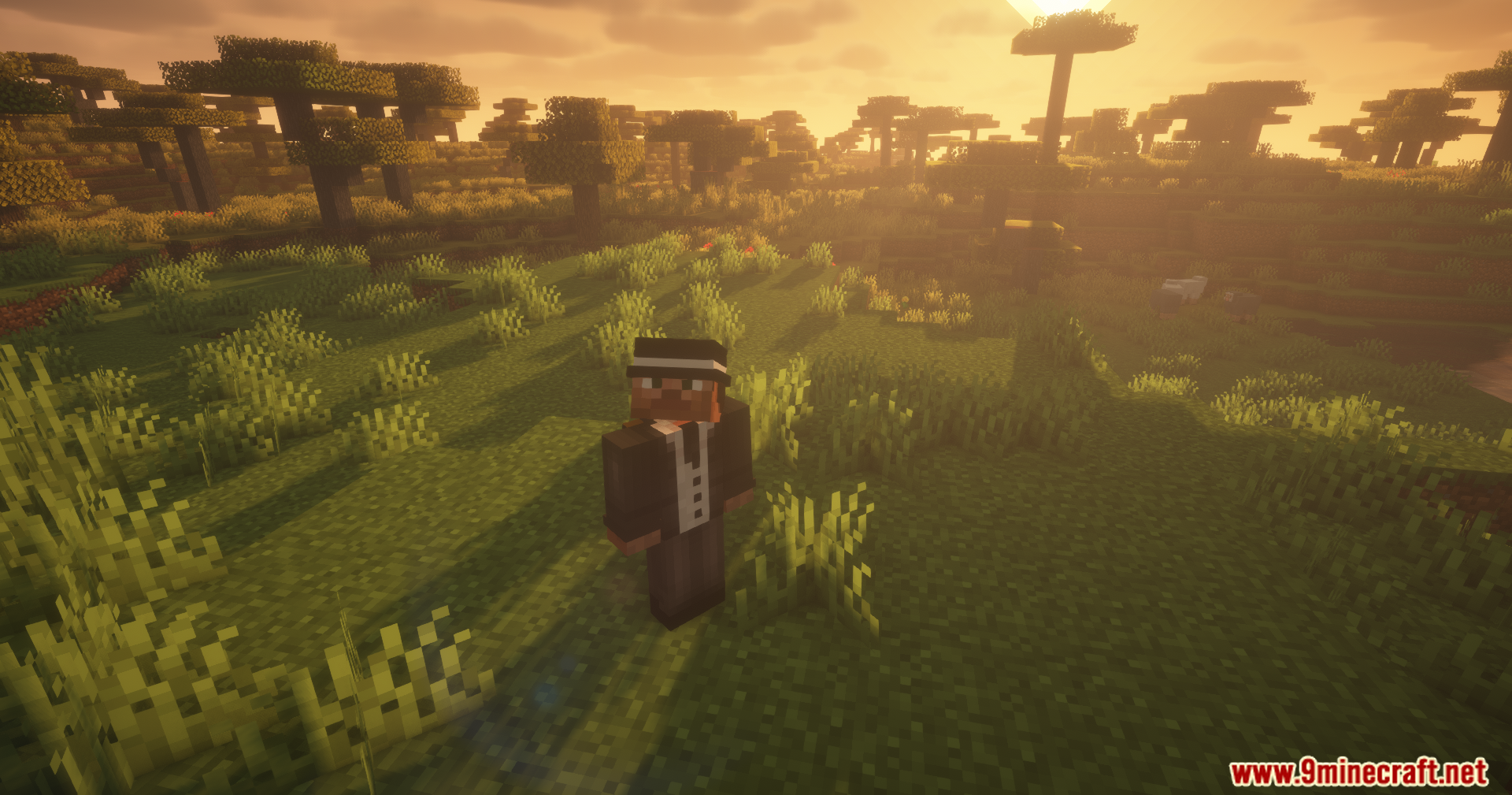
Press F5 to toggle between first-person and third-person view. With this mod installed, the transition will be smooth instead of instant.
Where is the config menu?
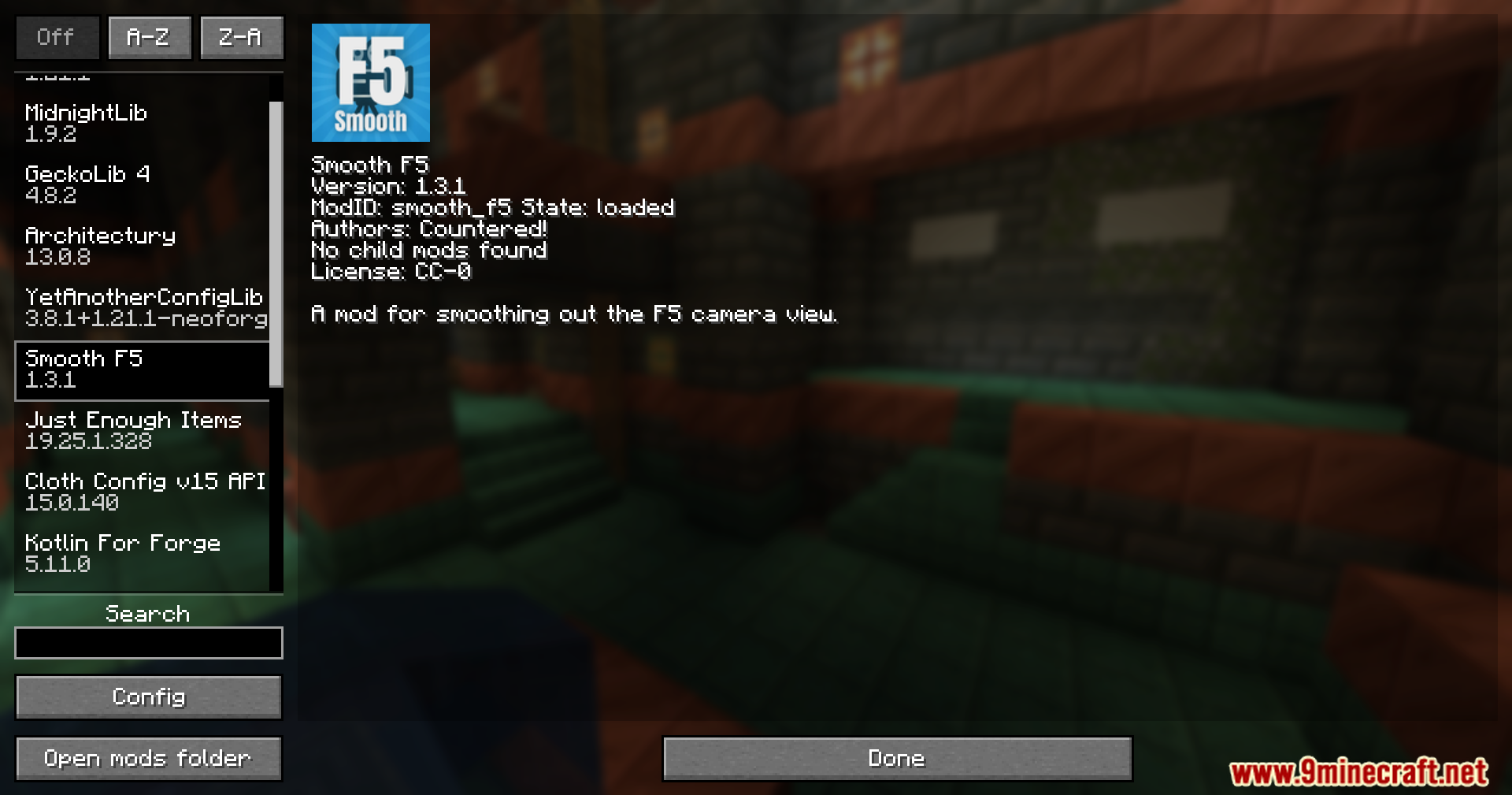
Open your mod menu (usually accessed from the main menu or pause screen depending on your mod loader) and look for Countered's Smooth F5 Mod to find the config options.
Can I adjust how fast the camera follows me?
Yes, open the config menu and look for the camera smoothing speed setting. You can increase it for snappier responses or decrease it for more cinematic, flowing movement.
Why does my camera feel laggy or stuttery?
Check your smoothing speed setting in the config—if it's too high, lower it. Also verify your frame rate is stable; low FPS will make smooth camera movement appear choppy.
See all 10 Countered’s Smooth F5 questions ›
Gallery
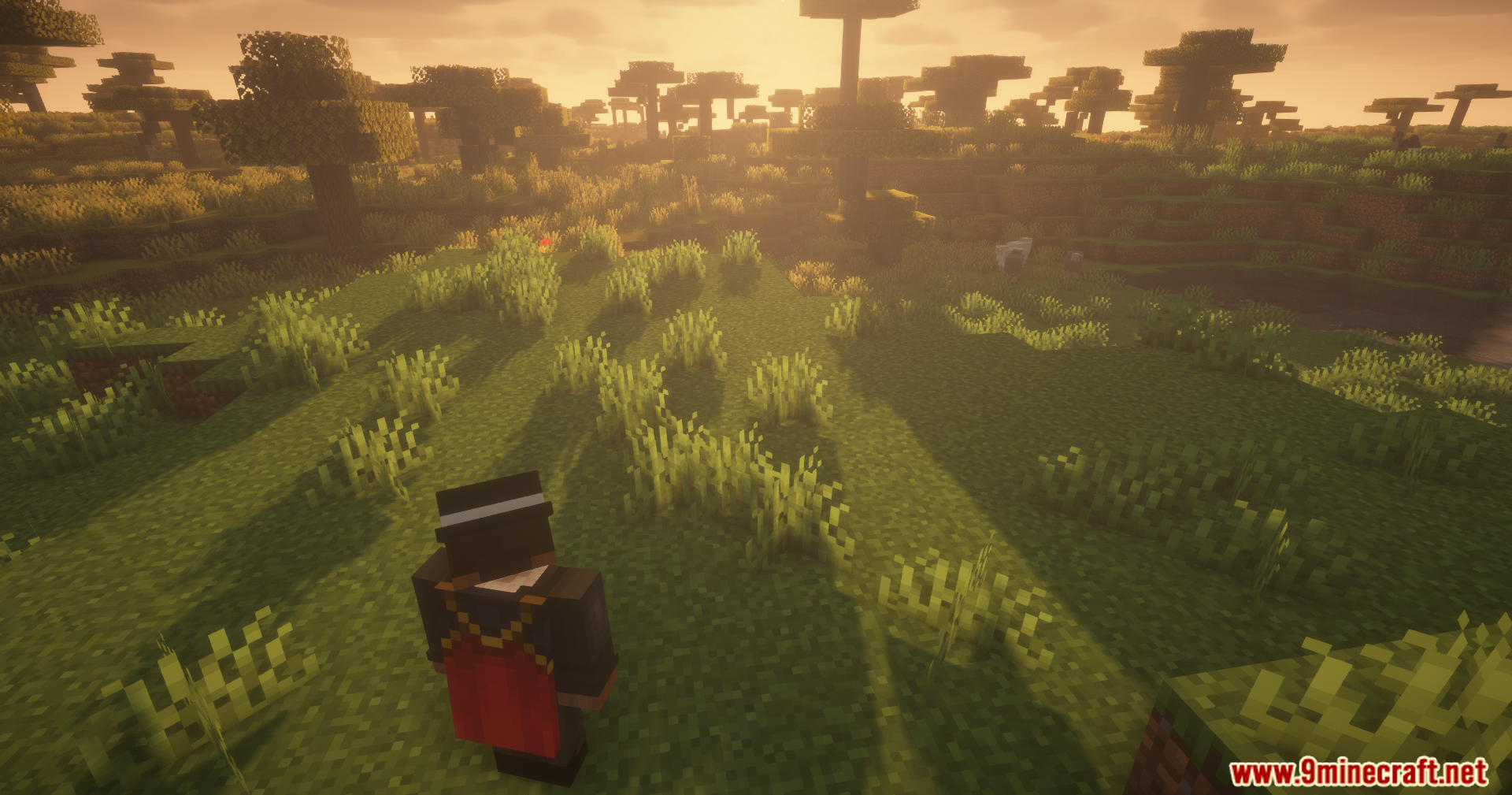
11 images from the Countered S Smooth F5 Mod page.





You May Also Like
Wikis that share the most with this one
 Smooth Font
More mod wikis on the site
The most downloaded mods that have a wiki here
A few wikis from each of the other kinds