

 DownloadCompact Help Command Mod
Get the files on 9Minecraft
Guides
Step-by-step, in-game.
How to Browse a Long Modded Command List with /help PagesUnderstanding the Paginated Output When many mods are installed, /help normally dumps an overwhelming wall of…How to Change the Number of Commands Shown Per Page in Compact Help CommandFinding the Config File Compact Help Command stores its settings in a config file inside your Minecraft instance's…How to Customize Command and Subcommand Colors in Compact Help CommandLocating the Color Options Open the mod's config file in your instance's config folder. You will find two keys:…How to Read the Improved /help <command> OutputWhat the Detail View Shows Typing /help <command> in vanilla Minecraft often gives a terse or awkwardly formatted…
Frequently asked questions
How do I open the new paginated help menu?
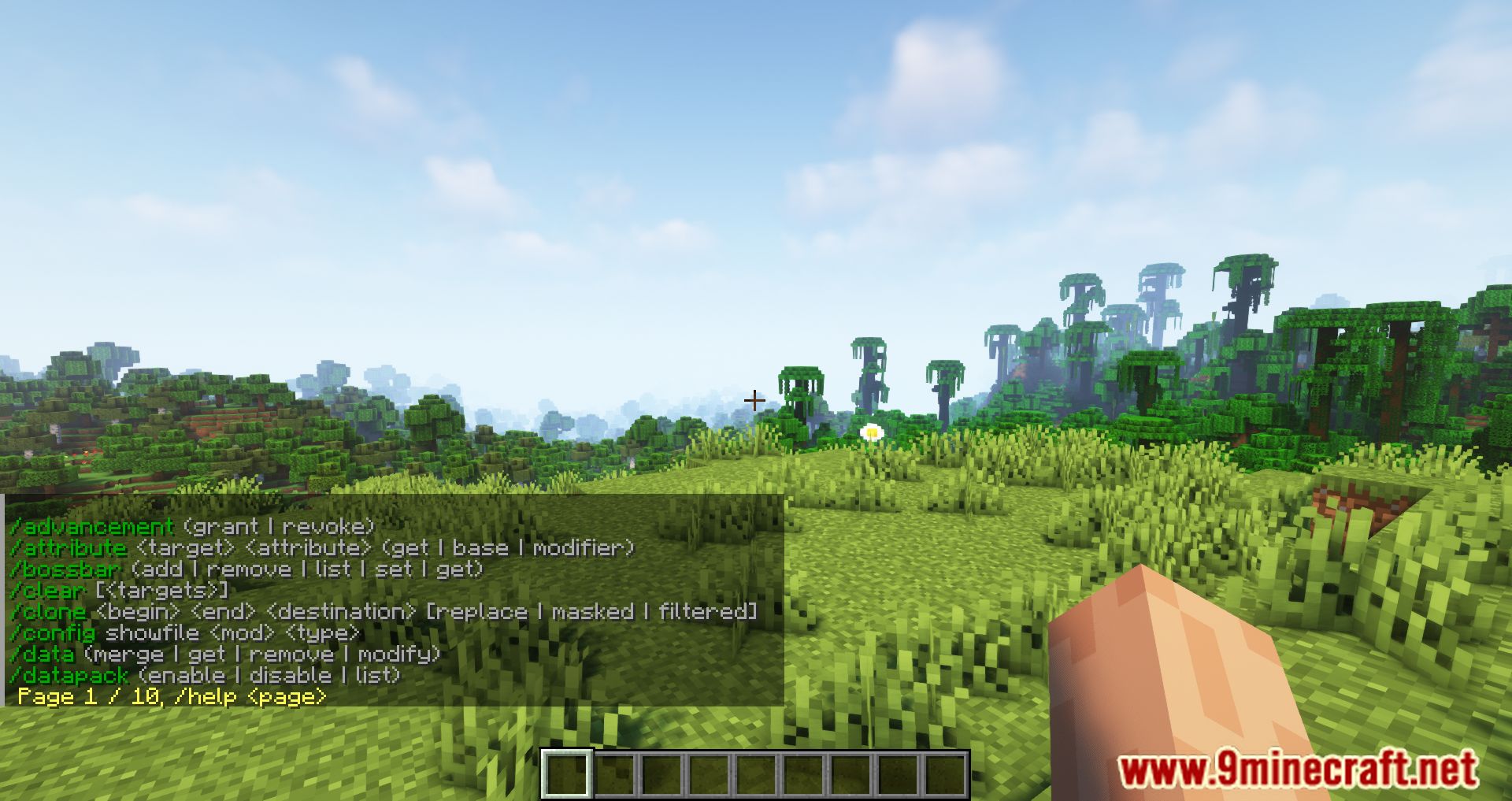
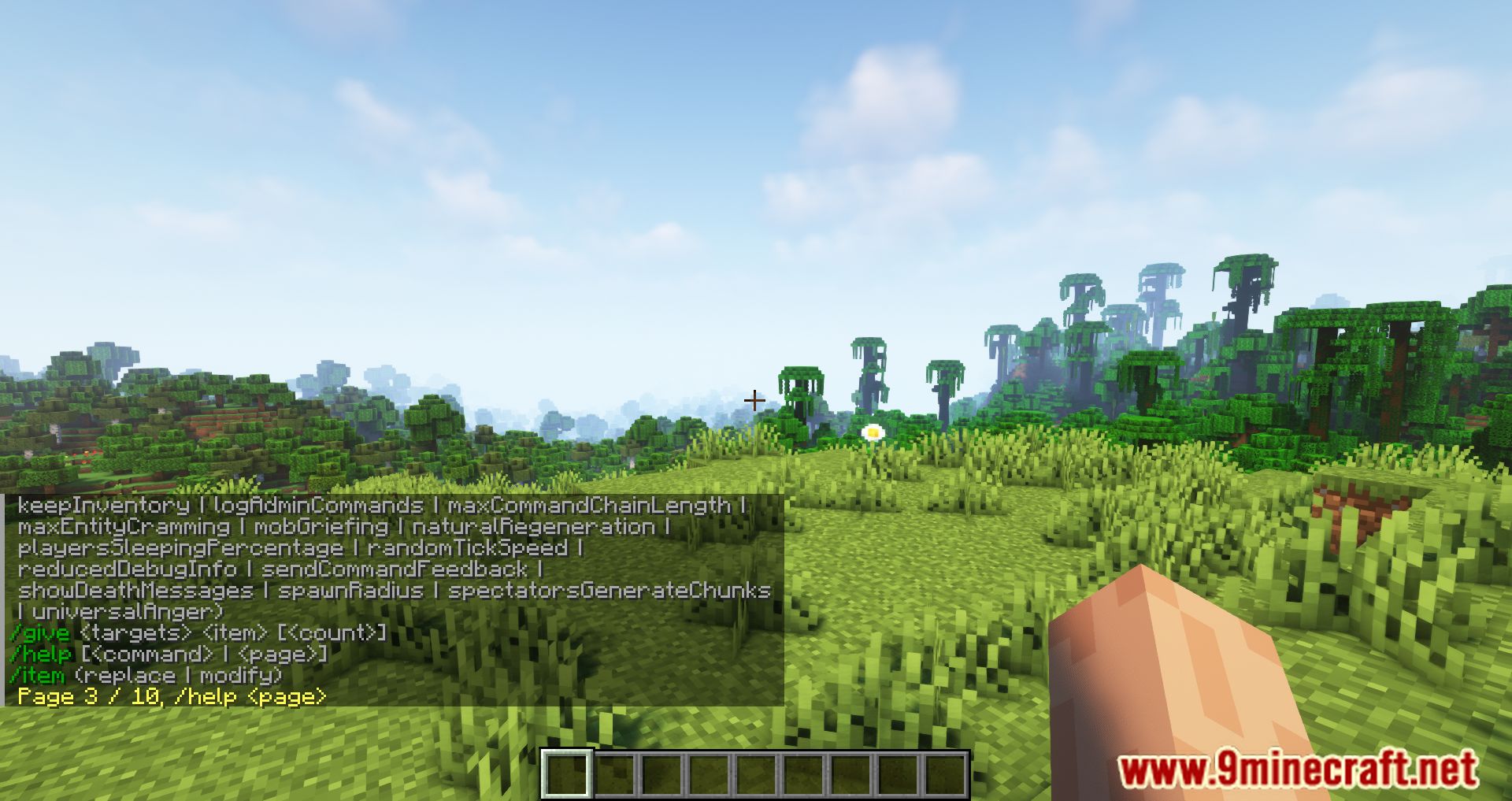
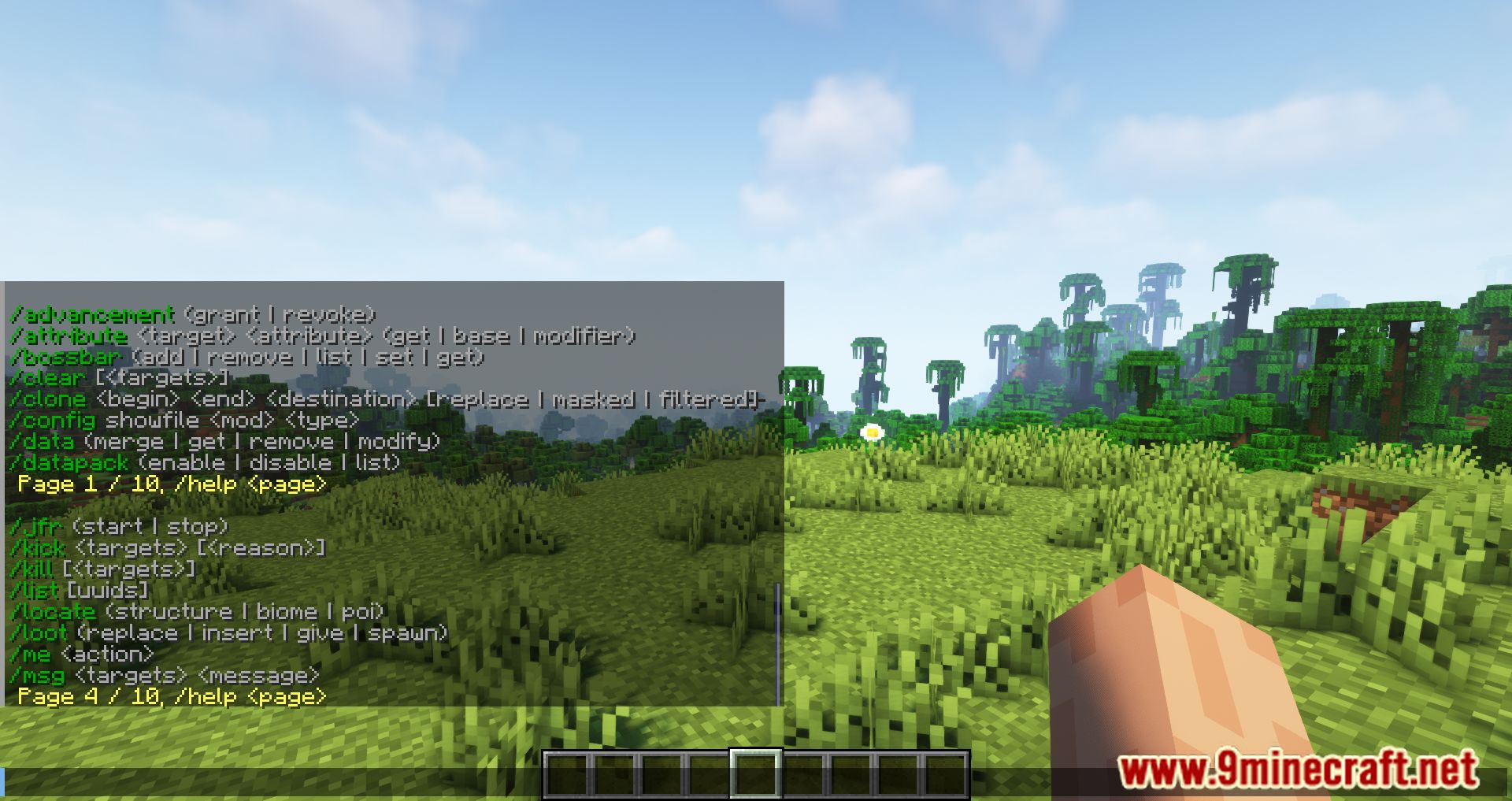
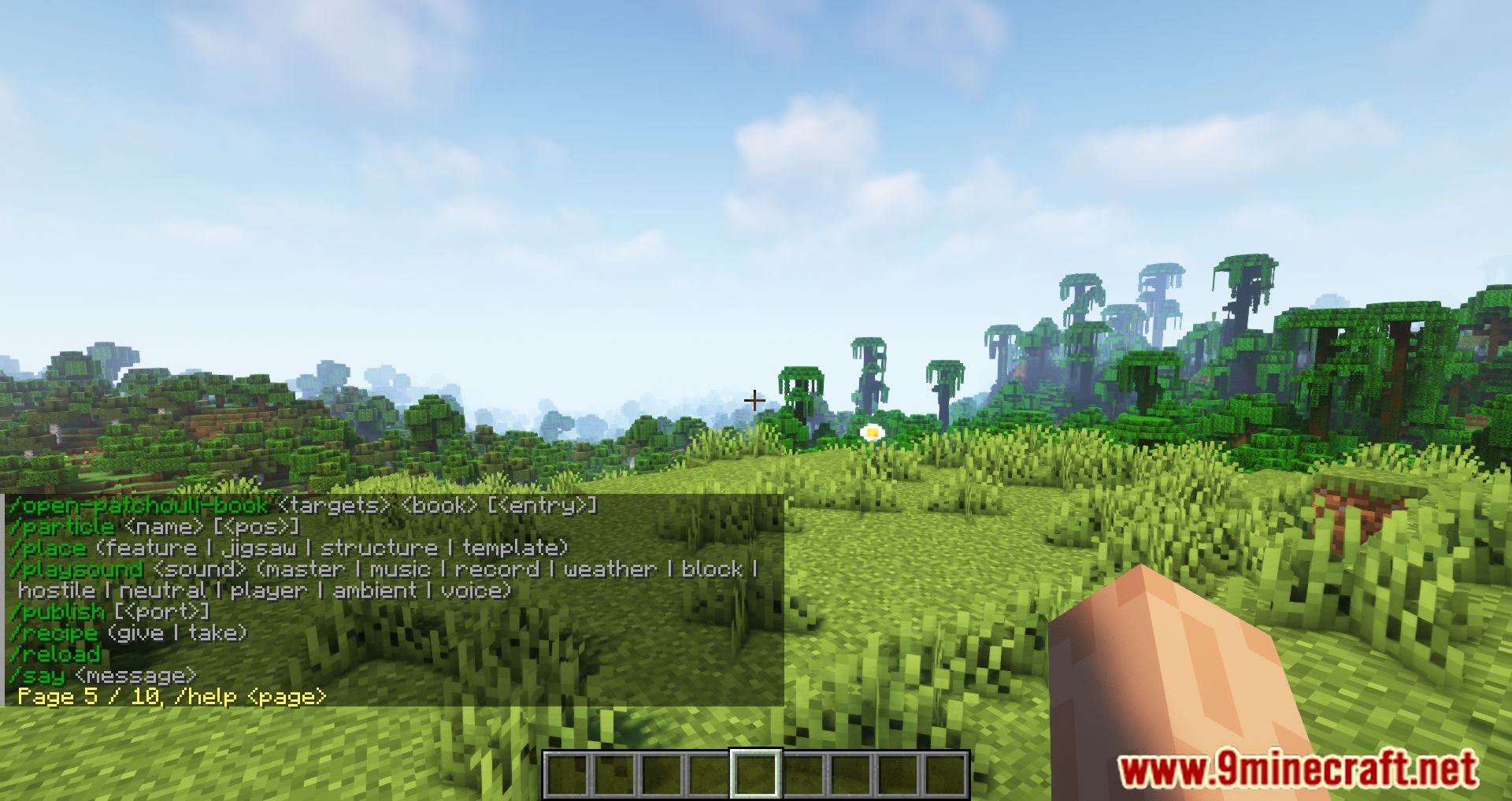
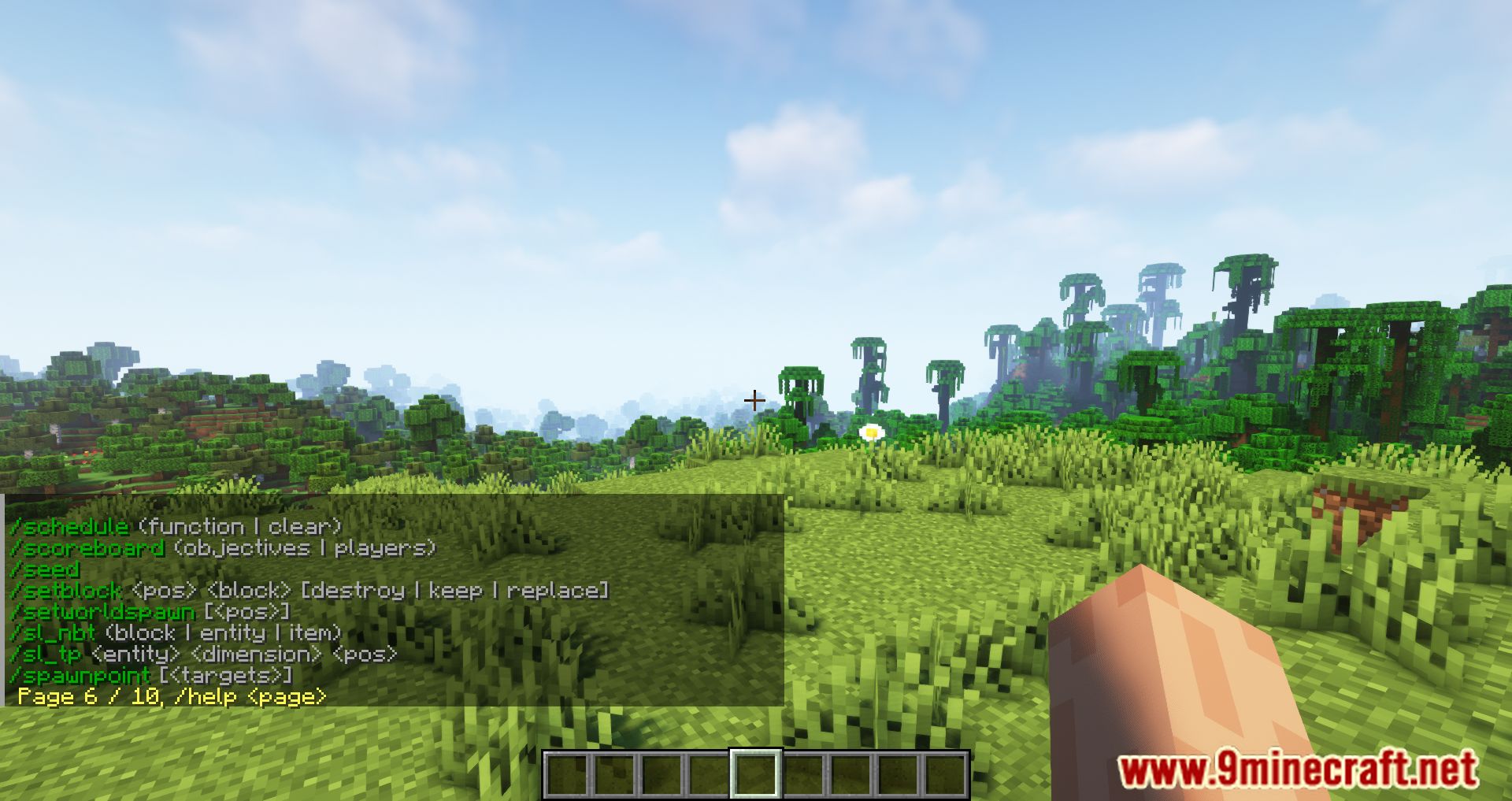
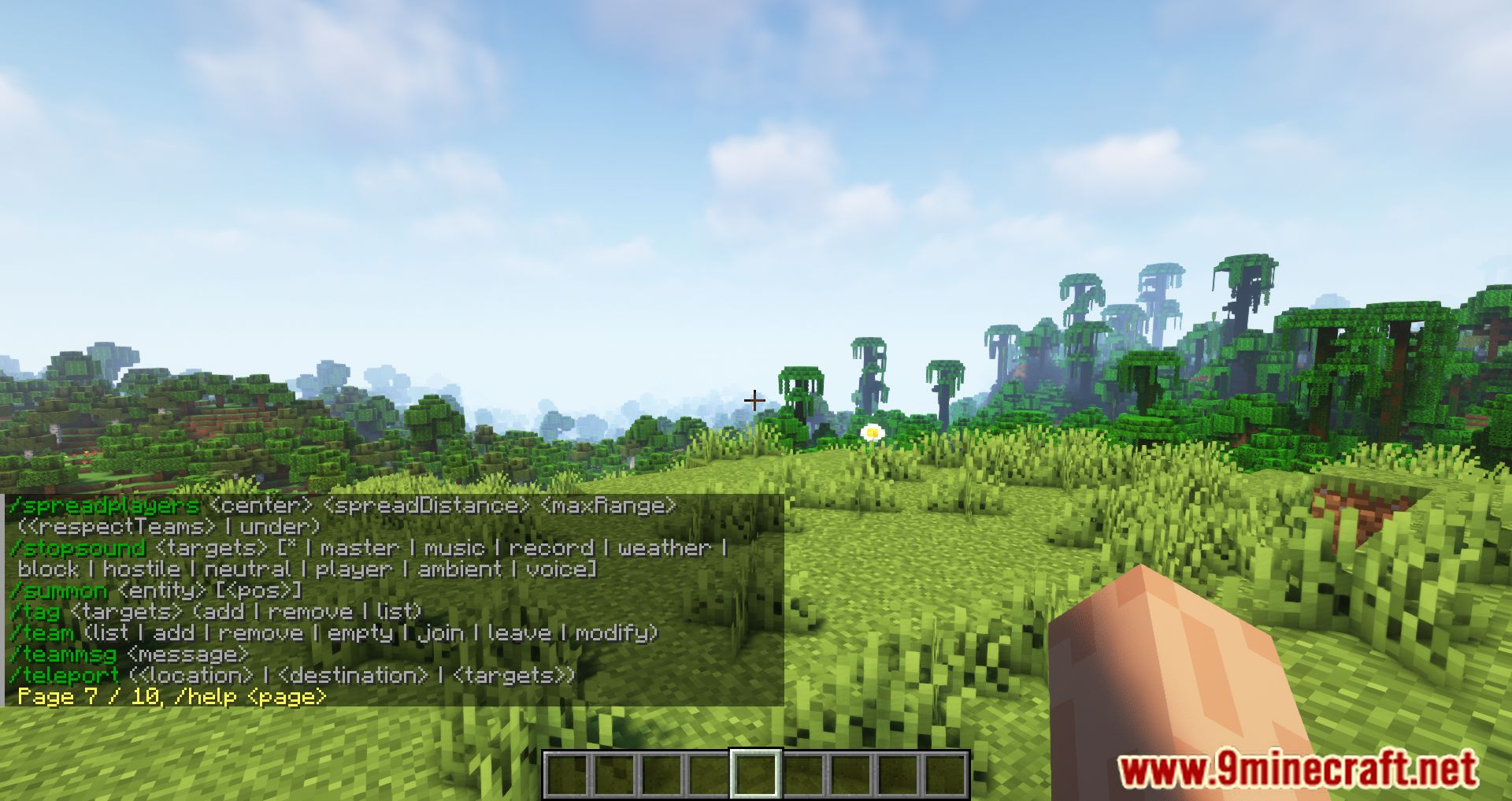
Just run /help like you normally would. The mod intercepts the vanilla command and shows the first alphabetical page of commands instead of the full list.
How do I go to the next page of commands?
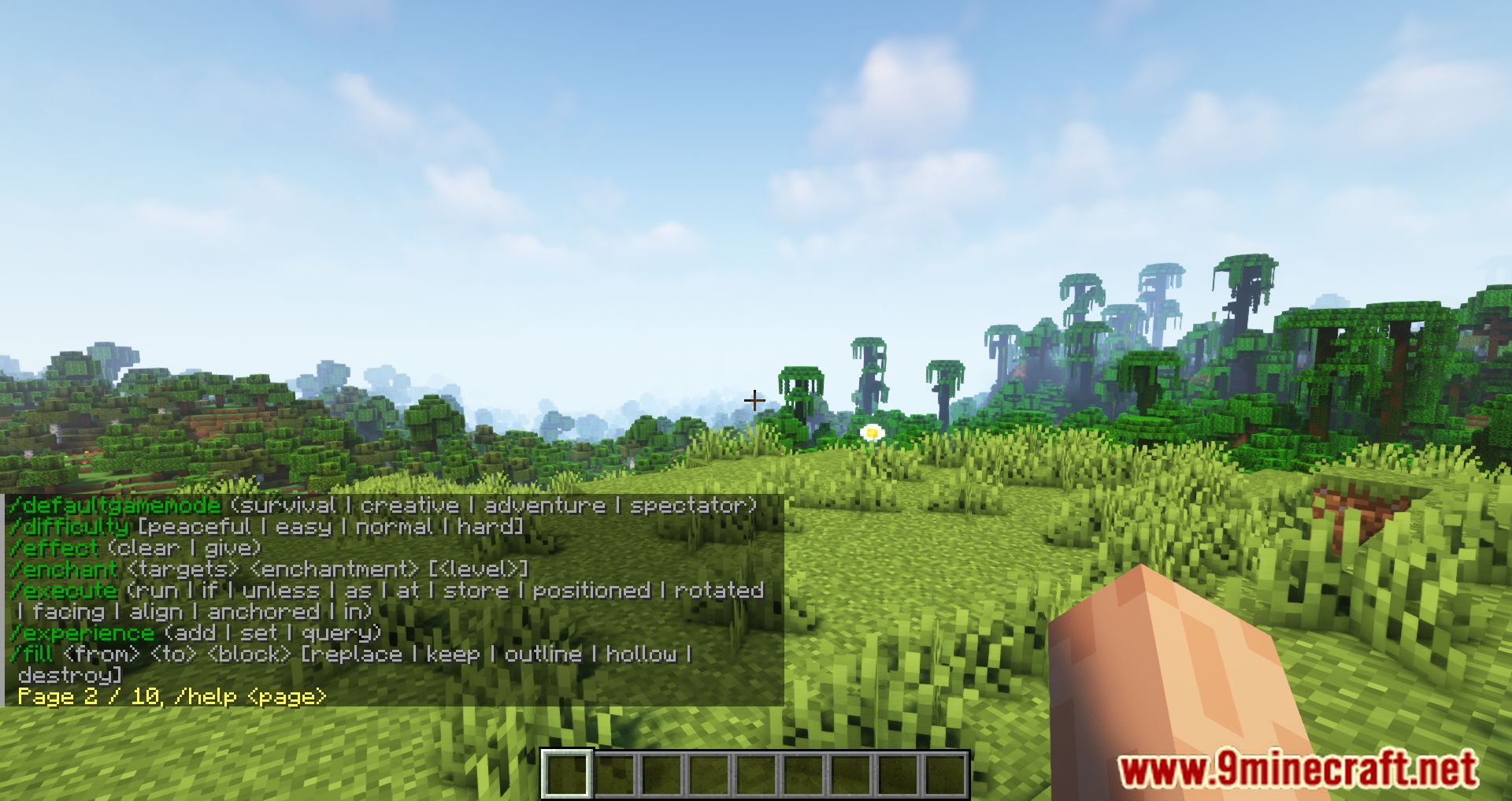
Run /help followed by the page number, for example /help 2. The output tells you which page you are on and how many pages exist.
Why does /help only show a few commands at a time?
That is the pagination feature working as intended. The number of commands per page is controlled by the amountCommandsPerPage setting, which you can raise if you want more entries visible at once.
How do I see details for one specific command?
Use /help , for example /help tp. The mod reformats the output so the usage, aliases, and description are easier to read than in vanilla.
See all 10 Compact Help Command questions ›
Gallery
10 images from the Compact Help Command Mod page.

You May Also Like
Wikis that share the most with this one
More mod wikis on the site
 Combat Zone Mod
The most downloaded mods that have a wiki here
A few wikis from each of the other kinds