

 DownloadCompact F3 Plus Mod
Get the files on 9Minecraft
Guides
Step-by-step, in-game.
Monitor Your FPS and Frame Rate StabilityViewing Current and Average FPS The Compact F3 Plus overlay displays two important frame rate metrics: Current FPS :…Read and Interpret the Color-Coded Performance IndicatorsUnderstanding Color Meanings Compact F3 Plus uses colors to instantly communicate your game's health. Different stats…Toggle the Compact F3 Display On and OffOpening and Closing the Debug Screen The Compact F3 Plus overlay appears when you press your debug key (F3 by…Use Compact F3 Plus on Multiplayer ServersClient-Side Mod Advantage Compact F3 Plus runs entirely on your computer and requires no server-side installation.…
Frequently asked questions
How do I turn on the compact debug screen?
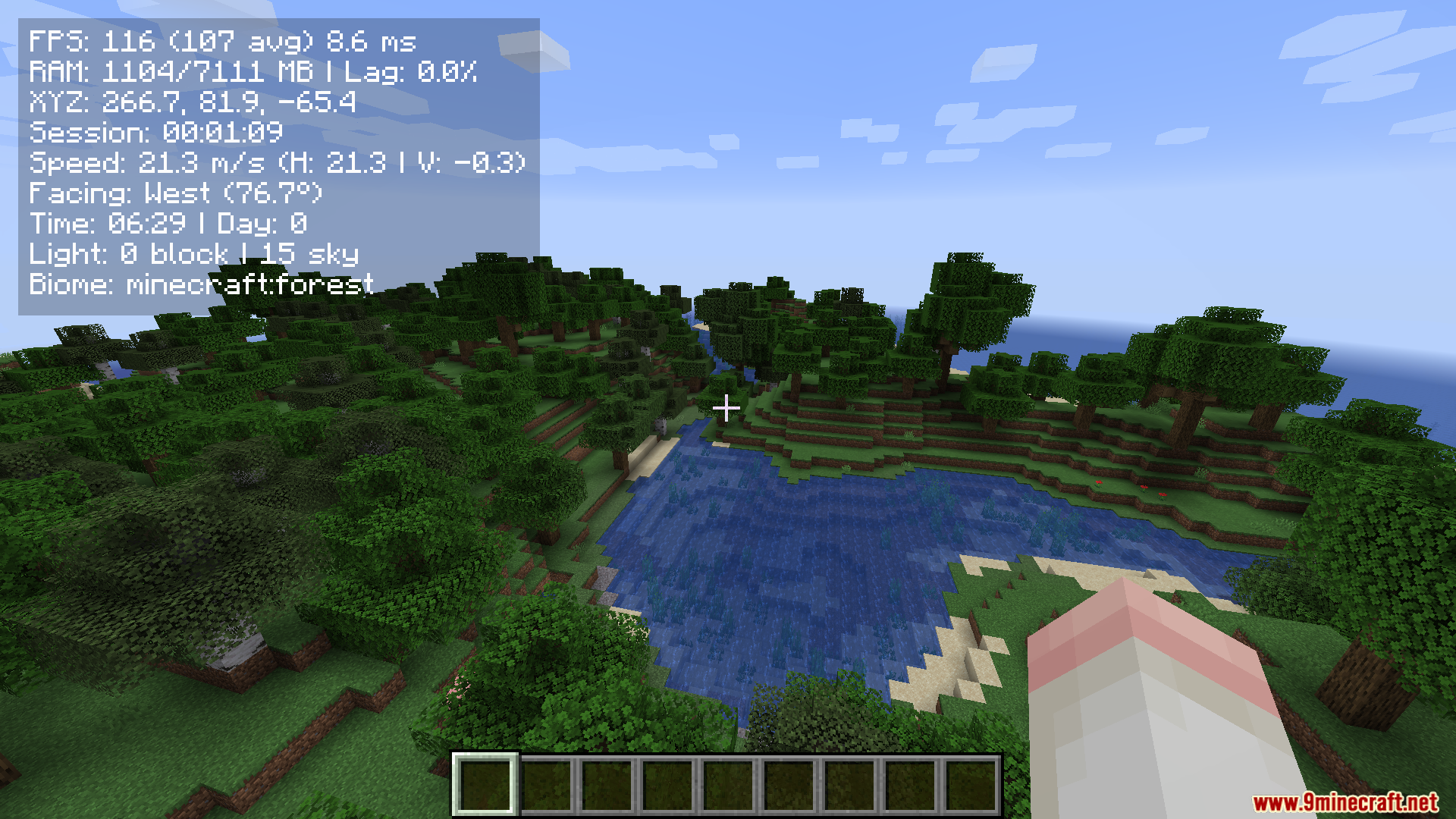
Press the debug key (F3 by default) to toggle the Compact F3 Plus overlay on and off. The compact display will appear as a small box instead of the full-screen debug text.
What information does the compact display show?
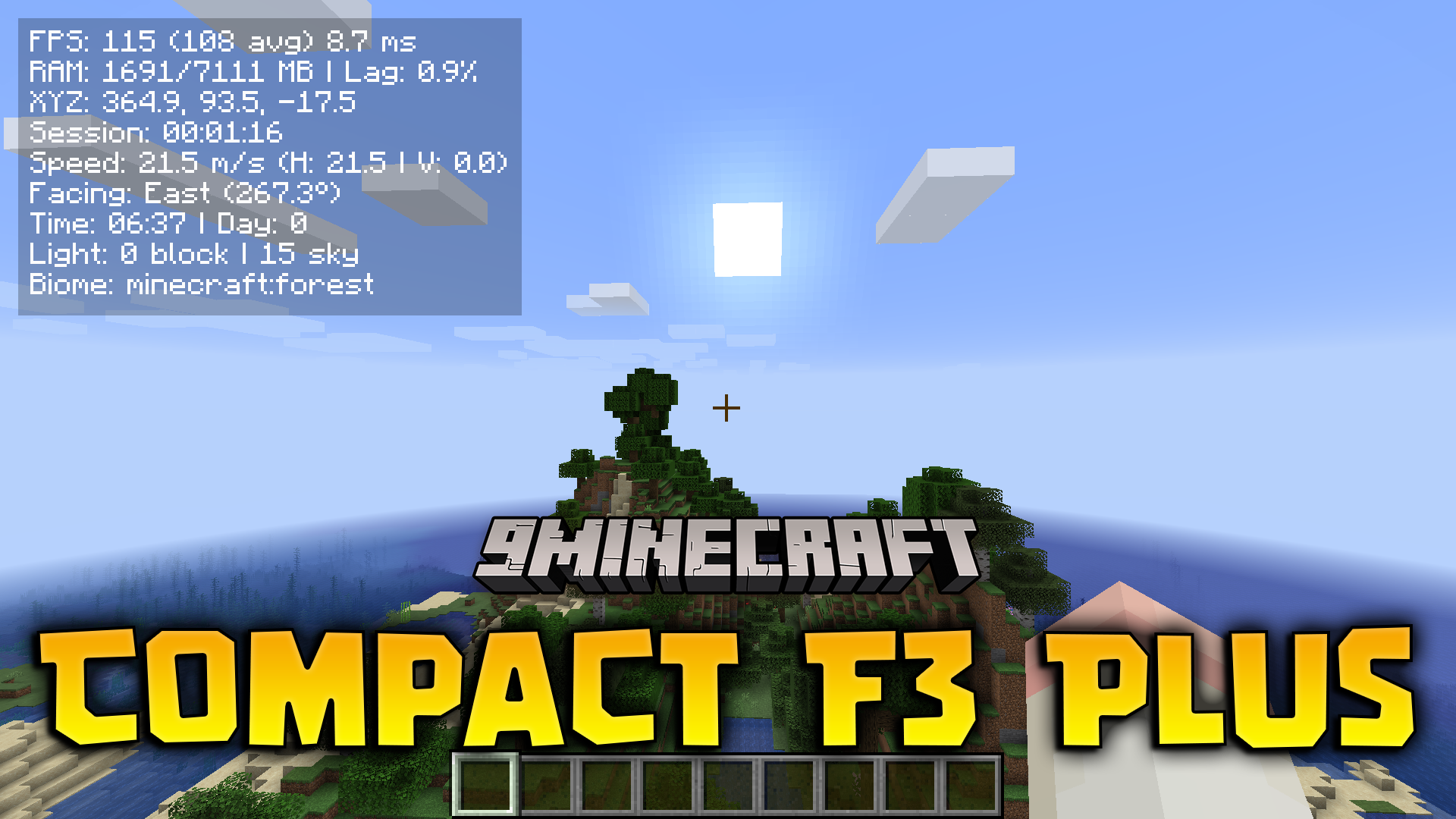
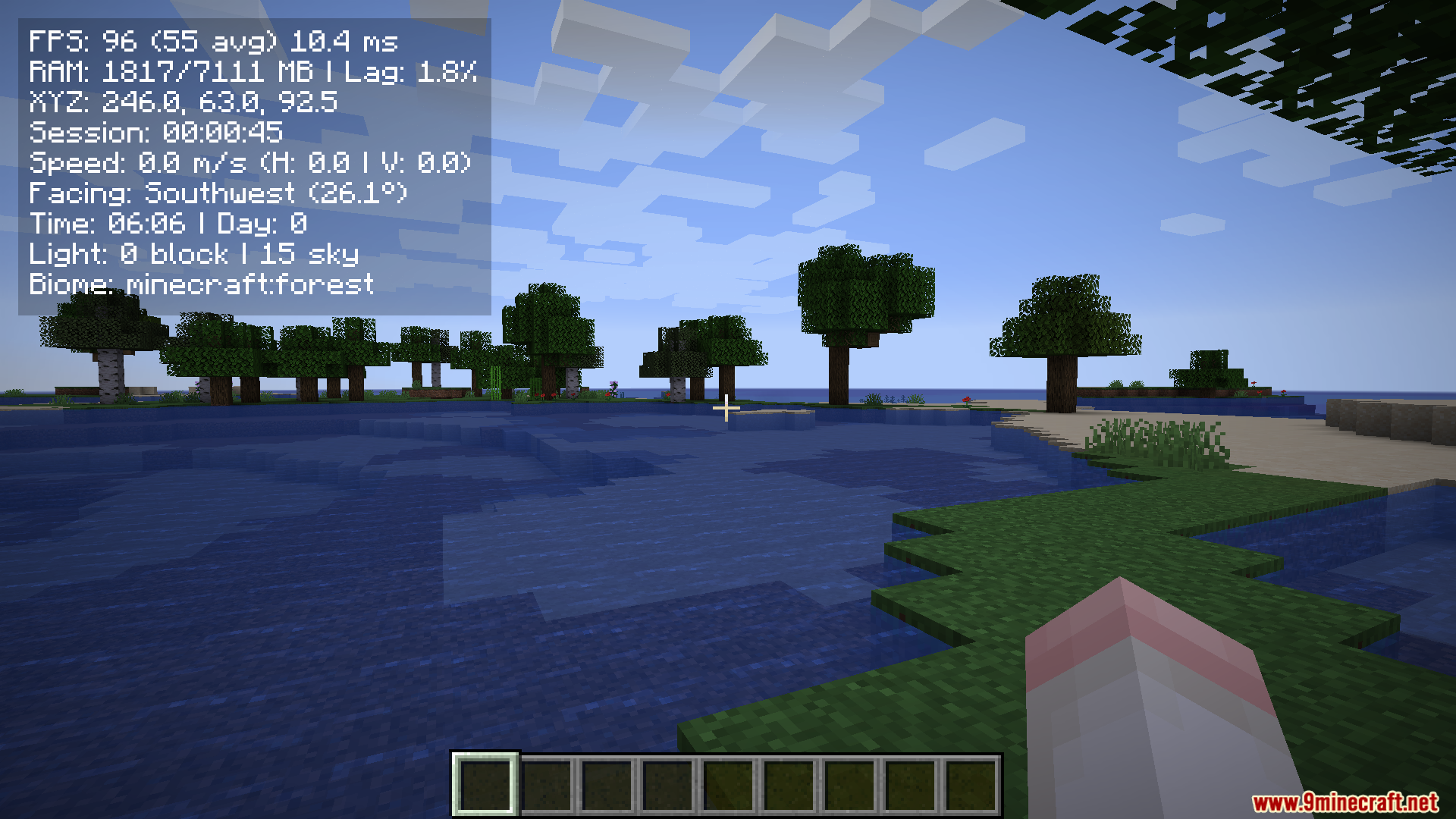
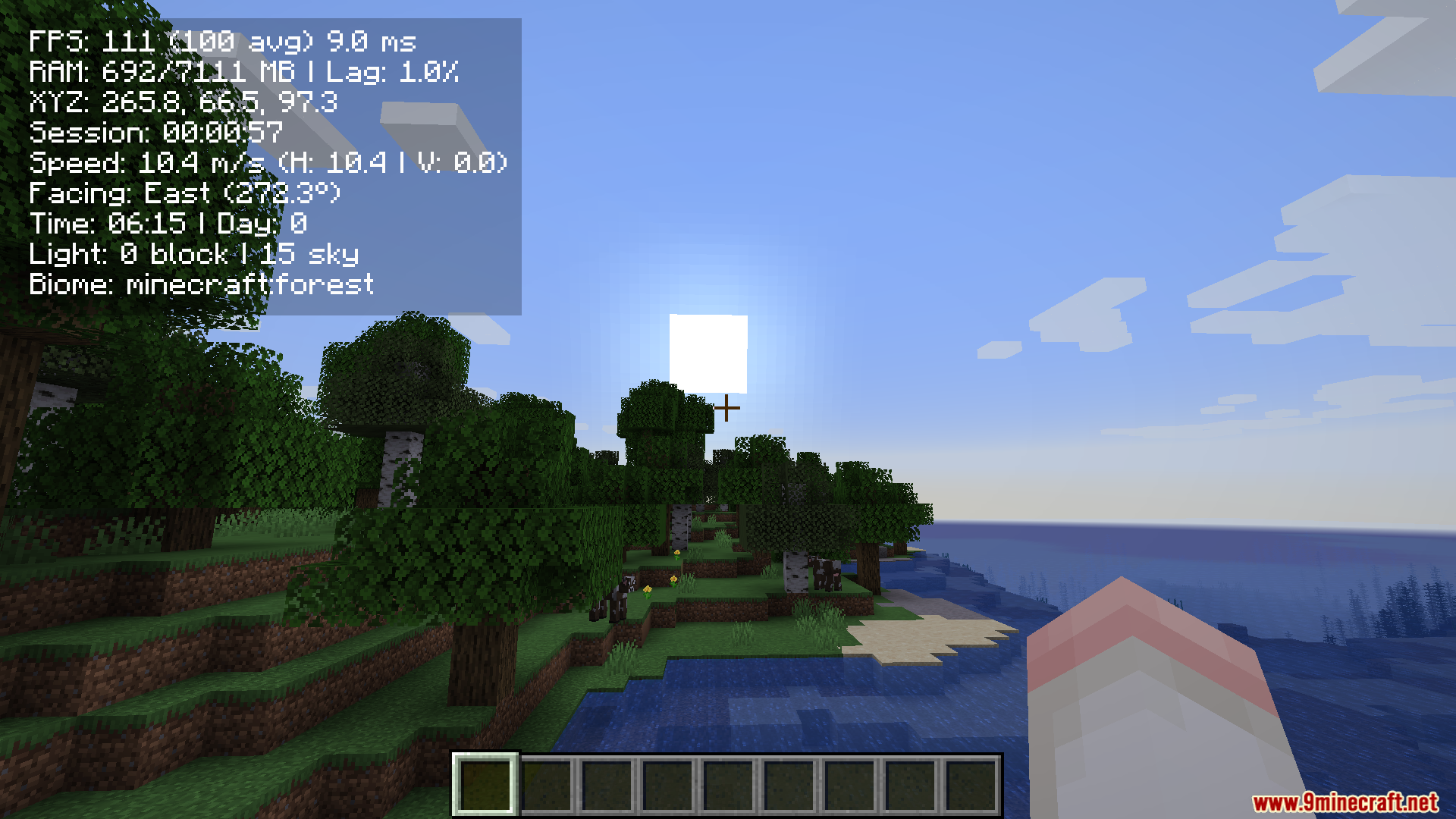
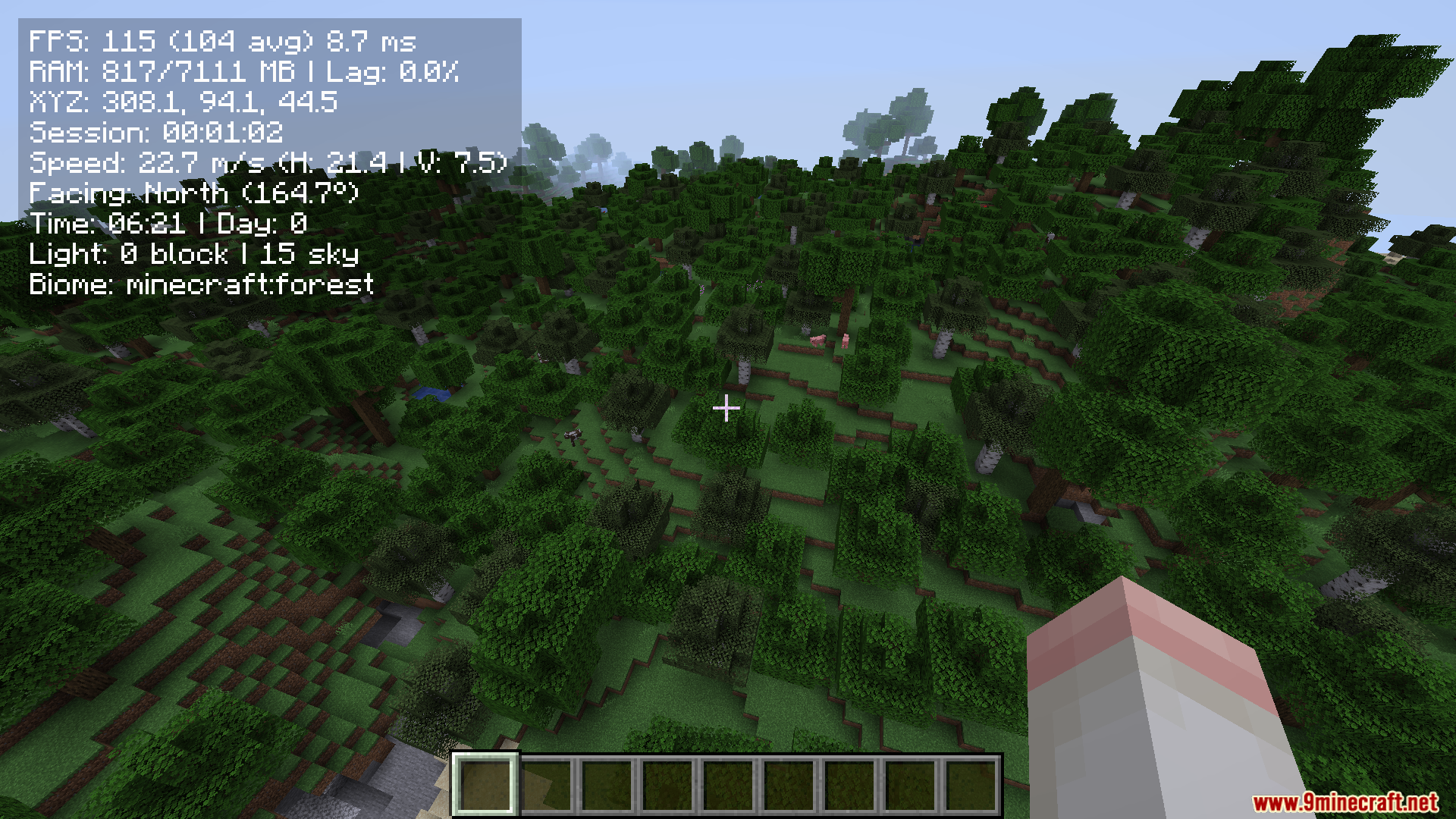
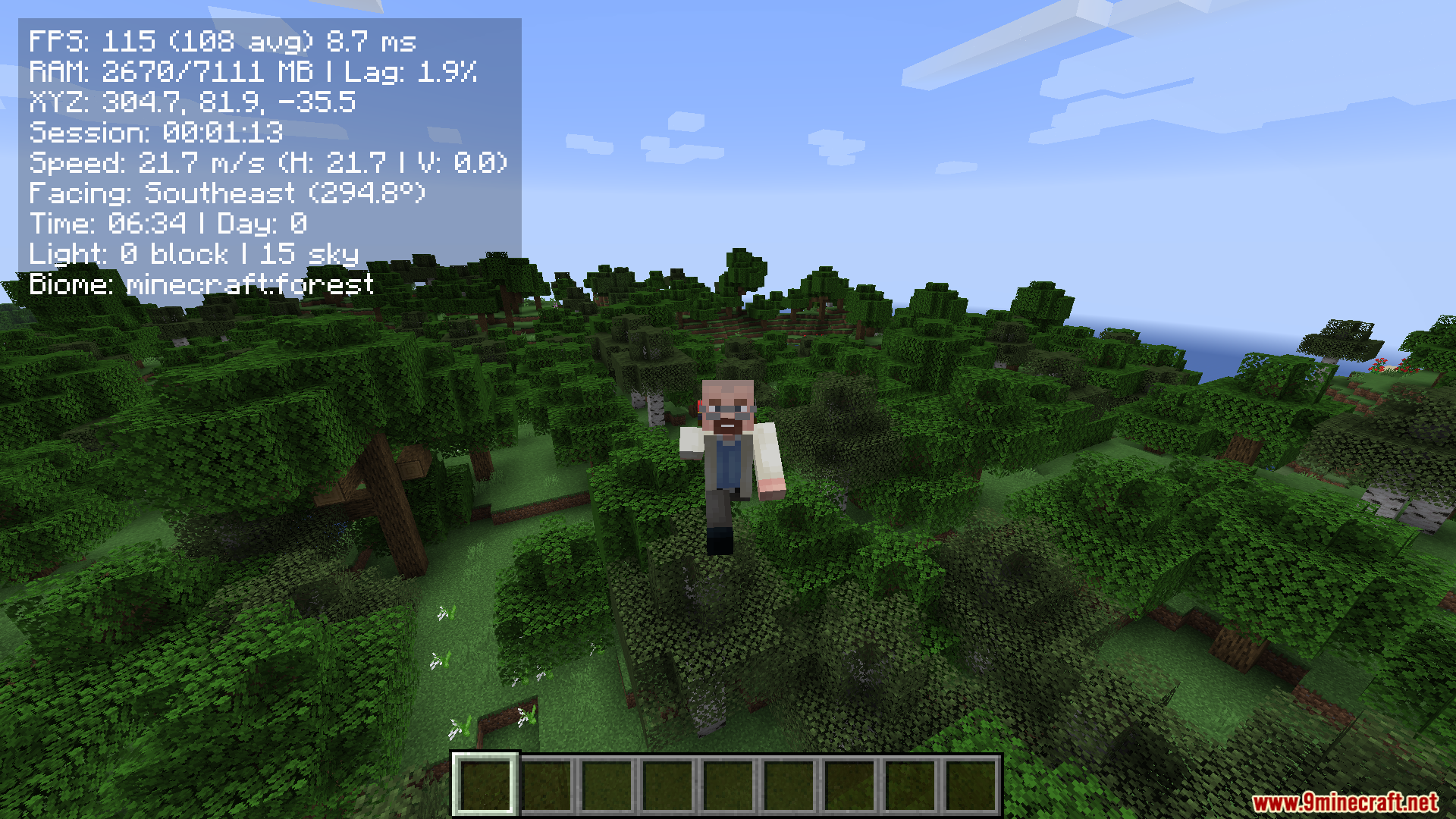
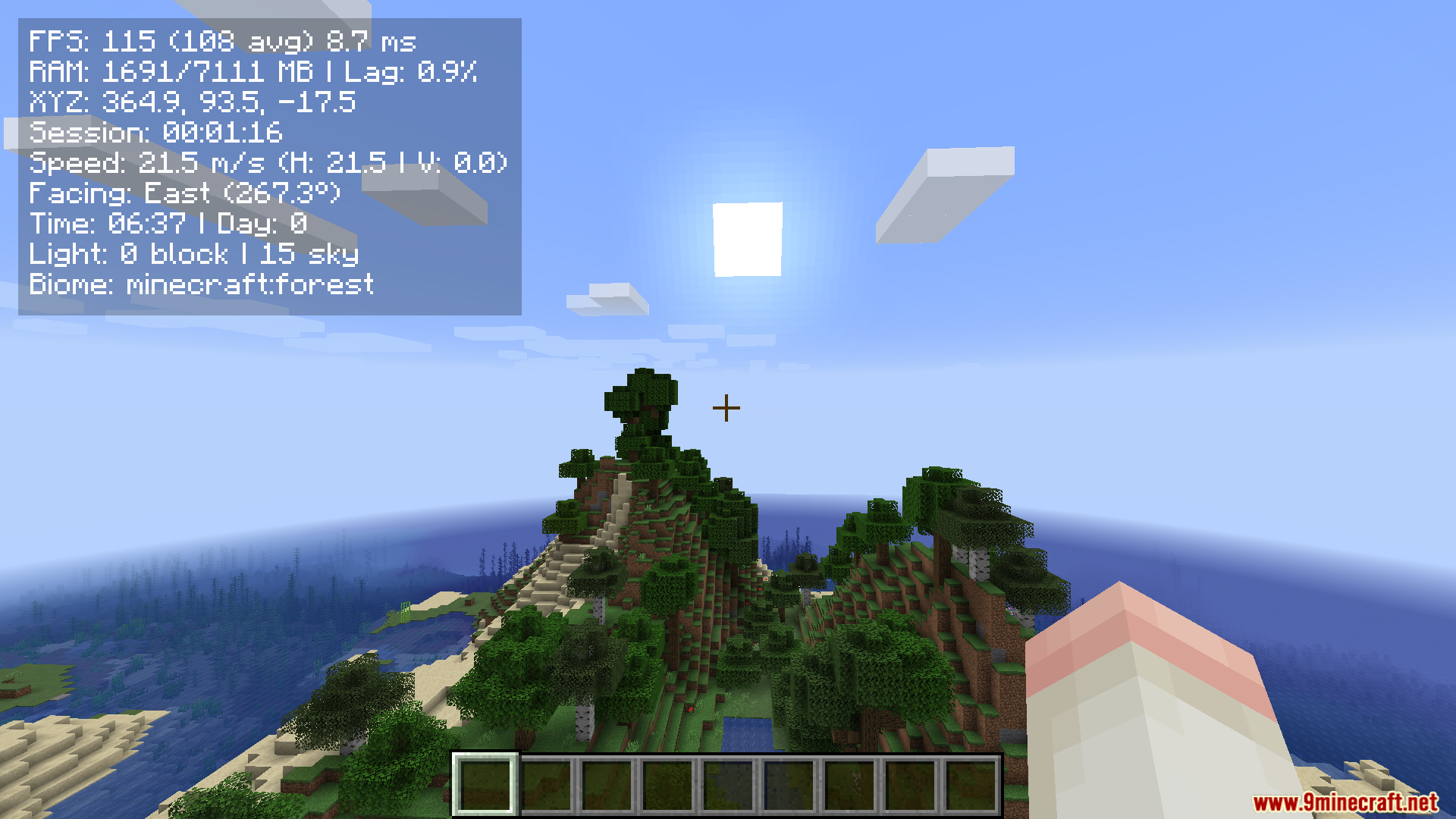
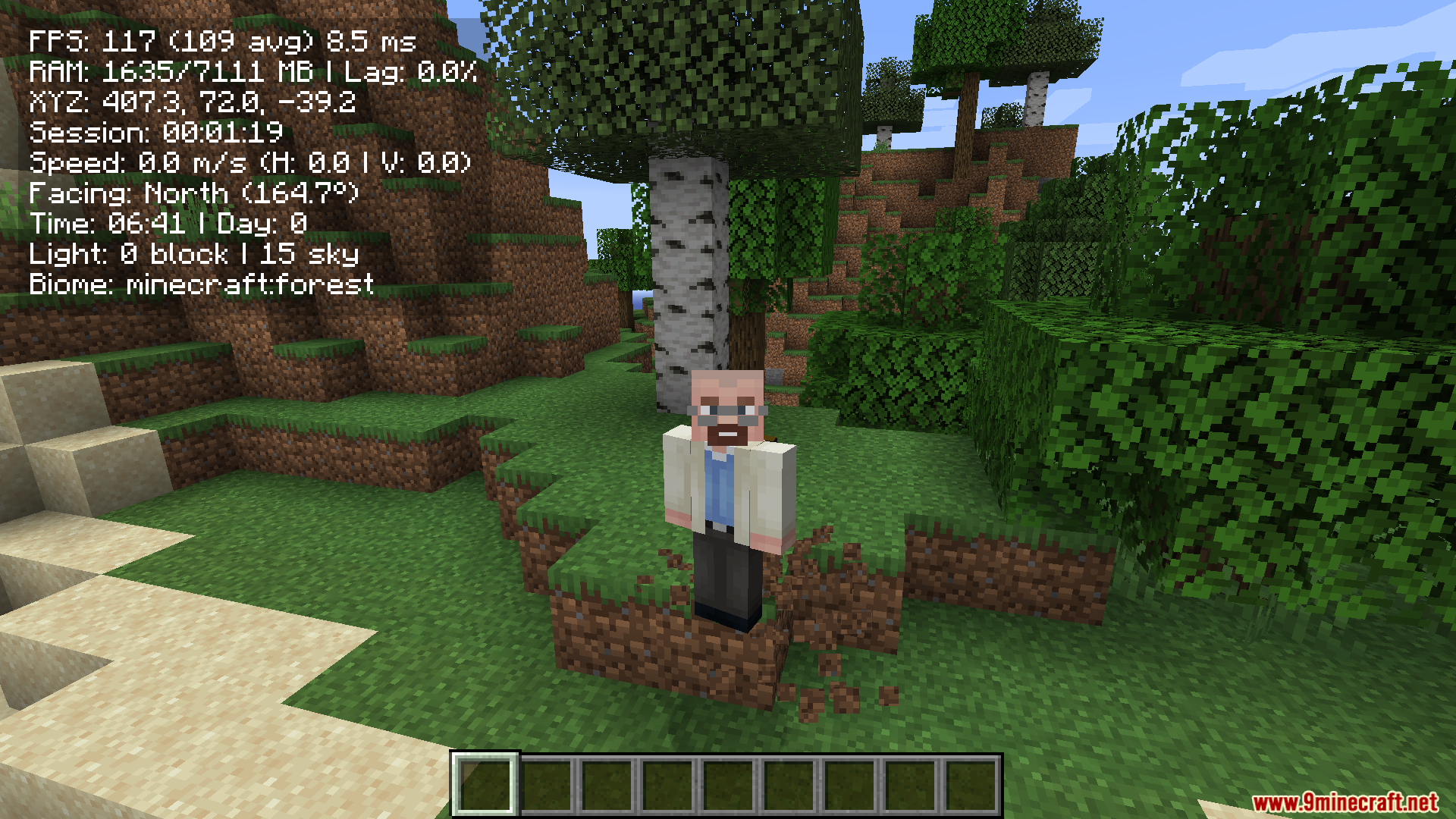
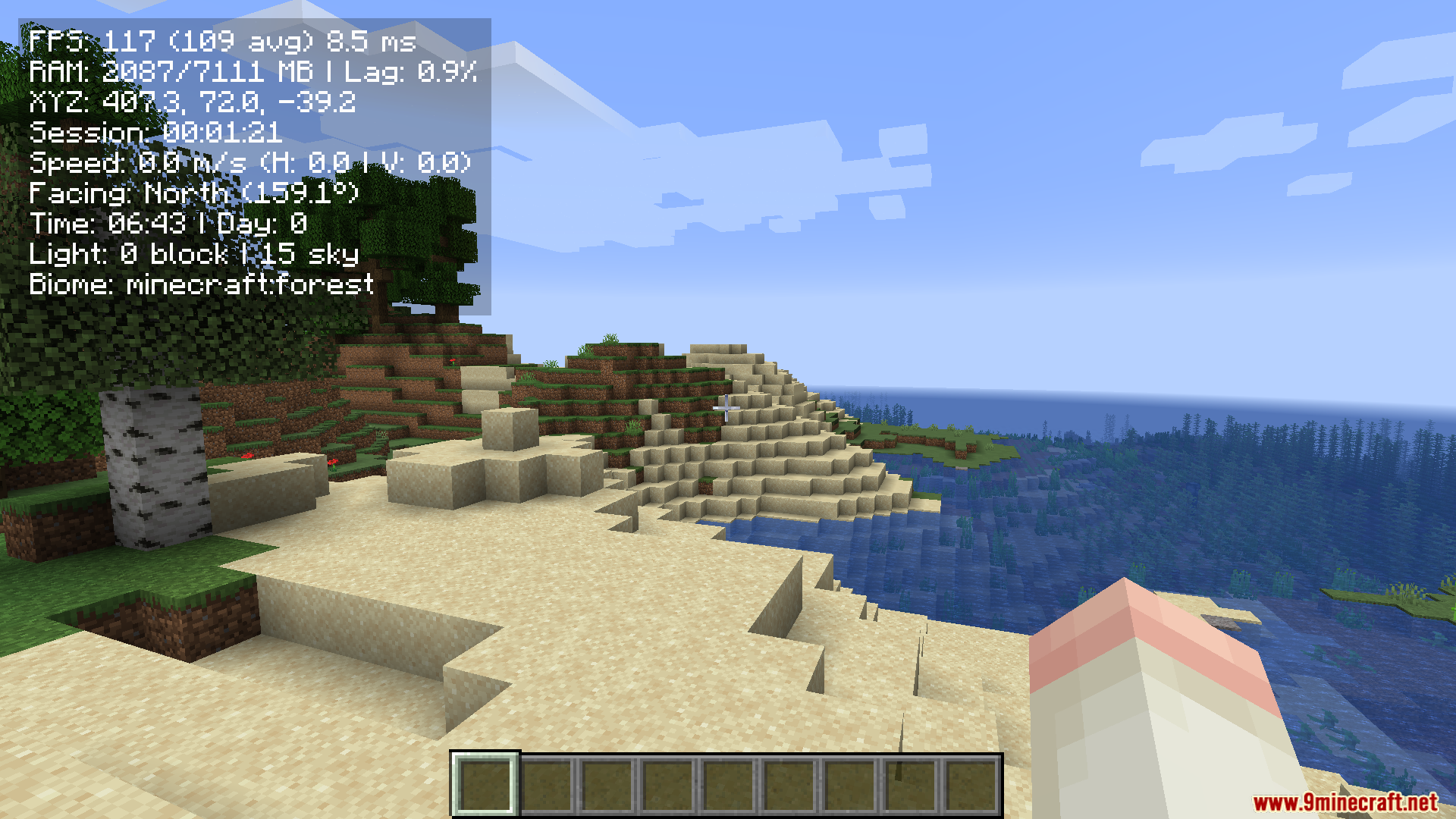
The mod displays your current FPS, average frame rate, and key performance metrics in a condensed format. It includes color-coded indicators so you can quickly assess whether your game is running smoothly.
Why are some numbers different colors?
The mod uses color coding to indicate performance status—green typically means good performance, yellow means moderate, and red means poor performance. This lets you spot performance issues at a glance.
Can I use this mod on multiplayer servers?
Yes, Compact F3 Plus is client-side only, so it works on any multiplayer server without requiring the server to have the mod installed.
See all 10 Compact F3 Plus questions ›
Gallery
9 images from the Compact F3 Plus Mod page.
You May Also Like
Wikis that share the most with this one
Wikis on the same theme: ore
More mod wikis on the site
The most downloaded mods that have a wiki here
A few wikis from each of the other kinds