

 DownloadComBit Mod
Get the files on 9Minecraft
Guides
Step-by-step, in-game.
Customize Damage and Health ValuesAdjust Attack Strength ComBit allows you to modify how much damage your attacks deal. 1. Open the ComBit…Disable Invincibility Frames (I-Frames)Remove Damage Immunity Invincibility frames normally protect you briefly after taking damage. Disabling them makes…Enable 1.8.9 Combat FeelLoad the Classic Preset ComBit includes a built-in 1.8.9 preset that restores Minecraft's older combat mechanics in…Speed Up Combat with Cooldown AdjustmentsModify Attack Cooldown ComBit lets you reduce or remove the delay between attacks, enabling faster-paced combat. 1.…
Frequently asked questions
How do I turn on the 1.8.9 combat preset?
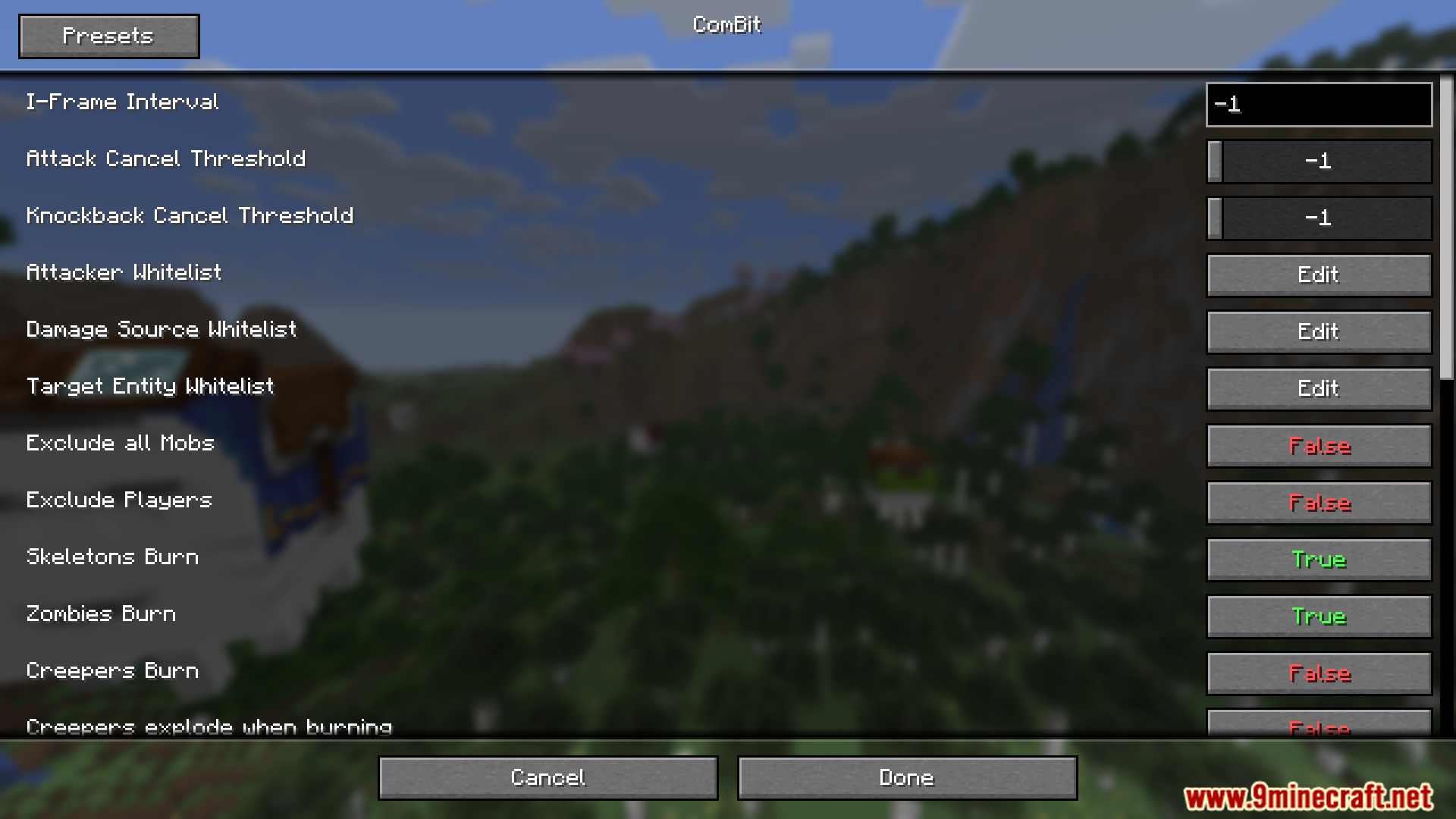
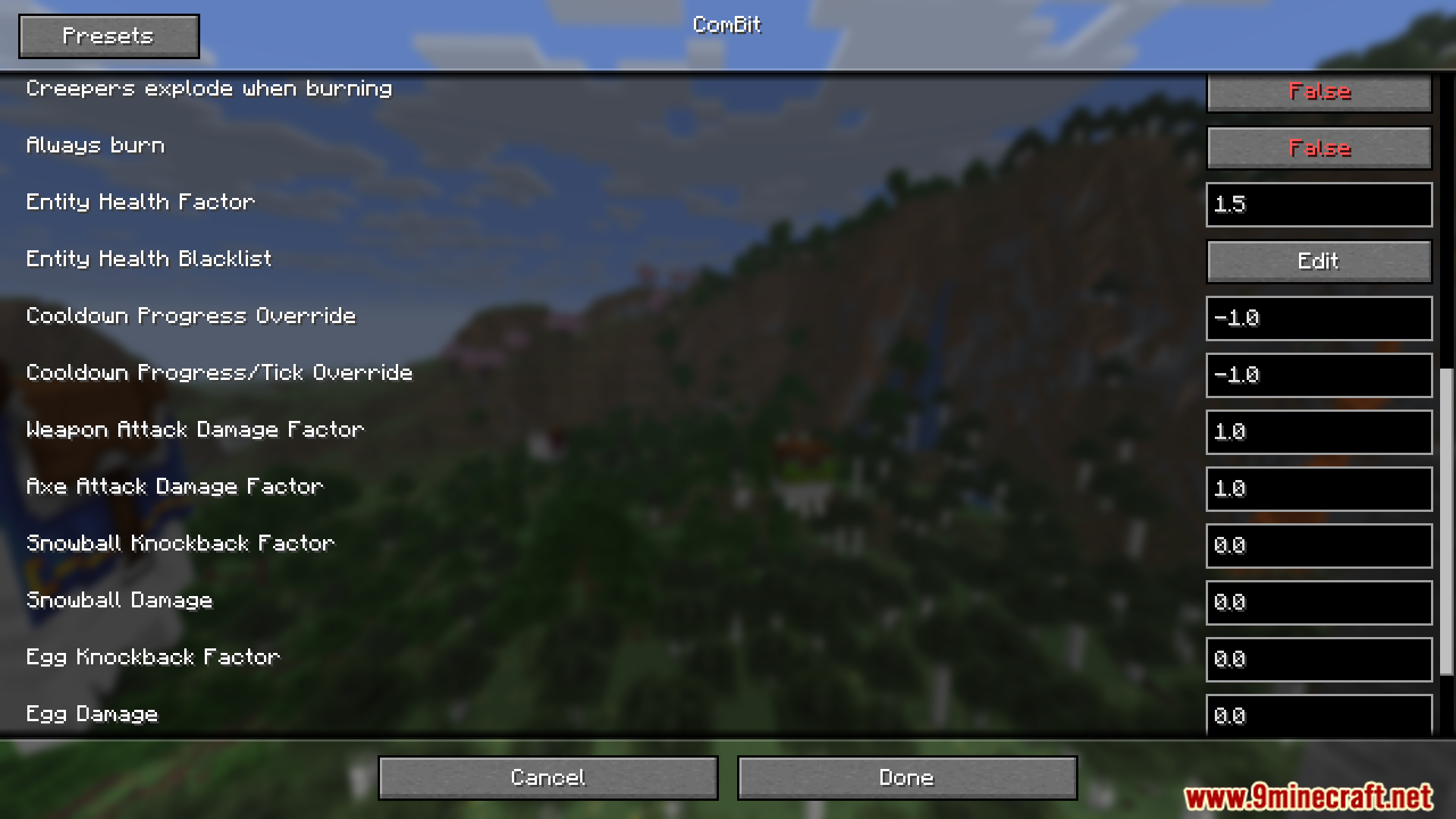
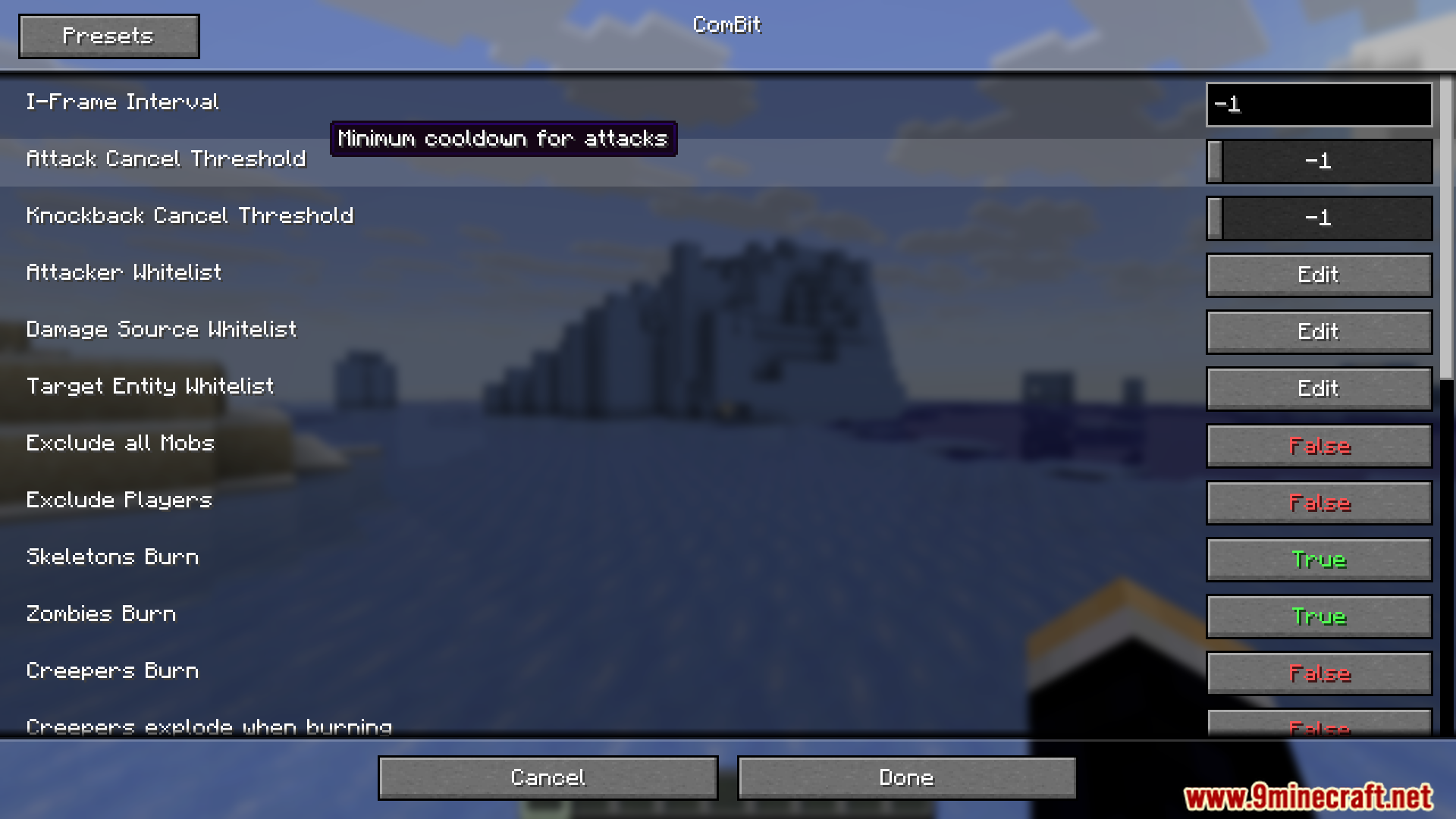
Open the mod config menu (usually accessible via mod settings or in-game config screen) and look for the preset or quick-load option labeled for 1.8.9 combat. Selecting it will automatically apply the classic combat settings including disabled cooldowns and adjusted I-frames.
What's the difference between disabling I-frames and adjusting cooldowns?
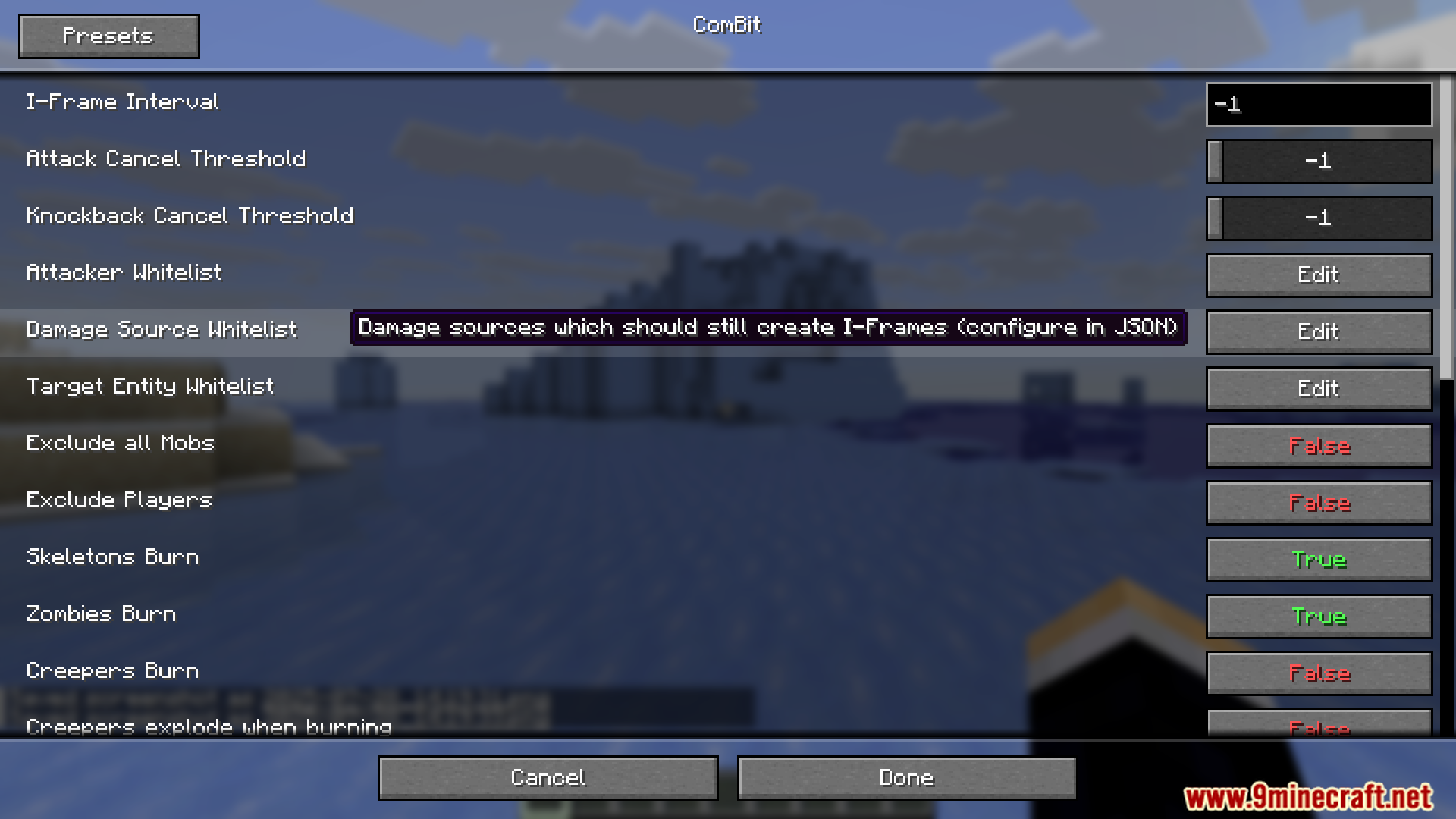
I-frames (invincibility frames) are the brief period after you take damage where you can't be hit again—disabling them means you take damage more frequently. Cooldowns control how fast you can swing your weapon; adjusting them makes combat faster or slower without changing damage vulnerability.
Can I disable I-frames but keep cooldowns normal?
Yes, every setting in ComBit is independent and optional. You can toggle I-frames off while leaving cooldown settings at their defaults, or mix and match any combination of features.
Will changing combat settings affect my world difficulty or mob behavior?
ComBit only modifies player and entity combat mechanics like damage timing and attack speed—it doesn't change mob AI, spawn rates, or world difficulty settings, so your world will play the same otherwise.
Gallery
10 images from the Combit Mod page.
You May Also Like
Wikis that share the most with this one
 Combat Zone Mod
More mod wikis on the site
Colourful Trees Stone And WaterColoured Tooltips ModColossal Scourge Rising ModColossal Redstone Reservoirs ModColossal Origins ExpandedColossal ChestsColorwheel Patcher ModColorize ModColorful Lighting Sodium Embeddium Edition ModColorful Hearts ModColorful Books ModColorful Anvils Unoffical Port Mod
The most downloaded mods that have a wiki here
A few wikis from each of the other kinds