

 DownloadComics Bubbles Chat Mod
Get the files on 9Minecraft
Guides
Step-by-step, in-game.
Create Custom Commands with Bubble MessagesUnderstanding Custom Commands This mod allows you to create custom commands that trigger special messages displayed…Customize Chat Bubble Colors and AppearanceAccess the Configuration File Locate your mod's configuration folder (usually in .minecraft/config/ ) and find the…Disable Bubble Rendering Through Blocks (Server-Side)Understanding Block Occlusion By default, chat bubbles render even when players are behind walls or underground. On…Limit the Number of Visible Bubbles Per PlayerWhy Limit Bubbles When many players chat simultaneously, bubbles can clutter the screen. Limiting the maximum number…
Frequently asked questions
How do I turn on chat bubbles above my head?
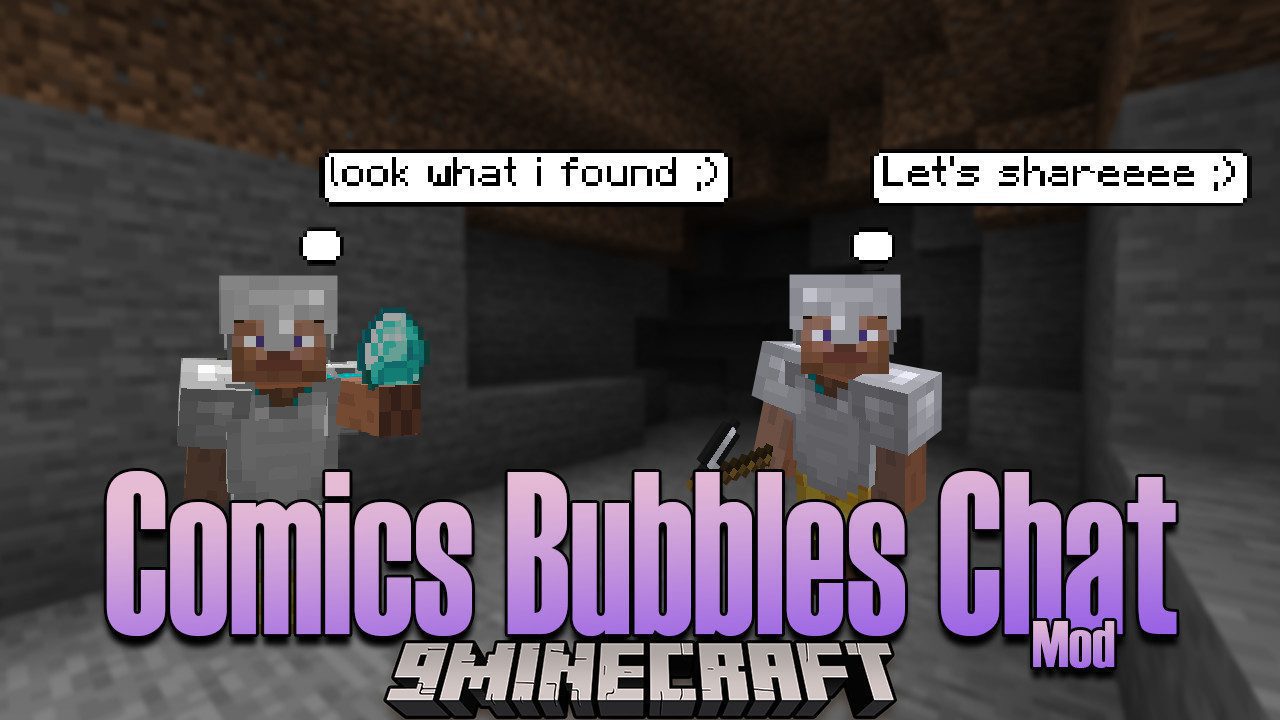
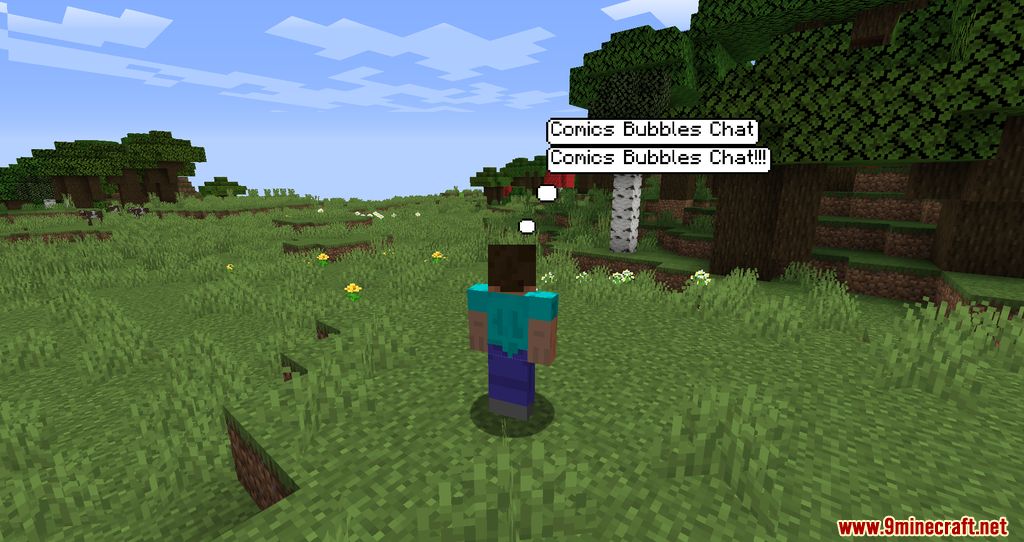
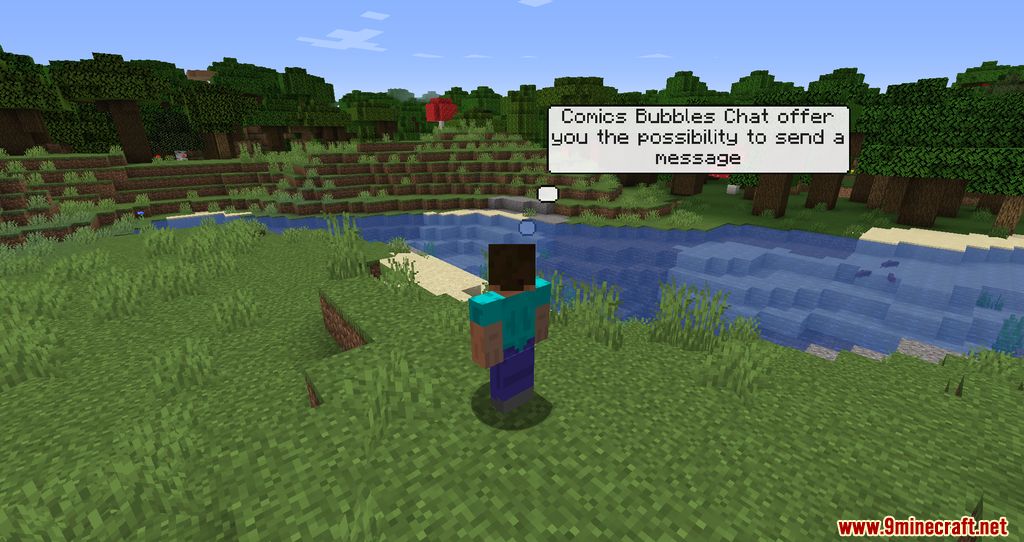
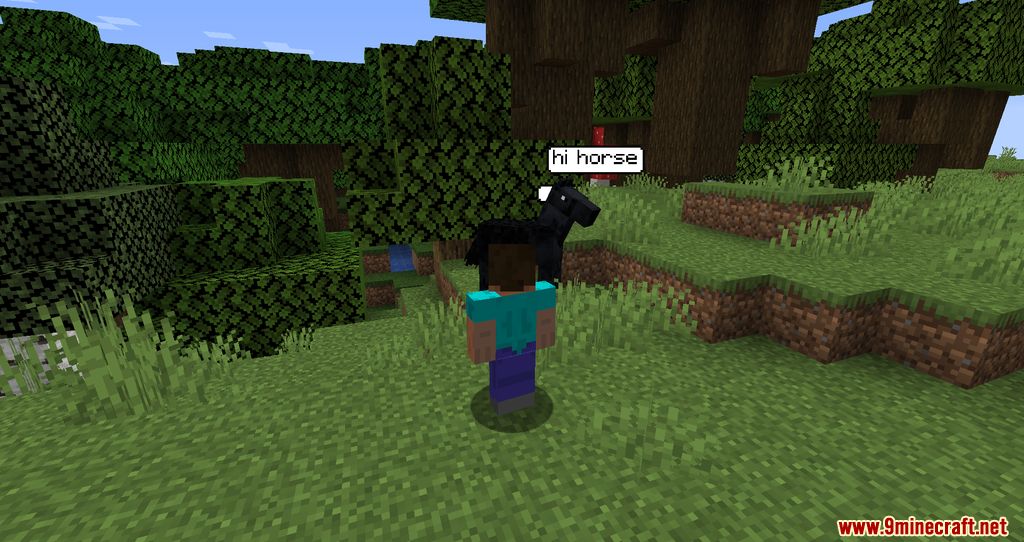
Chat bubbles display automatically once the mod is installed on both client and server. Your messages will appear as bubbles above your head in the game world. If you don't see them, check that the mod is loaded on both sides and that bubble rendering hasn't been disabled by a server administrator.
Can I change the color of my chat bubbles?
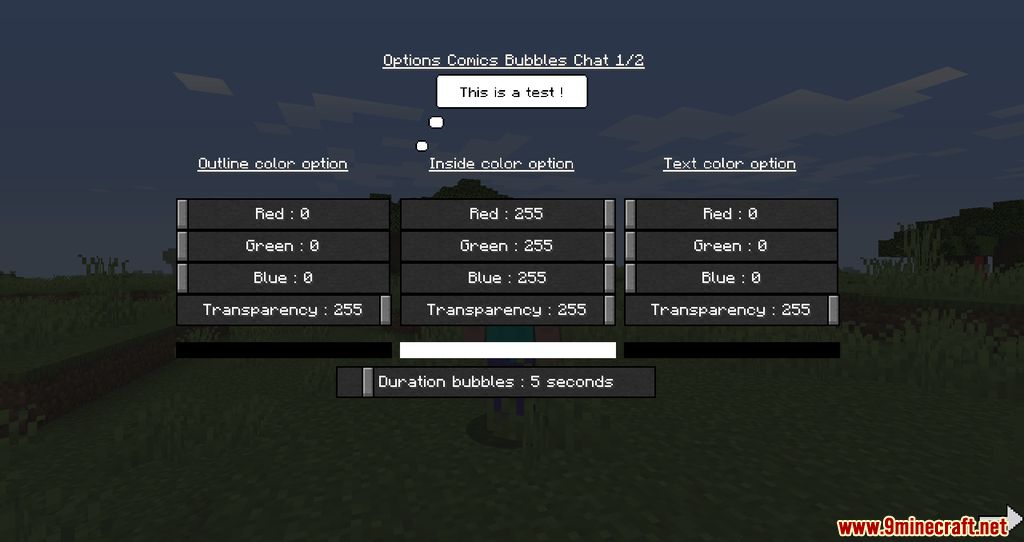
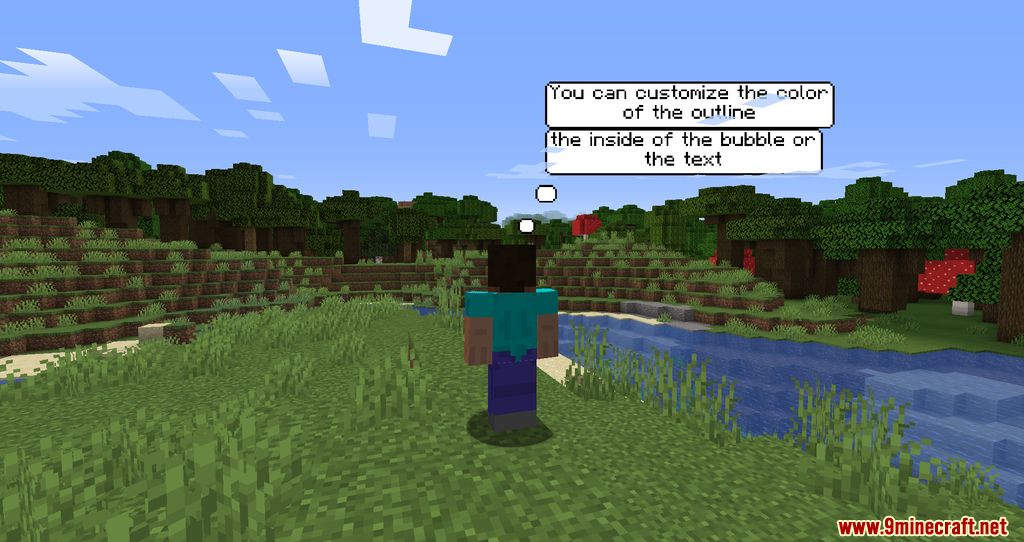
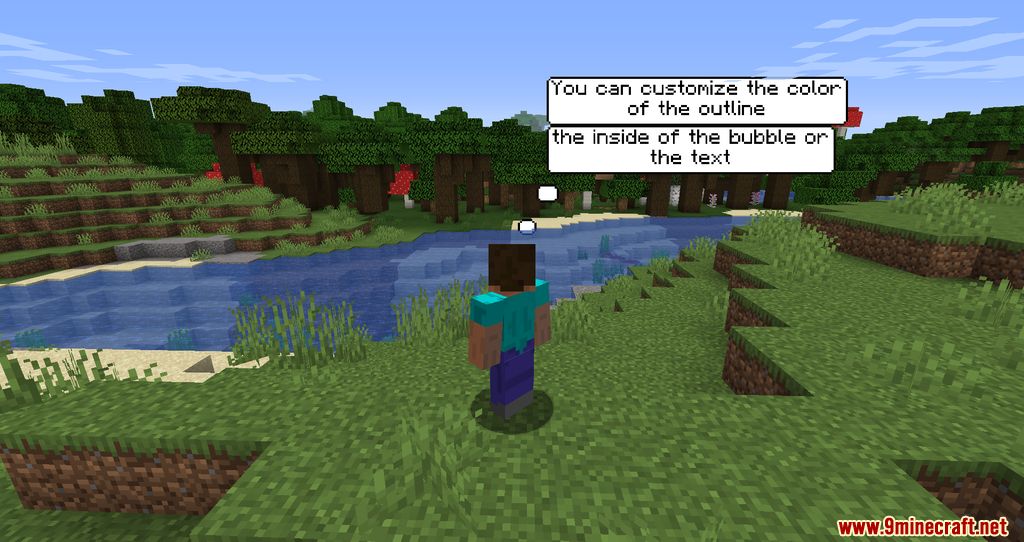
Yes, the mod includes customization options for bubble colors. Access the configuration settings to adjust the color to your preference. The exact method depends on your mod loader, but typically involves editing the config file or using an in-game settings menu if available.
How long do chat bubbles stay visible?
Bubble lifetime is customizable through the mod's configuration. By default, bubbles disappear after a set duration, but you can adjust this value to make them last longer or disappear faster depending on your preference.
See all 10 Comics Bubbles Chat questions ›
Gallery
7 images from the Comics Bubbles Chat Mod page.
You May Also Like
Wikis that share the most with this one
More mod wikis on the site
 Combat Zone Mod
The most downloaded mods that have a wiki here
A few wikis from each of the other kinds