DownloadCollect Everything
Get the files on 9Minecraft
Guides
Step-by-step, in-game.
Check World Progress Without Loading the GameViewing Progress from the Main Menu One of Collect Everything's most convenient features is the ability to check your…Customize Your Collection Menu AppearanceAccessing Settings Open your collection menu with \ and look for the settings panel . This is where all customization…Find All Mob Variants in Your WorldUnderstanding Mob Variants Collect Everything tracks every mob variant separately—this means each sheep color,…Use Filters and Search to Track Specific CollectionsAccessing Search and Filters The collection menu includes built-in tools to help you focus on what you're looking…
Items
 Advancement Badge
 Biome Badge
 Block Badge
 Collect Everything Badge
 Effect Badge
 Enchantment Badge
 Entity Badge
 Item Badge
 Structure Badge
Frequently asked questions
How do I open the collection menu?
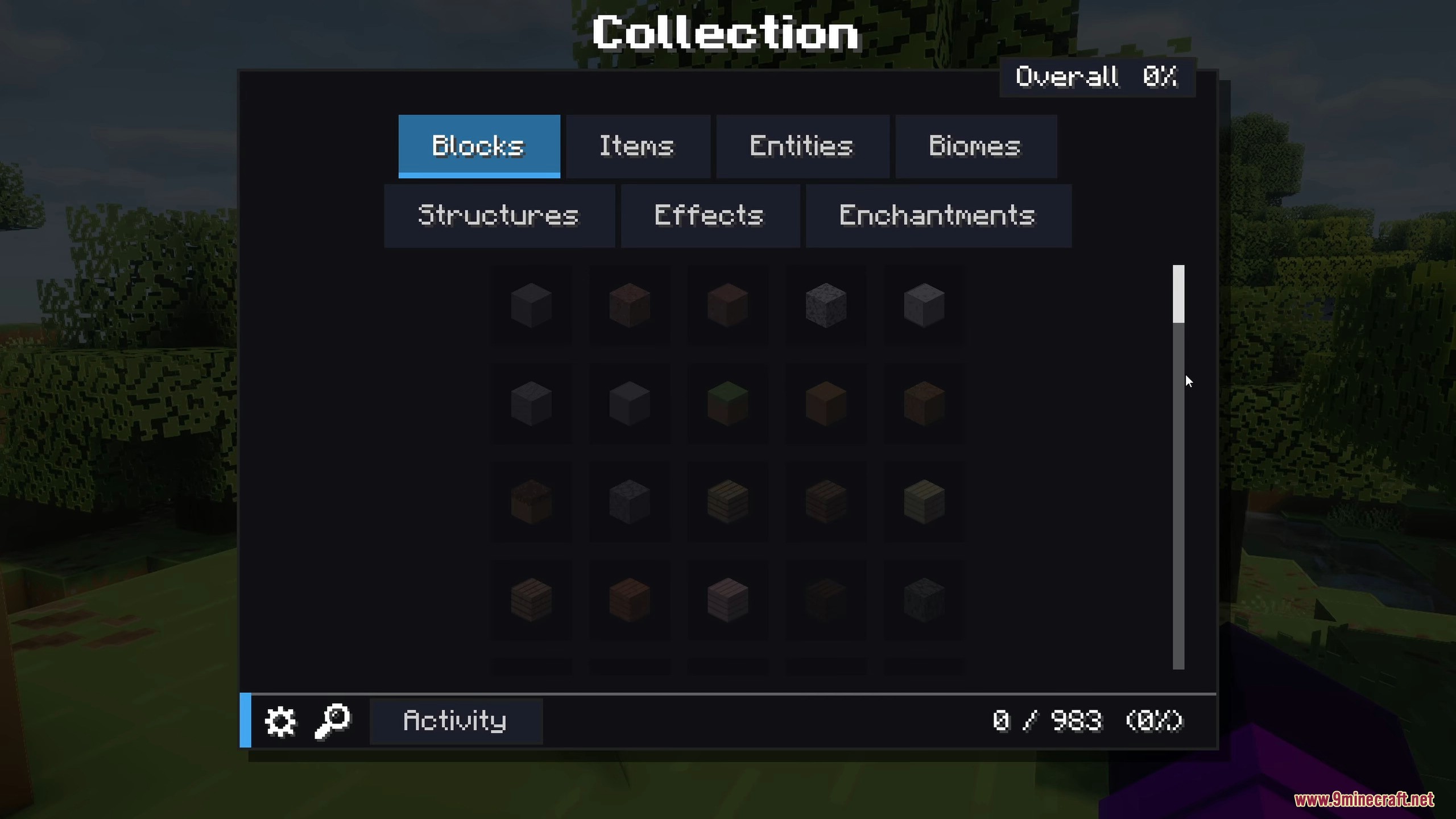
Press the backslash (\) key on your keyboard to open the main collection menu. If you want to check progress without loading your world, click the search icon on the world selection screen in the main menu.
What counts as 'collected' for mobs?
Can I undo a collection or reset my progress?
Use the command `/collect_everything reset` to clear all your personal progress and start over. You can also manually unmark individual entries with `/collect_everything mark|unmark <category> <id>`.
What do the dark silhouettes mean?
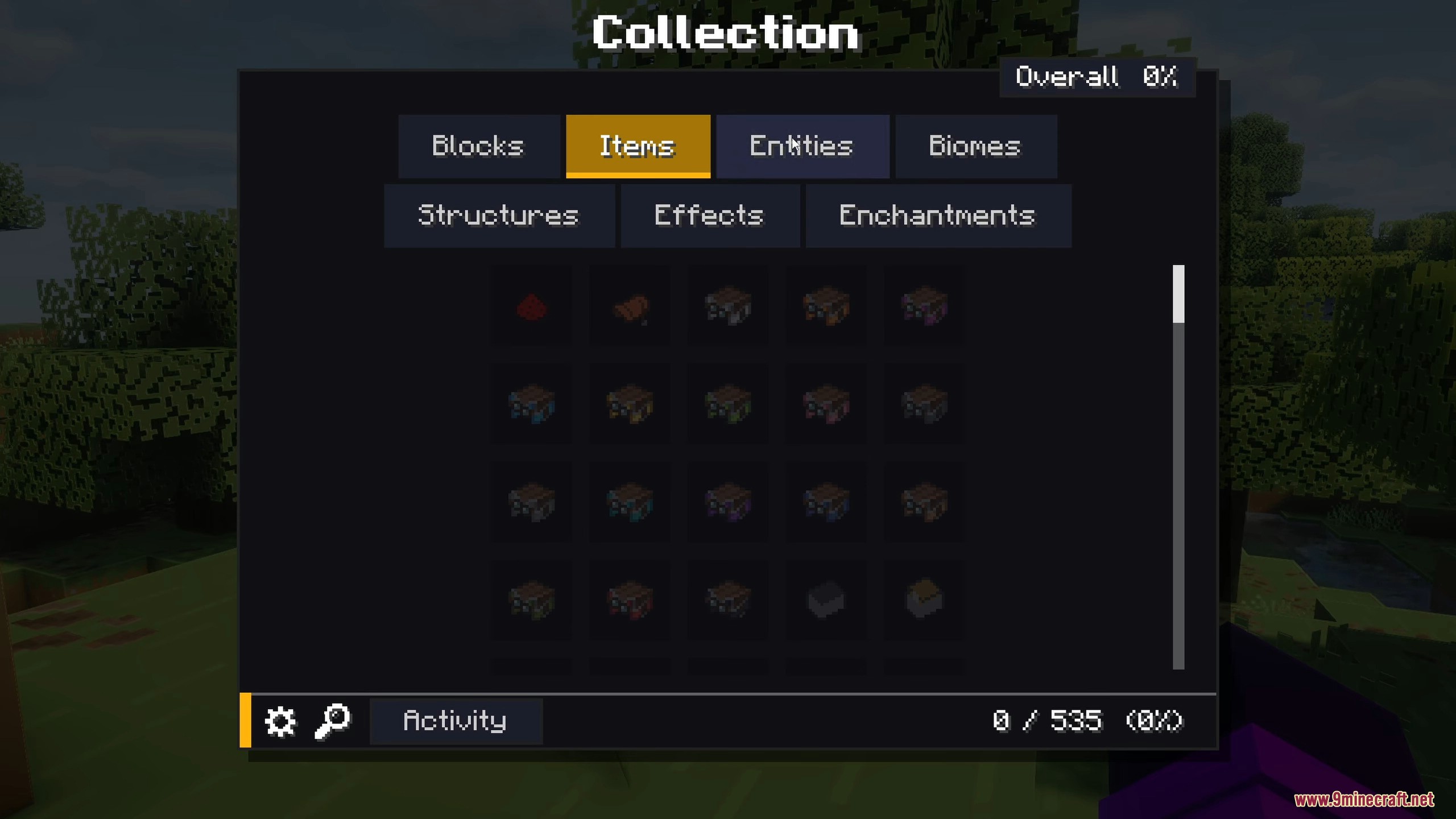
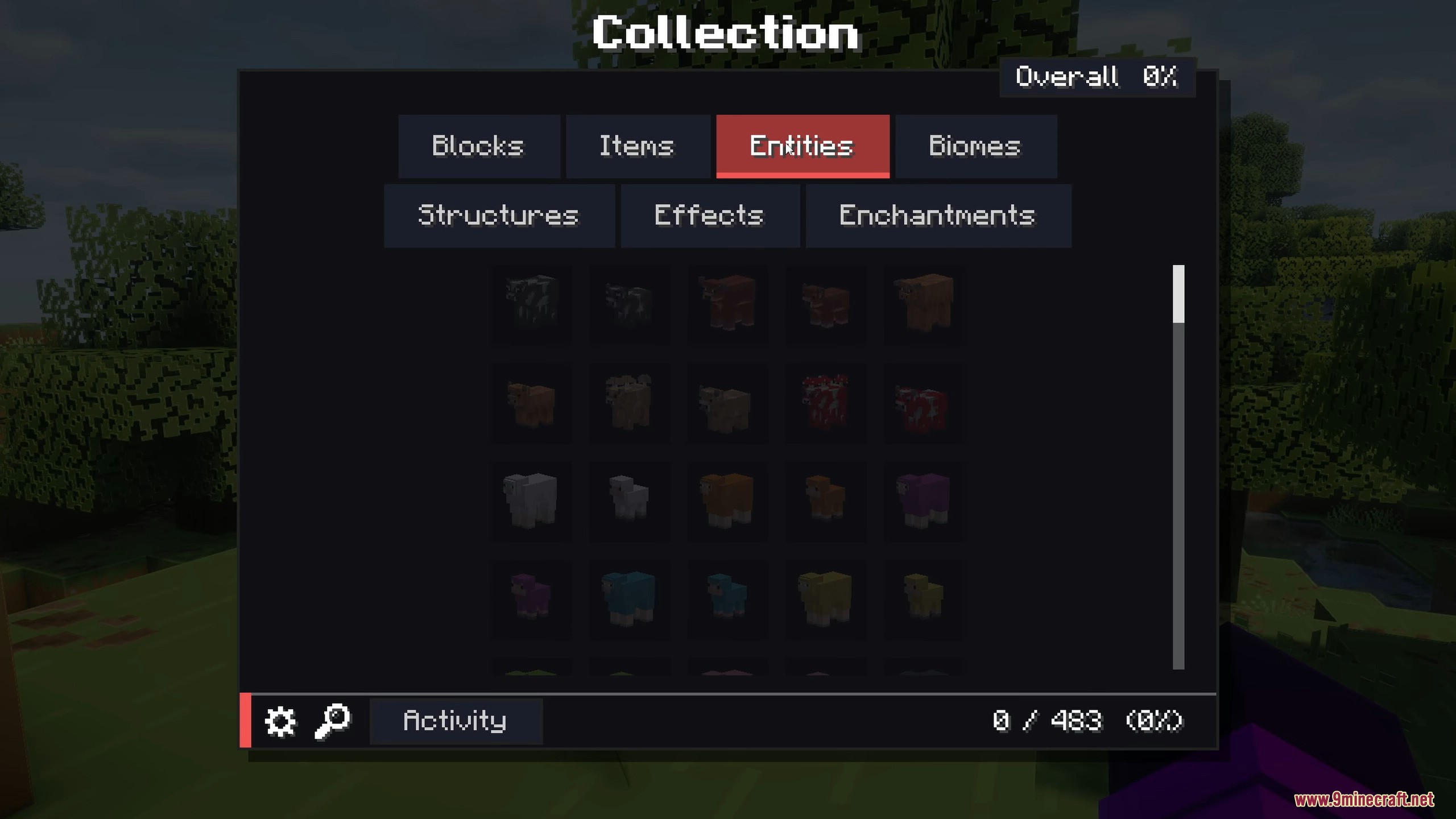
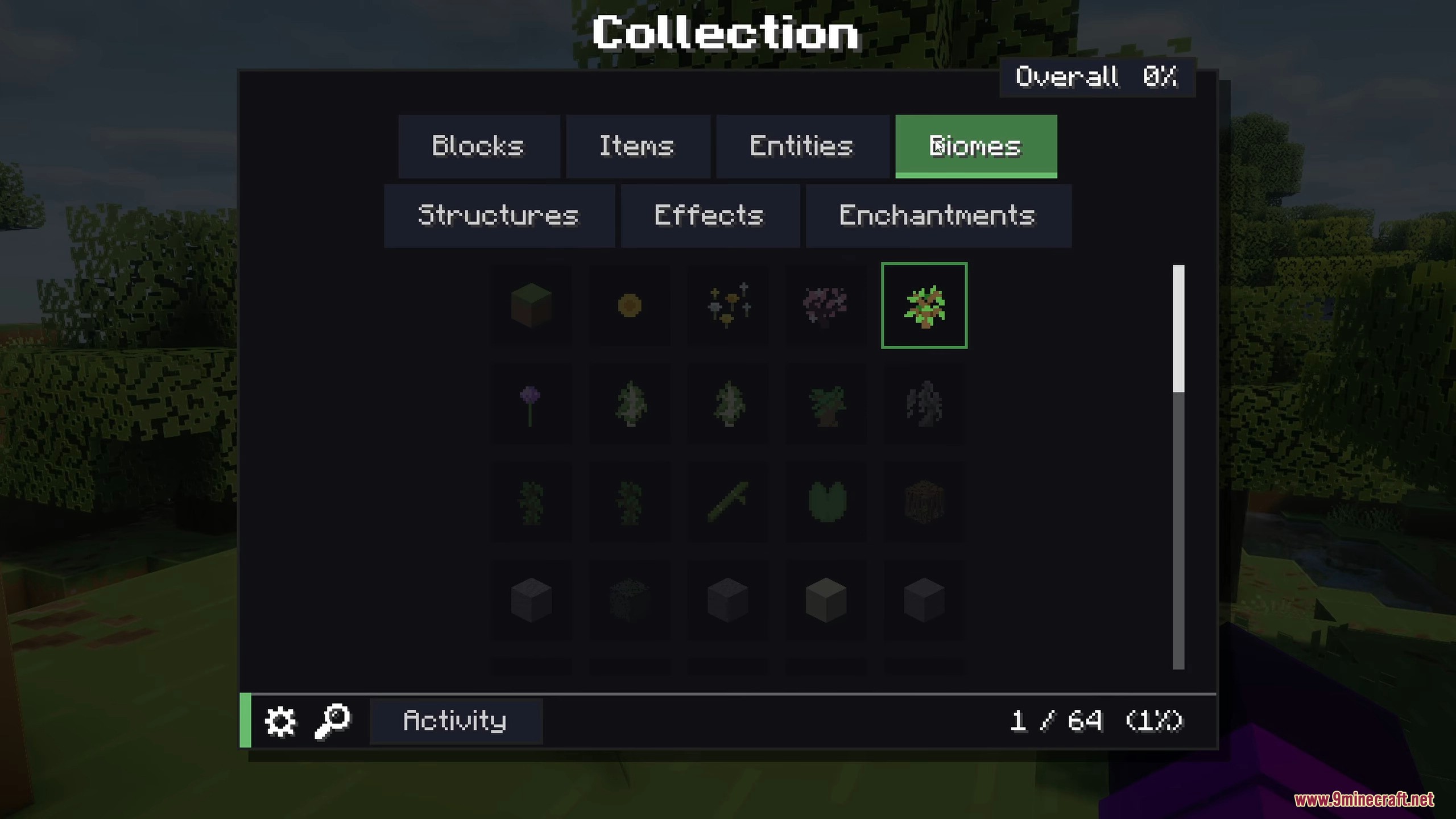
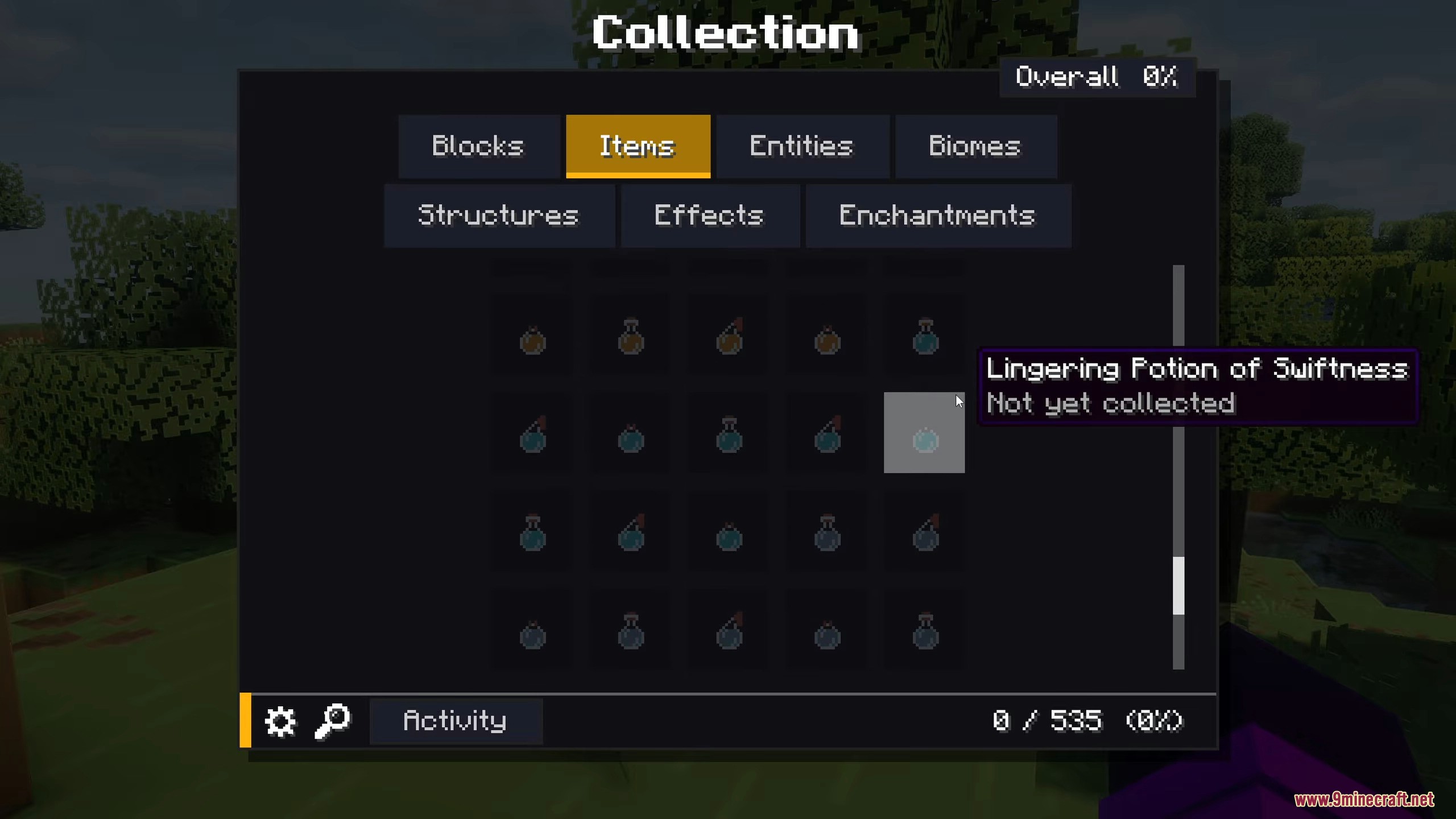
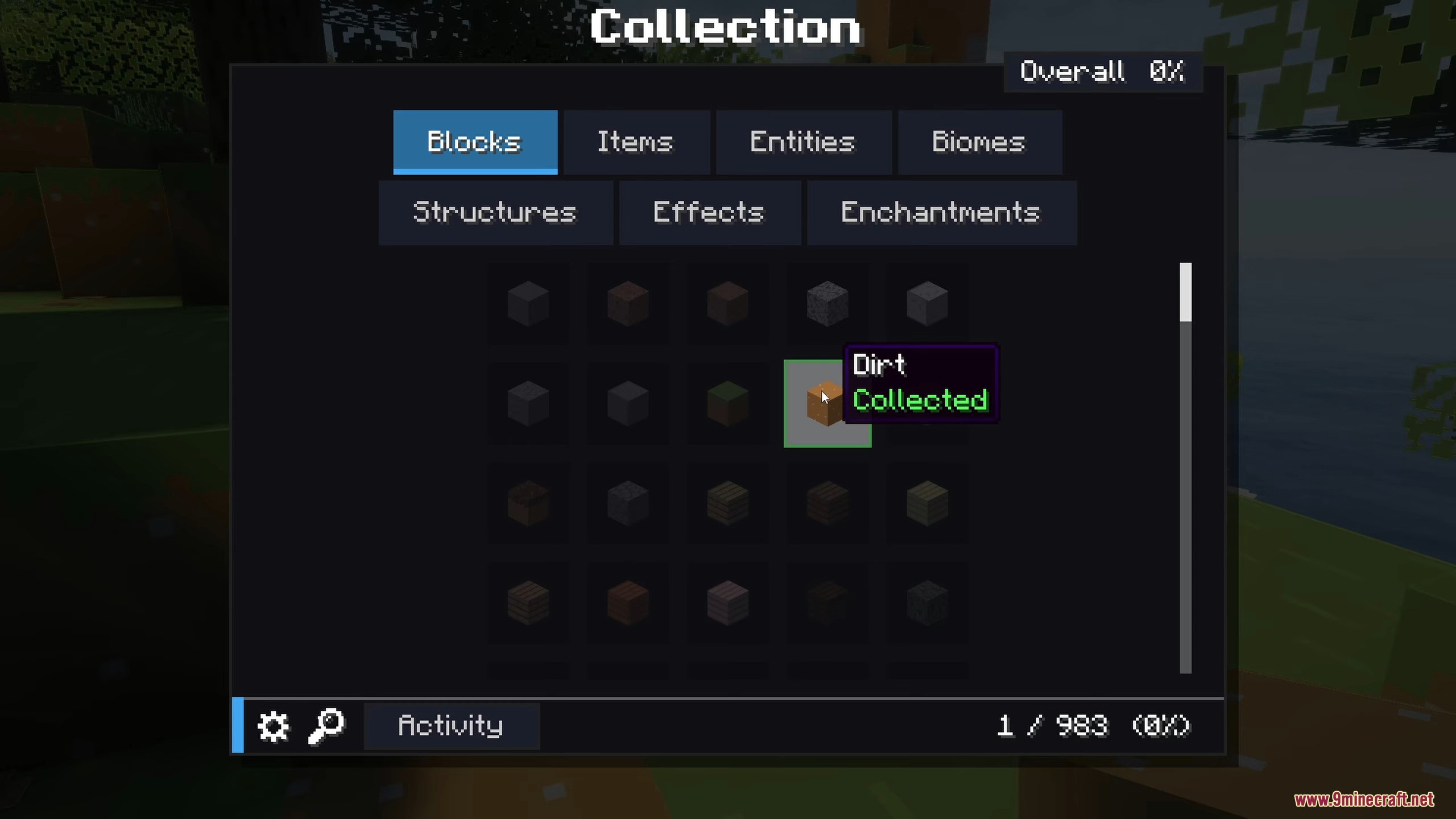
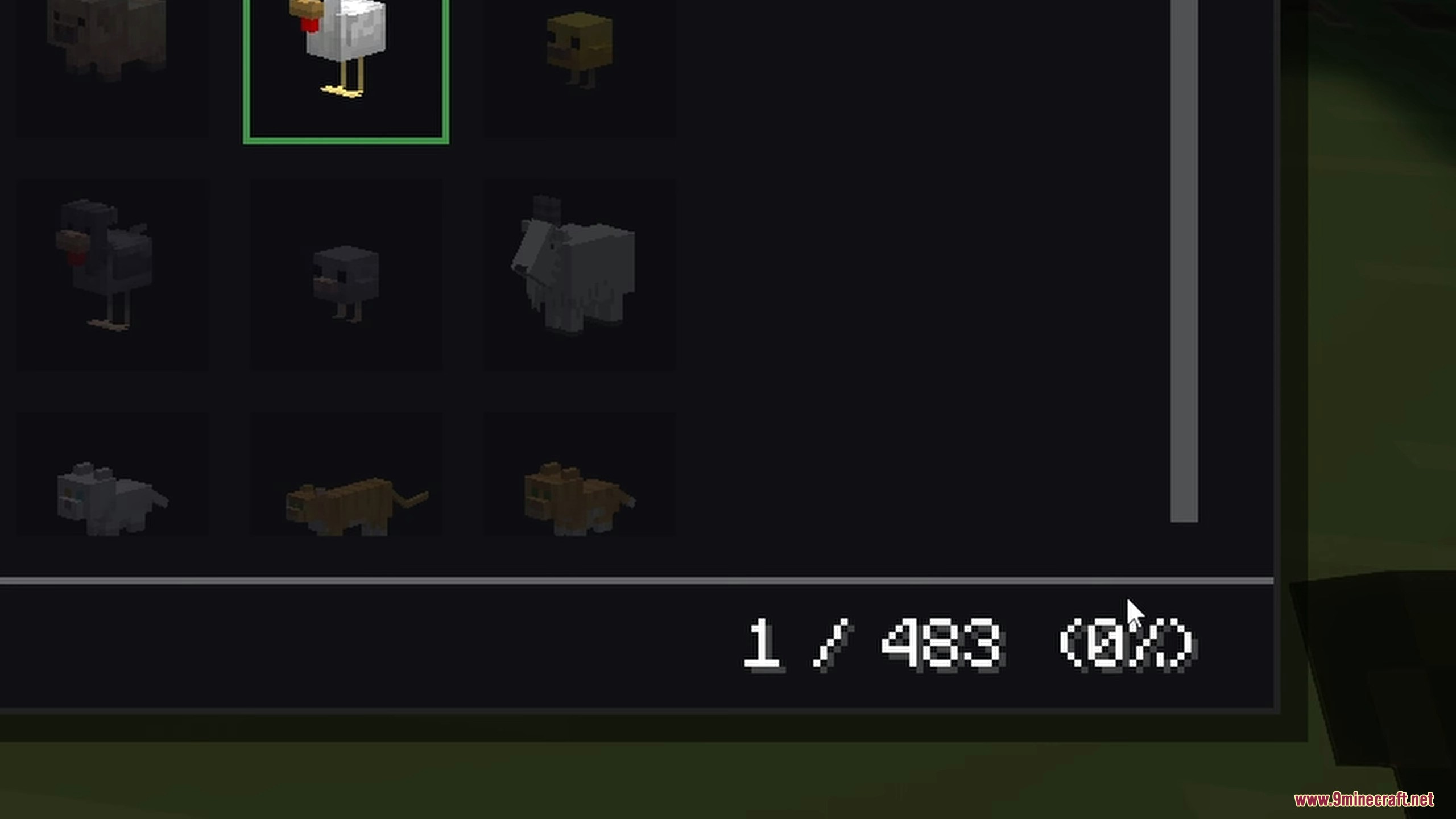
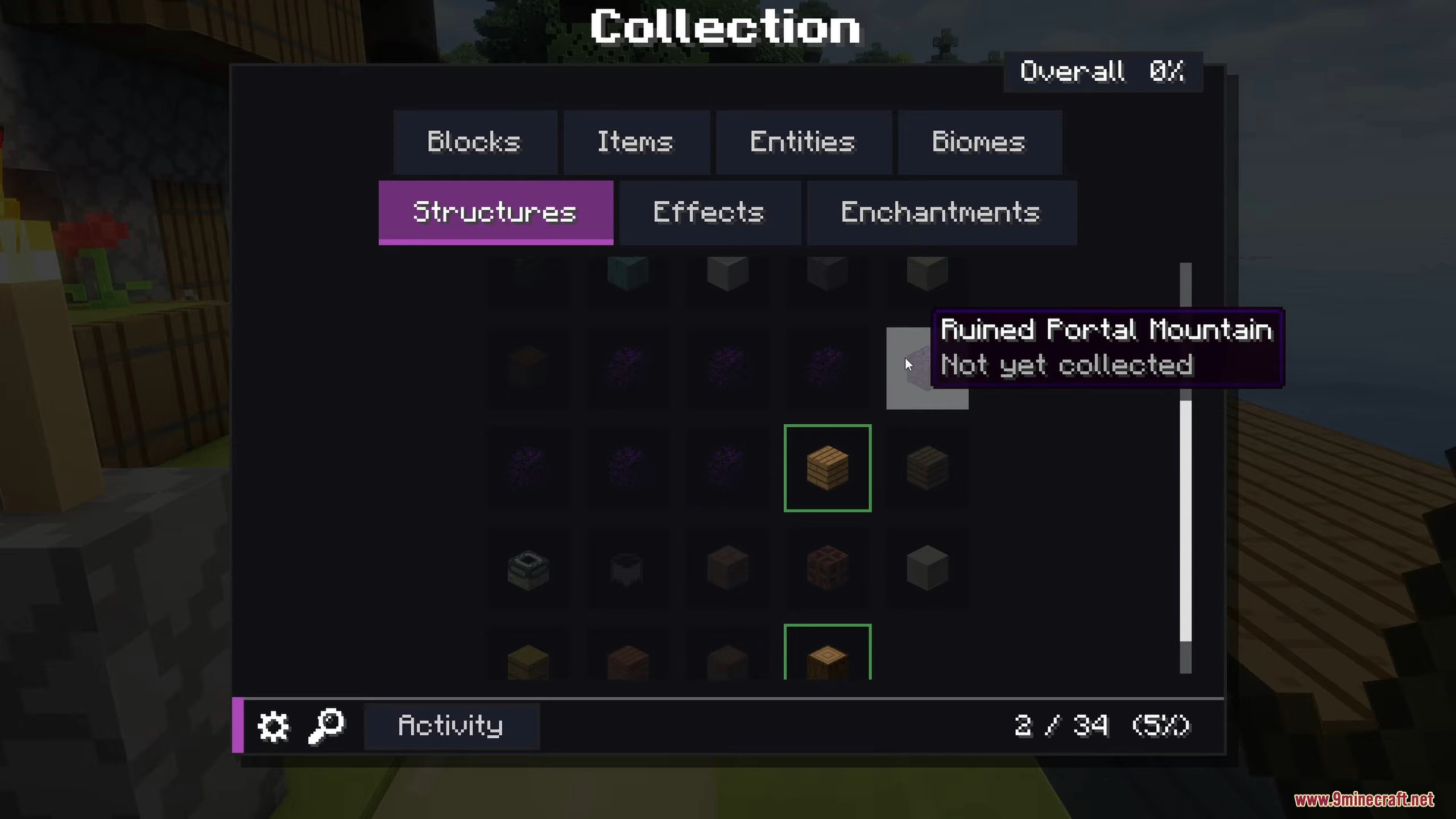
Dark silhouettes show items, blocks, mobs, or structures you haven't collected yet, giving you a hint about what exists in the game that you're still missing.
Can I change the look of the menu?
Yes, open the settings panel inside the collection menu to change the color theme using 16 different dye options, adjust grid size, and customize notification sounds.
How do I find a specific item quickly?
Use the search bar at the top of the collection menu to look up items by name, or use the filter options to narrow down by category like blocks, items, mobs, or enchantments.
What happens when I collect something new?
A small notification pops up on your screen to confirm you've added something to your collection, and the item appears in your recent activity feed.
Does this mod track enchanted books separately?
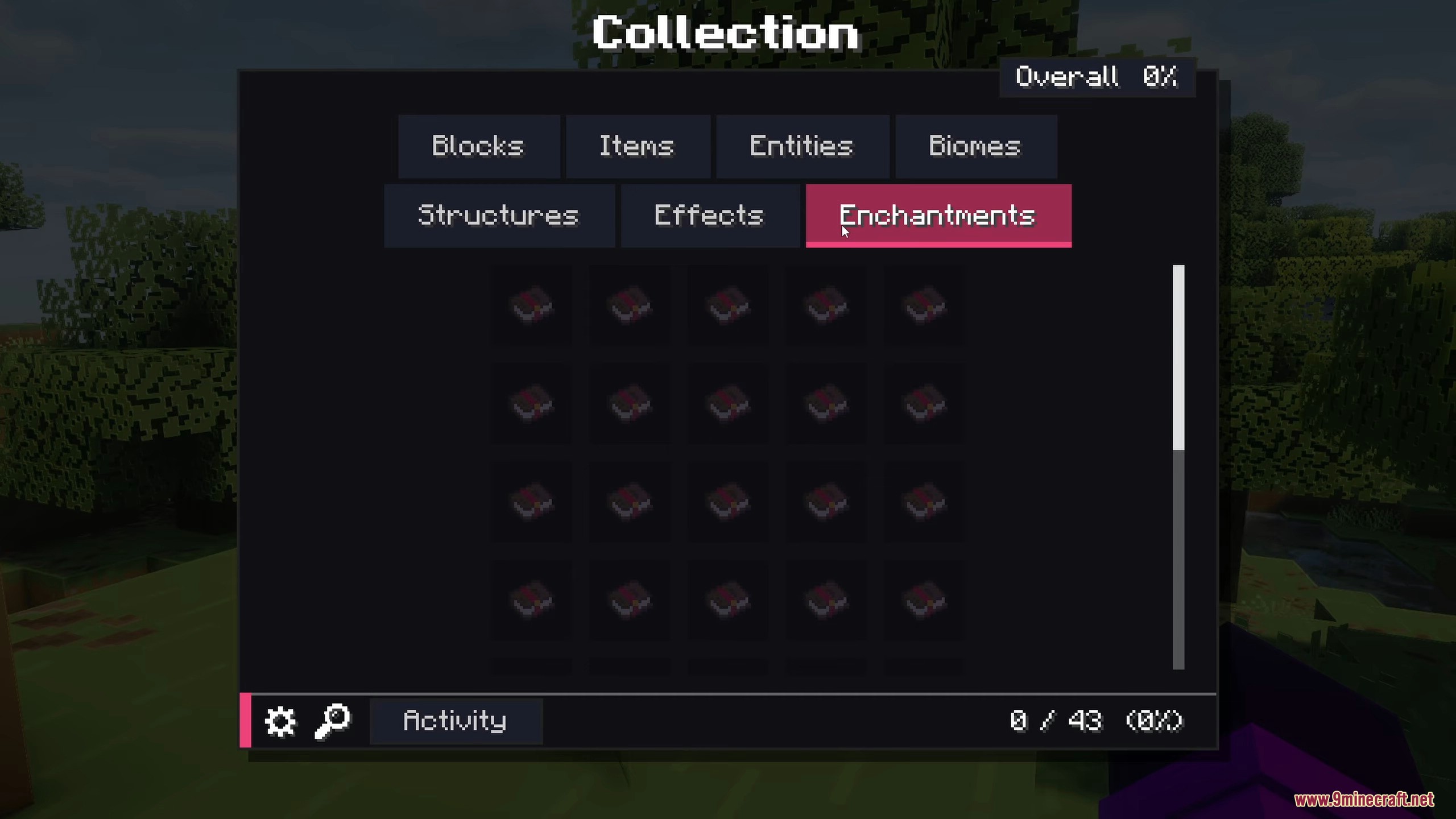
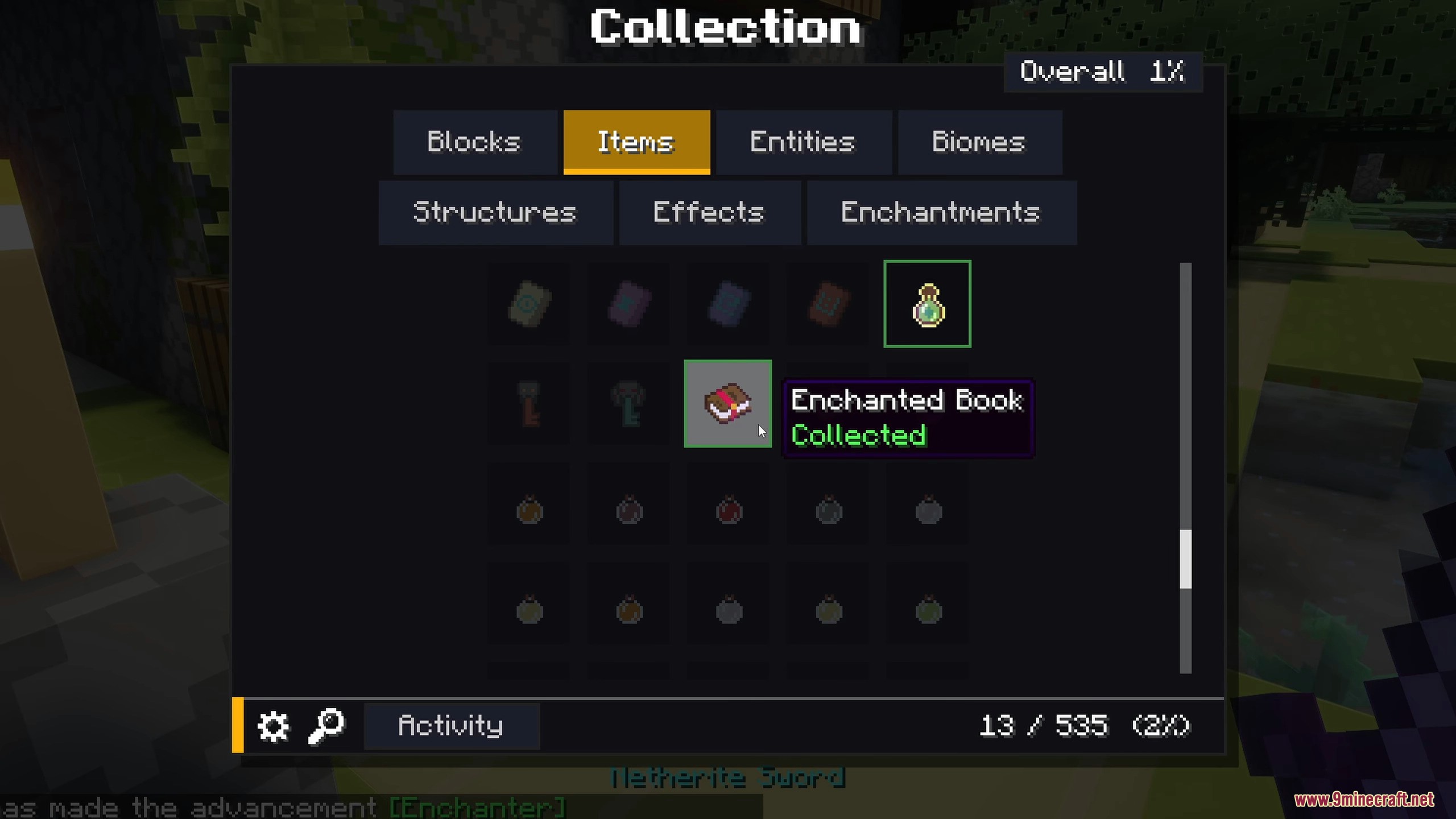
Yes, the enchantments tab tracks every enchantment type separately, so you need to find each one individually to reach 100 percent completion.
Can I mark my entire collection as complete?
Use the command `/collect_everything collect_everything` to mark the whole list as complete, which triggers a massive firework celebration in your world.
You May Also Like
Wikis that share the most with this one
Wikis on the same theme: biome
More mod wikis on the site
The most downloaded mods that have a wiki here
A few wikis from each of the other kinds
Gallery
12 images from the Collect Everything Mod page.