

 DownloadCobbledex Rei Emi Jei Mod
Get the files on 9Minecraft
Guides
Step-by-step, in-game.
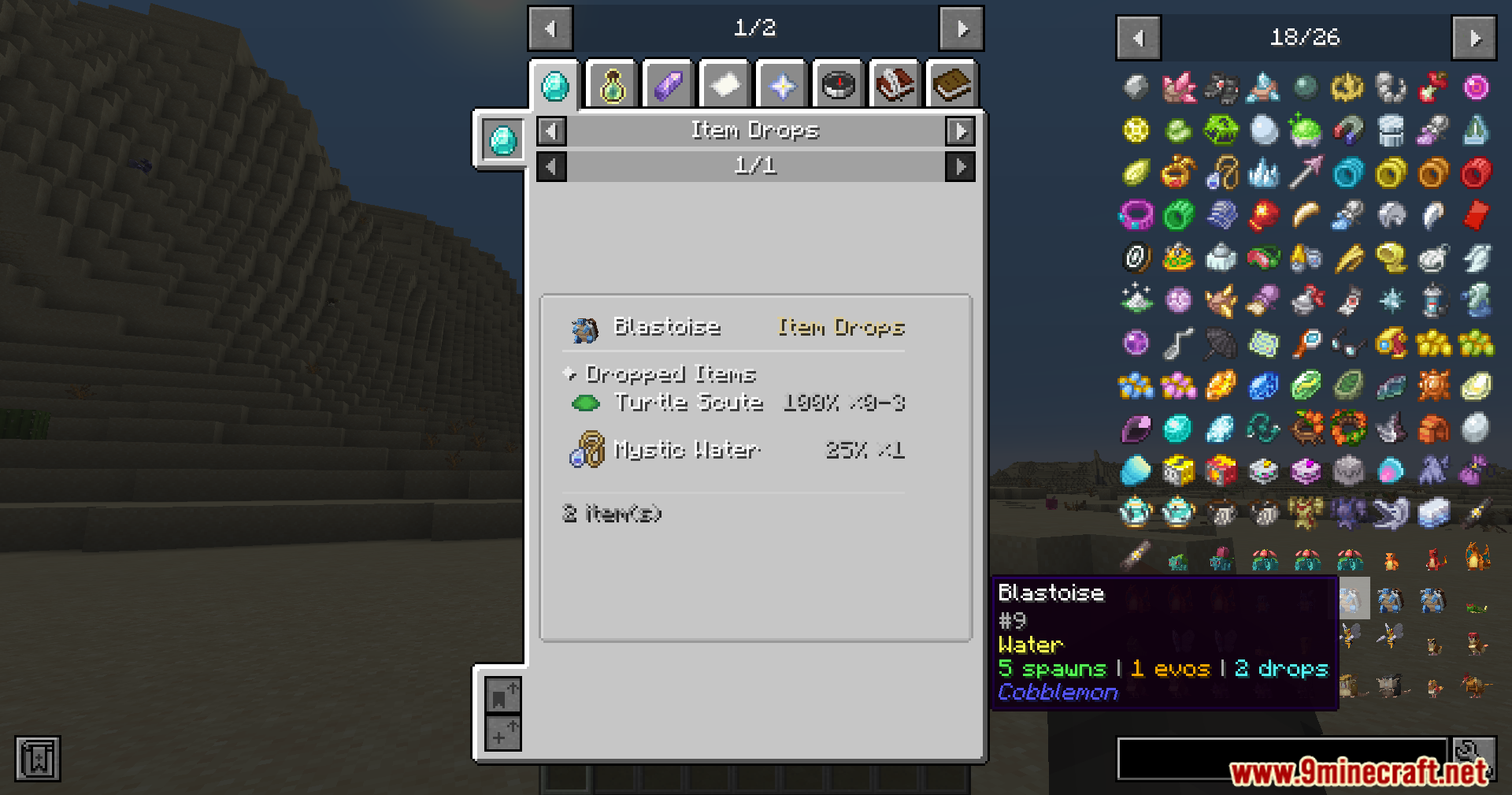
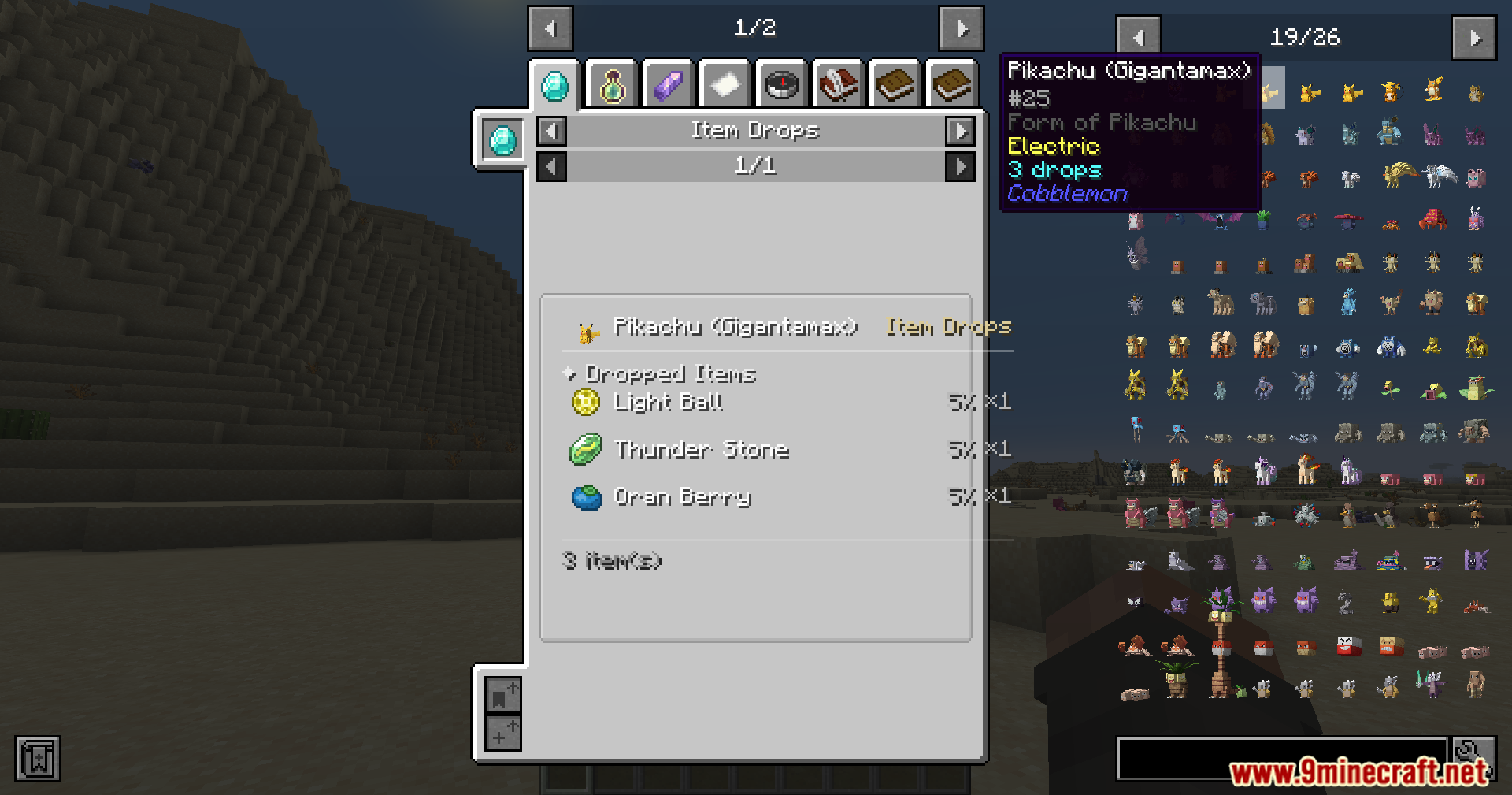
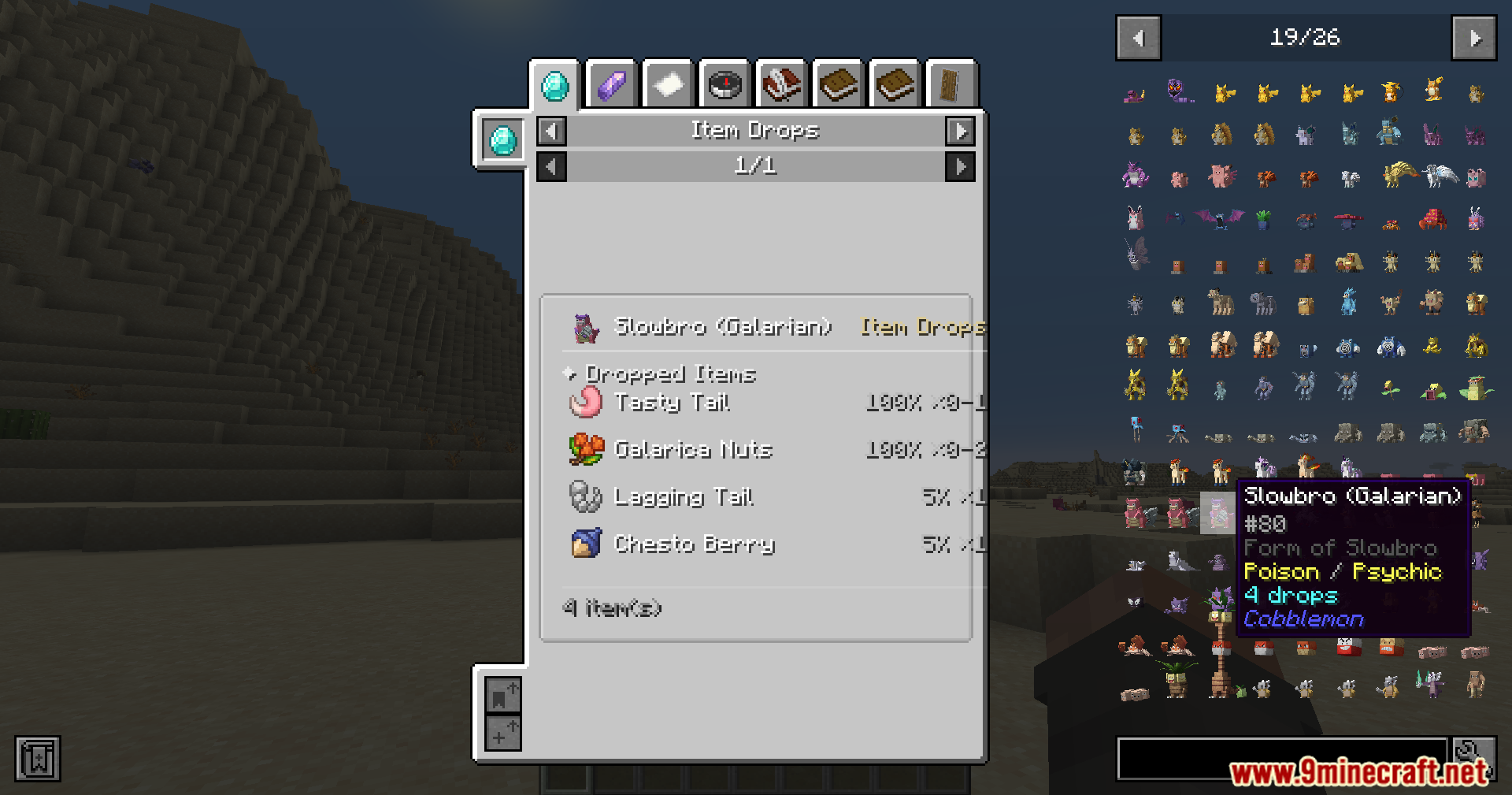
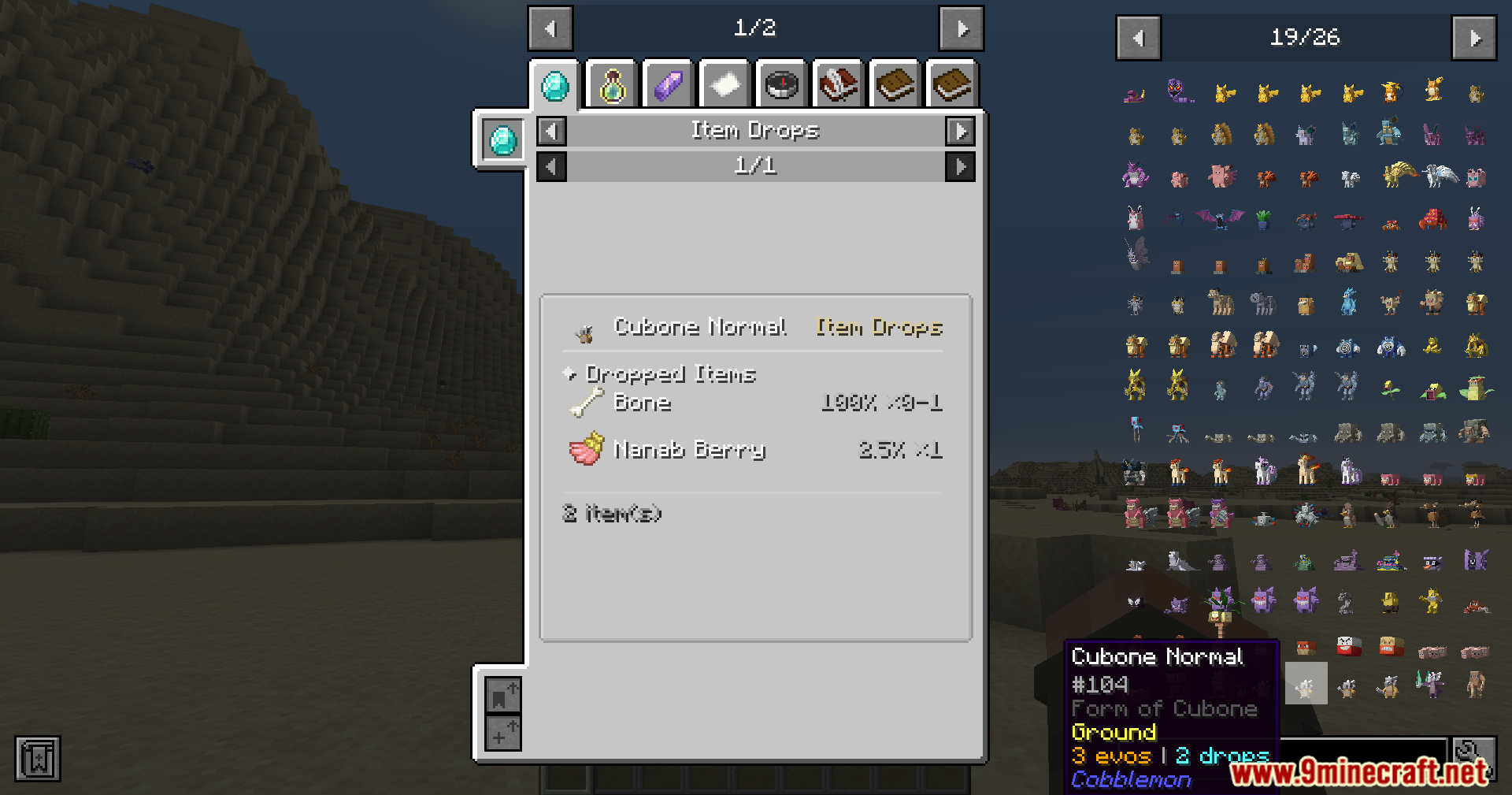
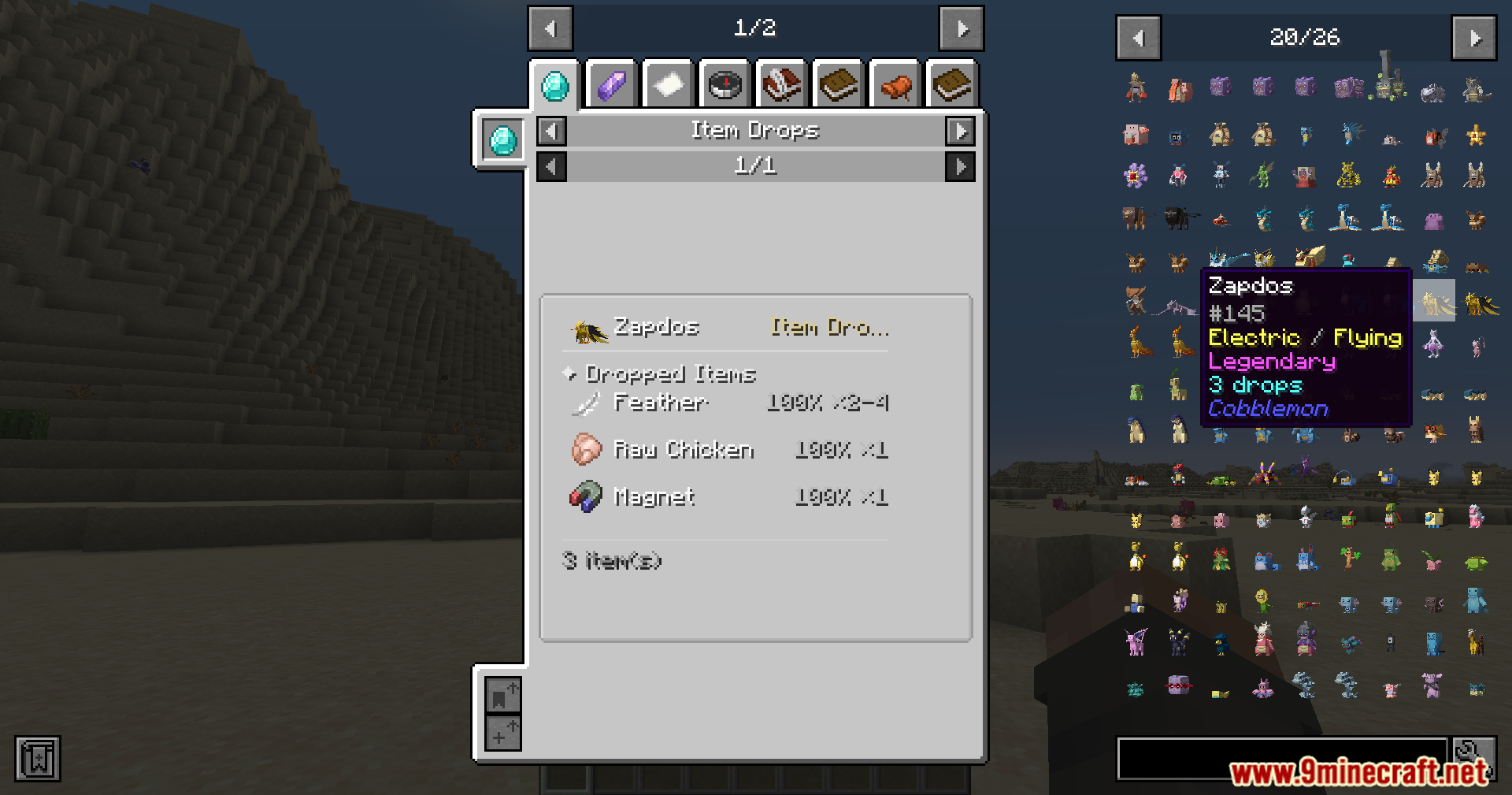
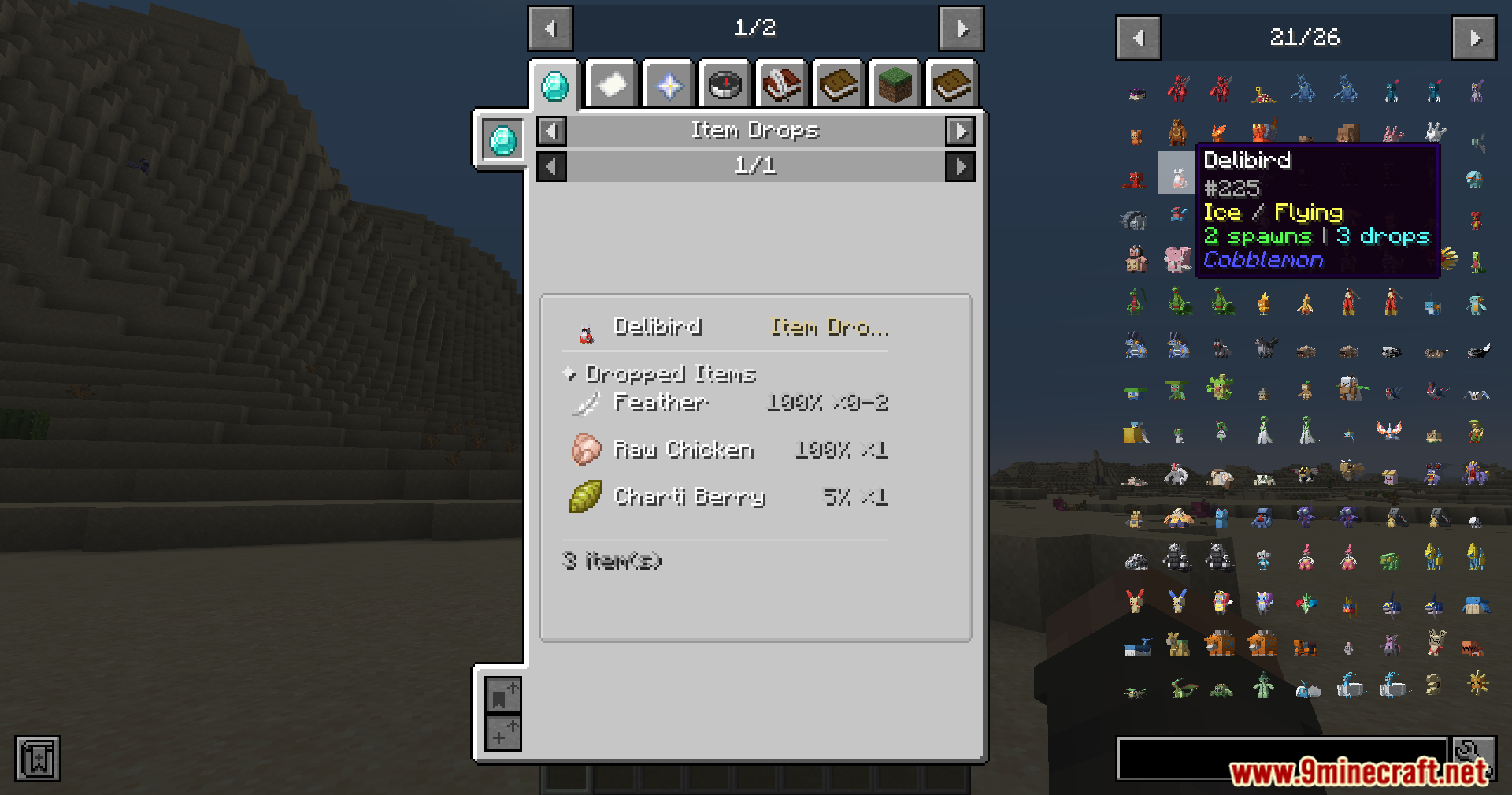
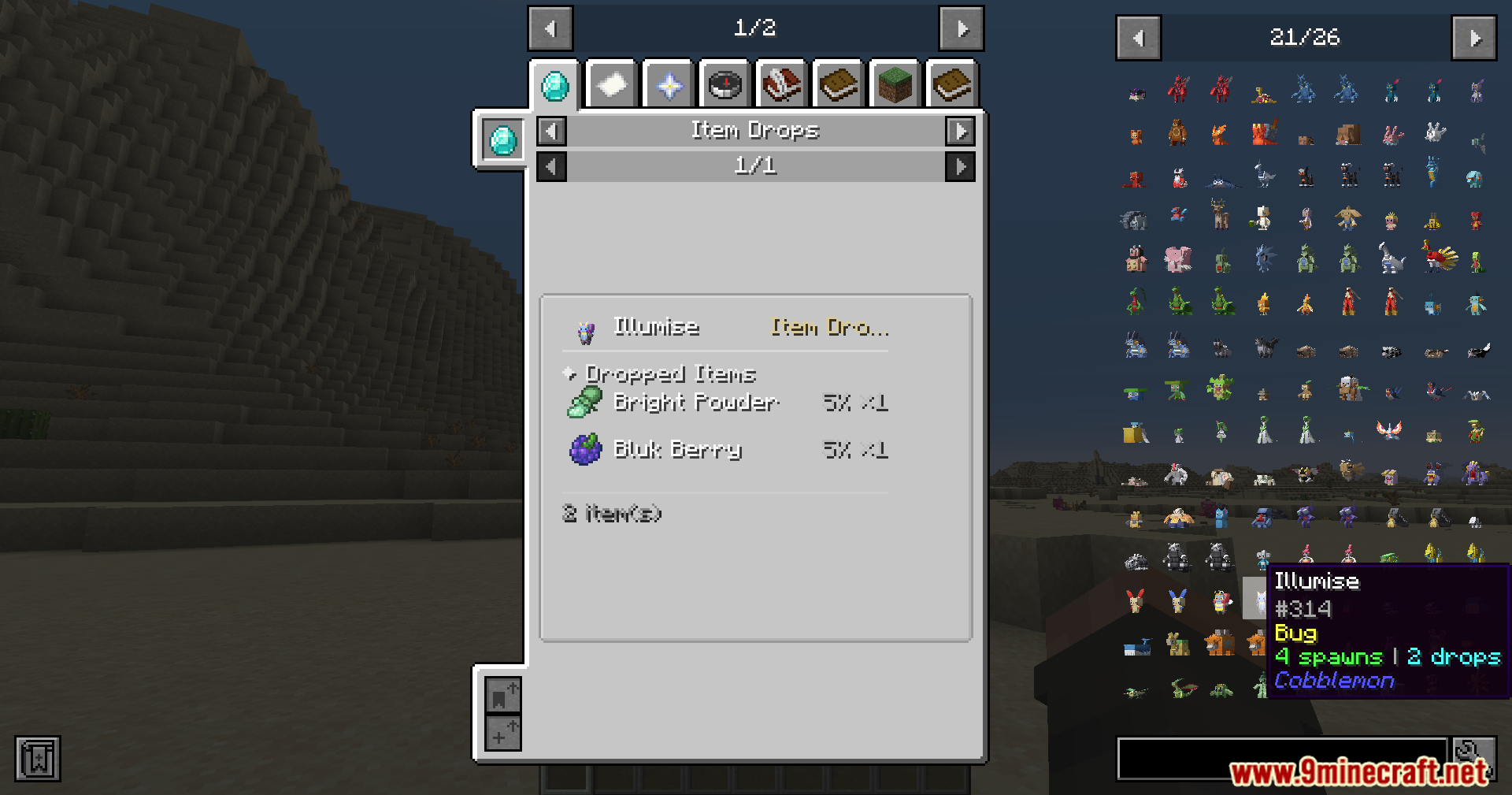
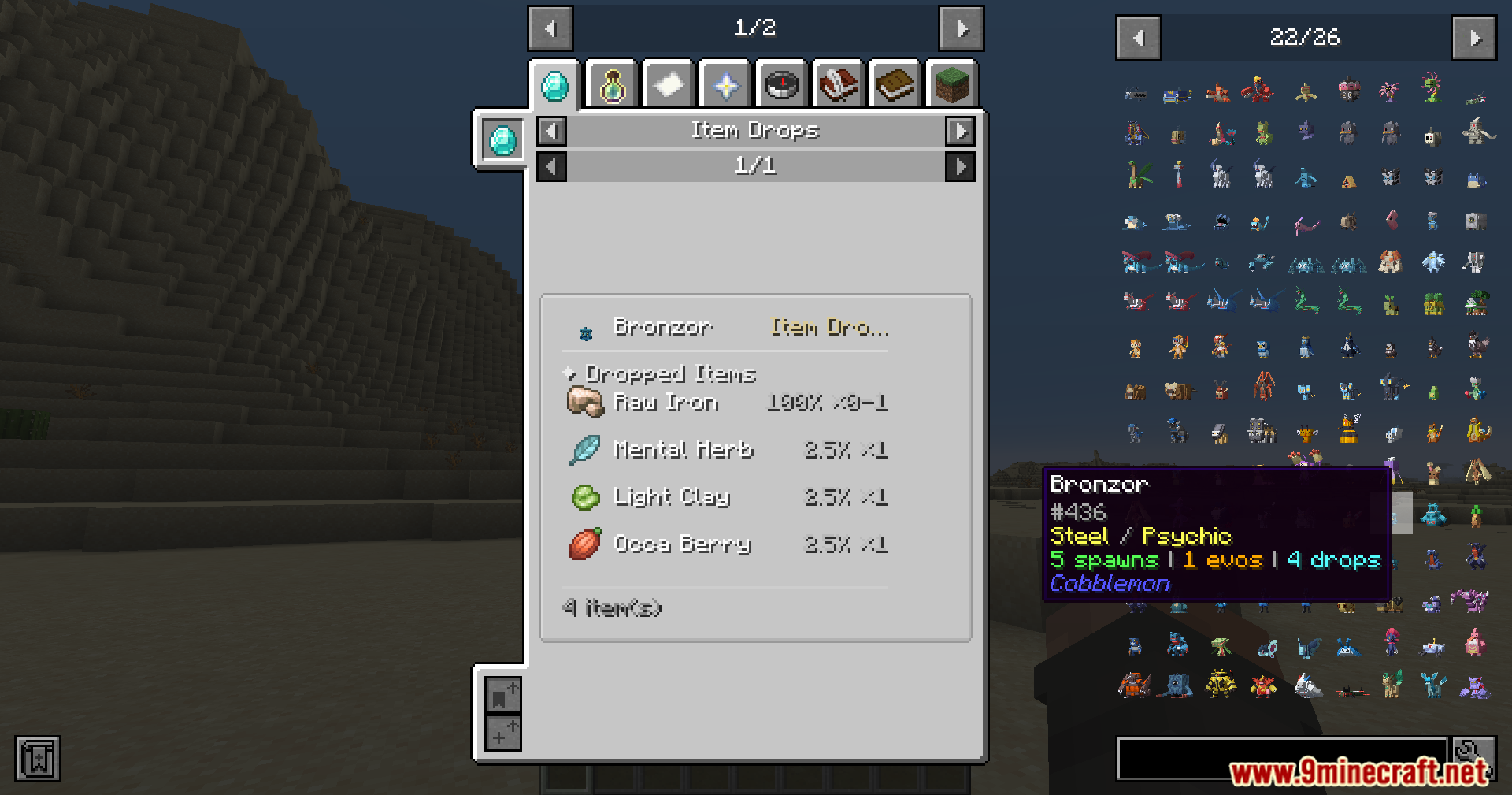
Check Evolution Paths and RequirementsFind Item Drops and Drop RatesViewing Drop Tables Open the recipe viewer on a Pokémon and navigate to the drops or loot section. This displays all…Find Where a Specific Pokémon SpawnsOpening the Spawn Viewer Press the recipe viewer hotkey (default: R) while holding or looking at a Pokémon entry in…Look Up Move Lists and Learn MethodsAccessing Move Data Open the recipe viewer on a Pokémon to find its moves tab. The mod organizes moves by how the…
Frequently asked questions
How do I open the mod's reference guide?
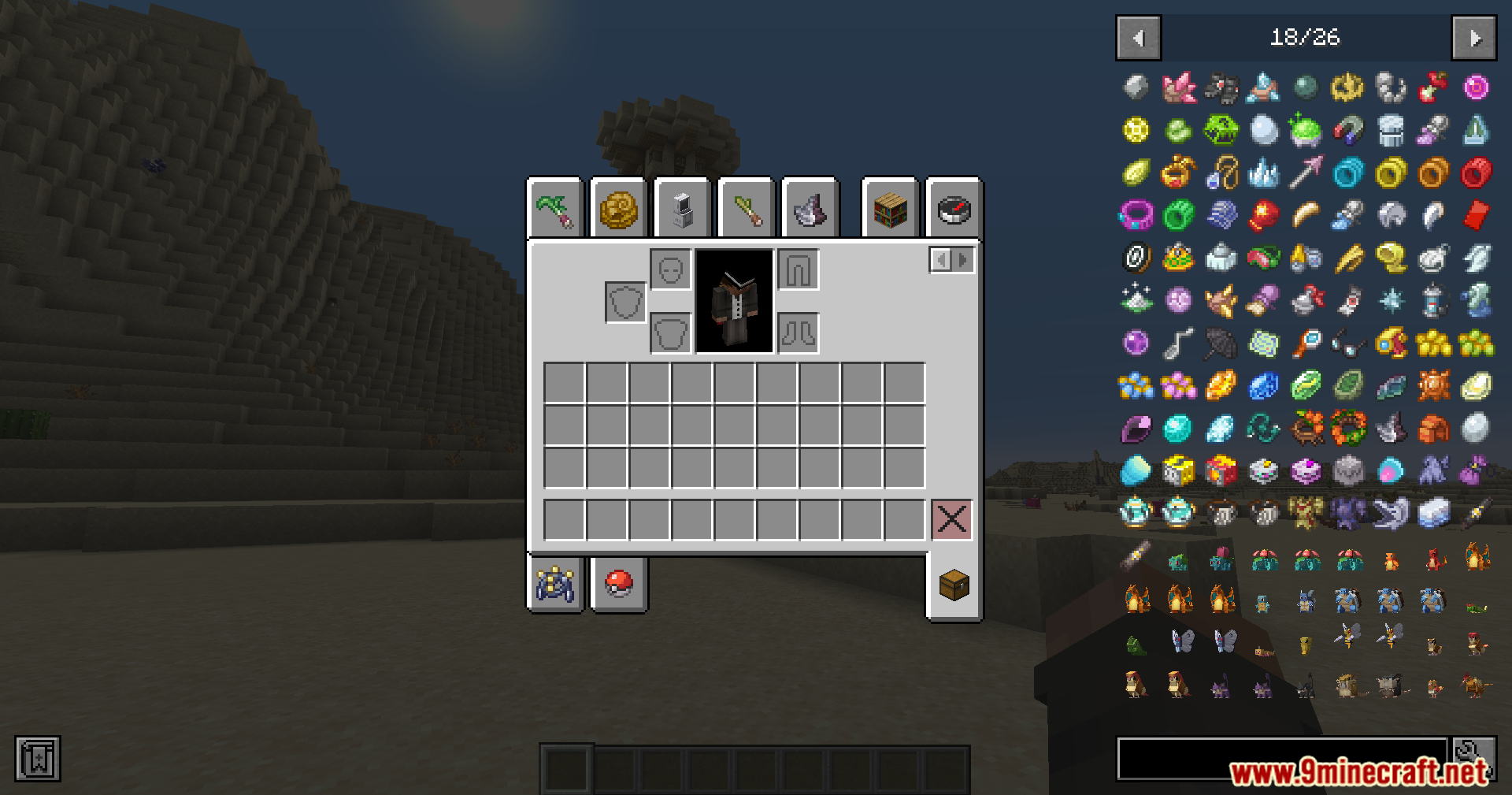
Press the keybind (default varies by recipe viewer integration—usually R or similar) while in-game to open the reference panel. The mod works as an overlay on top of recipe viewers like REI, EMI, or JEI, so make sure one of those mods is installed and the panel is visible.
Why can't I see spawn data for a Pokémon?
Spawn data only appears for creatures that can naturally spawn in your current world. If a Pokémon doesn't spawn in your biome or dimension, the mod won't show spawn information—check if it spawns in a different biome or if a datapack is limiting spawns.
Does this mod work on multiplayer servers?
Yes, the mod runs client-side only, so you can use it on any server without the server having to install it. The data it displays comes from your client's copy of Cobblemon, so it reflects what's available in that world.
How do I check what items a Pokémon drops?
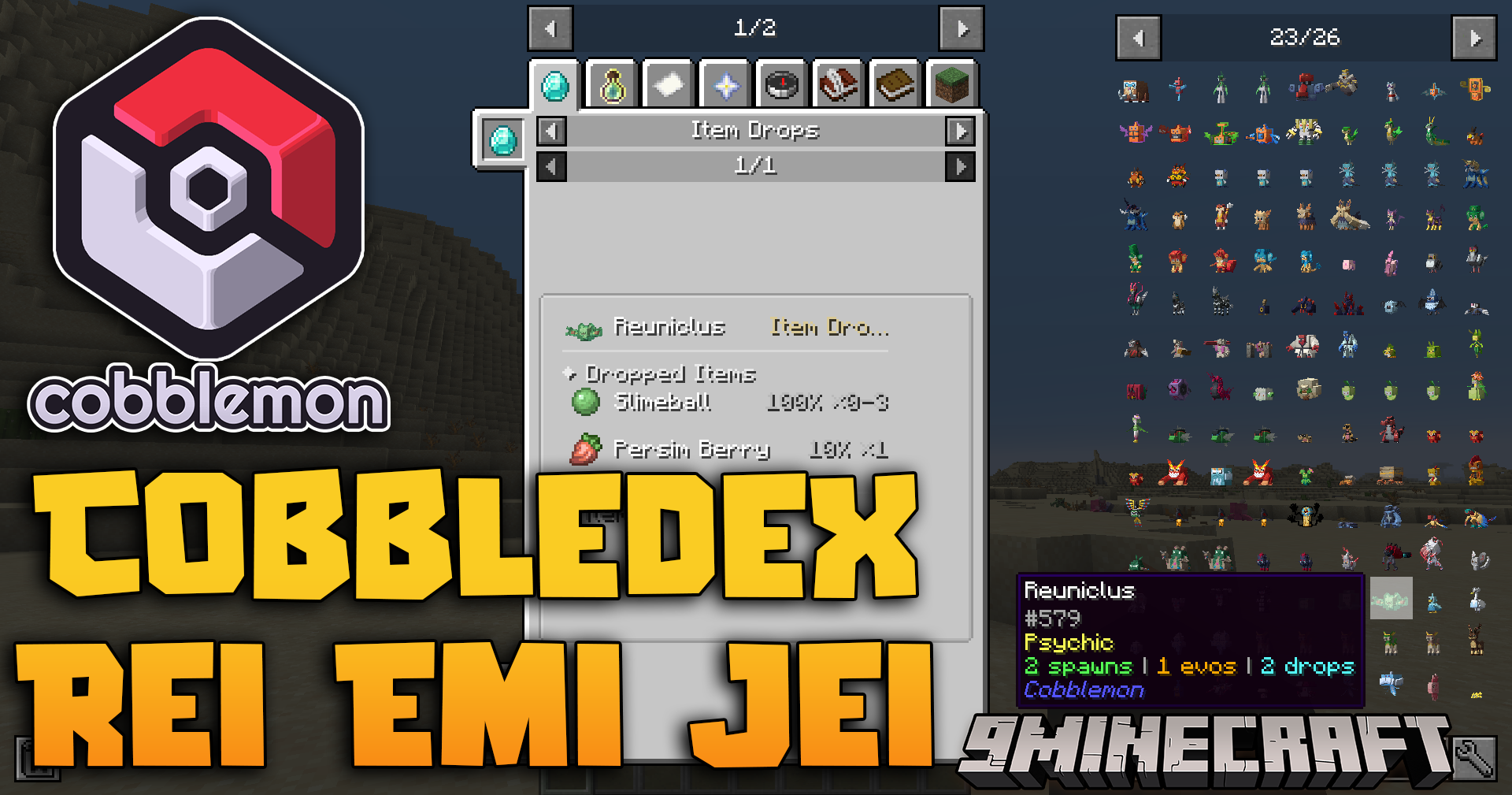
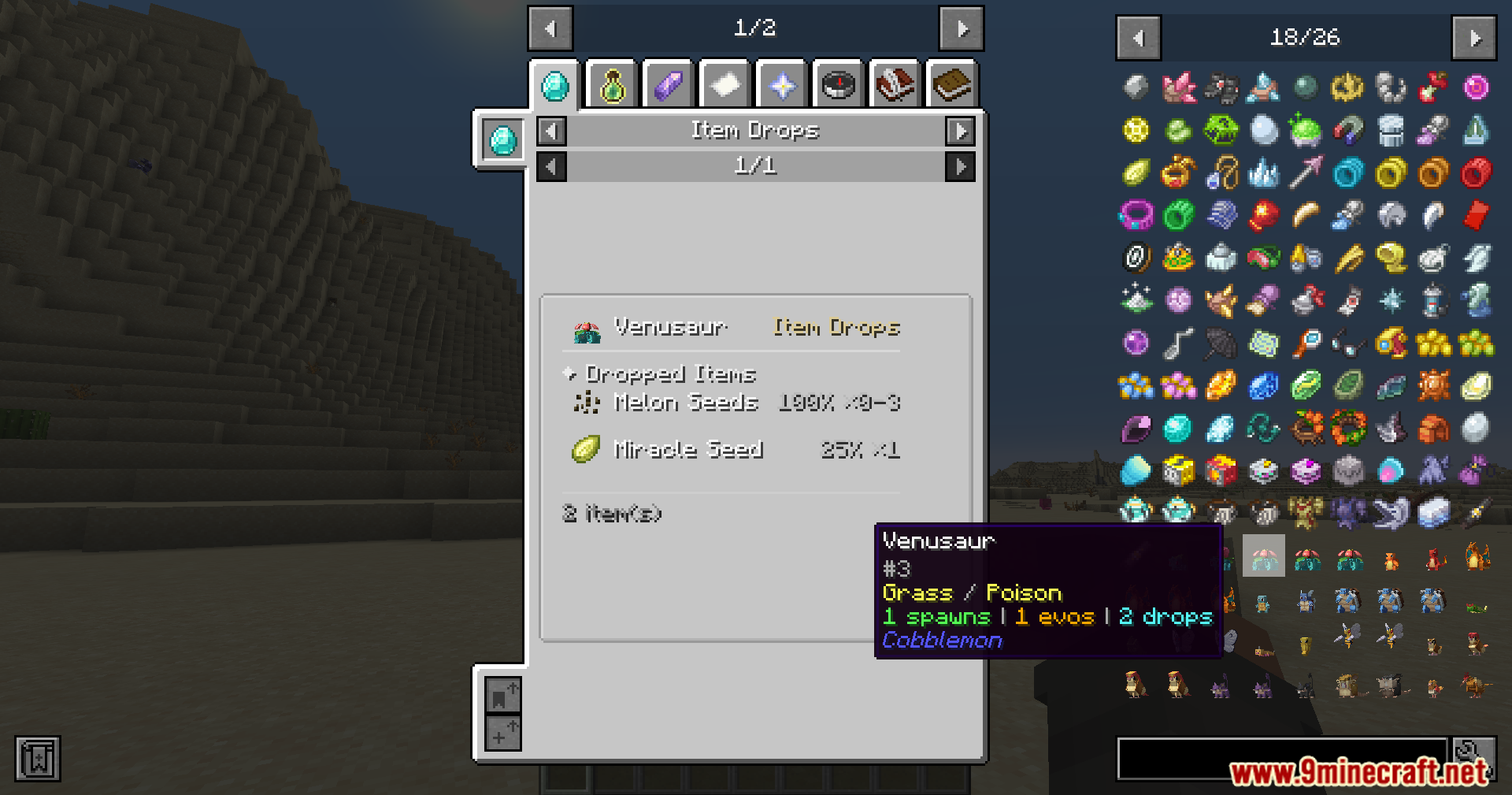
Open the reference guide and search for the Pokémon's name, then look for the 'Drops' or 'Items' section. It will show each item and its drop chance percentage.
See all 10 Cobbledex Rei Emi Jei questions ›
Gallery
12 images from the Cobbledex Rei Emi Jei Mod page.
You May Also Like
Wikis that share the most with this one
More mod wikis on the site
The most downloaded mods that have a wiki here
A few wikis from each of the other kinds