

 DownloadCoasters Simulated Track Styles
Get the files on 9Minecraft
Guides
Step-by-step, in-game.
Change Track Style and Colors on Your CoasterUsing the Track Style Tool The in-game track styling tool lets you swap manufacturer designs and customize colors…Copy Track Styles Between Different Coaster SectionsThe Copy Tool Feature Instead of manually entering hex codes and selecting styles repeatedly, use the copy tool to…Customize Anchor Blocks and Support GirdersUsing the Anchor Customization Tool Beyond track styles and colors, this mod includes a dedicated anchor tool for…Mix Different Track Shapes Along a Single CurveUnderstanding Track Transitions This mod allows you to shift between different track spine configurations…
Recipes
Every recipe the mod adds, grouped by how it is made.
Items
 Anchor Style Tool
 Coaster Style Tool
Configuration
Every setting in the mod config file, with what it changes.
| Option | What it does |
|---|---|
items | Item List |
logDirtBlock | Log Dirt Block |
magicNumber | Magic Number |
magicNumberIntroduction | Magic Number Text |
Frequently asked questions
How do I apply a track style to my coaster?
Use the track style tool (found in your inventory or crafted) and right-click on any track anchor in your coaster. A menu will appear showing all available track styles—select one and it applies to the entire connected track loop instantly.
Can I use different track styles on the same coaster?
Yes. You can apply different styles to separate sections of your coaster by using the track style tool on different track anchors. Disconnected track sections can have completely different styles without affecting each other.
How do I change the color of my track rails and spine?
Use the track style tool and select your desired track model, then input hex color codes for the rails and spine separately in the in-game menu. You can customize colors independently for each section of track.
What happens if I mix single-spine and double-spine track on the same curve?
The mod is designed to handle smooth transitions between different track shapes along a single curve, so your ride flow won't break. The transition will render smoothly without gaps or collision issues.
See all 10 Coasters Simulated Track Styles questions ›
Gallery
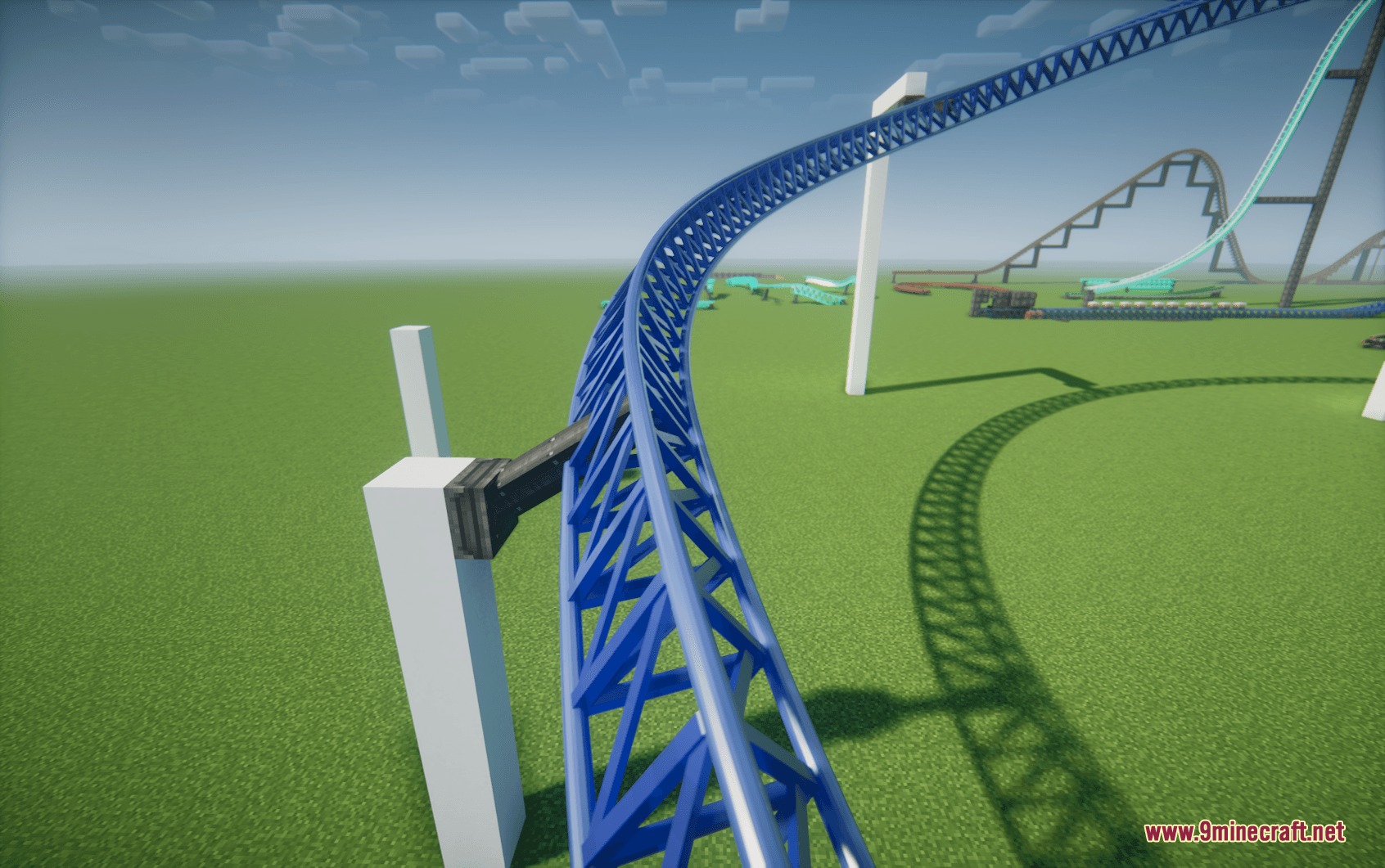
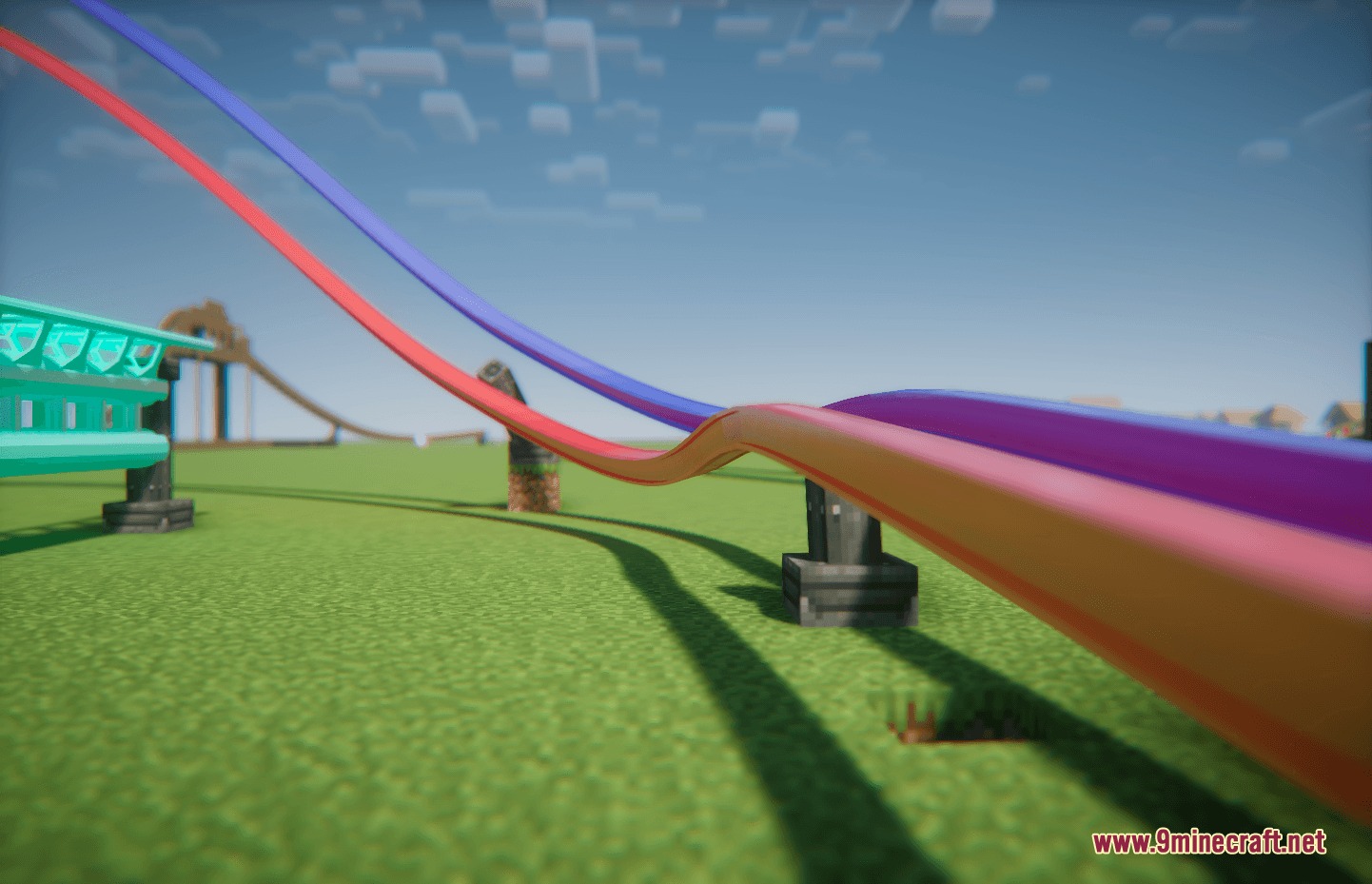
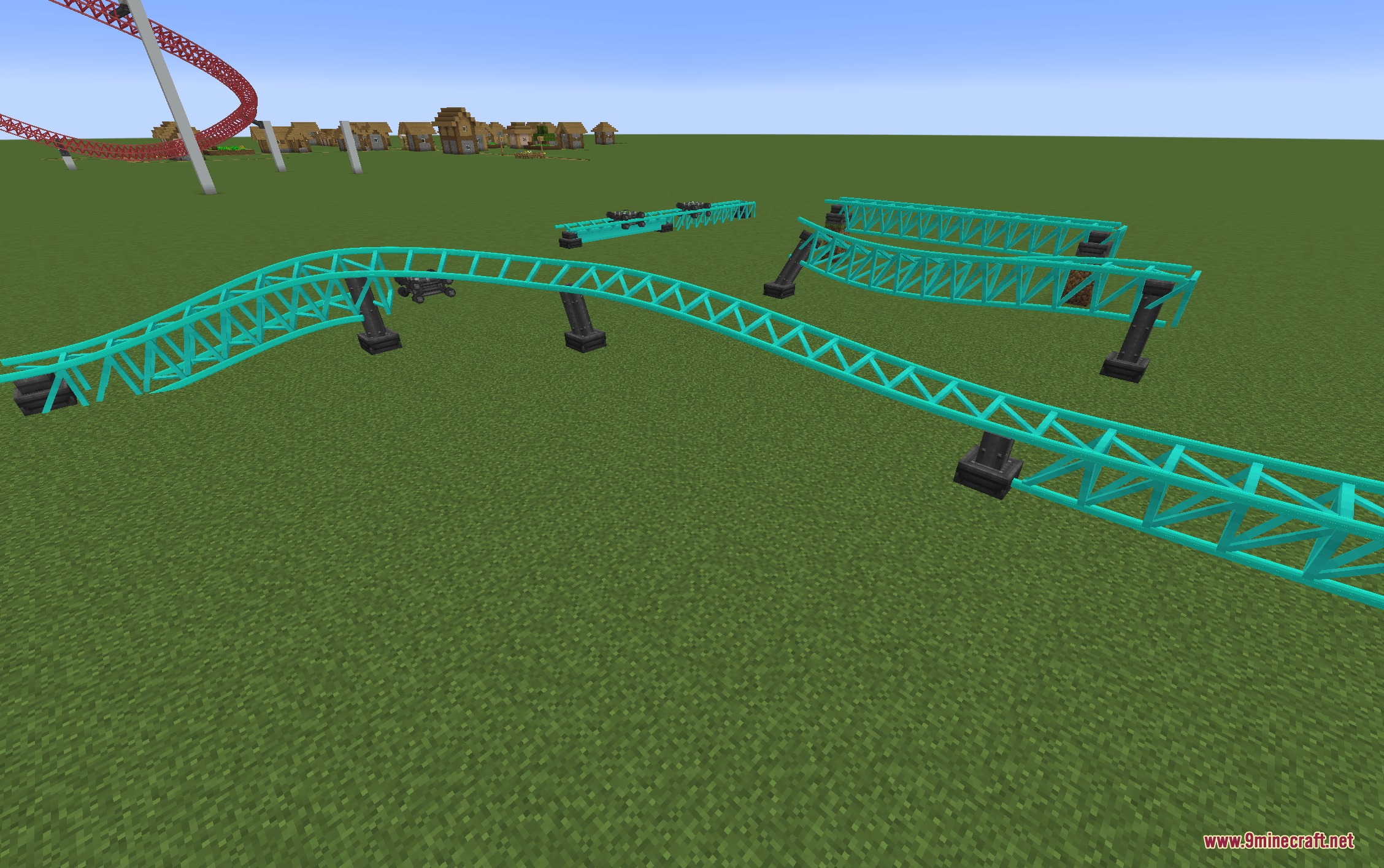
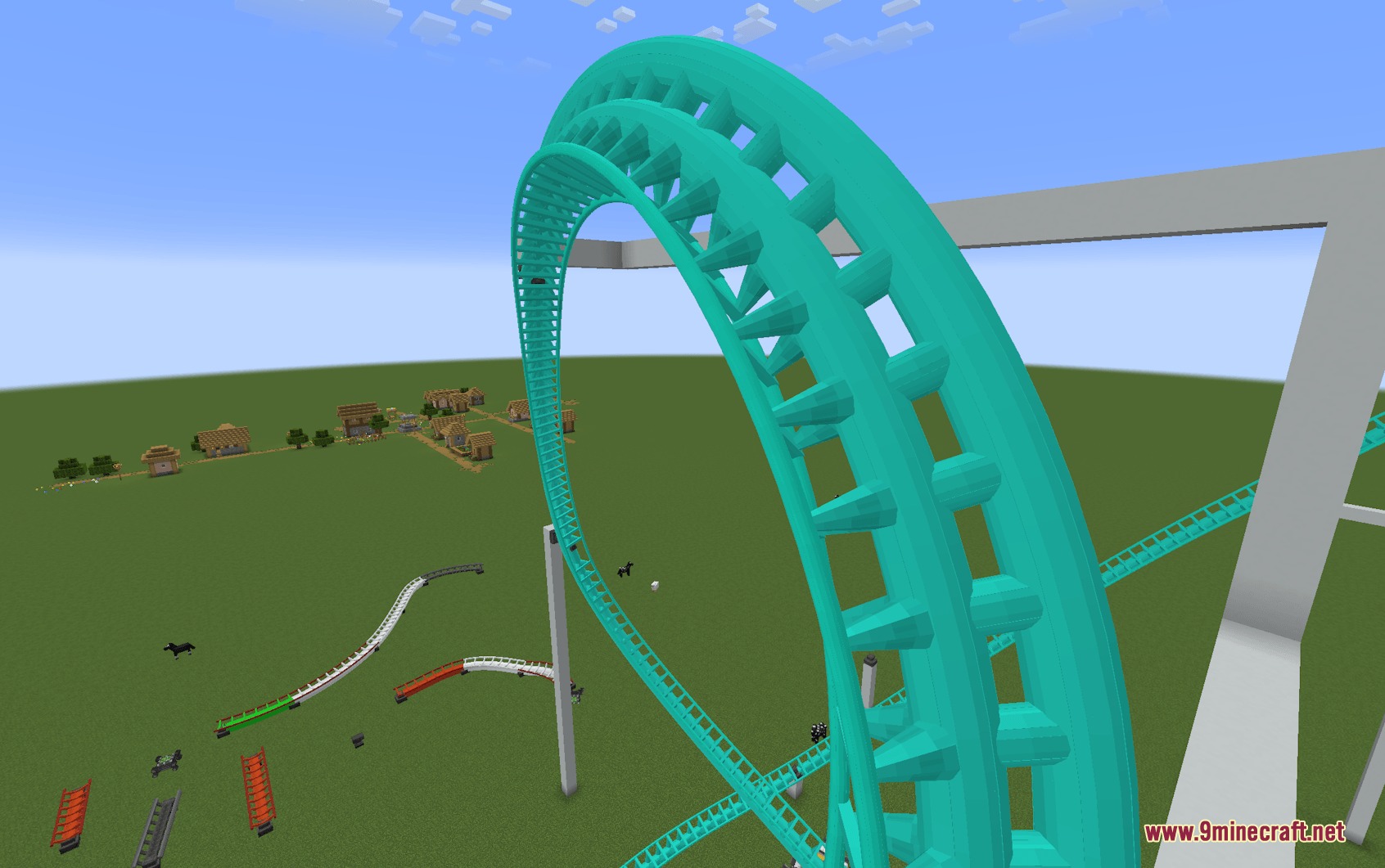
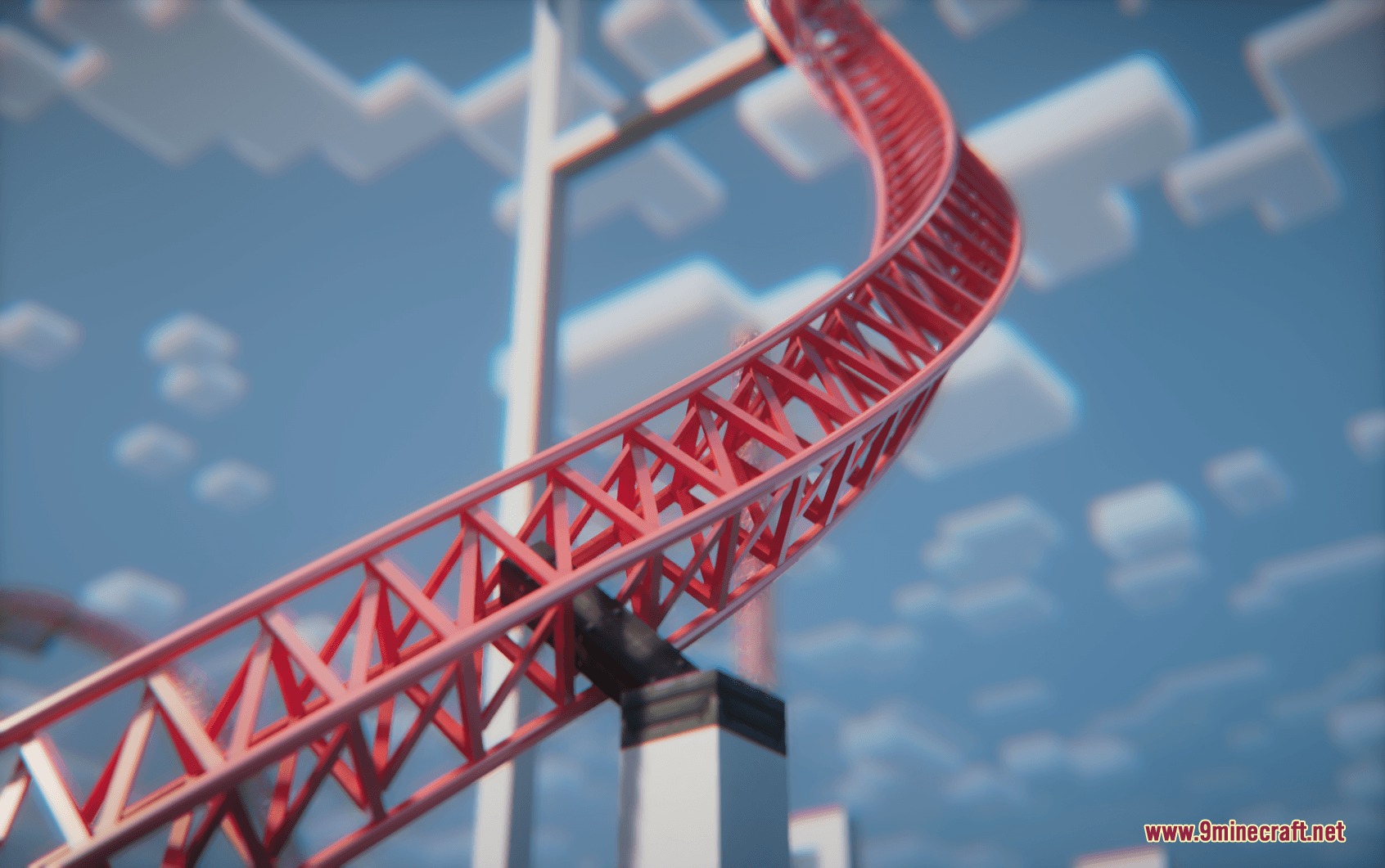
9 images from the Coasters Simulated Track Styles Mod page.
You May Also Like
Wikis that share the most with this one
Wikis on the same theme: tool
More mod wikis on the site
The most downloaded mods that have a wiki here
A few wikis from each of the other kinds