

 DownloadCobbleGen Mod
Get the files on 9Minecraft
Guides
Step-by-step, in-game.
Configure basalt and stone generators separatelyUse separate config entries You can define different generators for different block types in the same cobblegen.toml…Make your stone generator produce multiple block typesUnderstand the weight system CobbleGen uses a weighted random selection. Each block type you add gets a weight…Reset generator configuration to defaultsRestore the default config If your cobblegen.toml file is corrupted or you want to start fresh, delete it from your…Set up a custom cobblestone generatorEdit the cobblegen.toml file Open cobblegen.toml in your config folder. This is where you define what blocks your…
Frequently asked questions
How do I start using CobbleGen?
Install the mod, then locate your cobblegen.toml config file in your world or server folder. Open it to see the default generator setup, or edit it to customize how your cobblestone, basalt, and stone generators produce blocks. Use /reload to apply changes without restarting.
Can I make my cobblestone generator produce different blocks randomly?
Yes. In cobblegen.toml, add multiple block entries under the generator with different weights—higher weight means higher chance. For example, you can set cobblestone at weight 70 and deepslate at weight 30 to get a mix of both.
What's the difference between cobblegen.toml and cobblegen-meta.toml?
Cobblegen.toml defines your actual generators and what blocks they produce. cobblegen-meta.toml controls CobbleGen's overall behavior and settings. Most customization happens in cobblegen.toml.
How do I reset my generator config to default?
Delete your cobblegen.toml file and run /reload or restart your world/server. The mod will regenerate a fresh default config file.
See all 10 CobbleGen questions ›
Gallery
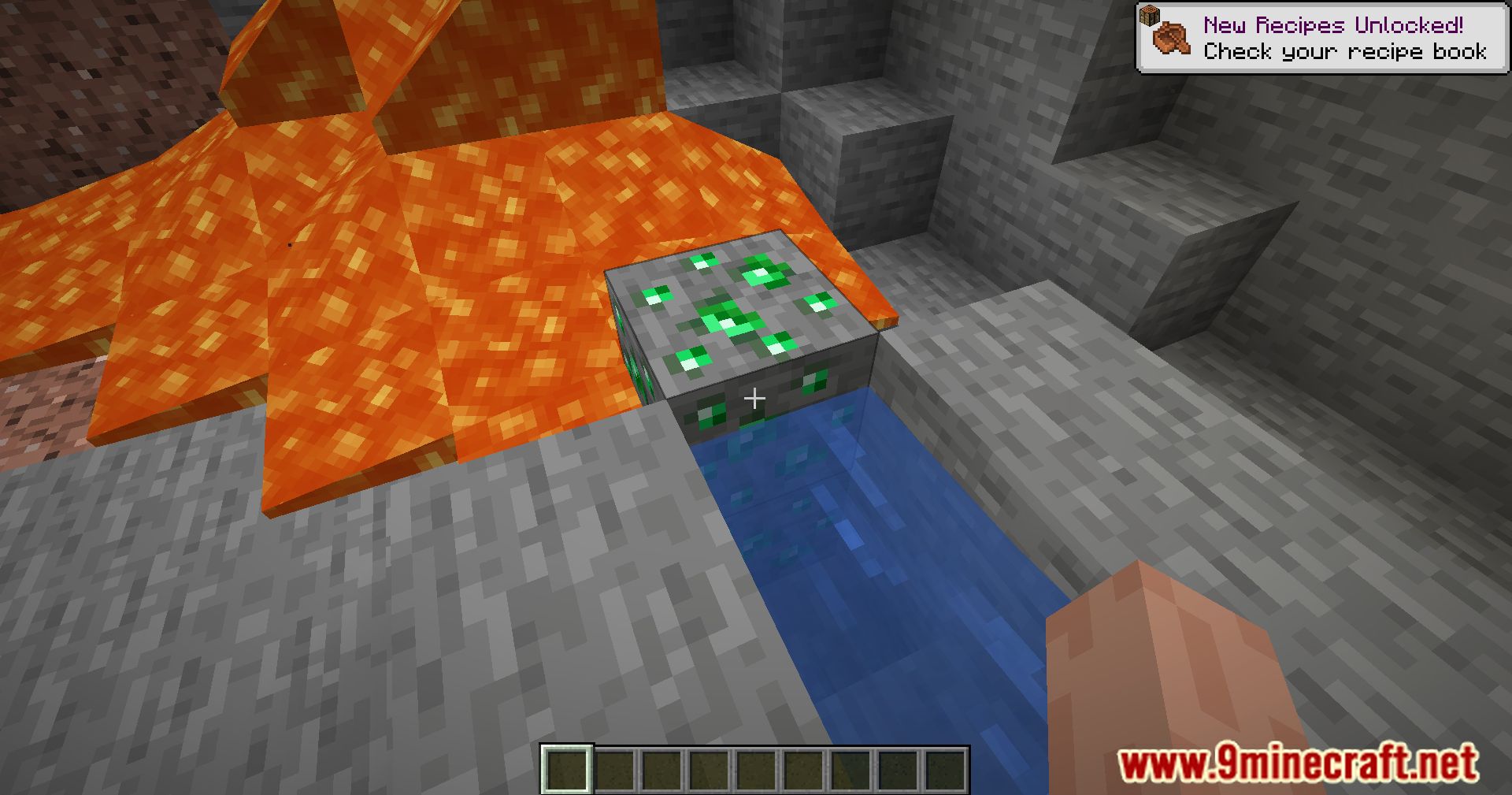
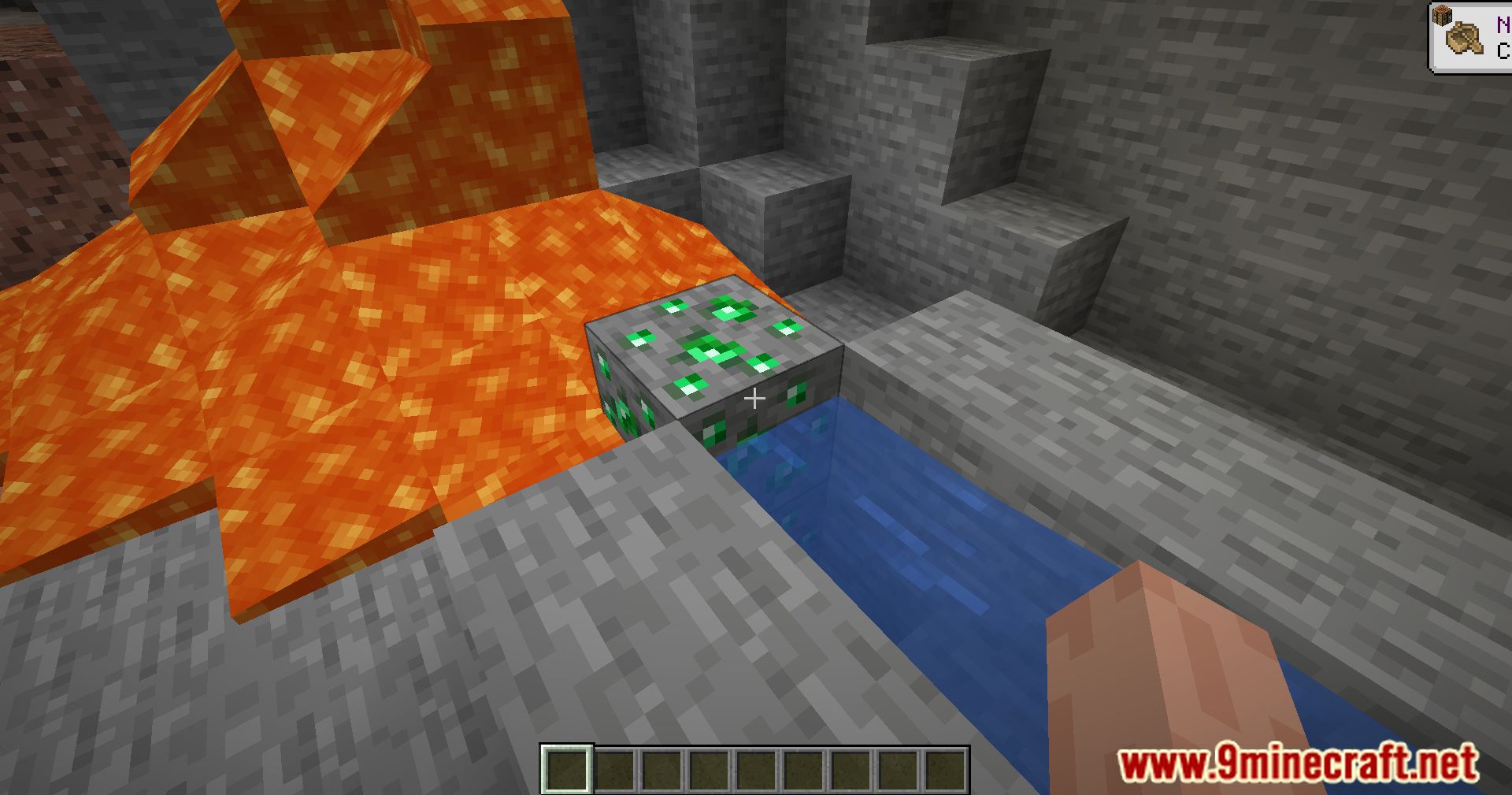
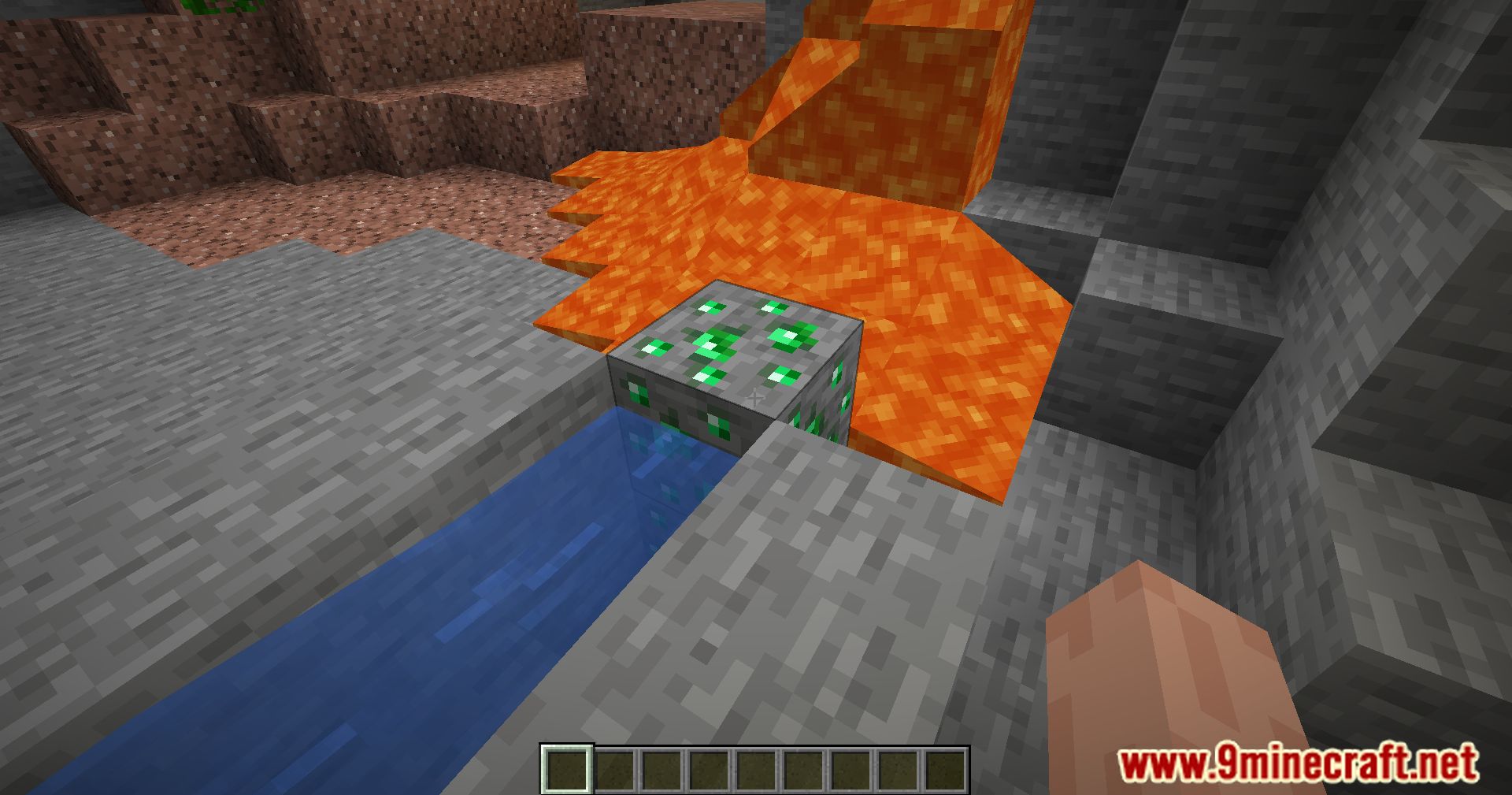
11 images from the Cobblegen Mod page.
You May Also Like
Wikis that share the most with this one
Wikis on the same theme: stone
More mod wikis on the site
The most downloaded mods that have a wiki here
A few wikis from each of the other kinds