

 DownloadClutter No More Mod
Get the files on 9Minecraft
Guides
Step-by-step, in-game.
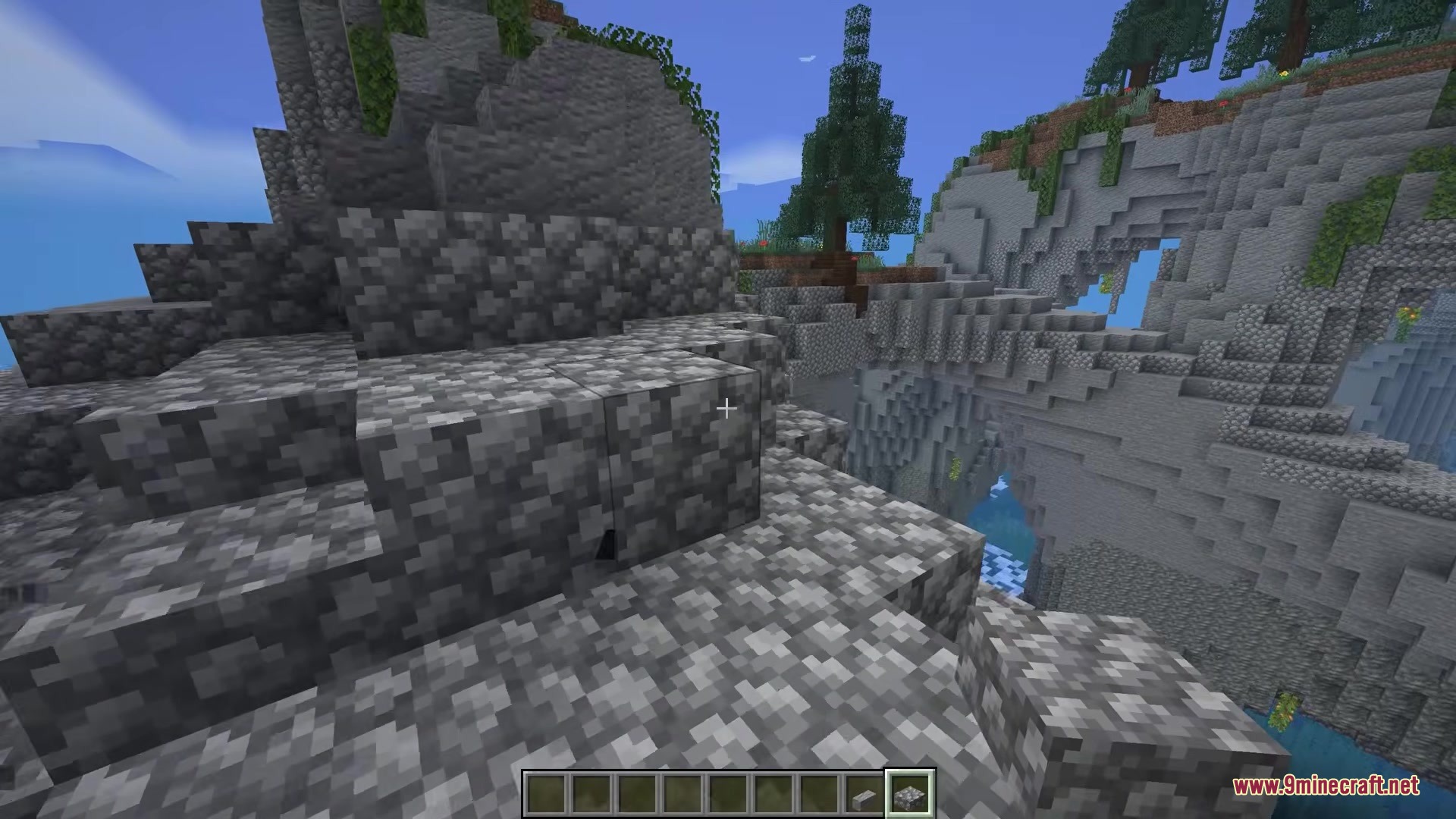
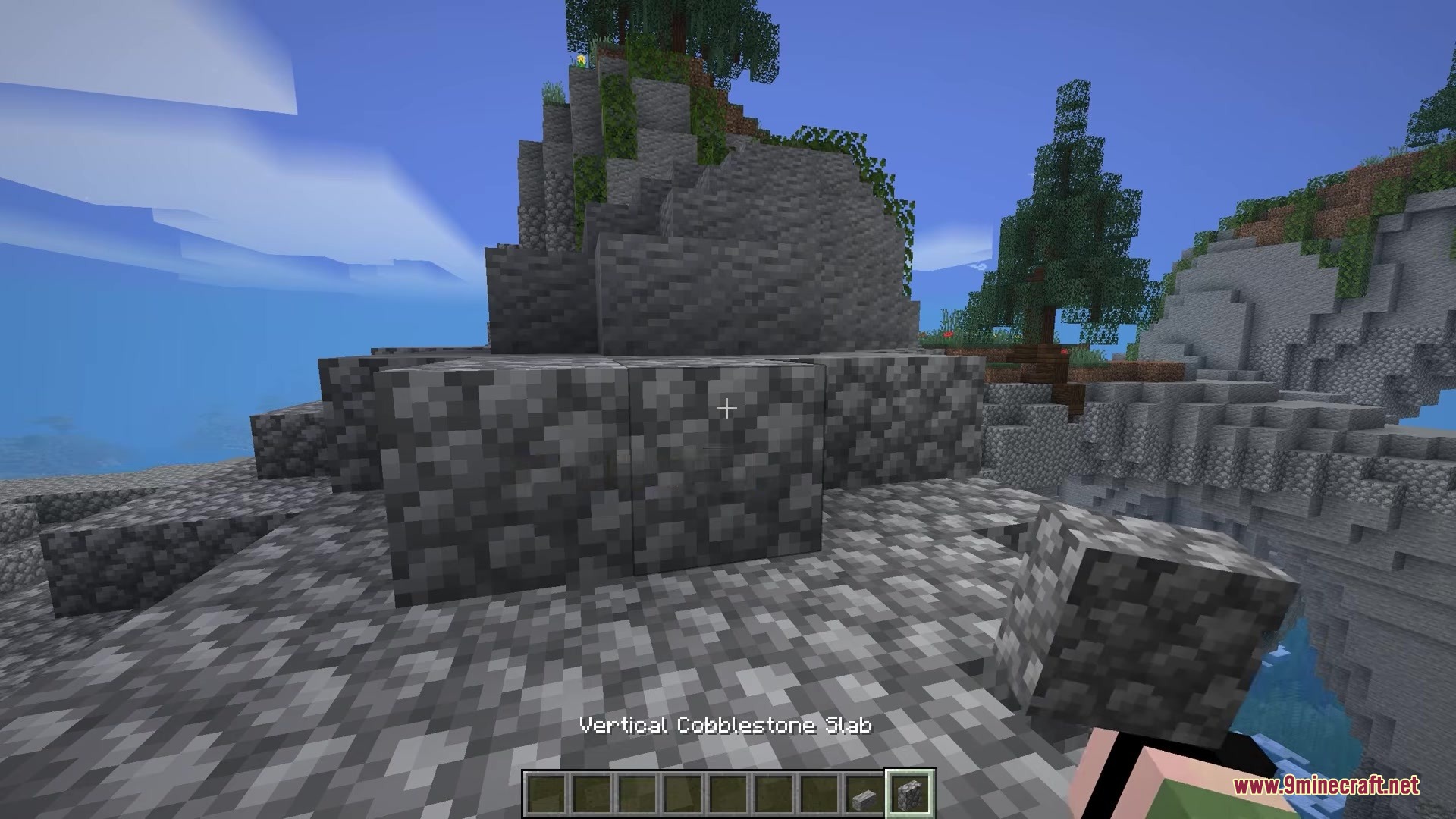
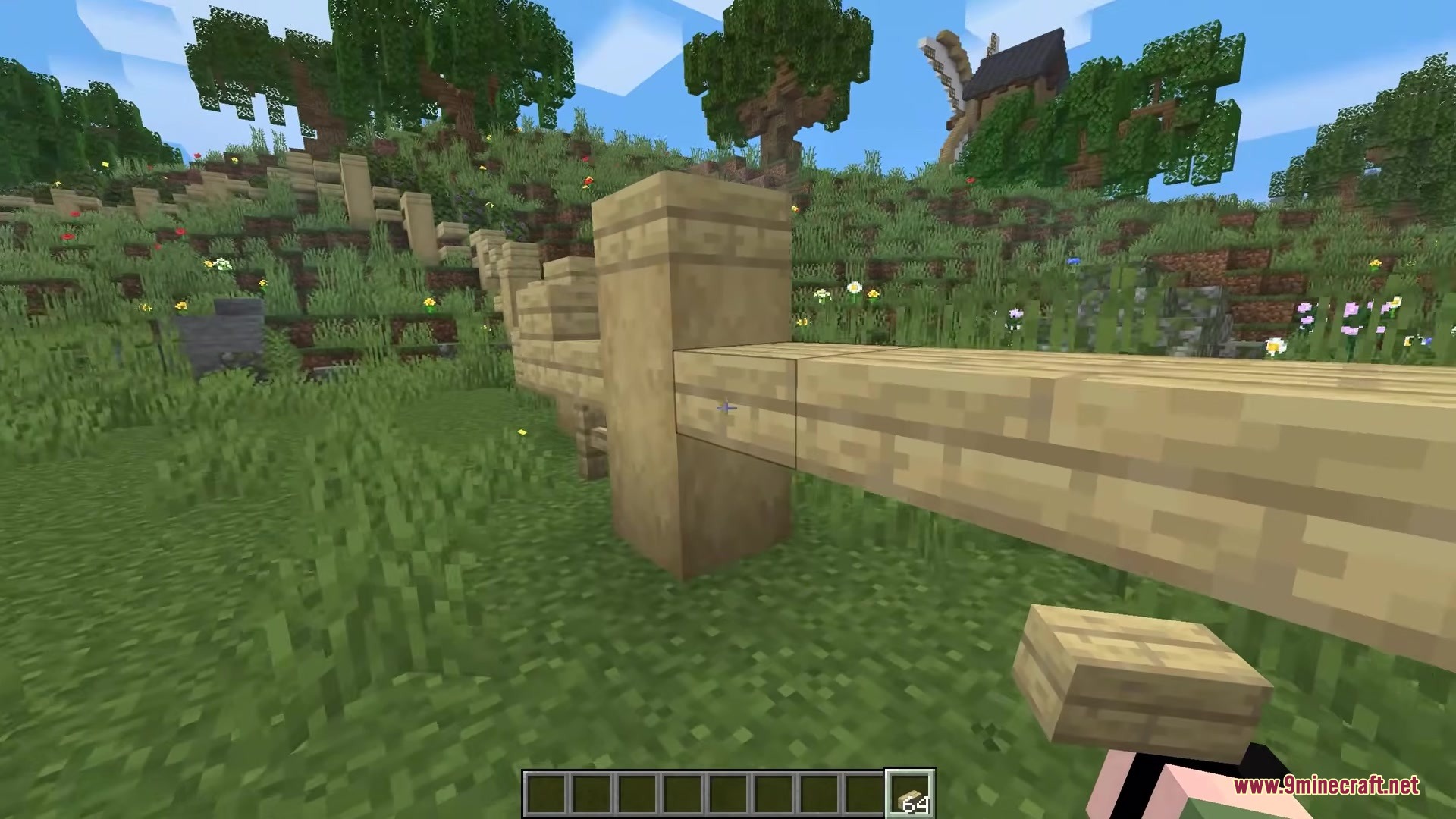
Build Efficiently With New Block ShapesUsing Vertical Slabs and Small Steps Clutter No More adds building shapes that don't exist in vanilla Minecraft,…Convert Between Block Shapes Without CraftingHow to Change Block Shapes Clutter No More lets you transform any held block between different shapes instantly—no…Keep Your Creative Menu Clean and OrganizedHide Block Variant Clutter Clutter No More automatically cleans up your creative mode inventory by hiding redundant…Merge Scattered Block Variants Back Into One StackConsolidate Your Inventory When you have multiple stacks of the same material in different shapes, Clutter No More…
Frequently asked questions
How do I change a block's shape after I place it?
You can only change block shapes while holding them in your hand by pressing the designated shape-swap key. Once a block is placed in the world, you'll need to break it and pick it back up to change its shape again.
What's the keybind to swap between block shapes?
Check your Controls settings in-game—the shape-swap key is configurable. By default it's often a key like 'R' or 'V', but you can rebind it to whatever feels comfortable for your building workflow.
Do I need to craft stairs and slabs anymore?
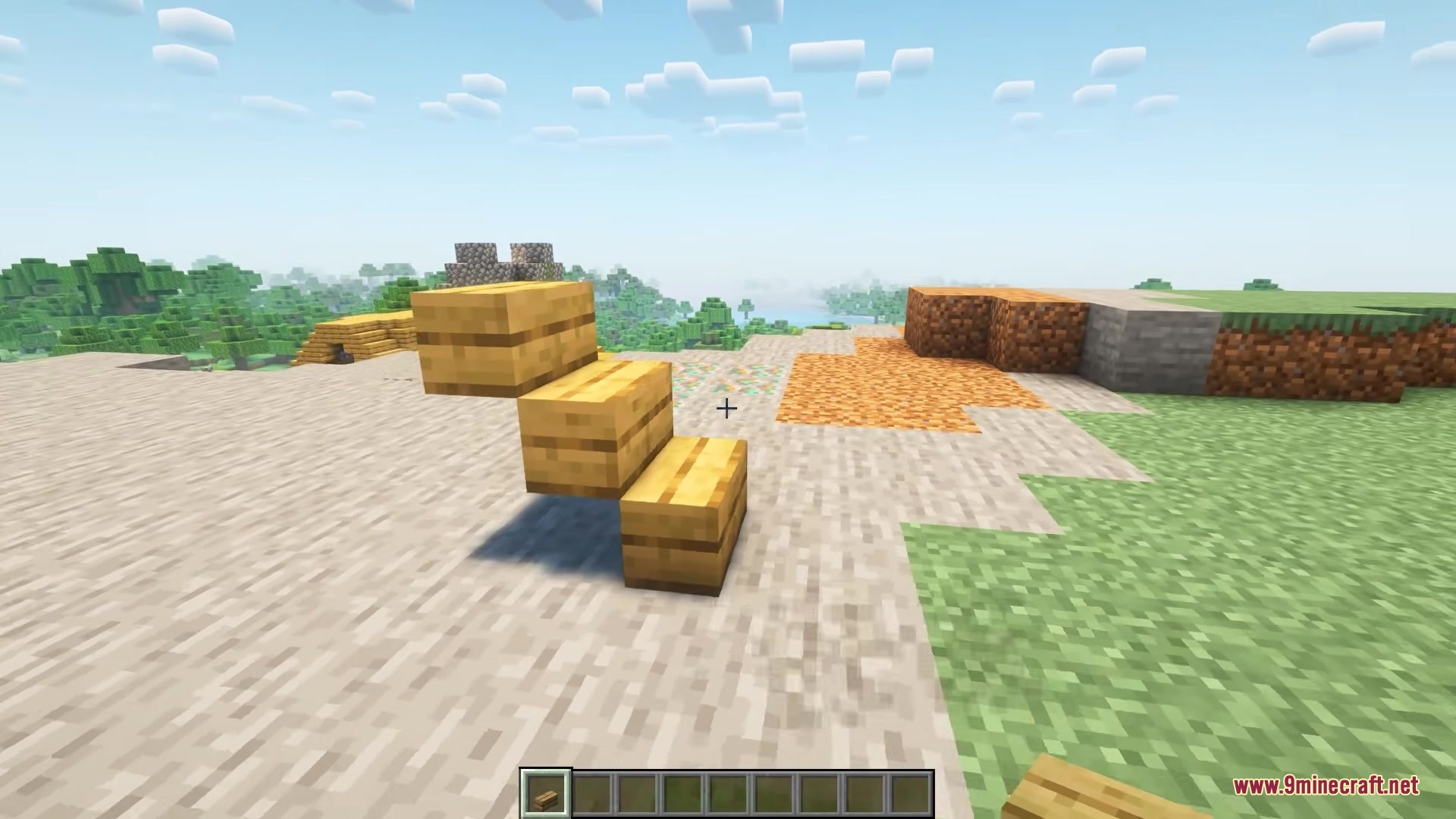
No—with Clutter No More, you can convert any block into stairs, slabs, or other shapes directly in your hand without visiting a crafting table. This saves time and inventory space during large building projects.
Can I merge different block variants back into one stack?
Yes, the mod automatically merges scattered variants of the same material (like different orientations of stairs or slabs) back into a single stack when they're in your inventory together.
See all 10 Clutter No More questions ›
Gallery
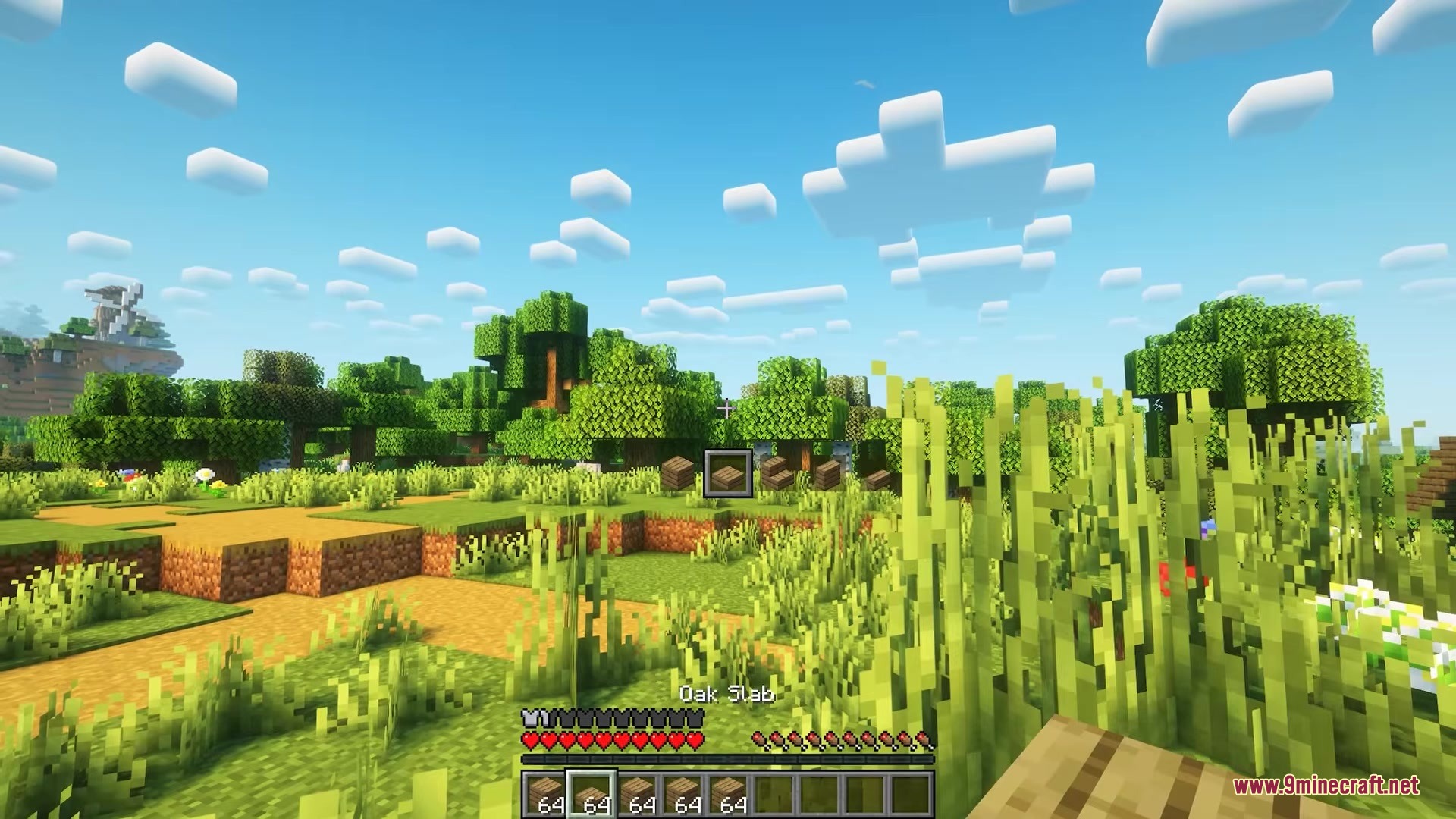
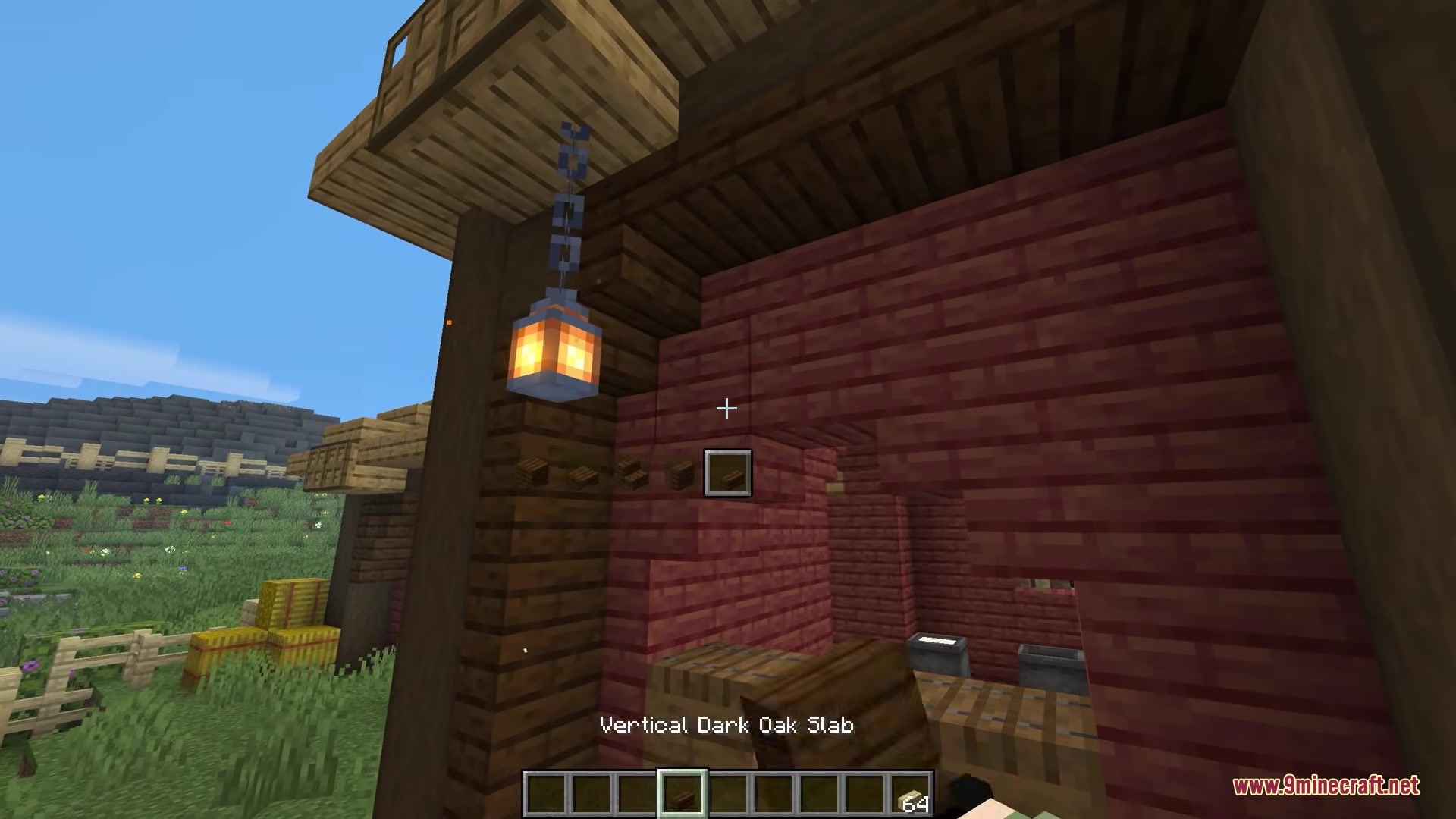
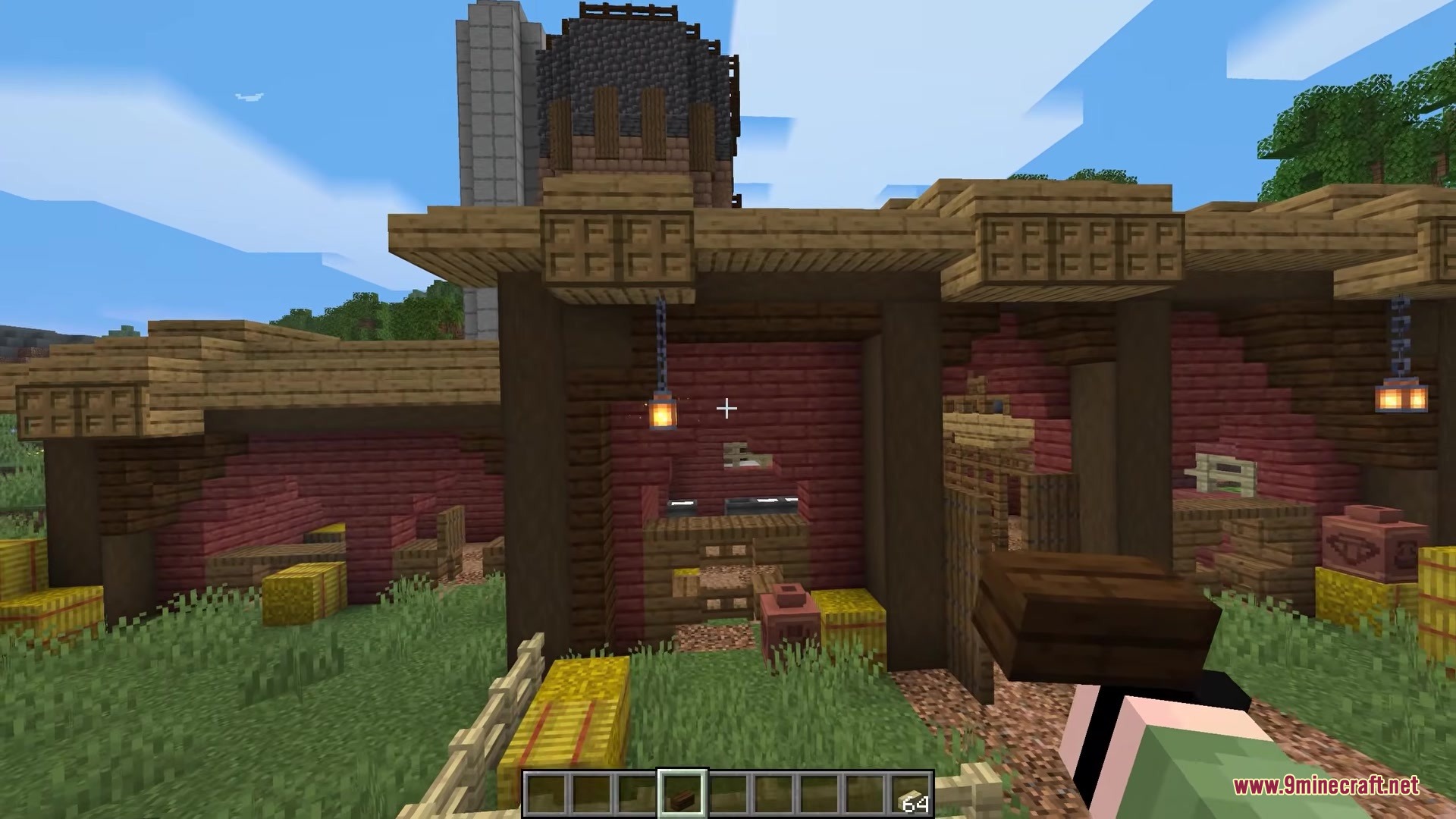
10 images from the Clutter No More Mod page.
You May Also Like
Wikis that share the most with this one
Wikis on the same theme: ore
More mod wikis on the site
The most downloaded mods that have a wiki here
A few wikis from each of the other kinds