

 DownloadChunky Mcchunkface
Get the files on 9Minecraft
Guides
Step-by-step, in-game.
Expand Your Chunk Loader's Range with a PyramidUnderstanding Pyramid Tiers The Chunky McChunkFace block works like a beacon—build a pyramid of permitted blocks…Manage Multiple Chunk Loaders Across Your WorldLocating All Your Chunk Loaders Use the command /chunkymcchunkface list <dimension> to see every chunk loader in a…Set Up Your First Chunk LoaderCrafting and Placement Craft a Chunky McChunkFace block using the mod's recipe, then place it in the chunk you want…Troubleshoot Chunks Not Staying LoadedVerify Activation Status First, confirm your chunk loader is actually active. Interact with the block again to ensure…
Recipes
Every recipe the mod adds, grouped by how it is made.
Blocks
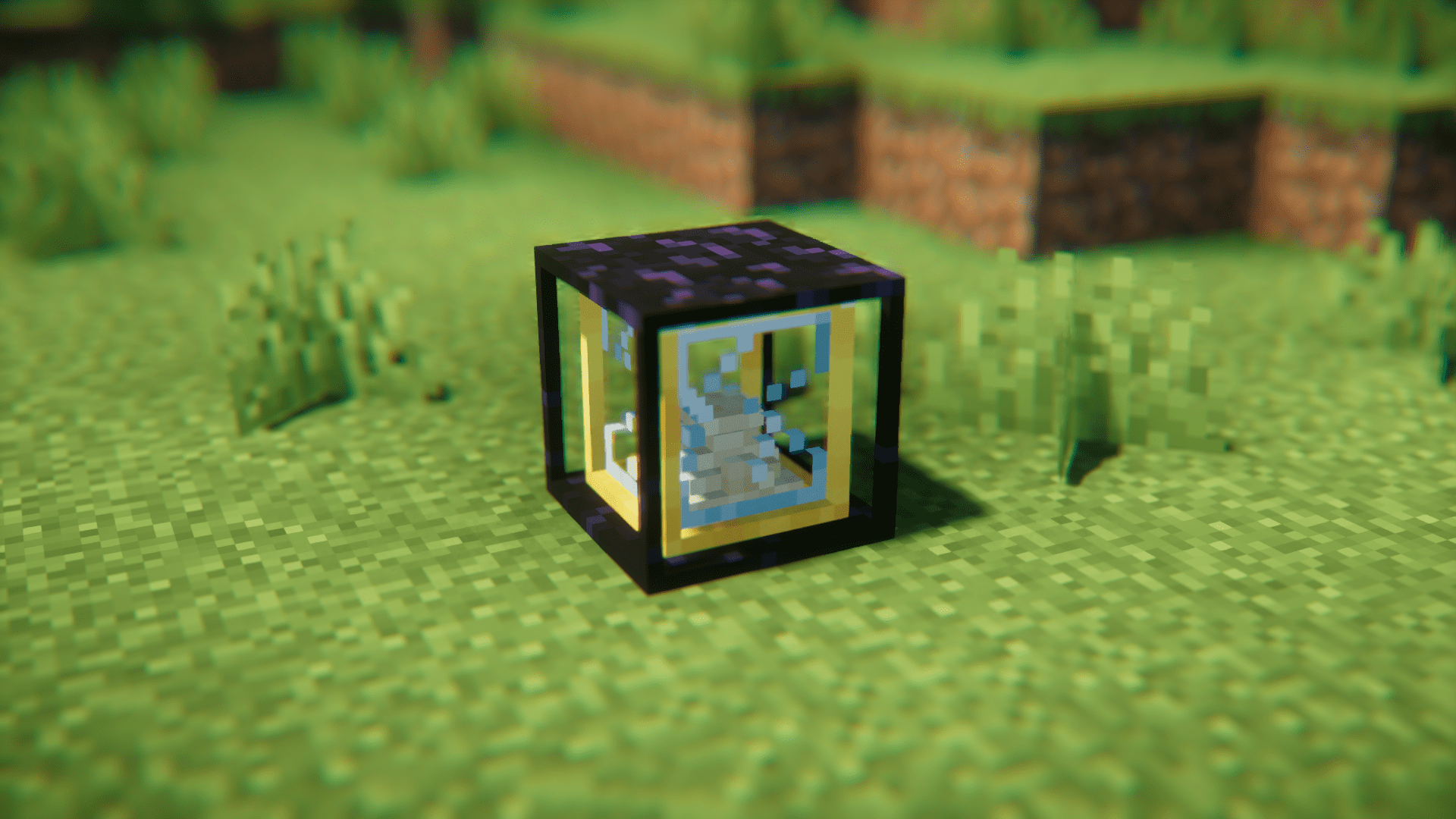
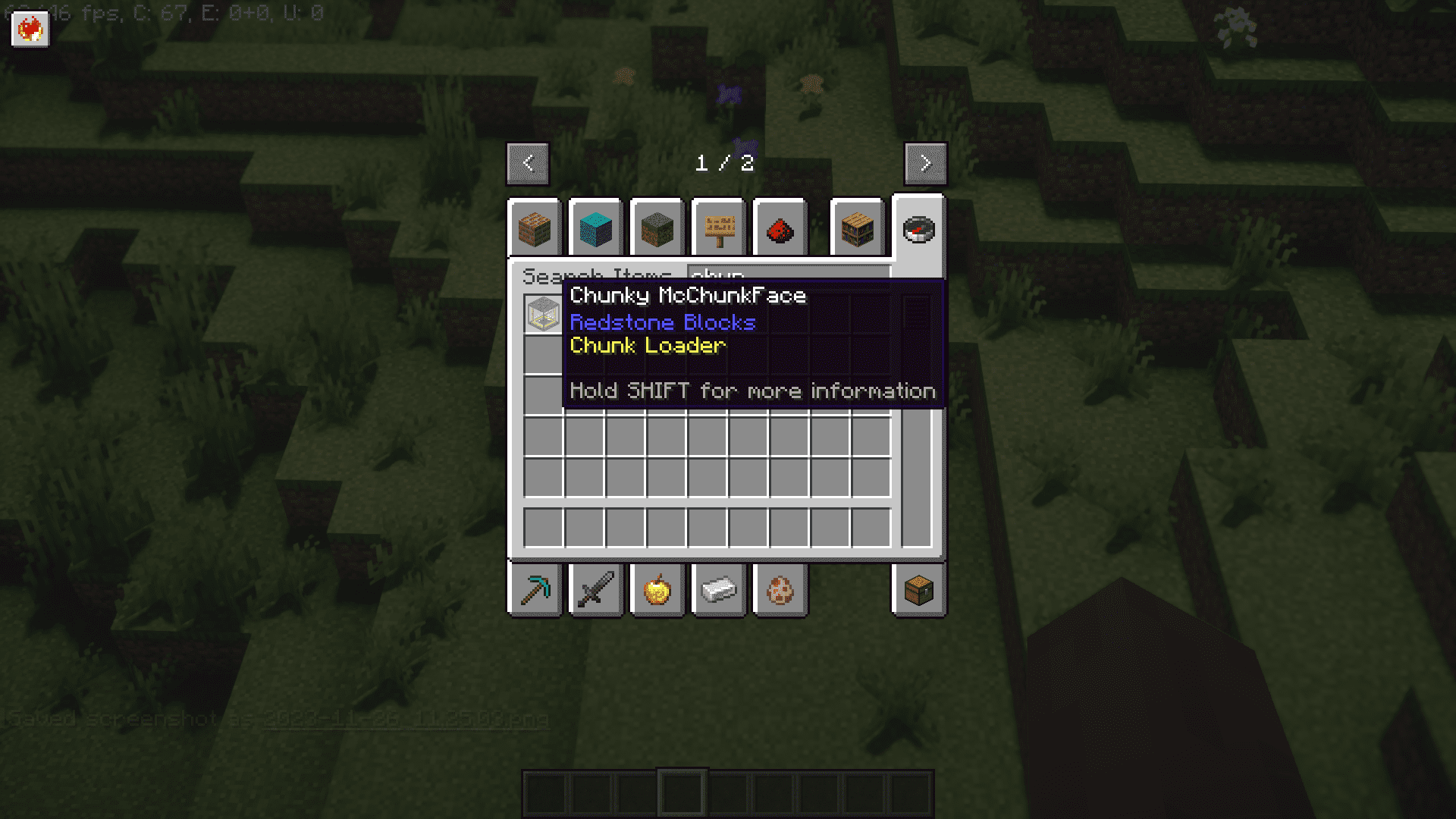
 Chunky McChunkFace
Configuration
Every setting in the mod config file, with what it changes.
| Option | What it does |
|---|---|
baseRangeBase Range | The base range around the chunk loader that will be loaded (0 = 1 chunk only) [default: 0] |
offlineTimeOffline Time | The time in ticks that the chunk loader will stay loaded after all players that interacted with it have gone offline (168000 = 7 in-game days worth of time (140 minutes)) [default: 168000] |
RangeRange | Range Settings |
show_time | Show time left |
tier1RangeTier 1 Range | The range of a tier 1 chunk loader (1 = 3x3) [default: 1] |
tier2RangeTier 2 Range | The range of a tier 2 chunk loader (2 = 5x5) [default: 2] |
tier3RangeTier 3 Range | The range of a tier 3 chunk loader (3 = 7x7) [default: 3] |
tier4RangeTier 4 Range | The range of a tier 4 chunk loader (4 = 9x9) [default: 4] |
timeTime | Time Settings |
Frequently asked questions
How do I craft a Chunky Mcchunkface block?
Refer to your mod's crafting guide or JEI/NEI for the exact recipe, as crafting recipes vary by modpack configuration. Once crafted, place it in the chunk you want to keep loaded and interact with it to activate chunk loading.
Does the chunk loader keep working when I log off?
Yes, the chunk loader continues to work while you're offline, but it will automatically disable if all players who have interacted with it remain offline for the configurable period (default: 7 in-game days). You can adjust this timeout in the mod's config file.
How do I expand the range of chunks being loaded?
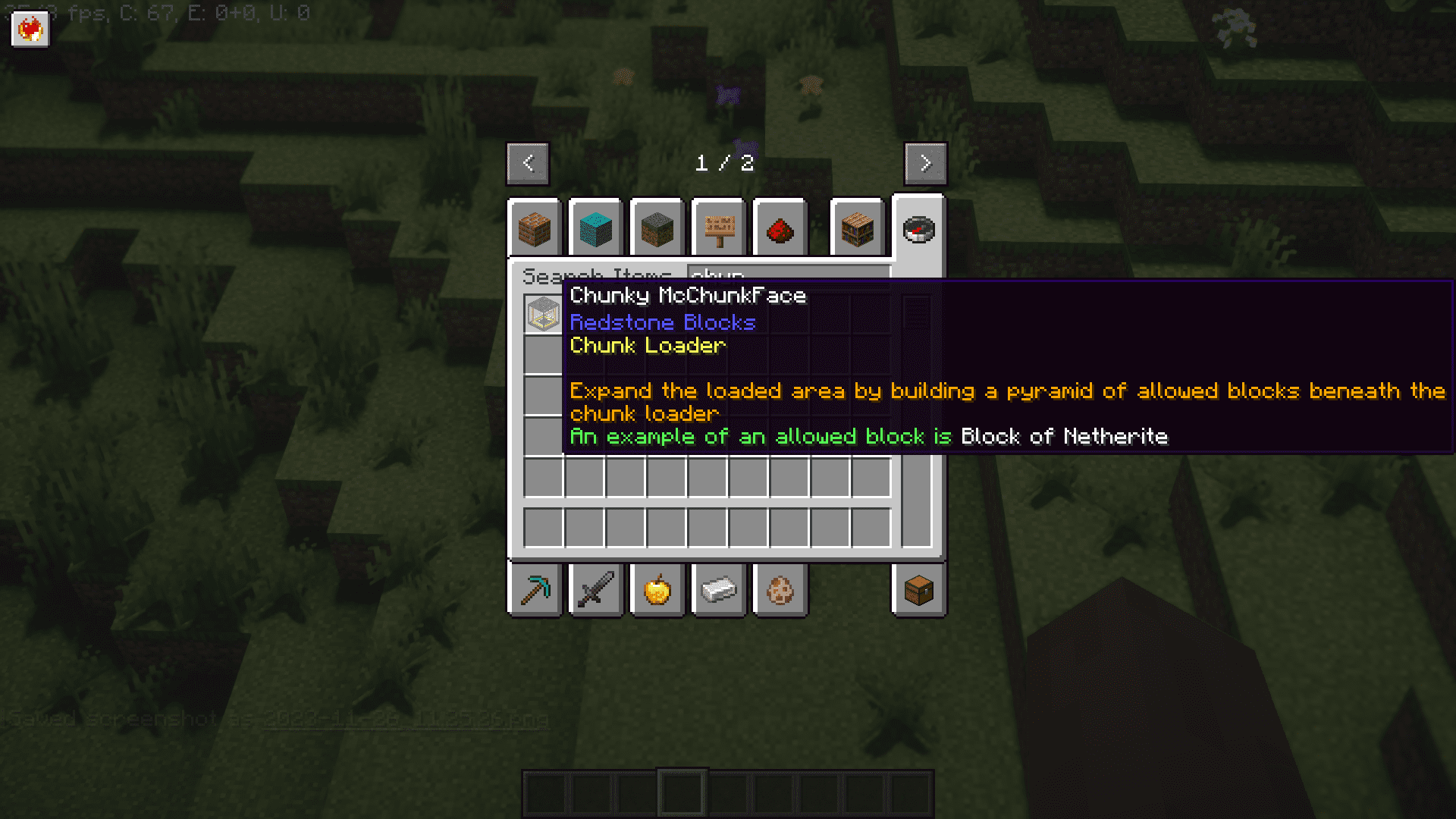
Build a pyramid structure beneath the Chunky McChunkFace block using permitted blocks (similar to beacon mechanics). Each tier of the pyramid increases the loaded range; check the radius renderer (toggle with your keybind) to see the expanded area in real-time.
What blocks can I use to build the pyramid?
The mod's configuration file specifies which blocks are permitted for pyramid construction. Check your config or hover over the block in-game for details; common choices include mineral blocks or specific mod blocks depending on your setup.
How do I see which chunks are actually loaded?
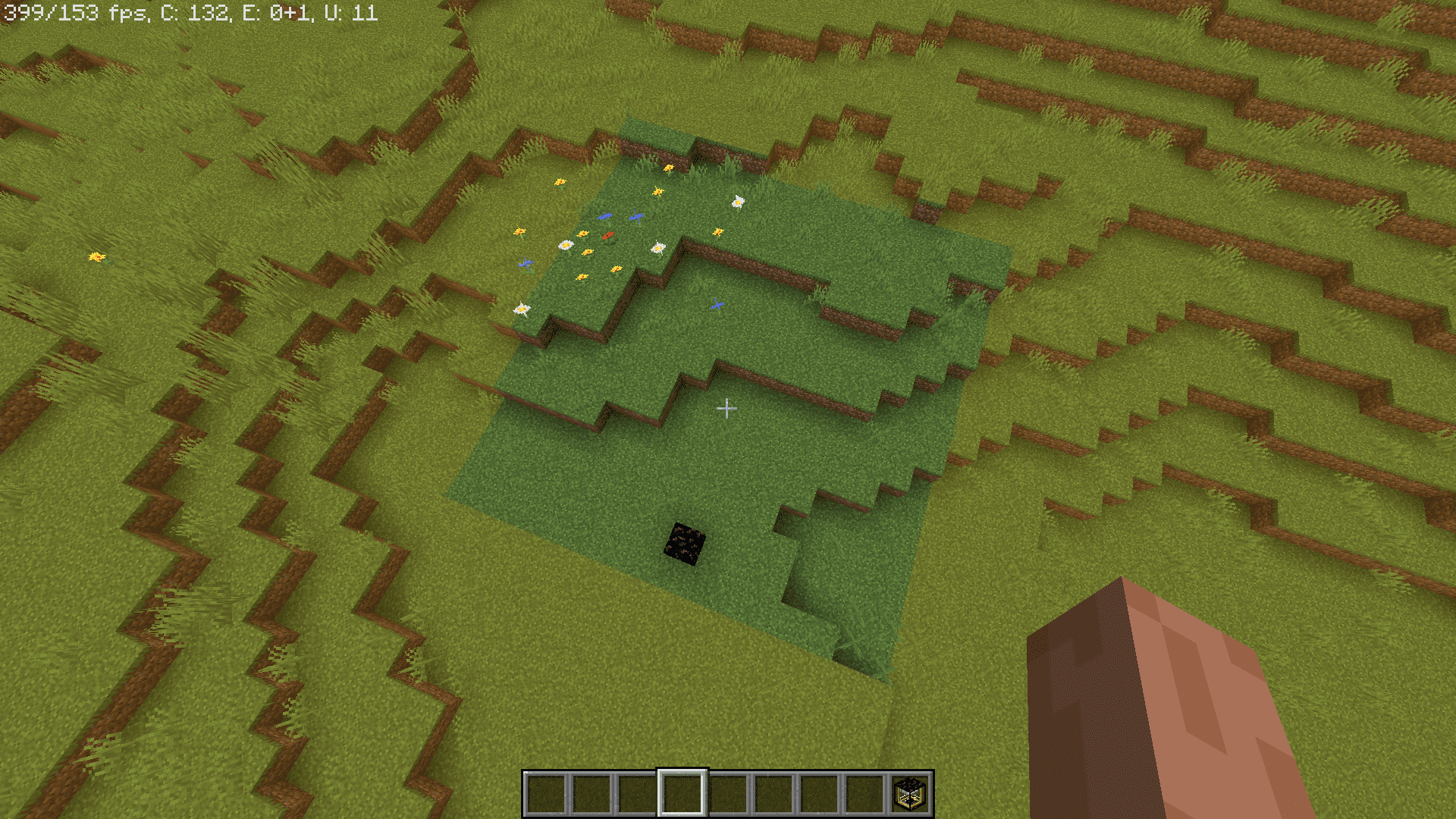
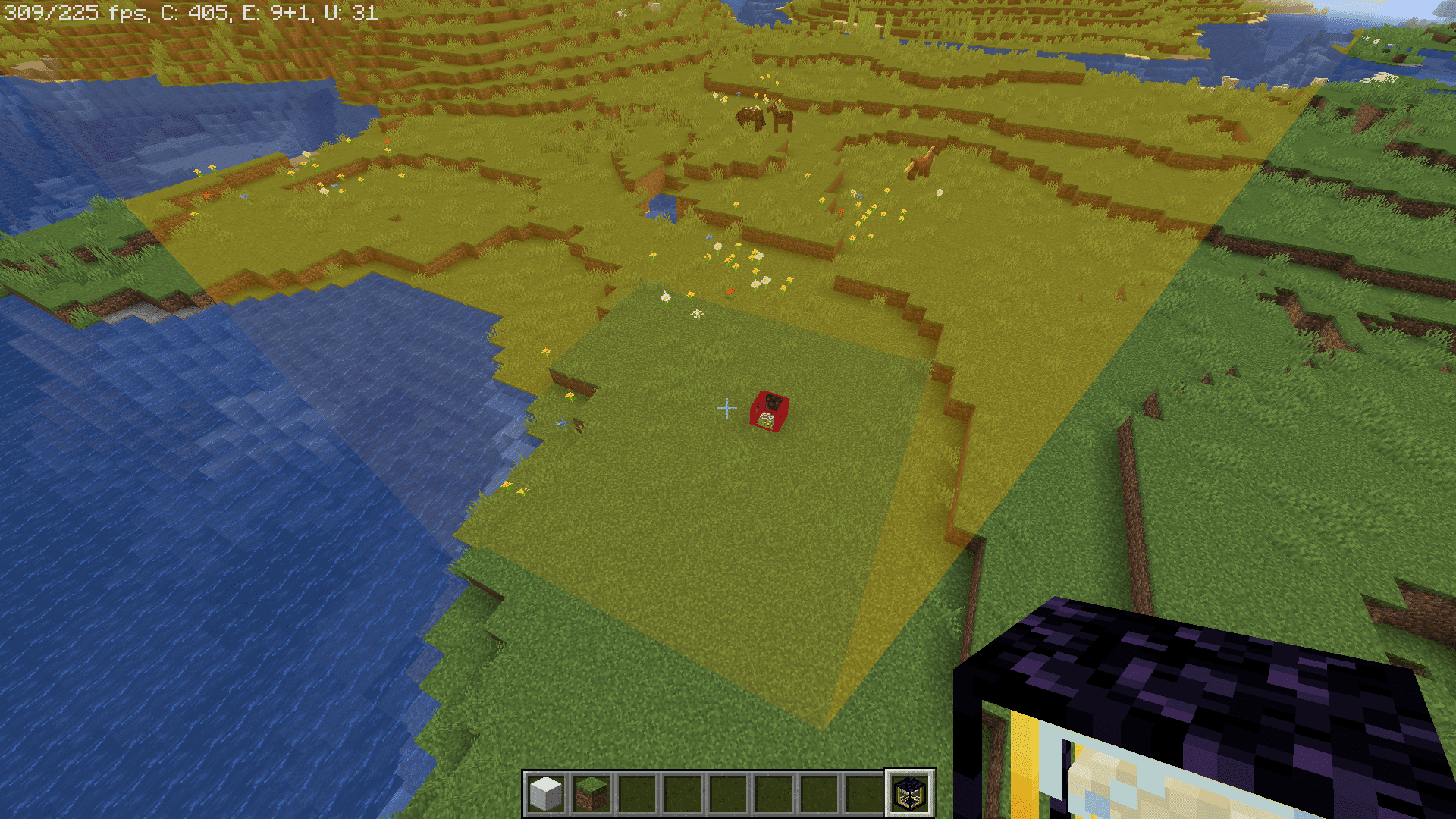
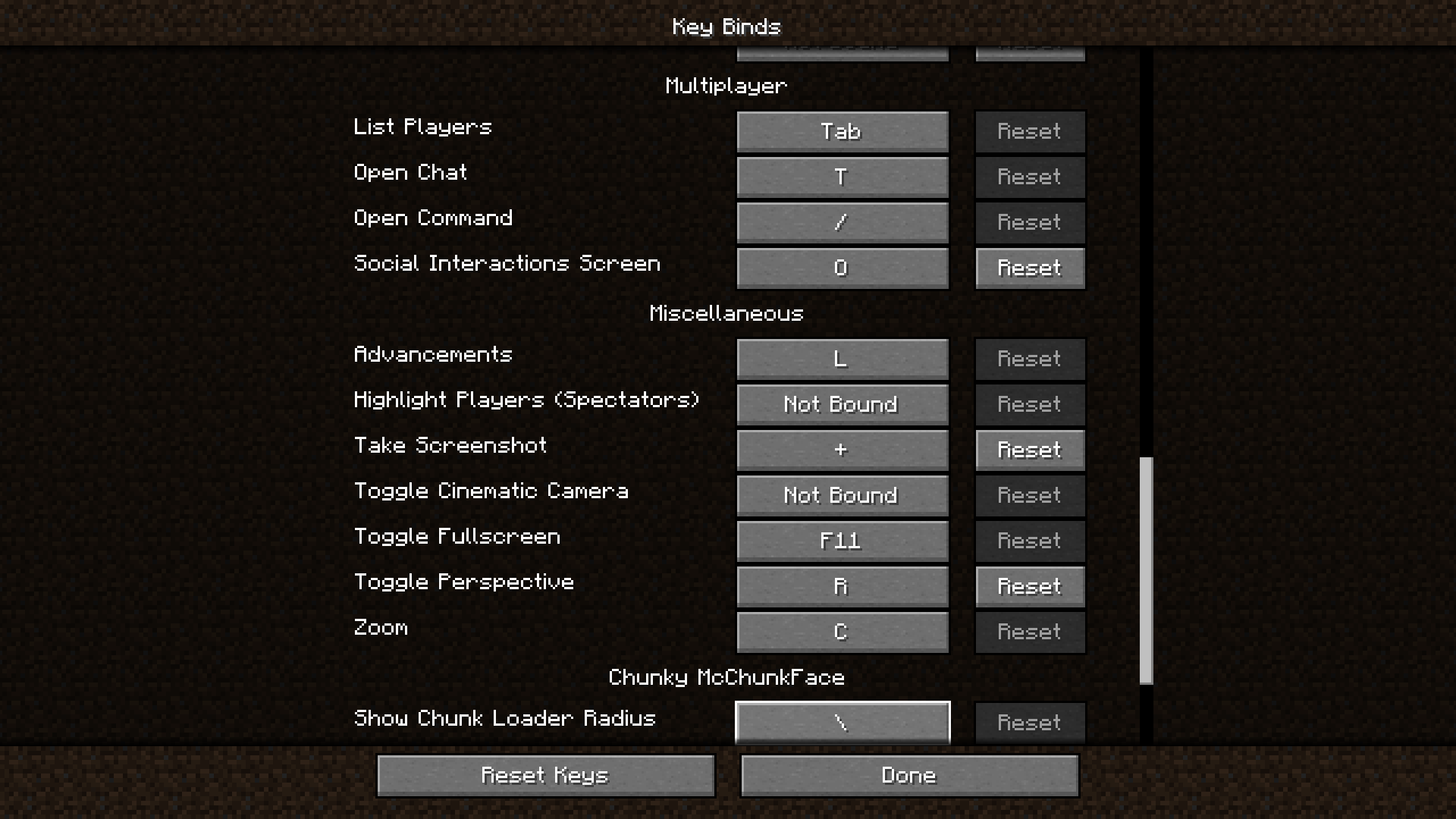
Use the radius renderer by pressing its keybind (configurable) to display a translucent box showing all loaded chunks around your Chunky McChunkFace block. This updates in real-time as you modify the pyramid.
Can I find chunk loaders that other players placed?
Hold a Chunk Loader item in your hand, and nearby chunk loaders will display an outline, making them easy to spot and manage across your world.
How do I disable a chunk loader without breaking it?
Interact with the block to toggle it off, or use the command `/chunkymcchunkface disable <x> <y> <z> <dimension>` to disable a specific chunk loader remotely. Use `/chunkymcchunkface disableall <dimension>` to disable all chunk loaders in a dimension at once.
Can I see a list of all active chunk loaders on the server?
Use `/chunkymcchunkface list <dimension>` to see all chunk loaders in a dimension, or `/chunkymcchunkface list active <dimension>` to filter only the active ones.
Why are my chunks unloading even with a chunk loader active?
Check that the chunk loader is actually activated (interact with it to confirm), verify the pyramid structure is built correctly with permitted blocks, and ensure the offline timeout hasn't been triggered. Use the radius renderer to confirm the chunk you want is within the loaded area.
Gallery
7 images from the Chunky Mcchunkface Mod page.
You May Also Like
Wikis that share the most with this one
More mod wikis on the site
The most downloaded mods that have a wiki here
A few wikis from each of the other kinds