

 DownloadChunks Fade In Mod
Get the files on 9Minecraft
Guides
Step-by-step, in-game.
How to Change the Chunk Loading Animation StyleOpening the Config Chunks Fade In ships with several animation presets, so the first thing to do is pick the one that…How to Disable the Fade Effect for a Vanilla LookWhen You Might Want It Off Some players prefer the instant chunk pop of vanilla, especially when recording, using…How to Fix Chunks Fade In Not Working or Not Showing AnimationsFirst Checks If chunks appear instantly with no fade, confirm the mod is actually loaded on the mod list screen and…How to Make Chunks Load Smoothly Without StutterUnderstand What the Mod Does and Does Not Fix Chunks Fade In smooths the visual appearance of chunks as they arrive;…
Frequently asked questions
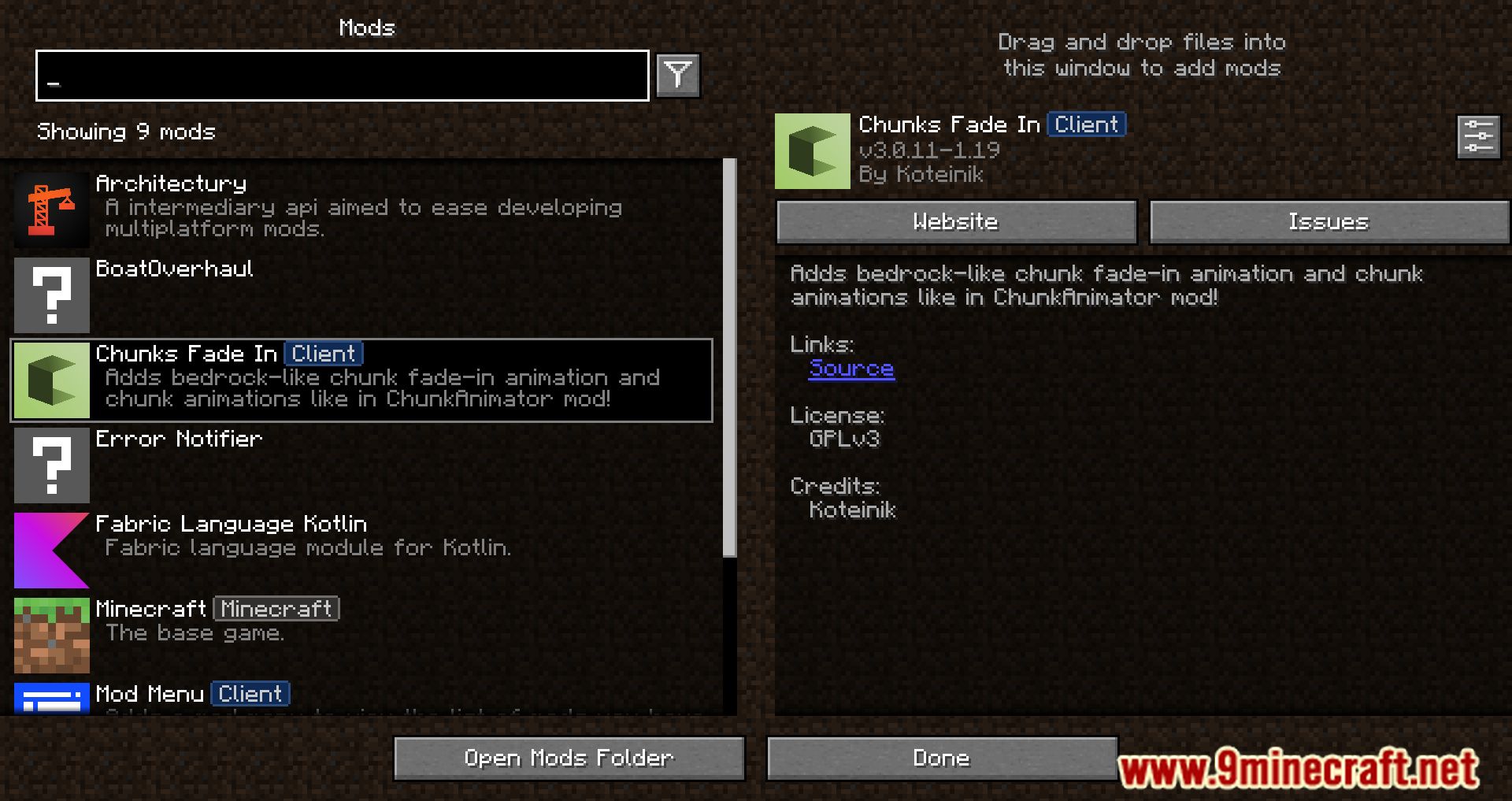
How do I open the chunks fade in settings?
 Mod Menu
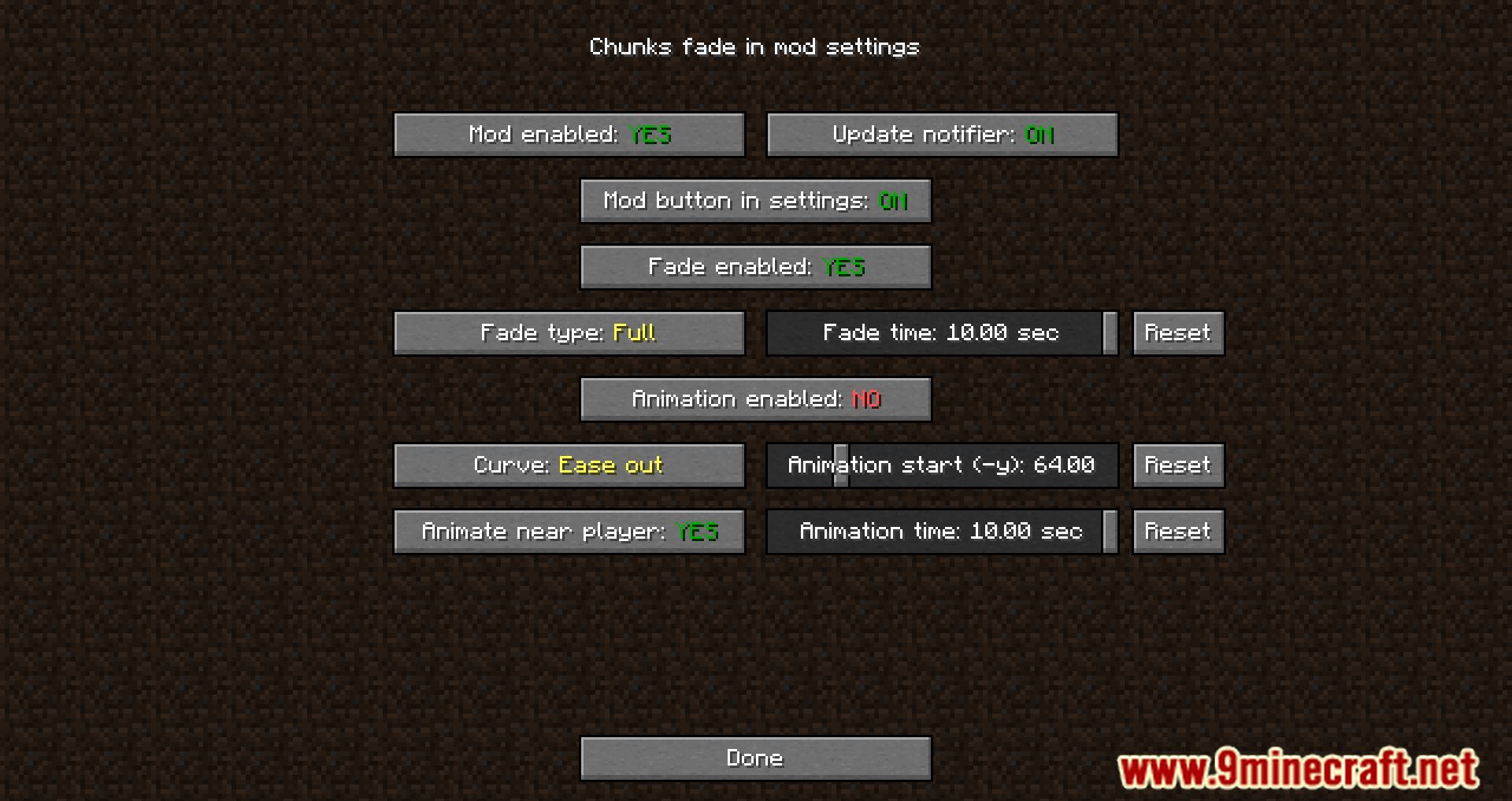
How do I change the chunk loading animation?
In the mod's config, look for the animation style option and pick from the available presets, such as fade, slide, or grow. Changes apply to newly loading chunks, so move around to see the effect.
How do I turn off the fade effect completely?
Set the animation style to the vanilla or 'none' option in the config, or disable the mod's rendering toggle. Chunks will then appear instantly like unmodded Minecraft.
Why are my chunks still popping in instantly?
Check that the mod is actually enabled and that another chunk-rendering mod isn't overriding it. Also confirm your animation style isn't set to none and that you're not using a shader or optimization mod that replaces chunk rendering.
See all 10 Chunks Fade In questions ›
Gallery
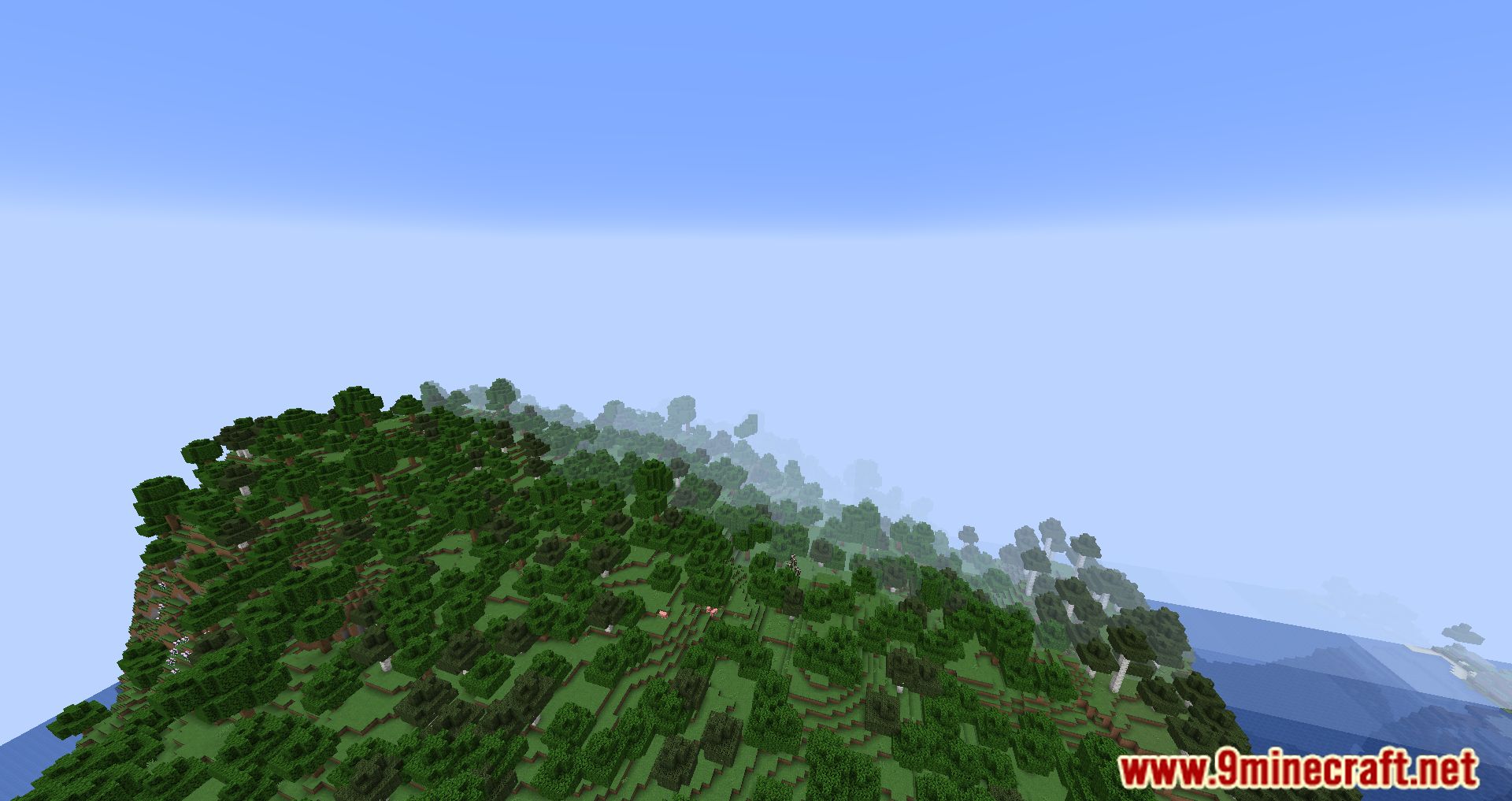
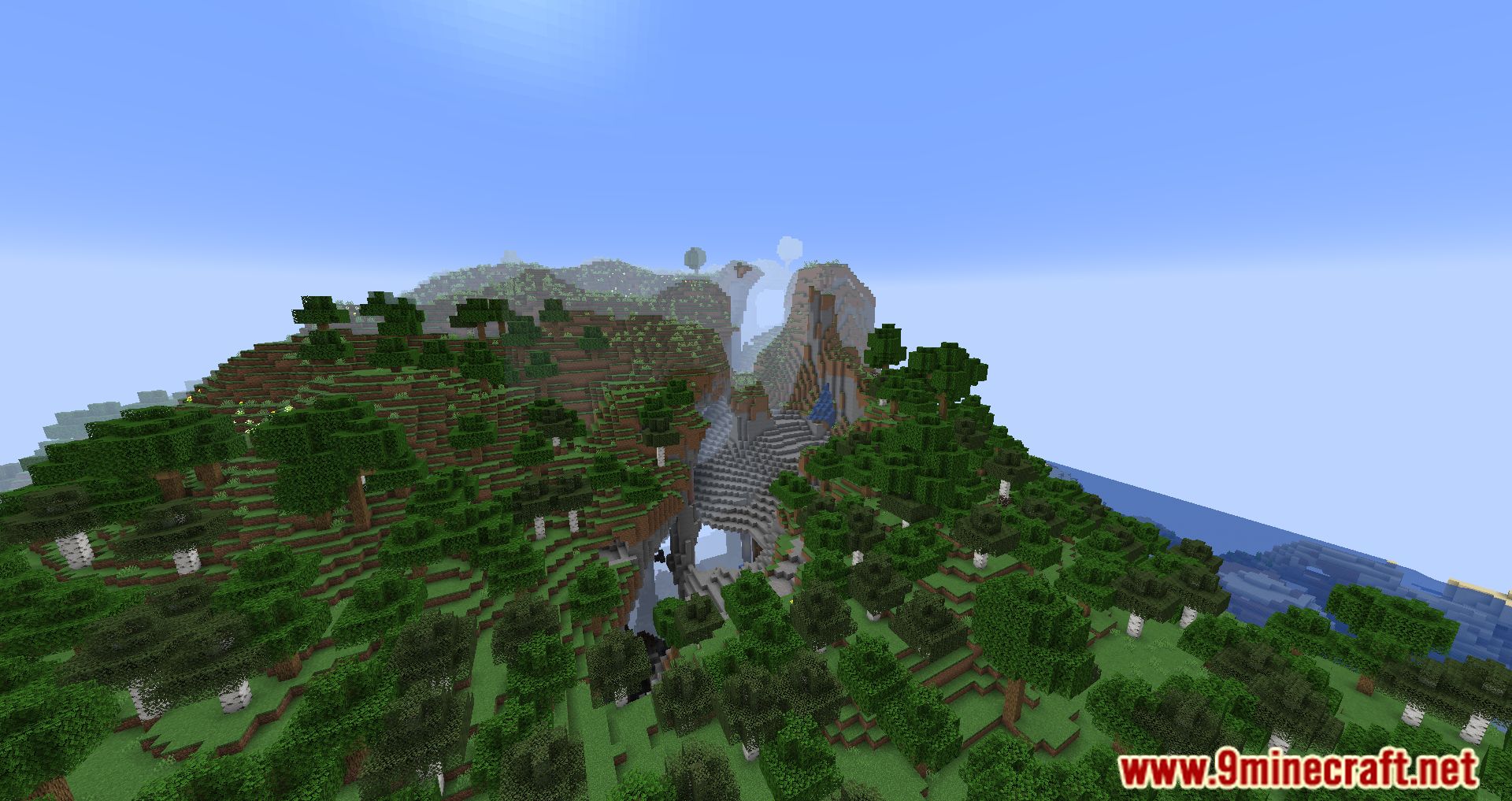
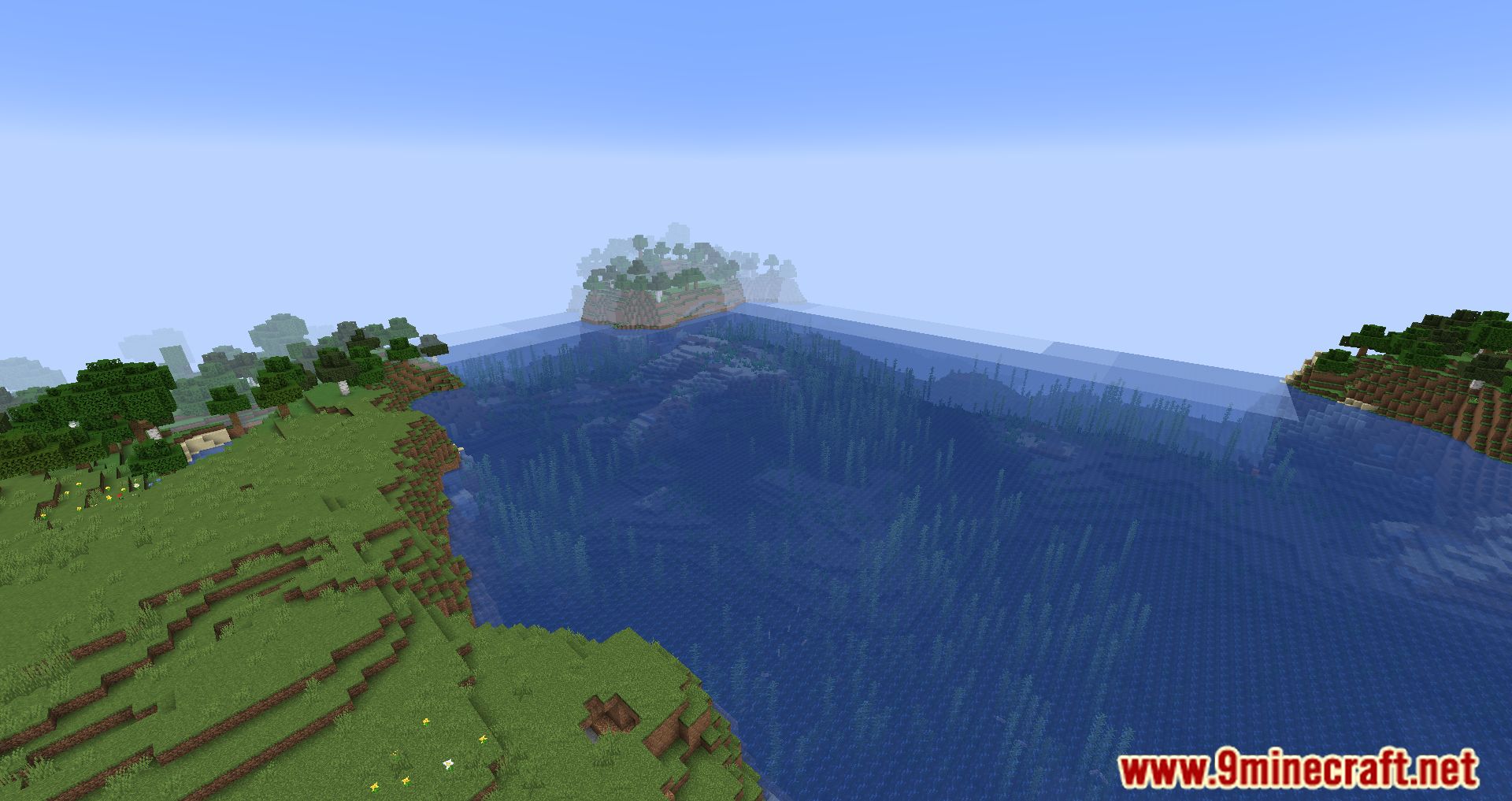
11 images from the Chunks Fade In Mod page.
You May Also Like
Wikis that share the most with this one
More mod wikis on the site
The most downloaded mods that have a wiki here
A few wikis from each of the other kinds