

 DownloadChromatic Arcanum
Get the files on 9Minecraft
Contents (5)
Guides
Step-by-step, in-game.
Change Your Spell Colors for the First TimeCrafting and Binding the Tablet Before you can customize spell colors, you need to craft a Recolor Tablet . Once…Manage Spell Colors for Multiple Players (Server Admin)Creating and Managing Groups Instead of customizing colors for each player individually, create recolor groups to…Prevent a Player from Customizing SpellsBanning Recolor Access If you're a server administrator and need to restrict a player's ability to customize spell…Reset Spell Colors Back to DefaultUsing the Tablet Interface The quickest way to revert a single school is through the Recolor Tablet . Right-click to…
Recipes
Every recipe the mod adds, grouped by how it is made.
Items
 Recolor Tablet
Frequently asked questions
How do I craft the Recolor Tablet?
Craft the Recolor Tablet using a Blank Runestone and other materials at a crafting table. Once crafted, you need to bind it to yourself before you can use it to customize spell colors.
Can other players see my custom spell colors?
Yes, your custom spell colors are visible to all players on multiplayer servers. Everyone will see the hues you've chosen for each magic school.
What's the hue number range for spell colors?
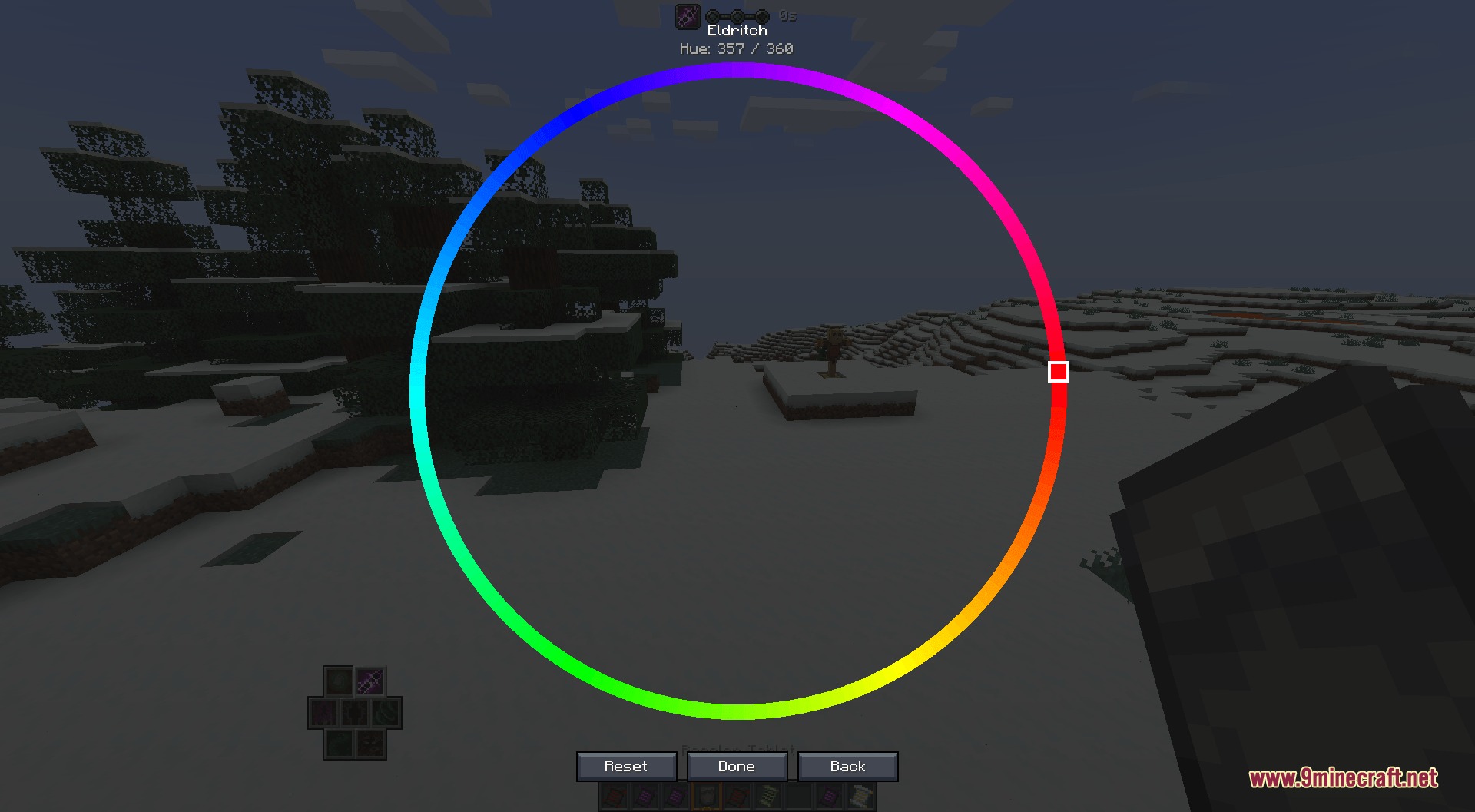
You can pick any hue number from 0 to 360 on the color wheel. The exact hue number is displayed at the top of the menu so you can reference it or share it with other players.
How do I reset my spell colors back to normal?
Open the Recolor Tablet, select a magic school, and use the quick reset option to revert that school to its default color. You can also use the `/recolor reset <player>` command to reset all colors at once.
Can I uncraft the Recolor Tablet?
Yes, you can uncraft the Recolor Tablet back into a Blank Runestone if you no longer need it.
How do I manage spell colors for multiple players as a server admin?
Use the `/recolor group` commands to create groups, add players to them, and set colors for the entire group at once. You can also use `/recolor set <element> <player>` to customize individual players.
Can I prevent a specific player from changing their spell colors?
Yes, use the `/recolor ban <player>` command to prevent them from recoloring spells. Use `/recolor unban <player>` to restore their access.
Does this mod work with Prometheus?
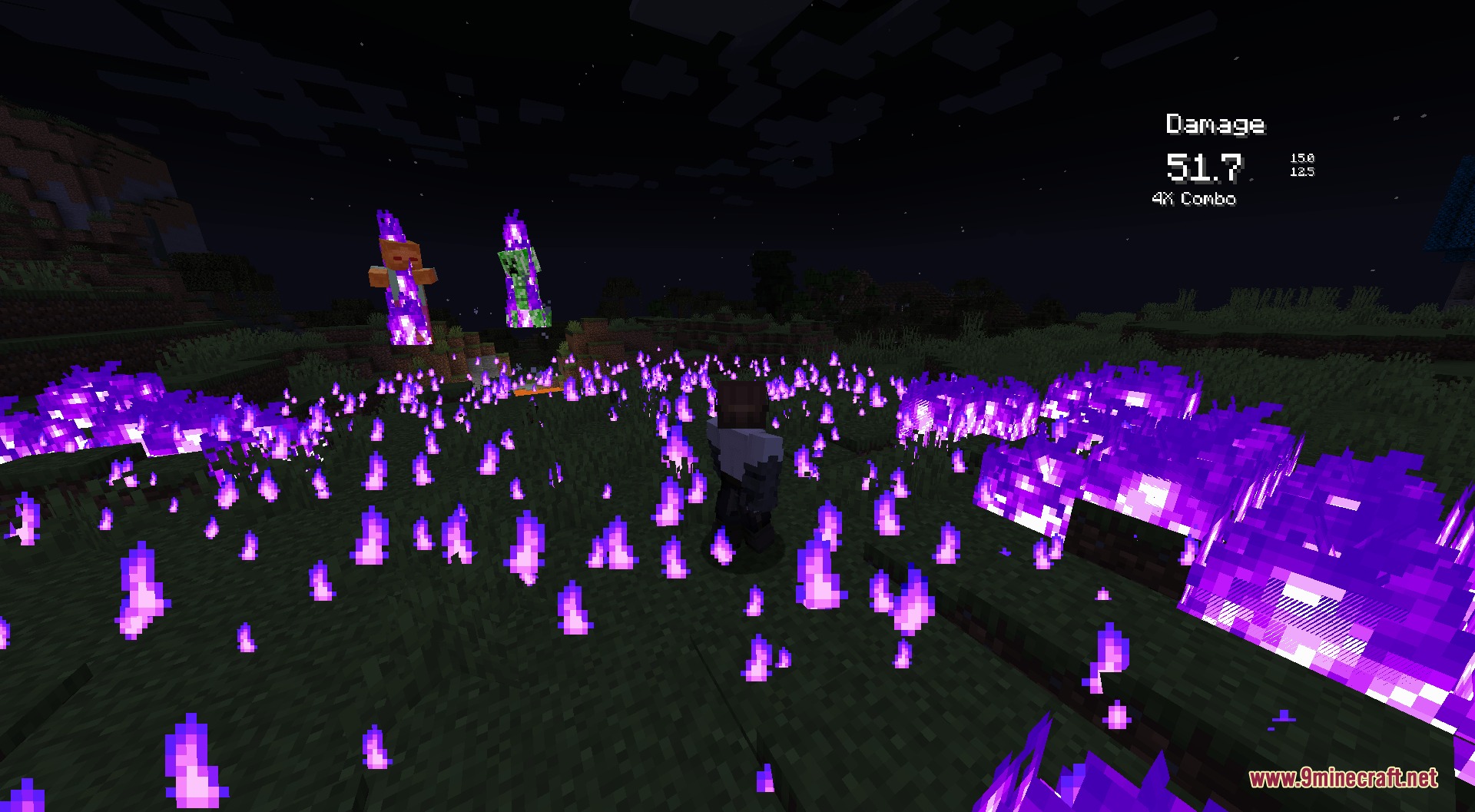
Yes, Chromatic Arcanum works alongside Prometheus to produce colored fire effects that match your custom spell hues.
What happens if I switch between different Recolor Tablets?
Your custom spell colors are saved per player, not per tablet, so switching tablets won't affect your color settings.
Can I check what color another player has set for a specific spell school?
Yes, use the `/recolor check element <player> <element>` command to see the exact hue a player has assigned to any magic school.
Gallery
6 images from the Chromatic Arcanum Mod page.


You May Also Like
Wikis that share the most with this one
 Chriss Additions Plushie Update Mod
More mod wikis on the site
The most downloaded mods that have a wiki here
A few wikis from each of the other kinds