

 DownloadChrono Landscape Origins Mod
Get the files on 9Minecraft
Guides
Step-by-step, in-game.
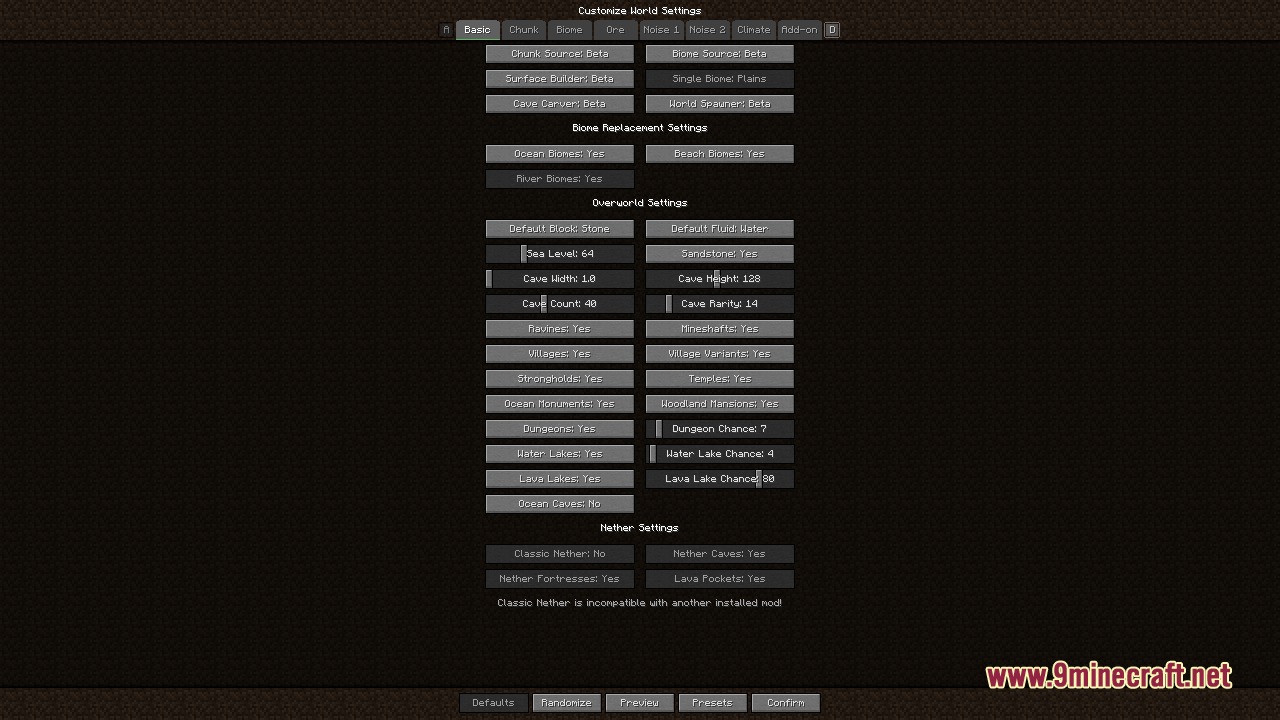
Create a World with Beta 1.7.3 TerrainAccess the World Customization Menu When creating a new world, you'll see the mod's customization interface. This…Mix Different Era Terrain and Biome GeneratorsUnderstand the Separation This mod's key feature is decoupling terrain shape from biome assignment. You can use Alpha…Restore Classic Nether Terrain in Your WorldEnable Classic Nether Generation The mod includes options to replace modern Nether generation with terrain systems…Use and Create Custom World PresetsLoad a Built-in Preset The mod includes shareable presets that bundle terrain, biome, and other settings together for…
Frequently asked questions
How do I start a world with old Minecraft terrain?
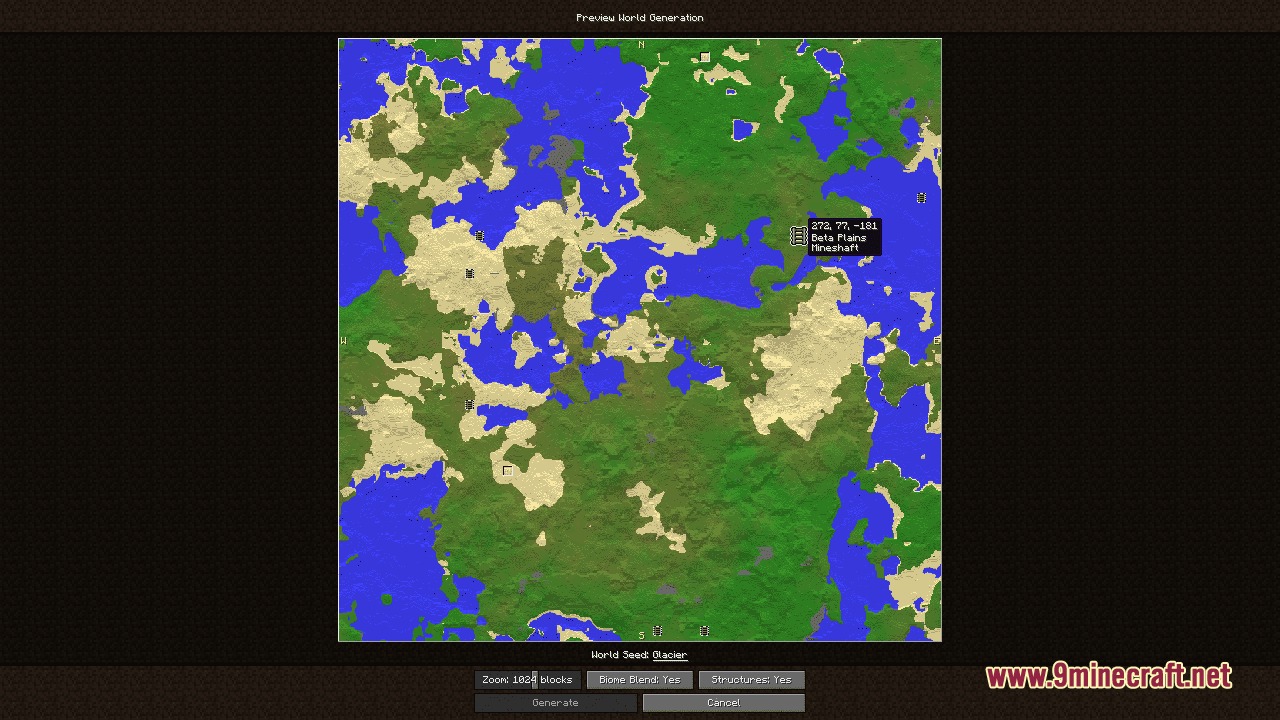
Create a new world and open the world customization menu. Select your desired terrain generator (Beta, Alpha, Infdev, etc.) from the Chrono Landscape Origins options, then generate your world. You can preview the terrain before committing to world creation.
Can I use Beta terrain with modern biomes?
Yes, the mod lets you mix and match terrain generators with different biome systems. Choose your terrain generator and biome generator separately in the customization menu to combine eras however you want.
What's the difference between the terrain generators?
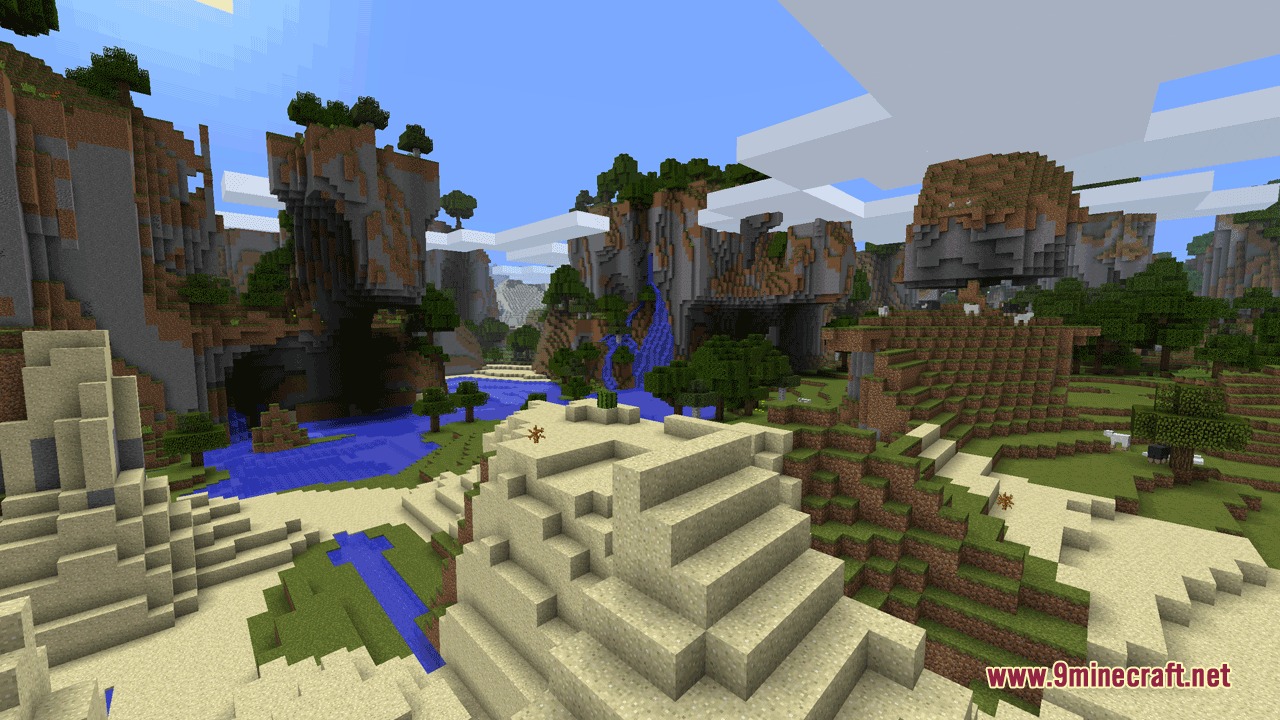
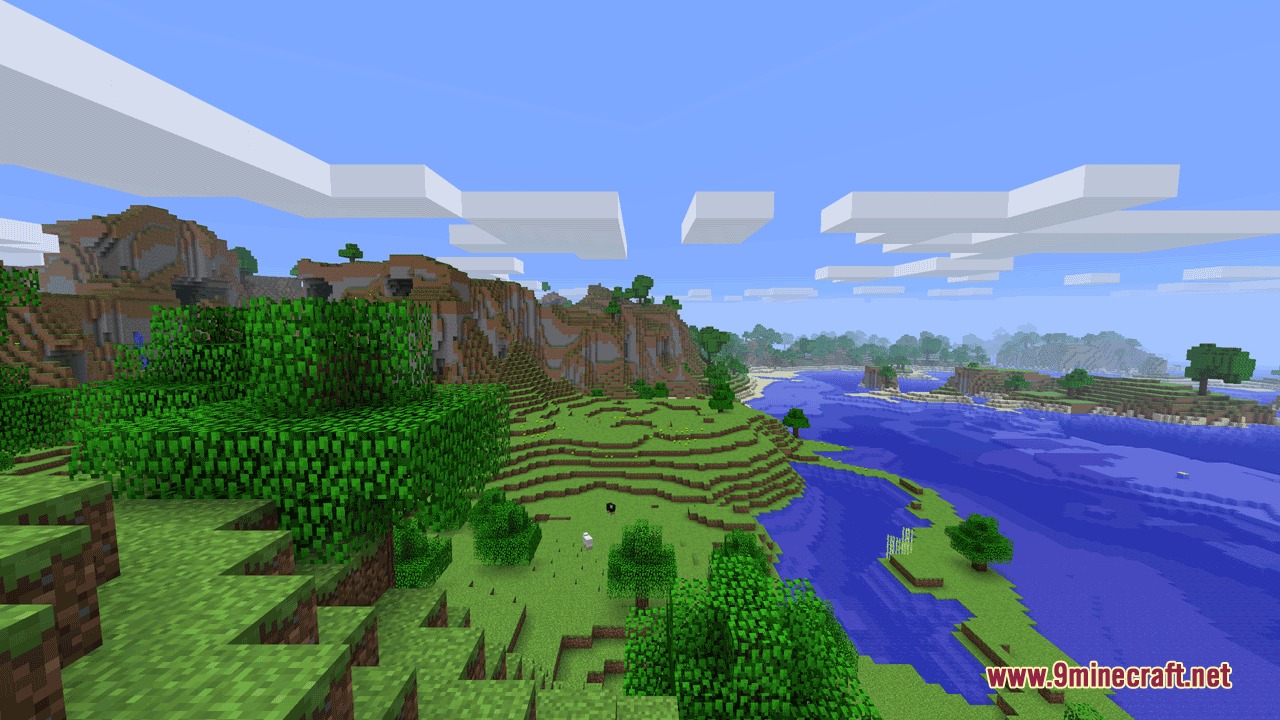
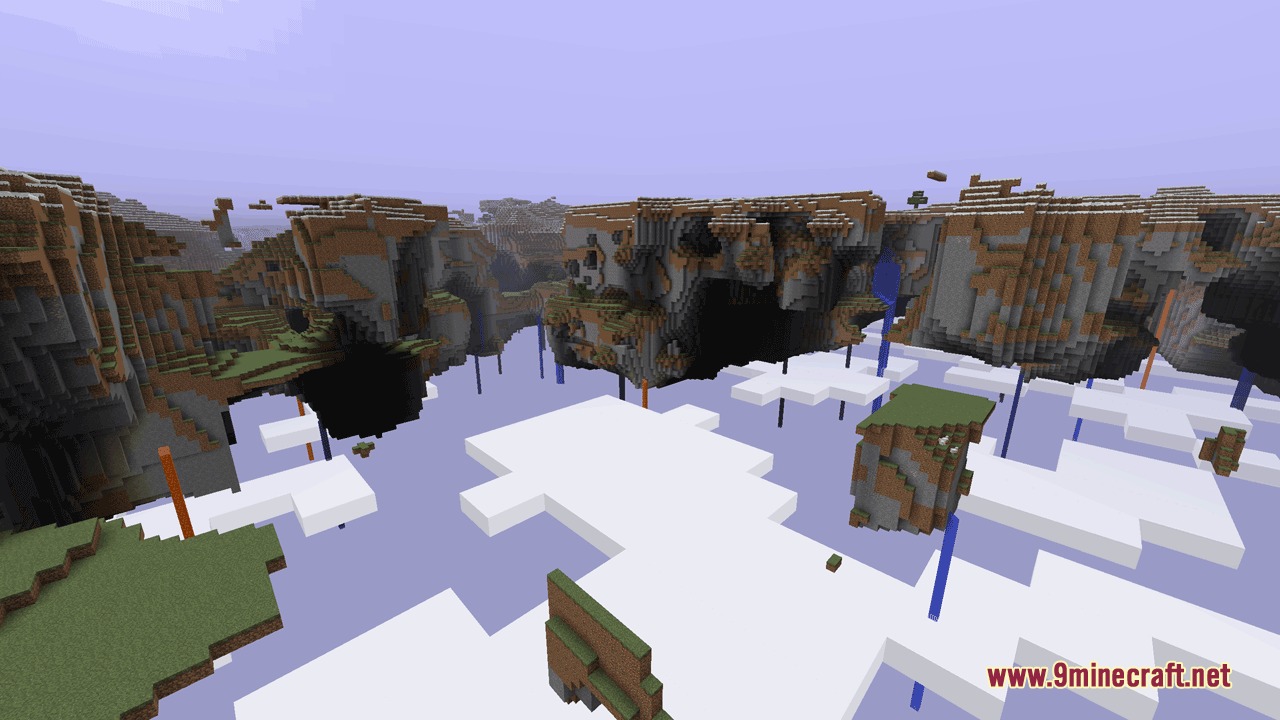
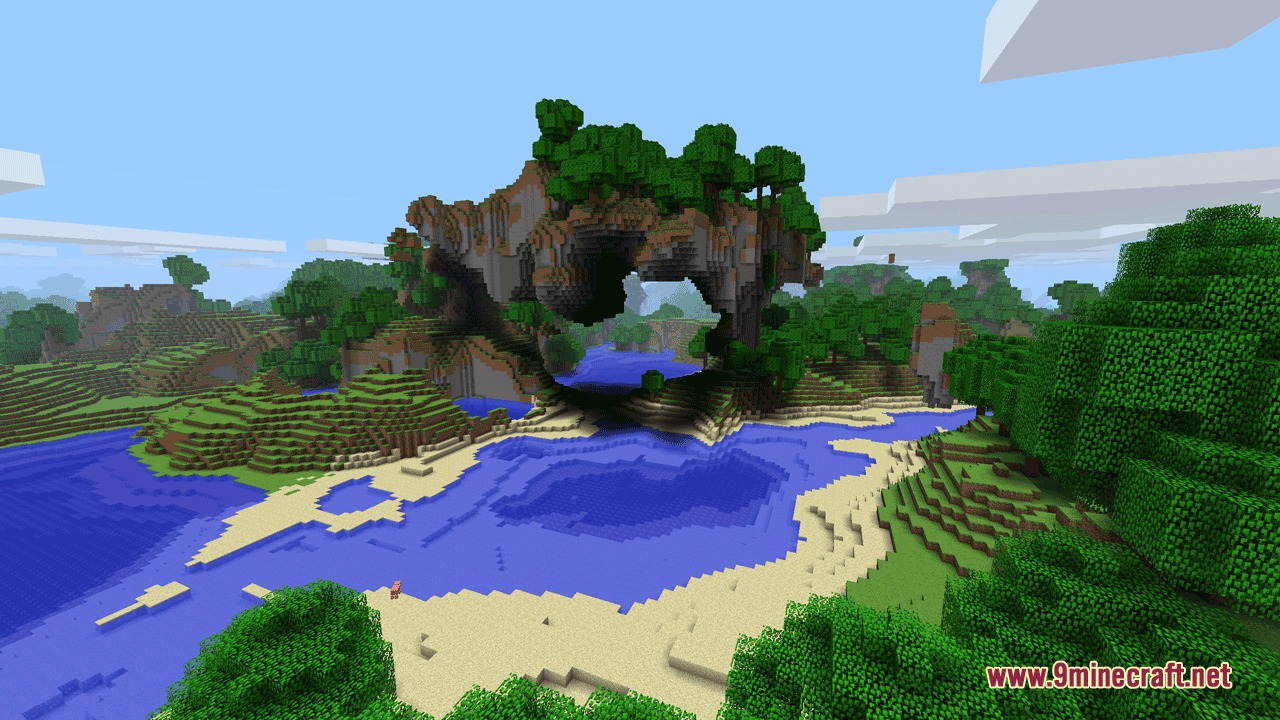
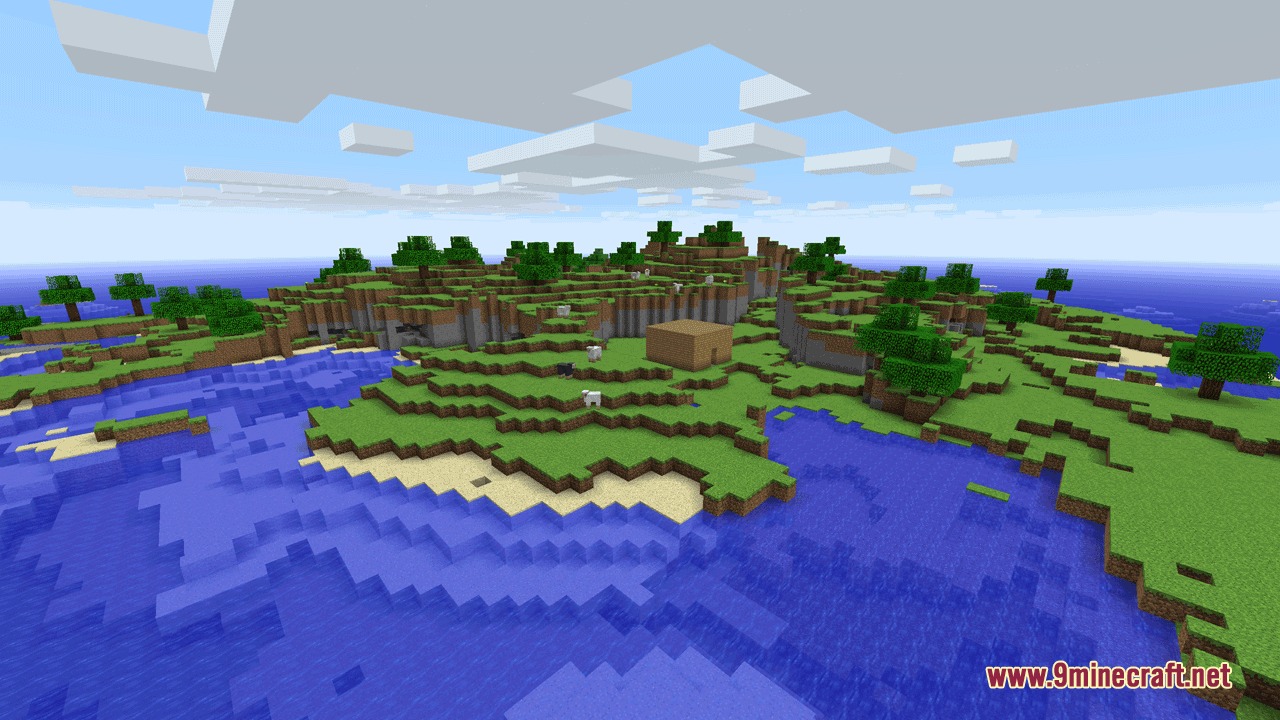
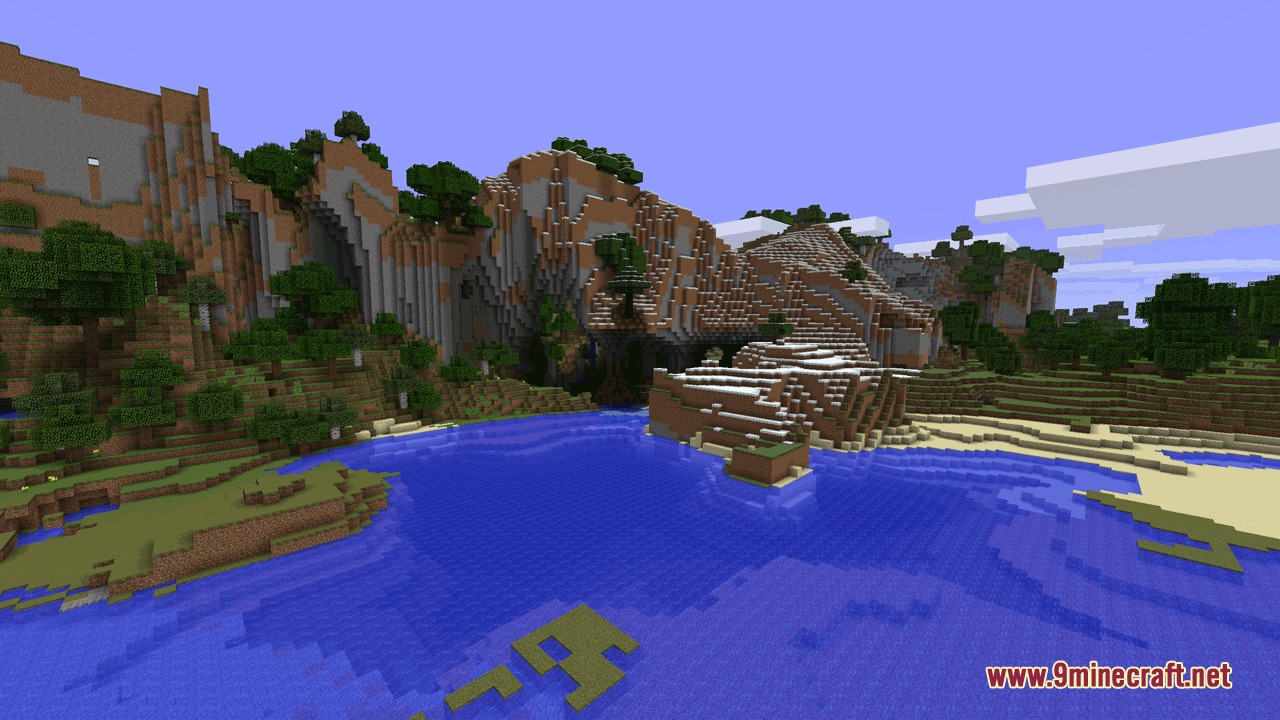
Each generator recreates a specific Minecraft era's landscape: Beta has varied rolling hills, Alpha has extreme terrain, Infdev has flat terrain with deep oceans, and Indev has small bordered islands. Check the in-game preview to see which style you prefer.
How do I restore the old Nether?
In world customization, find the Nether terrain settings and select the classic Nether generator option. This replaces the modern Nether with the terrain layout from earlier Minecraft versions.
See all 10 Chrono Landscape Origins questions ›
Gallery
9 images from the Chrono Landscape Origins Mod page.
You May Also Like
Wikis that share the most with this one
Wikis on the same theme: world
More mod wikis on the site
 Chriss Additions Plushie Update Mod
The most downloaded mods that have a wiki here
A few wikis from each of the other kinds