

 DownloadChronos Yield Nodes
Get the files on 9Minecraft
Guides
Step-by-step, in-game.
Choose the Right Generator Tier for Your NeedsUnderstanding Generator Tiers The mod includes multiple tiers of generators with different production speeds and…Monitor Generator Progress and Troubleshoot Low ProductionReading the Action Bar HUD When you look directly at a placed generator block, an action bar appears showing…Plan a Multi-Generator Farm for Different ResourcesDesigning Your Generator Layout Combine multiple generators to create a comprehensive resource farm that supplies all…Set Up Automatic Resource Collection with HoppersConnecting Hoppers to Your Generator Yield nodes can pipe items directly into storage systems using hoppers, letting…
Recipes
Every recipe the mod adds, grouped by how it is made.
Blocks
69 blocks · showing 24. Browse all →
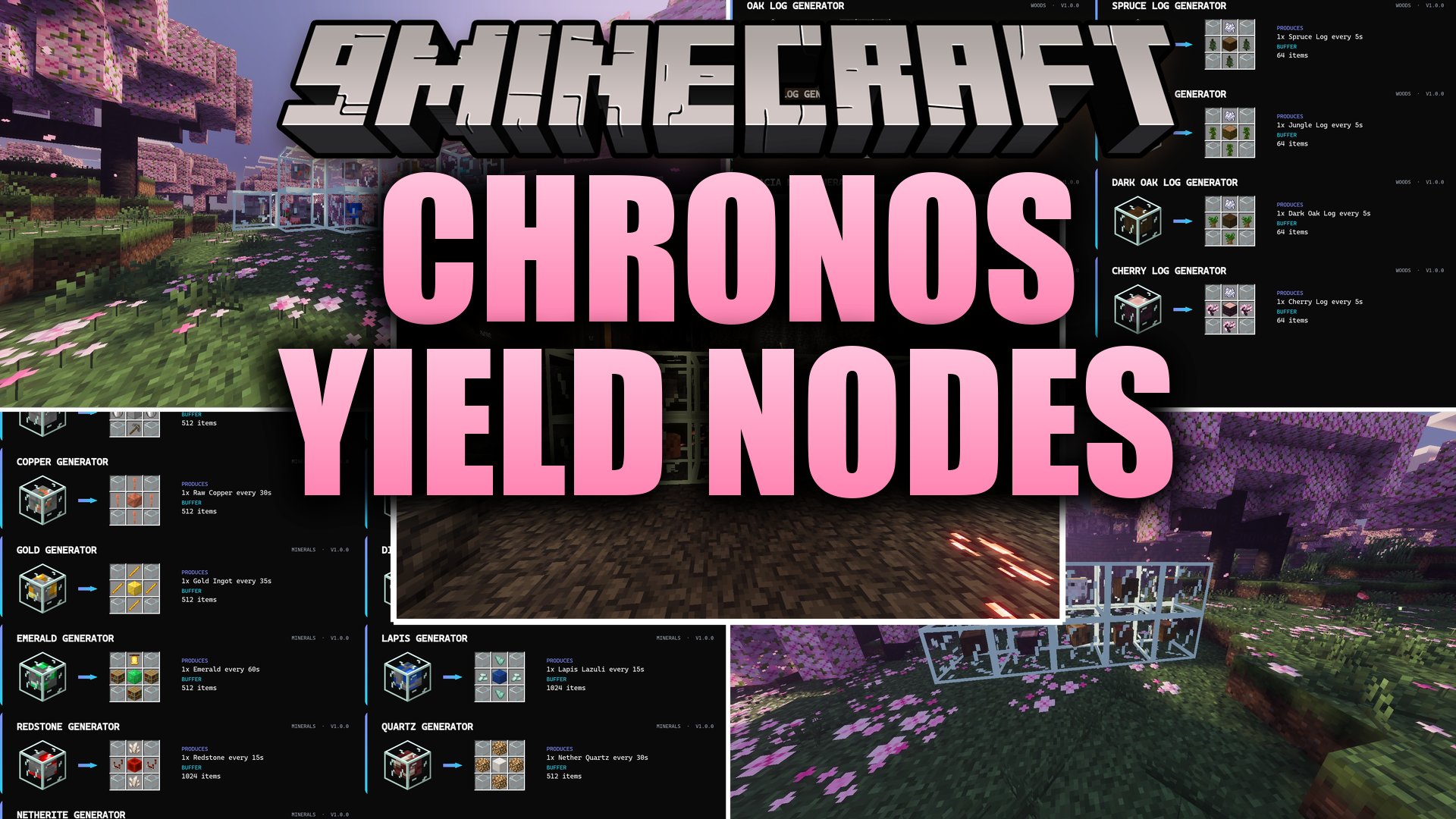
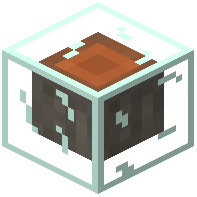 Acacia Log Generator
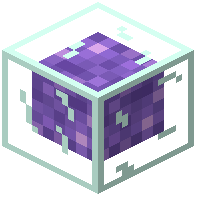 Amethyst Generator
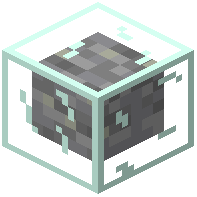 Andesite Generator
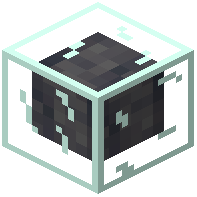 Basalt Generator
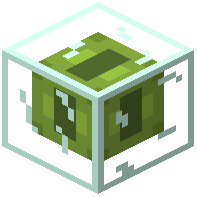 Big Dripleaf Generator
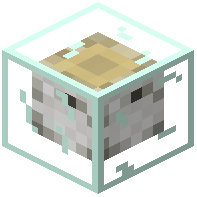 Birch Log Generator
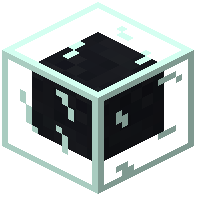 Black Dye Generator
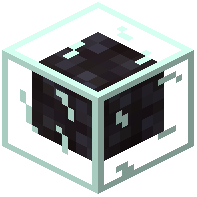 Blackstone Generator
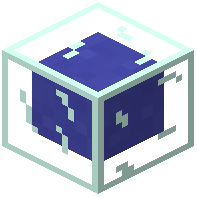 Blue Dye Generator
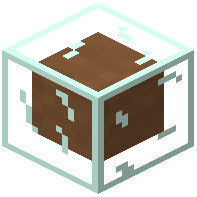 Brown Dye Generator
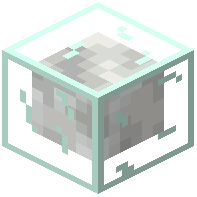 Calcite Generator
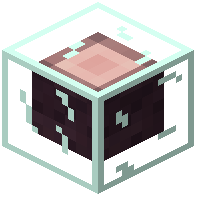 Cherry Log Generator
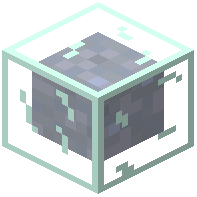 Clay Generator
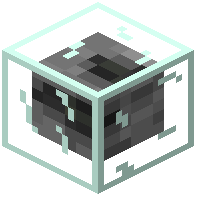 Coal Generator
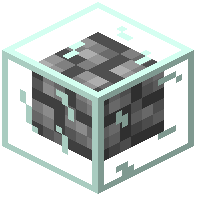 Cobblestone Generator
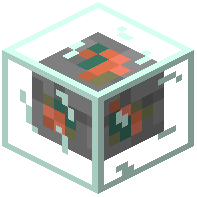 Copper Generator
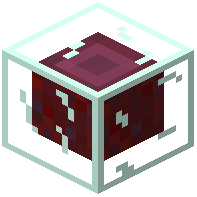 Crimson Stem Generator
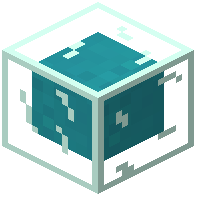 Cyan Dye Generator
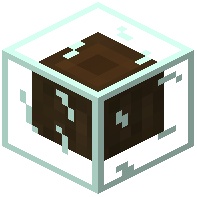 Dark Oak Log Generator
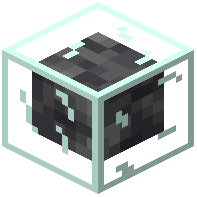 Deepslate Generator
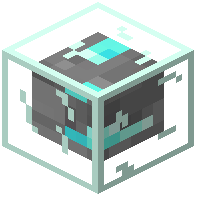 Diamond Generator
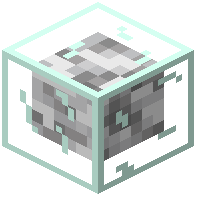 Diorite Generator
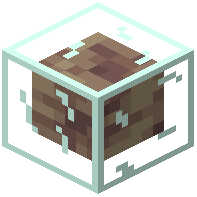 Dripstone Generator
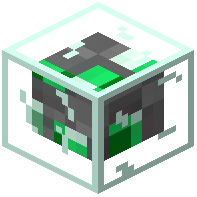 Emerald Generator
Configuration
Every setting in the mod config file, with what it changes.
| Option | What it does |
|---|---|
colorsEnabledColor generators enabled | Production stops instantly. The recipe, the recipe book, the creative tab and JEI/EMI/REI update when you join the world or on /reload. |
dropContentsOnBreak | Drop Contents on Break |
generator | Generator status |
hudEnabled | HUD Enabled |
natureEnabledNature generators enabled | Production stops instantly. The recipe, the recipe book, the creative tab and JEI/EMI/REI update when you join the world or on /reload. |
netherEnabledNether generators enabled | Production stops instantly. The recipe, the recipe book, the creative tab and JEI/EMI/REI update when you join the world or on /reload. |
oresEnabledOre generators enabled | Production stops instantly. The recipe, the recipe book, the creative tab and JEI/EMI/REI update when you join the world or on /reload. |
productionSpeedMultiplier | Production Speed Multiplier |
showHudWithJade | Show HUD when Jade is installed |
stonesEnabledStone generators enabled | Production stops instantly. The recipe, the recipe book, the creative tab and JEI/EMI/REI update when you join the world or on /reload. |
woodsEnabledWood generators enabled | Production stops instantly. The recipe, the recipe book, the creative tab and JEI/EMI/REI update when you join the world or on /reload. |
Frequently asked questions
How do I craft my first generator block?
Open your crafting table and look up the recipe for the generator tier you want—the wiki shows all crafting recipes organized by category (Mineral, Wood, Stone, Color, Nature). Gather the required materials, place them in the crafting grid as shown, and craft your first node.
Do generators produce items when I'm offline?
Yes, that's the core feature of this mod—generators continue producing items based on real-world time even when you close the game or log off the server. Your resources will be waiting in the storage buffer when you return.
What's the difference between generator tiers?
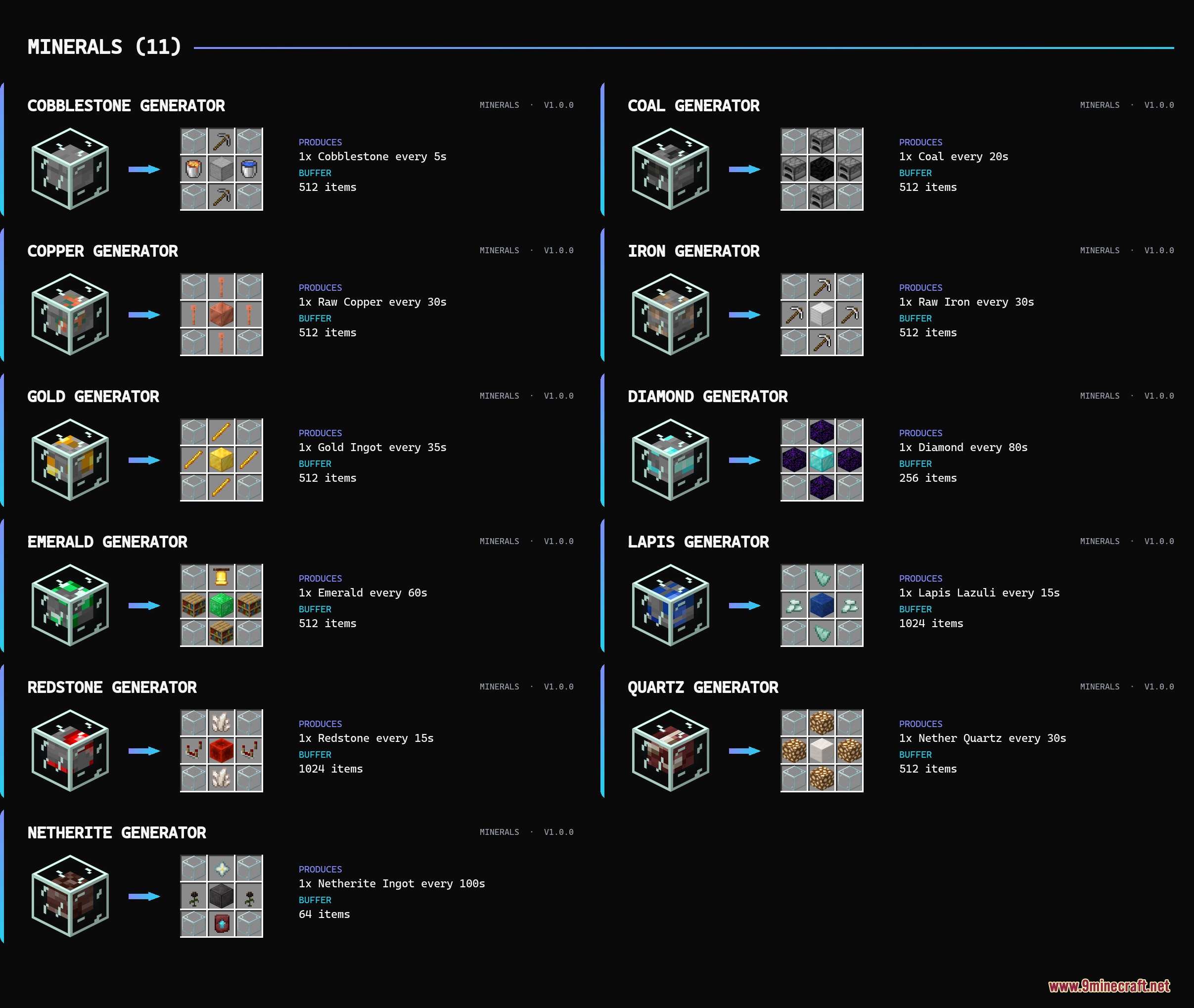
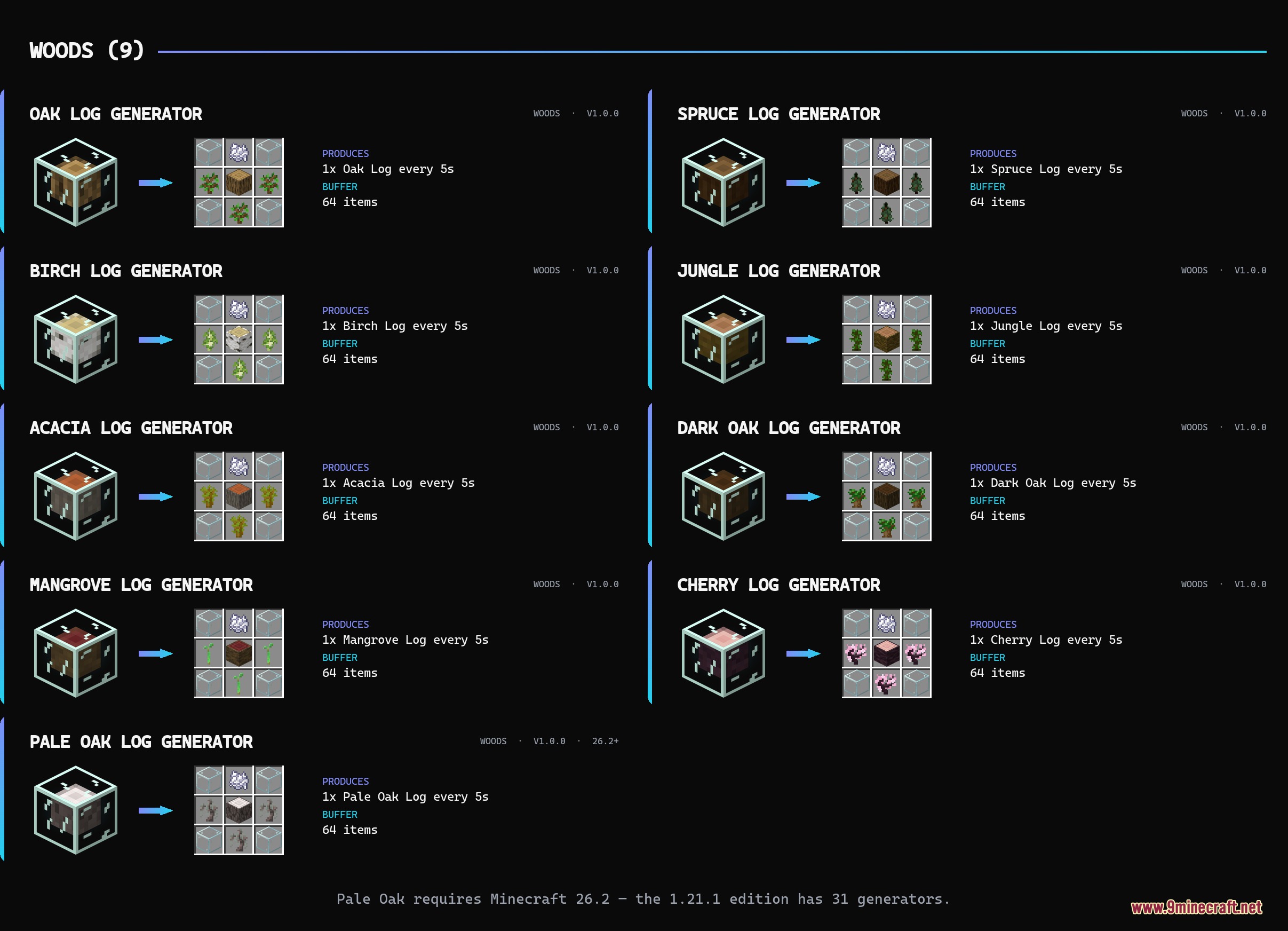
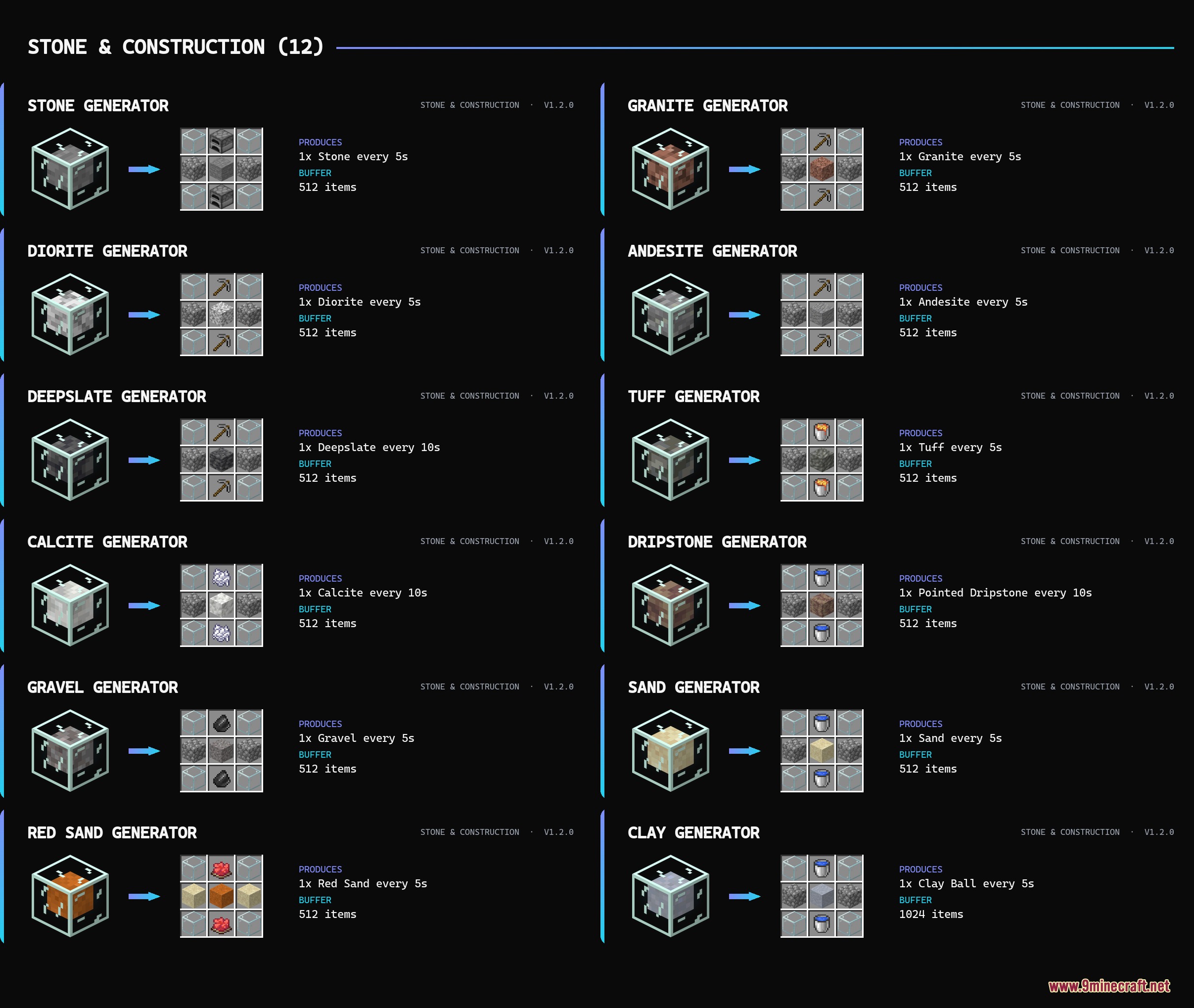
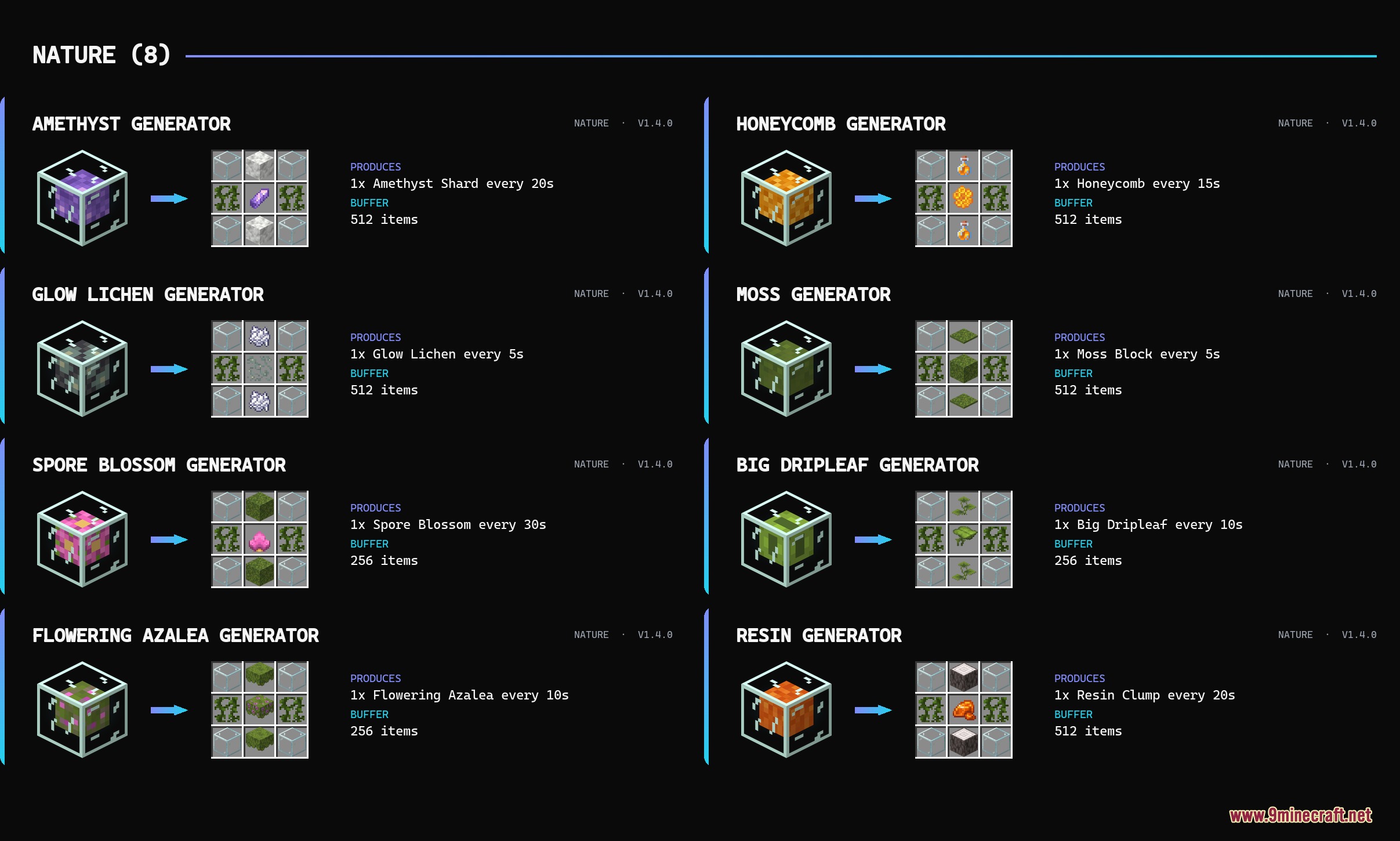
Higher tier generators require more expensive crafting materials but produce items faster and store more in their internal buffers (ranging from 64 to 1024 items depending on tier). Choose a tier based on how quickly you need resources and how much storage you want.
How do I collect items from a generator?
Look directly at the generator to see its progress on the action bar HUD, then left-click to take one item or shift-click to grab a full stack. You can also attach hoppers to any side of the block to automatically pipe items into chests.
Why is my generator producing so slowly?
Check the action bar HUD when looking at the block to see the production progress percentage—if it's very low, you may have chosen a low tier generator or the buffer might be full. Refer to the production monitoring guide for troubleshooting steps.
Can I automate resource collection with hoppers?
Yes, attach hoppers to any face of the generator block and they will automatically extract items from the storage buffer into connected chests or other containers. This lets you set up passive collection without manual clicking.
What resources can each generator category produce?
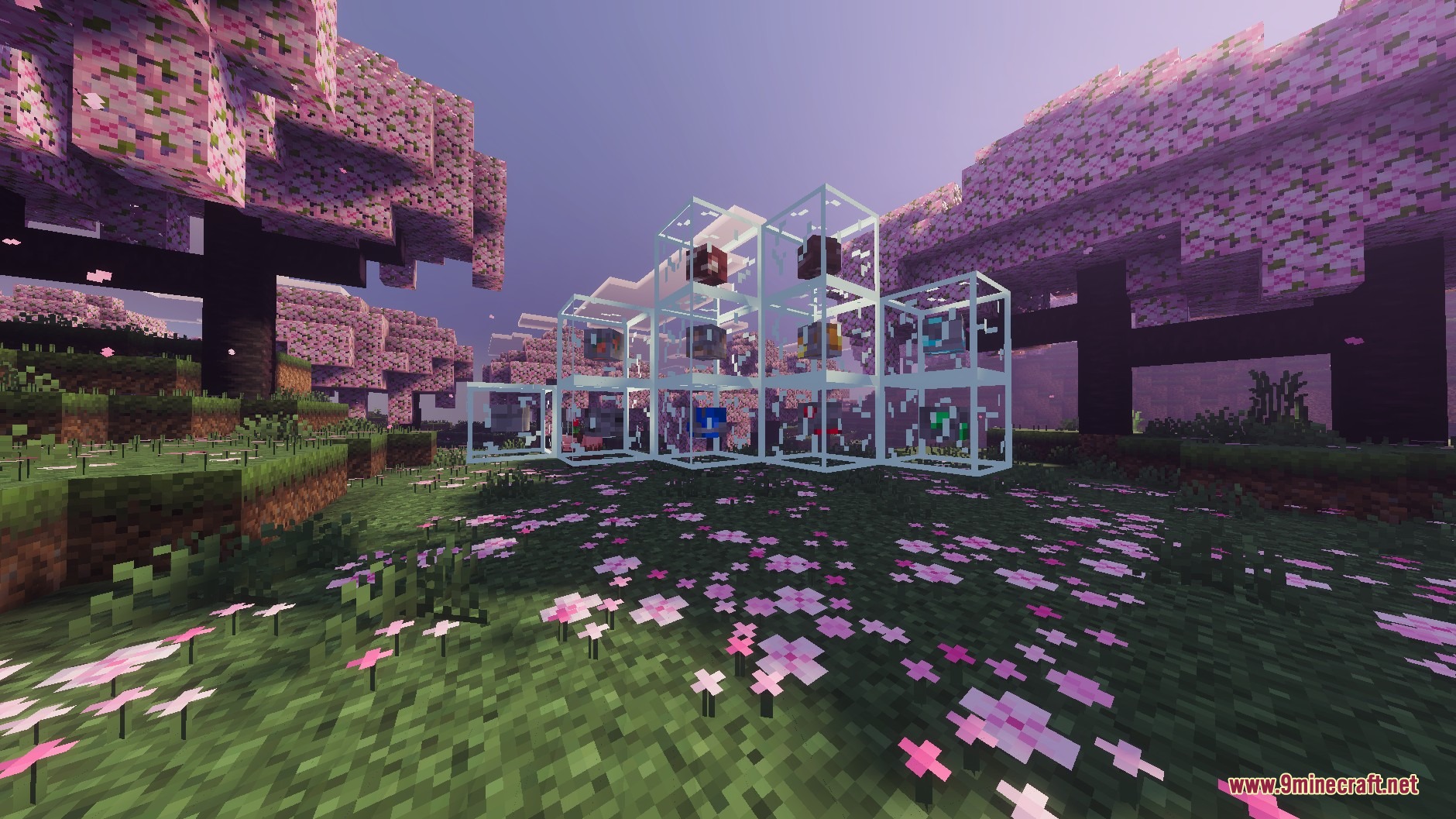
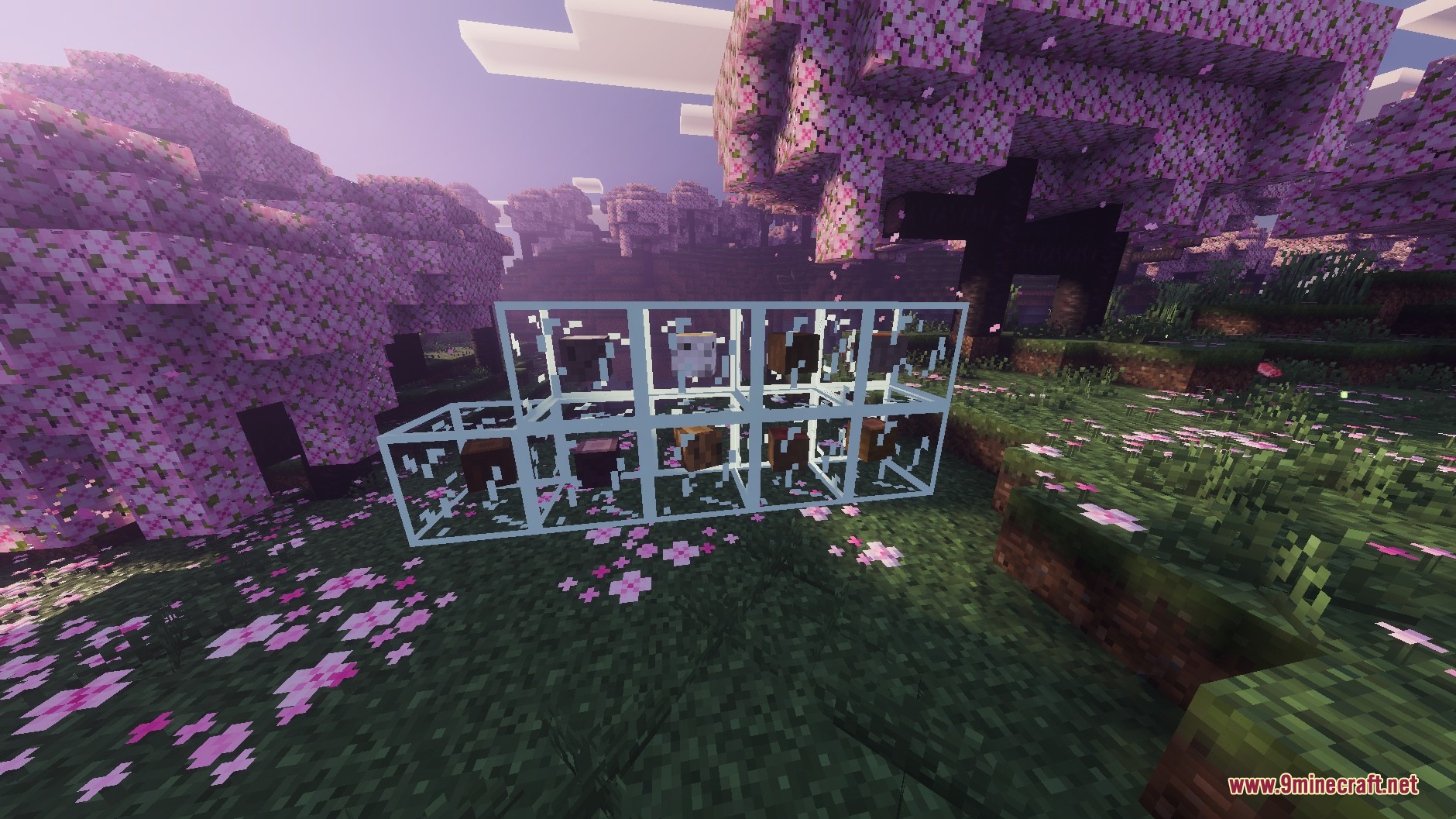
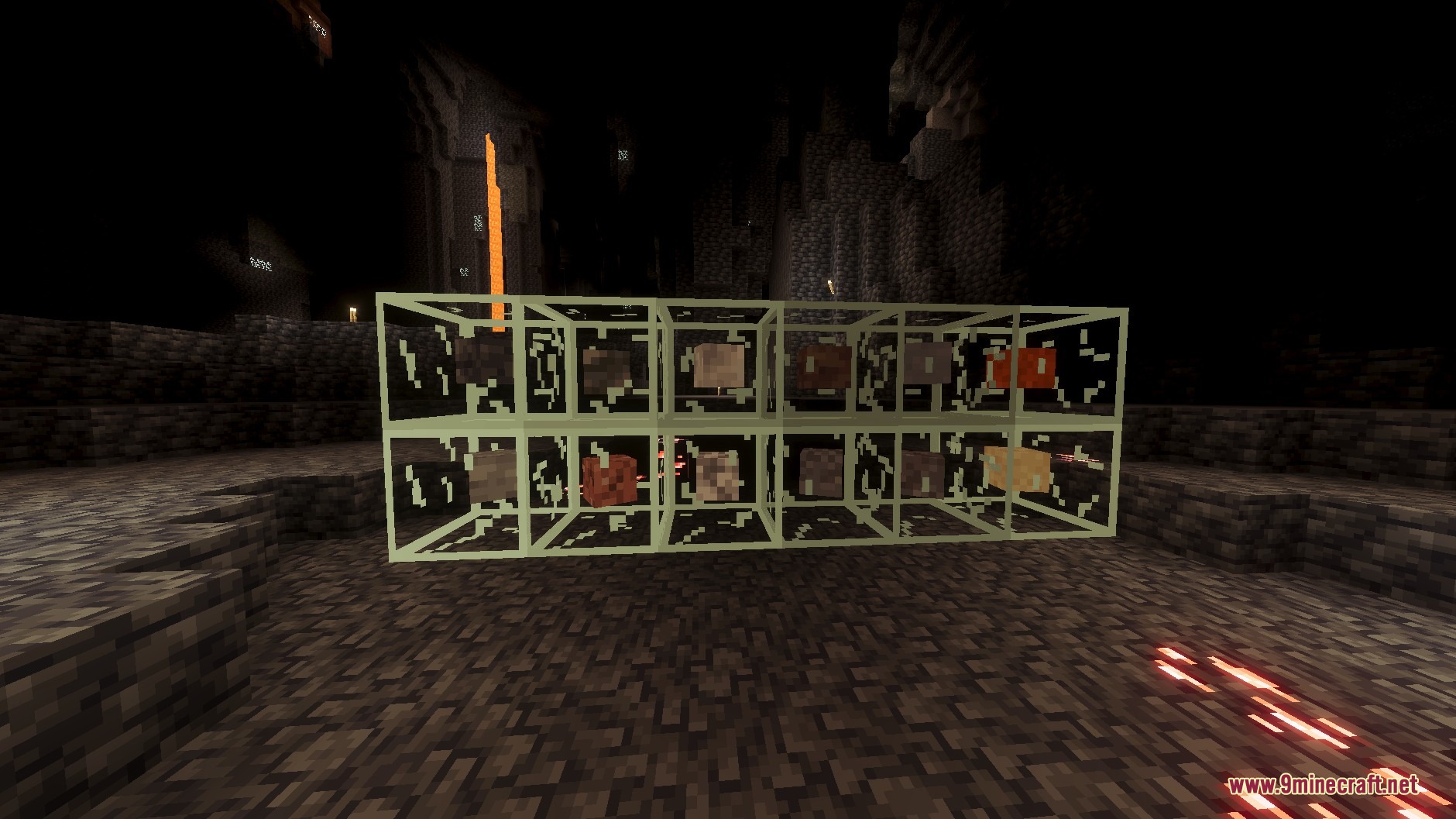
Mineral nodes produce ores and raw gems, Wood nodes yield different tree logs, Stone nodes supply building materials, Color nodes generate all sixteen dye shades, and Nature nodes produce items like amethyst, moss, honeycomb, and glow lichen.
Is there a limit to how many generators I can place?
There's no hard limit in the mod itself, but placing many generators may impact server or client performance depending on your hardware—the tier selection guide covers planning multi-generator farms efficiently.
Do generators work in Skyblock mode?
Yes, generators are designed to work in both Skyblock and regular survival gameplay, making them especially useful in Skyblock where traditional mining is limited or impossible.
What happens if a generator's storage buffer is full?
The generator stops producing new items until you collect some from the buffer—either by clicking the block, shift-clicking for a stack, or letting hoppers extract items into connected containers.
Gallery
8 images from the Chronos Yield Nodes Mod page.
You May Also Like
Wikis that share the most with this one
Wikis on the same theme: stone
More mod wikis on the site
 Chriss Additions Plushie Update Mod
The most downloaded mods that have a wiki here
A few wikis from each of the other kinds